14 WFH Accessories Worth Buying in 2026
Quick Answer
Twelve accessories that earn their desk space, most under $50: a monitor arm is the single best $100 upgrade, followed by a monitor light bar, a real cable tray, an oversized desk mat, an under-desk footrest, and wrist rests. Each fixes a specific daily annoyance — nothing on the list is decoration.
 #1 Owner rating | 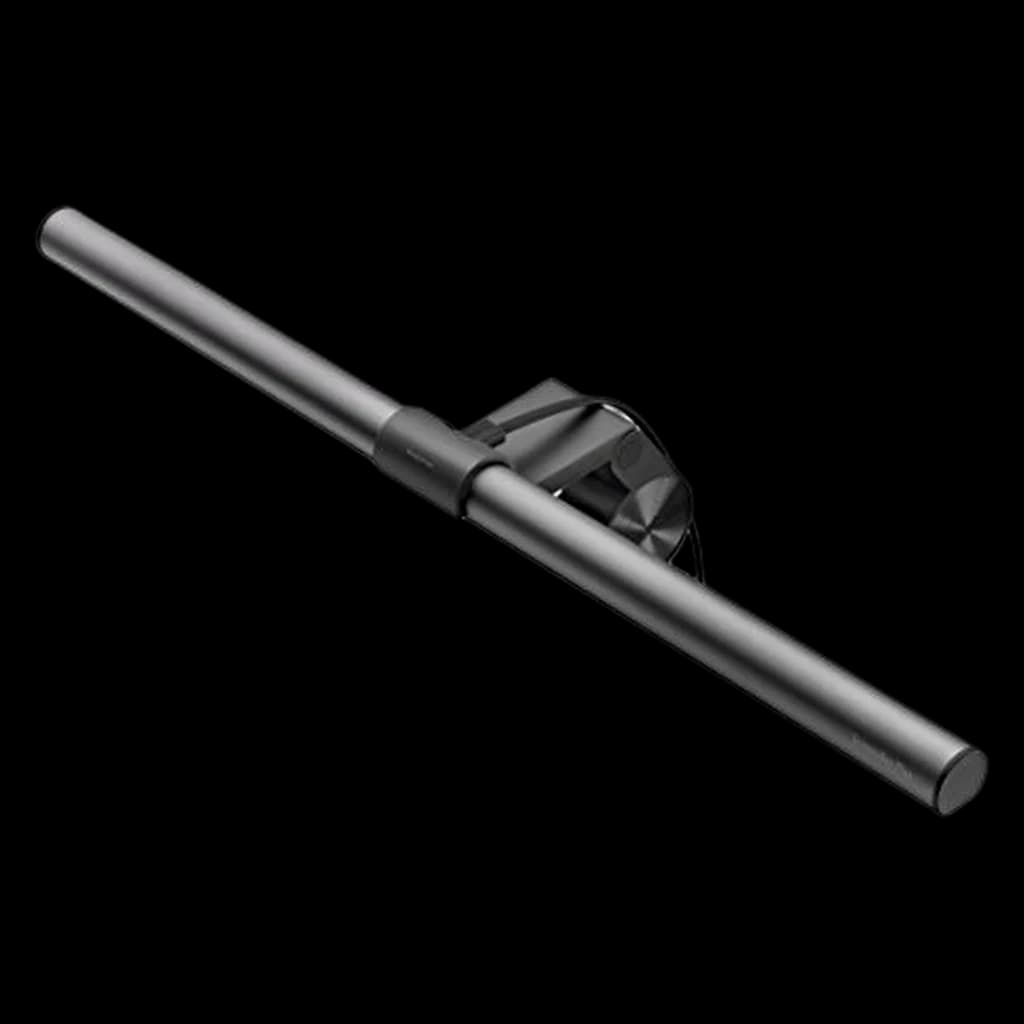 #2 Owner rating | 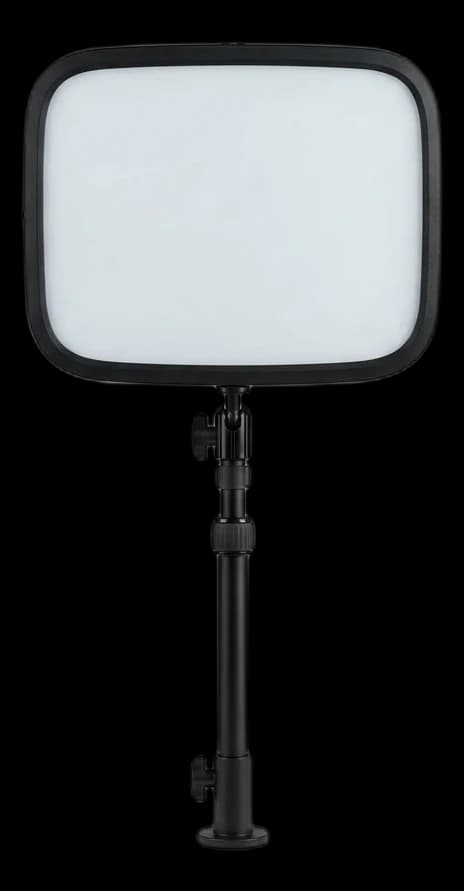 #3 Owner rating | 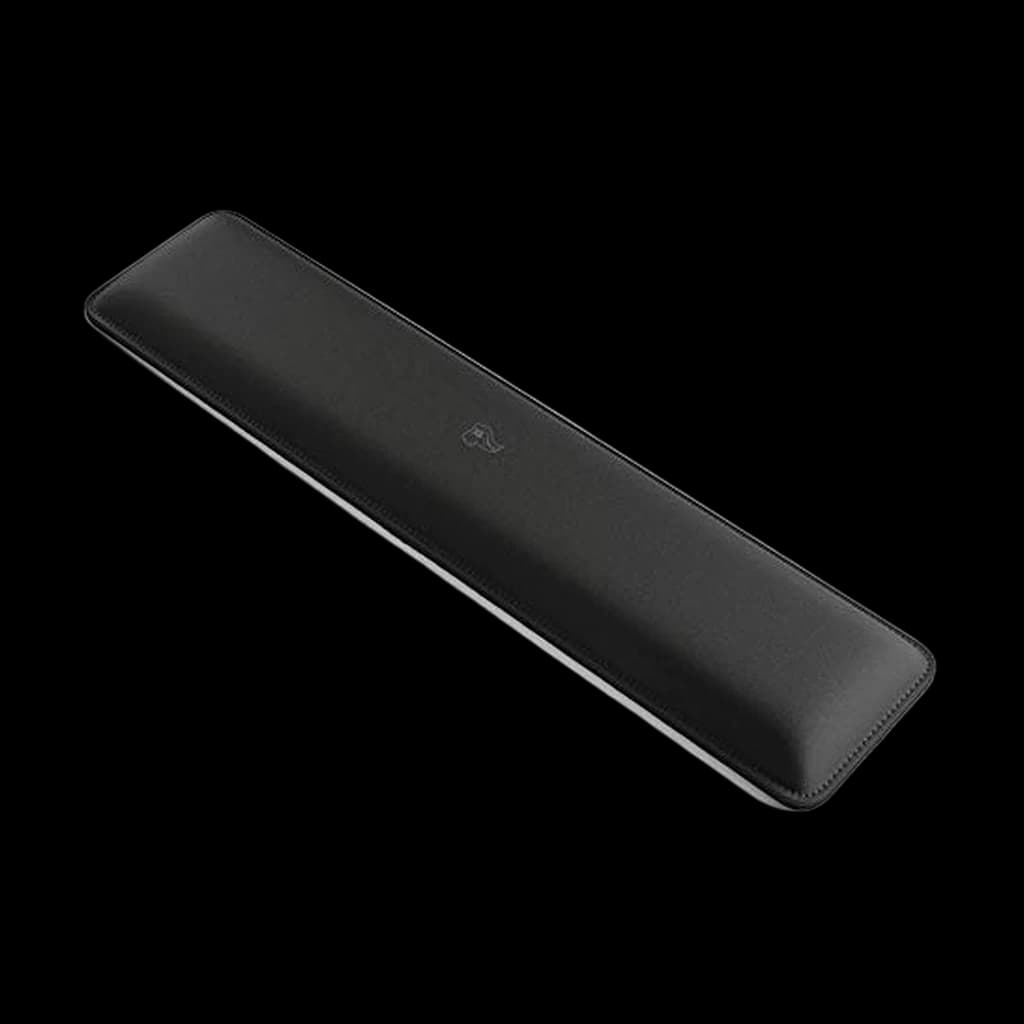 #4 Owner rating | |
|---|---|---|---|---|
| Price | $209.69Buy on Amazon | $56.48Buy on Amazon | $16.02Buy on Amazon | |
| Verdict | The single best $100-200 accessory — frees the desk and fixes monitor height | The monitor lamp that ends desk-lamp clutter — zero glare, zero footprint | The Elgato Key Light Neo is the current-generation successor to the original Key Light: a soft, flicker-free edge-lit panel with app/Stream Deck control sold without a mount (a 1/4" thread fits stands and clamps); around $56. | The $16 wrist fix — firm support that matches ergonomic guidance |
| Buyer sentiment | Quality Sturdiness Installation Adjustability Buyers praise quality, sturdiness, installation and adjustability. Mixed feedback on stability and value for money. Based on 238 user mentions | Quality Brightness Brightness Control Easy To Use Buyers praise quality, brightness, brightness control and easy to use. Mixed feedback on value for money and functionality. Based on 1,821 user mentions | Brightness Lighting Quality Stability Buyers praise brightness and lighting quality. Mixed feedback on durability. Some flag stability. Based on 23 user mentions | Quality Comfort Wrist Support Build Quality Buyers praise quality, comfort, wrist support and build quality. Mixed feedback on firmness and size. Based on 3,022 user mentions |
| Specs |
|
|
|
|
| Pros |
|
|
|
|
| Cons |
|
|
|
|
* Prices checked Oct 7, 2026 and may vary. Check the latest price on Amazon.
We research — never hands-on. How we research →
Key Takeaways
Twelve WFH accessories that solve real problems in 2026, not gimmicks. Most under $50, ranked by daily impact on focus, comfort, and call quality.
As an Amazon Associate I earn from qualifying purchases. Product prices and availability are subject to change.
Most "best WFH accessories" lists are landfill: RGB lighting, fidget toys, novelty mouse pads, tchotchkes that do nothing. This isn't that list. These are the 14 accessories that make a measurable difference in ergonomics, productivity, or professionalism — based on long-term owner reviews from r/HomeOffice, Wirecutter's long-term retests, and the patterns we see in reader questions week after week. If you already have the core setup (desk, chair, monitor, keyboard, mouse), these are the next-dollar upgrades that actually matter.
| # | Accessory | Typical price | What it actually fixes |
|---|---|---|---|
| 1 | Monitor arm | $150–$180 | Screen at eye level, 12+ inches of desk freed |
| 2 | BenQ ScreenBar / monitor lamp | $100–$130 | Task light with no screen glare |
| 3 | Under-desk cable tray | $10–$35 | Cables and power strip off the floor |
| 4 | 36"+ desk mat | $40–$100 | Whole-area mouse surface, desk protection |
| 5 | Desk plant | $15–$25 | Lower stress, better focus |
| 6 | Under-desk footrest | $30–$80 | Forearms parallel with feet flat |
| 7 | USB-C hub or Thunderbolt dock | $150–$400 | One cable to sit down, one to leave |
| 8 | Key light or LED panel | $30–$100 | How you look on any webcam |
| 9 | Wrist rest | $10–$35 | Neutral wrists between typing bursts |
| 10 | Headset stand | $10–$15 | Headphones off the desk surface |
| 11 | External webcam | ~$60 | Beats any laptop built-in |
| 12 | Blue light glasses | $30–$50 | Eye strain, but only for some people |
| 13 | Task lamp | $50–$100 | The ScreenBar fallback |
| 14 | Notebook and a good pen | $25 | Brain-dump without another Chrome tab |
Our Top Picks
1. Monitor Arm — The Single Best $100 You Can Spend
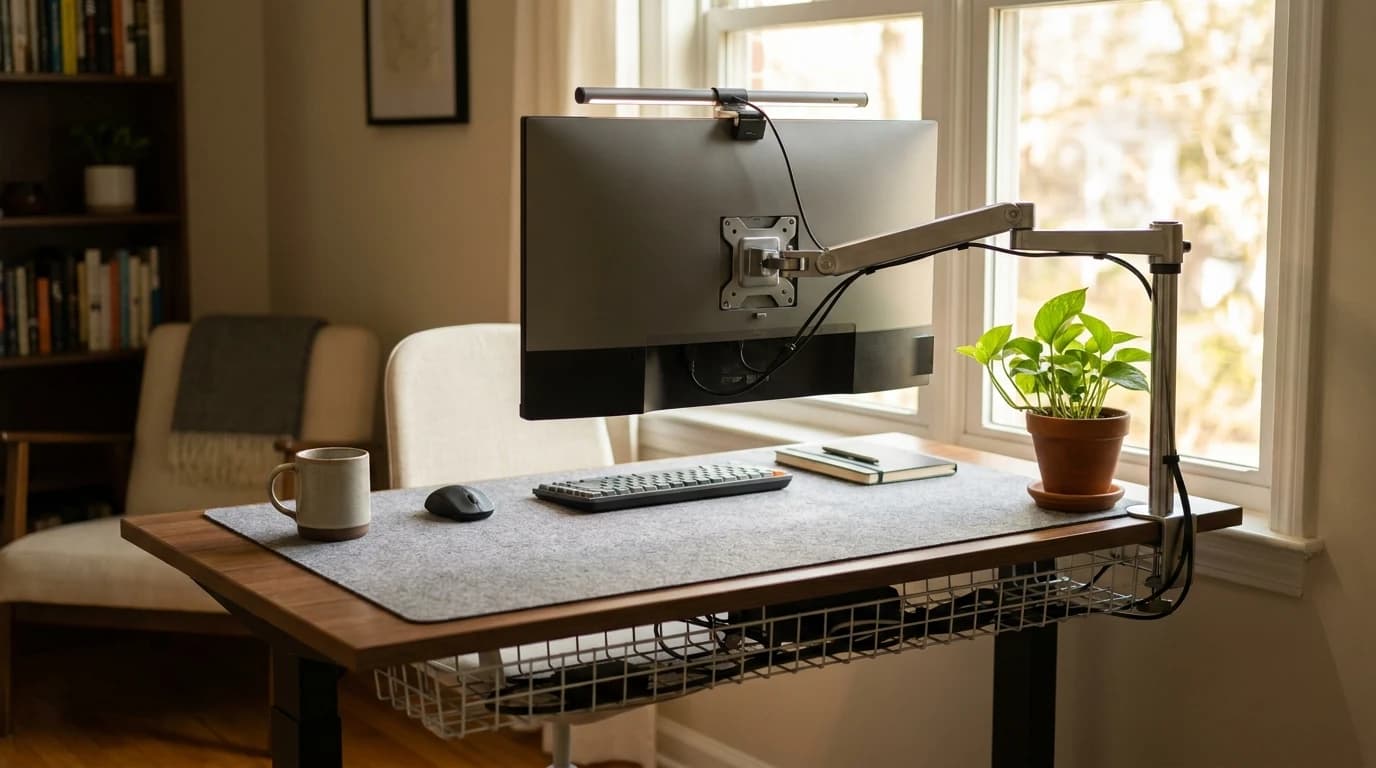
If your monitor is sitting on the included stand, you're paying for an ergonomics mistake every day. A quality monitor arm (Fully Jarvis, Ergotron LX, Vivo dual arm) does three things at once:
- Gets your screen to proper eye level
- Frees 12+ inches of desk surface
- Lets you swing the monitor out of the way when you need the desk for paper work
The Ergotron LX is $210 and genuinely rated the category standard; the Fully Jarvis is $150 and essentially identical for single-monitor use. Pay for this before you pay for almost anything else on the list.
2. BenQ ScreenBar (or Equivalent Monitor Lamp)
The BenQ ScreenBar mounts on top of your monitor and illuminates your desk surface without creating screen glare. It's $100–$130 and it solves two problems at once: task lighting for the desk and visible presence on the wall behind you on video calls (because the desk is lit, not your face from below). No desk lamp occupies footprint and no ceiling fixture can match the specific wide-spread light it provides.
Worth knowing: the ScreenBar lights the desk, not your face from below — which is exactly why you read as present on a call. It's one of the few "wirecutter darling" items that is genuinely worth the hype.
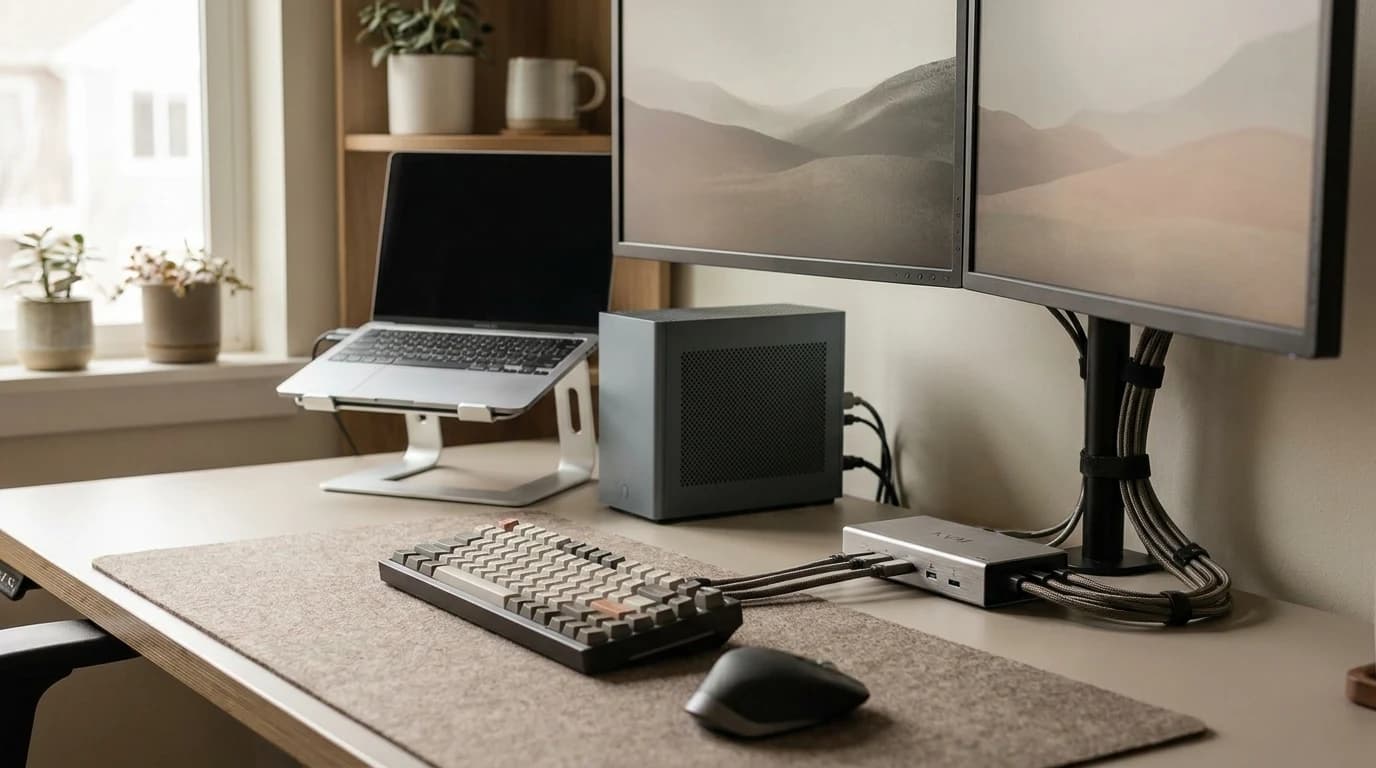
3. Quality Cable Tray
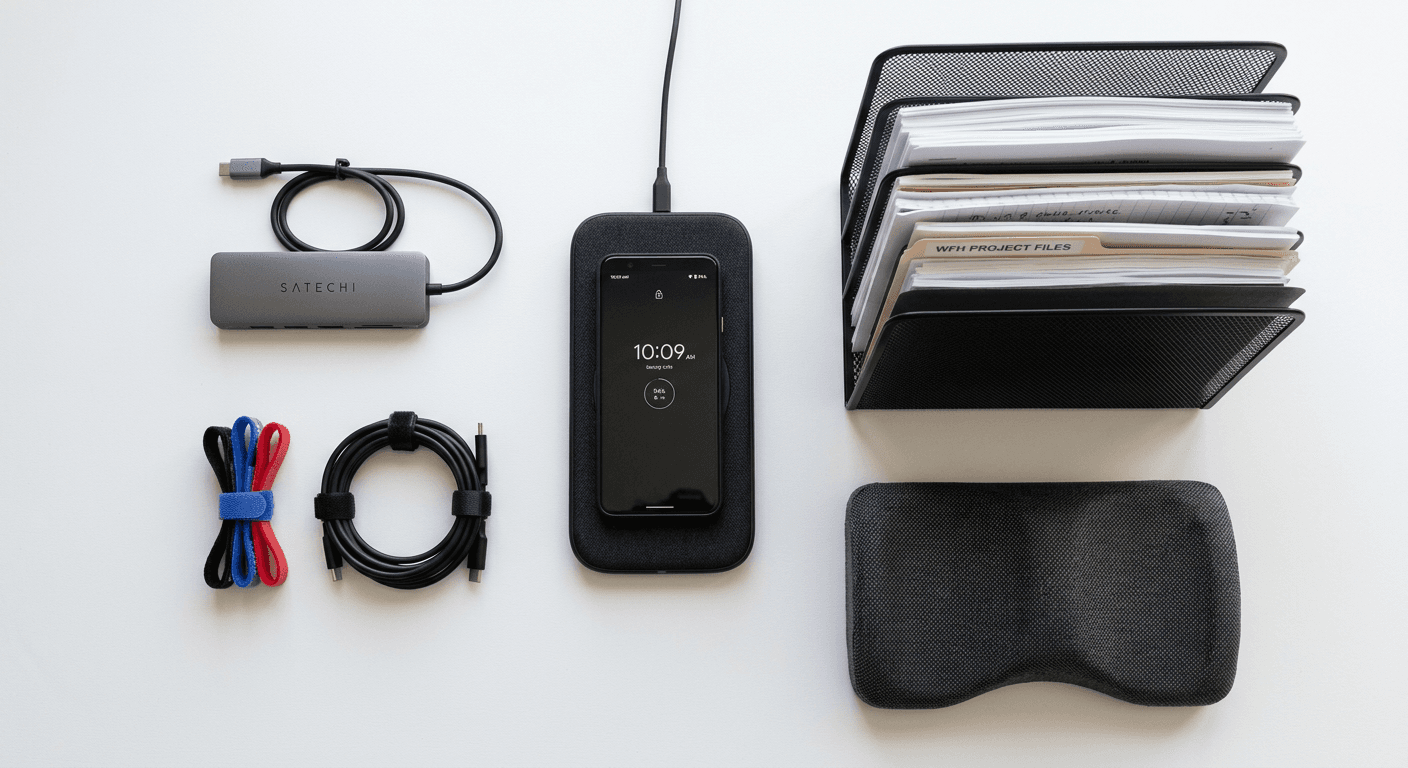
$25 under-desk cable tray + a handful of velcro cable ties = your desk stops looking like an IT closet. The Stageek is the budget pick at $10; the J Channel raceway is the upgrade pick at $25–$35. The routine:
- Route your monitor cable, laptop charger, and desk lamp cable into the tray
- Put a single power strip inside the tray
- Plug everything into that one strip
You'll feel 10% calmer just sitting down at the desk.
4. A 36" or Larger Desk Mat
A large desk mat (36" wide or more) serves three functions:
- Mouse pad for your whole work area
- Protection for the desk surface
- Visual coherence that makes the desk look intentional
The Uplift Desk Mat ($40) and the Grovemade Wool Felt Desk Pad ($100) are the two most-recommended. Skip the $15 gaming pads with RGB — they don't cover enough area to matter.
5. Desk Plant (Yes, Really)
Research from Washington State University and the University of Exeter links workplace greenery to measurably lower stress and improved focus. Your plant doesn't need to be exotic — a pothos, ZZ plant, or snake plant runs $15–$25 and thrives on neglect. Full picks in our best plants for home office. The ROI on this is genuinely the best of anything on this list, per dollar.
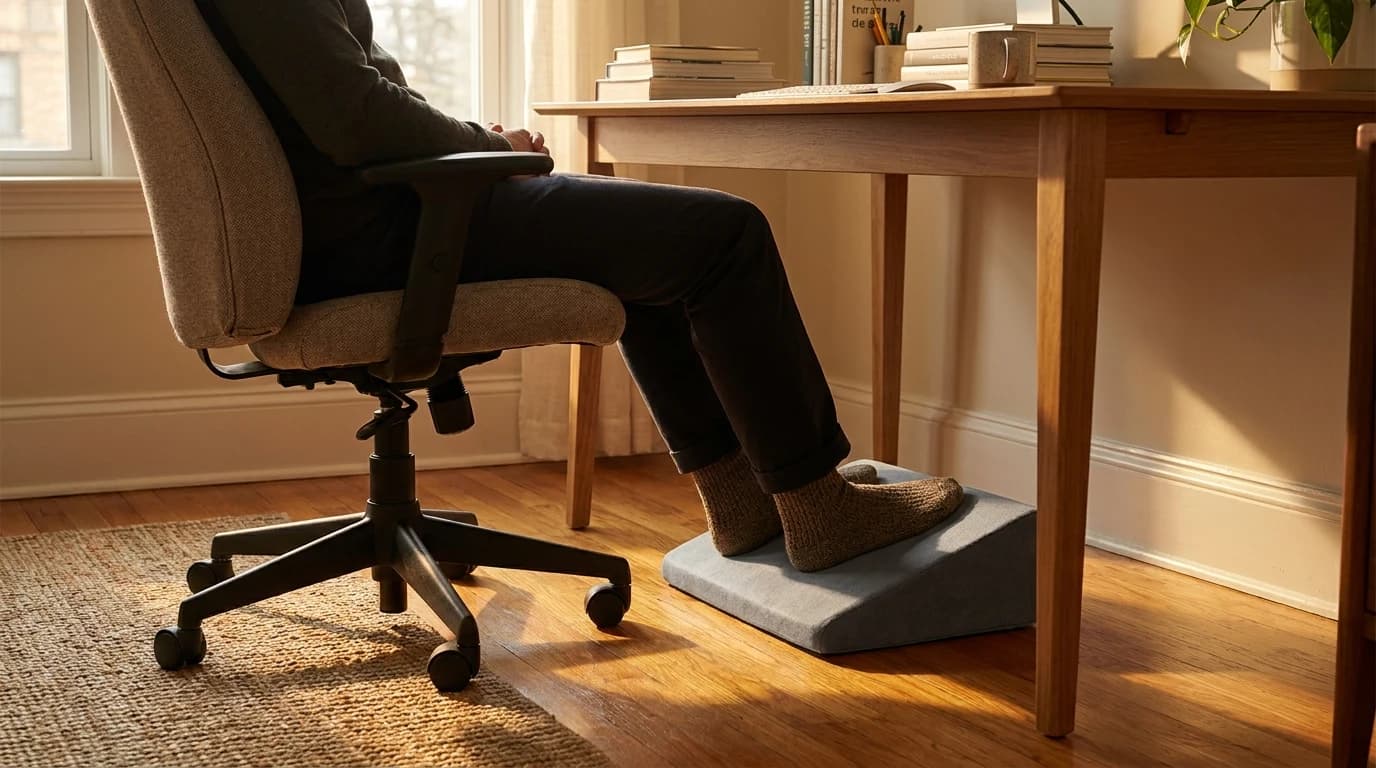
6. Under-Desk Footrest (The Sneaky Ergonomic Win)
If your desk is too tall to get your forearms parallel to the floor while your feet are flat on the ground — which is true for most users under 5'8" on a standard 29" desk — a footrest is the fix. The Humanscale FM300 is the category standard at $80; the Ergofoam is the $30 budget pick.
The sneaky one: this single item can eliminate shoulder tension that's been bothering you for months without you realizing why.
7. External USB-C Hub or Thunderbolt Dock
If you're on a MacBook Air or Pro, a dock transforms your laptop into a desktop with one cable. The CalDigit TS4 is the premium Thunderbolt 4 pick at $380; the Anker 575 is the mid-tier USB-C pick at $150. See our best USB-C hubs for WFH guide for more options. The key is that you plug in one cable when you sit down and unplug one cable when you leave — no more crawling under the desk for chargers.
8. Elgato Key Light Mini or Equivalent LED Panel
One key light at 45° above your eyeline will dramatically improve how you look on any webcam. $100 for the Elgato Key Light Mini, or $30–$50 for a generic LED panel from Amazon. This is the upgrade that makes your coworkers ask "what camera did you get?" when the answer is "I didn't change the camera, I changed the lighting."
9. Wrist Rests (Gel or Memory Foam)
If you use a keyboard without a built-in wrist rest, a separate gel or memory foam wrist rest prevents the wrist extension that leads to carpal tunnel. Grovemade's wool felt wrist rest ($35) is the aesthetic pick; any $10 gel wrist rest from the office supply store is functionally fine. The point is to rest your wrists in a neutral position between typing bursts, not to float them over the keys.
10. A Good Headset Stand (Under $20)
If you use a headset or pair of headphones, a stand keeps them off the desk surface and gives the desk a professional finished look. The KAT Audio Designs stand is $15; any $10 aluminum stand works. It's a trivial upgrade but it's the kind of small touch that makes your desk feel like a workspace rather than a pile of gear.
11. External Webcam (Not Your Laptop's Built-In)
The built-in webcam on any laptop less than $2,500 is a professional liability. A $70 Anker PowerConf C200 beats it on every spec that matters (sensor size, low-light, audio quality). See our best webcams for video calls 2026 guide. If you're on calls more than 2 hours a day, this is the upgrade with the highest return on visible "competence" per dollar.
12. Blue Light Glasses (Only for Some People)
The research on blue light glasses is mixed — they don't prevent macular damage, but some users report reduced eye strain and better sleep. If you're screen-sensitive, they're $30–$50 and worth trying. Non-prescription Pixel and Felix Gray are the best-rated for non-gamer WFH use. See our best blue light glasses guide.
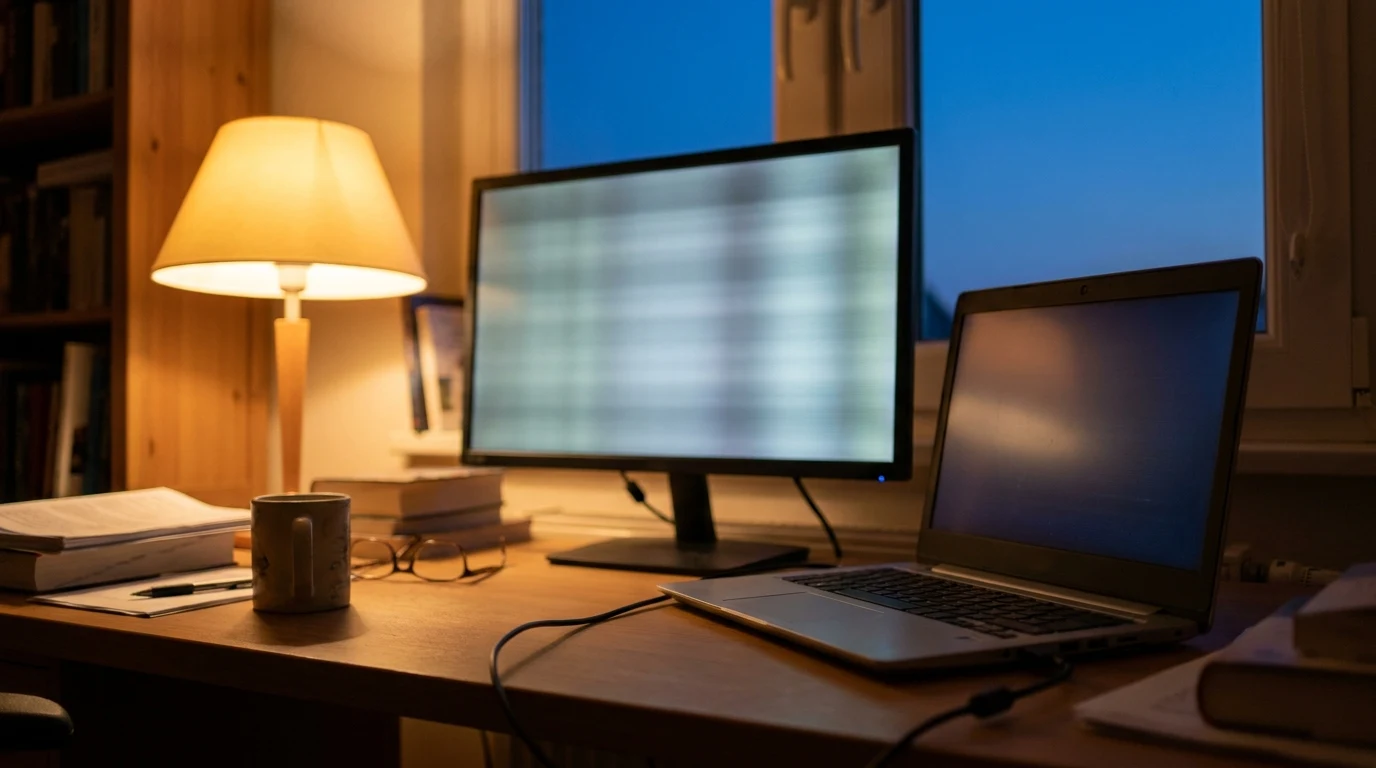
13. A Proper Task Lamp
If your BenQ ScreenBar budget isn't available, a $50–$100 task lamp with adjustable color temperature (the BenQ WiT, the Dyson Lightcycle, or a basic LED lamp from Target) is the fallback. Wide light spread matters more than brightness. See best desk lamps for home office for picks.
14. A Physical Notebook and a Good Pen
This is the un-tech-bro answer. A small notebook (Leuchtturm1917, Field Notes, or a plain Moleskine) plus one pen you actually like writing with costs $25 total and gives you a place to brain-dump task lists, meeting notes, and ideas without opening another Chrome tab. The people I know with the best WFH workflows all have one. It's not on any gadget blog's list — which is why it works.
What We'd Skip
Not every popular accessory earns its space on your desk.
What we'd buy first, in this order:
- Monitor arm
- Cable tray
- Desk mat
- Key light
- Plant
What we'd skip:
- Under-desk treadmills — expensive ($400+), loud, and most people abandon them after a month. If you want movement, a standing desk is the better investment.
- Fancy mousepads with charging — the wireless charging is slow and the mouse pads are oddly-shaped.
- Smart desks with built-in speakers/USB — sounds great, fails more. Get a separate good desk and separate good speakers.
- RGB anything — fine if you like it, but it doesn't improve the work.
- A second ergonomic mouse as backup — if you like your primary, buy a spare of the same one, not a different one.
One accessory worth adding to the buy list rather than the skip list: a mug warmer or heated mug. The cheap end starts around $22, and it fixes something that irritates most remote workers every single morning.
WFH Accessories FAQ
Which accessory makes the biggest difference for someone with existing back pain?
A footrest, followed by a monitor arm that gets the screen to eye level. Both fix common ergonomic mistakes that compound over 8-hour days. A footrest is the single cheapest ergonomic improvement most people can make.
Do I really need a desk mat?
Not if you have a desk surface you're happy to use directly. A desk mat is mostly for (a) adding a larger mouse surface, (b) protecting a wood desk from scratches, or (c) making the setup look coherent. It's a nice-to-have, not a must-have.
What's the single best accessory for looking professional on camera?
A key light positioned 45° above your eyeline. It beats any webcam upgrade for visible "competence" in calls. Second: a plain, uncluttered background (a bookshelf or blank wall — not a virtual background).
Are monitor arms worth it if I only have one monitor?
Yes — more than with dual monitors, actually. A single monitor on an arm gives you 12+ inches of freed desk surface AND proper ergonomic height. Both wins compound. Don't skip the arm just because you only have one screen.
What's the lowest-budget accessory that actually matters?
A $30 LED desk lamp, or a $10 velcro cable tie kit. Both are tiny investments that noticeably improve the daily experience of sitting down at the desk.
How much should I budget for accessories beyond the core setup?
$200–$400 gets you the meaningful wins (monitor arm, cable tray, desk mat, key light, plant). Beyond $500 you're getting diminishing returns unless you're upgrading the specific item that fixes a specific pain point you have.
Products referenced in this guide
For quick reference, the products tied to this guide are:
- →Ergotron LX Desk Monitor Arm($209.69)
- BenQ ScreenBar LED Monitor Light Bar
- →Elgato Key Light Neo (Black)($58.04)
- →Glorious Wrist Pad/Rest GWR-75 Compact Black($16.02)
Other products referenced here include:
- →VIVO Under Desk 17 Inch Cable Management Tray, Power Strip Holder, DESK-AC06-1C($19.99)
- →Aothia Leather Desk Pad (31.5" x 15.7")($13.99)
- →ErgoFoam Adjustable Foot Rest($45.95)
- →Anker 341 USB-C Hub (7-in-1)($52.45)
- →Logitech Brio 505($129.99)
- →Gunnar Optiks Intercept Computer Glasses($56.04)
The Bottom Line
The rule: spend on what your body touches or your eyes see all day. Skip the rest. A monitor arm, a key light, a cable tray, and a plant will improve your daily WFH experience more than $500 of gadget accessories — and they'll look better doing it.
For the full setup context, see our Best WFH & Home Office Setup 2026 guide.
More WFH Setup Resources
Your next step
The accessories that actually earn desk space.
Hilly Shore Labs
Editorial TeamWFH Lounge is published by Hilly Shore Labs. Every recommendation is built by synthesizing ergonomic research, manufacturer specs, expert reviews from outlets like Wirecutter, RTINGS, and The Verge, and aggregated long-term owner sentiment from thousands of verified buyers.
All product reviews are independently researched. Our recommendations are based on ergonomic guidelines, manufacturer specifications, and verified buyer sentiment. See our methodology.