WFH Lounge ยท Best Picks

Best Desk Lamps for Working From Home

LED desk lamps for eye-friendly, adjustable task lighting.

Proper desk lighting prevents eye strain, reduces headaches, and makes you look better on video calls. The key metrics are color temperature and brightness adjustability โ€” a lamp that only offers one setting will be too warm in the morning and too cool at night. Color temperature between 4000-5000K (cool white, similar to daylight) promotes alertness and reduces eye strain for daytime work; warmer temperatures (2700-3000K) are better for evenings. CRI (Color Rendering Index) above 90 means colors look accurate and natural, which matters for any design or creative work. Adjustable arm reach lets you position light where you need it without glare on your screen. For video calls, a lamp positioned in front of you (not behind) dramatically improves how you look on camera. Our picks are evaluated on light quality, adjustability, build quality, and practical desk footprint.

Spec
Buy
TypeMonitor Light BarVideo Key LightMonitor Light BarPanel Key LightMonitor Light Bar
Illuminance800 Luxโ€”โ€”โ€”500 Lux
Color Temp2700K - 6500K2700K - 6500K2700K - 6500K2900K - 7000K2700K - 6500K
ControlWireless Dialโ€”โ€”Wi-Fi AppDesktop Dial
Color Accuracyโ€”CRI 93Ra95โ€”โ€”
Mountโ€”3-way adjustable standโ€”โ€”โ€”
Materialโ€”โ€”Aluminumโ€”โ€”
Brightnessโ€”โ€”โ€”2800 Lumensโ€”

* Prices are approximate and may not reflect current rates. As an Amazon Associate I earn from qualifying purchases.

As an Amazon Associate I earn from qualifying purchases. Product prices and availability are subject to change.

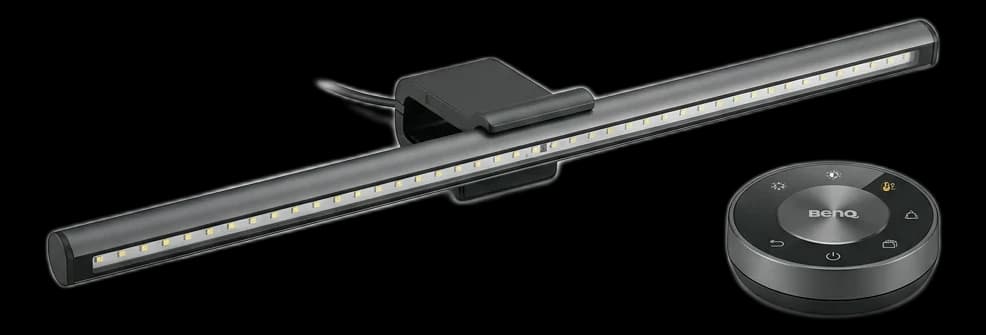
BenQ ScreenBar Halo
๐Ÿ† Top Pick

BenQ ScreenBar Halo

4.9

The ultimate monitor light bar. It frees up desk space, casts asymmetrical light that completely prevents screen glare, and features a gorgeous wireless desktop controller and subtle back-lighting to reduce eye strain in dark rooms.

Pros

  • โœ“Zero screen glare (asymmetrical optical design)
  • โœ“Beautiful wireless desktop dial
  • โœ“Rear ambient light reduces eye fatigue
  • โœ“Frees up valuable desk space

Cons

  • โœ—Premium price for a desk lamp
  • โœ—Can interfere with some top-mounted webcams

Type

Monitor Light Bar

Illuminance

800 Lux

Color Temp

2700K - 6500K

Control

Wireless Dial

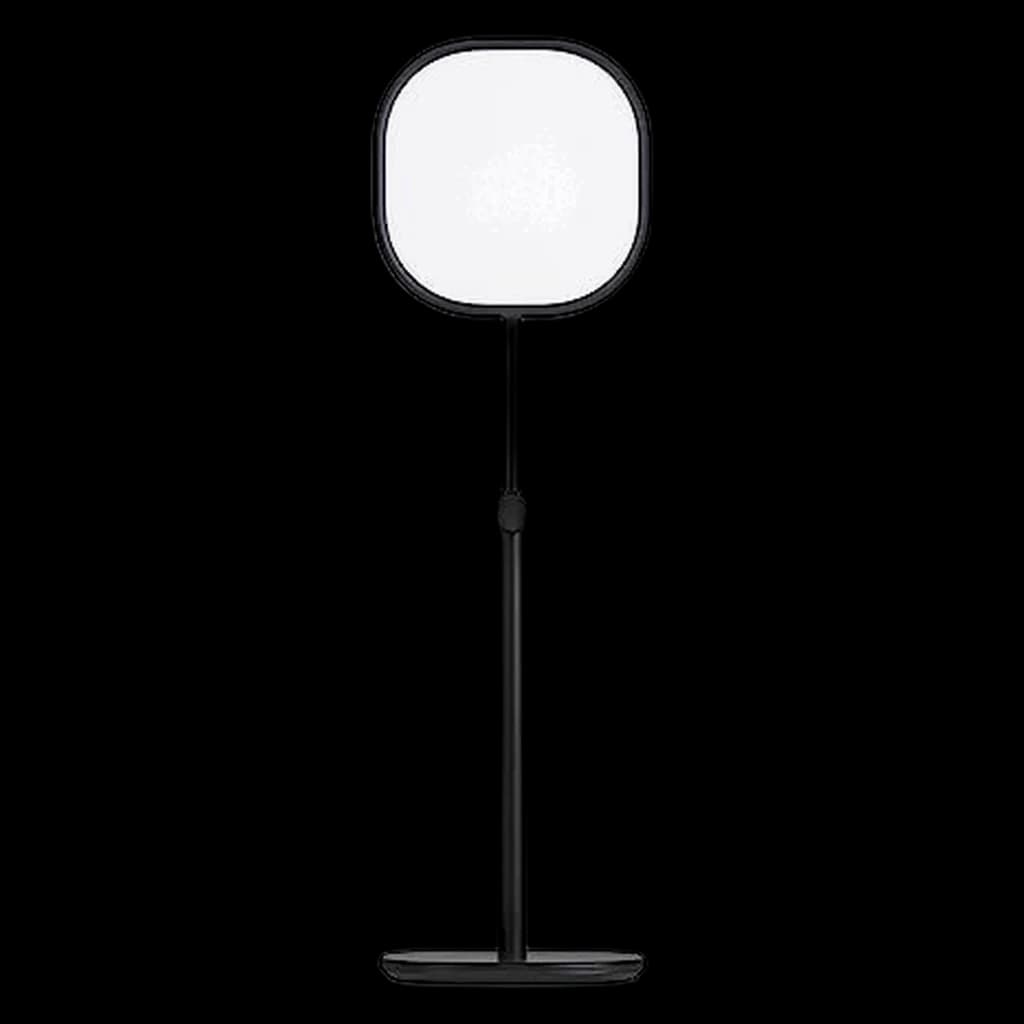
Logitech Litra Beam
โญ Runner Up

Logitech Litra Beam

4.7

A brilliant hybrid between a desk lamp and a key light for video calls. Its unique slim, adjustable design allows you to position it horizontally or vertically to clear shadows from your face during Zoom calls without blinding you.

Pros

  • โœ“TrueSoft technology provides cinematic color accuracy
  • โœ“Can be mounted horizontally or vertically
  • โœ“Safe for all-day streaming (UL verified)
  • โœ“Integrates directly with Logi G HUB software

Cons

  • โœ—Not designed to illuminate your desk/paperwork
  • โœ—Requires a spare USB port or wall adapter

Type

Video Key Light

Color Accuracy

CRI 93

Color Temp

2700K - 6500K

Mount

3-way adjustable stand

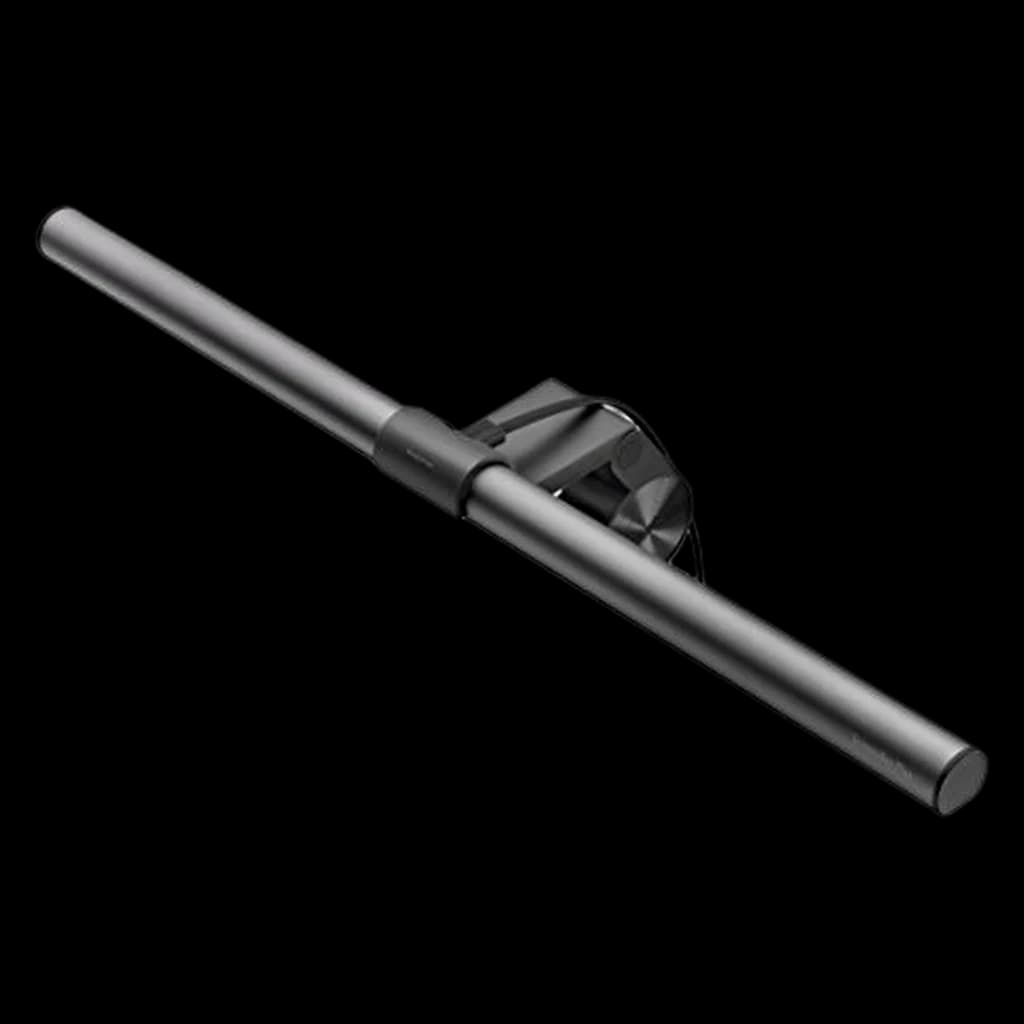
Xiaomi Mi Computer Light Bar
๐Ÿ’ก Great Value

Xiaomi Mi Computer Light Bar

4.6

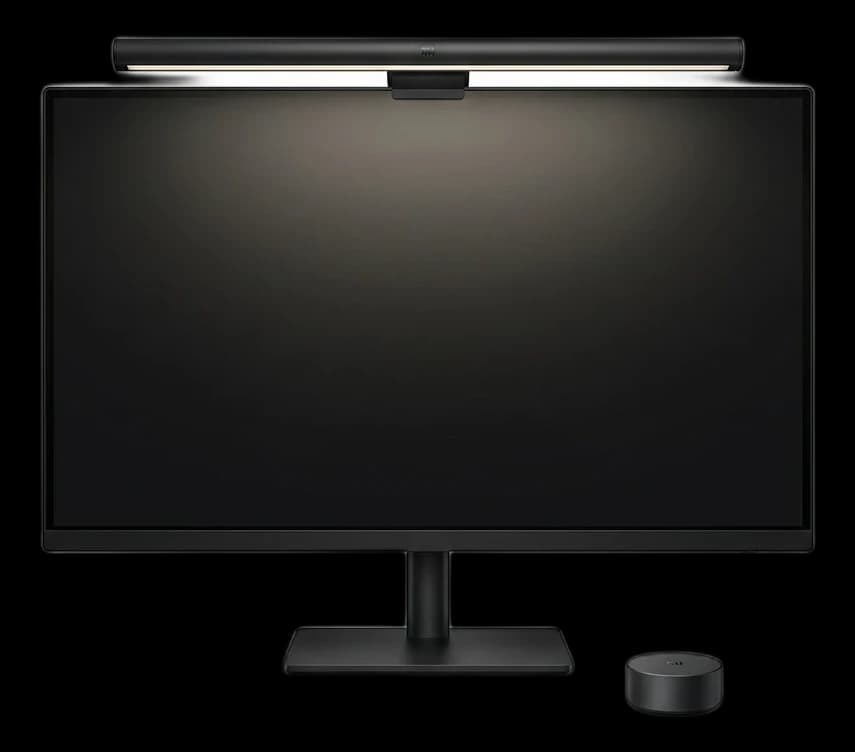
The best budget alternative to the BenQ ScreenBar. For a fraction of the price, you get a solid aluminum magnetic mount, asymmetrical lighting to prevent screen glare, and a slick wireless 2.4GHz control puck.

Pros

  • โœ“Incredible value for the features
  • โœ“Sleek magnetic rotation mount
  • โœ“Includes a wireless control puck
  • โœ“High color rendering index (Ra95)

Cons

  • โœ—Wireless puck uses AAA batteries quickly
  • โœ—Max brightness is slightly lower than premium models

Type

Monitor Light Bar

Color Accuracy

Ra95

Color Temp

2700K - 6500K

Material

Aluminum

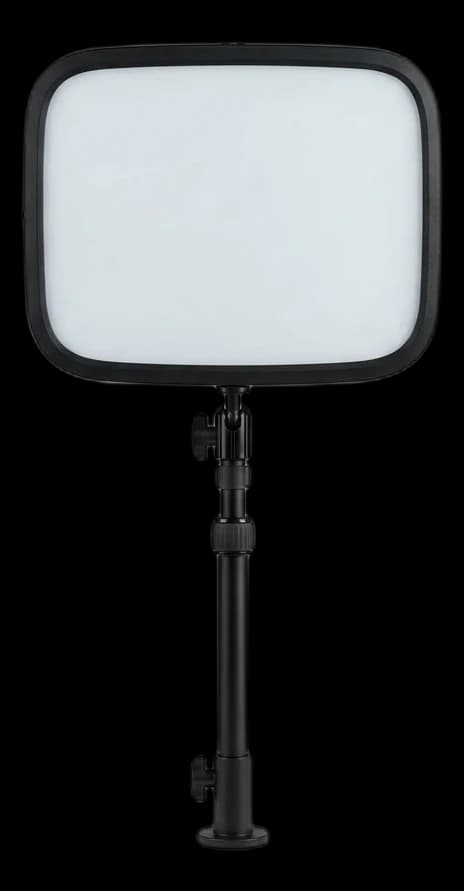
Elgato Key Light
#4

Elgato Key Light

4.7

Originally designed for streamers, the Elgato Key Light has become a favorite among remote workers for video calls. Its 2800-lumen output and edge-lit OLED panel provide smooth, adjustable lighting controllable via app or Stream Deck.

Pros

  • โœ“Extremely bright 2800 lumens
  • โœ“App-controlled brightness & color temperature
  • โœ“Premium desk clamp saves space
  • โœ“Integrates with Elgato Stream Deck

Cons

  • โœ—Expensive for a desk lamp
  • โœ—Requires a spare outlet

Type

Panel Key Light

Brightness

2800 Lumens

Color Temp

2900K - 7000K

Control

Wi-Fi App

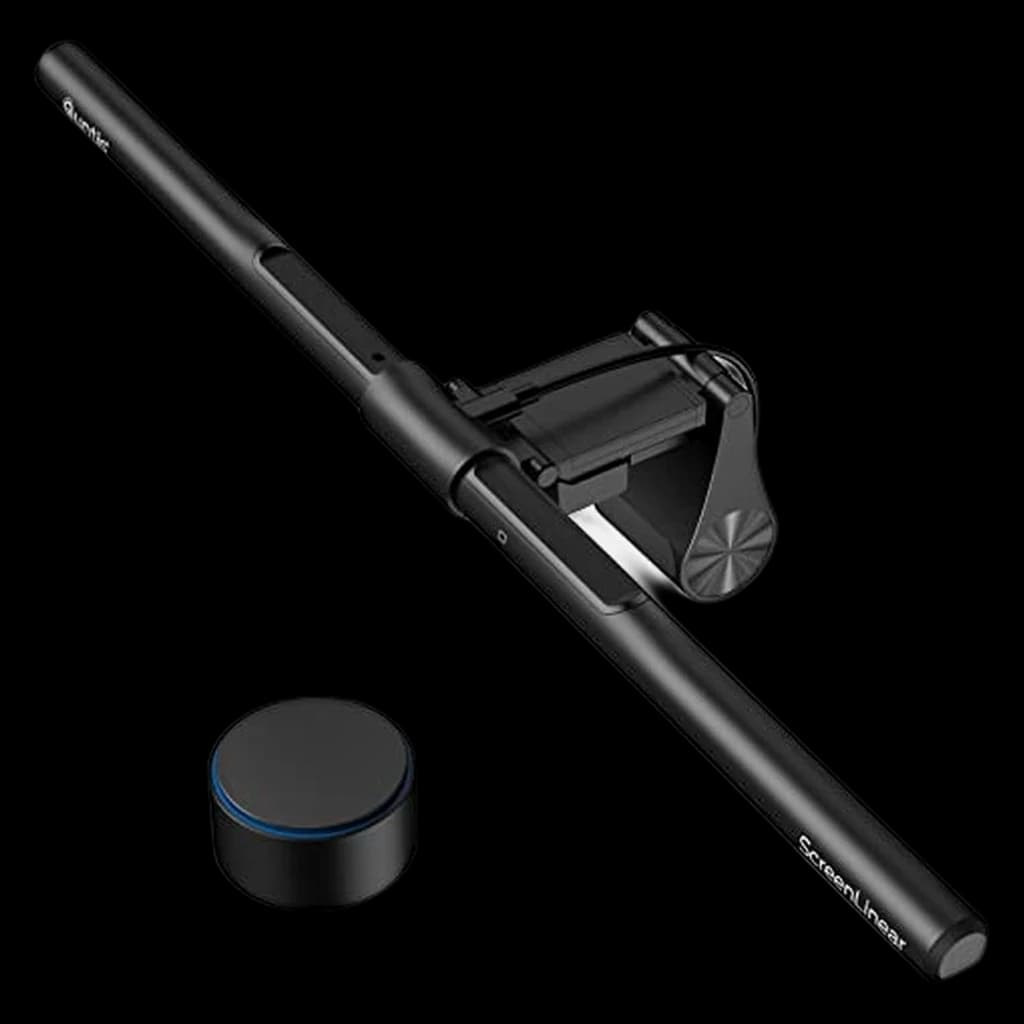
BenQ ScreenBar Plus
#5

BenQ ScreenBar Plus

4.6

The mid-range BenQ ScreenBar with a desktop dial controller. It frees up desk space by mounting on top of your monitor and uses an asymmetric optical design to illuminate your desk without any screen glare.

Pros

  • โœ“Asymmetric light prevents screen glare
  • โœ“Desktop dial for easy brightness/temp control
  • โœ“Frees up valuable desk space
  • โœ“Auto-dimming ambient sensor

Cons

  • โœ—Not compatible with curved monitors
  • โœ—Less premium than the Halo model

Type

Monitor Light Bar

Illuminance

500 Lux

Color Temp

2700K - 6500K

Control

Desktop Dial

Frequently Asked Questions

What are the best desk lamps for working from home?

Our top pick for WFH desk lamps is the BenQ ScreenBar Halo (rated 4.9/5). The ultimate monitor light bar. It frees up desk space, casts asymmetrical light that completely prevents screen glare, and features a gorgeous wireless desktop controller and subtle back-lighting to reduce eye strain in dark rooms. The Logitech Litra Beam is a strong runner-up.

How do you rank desk lamps for home office use?

We aggregate expert reviews from sources like Wirecutter, RTINGS, and Tom's Hardware, combine them with real user feedback from Reddit and Amazon, then evaluate everything through a work-from-home lens โ€” prioritizing comfort, productivity, and value for remote workers.

Related Reading

All guides โ†’
Best Desk Lamps for Home Office 2026: 6 Eye-Friendly Picks

Best Desk Lamps for Home Office 2026: 6 Eye-Friendly Picks

The best desk lamps for home office work in 2026. Six picks with adjustable color temperature, wide light spread, and glare-free designs โ€” including the BenQ Sc...

WFH Lounge Team
11 min readยทMarch 10, 2026
How to Look Good on Video Calls: Lighting, Camera, and Background Tips

How to Look Good on Video Calls: Lighting, Camera, and Background Tips

Simple fixes to look professional on Zoom, Teams, and Google Meet. Lighting, camera angle, and background tips that cost almost nothing.

Lloyd D'Silva
4 min readยทMarch 2, 2026
How to Reduce Eye Strain Working From Home: The Complete Guide

How to Reduce Eye Strain Working From Home: The Complete Guide

Eye strain from screens affects nearly every remote worker. Here are the evidence-based solutions โ€” from monitor settings to lighting โ€” that actually work.

Lloyd D'Silva
3 min readยทFebruary 17, 2026