1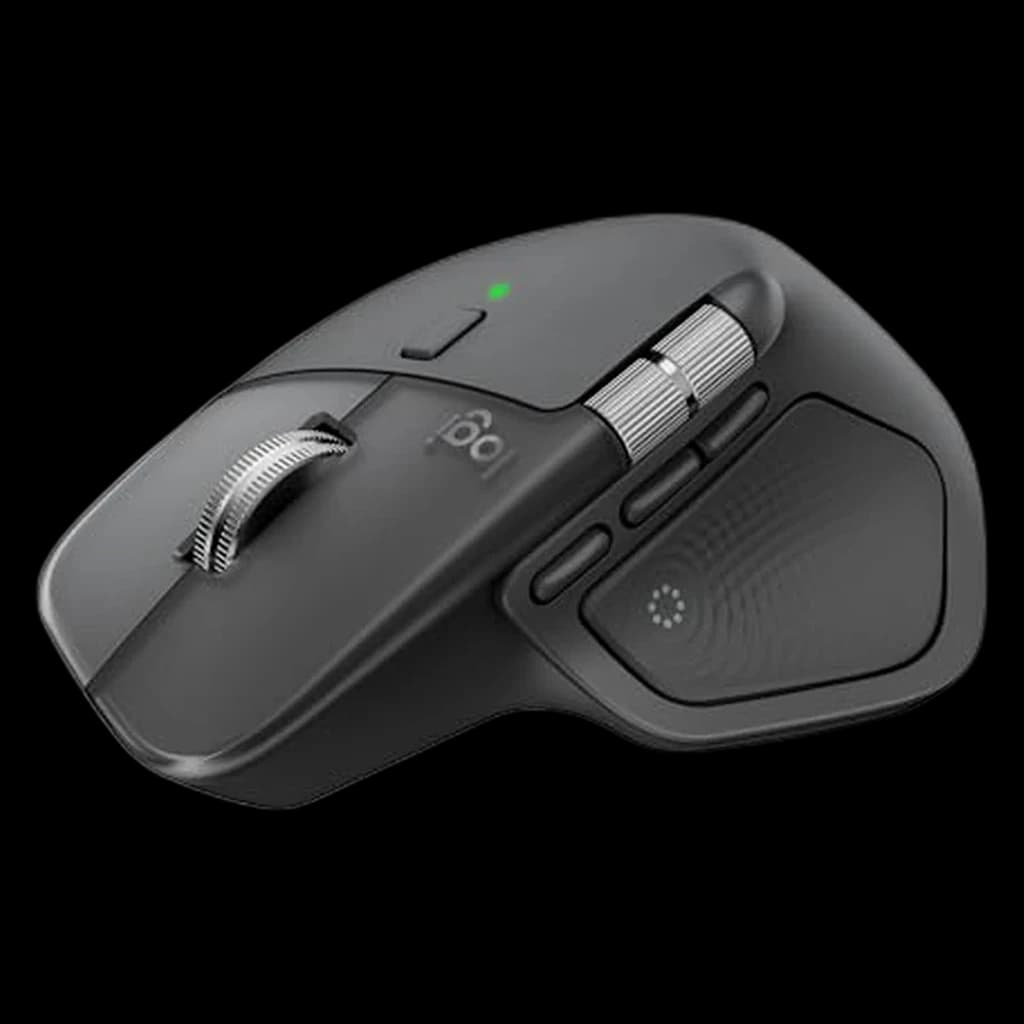 1
1
1Logitech MX Master 4
👑 Premium PickThe new flagship — haptic Actions Ring plus everything that made the 3S great
↑ Quality↑ Customizability↓ Weight
$118 Buy on Amazon
WFH Lounge · Best Picks
Ergonomic and precision mice for long work sessions.
An ergonomic mouse is the highest-ROI ergonomic upgrade for most desk workers — modern wireless has zero latency penalty and the side buttons alone save.
Top pick
Logitech MX Master 4
Silent clicks, MagSpeed electromagnetic scroll wheel, and a thumb wheel for horizontal scrolling make this the productivity mouse r/HomeOffice keeps recommending year after year.
Buy on AmazonValue pick
Logitech Pebble Mouse 2 M350s
Best score-to-price ratio in the category at the current Amazon price.
Buy on AmazonBudget pick
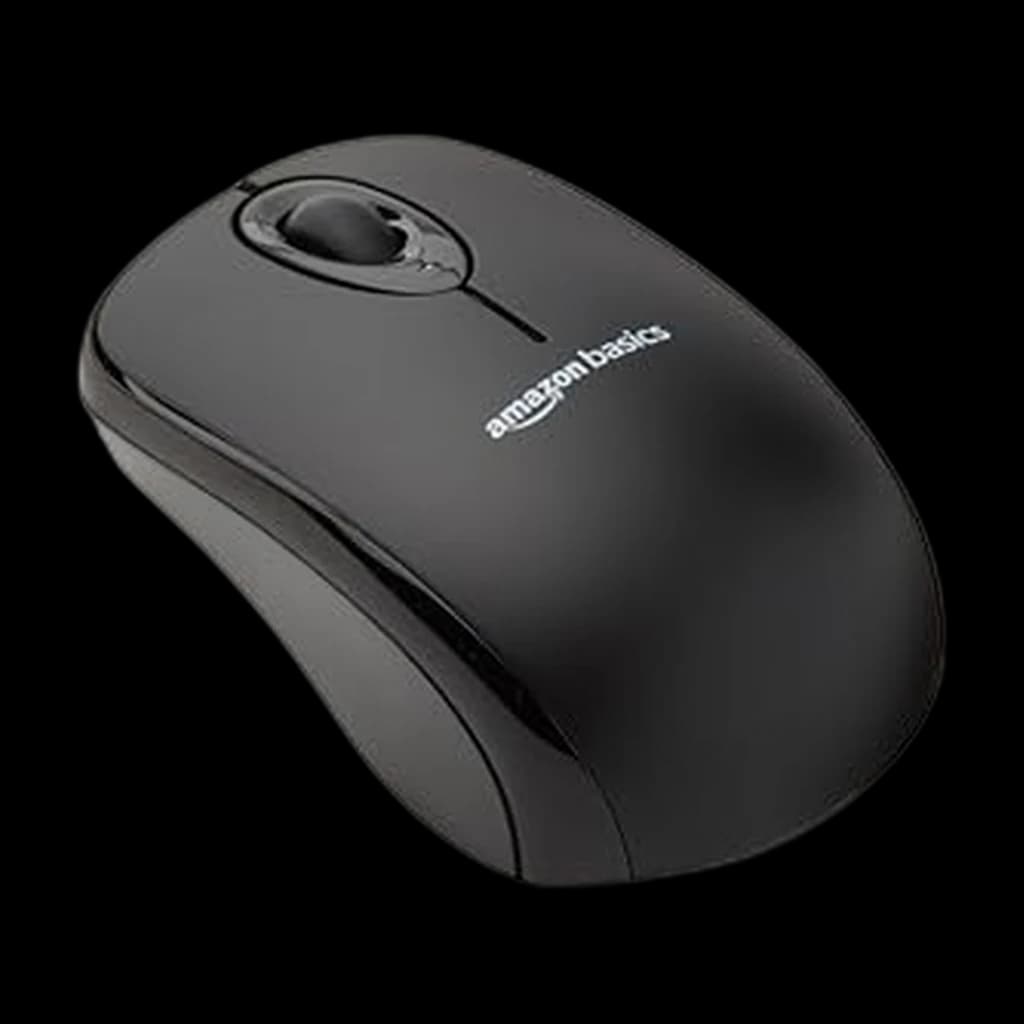
Amazon Basics 2.4 GHz Wireless Optical Mouse
Lowest-priced pick in the category that still clears our 4.0★ minimum on Amazon.
Buy on AmazonSkip this
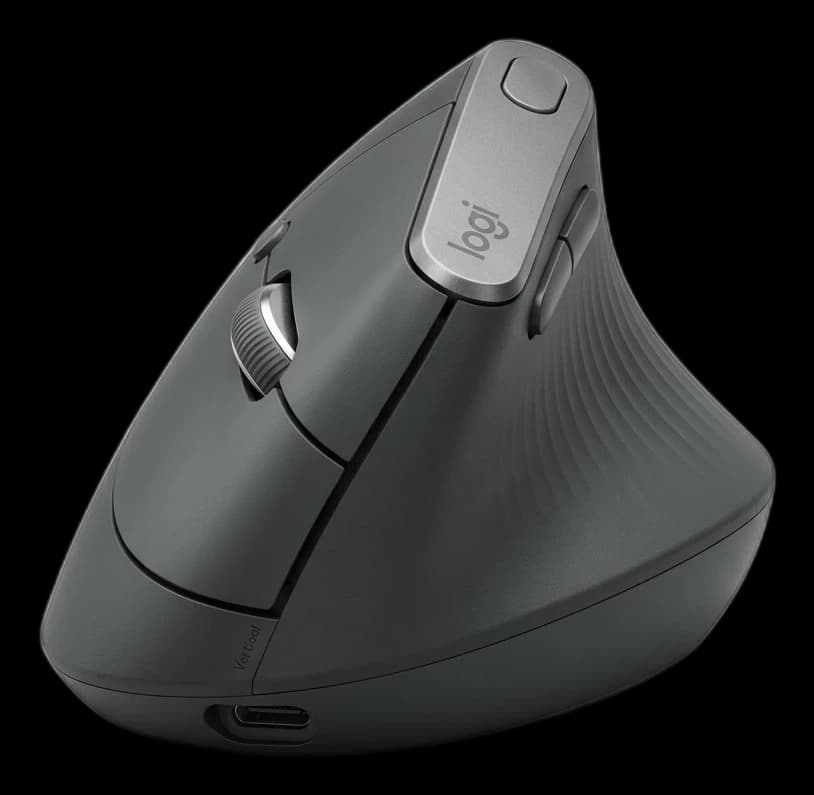
Vertical mice unless you have an existing RSI diagnosis — Vertical mice force an unnatural forearm rotation for many hand sizes and can cause new strain patterns in healthy users. They're a therapeutic tool for specific conditions, not an automatic ergonomic upgrade for everyone.
1The new flagship — haptic Actions Ring plus everything that made the 3S great
 3
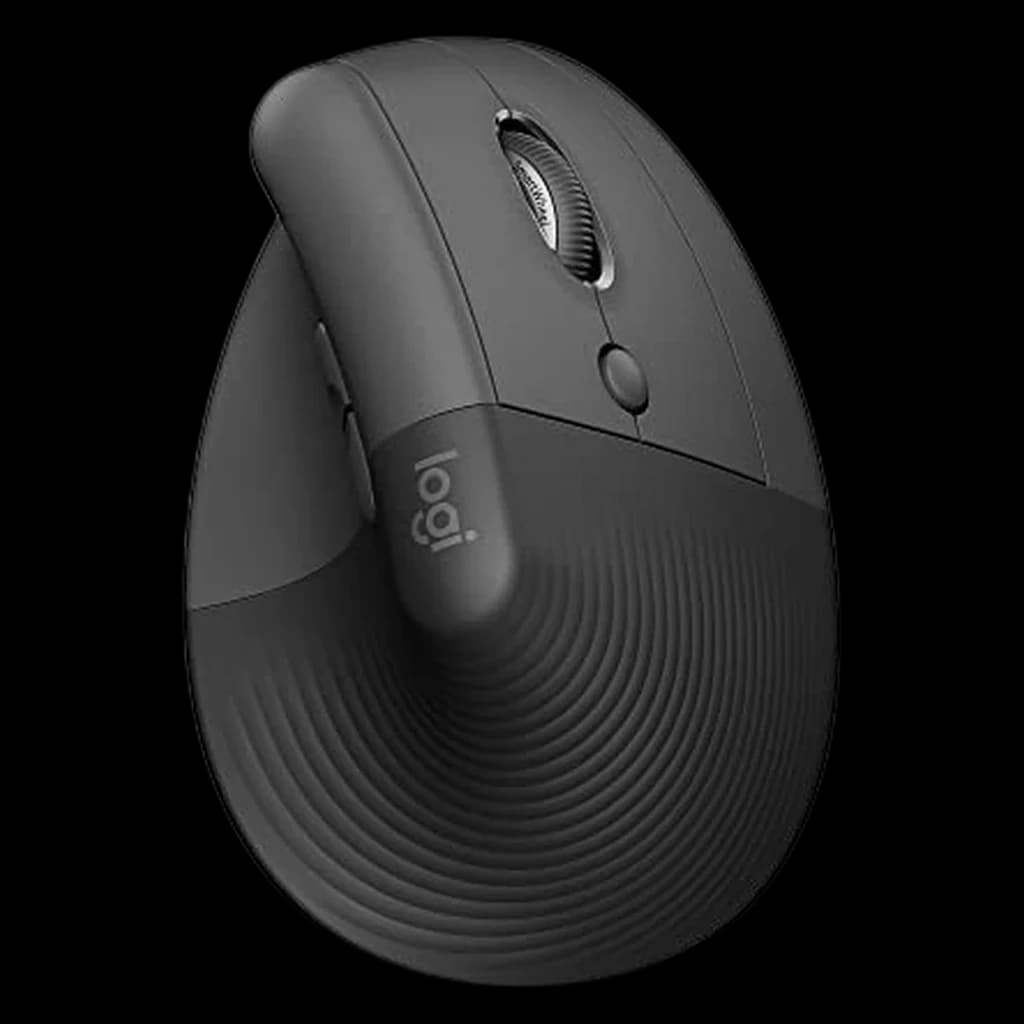
3A wrist-saver for anyone dealing with RSI or carpal tunnel. Its 57-degree vertical angle places your hand in a natural handshake position, drastically reducing muscular strain during 8-hour workdays.
 4
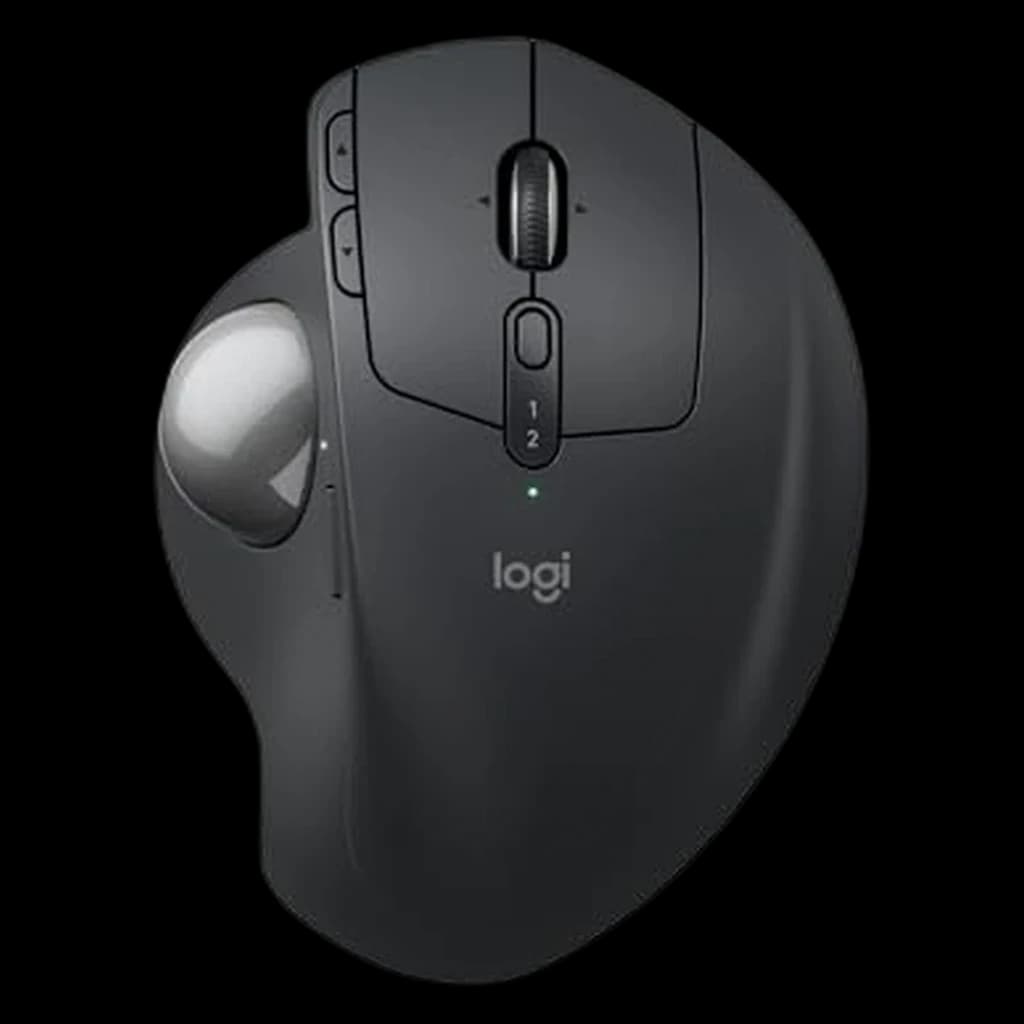
457-degree handshake angle in a smaller, quieter shell that fits most hands
 5
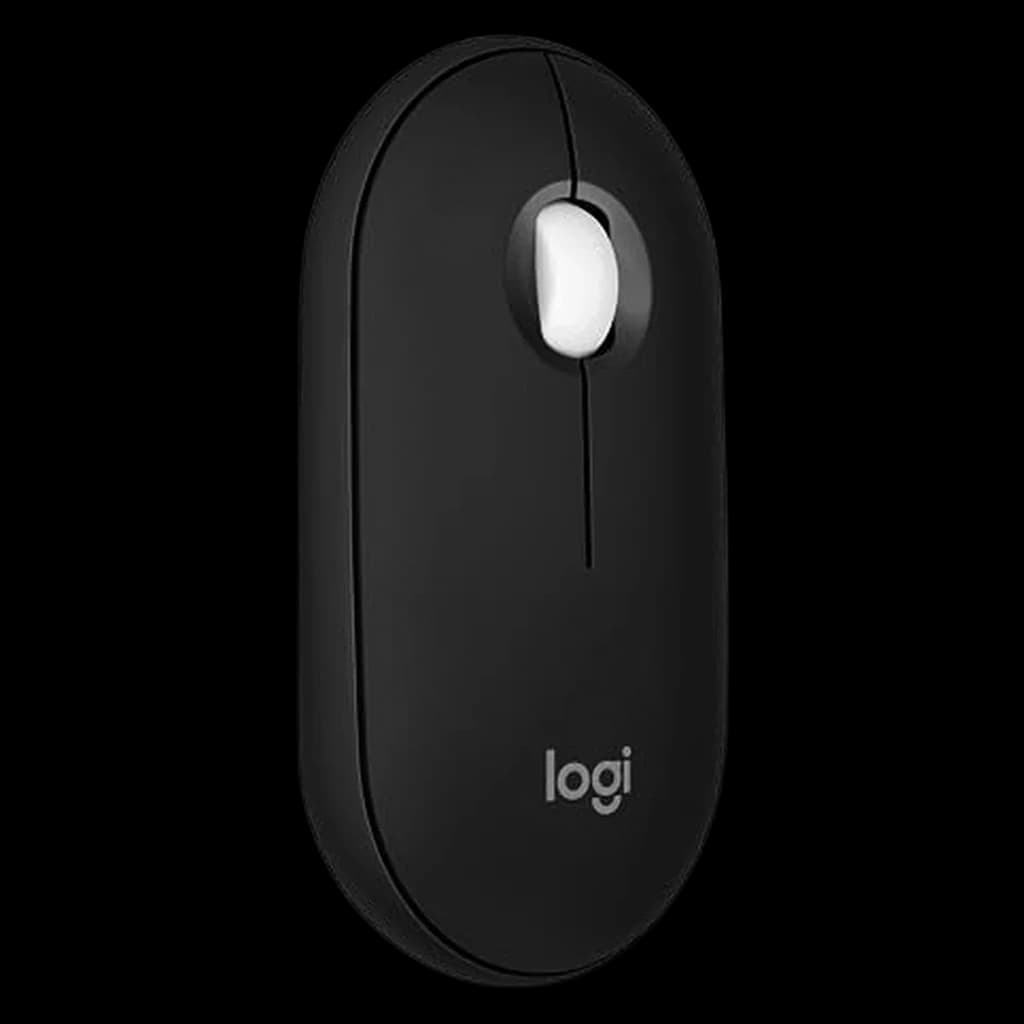
5Pocket-thin 1.05 inches, two-year AA battery, 90% quieter clicks
 6
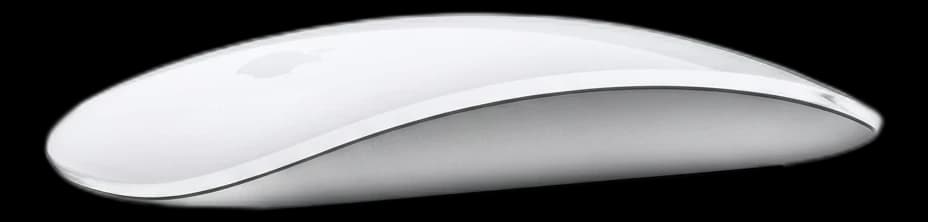
6Multi-touch gesture purists' pick — sleek but ergonomically weak
Not sure which mouse is right for you?
Answer 4 quick questions → your match plus two alternatives.
| Spec | |||||||
|---|---|---|---|---|---|---|---|
| Buy | |||||||
WFH Scoremethodology → | Tracking & Performance 80 Comfort 77 Build & Battery 83 Value 64 Owner Satisfaction 73 | Tracking & Performance 73 Comfort 82 Build & Battery 73 Value 76 Owner Satisfaction 70 | Tracking & Performance 76 Comfort 79 Build & Battery 73 Value 76 Owner Satisfaction 69 | Tracking & Performance 80 Comfort 77 Build & Battery 89 Value 87 Owner Satisfaction 85 | Tracking & Performance 78 Comfort 81 Build & Battery 75 Value 64 Owner Satisfaction 68 | Tracking & Performance 72 Comfort 72 Build & Battery 81 Value 77 Owner Satisfaction 77 | Tracking & Performance 75 Comfort 78 Build & Battery 78 Value 87 Owner Satisfaction 78 |
| Buyer sentiment | Quality Customizability Weight Buyers praise quality and customizability. Mixed feedback on ergonomics and functionality. Some flag weight. Based on 997 user mentions | Quality Comfort Wrist Comfort Battery Life Durability Value for money Buyers praise quality, comfort, wrist comfort and battery life. Mixed feedback on ergonomics and functionality. Some flag durability and value for money. Based on 4,365 user mentions | Ergonomics Comfort Quality Click Quality Size Buyers praise ergonomics, comfort and quality. Mixed feedback on reliability and connectivity. Some flag click quality and size. Based on 2,250 user mentions | Build Quality Functionality Connectivity Ergonomics Buyers praise build quality, functionality, connectivity and ergonomics. Based on 821 user mentions | Quality Buyers praise quality. Mixed feedback on functionality and connectivity. Based on 466 user mentions | Quality Ergonomics Comfort Battery Life Buyers praise quality, ergonomics, comfort and battery life. Mixed feedback on reliability and quiet clicking. Based on 420 user mentions | Functionality Quality Value for money Ease Of Use Reliability Buyers praise functionality, quality, value for money and ease of use. Mixed feedback on size and battery life. Some flag reliability. Based on 21,124 user mentions |
| DPI | 200-8000 | — | 400-4000 | 1000-4000 | 1300 | — | — |
| Sensor | Darkfield laser | 4000 DPI | Logitech optical | Logitech optical | Laser tracking | — | Optical |
| Battery | Up to 70 days, USB-C rechargeable | 4 Months | 24 months, 1x AA | 24 months, 1x AA | Built-in, ~1 month, USB-C | — | — |
| Weight | 150g | — | 125g | 76g | 99g | — | — |
| Connectivity | Bluetooth LE + Logi Bolt receiver | Bluetooth / Unifying Receiver | Bluetooth + Logi Bolt receiver | Bluetooth LE multi-device | Bluetooth | — | 2.4GHz USB nano receiver (not Bluetooth) |
| Design | — | 57-degree Vertical | — | — | — | — | — |
| connection | — | — | — | — | — | Bluetooth or Logi Bolt USB receiver | — |
| battery | — | — | — | — | — | USB-C rechargeable; up to 120 days per charge | — |
| buttons | — | — | — | — | — | 6 customizable via Logi Options+ | — |
| tilt | — | — | — | — | — | 20° | — |
| Buttons | — | — | — | — | — | — | 3 (left, right, scroll click) |
| Power | — | — | — | — | — | — | 1x AA |
| Receiver storage | — | — | — | — | — | — | Inside mouse body |
* Prices checked Oct 10, 2026 and may not reflect current rates. As an Amazon Associate I earn from qualifying purchases.
As an Amazon Associate I earn from qualifying purchases. Product prices and availability are subject to change.
Productivity mouse users report 23% fewer wrist repositioning movements per hour when using a mouse with programmable side buttons versus a standard two-button design, according to ergonomics research on navigation workflow.
r/MechanicalKeyboards, r/WorkspacePorn, and r/HomeOffice consistently place the MX Master series at the top for WFH setups. The MX Master 4 is the current flagship with the quietest clicks and updated scroll wheel.
Popular options we evaluated and passed on, with the specific reason each one fell short of our top picks.
Same internals as the standard MX Master 4; the Mac-specific SKU adds no functional value for the price premium. Recommend the standard MX Master at the same tier and pair it with Logi Options+ for Mac shortcuts.
Strong portable mouse for travel, but the scroll wheel feel and weight balance are clearly below the MX Anywhere 3S at a similar price. Demoted in favor of Logitech for sustained 8-hour days.
Promising newer entrant from Keychron, but review volume on Amazon was too thin during the April research pass to support a top pick. Re-evaluating once it crosses 500+ verified-purchase reviews.
An ergonomic mouse prevents the repetitive strain injuries that sideline productive workers. The right mouse depends entirely on your hand size, grip style, and what you primarily use it for. Palm grip users need a larger, sculpted mouse with a high arch; claw and fingertip grip users do better with smaller, flatter designs. Wireless is worth the premium for cable-free desk organization — modern wireless mice (Logitech Lightspeed, Razer HyperSpeed) have zero perceptible latency difference from wired. DPI matters for display resolution: higher DPI settings allow faster cursor movement without wrist strain on large monitors. Side buttons are nearly essential for productivity workflows — browser back/forward navigation alone saves significant time over a day. Our picks are evaluated on hand fit, button quality, wireless reliability, and long-term comfort across extended daily use.
Mouse Pads
Optical and laser sensors both track better on a consistent surface.
$37.99
Keyboards
The other hand — and one receiver can often serve both.
$104.99
Ergonomic Accessories
Support for the hand that repeats the same small movements all day.
$36.99
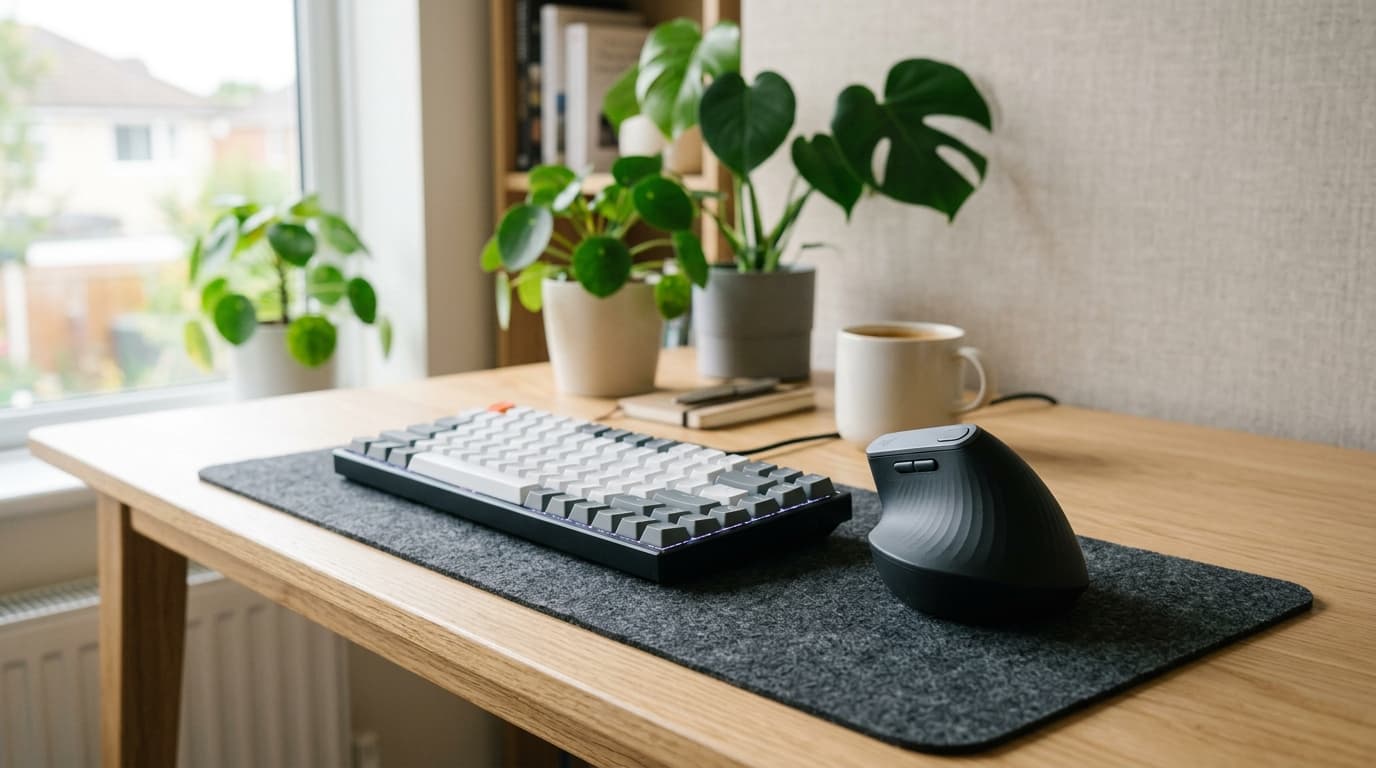
Four ergonomic mice ranked for wrist pain in 2026. Logitech MX Vertical ($76.99) is our top pick; the Ergo M575 trackball is the budget WFH winner.
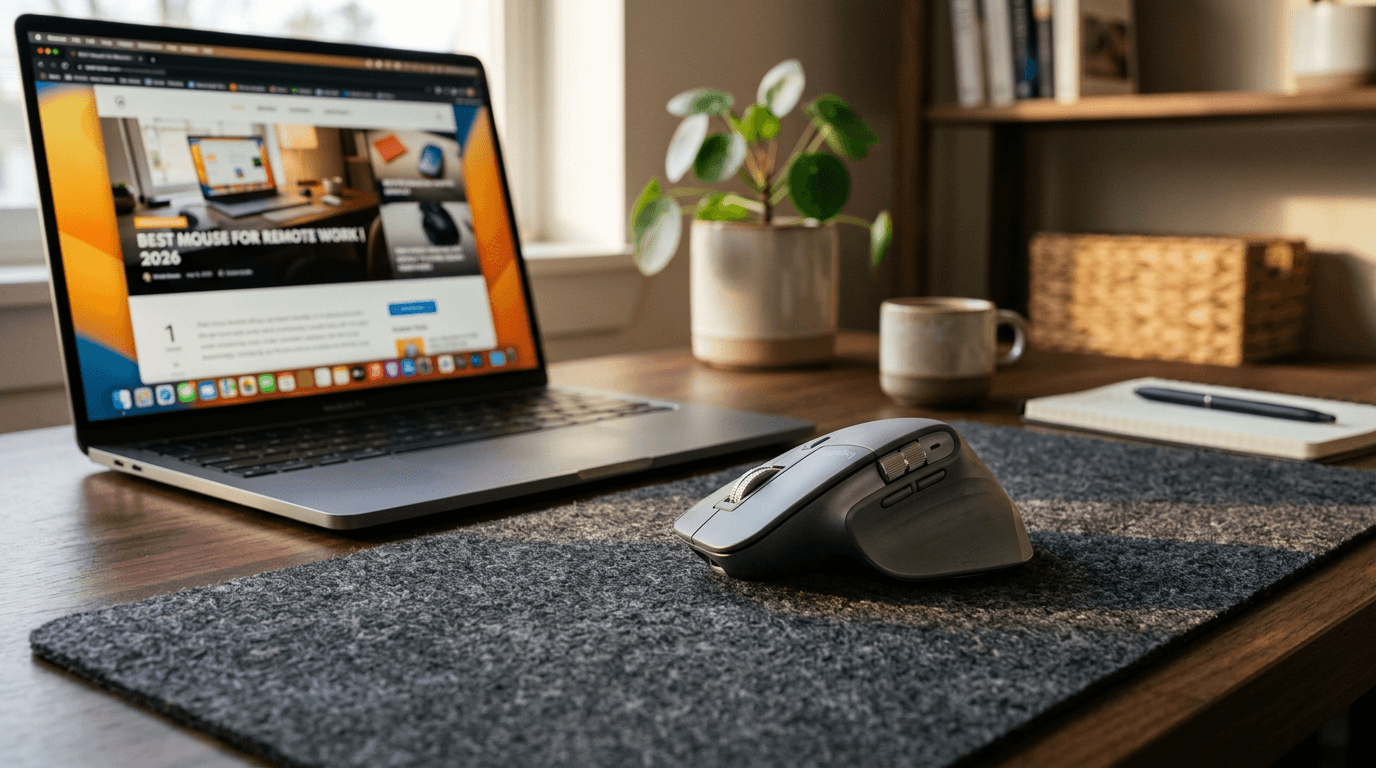
Logitech MX Master 4 wins overall, MX Vertical for wrist pain. Seven mice ranked for daily WFH use, plus the spec most buyers completely ignore.
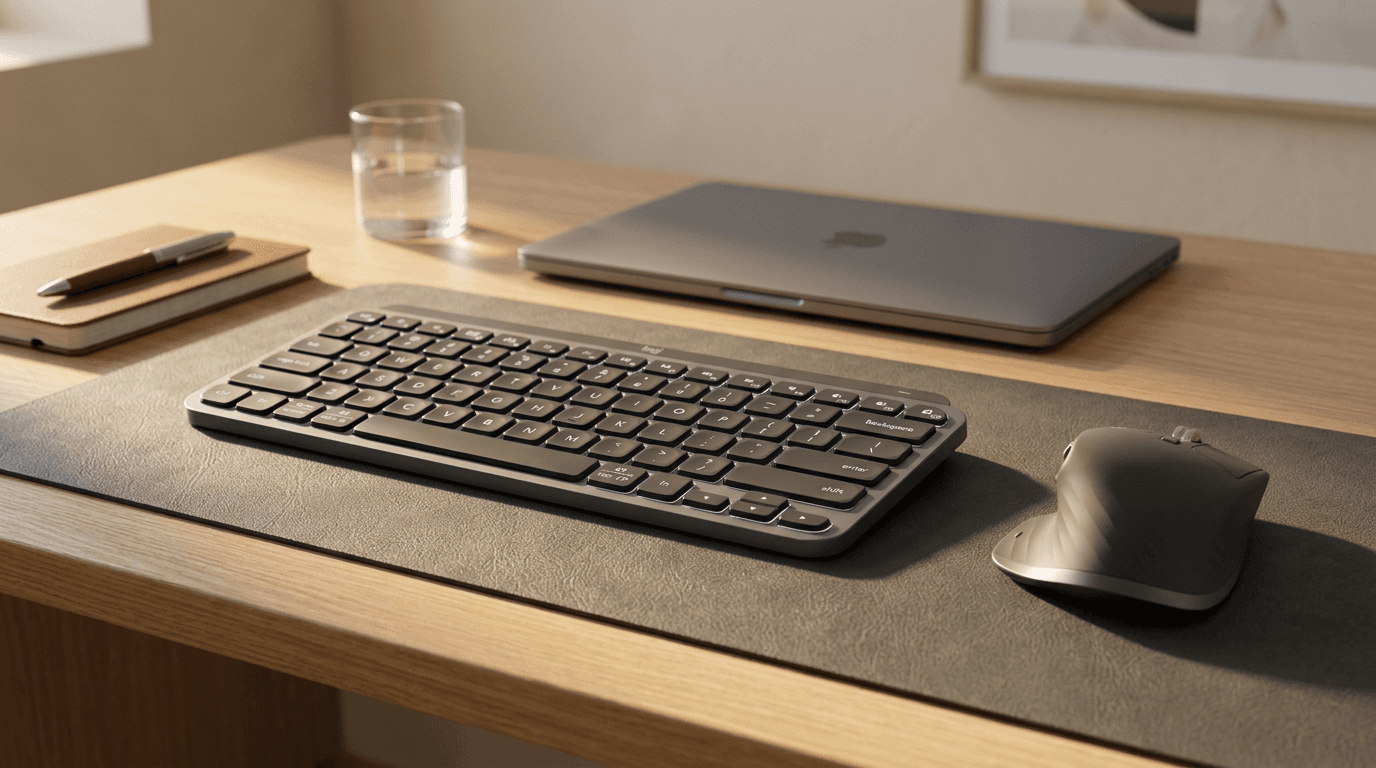
MX Master 3S mouse vs MX Keys Mini keyboard for WFH in 2026. The mouse wins on daily impact — but here is exactly when the keyboard matters more.