WFH Lounge · Best Picks

Best Webcams for Working From Home

HD and 4K webcams for crystal-clear video calls.

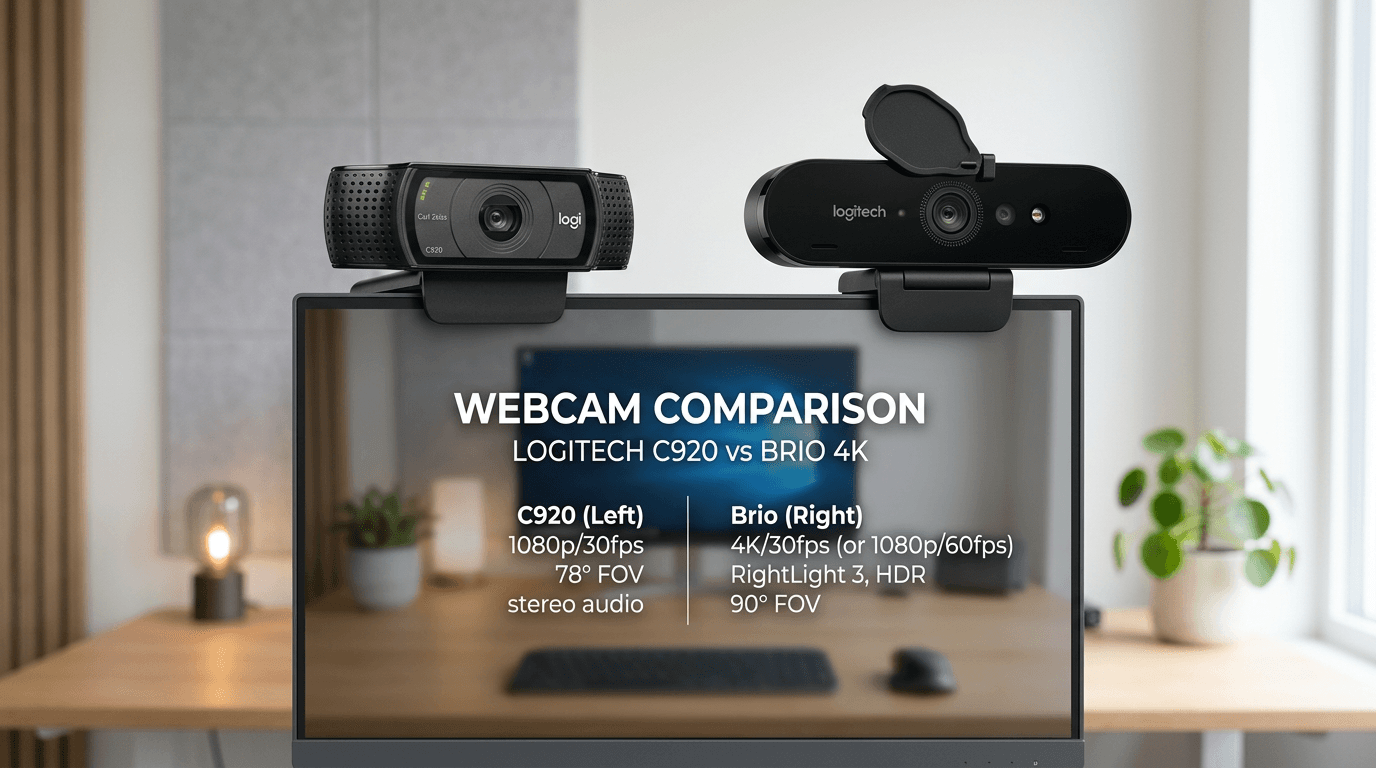
Video call quality directly affects how you're perceived professionally — a dark, low-resolution feed on a $50 webcam signals less credibility than you deserve. The most impactful upgrade is usually lighting (a ring light improves any webcam dramatically), but a good camera makes a meaningful difference beyond that. 1080p at 30fps is the practical minimum for professional calls; 1080p at 60fps looks noticeably smoother for people who move a lot. Autofocus quality separates good webcams from great ones — slow or hunting autofocus is distracting in calls. Background blur (software or hardware) is useful for home offices with messy backgrounds. Field of view determines how much of your environment is visible — 78-90° is natural; wider angles show more of your room. Low-light performance matters for anyone who takes calls in the evening or with back-lit window setups. Our picks are tested in real call conditions, not just benchmark charts.

Spec
Buy
Resolution4K@30fps4K@30fps / 1080p@60fps4K@60fps4K2K@30fps
Sensor1/2 inchSony STARVIS 8.5MPSony STARVIS 4KSony IMX5825 Megapixel
FOV79.5 degrees90/78/65 degrees90 degreesAdjustable (65/78/95)
FeaturesAI Tracking, Gimbal, Phase Detection Auto Focus
ConnectionUSB-C 3.0
FocusVariable Auto Focus (10cm to Infinity)
Lensf/1.8 6-element glass
MicrophoneDirectional MEMS
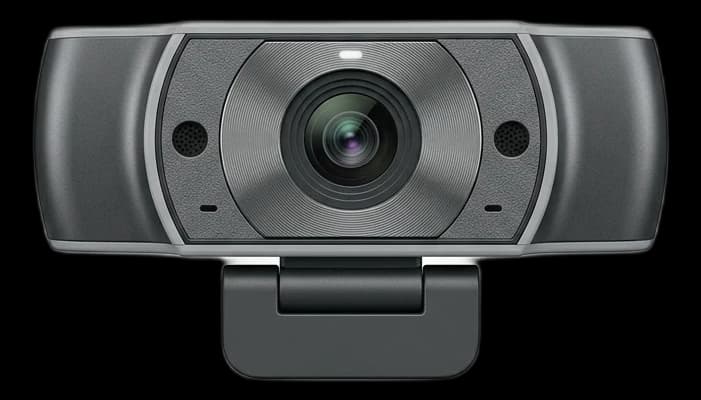
MicrophonesDual Stereo Mics

* Prices are approximate and may not reflect current rates. As an Amazon Associate I earn from qualifying purchases.

As an Amazon Associate I earn from qualifying purchases. Product prices and availability are subject to change.

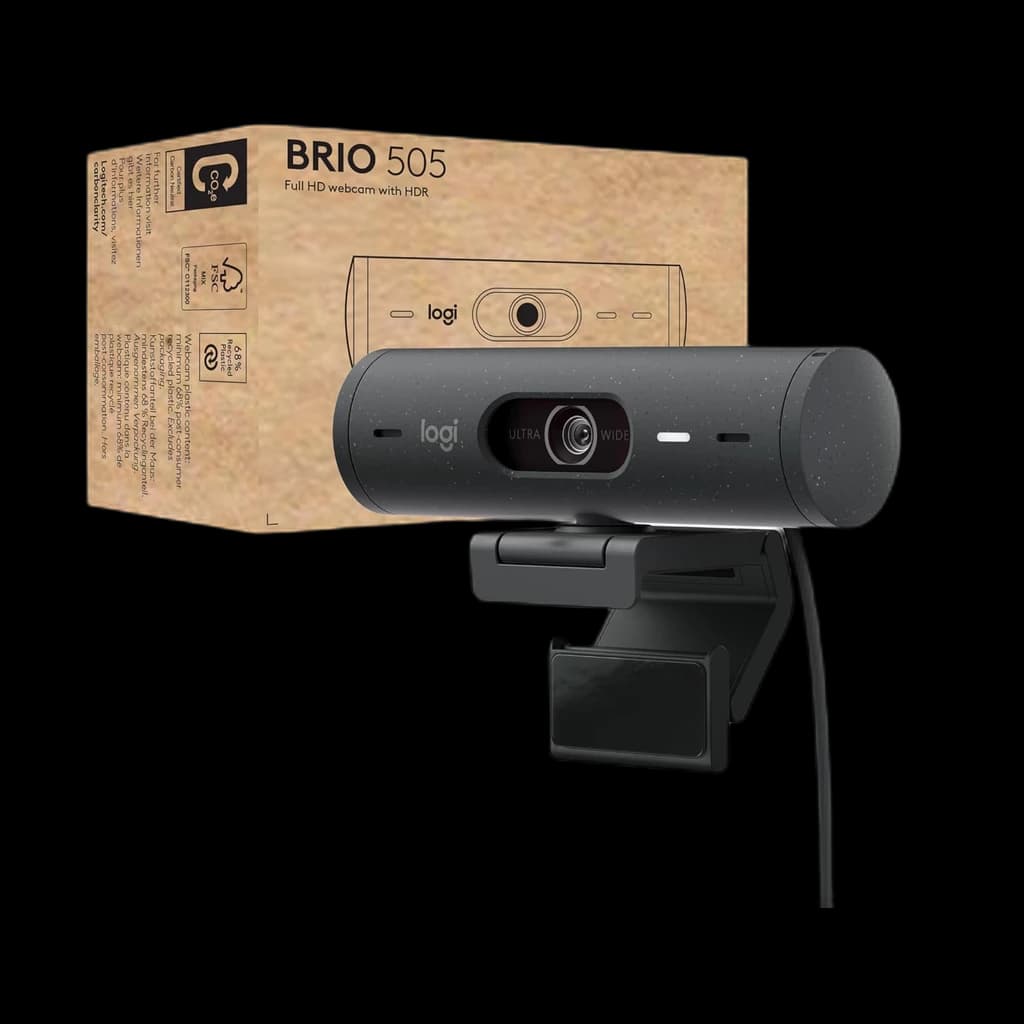
Logitech MX Brio
⭐ Runner Up

Logitech MX Brio

4.7

Logitech finally updated their flagship 4K webcam with a massive Sony STARVIS sensor. It delivers incredibly sharp, natural-looking video with 70% larger pixels than the old Brio, making it fantastic in challenging lighting.

Pros

  • Massive improvement in low-light over older models
  • Beautiful aluminum build with integrated privacy shutter
  • Show Mode lets you tilt it down to show your desk
  • Fine-grain image controls in Logi Options+

Cons

  • Heavy, might wobble on very thin laptop screens
  • No Windows Hello support (unlike the older Brio 4K)

Resolution

4K@30fps / 1080p@60fps

Sensor

Sony STARVIS 8.5MP

FOV

90/78/65 degrees

Connection

USB-C 3.0

Elgato Facecam Pro
💡 Great Value

Elgato Facecam Pro

4.6

The absolute best raw video quality you can get without buying a DSLR. It's the world's first webcam to support true 4K video at 60 frames per second, paired with a massive lens and onboard image processing.

Pros

  • Incredible true 4K60fps uncompressed video
  • Massive, high-quality glass lens
  • Onboard flash memory saves camera settings
  • Excellent Elgato Camera Hub software

Cons

  • It is physically huge and heavy
  • Very expensive
  • No built-in microphone (assumes you have a dedicated mic)

Resolution

4K@60fps

Sensor

Sony STARVIS 4K

FOV

90 degrees

Focus

Variable Auto Focus (10cm to Infinity)

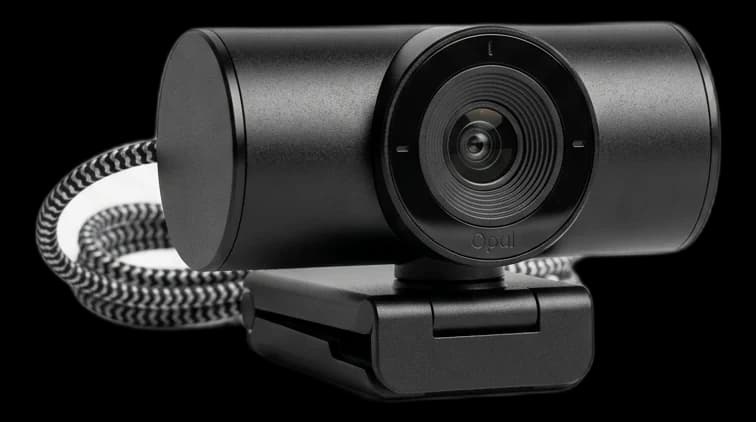
Opal Tadpole
#4

Opal Tadpole

4.5

The perfect webcam for hybrid workers who travel. It's shockingly tiny, specifically designed to clip onto thin laptop screens, and uses an incredible Sony sensor with a directional microphone that only picks up sound directly in front of it.

Pros

  • Extremely tiny and portable
  • Incredible 4K Sony IMX582 sensor
  • Directional V2 microphone blocks out background cafe noise
  • Capacitive touch-to-mute cable

Cons

  • Clip only fits thin laptop screens (not external monitors)
  • Requires a fast Mac/PC to process the video
  • Cable is permanently attached

Resolution

4K

Sensor

Sony IMX582

Lens

f/1.8 6-element glass

Microphone

Directional MEMS

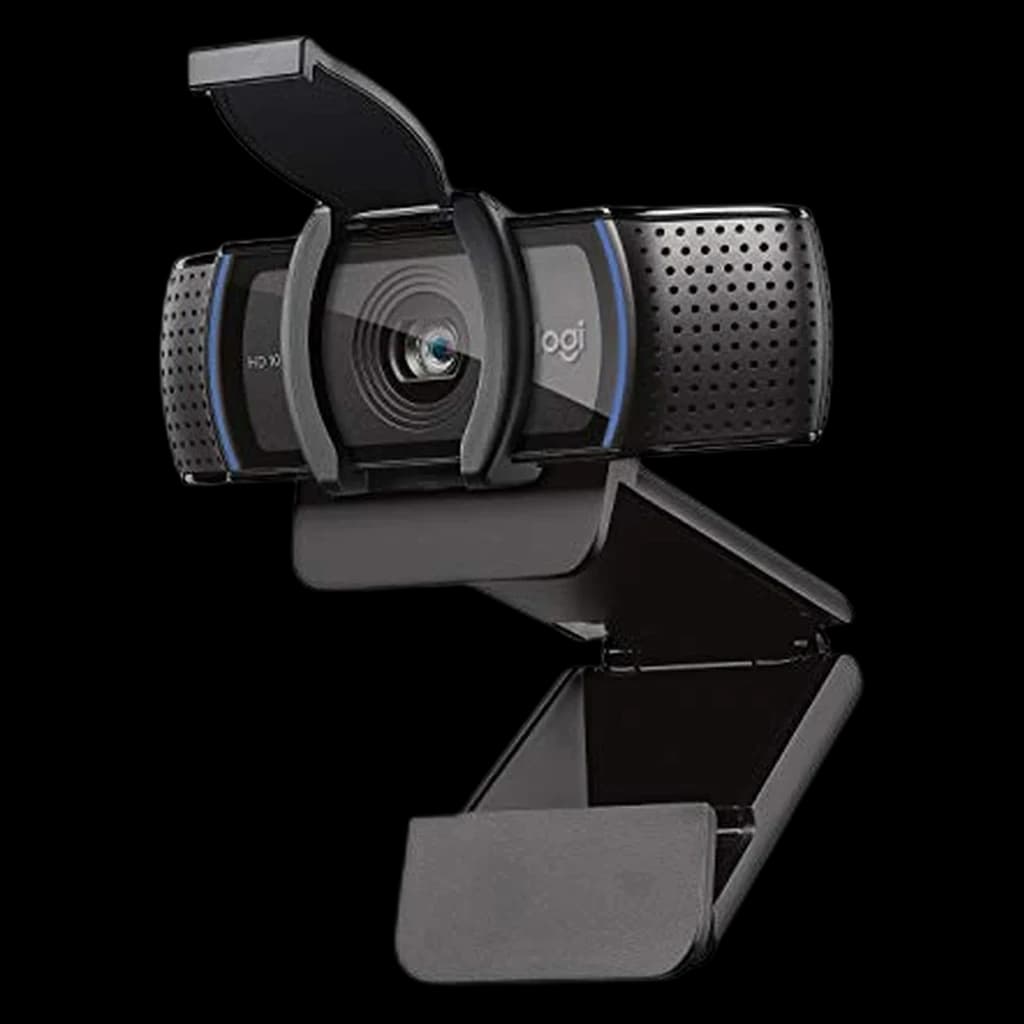
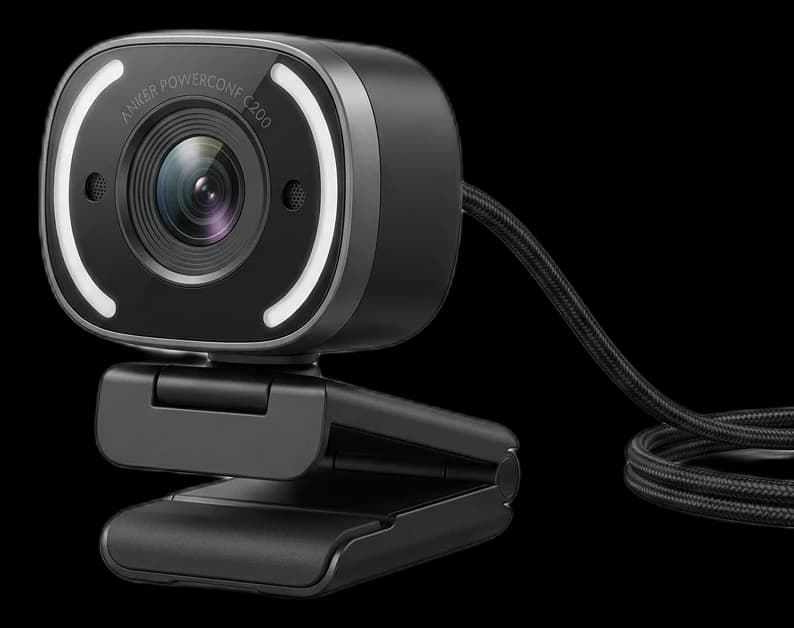
Anker PowerConf C200
#5

Anker PowerConf C200

4.6

The best budget webcam available today. For under $60, you get sharp 2K resolution, fast autofocus, dual stereo mics, and a built-in privacy shutter. It drastically outperforms 1080p webcams that cost twice as much.

Pros

  • Unbeatable value for 2K resolution
  • Sharp, reliable autofocus
  • Built-in privacy slide
  • Compact, unobtrusive design

Cons

  • Colors can run slightly cold/blue out of the box
  • Included software is basic

Resolution

2K@30fps

Sensor

5 Megapixel

FOV

Adjustable (65/78/95)

Microphones

Dual Stereo Mics

Frequently Asked Questions

What are the best webcams for working from home?

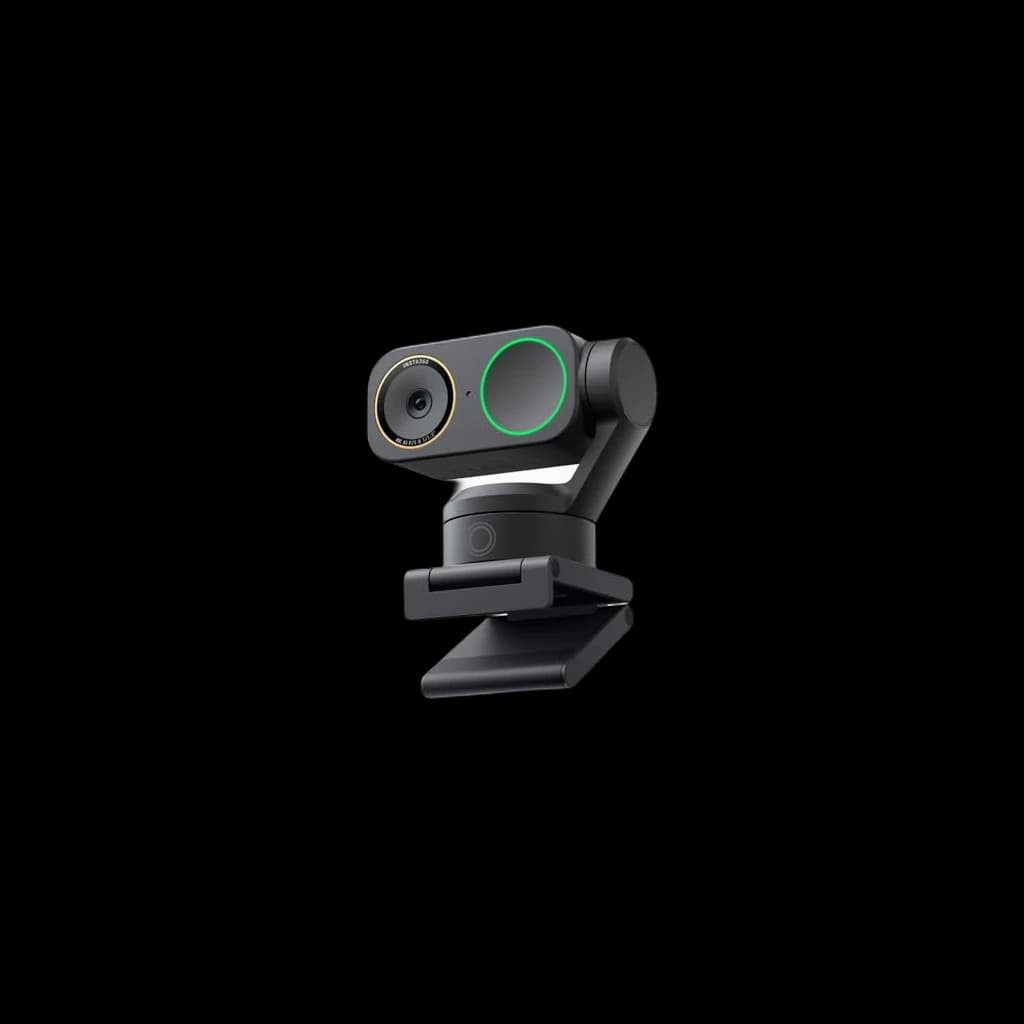
Our top pick for WFH webcams is the Insta360 Link 2 (rated 4.8/5). The best premium webcam of 2025. This 4K PTZ (pan-tilt-zoom) camera uses a physical 2-axis gimbal and AI tracking to follow you perfectly around the room. The new version 2 brings vastly improved low-light performance and noise cancellation. The Logitech MX Brio is a strong runner-up.

How do you rank webcams for home office use?

We aggregate expert reviews from sources like Wirecutter, RTINGS, and Tom's Hardware, combine them with real user feedback from Reddit and Amazon, then evaluate everything through a work-from-home lens — prioritizing comfort, productivity, and value for remote workers.

Related Reading

All guides →
Best Webcam Under $100 for Zoom Calls 2026: 6 Top Picks

Best Webcam Under $100 for Zoom Calls 2026: 6 Top Picks

The best webcams under $100 for Zoom, Teams, and Meet calls in 2026. Six picks that beat any built-in laptop camera without breaking the bank.

WFH Lounge Team
7 min read·March 21, 2026
Best Webcams for Video Calls 2026: 7 Picks from $40 to $400

Best Webcams for Video Calls 2026: 7 Picks from $40 to $400

The best webcams for Zoom, Teams, and Google Meet calls in 2026. Seven picks ranked by value, from the $70 Anker C300 to the 4K Insta360 Link 2.

WFH Lounge Team
11 min read·March 10, 2026
How to Look Good on Video Calls: Lighting, Camera, and Background Tips

How to Look Good on Video Calls: Lighting, Camera, and Background Tips

Simple fixes to look professional on Zoom, Teams, and Google Meet. Lighting, camera angle, and background tips that cost almost nothing.

Lloyd D'Silva
4 min read·March 2, 2026