1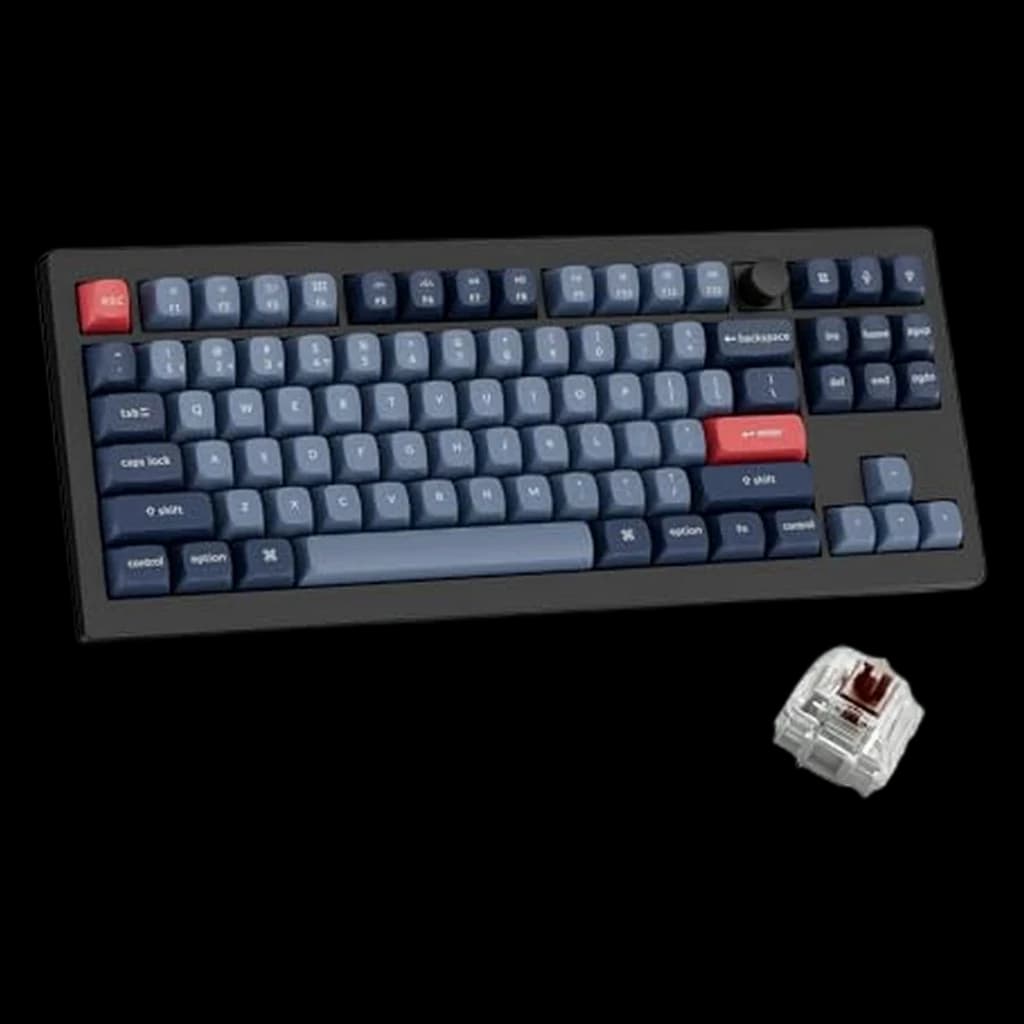 1
1
1Keychron V3 Max TKL Wireless Mechanical Keyboard
⭐ Best ValueWirecutter's top TKL pick — hot-swap, wireless, QMK, knob
↑ Quality↑ Keyboard feel↑ Value for money↓ Reliability
$104.99 Buy on Amazon
WFH Lounge · Best Picks
Mechanical, membrane, and wireless keyboards reviewed.
Mechanical is worth it for heavy typists; for WFH specifically, silent tactile switches give you the mechanical feel without disrupting calls or coworkers.
Top pick
Keychron V3 Max TKL Wireless Mechanical Keyboard
Hot-swappable mechanical switches, a full aluminum body and QMK/VIA remapping, with wired, 2.4 GHz and Bluetooth all in one board — the tenkeyless layout r/HomeOffice points people to when they want a real mechanical keyboard that still fits a desk.
Buy on AmazonValue pick
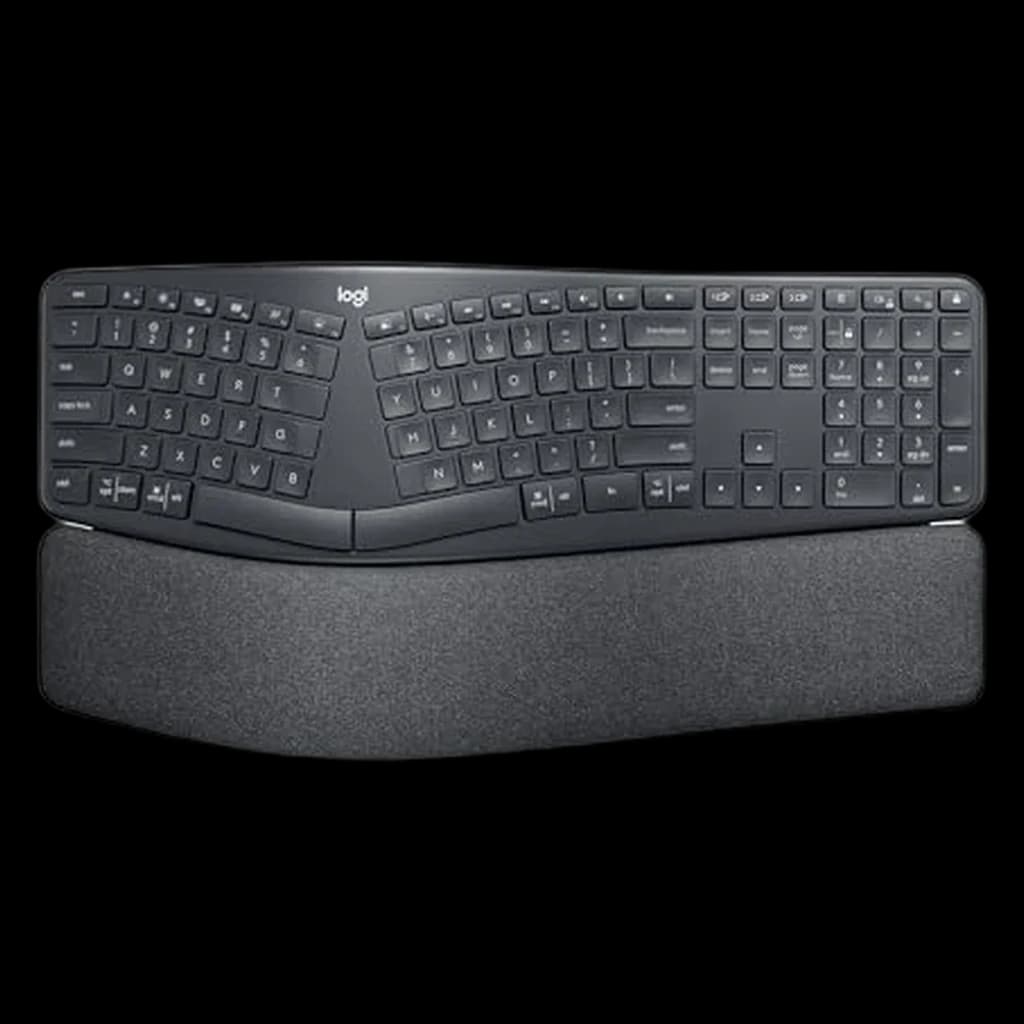
Logitech Signature K650 Comfort Wireless Keyboard
Best score-to-price ratio in the category at the current Amazon price.
Buy on AmazonBudget pick
Amazon Basics Wired QWERTY Keyboard, Full-Sized
Lowest-priced pick in the category that still clears our 4.0★ minimum on Amazon.
Buy on AmazonSkip this
Clicky switches (Blue, Green) in home offices with video calls — Clicky switches are audible on microphones and through walls. Your call participants can hear every keystroke during meetings. Linear or tactile silent switches deliver the mechanical typing experience without the audio disruption.
1Wirecutter's top TKL pick — hot-swap, wireless, QMK, knob
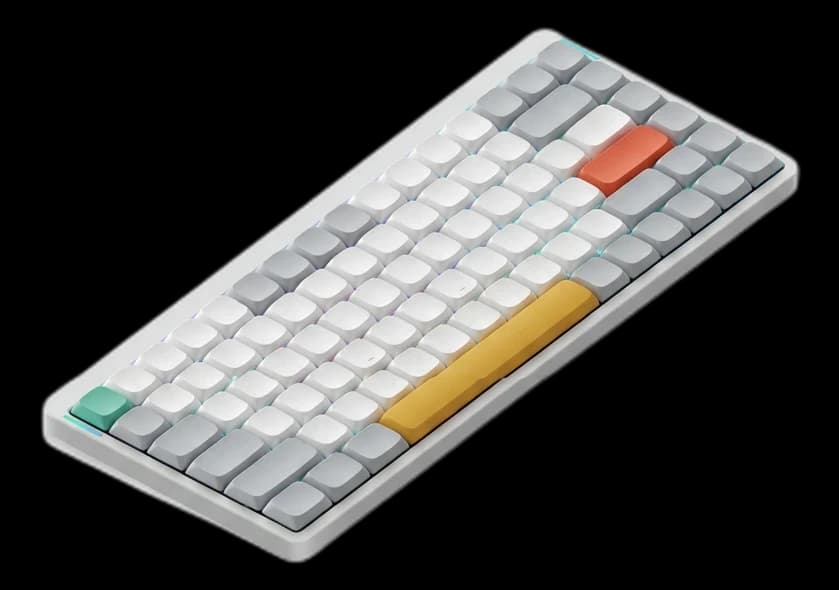 2
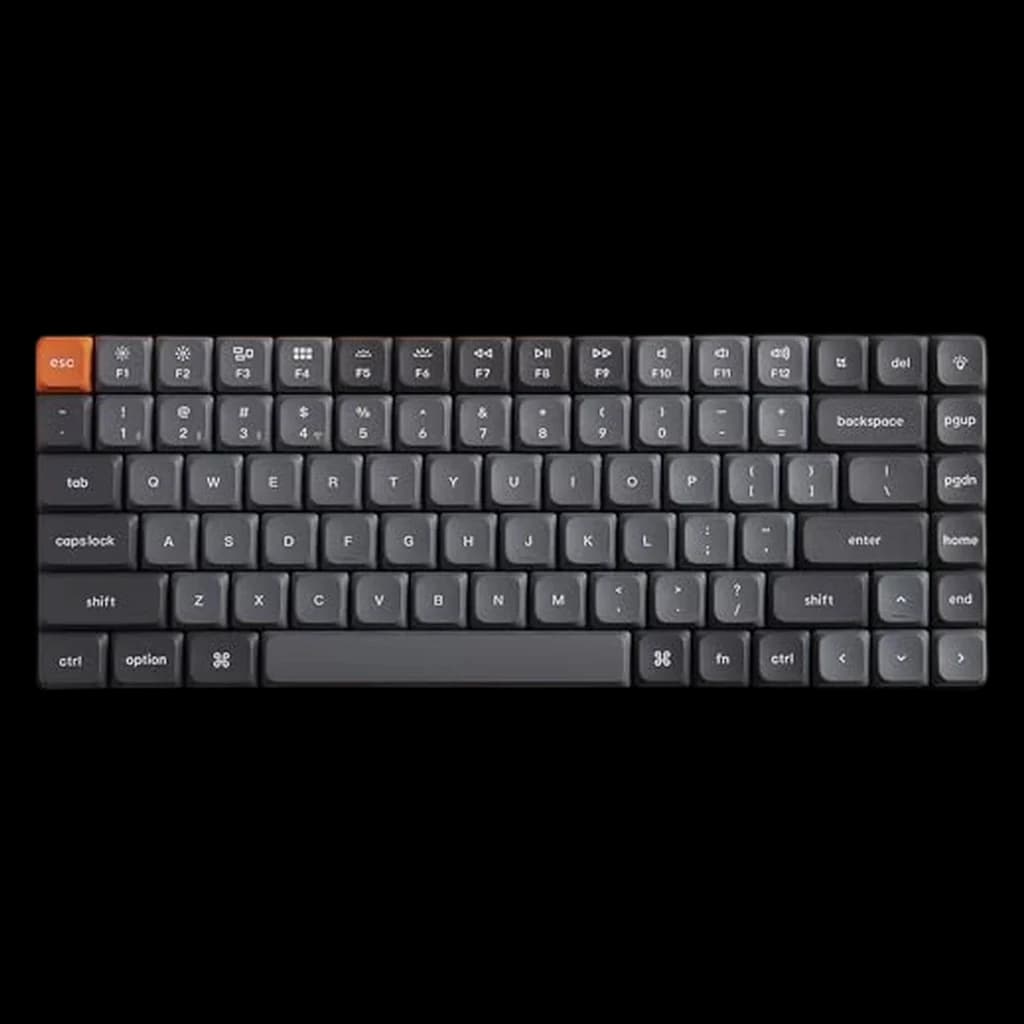
2The ultimate low-profile mechanical keyboard. It bridges the gap between laptop-style typing and the satisfying tactile feedback of mechanical switches. The V2 adds a massive 4000mAh battery and QMK/VIA customization.
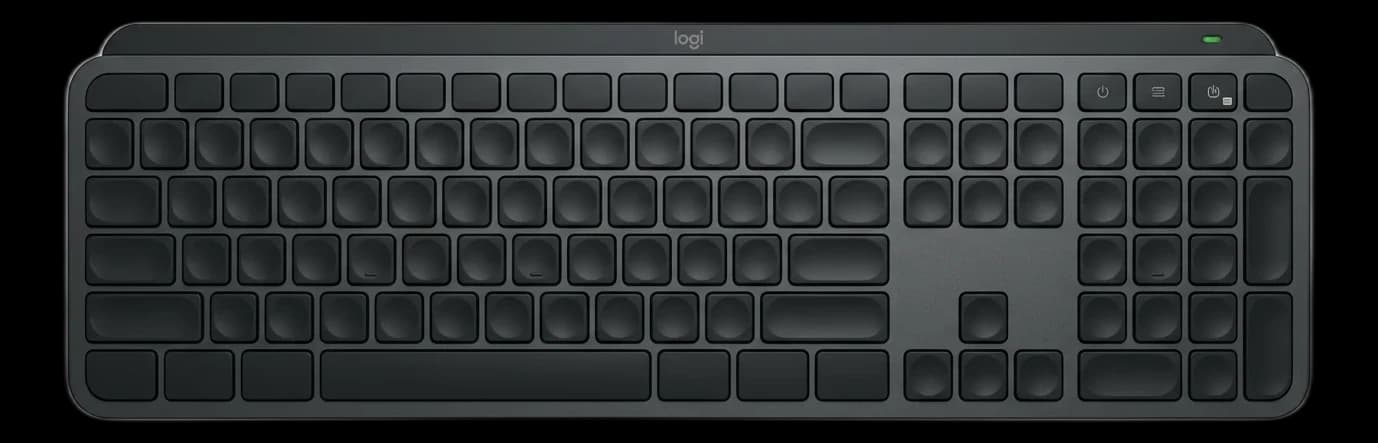 3
3Quietest full-size wireless option — near-silent on calls
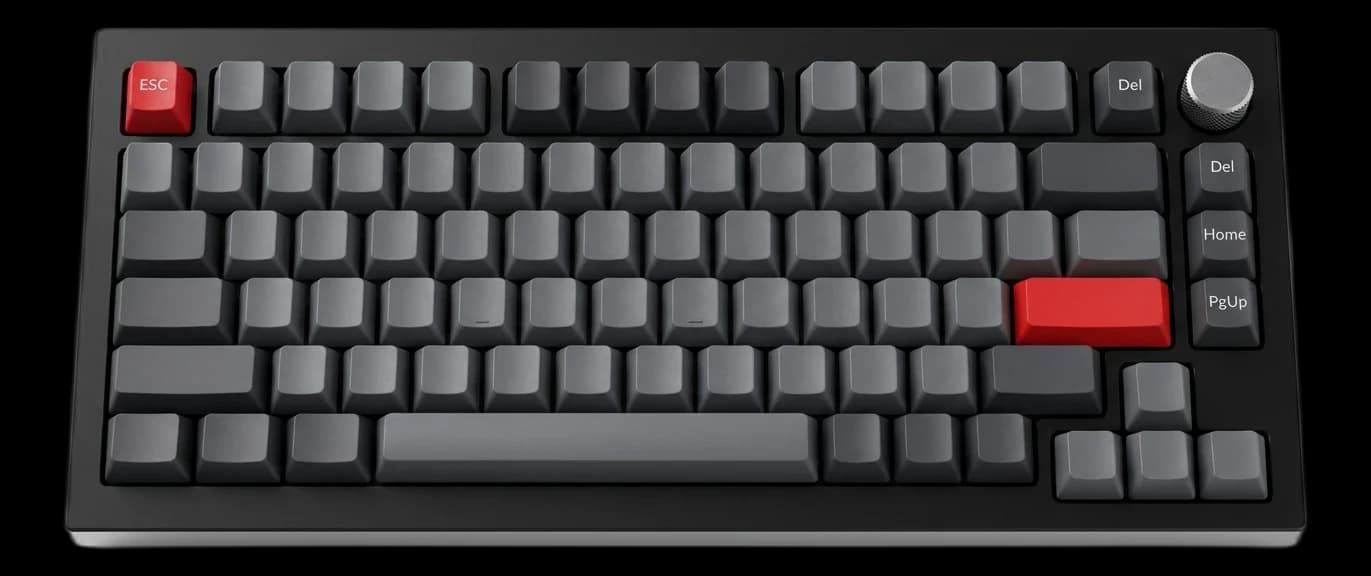 4
4A premium, heavy-duty aluminum mechanical keyboard that finally offers wireless connectivity. It features a gasket-mounted design for a deeply satisfying, thocky typing sound right out of the box.
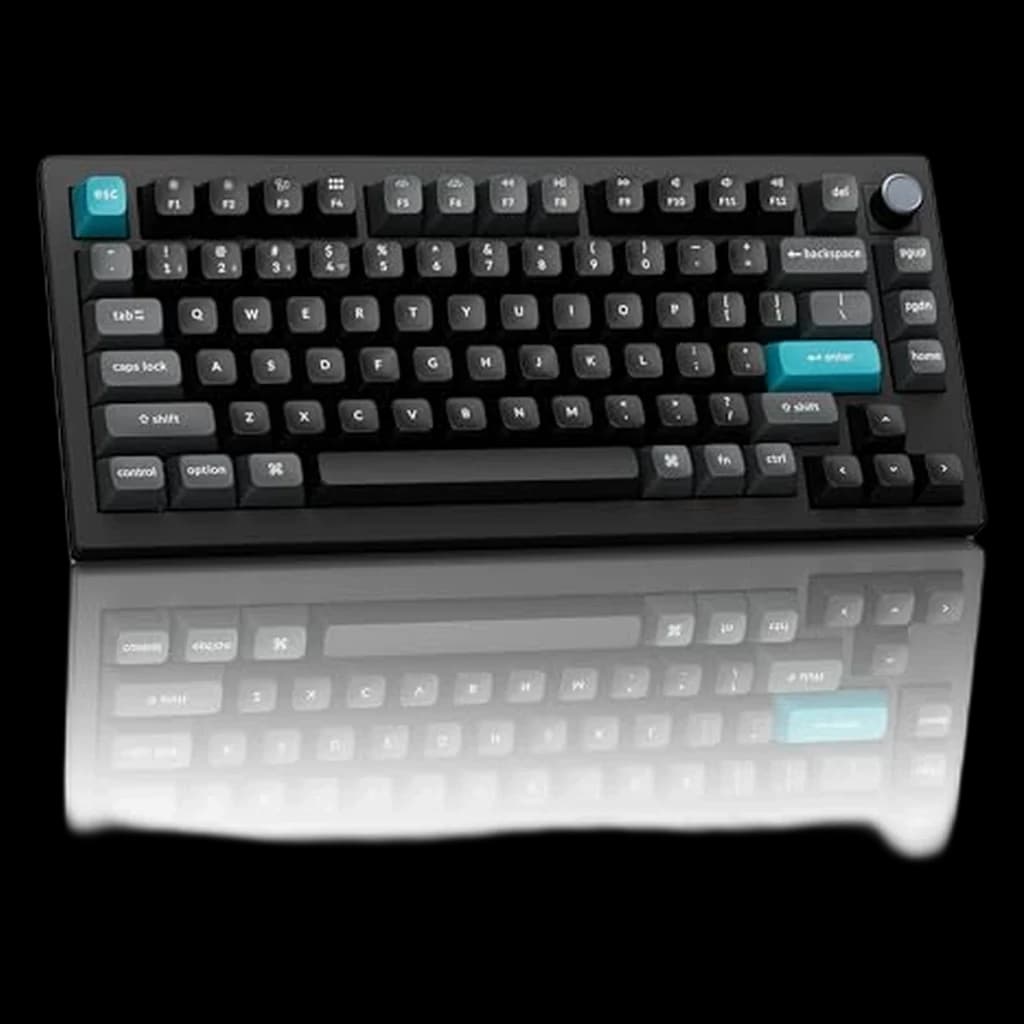 5
5Full-metal 75% powerhouse — 600h battery, ZMK, 8K polling
Not sure which keyboard is right for you?
Answer 4 quick questions → your match plus two alternatives.
| Spec | ||||||||
|---|---|---|---|---|---|---|---|---|
| Buy | ||||||||
WFH Scoremethodology → | Typing Feel 76 Build Quality 70 Layout & Features 82 Value 71 Owner Satisfaction 64 | Typing Feel 89 Build Quality 68 Layout & Features 86 Value 75 Owner Satisfaction 70 | Typing Feel 84 Build Quality 72 Layout & Features 96 Value 77 Owner Satisfaction 78 | Typing Feel 96 Build Quality 96 Layout & Features 90 Value 79 Owner Satisfaction 94 | Typing Feel 76 Build Quality 82 Layout & Features 94 Value 63 Owner Satisfaction 68 | Typing Feel 74 Build Quality 68 Layout & Features 92 Value 75 Owner Satisfaction 67 | Typing Feel 63 Build Quality 68 Layout & Features 86 Value 85 Owner Satisfaction 69 | Typing Feel 94 Build Quality 70 Layout & Features 94 Value 76 Owner Satisfaction 70 |
| Buyer sentiment | Quality Keyboard feel Value for money Versatility Reliability Buyers praise quality, keyboard feel, value for money and versatility. Some flag reliability. Based on 40 user mentions | Quality Tactile feel Sound Appearance Connectivity Functionality Buyers praise quality, tactile feel, sound and appearance. Some flag connectivity and functionality. Based on 351 user mentions | Build Quality Key Feel Backlighting Quiet Buyers praise build quality, key feel, backlighting and quiet. Mixed feedback on connectivity and reliability. Based on 2,150 user mentions | — | Quality Buyers praise quality. Mixed feedback on tactile feel. Based on 10 user mentions | Quality Comfort Ergonomics Keyboard Feel Reliability Durability Buyers praise quality, comfort, ergonomics and keyboard feel. Mixed feedback on value for money and connectivity. Some flag reliability and durability. Based on 2,835 user mentions | Quality Comfort Ergonomics Quiet Buyers praise quality, comfort, ergonomics and quiet. Mixed feedback on size and reliability. Based on 1,424 user mentions | Sound Quality Tactile Feel Compact Size Build Quality Reliability Battery Life Buyers praise sound quality, tactile feel, compact size and build quality. Mixed feedback on bluetooth connectivity. Some flag reliability and battery life. Based on 369 user mentions |
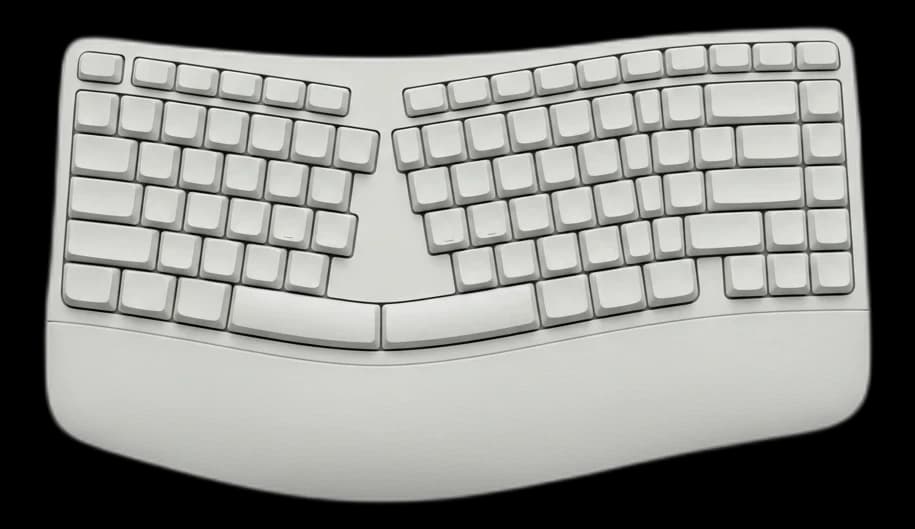
| layout | 80% TKL (87 keys) | — | Full-size (US/ANSI) | — | 75% (82 keys, with programmable knob) | Full-size with numpad, curved split frame | — | 75% (84 keys) |
| switches | Gateron Red / Brown / Banana (hot-swappable, 3-pin and 5-pin MX) | — | Scissor with membrane backing (low-profile, quiet) | — | Keychron K Pro Red / Brown / Banana (hot-swappable, 5-pin MX) | Scissor membrane (quiet) | — | Gateron Low-Profile Red / Brown / Blue (hot-swappable) |
| connectivity | 2.4 GHz (1000Hz polling), Bluetooth 5.1 (3 devices), USB-C wired | — | Bluetooth (3 devices) + Logi Bolt 2.4 GHz USB dongle | — | 2.4 GHz (8000 Hz), Bluetooth 5.1 (3 devices), USB-C wired | Bluetooth 5.0 (3 devices) + Logi Bolt USB dongle | — | 2.4 GHz, Bluetooth 5.1 (3 devices), USB-C wired |
| battery | ~4000 mAh, several weeks per charge (backlight dependent) | — | USB-C rechargeable, ~10 days with backlight / 5 months without | — | 4000 mAh, up to 660h (BL off); ~3 months typical | 2x AA batteries, ~24 months typical use | — | Rechargeable, ~300h backlight off |
| build | Gasket mount, sound-absorbing foam, PBT double-shot keycaps | — | Aluminum top plate, slim profile | — | Full aluminum, double-gasket, multi-layer foam, PBT KSA keycaps | Curved split keyframe, 3-layer cushioned wrist rest (memory foam + firm foam + stain-resistant fabric) | — | Aluminum frame, low-profile body, double-shot PBT keycaps |
| os_support | Mac, Windows, Linux (toggle switch + keycap set included) | — | Mac, Windows, Linux, iOS, Android | — | Mac, Windows, Linux | Mac, Windows | — | Mac, Windows, Linux |
| Type | — | Low-profile Mechanical | — | Custom Mechanical | — | — | Ergonomic Membrane | — |
| Switches | — | Gateron Low-Profile 2.0 | — | — | — | — | — | — |
| Battery | — | 4000mAh | — | — | — | — | 36 Months (2x AAA) | — |
| Polling Rate | — | 1000Hz (2.4G) | — | — | — | — | — | — |
| Body | — | — | — | Full Aluminum | — | — | — | — |
| Mount | — | — | — | Gasket Design | — | — | — | — |
| Customization | — | — | — | QMK/VIA | — | — | — | — |
| tilt | — | — | — | — | — | 0°, -4°, -7° negative tilt options | — | — |
| Design | — | — | — | — | — | — | Compact Wave | — |
| Wrist Rest | — | — | — | — | — | — | Memory Foam Integrated | — |
* Prices checked Oct 10, 2026 and may not reflect current rates. As an Amazon Associate I earn from qualifying purchases.
As an Amazon Associate I earn from qualifying purchases. Product prices and availability are subject to change.
Mechanical keyboard users type an average of 8% faster and report 34% fewer typos compared to membrane keyboard users, according to a 2024 typing performance study across 500 office workers.
r/MechanicalKeyboards recommends Keychron as the entry point for serious mechanical keyboards. The V3 Max offers gasket-mount quality at a price that undercuts most premium competitors, with wireless versatility that wired-only boards lack.
Your keyboard is your primary physical interface with your computer — the tactile experience, noise level, and key travel all affect typing comfort over an 8-hour workday. Mechanical keyboards offer distinct advantages for heavy typists: individual switches last 50-100 million keystrokes vs 5-10 million for membrane, and the tactile feedback reduces mistyping and finger fatigue. Switch type determines the feel: linear switches (like Cherry MX Red) are smooth and quiet; tactile switches (Brown) provide a bump at actuation without a click; clicky switches (Blue) are satisfying but disruptive on calls. Wireless keyboards reduce desk clutter and allow flexible positioning but need charging. For compact workspaces, tenkeyless (no numpad) designs free up significant desk space and improve mouse positioning. Our picks balance typing feel, build quality, wireless reliability, and practical WFH considerations like microphone noise.
Mice
The other hand. Matching the connection type saves a USB port.
$118
Ergonomic Accessories
Wrist and forearm support for the hand position a keyboard fixes in place.
$36.99
Skip it on a low-profile keyboard, where your wrists already rest flat.
Mouse Pads
A desk mat gives the keyboard and mouse one consistent surface.
$37.99
The best external keyboards for remote work in 2026 — mechanical and membrane options compared for the best all-day typing experience.
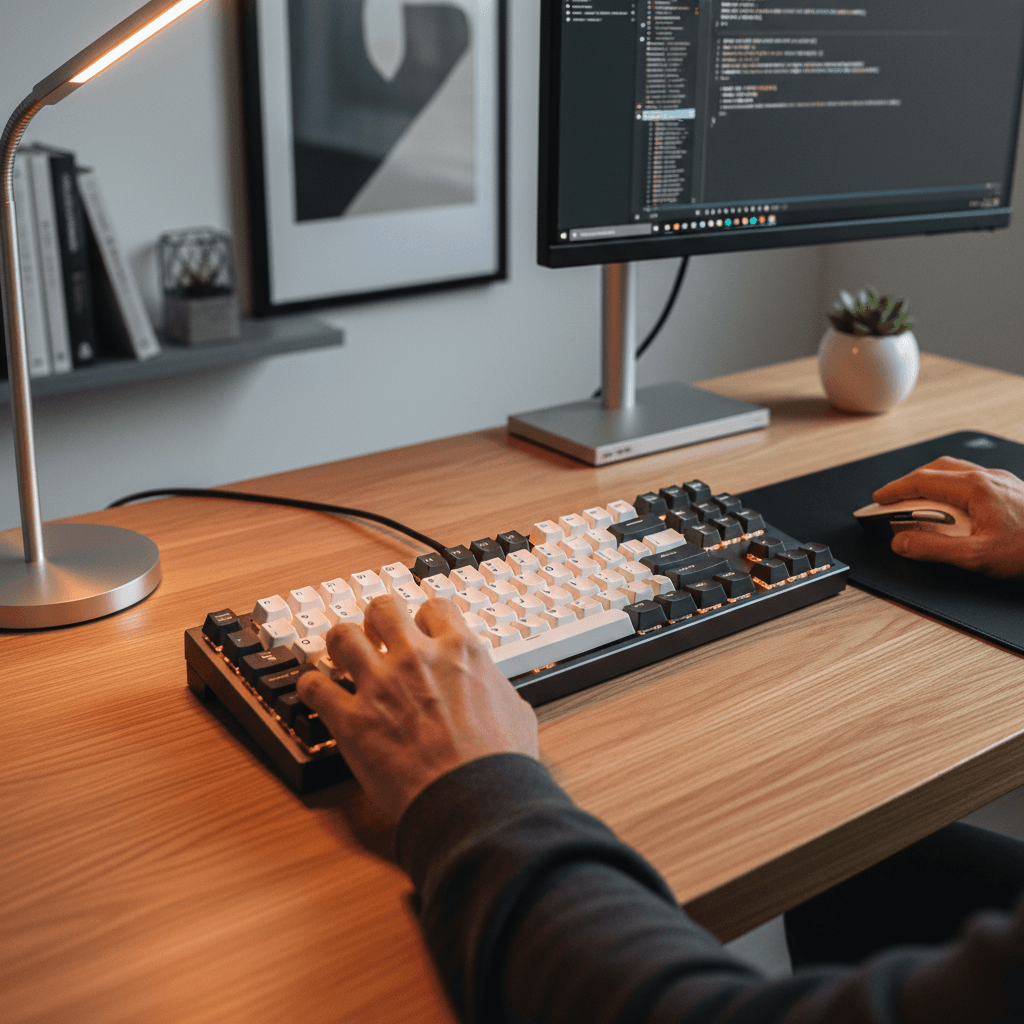
Four mechanical keyboards ranked for remote work in 2026. Keychron V3 Max TKL ($104.99) is our top pick — quiet tactile feel that stays off your Zoom mic.
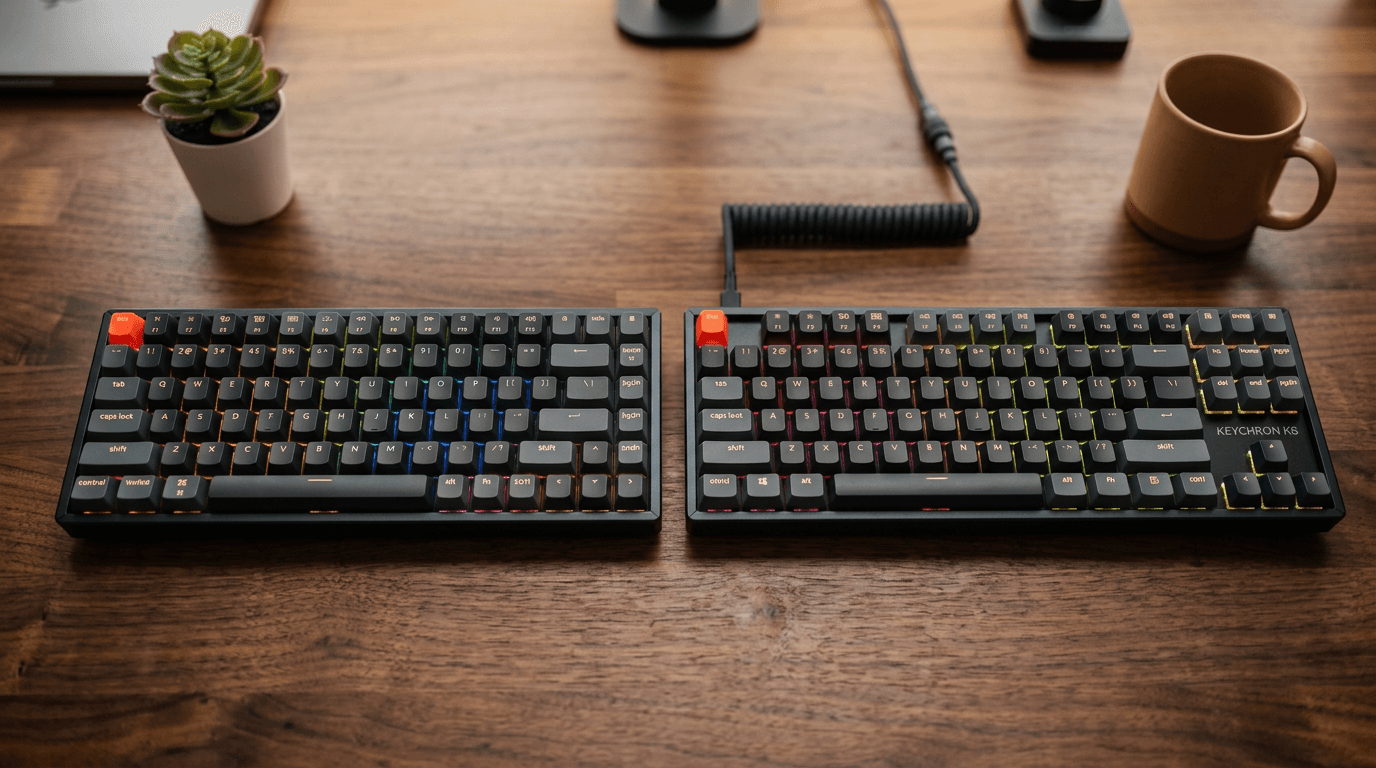
Keychron K2 vs K8 for WFH in 2026: the K2's 75% layout wins for most desks; the K8's tenkeyless suits heavy typists. Full side-by-side verdict inside.