How to Build an Ergonomic Home Office on Any Budget
You can build a genuinely ergonomic home office at any budget — from $75 in targeted accessories to a full $800+ standing desk and premium chair setup.
Quick Answer
You can build a genuinely ergonomic home office at any budget: under $300 buys targeted fixes (lumbar cushion, laptop stand, external keyboard), $300-800 adds a proper ergonomic chair, and $800+ adds a standing desk and premium seating. The non-negotiable rule at every tier: screen at eye level, elbows at 90 degrees, feet flat.
Key Takeaways
You don't need to spend thousands to work comfortably from home. Here's how to build an ergonomic WFH setup at three different price points.
As an Amazon Associate I earn from qualifying purchases. Product prices and availability are subject to change.
Back pain, wrist strain, neck aches — the hidden costs of a bad WFH setup can be enormous. Both in terms of productivity lost and medical bills accumulated. The good news? Ergonomics doesn't have to be expensive. Here's how to build a comfortable, body-friendly home office at three different price points.
Why Ergonomics Matters
Let's start with the stakes. The average remote worker spends 8–10 hours per day at their desk. Poor posture and repetitive strain injuries develop slowly — you don't notice them until they become serious problems.
Common WFH injuries include:
- Carpal tunnel syndrome from improper wrist positioning
- Cervical strain from looking down at a laptop screen
- Lower back pain from poor seating and lack of movement
- Eye strain from poor monitor placement or lighting
The investment in good ergonomics pays for itself many times over in avoided medical care and lost productivity.
Budget Tier: Under $300
You don't need to break the bank. Here's the minimum effective ergonomic setup:
- Monitor riser or laptop stand ($20–$50): The single highest-ROI ergonomic purchase. Getting your screen to eye level eliminates neck strain immediately. If you use a laptop, pair this with an external keyboard and mouse.
- Lumbar support pillow ($25–$40): If you can't afford a new chair, a lumbar pillow transforms your existing chair. Position it to support the natural curve of your lower back.
- Wrist rest for keyboard and mouse ($15–$30 each): Keeps your wrists neutral while typing. Memory foam versions are comfortable and durable.
- Total budget tier investment: ~$75–$150
At this price point, you're solving the most impactful problems without any major purchases.
Mid-Range Tier: $300–$800
With a bit more budget, you can make significant upgrades:
- External monitor ($200–$400): Moving from a laptop screen to a proper external display is transformative. You can position it at the correct height and distance, reducing eye strain and neck pain dramatically.
- Ergonomic keyboard and mouse ($100–$200): A wireless mechanical keyboard lets you position it at elbow height (not desk height), keeping your shoulders relaxed. An ergonomic mouse like the Logitech MX Vertical dramatically reduces forearm muscle activation.
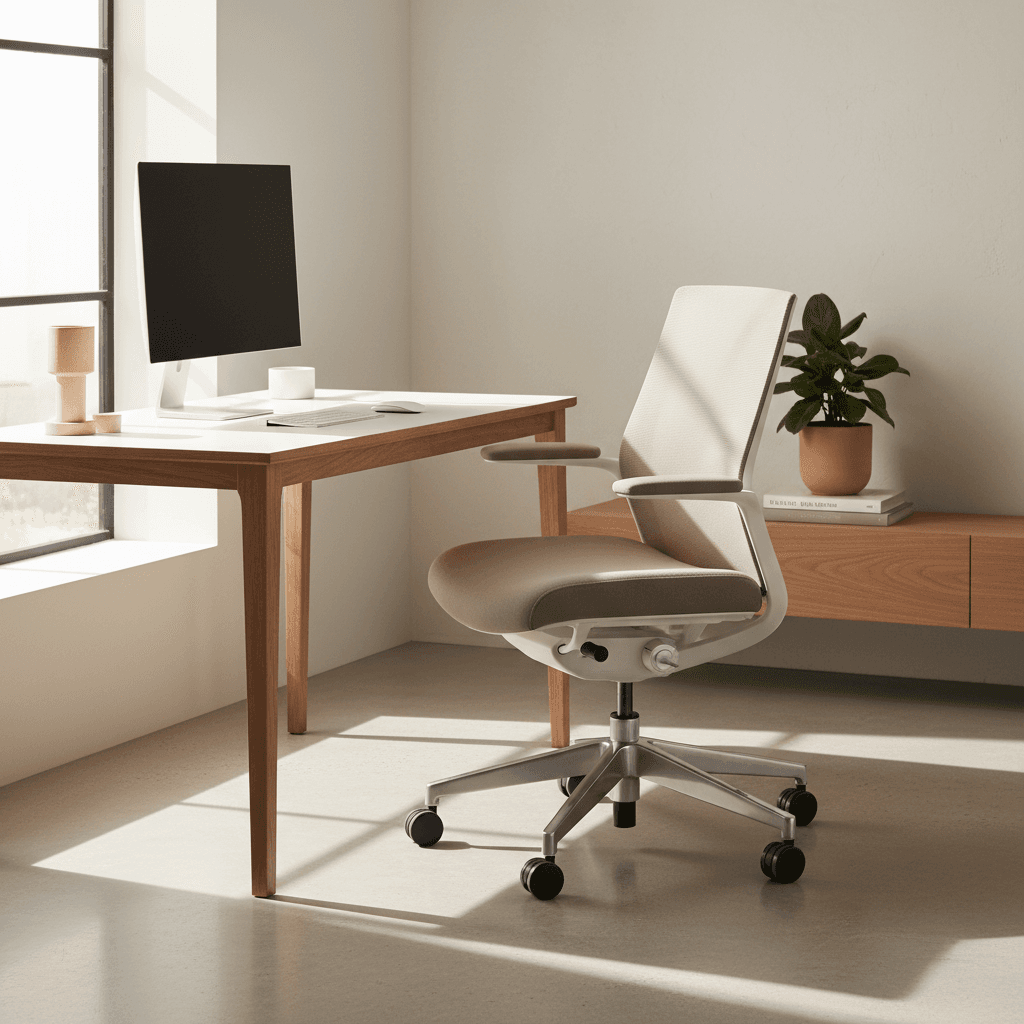
- Adjustable chair ($150–$300): A chair with adjustable seat height, armrests, and lumbar support gives you the ability to dial in your posture. You don't need a $1,500 Herman Miller — brands like Branch and Autonomous make excellent ergonomic chairs under $400.
Premium Tier: $800+
For the full ergonomic experience:
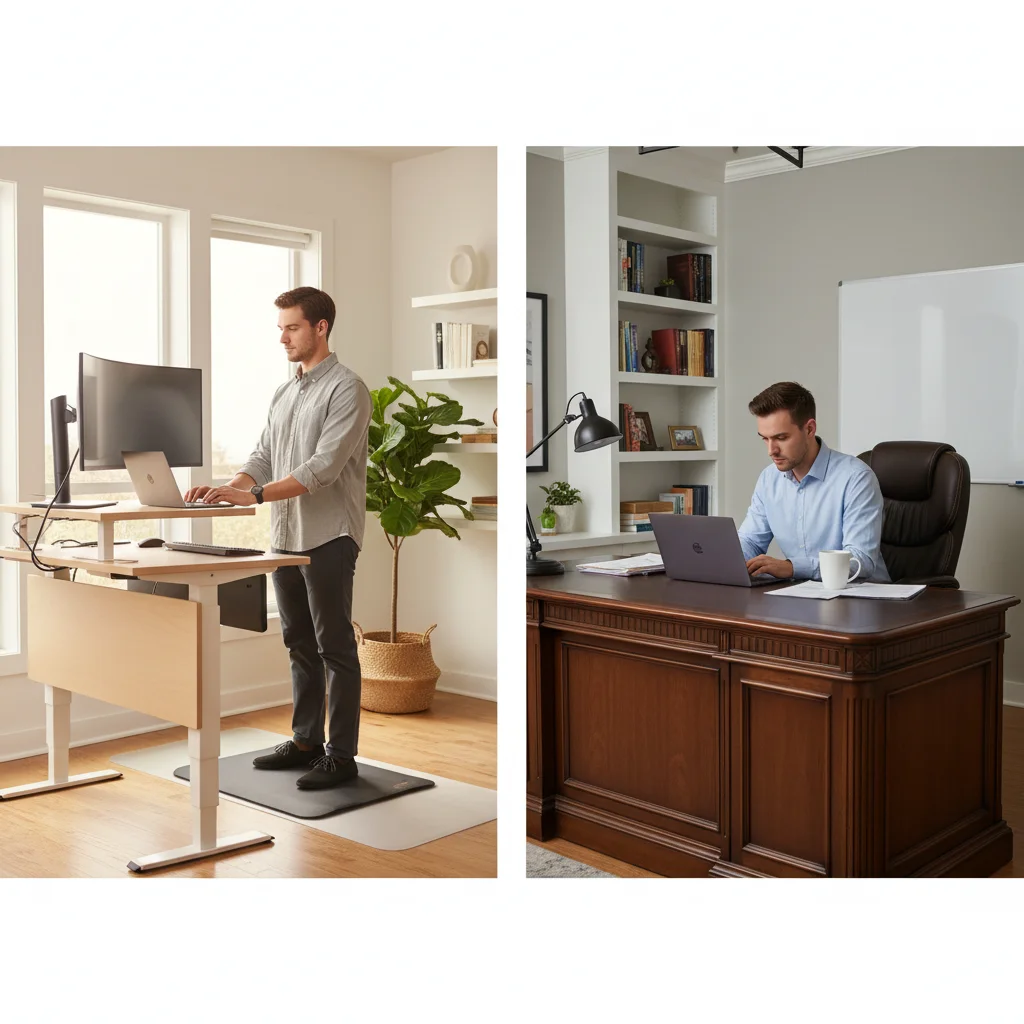
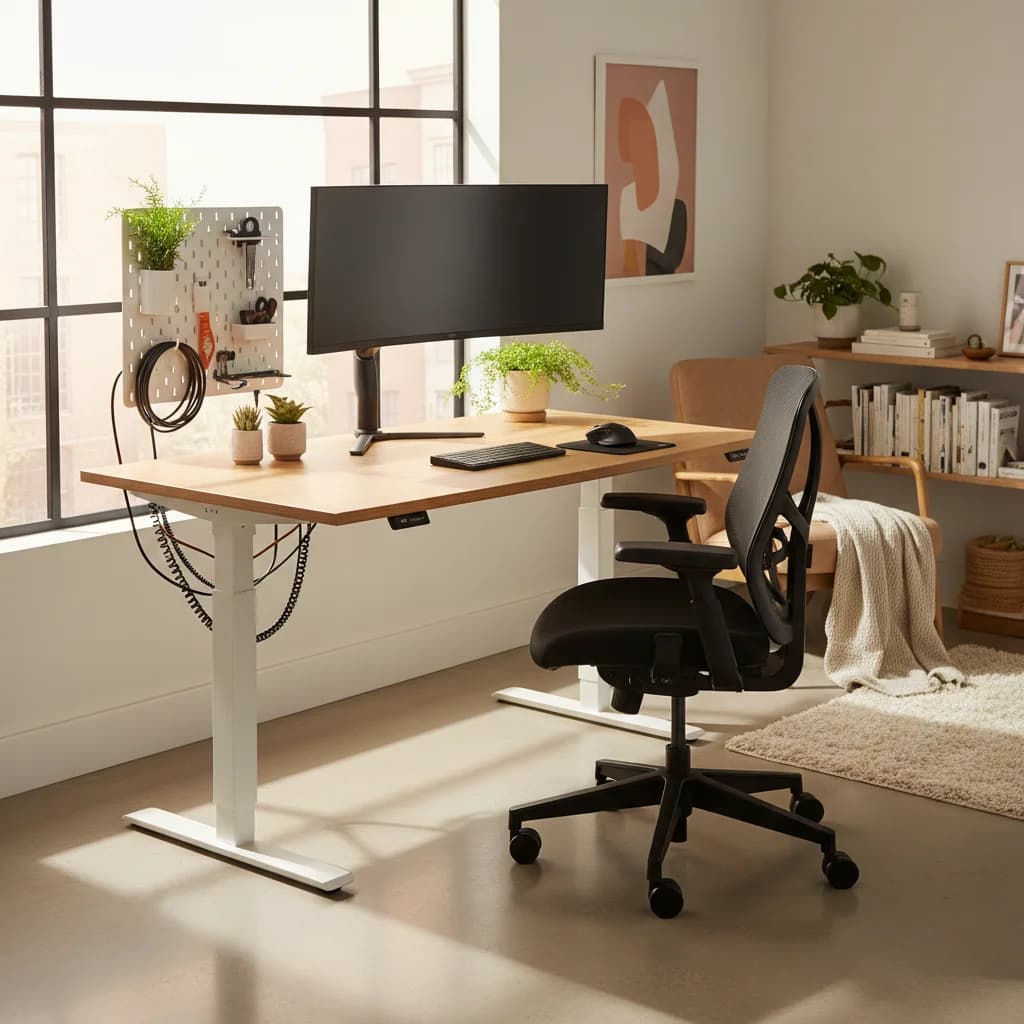
- Standing desk ($400–$1,200): The ability to alternate between sitting and standing throughout the day is the most impactful change you can make to your long-term health. Electric standing desks with memory presets make transitioning effortless.
- Premium chair ($400–$1,500): The Herman Miller Aeron, Steelcase Leap, and Humanscale Freedom are the gold standards. They're expensive, but with 8–10 hours of daily use, the per-hour cost over 10 years is trivial.
- Ergonomic accessories ($100–$300): Monitor arms (for perfect positioning), document holders (to eliminate looking down at papers), and foot rests (to eliminate dangling feet) complete the setup.
The Non-Negotiable Ergonomic Rule
Regardless of budget: move regularly. Set a timer for every 30–45 minutes. Stand up, walk around, do some stretches. No chair or desk, however expensive, can compensate for hours of uninterrupted sitting.
The best ergonomic setup is one you'll actually use consistently. Start with the highest-impact, lowest-cost changes first, and upgrade as your budget allows.
Related Reading
- →Best Ergonomic Chairs Under $500Real value picks for all-day sitting
- →Standing Desk vs. Sitting: What the Science SaysShould you go sit-stand?
- →The $500 WFH Setup That Beats Most $2000 OnesA complete budget-friendly setup
- →WFH Posture Fix: The 5 Products That Saved My BackTargeted fixes for common pain
- →How to Stay Active When You WFHMovement breaks and exercises
- →Office ChairsFind the right ergonomic chair
- →Standing DesksSit-stand desks for every budget
- →KeyboardsErgonomic keyboards that reduce strain
Buying this setup through a business?
If you’re self-employed and expensing the build, a free Amazon Business account is worth opening before you order — business-only pricing on the same gear, and itemized invoices instead of a pile of personal receipts to reconcile later.
- Free to open — no Prime or membership required
- Business-only pricing + quantity discounts on office gear
- Itemized invoices with tax detail, so write-offs are painless at filing time
Your next step
The ergonomic upgrades, ranked by impact.
Hilly Shore Labs
Editorial TeamWFH Lounge is published by Hilly Shore Labs. Every recommendation is built by synthesizing ergonomic research, manufacturer specs, expert reviews from outlets like Wirecutter, RTINGS, and The Verge, and aggregated long-term owner sentiment from thousands of verified buyers.
All product reviews are independently researched. Our recommendations are based on ergonomic guidelines, manufacturer specifications, and verified buyer sentiment. See our methodology.