Best Monitors for Eye Strain: Flicker, Glare and Pixel Size
Flicker, coating and pixel density are the monitor specs with a real mechanism behind them. What TÜV eye-comfort stars certify, plus a 60-second test.
WFH Lounge Blog
Research-backed buying guides, product comparisons, and work-from-home setup advice.
Showing 1–12 of 46 guides tagged #ergonomics

Flicker, coating and pixel density are the monitor specs with a real mechanism behind them. What TÜV eye-comfort stars certify, plus a 60-second test.

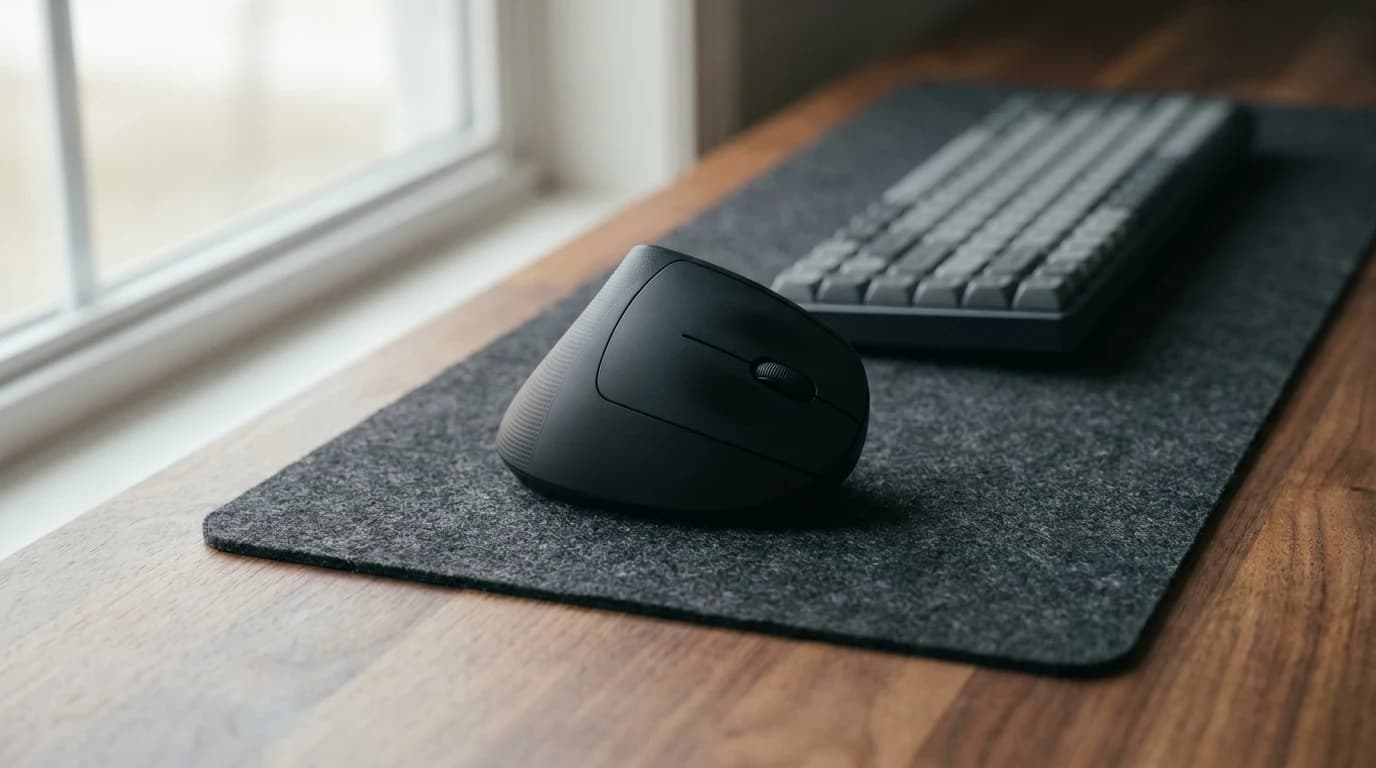
Vertical mice measurably cut forearm pronation and measurably slow you down. Four studies, plus the year-long trial the mouse lost to an arm support.

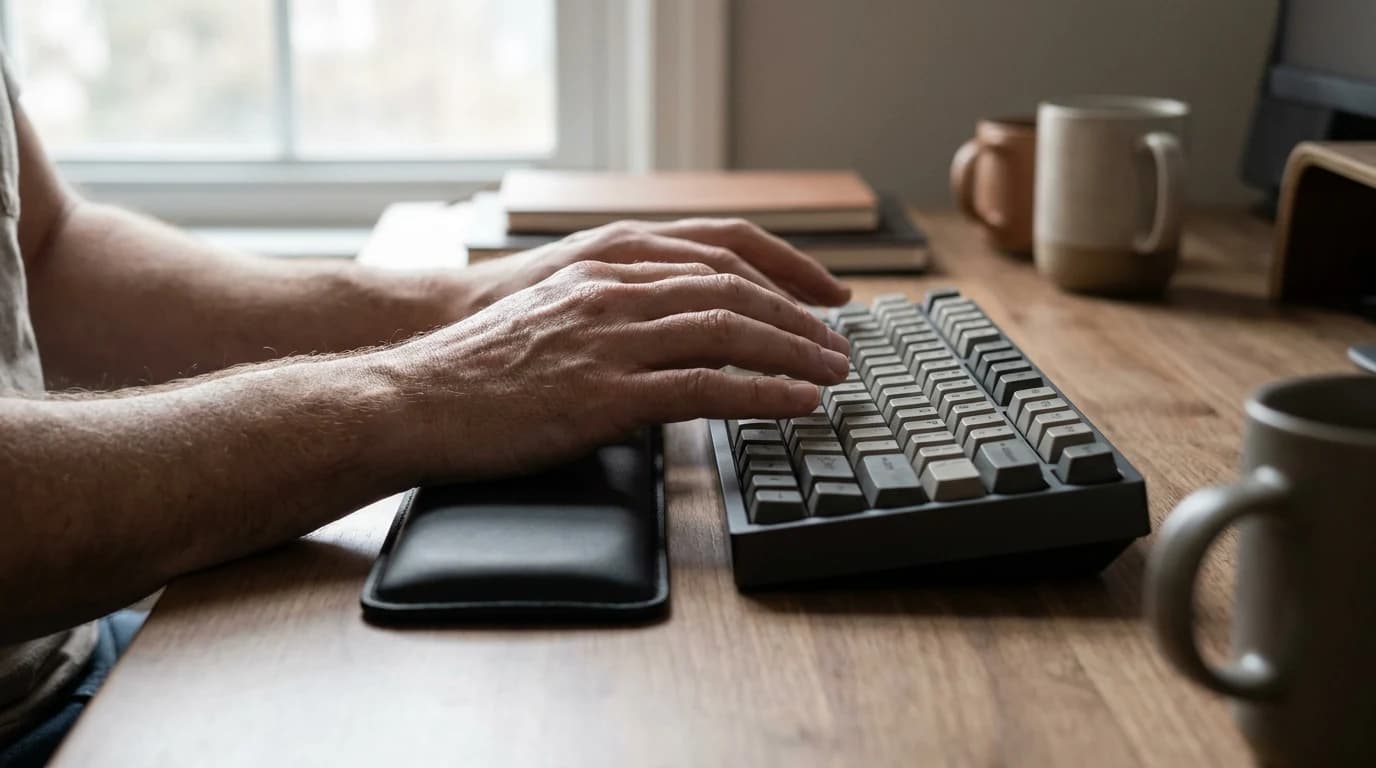
The claim that wrist rests double carpal tunnel pressure traces to no published study. What was actually measured, and where OSHA and Cornell disagree.

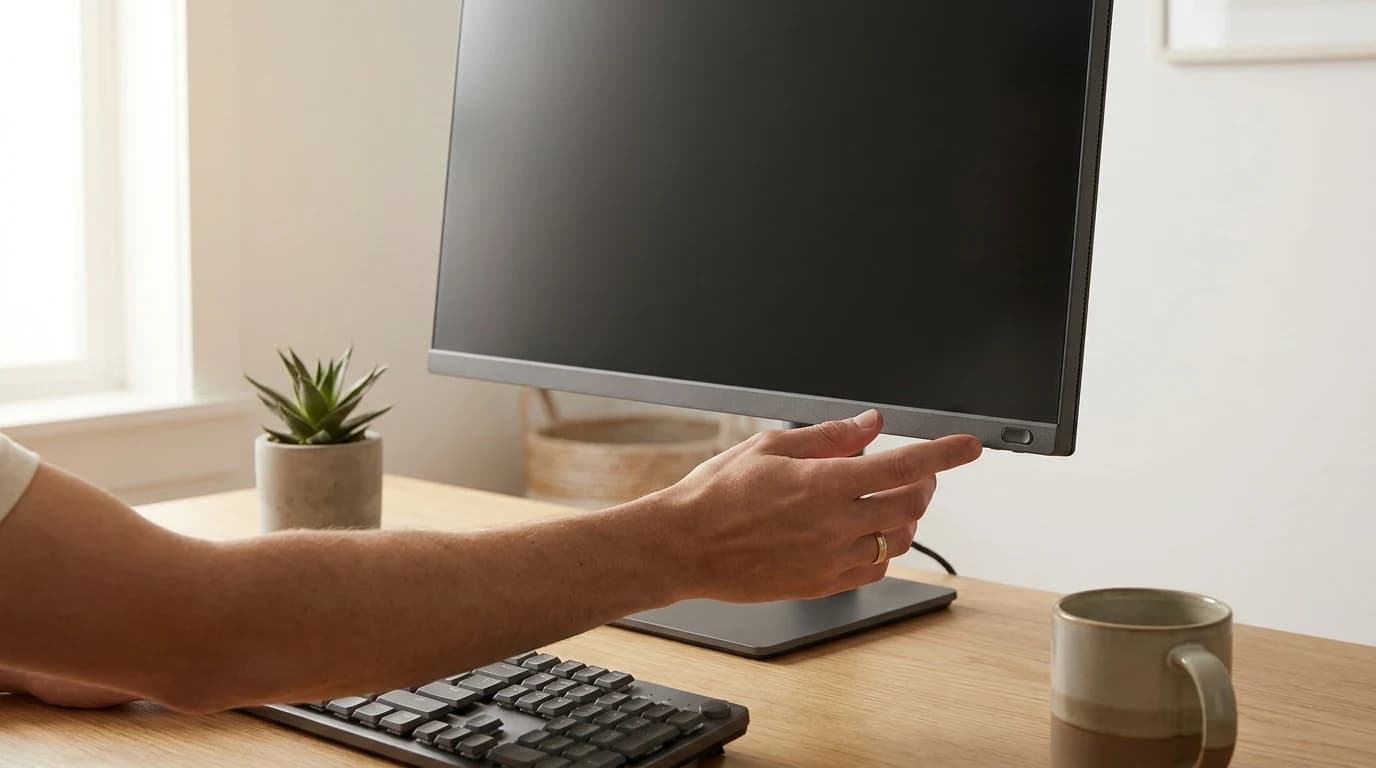
How to set your monitor's brightness, contrast, and color to cut WFH eye strain — and why the blue-light filter won't help during the day.

The 20-20-20 rule was invented as a catchy soundbite, and a 2023 study found breaks made no difference. What actually reduces desk eye strain.

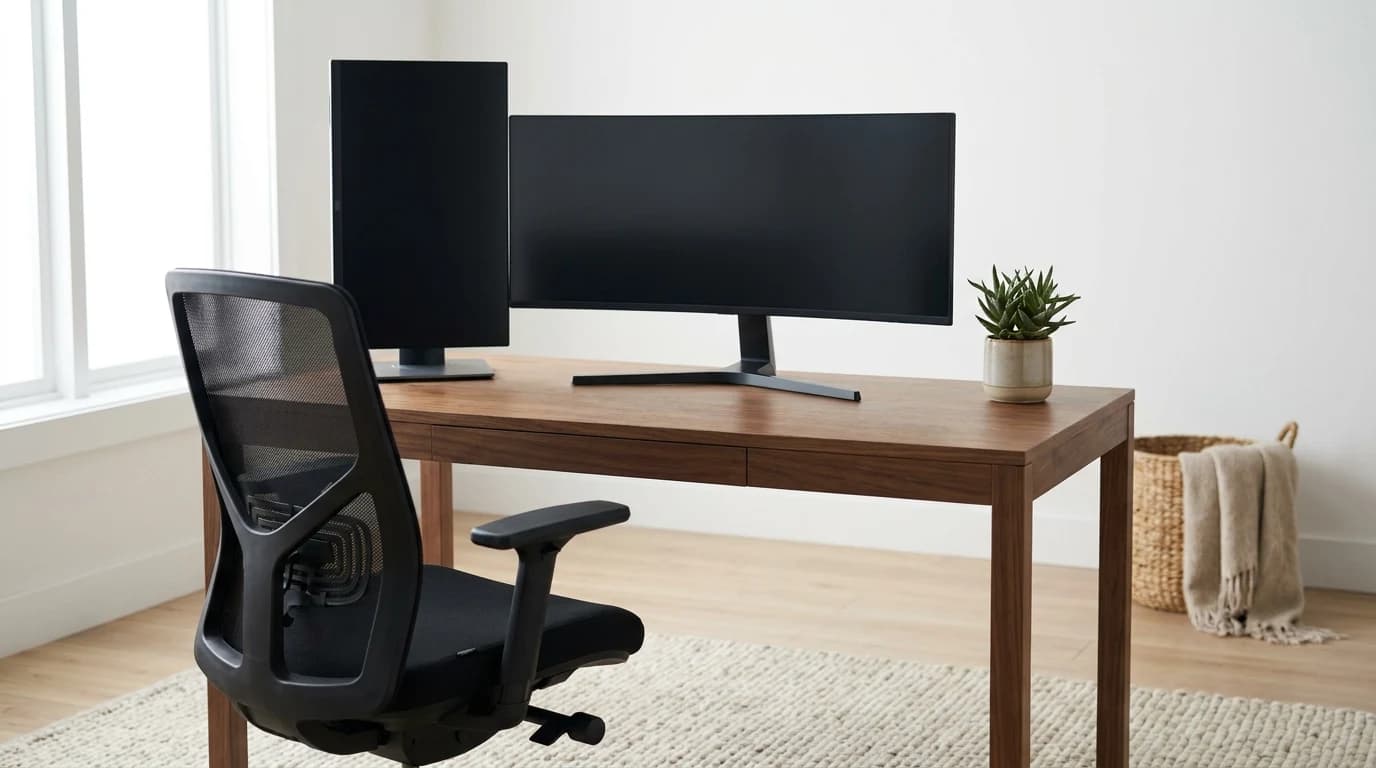
Most people center two monitors and twist their neck all day. The CCOHS rule for placing an ultrawide plus a vertical secondary, free.

Your phone is the most powerful computer on your desk. Here are the three WFH jobs it is unbeatable at, the one it is terrible at, and why.

Working off your laptop screen all day? An external monitor is mainly an ergonomics fix, not a productivity hack. Here is when it actually matters.

How often to stand at a standing desk, backed by ergonomics research: change posture every 20-30 minutes, move on breaks, and skip all-day standing.

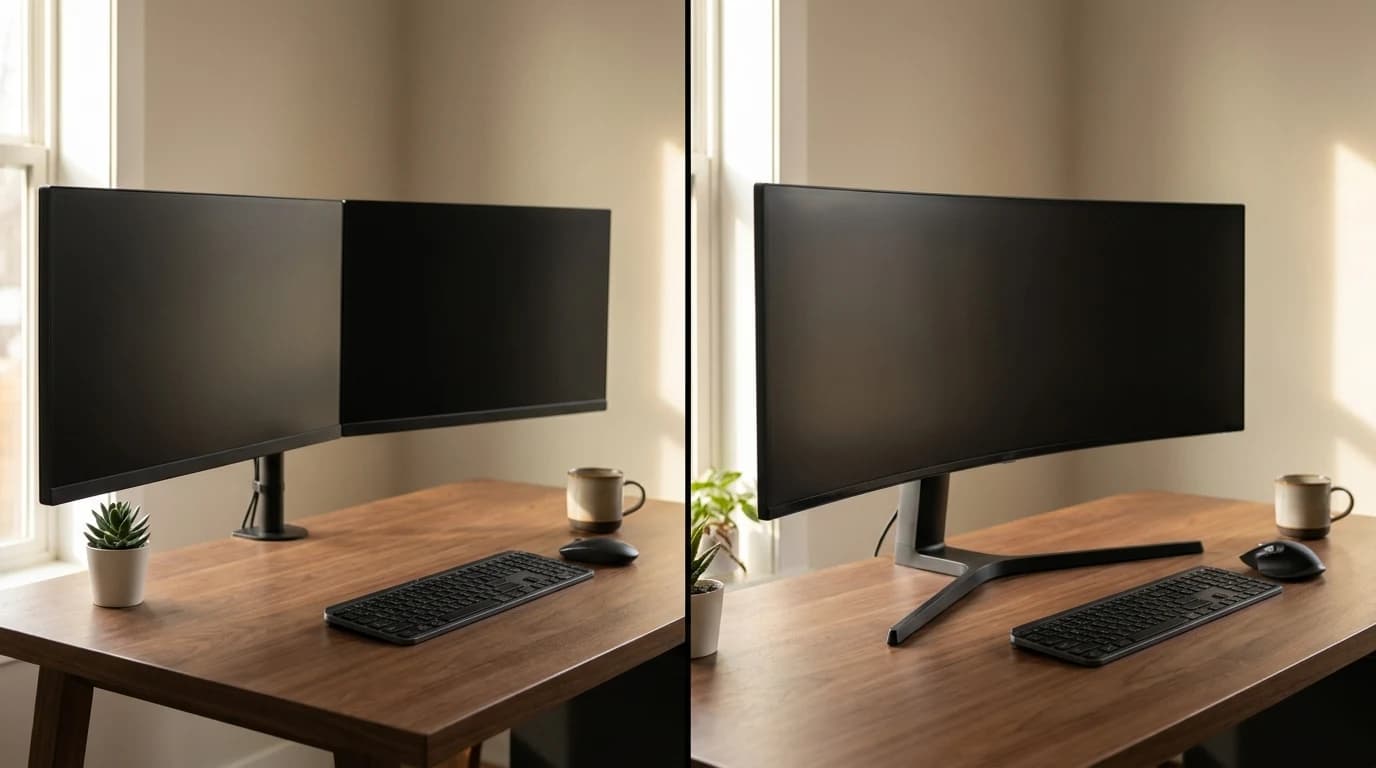
Two screens or one big curved one? The real tradeoff is workflow and your neck, not pixels. A clear decision framework for which to buy in 2026.

Screen neck and eye strain has a free fix: top of the screen at eye level, an arm's length back, angled off any window. The exact numbers, per OSHA.

Switch type is comfort, not ergonomics. What the research says actually protects your wrists for WFH — and the free fix that beats any keyboard upgrade.