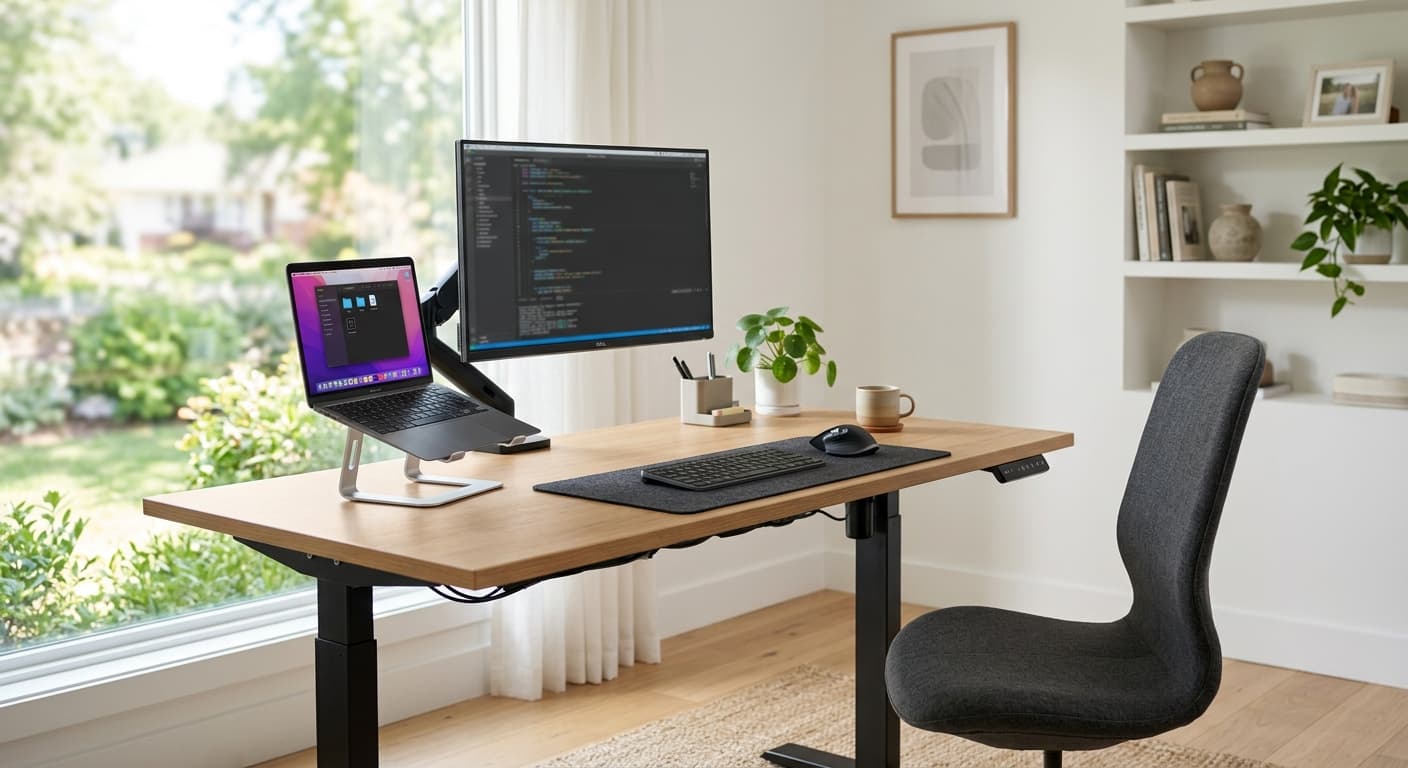
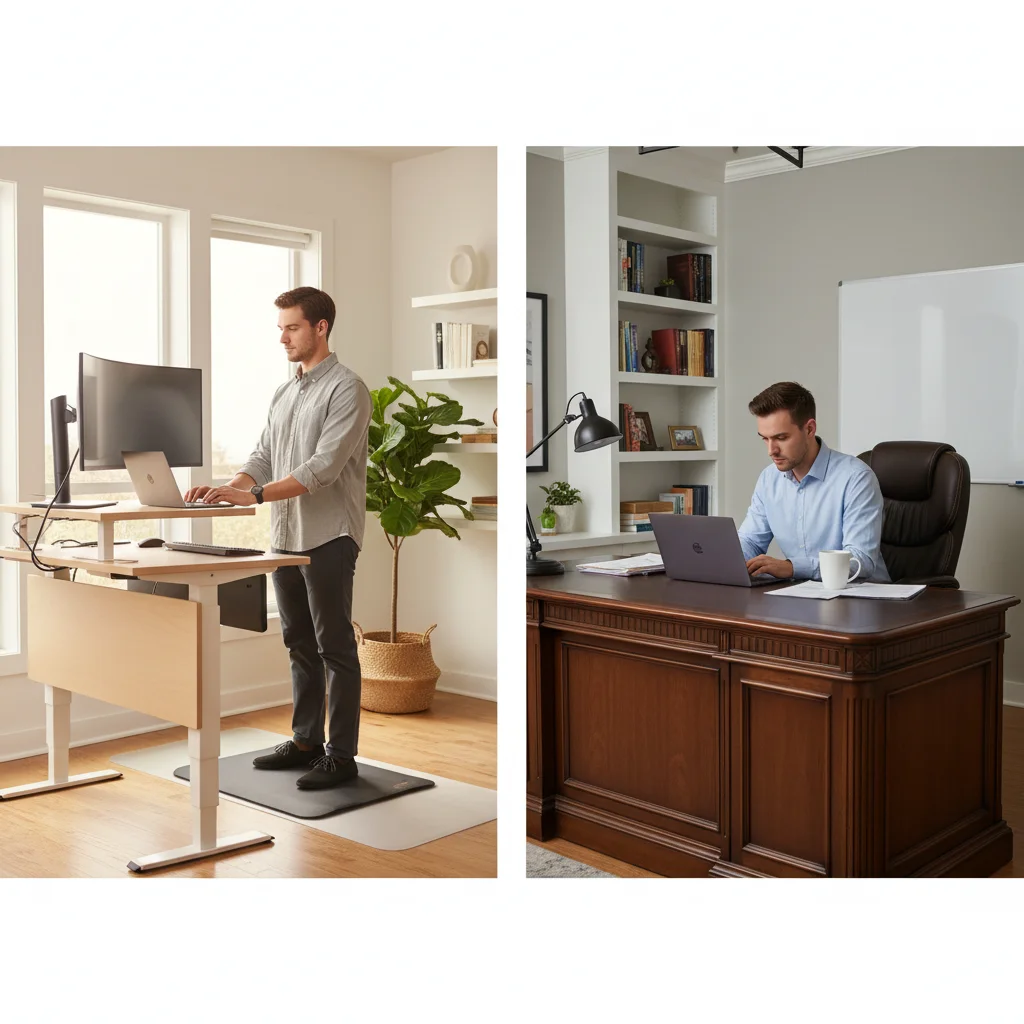
How to Choose a Standing Desk 2026: 6 Key Specs
Spend on the frame, motor, and stability — those are what fail. The mid tier ($350–600) with a dual motor, 250+ lb capacity, a crossbar, a memory keypad, and a 5+ year warranty is the right buy for most home offices.
Quick Answer
Spend on the frame, motor, and stability — those are what fail. The mid tier ($350-600) with a dual motor, 250+ lb capacity, a crossbar, a memory keypad, and a 5+ year warranty is the right buy for most home offices. Below that you're gambling on wobble; above it you're paying for finish, not function.
Key Takeaways
The 6 specs that separate a $300 wobbler from a $900 desk in 2026. Motor count, height range, stability — plus the mistake most first-time buyers make.
As an Amazon Associate I earn from qualifying purchases. Product prices and availability are subject to change.
A standing desk is a bigger commitment than most first-time buyers realize. A good one lasts 10+ years; a bad one wobbles on day one and dies at year three. The price gap between them ($300 vs $900) usually comes down to six specs. Here is exactly what to check before you buy.
The 6 specs that actually matter
1. Stability (the most important one)
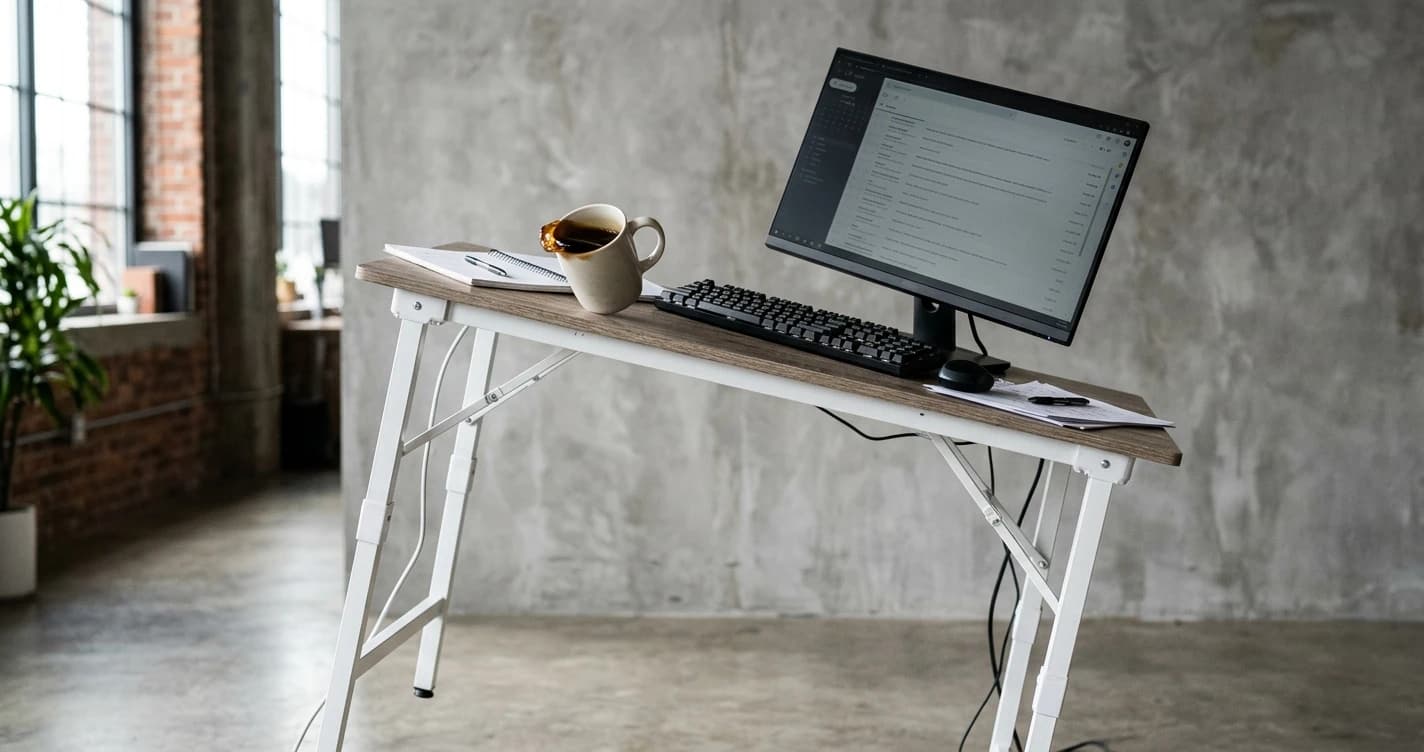
Wobble is the number-one complaint with standing desks. Every desk sways more at full height than seated — that is just physics. The question is how much.
What drives stability:
- Leg tube size: 2"×3" beats 1"×2". Bigger cross-section = stiffer.
- Crossbar support: a bar between the legs dramatically cuts side-to-side sway.
- Frame weight: heavier frames inherently wobble less.
- Height range: a wider range usually means more wobble at the top.
A stable desk sways less than ~1 cm when you push it at full height. Budget desks sway 2–3 cm — tolerable solo, annoying with dual monitors.
2. Motor (single vs dual)
Single-motor desks are cheaper and fine for a light setup. Dual-motor desks lift more, move faster, and last longer because each motor works less. If you have monitors, an arm, and a heavy top, go dual.
3. Height range
- Seated: most people need 23–30" (58–76 cm).
- Standing: most need 40–50" (102–127 cm); 6'+ users need the top end.
Verify your exact elbow height before buying — many budget desks advertise wide ranges but can't actually hit the extremes, which clashes with Cornell University's Ergonomics guidelines on neutral typing posture.
4. Weight capacity
Get at least 200 lb capacity even if your gear is light. More headroom means the motor strains less, runs cooler, and lasts longer. A desk rated near its limit every day wears out fast.
5. Frame vs top
Most companies sell the frame and tabletop separately. That is an advantage:
- Buy the frame and pair it with an IKEA KARLBY or LINNMON top for less money.
- Pick the exact size, finish, and material you want.
- Replace the top later without buying a whole new desk.
6. Warranty and controller
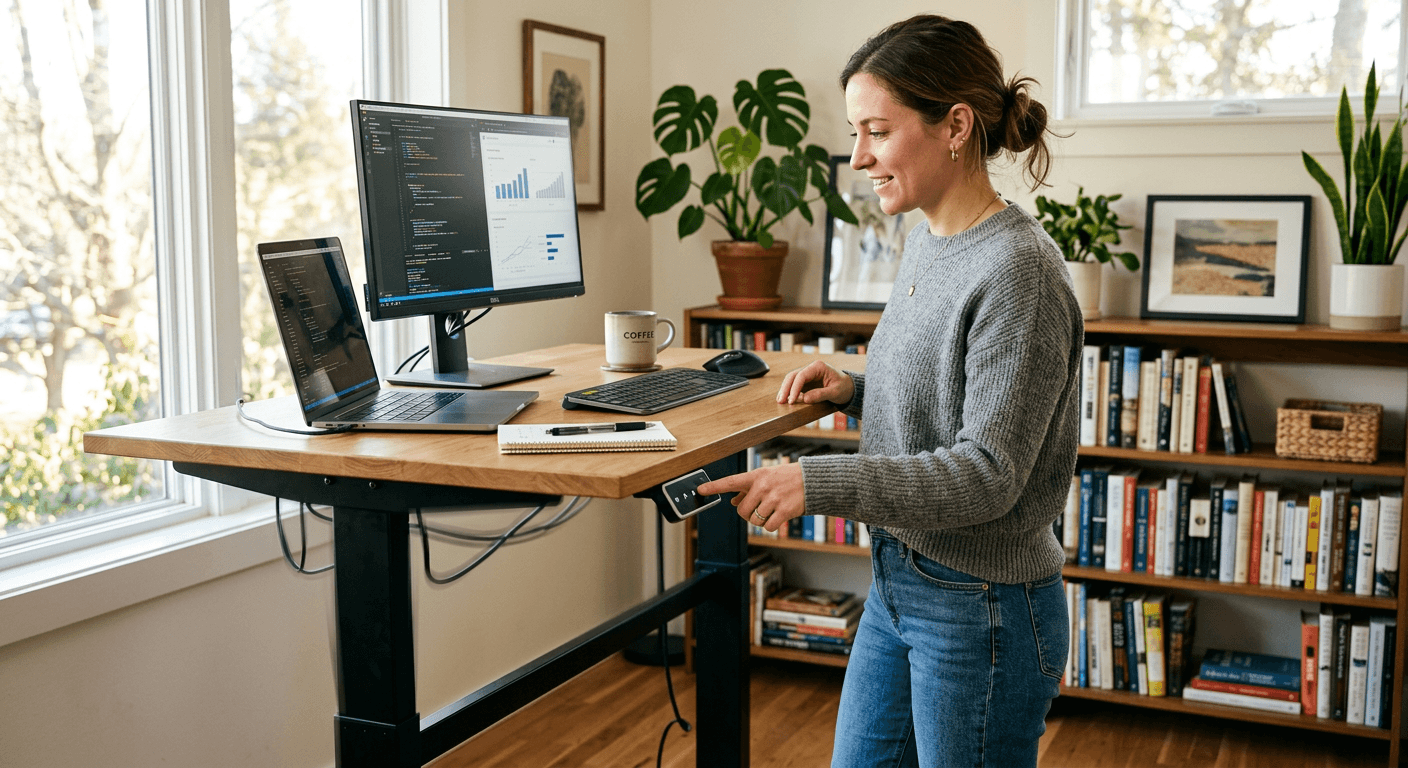
A real warranty signals how long the maker expects the desk to last. Look for 5+ years on the frame and motor — the parts that fail. On the controller, a programmable keypad with memory presets is worth the small upcharge: a one-press desk gets used far more than one you hold a button to raise.
Price tiers: what your money buys
| Budget | Range | What you get |
|---|---|---|
| Entry | $150–300 | Single motor, lighter frame, more wobble, 2–3 yr warranty. Fine for a solo laptop setup. |
| Mid | $350–600 | Dual motor, crossbar or thick legs, ~250–300 lb capacity, memory keypad, 5–7 yr warranty. The sweet spot for most home offices. |
| Premium | $700–1000+ | Heaviest frames, fastest/quietest motors, 300+ lb capacity, premium tops, 7–15 yr warranty, anti-collision. Worth it for dual-monitor or all-day standing. |
The biggest first-time mistake is buying at the entry tier to "try standing," then replacing it within two years once the wobble and slow adjustment kill the habit. If you know you'll use it, start at mid-tier.
Electric or manual crank?
Manual crank desks are cheaper and never have motor failure, but the friction is real — cranking 20+ turns to switch positions means you mostly won't. The whole point of a standing desk is switching often, and electric is what makes that frictionless. Buy manual only if it is meaningfully cheaper and you'll genuinely commit to cranking.
Frequently asked questions
Do I need dual motors?
Only if your setup is heavy (two monitors, a monitor arm, a thick top) or you stand all day. A single-motor desk is fine for a laptop and one monitor.
Is a standing desk worth it?
For most remote workers, yes — but the benefit comes from alternating sitting and standing, not standing all day. See the science on sitting vs standing for what the research actually supports.
Can I just buy the frame?
Yes, and it's often the better value. A quality frame plus a separate top usually beats an all-in-one desk at the same price.
What size top should I get?
48"×30" suits most single-monitor setups; 60"×30" is better for dual monitors. Measure your space first — depth matters more than width for monitor distance.
The bottom line
Spend your money on the frame, motor, and stability — that is what fails. Aim for the mid tier ($350–600): dual motor, 250+ lb capacity, a crossbar or thick legs, a memory keypad, and a 5+ year warranty. If you want specific models that hit those marks, see our best standing desks for 2026 and the cheap no-name desks to avoid.
Your next step
Apply the checklist to the ranked picks.
Hilly Shore Labs
Editorial TeamWFH Lounge is published by Hilly Shore Labs. Every recommendation is built by synthesizing ergonomic research, manufacturer specs, expert reviews from outlets like Wirecutter, RTINGS, and The Verge, and aggregated long-term owner sentiment from thousands of verified buyers.
All product reviews are independently researched. Our recommendations are based on ergonomic guidelines, manufacturer specifications, and verified buyer sentiment. See our methodology.