WFH Posture Guide: How to Sit Correctly (and Stick to It)
Quick Answer
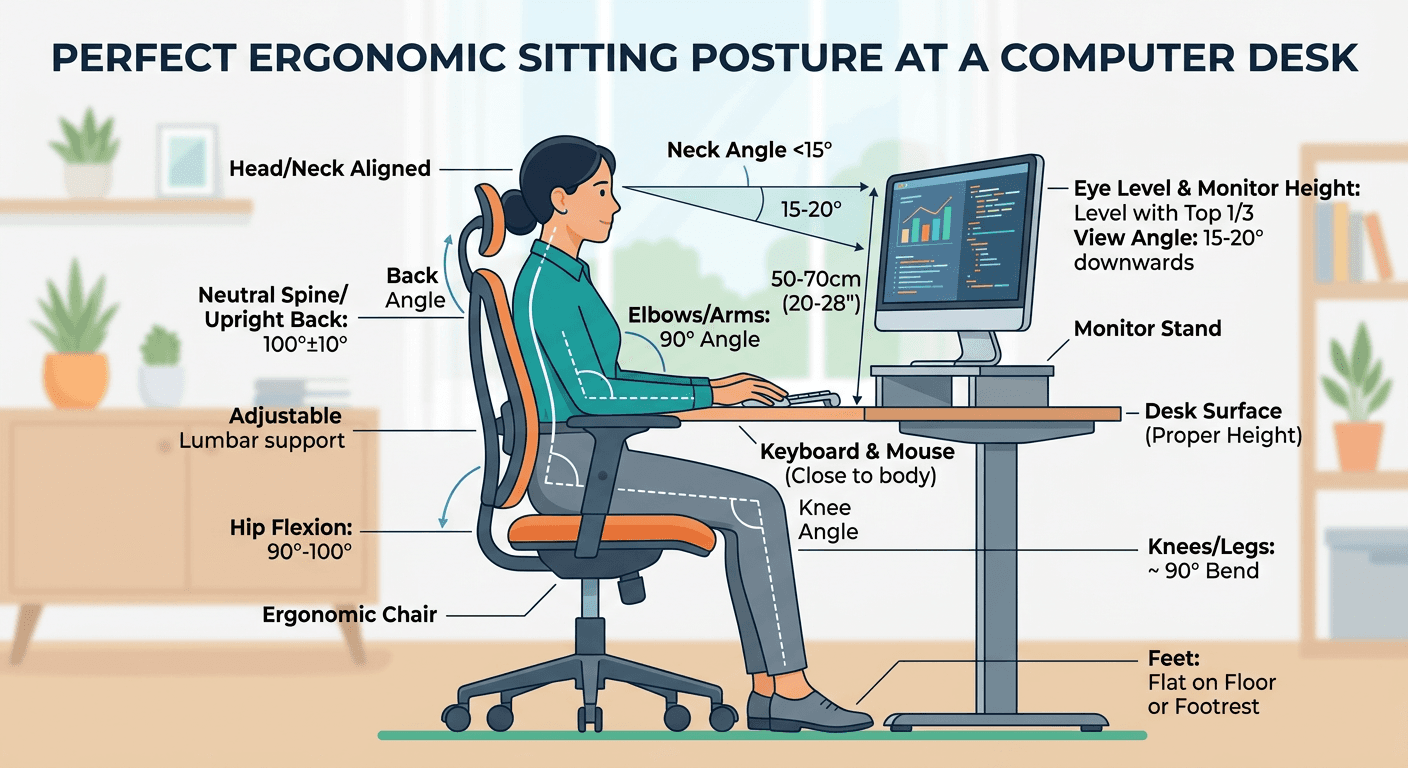
Correct sitting is a chain: feet flat, knees at 90 degrees, elbows at 90 at your sides, screen top at eye level an arm's length away. The five common mistakes all break one link — laptop-as-monitor is the worst offender. Set the desk up once in the right order, then let the 20-20-20 rule and movement breaks keep you honest.
Key Takeaways
Fix your WFH posture with this complete guide. Correct sitting position, desk height, monitor placement, and habits that stick.
As an Amazon Associate I earn from qualifying purchases. Product prices and availability are subject to change.
Most home office pain comes from one thing: gear that was never designed for 8-hour days. A dining chair and a laptop on the kitchen table is a physiotherapy appointment waiting to happen.
Fixing your posture is geometry, not willpower. Get a handful of angles and heights right and your body stops fighting the setup.
This guide walks through the correct position, the five mistakes almost everyone makes, the specific gear that fixes each one, and a five-minute routine to dial it all in.
The Correct Sitting Position
Follow this checklist top to bottom:
| Body part | Correct position |
|---|---|
| Monitor | Top of screen at or just below eye level, 20–28″ away |
| Head | Neutral — ears over shoulders, not jutting forward |
| Shoulders | Relaxed, not raised or hunched forward |
| Elbows | 90°–110°, close to body |
| Wrists | Neutral — not bent up or down while typing |
| Lower back | Lumbar support fills the curve of your spine |
| Hips | Slightly higher than knees, or equal |
| Feet | Flat on floor (or footrest) — no dangling |
If you only fix two things: make them monitor height and lumbar support. Those two account for the majority of WFH neck and lower-back complaints.
The 5 Most Common WFH Posture Mistakes
1. Laptop on the desk with no stand
- Why it hurts: looking down at a laptop puts your neck in 45° forward flexion — that's 50+ lbs of effective head weight on your cervical spine.
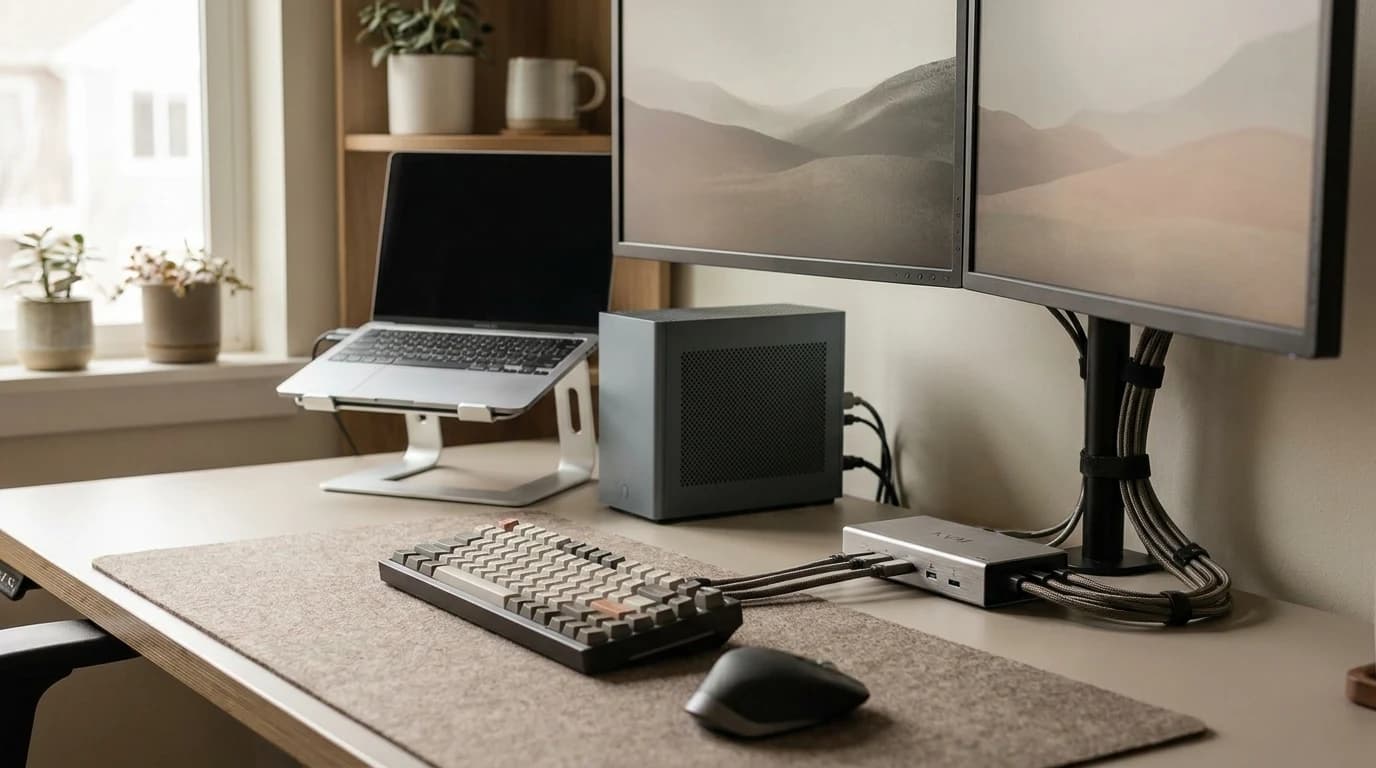
- Fix: raise the laptop to eye level with a laptop stand and add an external keyboard and mouse so your hands stay low while the screen stays high.
2. Chair too high, feet not touching the floor
- Why it hurts: compresses the back of your thighs and cuts off circulation.
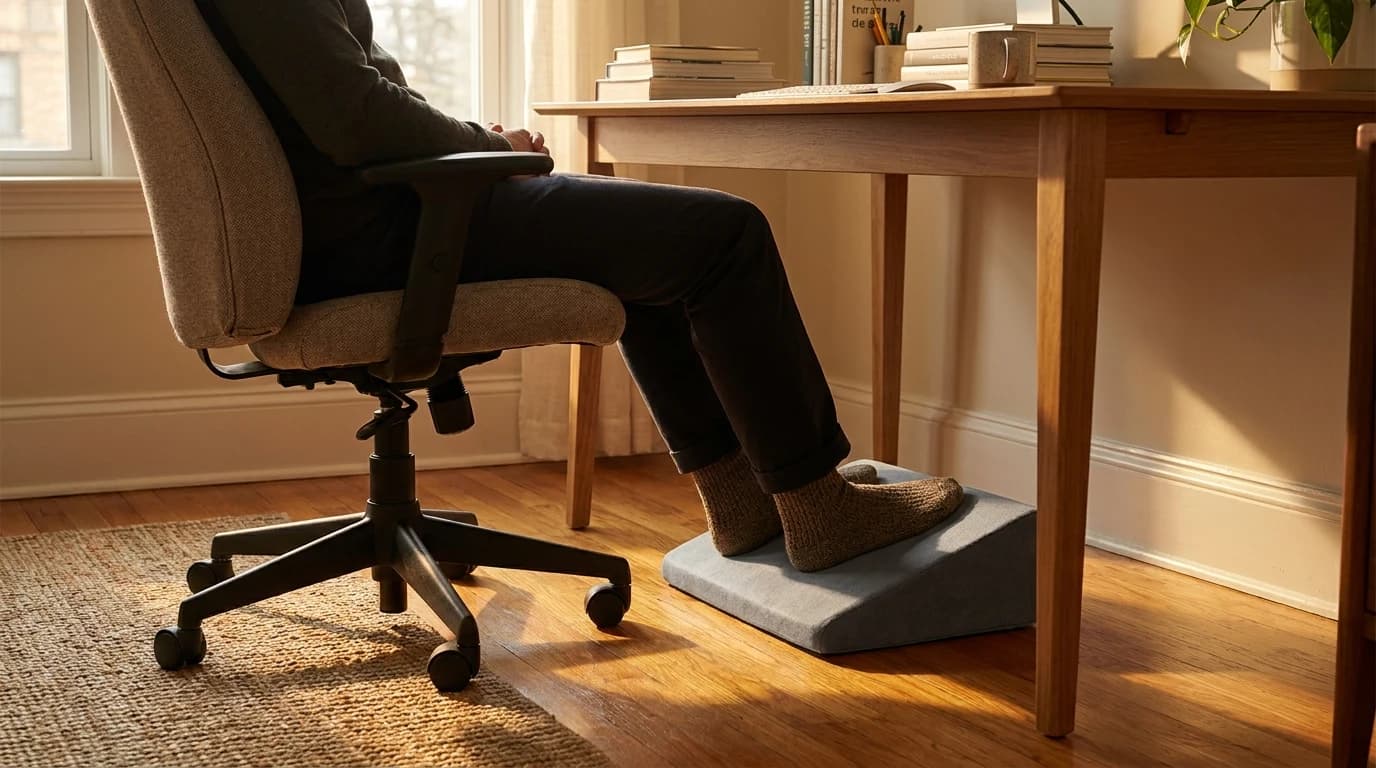
- Fix: lower the chair, or use a footrest so your feet are flat and your hips sit slightly above your knees.
3. Monitor off to one side
- Why it hurts: constant neck rotation causes muscle asymmetry over time.
- Fix: center the monitor directly in front of you, and put a second monitor on the side you look at least. A monitor arm makes it easy to get the height and distance exact instead of stacking books.
4. Rounding forward to read the screen
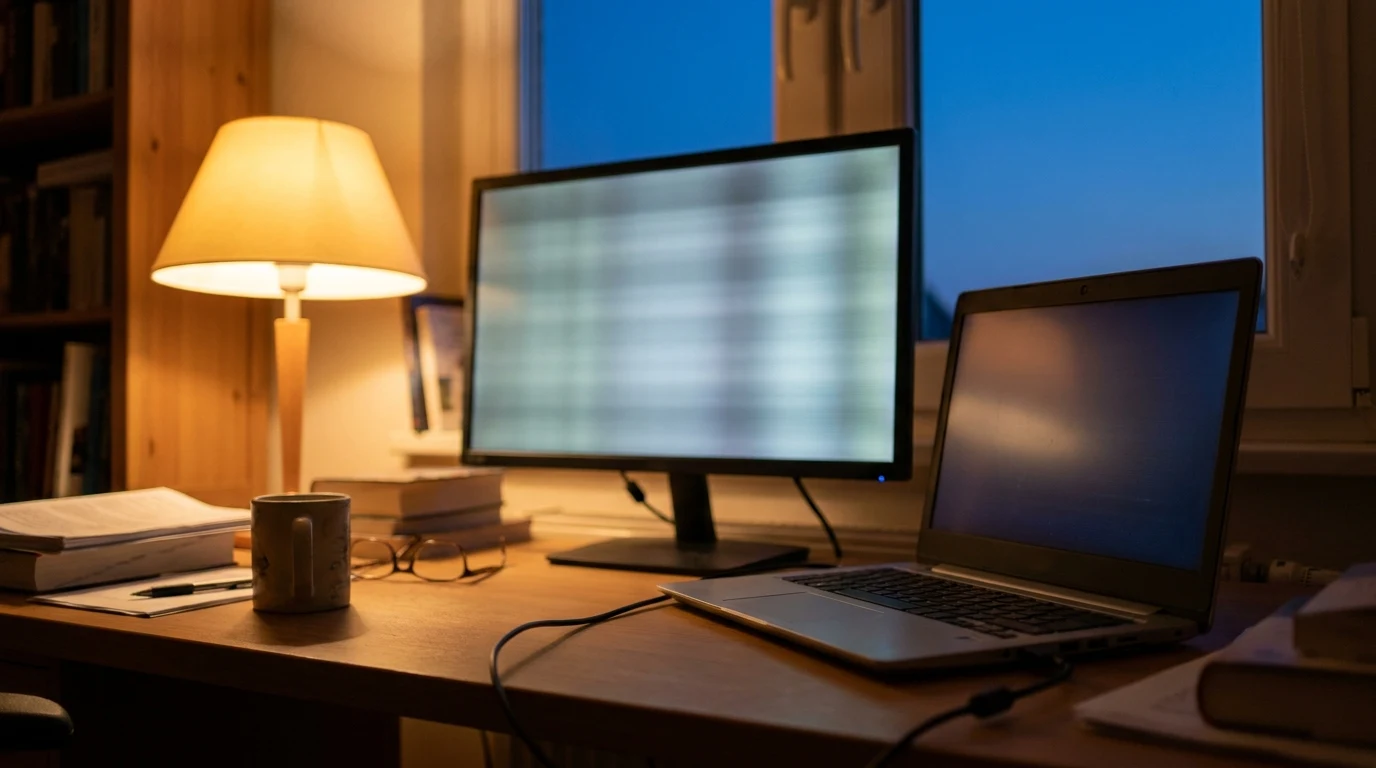
- Why it hurts: usually a sign your monitor is too far, too dim, or resolution is too small. Poor room lighting makes it worse — a dim screen in a bright room pulls you forward without you noticing.
- Fix: move the monitor closer, increase font size, or bump to a sharper monitor where text is crisp at normal sizes.
5. No lumbar support
- Why it hurts: sitting for hours without lumbar support causes the lower spine to flex into a C-shape instead of its natural S-curve.
- Fix: a good ergonomic chair, or a lumbar cushion as a stopgap.
The Gear That Actually Fixes Posture
| Problem | Solution | Approx. cost |
|---|---|---|
| Laptop too low | Laptop stand + external keyboard | ~$110 |
| No lumbar support | Branch Ergonomic Chair | ~$359 |
| Monitor at wrong height | Ergotron LX monitor arm | ~$170 |
| Wrist pain while typing | Low-profile mechanical keyboard | ~$100 |
| Feet not reaching floor | Under-desk footrest | ~$35 |
You do not need all of it at once. Start with whatever matches your worst symptom — neck pain points at monitor height, lower-back pain points at the chair, wrist or forearm pain points at keyboard height and the desk surface.
Set Your Desk Up in 5 Minutes (in this order)
Order matters. Each step depends on the one before it, so doing them out of sequence means re-adjusting twice.
- Set the chair first. Sit all the way back, then raise or lower the seat until your feet are flat and your hips are level with or slightly above your knees. This becomes your reference height for everything else.
- Set elbow height. With shoulders relaxed, your elbows should rest at 90°–110° with the keyboard. If the desk forces your shoulders up, the desk is too high — a height-adjustable surface solves this; our desk buying guide covers how to pick one.
- Set monitor height. Raise the screen so the top edge sits at or just below eye level. Books work; a monitor arm is better because you can fine-tune distance too.
- Set monitor distance. Roughly an arm's length away — 20–28 inches. If you lean in to read, the screen is too far or the text is too small; bump the font, don't move your spine.
- Add lumbar support. Adjust the chair's lumbar pad (or place a cushion) so it fills the inward curve of your lower back. You should feel gently supported upright, not pushed forward.
Run through these once and most of the day-to-day aches sort themselves out.
The 20-20-20 Rule
Every 20 minutes, look at something 20 feet away for 20 seconds. This resets your ciliary muscles and reduces eye strain — the most evidence-backed intervention for screen fatigue, easier than any piece of gear.
Pair it with movement: stand up, roll your shoulders back, and look out a window. Even the best posture held motionless for hours is worse than an average posture that changes regularly. Set a repeating timer; after a week it becomes automatic.
Frequently Asked Questions
Is a standing desk better for posture than sitting?
Neither is better — movement is. Standing all day creates its own problems (lower back, leg fatigue). The research supports alternating: sit for 45–60 min, stand for 15–20 min, repeat. A sit-stand desk makes this friction-free — we cover the trade-offs in standing desk vs sitting.
My lower back hurts after 2 hours. What's wrong?
Likely one of three things:
- No lumbar support
- Chair height wrong
- Pelvis tilted backward (posterior tilt) from a too-soft seat
Start with lumbar support — a rolled towel works as an immediate test. If a cushion fixes it, you've found the problem and a proper chair will fix it permanently.
Are ergonomic chairs worth the price?
For 6+ hour/day sitting, yes. The difference between a $400 Branch chair and a $50 office chair is measurable in back pain frequency. The diminishing returns above $600 are real too — a refurbished Steelcase Leap at $450 beats a new $1,200 Aeron for most people.
Does monitor height really matter that much?
Yes. For every inch your monitor is too low, your neck angle increases by ~5°. At 3 inches too low that's an extra 15° of constant forward flexion — the equivalent of holding a bowling ball tilted forward all day.
What about wrist and forearm pain specifically?
Wrist pain is usually a keyboard-height and angle problem, not a hand problem. Keep wrists neutral (flat, not bent up toward the screen or down toward your lap), keep the keyboard close so your elbows stay near your body, and avoid resting your wrists on a hard desk edge while typing. A negative-tilt tray or a low-profile keyboard helps; a wrist rest is for resting between bursts of typing, not for planting your wrists while you type.
How long should I sit before standing or moving?
A practical target is to change position every 30–45 minutes — stand, walk to refill water, or just shift posture. You don't need a standing desk to do this; a recurring timer and the 20-20-20 break are enough to break up static loading, which is the real culprit behind stiffness.
Your next step
The gear that holds the posture for you.
Hilly Shore Labs
Editorial TeamWFH Lounge is published by Hilly Shore Labs. Every recommendation is built by synthesizing ergonomic research, manufacturer specs, expert reviews from outlets like Wirecutter, RTINGS, and The Verge, and aggregated long-term owner sentiment from thousands of verified buyers.
All product reviews are independently researched. Our recommendations are based on ergonomic guidelines, manufacturer specifications, and verified buyer sentiment. See our methodology.