Best Desk Accessories for WFH 2026: 10 Picks Under $100
Start with J Channel cable raceways and a desk mat for under $20 — they make the biggest impact. Then add a monitor arm and organizer to complete a clean, productive workspace.
Our #1 Pick
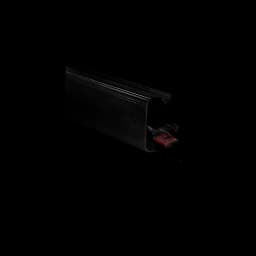
J Channel Cable Raceway
Cable management is the single accessory upgrade that changes how your desk feels. J Channel raceway hides every wire under the desktop in 5 minutes — under $10 and it transforms the setup.
- Extremely cheap at $10/4-pack
- Makes cables completely invisible
- Easy adhesive or screw install
Price checked Sep 12, 2026 — verify the live price on Amazon.
Also Great
Desk mat: Logitech Desk Mat Studio Series ($35) — Unified surface for mouse + keyboard that makes a messy desk look intentional
Cable management: VIVO Under-Desk Cable Tray ($19.99) — Mounts under the desk, hides power strips and cable runs — biggest aesthetic upgrade per dollar
Buy on Amazon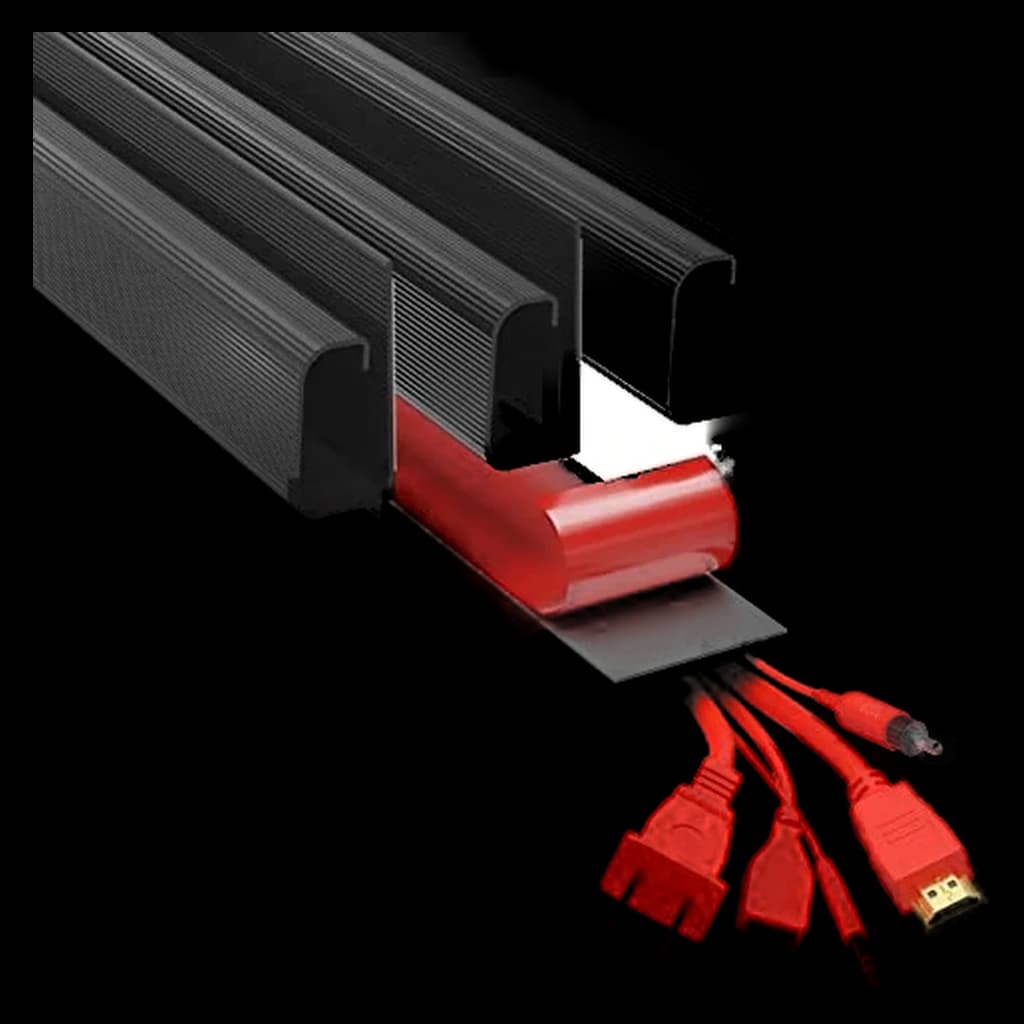 #1 4.5 | 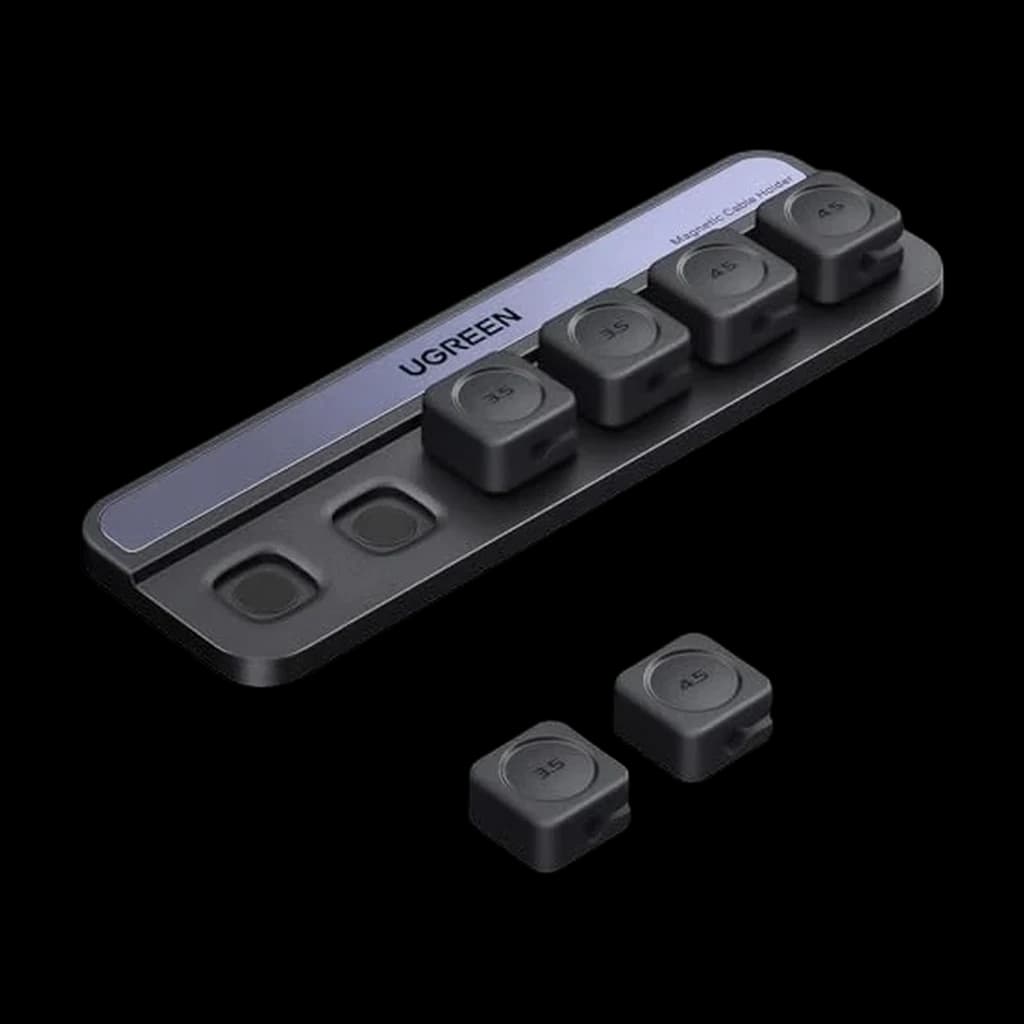 #2 4.7 |  #3 4.7 | 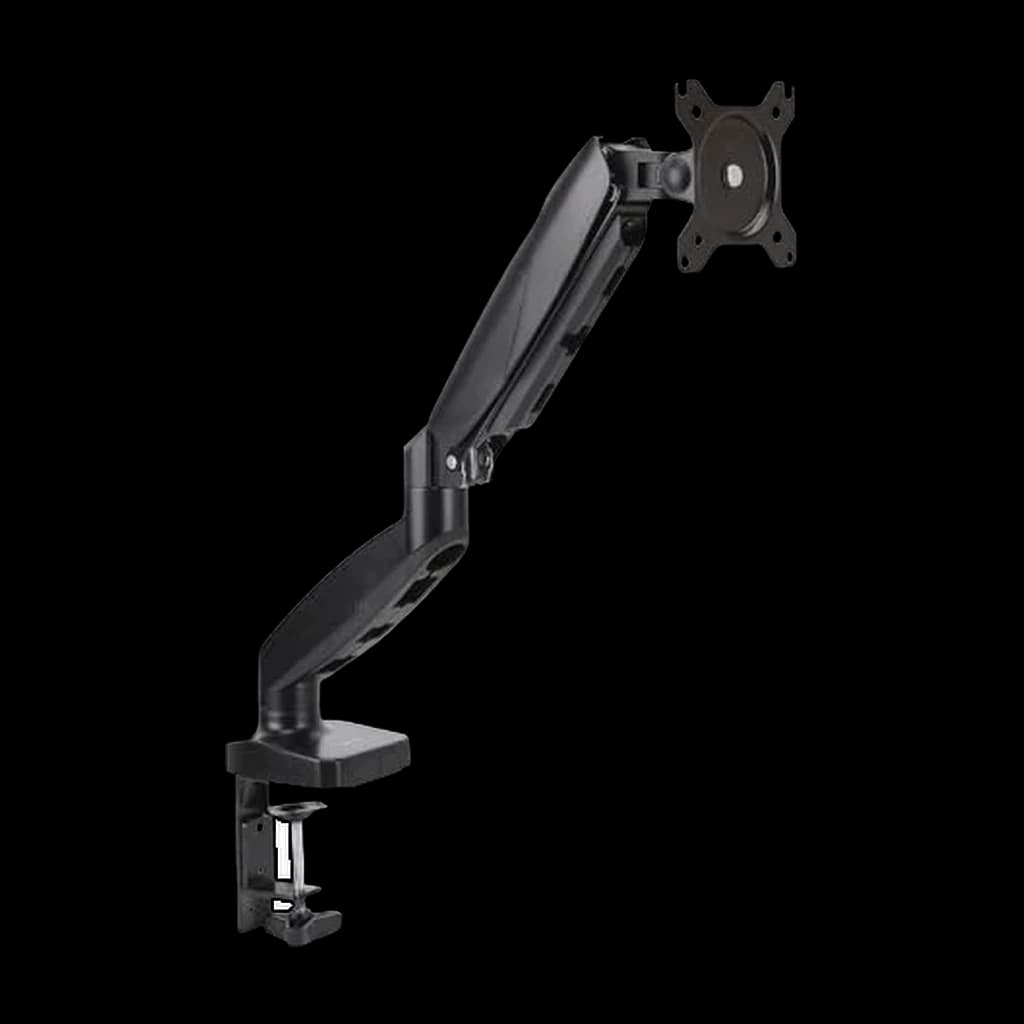 #4 4.6 |  #5 4.5 | |
|---|---|---|---|---|---|
| Price | $14.99Buy on Amazon | $12.34Buy on Amazon | $309.99Buy on Amazon | $27.29Buy on Amazon | $39.97Buy on Amazon |
| Verdict | Highest-impact cable management upgrade — $10 for invisible cables | Six magnetic clips that keep loose cable tips from sliding off your desk | The gold standard monitor arm — holds 7–25 lbs with zero drift | Budget monitor arm that frees desk space at a fraction of the Ergotron price | The closest Amazon stand-in for the direct-only Grovemade leather pad |
| Buyer sentiment | Installation Quality Functionality Appearance Buyers praise installation, quality, functionality and appearance. Mixed feedback on adhesive strength and durability. Based on 4,728 user mentions | Rated 4.7★ across 148 reviews | Quality Adjustability Sturdiness Installation Buyers praise quality, adjustability, sturdiness and installation. Mixed feedback on stability and value for money. Based on 1,293 user mentions | Easy To Install Sturdiness Value for money Functionality Stability Durability Buyers praise easy to install, sturdiness, value for money and functionality. Mixed feedback on quality and adjustability. Some flag stability and durability. Based on 462 user mentions | Quality Appearance Material Size Scratch-Resistant Durability Buyers praise quality, appearance, material and size. Some flag scratch-resistant and durability. Based on 239 user mentions |
| Specs |
|
|
|
|
|
| Pros |
|
|
|
|
|
| Cons |
|
|
|
|
|
* Prices checked Sep 12, 2026 and may vary. Check the latest price on Amazon.
We research — never hands-on. How we research →
Key Takeaways
Ten desk accessories that earn their space for WFH in 2026. Monitor arms, cable raceways, mats, and organizers ranked for small-desk setups.
As an Amazon Associate I earn from qualifying purchases. Product prices and availability are subject to change.
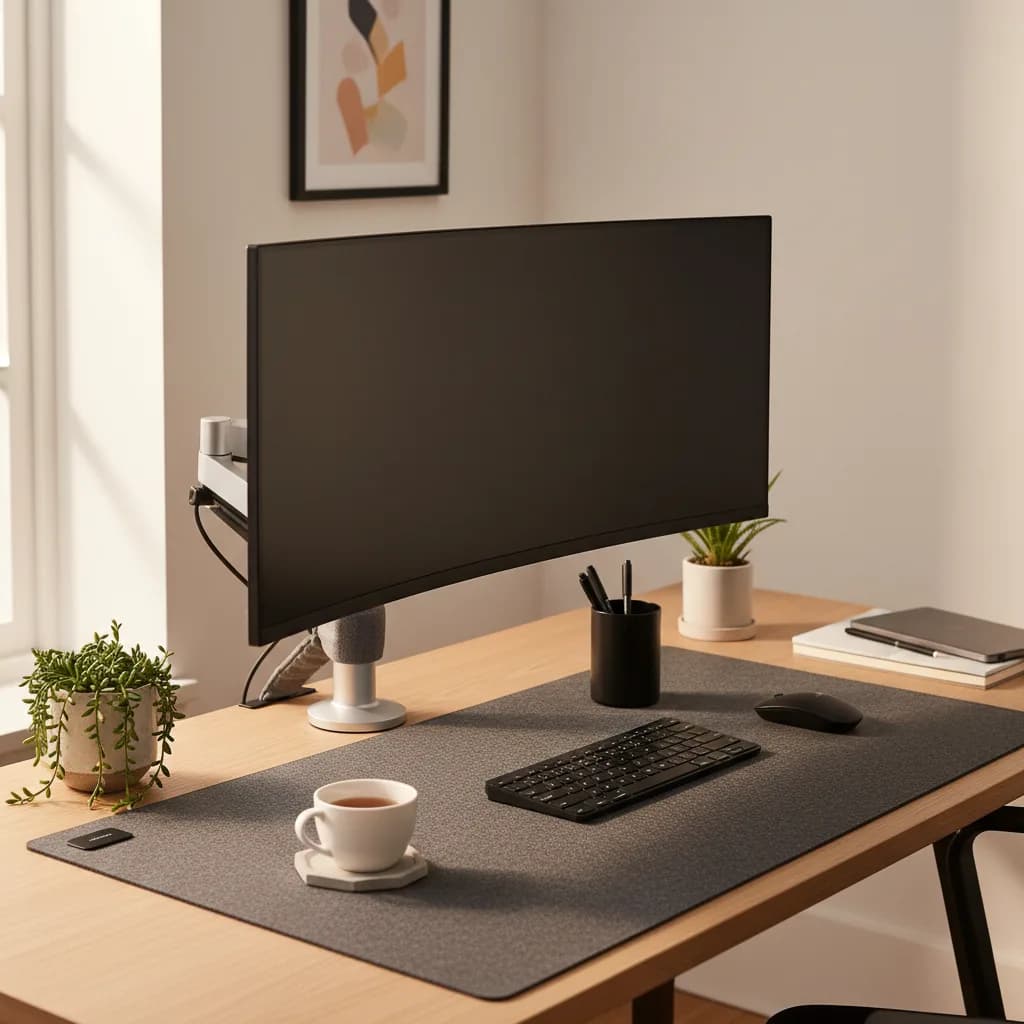
Your desk tells you how your workday is going to go. A cluttered, cable-tangled surface with sticky notes and random objects scattered everywhere? That's a workspace fighting against your focus. A clean, organized desk where everything has a purpose and a place? That's a productivity multiplier — your brain spends less energy filtering out visual noise and more energy on actual work.
The best desk accessories don't just look nice. They solve specific problems: cables that tangle and snag, monitors at the wrong height, a desk surface that's too small because half of it is consumed by stuff. Every item on this list earns its spot by making your daily workflow smoother, not by adding clutter.
| Accessory | Price | What it fixes |
|---|---|---|
| J Channel Cable Raceway | ~$10 for a 4-pack | Cables visible under the desk |
| UGREEN Magnetic Cable Clips | ~$13 | Cable ends sliding off the desk |
| Ergotron LX Desk Mount | $326 | Monitor height, and a 10"x10" stand footprint |
| HUANUO Single Monitor Arm | $49.99 | The same, on a budget |
| Grovemade Desk Pad | ~$90 leather / ~$40 felt | Desk scratches, mouse tracking, wrist comfort |
| YSAGi Desk Mat | ~$8 | The same, for the price of lunch |
| SimpleHouseware Mesh Organizer | ~$15 | Pens and small items with no home |
If you're building a setup from scratch, start with our ultimate WFH setup guide for the big-ticket items. Then come back here for the finishing touches that tie everything together.
Cable Management
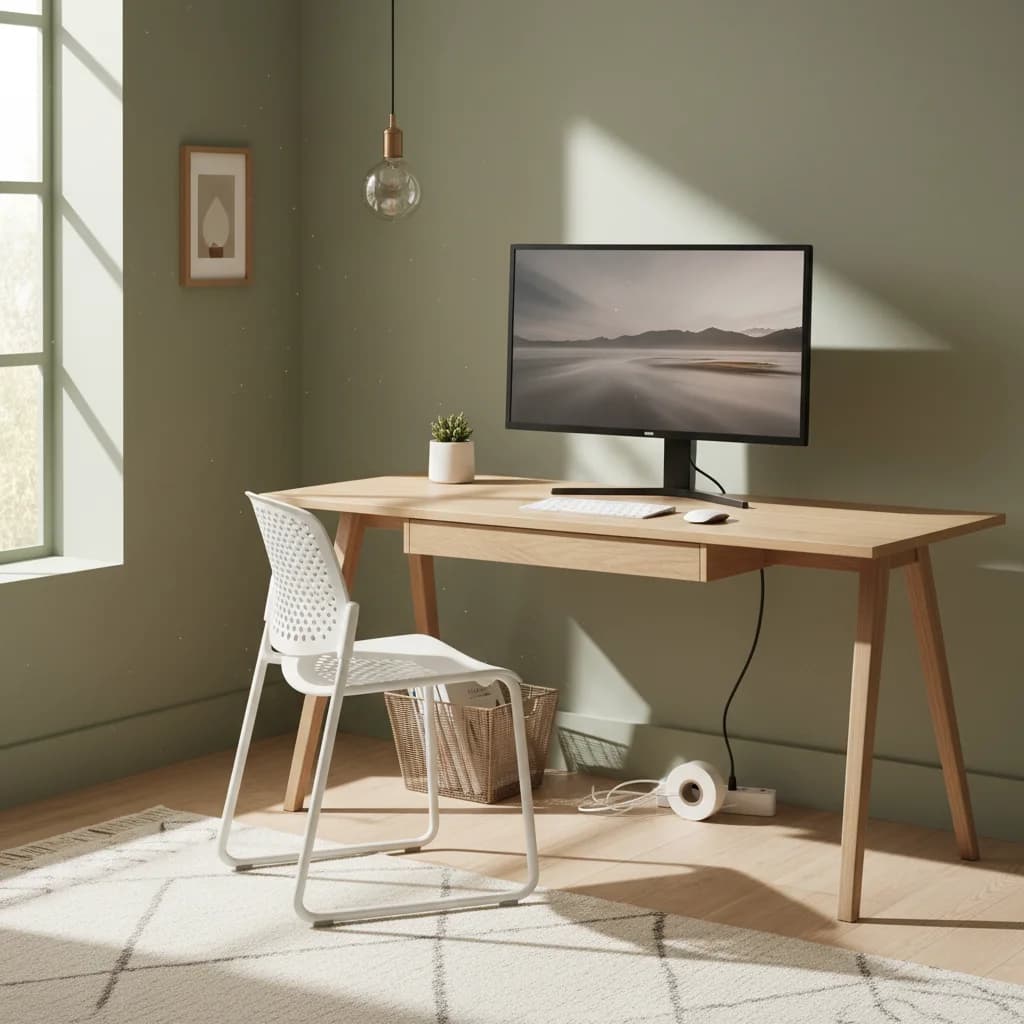
Nothing makes a desk look (and feel) messier than cables. A typical WFH setup has power cables, a monitor cable, USB peripherals, a phone charger, and maybe an Ethernet cable — six or more cables competing for attention and constantly getting in the way. Taming them takes about 20 minutes and makes a dramatic difference.
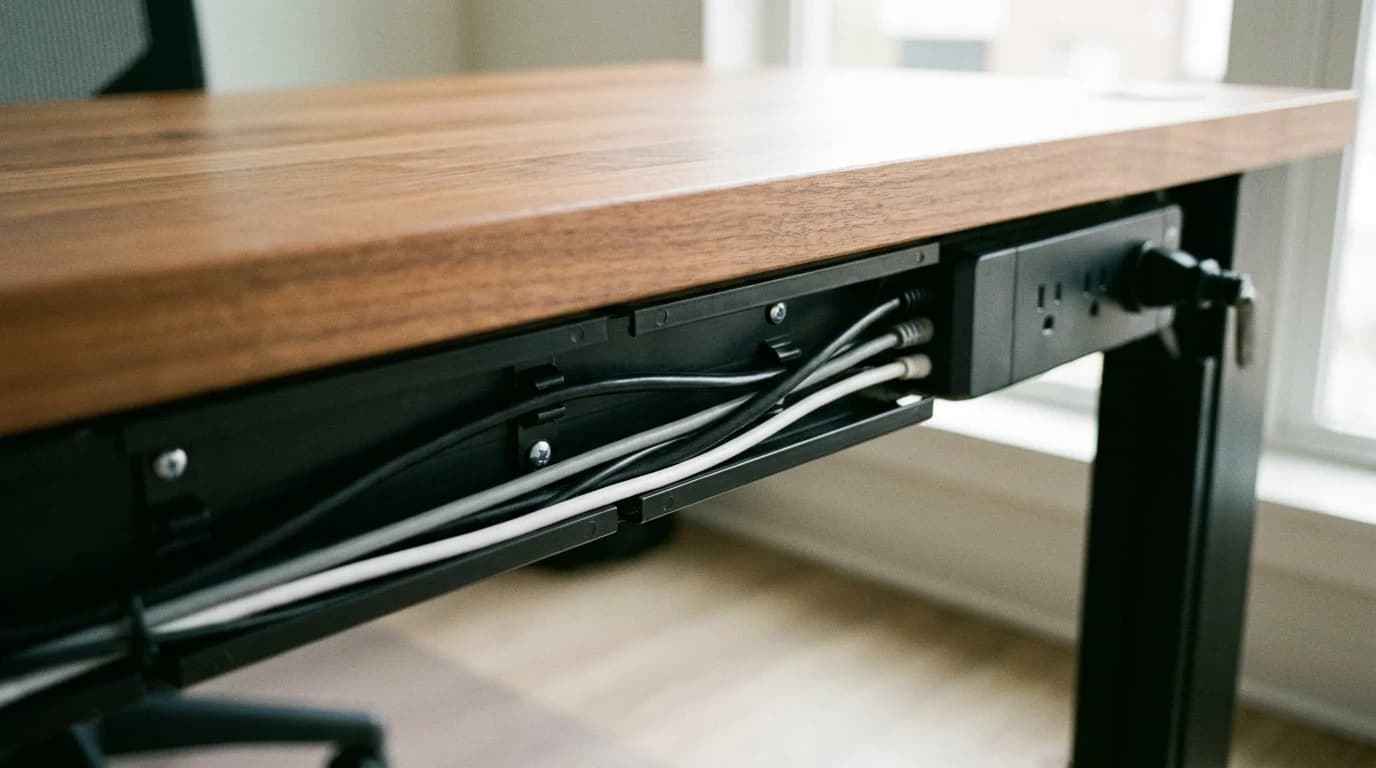
Rule of thumb: cable management is the highest-ROI desk upgrade you can make. Twenty minutes and about $10 of J Channel raceway changes how the whole desk reads.
#1 J Channel Cable Raceway — Best for Under-Desk Routing
Buy on Amazon · $14.99Price: ~$10 for a 4-pack
J Channel raceways are simple plastic channels that mount under your desk with adhesive or screws. You lay your cables inside, snap the cover on, and every cable disappears from view. They're cheap, effective, and the single highest-impact cable management upgrade you can make.
Route all your cables through J Channels from your power strip (also under the desk) to where they emerge near your devices. From the front, it looks like your setup has no cables at all.
J Channel Cable Raceway on Amazon
- Pros: Extremely cheap, easy to install, makes a huge visual difference, removable adhesive options available.
- Cons: Not adjustable once installed. Need to open the channel to add or remove cables later.
- Best for: Everyone. This should be the first desk accessory you buy.
#2 UGREEN Magnetic Cable Clips — Best for Desktop Cables
Buy on Amazon · $12.34Price: ~$13
The UGREEN Magnetic Cable Clips stick to your desk with strong adhesive and snap loose cable ends in place magnetically. When you unplug your phone charger or headphone cable, it stays right where you left it instead of sliding off the desk and disappearing behind your furniture.
This solves the specific annoyance of cable tips that fall off the desk every time you unplug them. The magnetic grip is strong enough to hold cables in place but gentle enough to pull free when you need to use them.
UGREEN Magnetic Cable Clips on Amazon
- Pros: Cheap six-pack, strong magnetic hold, adhesive base sticks firmly, clean look.
- Cons: Only works with cables that have a magnetic-compatible clip. Some thicker cables don't fit the clasps.
- Best for: Keeping phone chargers, headphone cables, and USB cables accessible and tidy on your desk surface.
Monitor Arms
A monitor arm frees up the desk space that your monitor's built-in stand currently occupies — usually a 10-by-10-inch footprint — and lets you position your screen at any height, distance, and angle. It's an ergonomic and aesthetic upgrade in one.
The trap: people judge monitor arms on adjustability alone. The bigger win is reclaiming the 10"x10" footprint the stock stand sits on.
#3 Ergotron LX Desk Mount — Best Monitor Arm
Buy on Amazon · $309.99Price: ~$135
The Ergotron LX is the monitor arm that every other arm is compared against. It supports monitors from 7 to 25 pounds (covering virtually every single monitor up to 34 inches), offers effortless one-hand adjustment, and holds its position with zero drift. The build quality is industrial — this arm will outlast multiple monitors.
The desk clamp is solid and doesn't wobble. Cable management clips along the arm keep your video cable hidden. And the range of motion — height, tilt, pan, rotation — lets you position your monitor exactly where your eyes need it to be.
If you're using a laptop stand alongside an external monitor, a monitor arm lets you position both screens at matching heights for a seamless dual-display setup.
Ergotron LX Desk Mount on Amazon
- Pros: Best-in-class build quality, holds 7–25 lbs, effortless adjustment, integrated cable management, 10-year warranty.
- Cons: Expensive compared to budget arms. The desk clamp requires 0.4–2.4" thick desk edges.
- Best for: Anyone with an external monitor who wants a rock-solid arm that will last a decade.
#4 HUANUO Single Monitor Arm — Budget Alternative
Price: ~$30
If $135 is too much for a monitor arm, the Amazon Basics version covers the basics at a fraction of the cost. It supports monitors up to 25 lbs with VESAVESA mountStandardized screw-hole pattern on the back of a monitor (typically 75x75mm or 100x100mm) for attaching arms, wall mounts, or stands. Almost every monitor over 24" supports it; check before buying an arm. 75/100 compatibility, offers decent range of motion, and includes cable management clips. The adjustment isn't as silky-smooth as the Ergotron, and it can drift slightly with heavier monitors over time, but for the price it's hard to complain.
HUANUO Single Monitor Arm on Amazon
- Pros: Very affordable, decent build quality, VESA compatible, frees up desk space.
- Cons: Adjustment tension can be finicky. May drift over time with heavier monitors. Less premium feel.
- Best for: Budget-conscious setups where you want the desk space benefit of a monitor arm without the premium price.
Desk Surface Upgrades
A desk mat defines your workspace, protects it, and gives your mouse a consistent tracking surface. For a wider range of sizes and materials than the two below, see our best desk mats roundup. Two honest ways to buy one:
Spend ~$90 on the Grovemade leather pad if:
- You want leather that develops a patina over time
- 25.5" x 14.5" is enough for a keyboard and mouse
Spend ~$8 on the YSAGi if:
- You want more surface area — it covers 31.5" x 15.7"
- You'd rather put the difference toward the monitor arm
#5 Premium Leather Desk Mat — Grovemade (direct-only) or Elizo on Amazon
Price: ~$90 (leather) / ~$40 (felt)
The Grovemade leather desk pad is the premium option — full-grain vegetable-tanned leather at 25.5" x 14.5".
If that's too rich, their felt version is about $40 and still looks and feels excellent. Grovemade sells direct only, so the Amazon pick below is the Elizo leather set. Both versions keep your desk scratch-free and give your wrists a softer surface to rest on than raw wood or laminate.
Elizo Real Leather Desk Mat Set (32x16) Large Desk Cover
- Pros: Beautiful materials, protects desk, consistent mouse tracking surface, wrist comfort.
- Cons: Expensive for a desk mat. Leather requires occasional conditioning.
- Best for: Anyone who appreciates premium materials and wants their desk to look as good as it functions.
#6 YSAGi Desk Mat — Best Budget Desk Mat
Price: ~$8
You don't need to spend $90 on a desk mat. The YSAGi PU leather desk mat is $8, comes in a dozen colors, and covers a 31.5" x 15.7" area — larger than the Grovemade. It's synthetic, so it won't develop a patina, but it's waterproof and perfectly functional as a mouse pad and desk protector.
- Pros: Incredible value, large surface area, waterproof, many color options, dual-sided.
- Cons: Synthetic material won't age as gracefully. Edges can curl slightly over time.
- Best for: Budget setups or anyone who wants a clean desk surface without spending much.
Organization
#7 SimpleHouseware Mesh Desk Organizer — Best Desktop Organizer
Price: ~$15
This is the kind of thing that seems unnecessary until you use it and wonder how you lived without it. The SimpleHouseware organizer has compartments for pens, a phone slot, a letter sorter, and a small drawer for sticky notes, paperclips, and other small items. It keeps everything you reach for regularly within arm's reach — organized by category instead of scattered across your desk.
The mesh steel construction is sturdy and light. It takes up about 9" x 6" of desk space but saves far more than that by consolidating items that would otherwise be scattered.
SimpleHouseware Mesh Desk Organizer on Amazon
- Pros: Affordable, multiple compartments, sturdy mesh steel, compact footprint.
- Cons: The black mesh aesthetic isn't for everyone. The drawer is small.
- Best for: Anyone who keeps pens, notepads, and small accessories on their desk and needs a way to keep them organized.
Putting It All Together
Here's the order I'd recommend upgrading your desk accessories:
- Cable management first — J Channels and a magnetic cable holder ($26 total) make the biggest visual impact.
- Desk mat second — even the $8 YSAGi option transforms how your desk looks and feels.
- Monitor arm third — if you have an external monitor, this frees up valuable desk real estate.
- Organizer last — once everything else is tidy, an organizer keeps the remaining small items in check.
Total cost for the budget path: about $65. That's less than a single month of coffee shop work, and it turns a messy desk into a workspace that actively supports your focus and productivity.
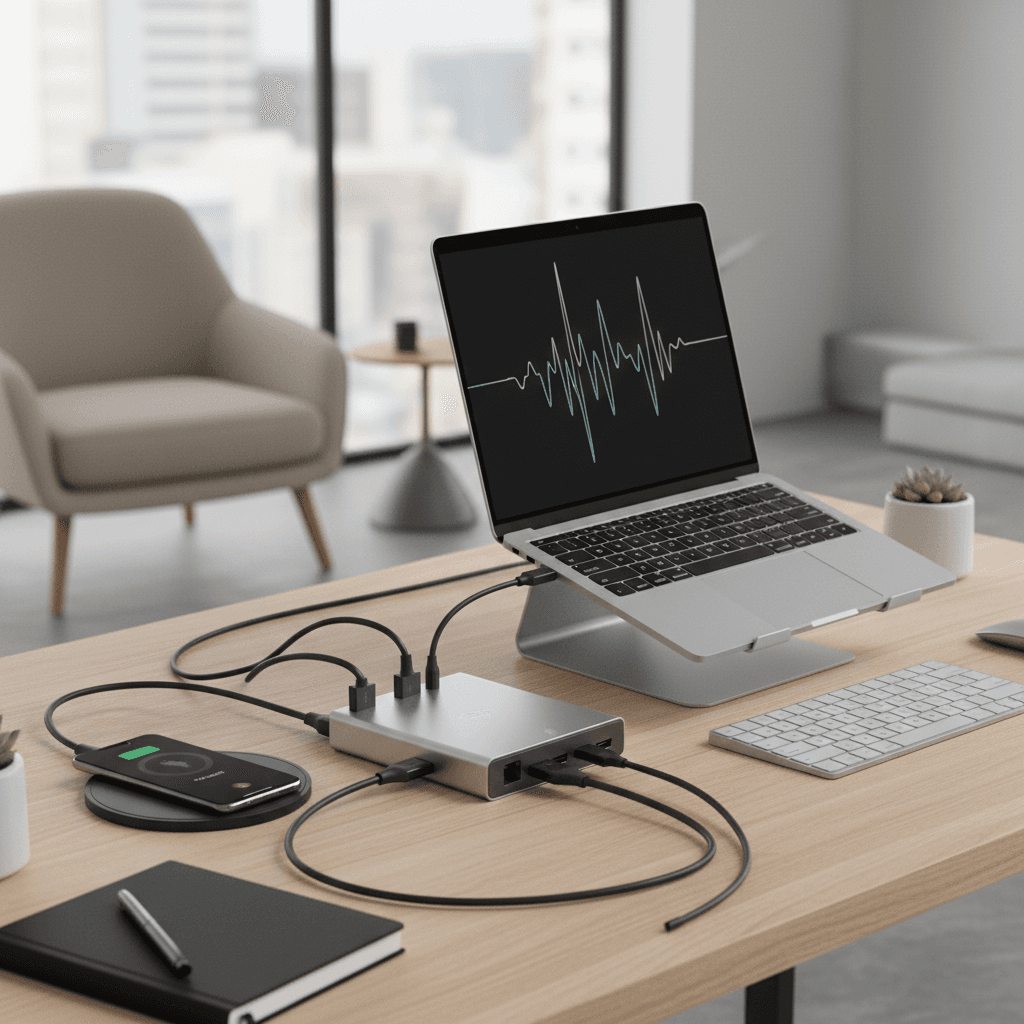
Pair these accessories with a solid USB-C hub to keep your connectivity clean — one cable to your laptop instead of five — and you've got a setup that looks and works like it cost ten times more than it did.
FAQ
Do I really need cable management?
You don't need it, but the impact is disproportionately large for the cost and effort. Spending 20 minutes and $10 on J Channel raceways makes your entire desk look cleaner, reduces visual distraction, and prevents the daily annoyance of tangled cables catching on things. It's the highest-ROI desk upgrade you can make.
Is a monitor arm worth it if my monitor has a good built-in stand?
Yes, for two reasons. First, even good built-in stands have limited adjustability compared to an arm. Second — and more importantly — a monitor arm reclaims the 10"x10" footprint of your stand. On a standard 48" desk, that's a meaningful amount of space. If you have a small desk, a monitor arm is especially valuable.
What's the best desk mat material for mouse tracking?
For optical and laser mice, both leather and synthetic mats work well. Hard, glossy surfaces can cause tracking issues with some optical mice. If you use a high-DPIDPIMouse DPI: how many cursor dots the sensor reports per inch of physical movement. 800–1600 DPI is the productivity sweet spot on a 27" 4K monitor; cranking past 3000 mostly amplifies hand tremor on a 1080p screen. mouse for precision work, a fabric mouse pad might still be better than a desk mat for tracking consistency — but for general office use, any desk mat surface is fine.
How do I keep my desk clean long-term?
The two-minute rule: if it takes less than two minutes to put something away, do it immediately. At the end of each workday, spend 60 seconds returning everything to its designated spot. A desk organizer helps by giving every small item a home. The real enemy of a clean desk isn't mess — it's items without a designated place.
The Bottom Line
A clean, organized desk isn't about aesthetics — it's about removing friction from your workday. Start with cable management (J Channels + magnetic holder for ~$26), add a desk mat (even the $8 YSAGi option makes a difference), and upgrade to a monitor arm when budget allows. The total investment is modest, but the impact on your daily workflow — and your mental state when you sit down to work — is significant.
Your next step
The bigger-ticket desk upgrades, ranked.
Hilly Shore Labs
Editorial TeamWFH Lounge is published by Hilly Shore Labs. Every recommendation is built by synthesizing ergonomic research, manufacturer specs, expert reviews from outlets like Wirecutter, RTINGS, and The Verge, and aggregated long-term owner sentiment from thousands of verified buyers.
All product reviews are independently researched. Our recommendations are based on ergonomic guidelines, manufacturer specifications, and verified buyer sentiment. See our methodology.