Home Office Lighting Guide: Natural, Bias & Desk Lamps
Layer your lighting — natural light from the side, bias lighting behind your monitor, and an adjustable desk lamp — to eliminate eye strain and transform your workspace for as little as $50.
Quick Answer
Layer your lighting in three passes: natural light from the side (never behind you), bias lighting behind the monitor to cut contrast strain, and an adjustable task light for desk work. A basic LED strip plus a monitor light bar covers all three layers for under $100 and does more for late-day eye fatigue than any monitor setting.
 #1 4.7 | 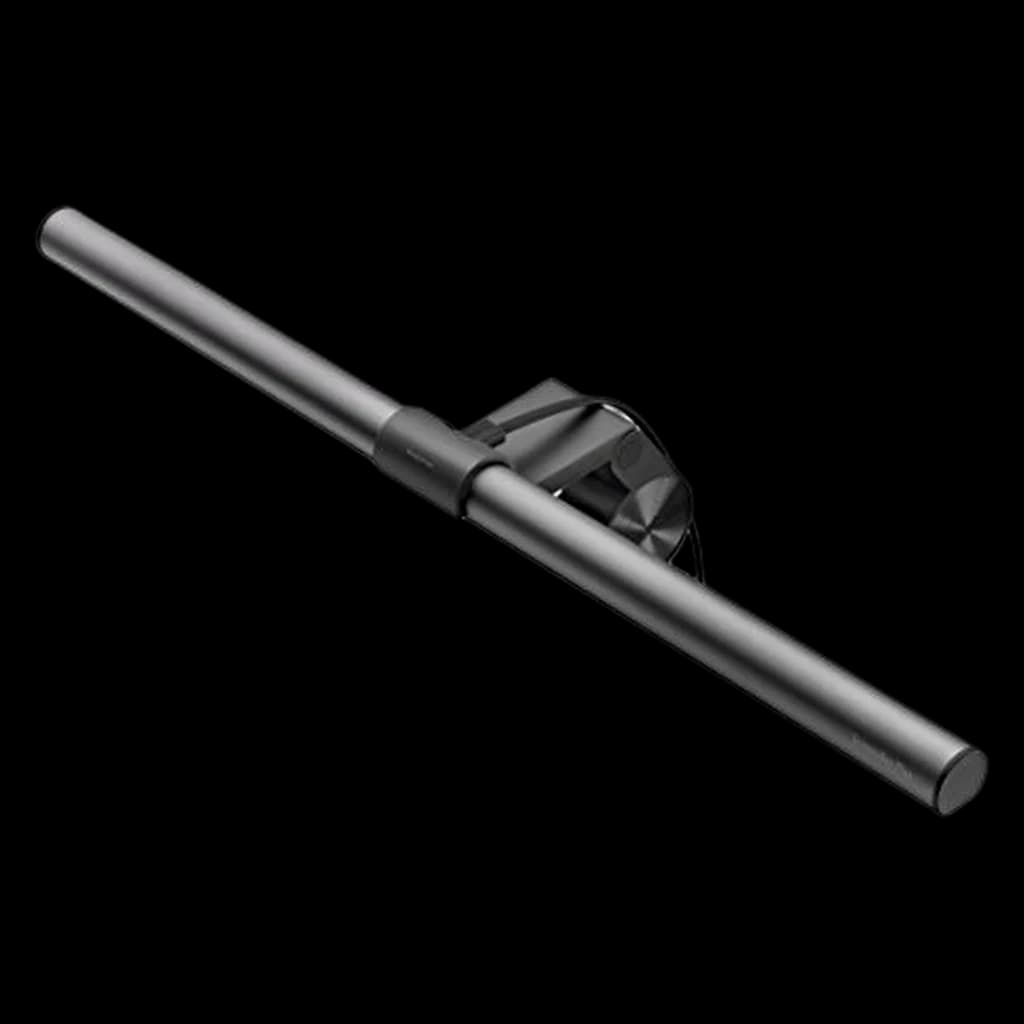 #2 4.7 | 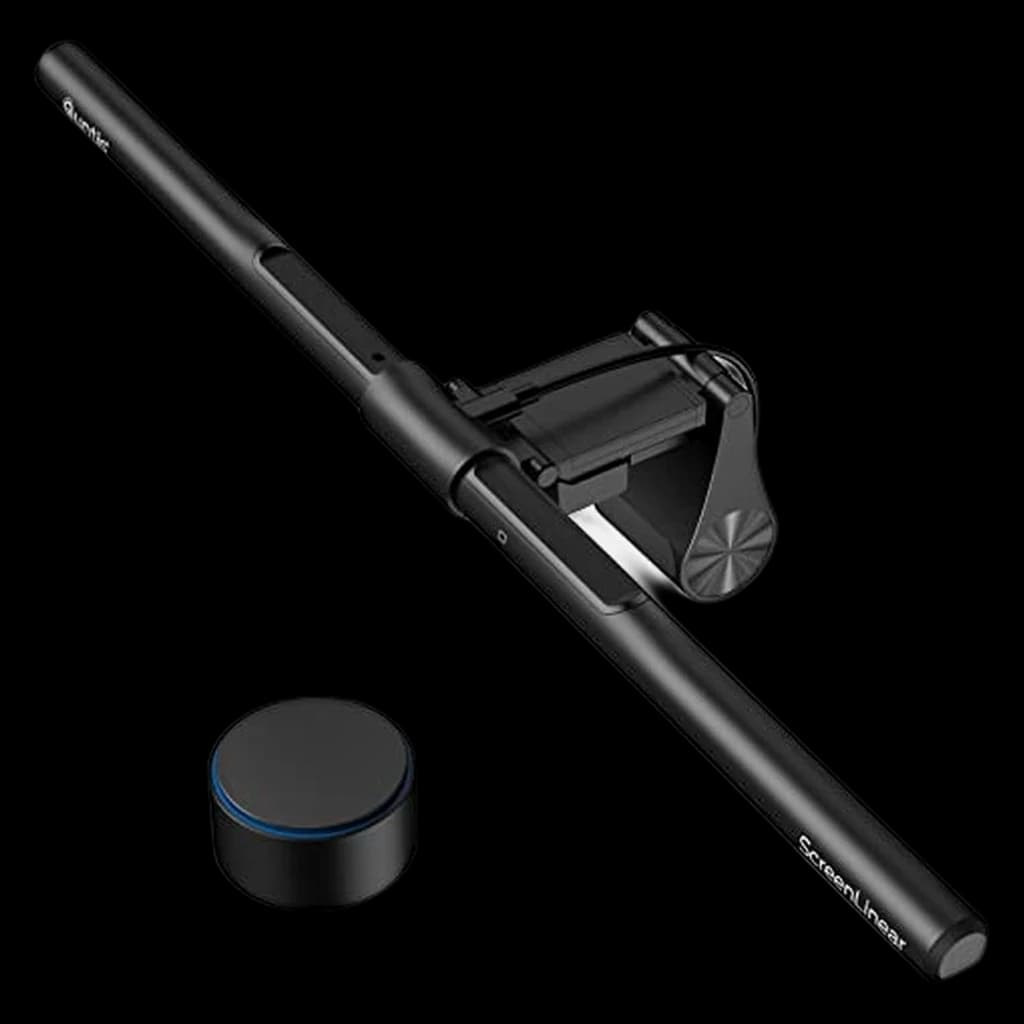 #3 4.7 | |
|---|---|---|---|
| Price | $199Buy on Amazon | $109Buy on Amazon | $69.99Buy on Amazon |
| Verdict | Best task + bias light in one — backlight halo replaces two products | The proven mid-range monitor light — zero glare, zero desk footprint | Budget pick — the ScreenBar experience at a third of the price |
| Buyer sentiment | Quality Value for money Brightness Functionality Buyers praise quality, value for money, brightness and functionality. Based on 383 user mentions | Quality Brightness Brightness Control Easy To Use Buyers praise quality, brightness, brightness control and easy to use. Mixed feedback on value for money and functionality. Based on 1,821 user mentions | Quality Adjustability Ease Of Use Value for money Buyers praise quality, adjustability, ease of use and value for money. Mixed feedback on lighting and brightness. Based on 609 user mentions |
| Type | Monitor bar + backlight | Monitor light bar | Monitor light bar |
| Control | Wireless dial | Desktop dial | Wireless remote |
| CRI | 95+ | 95+ | 95 |
| Power | USB | USB | USB |
| Pros |
|
|
|
| Cons |
|
|
|
* Prices checked Sep 12, 2026 and may vary. Check the latest price on Amazon.
We research — never hands-on. How we research →
Key Takeaways
A complete guide to home office lighting — how to position natural light, add bias lighting behind your monitor, choose the right desk lamp, and reduce eye strain during long work sessions.
As an Amazon Associate I earn from qualifying purchases. Product prices and availability are subject to change.
Bad lighting is the silent productivity killer in most home offices. You won't notice it the way you notice an uncomfortable chair or a cramped keyboard — it works slowly, building up as eye strain, headaches, and that vague sense of fatigue that hits around 2 PM every day. But fix your lighting, and the difference is immediate. Colors look right. Your eyes stop squinting. Video calls suddenly look professional instead of washed out.
The trick is that good office lighting isn't just one thing — it's layers:
- Ambient light to fill the room
- Task light to illuminate your work surface
- Accent or bias light to reduce the contrast between your bright screen and dark surroundings Get all three right, and your home office becomes a place where you can work comfortably for hours without your eyes begging for mercy.
Let's break down each layer and the best way to set it up.
Layer 1: Natural Light
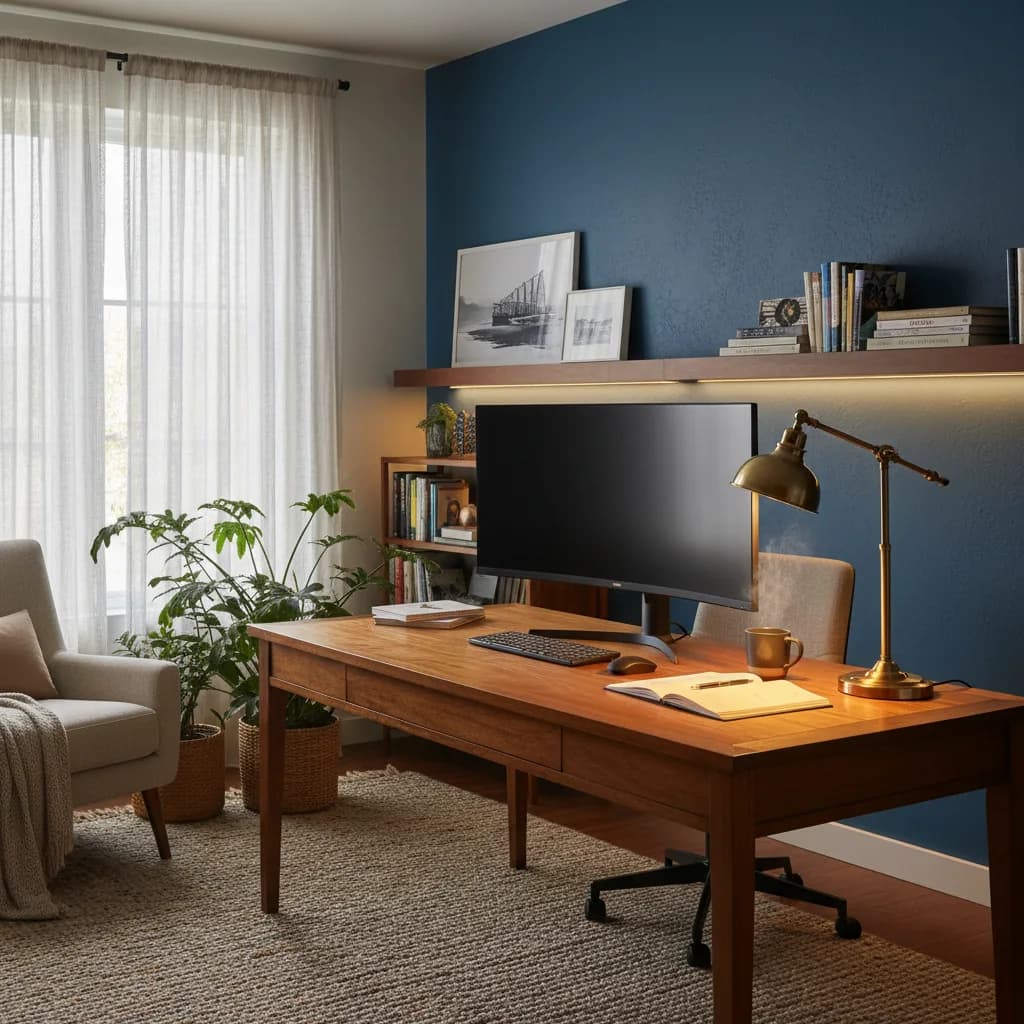
Natural light is the foundation of good office lighting — and it's free. Studies consistently show that workers with access to natural light report better sleep, improved mood, and higher productivity compared to those working under artificial light alone. But positioning matters enormously.
Where to Put Your Desk
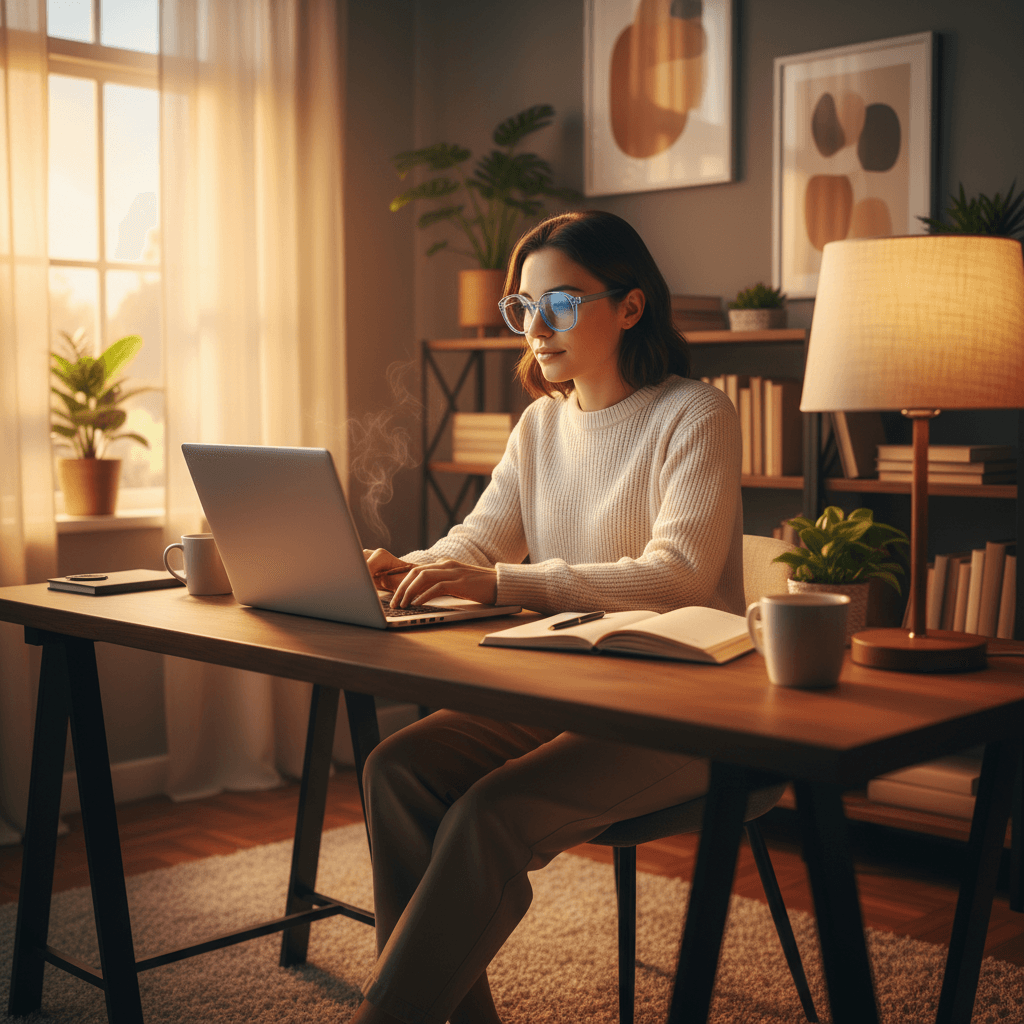
Place your desk perpendicular to the window, not facing it or with your back to it. Here's why:
- Facing the window creates glare on your screen and forces your eyes to constantly adjust between the bright outdoor light and your dimmer display.
- Back to the window puts a bright light source behind you, which washes out your face on video calls and creates a harsh contrast that strains your eyes when you glance away from the screen.
- Perpendicular to the window gives you soft, even light from the side. Your screen stays glare-free, your face is evenly lit for video calls, and you get the mood and energy benefits of seeing daylight in your peripheral vision.
If you can only face or back the window: Use sheer curtains or blinds to diffuse the light. A $15 set of light-filtering curtains can turn harsh direct sunlight into soft, workable illumination.
Time-of-Day Changes
Natural light shifts throughout the day — it's warm and golden in the morning, cool and bright at midday, and warm again in the evening. Your artificial lighting should complement this. Many modern desk lamps and smart bulbs let you adjust color temperatureKelvinColor temperature, measured in Kelvin. ~2700K is warm/yellow (incandescent), ~4000K is neutral white, ~5000–6500K is cool/daylight. Match desk-lamp temp to your monitor's white point so your eyes don't constantly re-adapt., which means you can match your overhead and task lighting to the natural light in the room. This reduces the jarring contrast between warm sunlight and cool fluorescent bulbs that makes your eyes work harder.
Layer 2: Bias Lighting (Behind Your Monitor)
Bias lighting is the most underrated upgrade in any home office. It's a strip of LEDs behind your monitor that casts a soft glow on the wall. This reduces the contrast ratio between your bright screen and the darker wall behind it — and that contrast is one of the biggest causes of eye fatigue during long screen sessions.
The science is straightforward:
- When your screen is the only bright object in your field of vision, your pupils constrict to handle the brightness
- But the dark surroundings make your pupils want to dilate
- That constant push-pull exhausts the muscles in your eyes Bias lighting fills in the dark background, evening out the overall luminance so your pupils can relax.
Recommended: USB LED Bias-Light Strips
Price: ~$15–$30
A basic USB-powered LED strip is one of the easiest bias lighting solutions. - Stick the adhesive strip to the back of your monitor
- Plug it into USB
- Set it to a warm white around 6500K, or match your monitor's color temperature
- Aim for about 20–30% of your screen's brightness — bright enough to softly illuminate the wall, not so bright it distracts
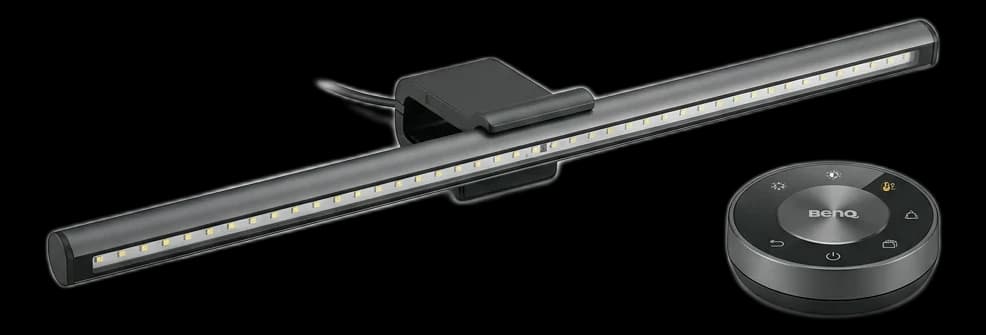
For a more polished option, the BenQ ScreenBar (~$109) mounts on top of your monitor and casts light downward onto your desk without any screen glare. It's technically a task light, but it also provides that bias-lighting effect on the wall behind the monitor. Check out our best desk lamps guide for a full review.
Layer 3: Task Lighting (Desk Lamps)
Task lighting illuminates your immediate work surface — your keyboard, notepad, documents, or anything you need to see clearly that isn't on a screen. The key requirements:
- Adjustable brightness
- Adjustable color temperature
- Positioning that doesn't create glare on your monitor
Recommended: BenQ ScreenBar Halo 2
Buy on Amazon · $199Price: ~$179
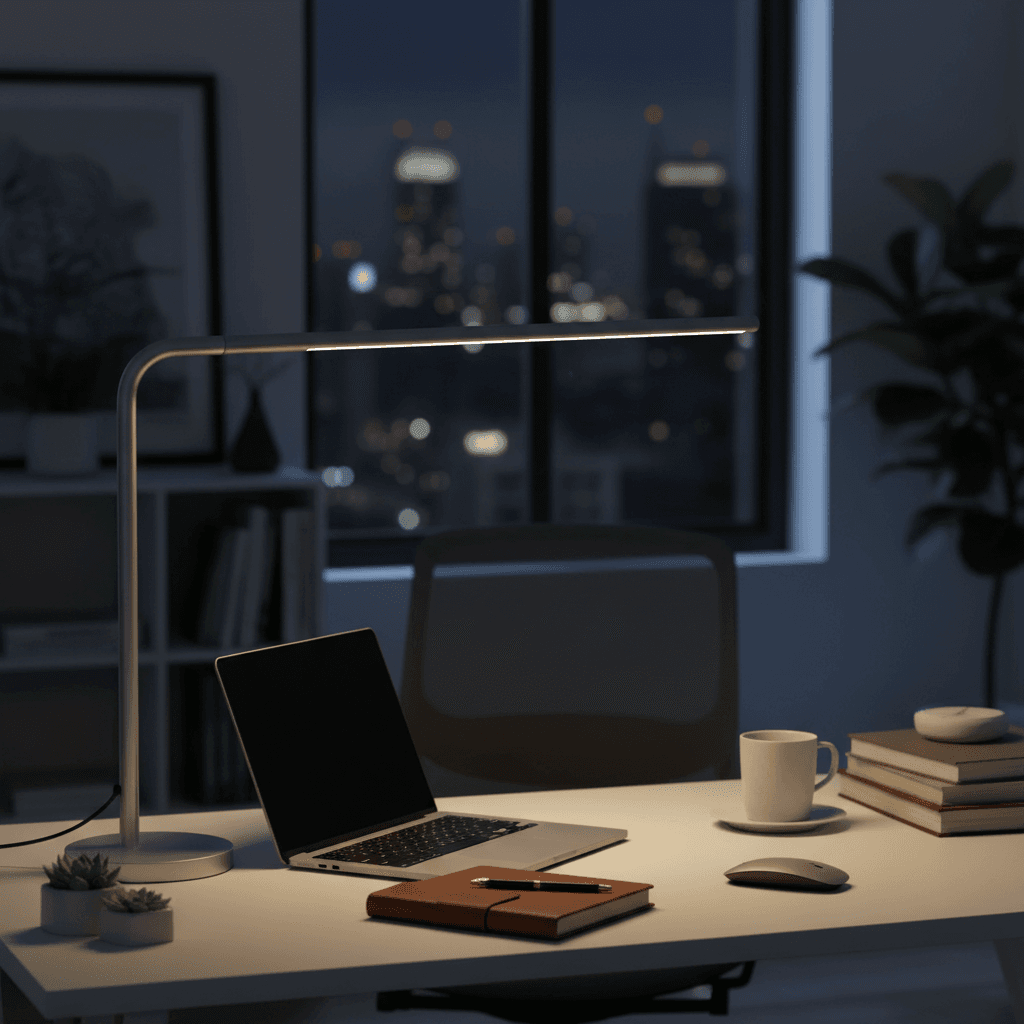
The BenQ ScreenBar Halo is the best desk lamp for a monitor-centric setup. It clamps onto the top of your monitor and shines light downward onto your desk — not onto your screen. The asymmetric optical design ensures zero glare on the display. The wireless dial controller lets you adjust brightness and color temperature (2700K to 6500K) without reaching for the lamp itself.
The "Halo" part refers to a backlight that illuminates the wall behind your monitor, effectively combining task lighting and bias lighting in one device. It's expensive, but it replaces two separate products and looks incredibly clean.
BenQ ScreenBar Halo 2 on Amazon
Recommended: Quntis Monitor Light Bar PRO+
Buy on Amazon · $69.99Price: ~$70
If the ScreenBar Halo 2 is out of budget, the Quntis Monitor Light Bar PRO+ delivers the same monitor-mounted task lighting concept at a third of the price. You get a wireless remote dial, CRICRIColor Rendering Index, 0–100. Measures how accurately a light source shows colors compared to natural daylight. CRI 90+ is the bar for video calls and any color-sensitive work; cheap LEDs sit at CRI 70–80 and make skin tones look off. 95 color accuracy, stepless dimming, and built-in auto-dimming — with zero desk footprint because it clips to the top of the monitor. The optics let a little more light bleed onto the screen than BenQ's, and the build is lighter, but at ~$70 it's the best value in task lighting we've scored.
Layer 4: Overhead and Ambient Lighting
Your room's overhead light sets the baseline brightness. The biggest mistake people make is relying on a single harsh ceiling fixture — the kind that casts sharp shadows and makes everything look like a hospital waiting room.
Ideal overhead lighting is diffuse and even.
| Situation | Target |
|---|---|
| Focused work | 4000K to 5000K — neutral to cool white |
| Evening wind-down | 3000K–3500K, to support your natural sleep cycle |
| Too warm for work | Below 3000K — can make you feel sleepy |
| Too harsh | Above 6500K — feels clinical |
| Desk surface brightness | 300–500 lux for general office tasks |
If your ceiling fixture is too harsh, add a lamp or two around the room to soften the light. A floor lamp with a linen shade in the corner diffuses light beautifully and makes the room feel more inviting.
Video Call Lighting
If you're on camera frequently, lighting becomes doubly important.
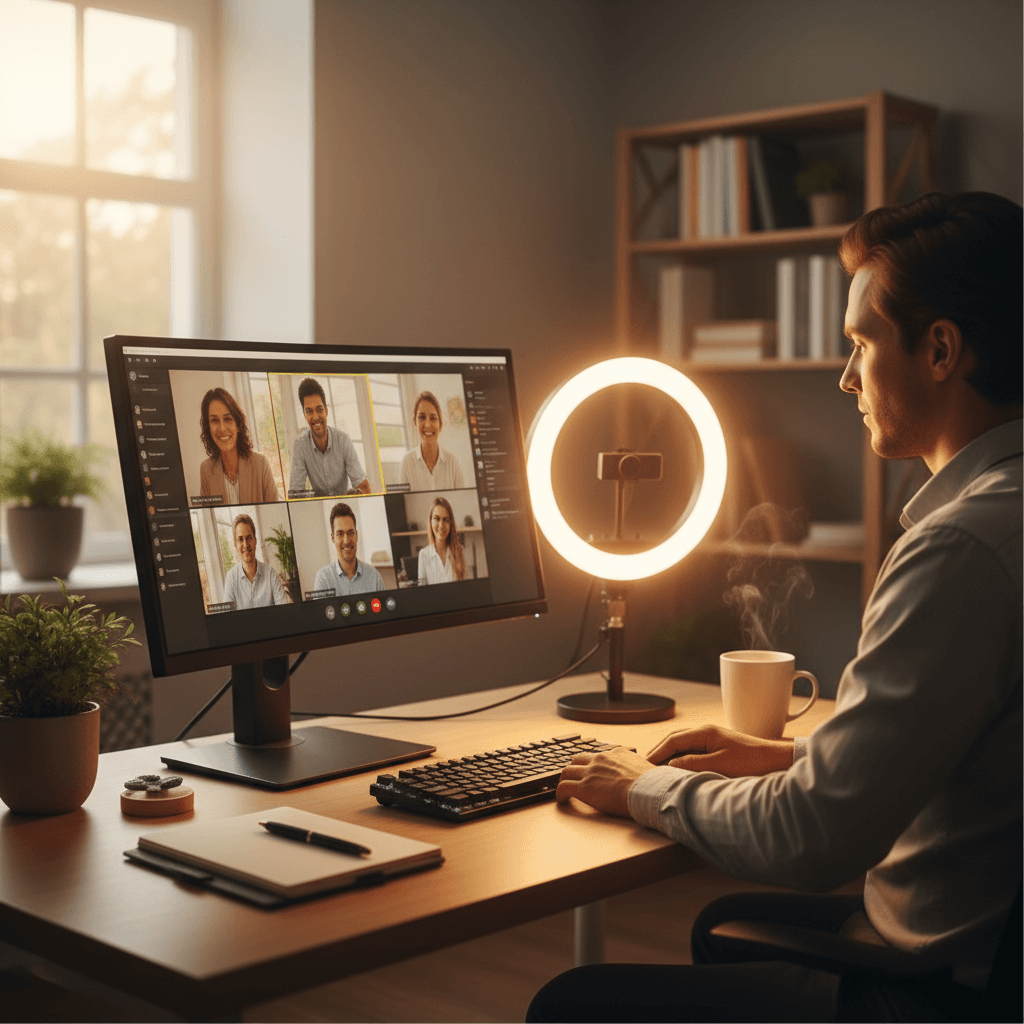
Light should come from in front of you, not behind you. A window behind you turns you into a silhouette. A window or light source in front of you — or slightly to the side — illuminates your face evenly.
A simple ring light positioned behind your monitor works wonders for video calls. It provides soft, even front-facing light that eliminates shadows under your eyes and chin. The Elgato Key Light or a $25 ring light from Amazon both work — you just need something that fills in the shadows on your face.
If you wear blue light glasses, keep in mind that proper ambient and bias lighting reduces the need for them.
Balanced beats filtered: When the overall light level in the room is balanced, your eyes don't have to work as hard against screen glare.
FAQ
What color temperature is best for a home office?
For focused work, aim for 4000K to 5000K — neutral to cool white. It's bright enough to keep you alert without feeling harsh. In the evening, shift to warmer tones (3000K–3500K) to wind down and support your natural sleep cycle.
How bright should my desk lamp be?
For general office tasks, 300–500 lux at your desk surface is ideal. Most adjustable LED desk lamps let you dial this in by adjusting brightness. If you're primarily looking at a screen and don't read paper documents, you can go toward the lower end.
Does bias lighting really reduce eye strain?
Yes. Multiple studies have shown that reducing the luminance contrast between your screen and surroundings decreases visual fatigue. Bias lighting is one of the cheapest and most effective ways to do this — a $15 LED strip can make a meaningful difference.
Can overhead lighting be too bright?
Absolutely. Overly bright overhead lighting creates glare on your screen and can cause as much eye strain as too little light. The goal is balanced, even illumination — bright enough to see comfortably, but not so bright that you're squinting or seeing reflections on your display.
The Bottom Line
Great home office lighting comes down to layers:
- Position your desk perpendicular to your window for natural light
- Add bias lighting behind your monitor for $15–$30 to reduce eye strain
- Get an adjustable desk lamp for task lighting
- Make sure your overhead light is diffuse, not harsh
You don't need to spend a fortune — a basic LED bias strip and a Quntis monitor light bar will transform your workspace for under $100. But if you want the best single product, the BenQ ScreenBar Halo combines task lighting and bias lighting in one elegant package that's worth every dollar for heavy screen users.
Your next step
Light it properly.
Hilly Shore Labs
Editorial TeamWFH Lounge is published by Hilly Shore Labs. Every recommendation is built by synthesizing ergonomic research, manufacturer specs, expert reviews from outlets like Wirecutter, RTINGS, and The Verge, and aggregated long-term owner sentiment from thousands of verified buyers.
All product reviews are independently researched. Our recommendations are based on ergonomic guidelines, manufacturer specifications, and verified buyer sentiment. See our methodology.