Best Desk Lamps for Home Office 2026: 6 Eye-Friendly Picks
The BenQ ScreenBar Halo is the best desk lamp for home offices thanks to its rear bias lighting and zero-footprint design. For shoppers on a budget, the Quntis Monitor Light Bar PRO+ delivers most of the BenQ formula at a fraction of the price.
Our #1 Pick
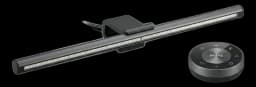
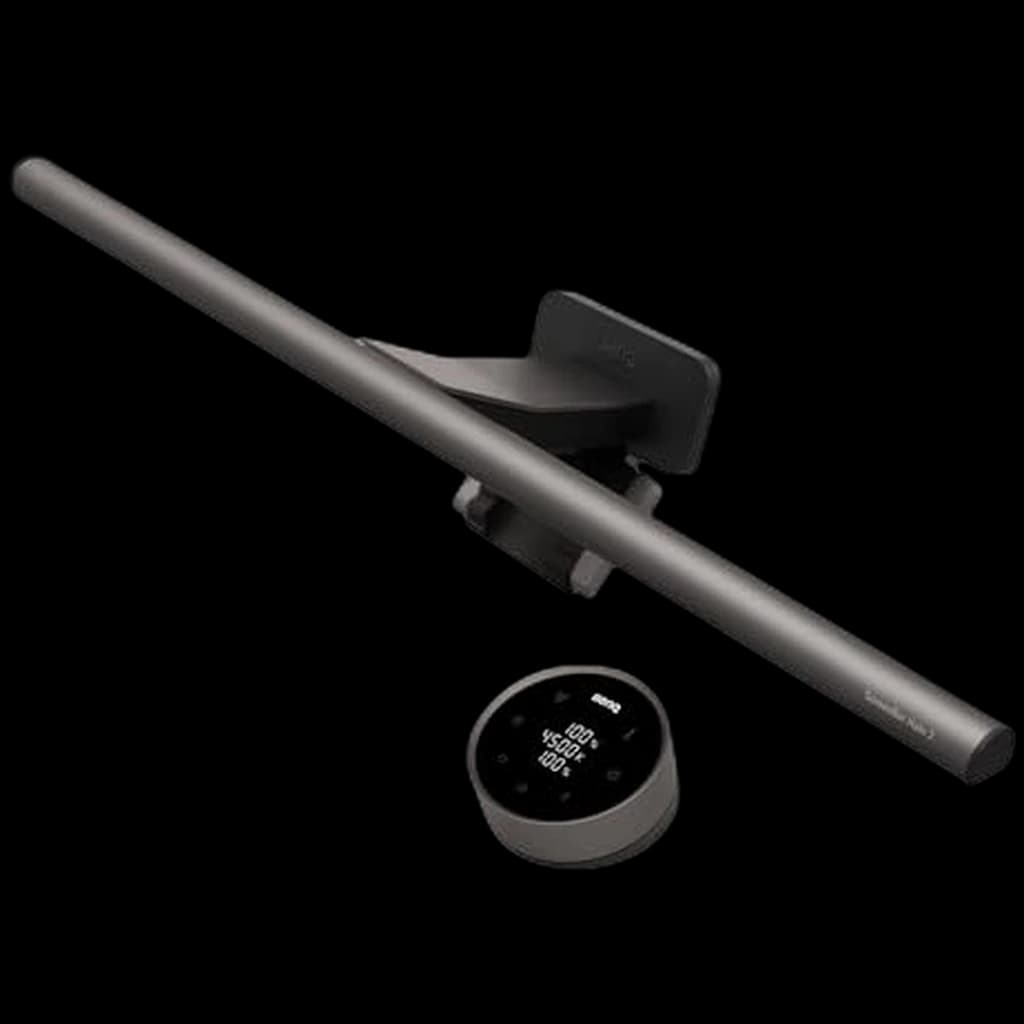
BenQ ScreenBar Halo 2
Sits on top of your monitor (no desk footprint), lights your workspace without screen glare, and the backlit glow behind the monitor reduces eye strain during night sessions. Best premium desk lamp for WFH.
- Zero screen glare (asymmetrical optical design)
- Beautiful wireless desktop dial
- Rear ambient light reduces eye fatigue
Price checked Sep 12, 2026 — verify the live price on Amazon.
Also Great
Budget pick: TaoTronics LED Desk Lamp ($40) — 5 color temperatures, USB charging port, eye-care mode — best affordable desk lamp
Monitor bar: BenQ ScreenBar Plus ($170) — ScreenBar with a dial controller instead of the wireless puck — easier to adjust mid-call
 #1 4.7 | 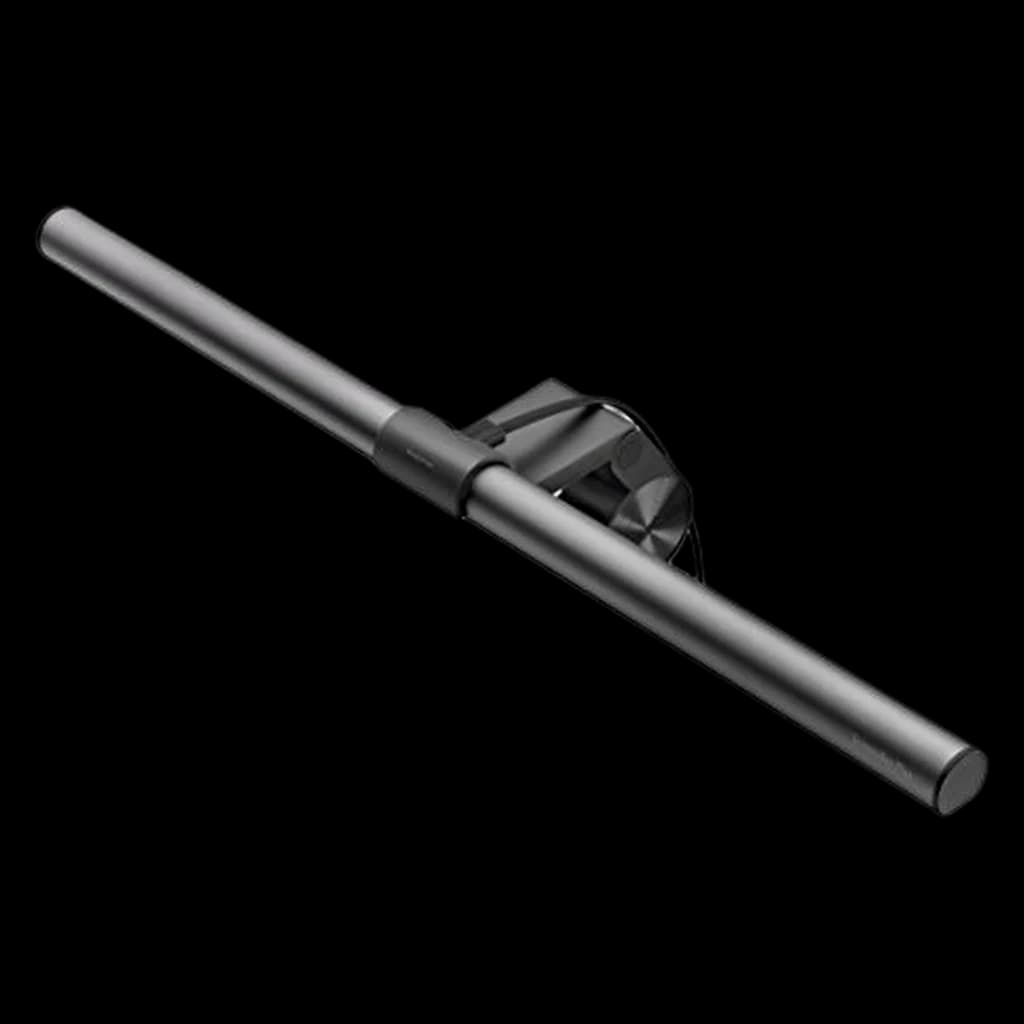 #2 4.7 | 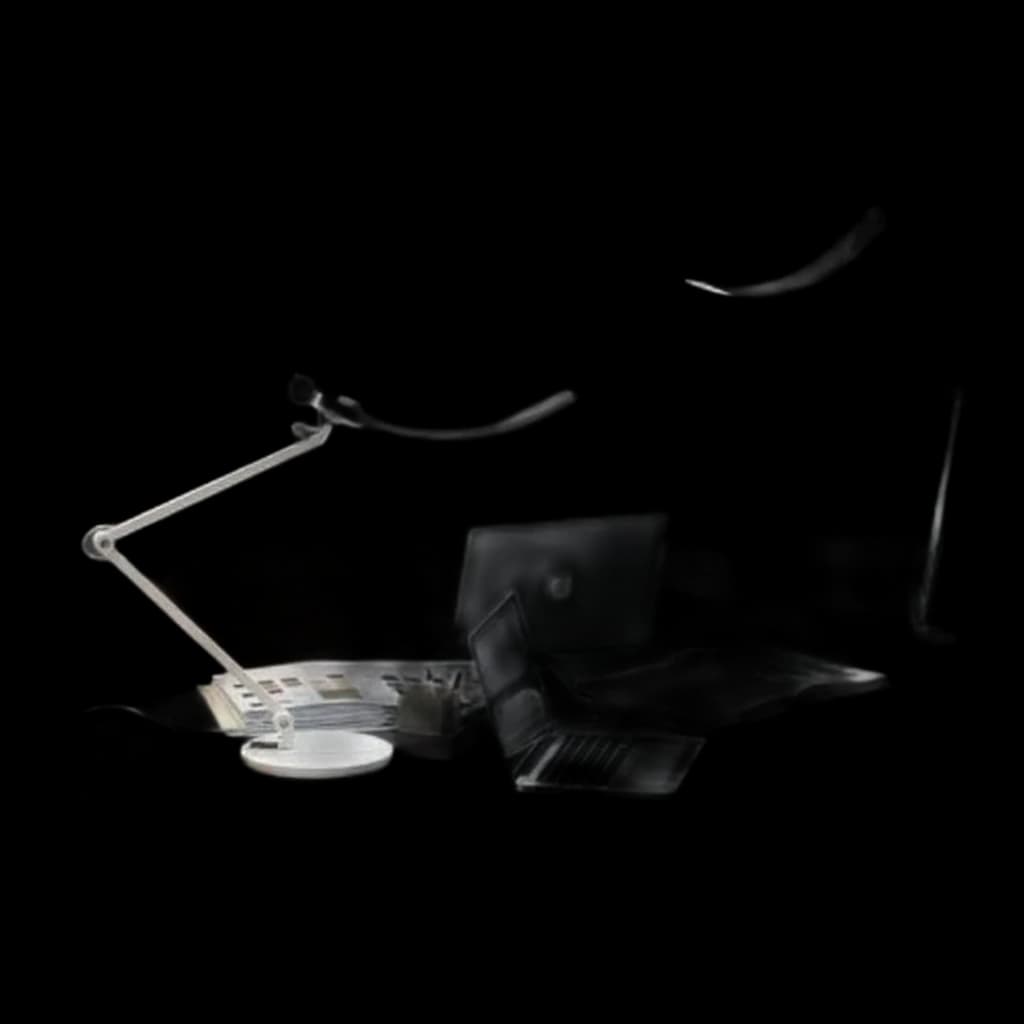 #3 4.8 | 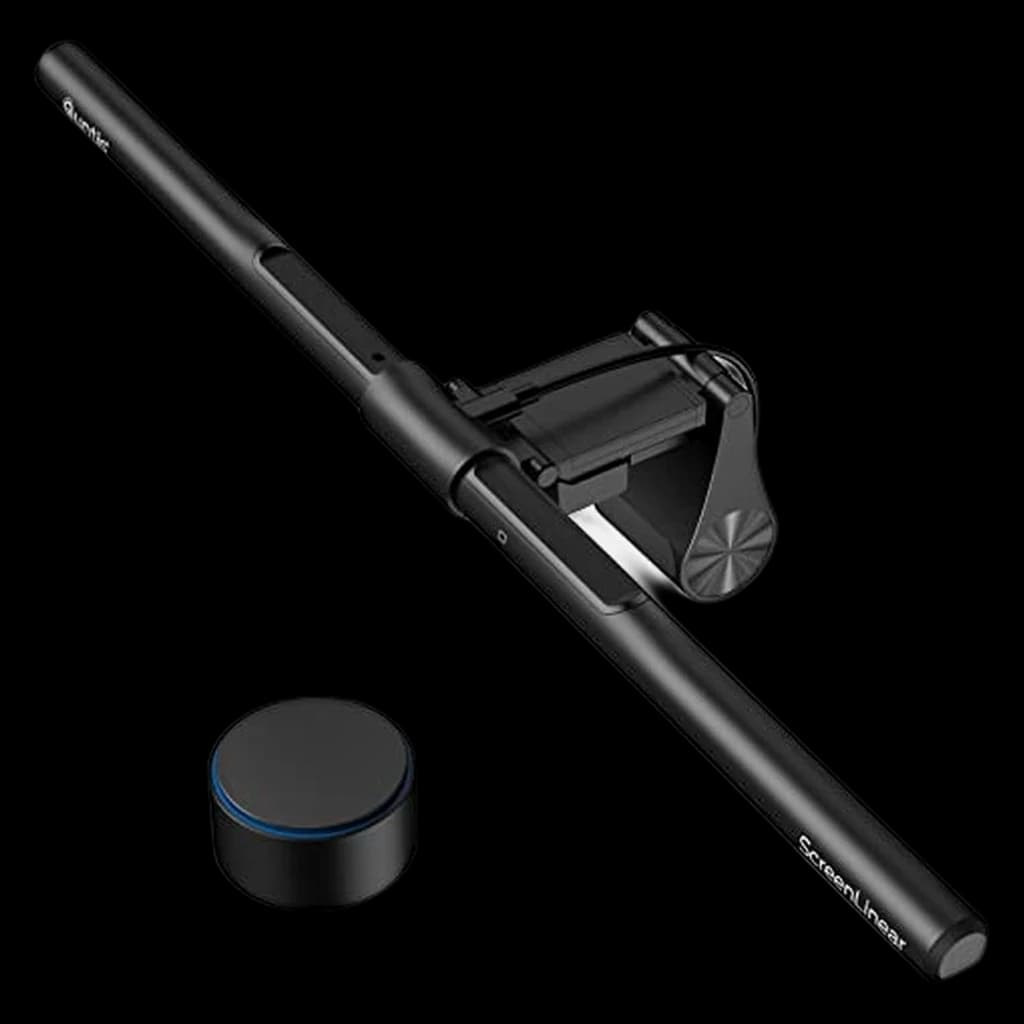 #4 4.7 | 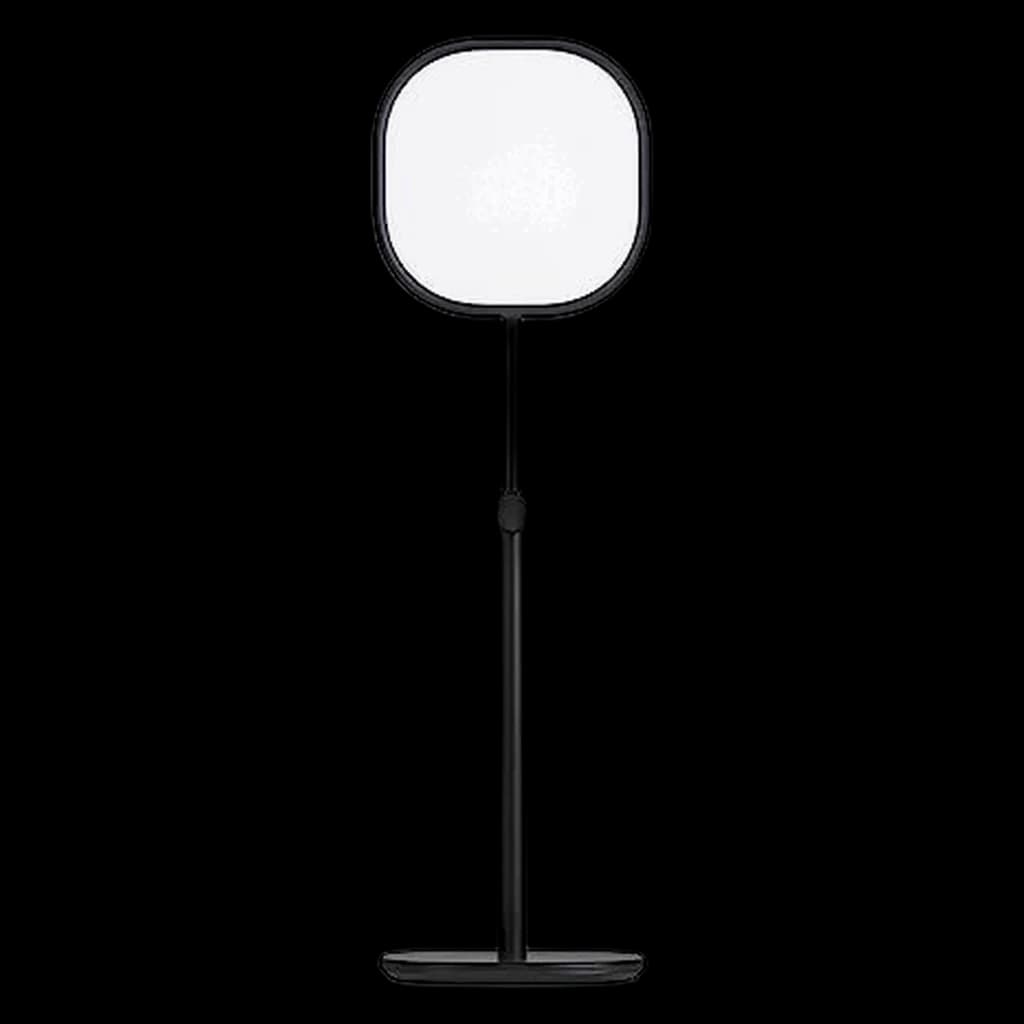 #5 3.8 | |
|---|---|---|---|---|---|
| Price | $199Buy on Amazon | $109Buy on Amazon | $249Buy on Amazon | $69.99Buy on Amazon | $58.04Buy on Amazon |
| Verdict | The ultimate monitor light bar. It frees up desk space, casts asymmetrical light that completely prevents screen glare, and features a gorgeous wireless desktop controller and subtle back-lighting to reduce eye strain in dark rooms. | Physical dial controller makes brightness tuning effortless mid-call | Wide 35" beam with auto-dimming covers full desk — ideal for paper-heavy work | Wireless remote puck + CRI 95 at 40% of BenQ price — hard to argue against | The Elgato Key Light Neo is the current-generation successor to the original Key Light: a soft, flicker-free edge-lit panel with app/Stream Deck control sold without a mount (a 1/4" thread fits stands and clamps); around $60. |
| Buyer sentiment | Quality Value for money Brightness Functionality Buyers praise quality, value for money, brightness and functionality. Based on 383 user mentions | Quality Brightness Brightness Control Easy To Use Buyers praise quality, brightness, brightness control and easy to use. Mixed feedback on value for money and functionality. Based on 1,821 user mentions | Build Quality Sturdiness Buyers praise build quality and sturdiness. Mixed feedback on value for money. Based on 24 user mentions | Quality Adjustability Ease Of Use Value for money Buyers praise quality, adjustability, ease of use and value for money. Mixed feedback on lighting and brightness. Based on 609 user mentions | Brightness Lighting Quality Stability Buyers praise brightness and lighting quality. Mixed feedback on durability. Some flag stability. Based on 23 user mentions |
| Specs |
|
|
|
|
|
| Pros |
|
|
|
|
|
| Cons |
|
|
|
|
|
* Prices checked Sep 12, 2026 and may vary. Check the latest price on Amazon.
We research — never hands-on. How we research →
Key Takeaways
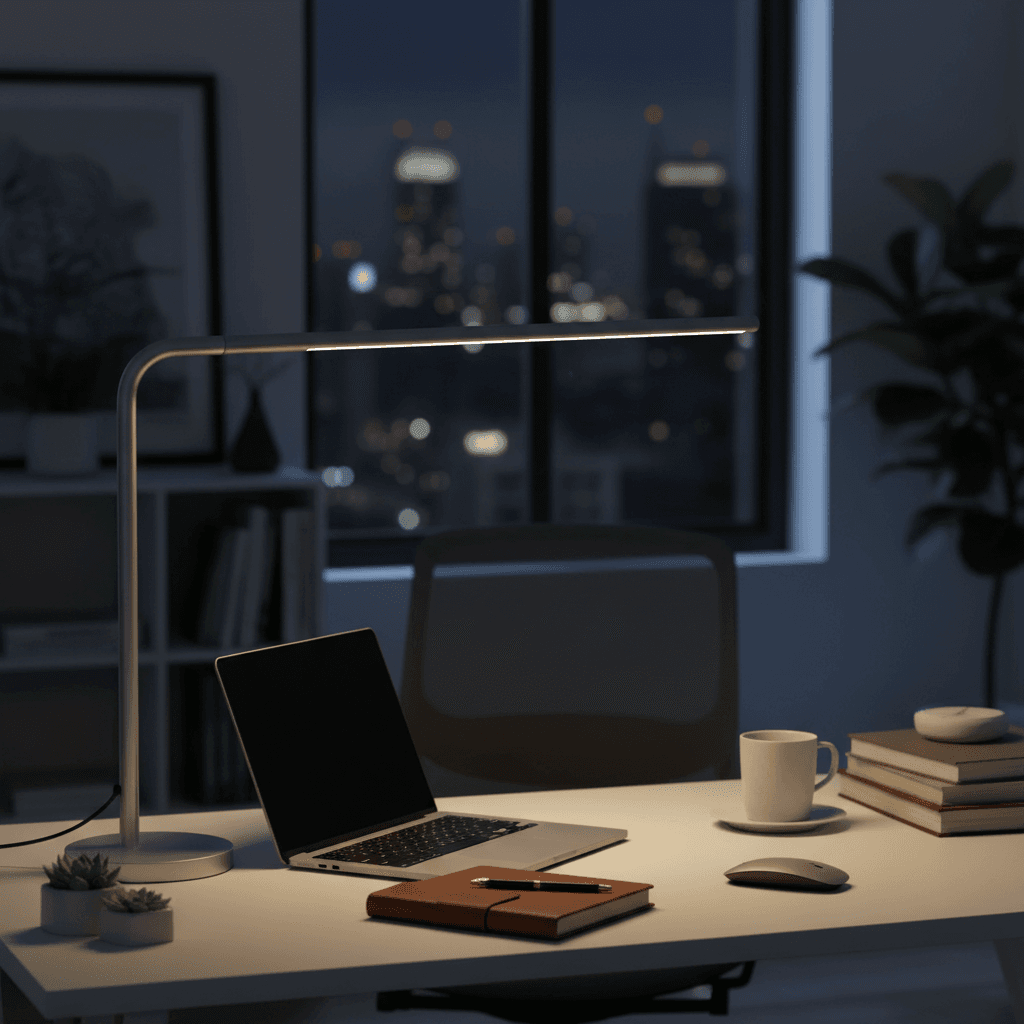
Six desk lamps ranked for WFH in 2026. BenQ ScreenBar is the top pick, Dyson Solarcycle Morph the premium play. Color temp and glare compared.
As an Amazon Associate I earn from qualifying purchases. Product prices and availability are subject to change.
Most home offices have terrible lighting. It's the kind of problem that's easy to ignore because you adapt to it — you squint a little more, you crank your monitor brightness, you look washed out on video calls and assume that's just how webcams work. But bad lighting is actively harming your productivity and your health.
Your eyes are doing constant work to compensate for poor illumination. When your desk is dimly lit and your monitor is bright, your pupils are caught in a tug of war — constricting for the screen, dilating for the surroundings. This causes eye strain, headaches, and the mental fatigue that hits around 3 PM and makes you feel like you've been staring at screens for a hundred years.
A good desk lamp solves this by filling in the ambient light around your monitor, reducing the contrast ratio between screen and environment. The effect is immediate and dramatic. But not all desk lamps are created equal, and the features that matter for a home office are different from what matters on a nightstand.
What the Research Says About Office Lighting
The American Academy of Ophthalmology is clear: screens themselves don't damage your eyes. Digital eye strain comes from how you use them — reduced blink rate (from ~15 per minute down to ~5 when staring at a screen), prolonged focus at a fixed distance, and mismatched ambient lighting. The Illuminating Engineering Society recommends 300–500 lux on the work surface for general office tasks. If your monitor is at 250 cd/m² and your desk is at 50 lux, your pupils are constantly switching between two very different luminance levels, and that adjustment is where the fatigue comes from.
Three lighting variables that actually move the needle for a home office:
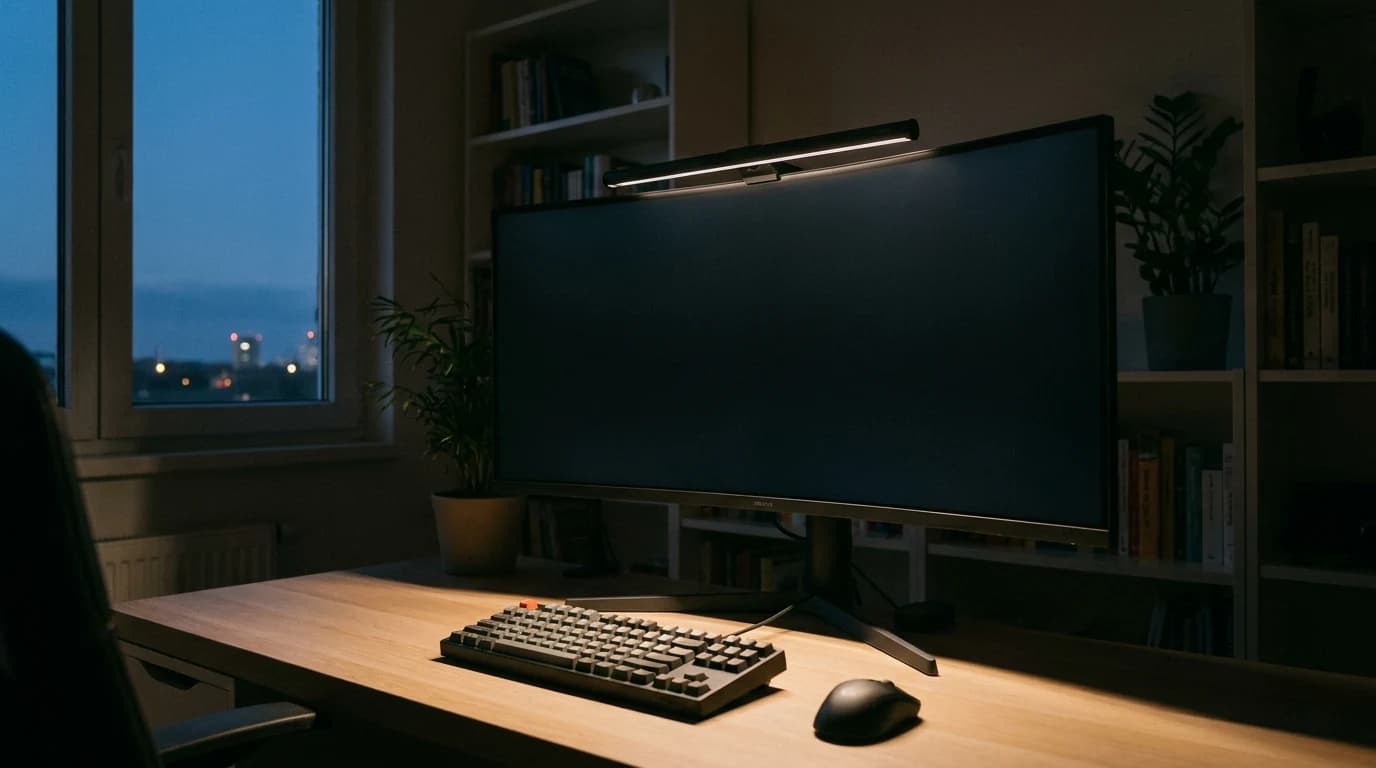
- Bias lighting behind the monitor reduces the contrast ratio your pupils have to manage. It's the single most-overlooked office lighting upgrade — and why monitor light bars (BenQ ScreenBar, Quntis) consistently outperform traditional desk lamps in head-to-head reviews.
- CRI (Color Rendering Index) of 90+ affects how you look on video calls, not just how your desk looks. Anything below 80 will wash out skin tones and shift product photos when you're reviewing them on camera.
- Flicker-free LEDs. A 2019 Lighting Research Center brief documented cumulative eye fatigue from undetectable LED flicker in cheap fixtures. PWM-dimmed bulbs are the usual offender — premium lamps use DC current dimming instead.
The spec most people ignore: CRICRIColor Rendering Index, 0–100. Measures how accurately a light source shows colors compared to natural daylight. CRI 90+ is the bar for video calls and any color-sensitive work; cheap LEDs sit at CRI 70–80 and make skin tones look off.. Below 80 washes out skin tones on camera. For desk work you want 90 or above.
What the research does not support: that any specific brand of desk lamp will "prevent" eye strain. The fix is the lighting environment as a whole, not a logo.
What to Look For
Color Temperature and Tunability
Color temperatureKelvinColor temperature, measured in Kelvin. ~2700K is warm/yellow (incandescent), ~4000K is neutral white, ~5000–6500K is cool/daylight. Match desk-lamp temp to your monitor's white point so your eyes don't constantly re-adapt., measured in Kelvin (K), describes how warm or cool a light appears. Lower values (2700K-3000K) produce warm, yellowish light like an incandescent bulb. Higher values (5000K-6500K) produce cool, bluish-white light similar to daylight.
For a home office, tunable color temperature is the most important feature:
- During focused work hours, run cooler light (4500K-5500K) — it promotes alertness and closely matches daylight
- In the evening, switch to warmer tones (2700K-3200K) to help your body wind down and avoid disrupting your circadian rhythm — the same reason your phone has a night mode
Avoid lamps that are fixed at one color temperature unless they happen to sit at around 4000K-4500K, which is a reasonable middle ground.
CRI: The Spec Most People Ignore
The Color Rendering Index (CRI) measures how accurately a light source reveals the true colors of objects, on a scale from 0 to 100. Sunlight has a CRI of 100. A cheap LED might sit at 70-80.
For desk work, you want a CRI of 90 or above. At lower CRI values, colors look muted and slightly off — fine if you're lighting a parking garage, not fine if you're reviewing designs, editing photos, or simply wanting to look healthy on a video call. High CRI lighting makes your skin tone appear natural on camera rather than sallow or greenish.
Brightness (Lumens) and Dimming
A desk lamp for an office should produce at least 500 lumens at maximum brightness, with smooth dimming down to around 10-20% for ambient evening use. Stepless dimming (rather than 3-4 preset levels) gives you much more control and lets you dial in the exact brightness for your specific environment.
Rule of thumb: your desk surface should be about one-third as bright as your screen. Run the monitor at maximum and you need a correspondingly bright lamp; run it dim and too much lamp creates the same contrast problem in reverse.
Form Factor and Placement
Where you put your lamp determines how effective it is. Traditional desk lamps with a base take up valuable desk real estate and can cause glare on your monitor if positioned incorrectly.
A monitor light bar is the better call when:
- Desk space is tight — it mounts to the top of your display and has zero desk footprint
- You want glare eliminated by design: it casts light downward onto the desk without any hitting the screen
- You want even illumination across the whole workspace
A traditional lamp is the better call when:
- You need to light areas away from your monitor
- Your monitor has an unusually thick or curved bezel that won't accommodate a bar
- You need to illuminate your face for video calls from a specific angle — position it at a 45-degree angle to your dominant side, at roughly the same height as or slightly above your monitor
Our Picks
| Pick | Price | Color temp | CRI | Control |
|---|---|---|---|---|
| BenQ ScreenBar Halo | $199 | 2700K-6500K | 95+ | Wireless dial remote |
| BenQ ScreenBar | ~$110 | 2700K-6500K | 95+ | Touch-sensitive top bar |
| Dyson Solarcycle Morph | $649.99 | 2700K-6500K | 95+ | App + on-lamp touch |
| TaoTronics TT-DL16 | ~$35 | 2700K-6500K | 90+ | Touch buttons on base |
1. Best Overall: BenQ ScreenBar Halo
The BenQ ScreenBar Halo is the desk lamp I recommend more than any other product in the entire WFH category. It mounts to the top of your monitor, casts perfectly asymmetric light onto your desk (none on the screen), and includes a backlight that illuminates the wall behind your monitor to reduce eye strain further.
The wireless puck controller sits on your desk and lets you adjust brightness and color temperature with a satisfying twist. It sounds like a small thing, but the tactile control makes you far more likely to actually adjust your lighting throughout the day compared to touch-sensitive strips or app controls.
The backlight is the Halo's differentiating feature over the standard ScreenBar. It fills in the ambient light behind your monitor, creating a bias lighting effect that dramatically reduces perceived eye strain during long sessions. You can control the front and back lights independently.
Pros:
- Rear backlight dramatically reduces eye strain
- Wireless puck controller is intuitive and tactile
- 95+ CRI produces natural, accurate colors
- Zero desk footprint — mounts on monitor
- Full color temperature range (2700K-6500K)
Cons:
- At ~$180, it's expensive for a desk lamp
- Mounting clip doesn't fit all monitor bezels (check compatibility)
- Backlight can create slight glare on glossy wall surfaces
- No smart home integration
2. Best Value Monitor Bar: BenQ ScreenBar
The standard BenQ ScreenBar is the Halo without the rear backlight and wireless remote. You control it via a touch-sensitive strip on top of the light bar itself, which works well enough but means reaching up to your monitor to adjust settings.
At $70 less than the Halo, it delivers the same core lighting quality: 95+ CRI, full color temperature range, and the asymmetric optical design that keeps light off your screen. If the rear backlight isn't something you need — and many setups genuinely don't benefit from it, especially if your monitor is against a window — this is the better value.
The auto-dimming feature deserves mention. A built-in ambient light sensor adjusts brightness to maintain a consistent 500-lux illumination on your desk surface. It's surprisingly accurate and means you rarely need to manually adjust after initial setup.
Pros:
- Same excellent 95+ CRI optics as the Halo
- Auto-dimming ambient sensor works well
- $70 less than the Halo model
- Clean, minimal design
- Solid mounting clip fits most monitors
Cons:
- No rear backlight for bias lighting
- Touch controls on the bar require reaching up
- Still pricier than traditional desk lamps
- Not ideal for curved monitors (slight fit issues)
3. Best Premium: Dyson Solarcycle Morph
The Dyson Solarcycle Morph is the overengineered, luxury option that's hard to justify rationally but genuinely lovely to use. Its party trick is tracking your local daylight conditions using your location and time of day, automatically adjusting color temperature and brightness to match natural light patterns throughout the day. Dyson calls this their "Daylight Tracking" algorithm, and it works remarkably well.
The lamp transforms physically to serve different lighting modes. The head rotates flat against the stem to become an uplight. The stem detaches from the base to become a handheld task light. It's a lamp that tries to be multiple lamps, and largely succeeds.
Build quality is exceptional — you'd expect nothing less at this price. The aluminum construction feels like a piece of industrial art. The light quality itself, with 95+ CRI and smooth, flicker-free dimming, is as good as anything available.
Pros:
- Automatic daylight-tracking color temperature adjustment
- Multiple physical configurations (desk, uplight, handheld)
- Build quality and design are genuinely beautiful
- Excellent light quality with no flicker
- Smart home integration via Dyson app
Cons:
- At ~$500, it's absurdly expensive for a desk lamp
- Large desk footprint compared to monitor bars
- Dyson app is required for full feature access
- Can produce monitor glare if not positioned carefully
4. Best Budget: TaoTronics TT-DL16
The TaoTronics TT-DL16 proves that good desk lighting doesn't need to cost a fortune. At roughly $35, it includes adjustable color temperature across a full range, five brightness levels, and a CRI above 90 — specs that would have been premium territory just a few years ago.
The flexible gooseneck design lets you position the light exactly where you need it, though it also means the lamp can look a bit untidy compared to the clean lines of a BenQ ScreenBar. It takes up desk space that a monitor bar wouldn't, but the tradeoff is versatility — you can angle it to illuminate your face for video calls, your notebook for handwriting, or your desk for general work.
Build quality is plastic throughout, and it feels like a $35 lamp. But the light it produces is genuinely good, and for someone setting up their first home office on a budget, it's an easy recommendation.
Pros:
- Exceptional value at ~$35
- Full color temperature range
- CRI above 90 — good color rendering
- Flexible gooseneck positioning
- USB-powered — works with any USB port or adapter
Cons:
- Plastic construction feels cheap
- Takes up desk space (no monitor-mount option)
- Step-level dimming rather than smooth/stepless
- Can produce screen glare if positioned poorly
- Gooseneck can droop over time under lamp weight
What to Skip in Office Lighting
- Pure 6500K daylight LEDs running all day. Cool white feels productive at 9 AM and miserable at 5 PM. Get a tunable lamp (2700K–6500K) or accept eye fatigue by mid-afternoon.
- Sub-$30 RGB "gaming" desk lamps. CRI is typically below 75, dimming is PWM-based (flickers), and the arm is too flimsy to position precisely.
- Cheap clip-on lamps with non-adjustable arms. The fix for glare is angle adjustment, not "more lumenslumensLumens measure total light output. A good desk lamp delivers 400–800 lumens at the work surface; a monitor light bar delivers 200–400 lumens spread across the desk. More isn't always better — glare matters more than raw output.." A bright lamp pointing the wrong way is worse than no lamp at all.
- Smart bulbs swapped into a $20 fixture. A 1600-lumen smart bulb in a cheap socket is still a cheap socket — you need a directional, adjustable arm to control where the light goes.
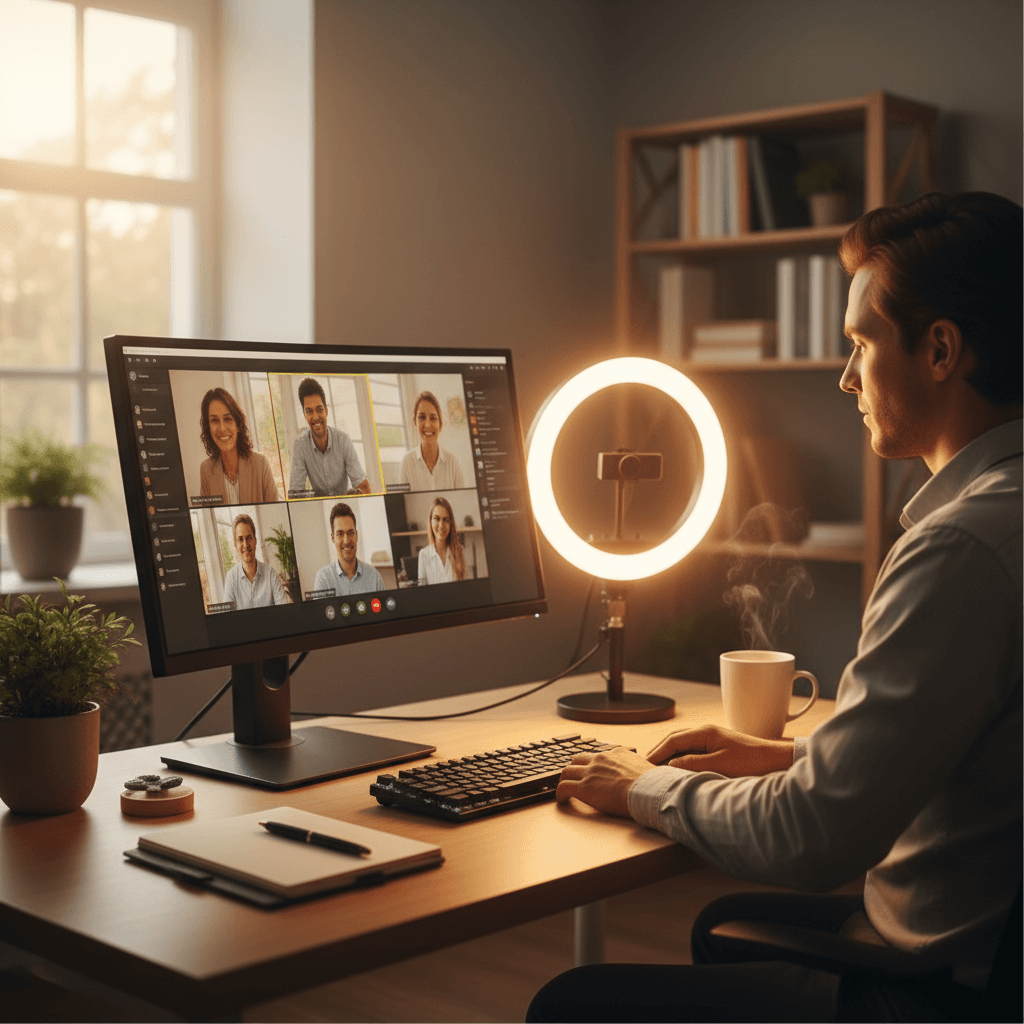
- Ring lights used as your only desk lamp. Ring lights are for video calls, not for tasks. Evenly lighting your face is the opposite of what task lighting needs to do (focus on the work surface, not the operator).
Products referenced in this guide
For quick reference, the products tied to this guide are the BenQ ScreenBar Halo 2 ($199), the BenQ ScreenBar LED Monitor Light Bar ($109), the BenQ e-Reading Desk Lamp Matte Gold Swing Arm ($249.00), and the Quntis Monitor Light Bar PRO+ with Remote ($69.99).
Other products referenced here include the Elgato Key Light Neo (Black) ($58.04) and the Dyson Solarcycle Morph Desk Lamp ($999).
Frequently Asked Questions
Should I get a monitor light bar or a traditional desk lamp?
For most WFH setups, a monitor light bar is the better choice. It saves desk space, eliminates screen glare by design, and provides even illumination across your workspace. A traditional lamp makes more sense if you need to light areas away from your monitor, if your monitor has an unusually thick or curved bezel that doesn't accommodate a bar, or if you need to illuminate your face for video calls from a specific angle.
Does desk lighting really affect eye strain?
Yes, and the effect is well-documented. The American Optometric Association identifies contrast between screen brightness and ambient lighting as a primary contributor to computer vision syndrome. Proper desk lighting reduces the brightness ratio between your screen and surroundings, allowing your eyes to maintain a more stable focus and reducing the fatigue that accumulates over a full workday.
What color temperature should I use for work?
During peak working hours (roughly 8 AM to 4 PM), use cooler temperatures between 4500K and 5500K to promote alertness. After 4 PM, transition to warmer temperatures between 2700K and 3500K to support your natural circadian rhythm. If your lamp supports automatic adjustment based on time of day, enable it — most people find they prefer the gradual shift once they try it.
Can a desk lamp improve my video call appearance?
Absolutely. A desk lamp with high CRI (90+) positioned to illuminate your face produces dramatically better video quality than overhead room lighting or a window behind you. The key is placing the light source in front of you and slightly above eye level. Monitor light bars illuminate your desk but not your face, so for video call improvement specifically, a traditional lamp or a dedicated ring light is more effective.
How many lumens do I need for a home office desk lamp?
For a primary desk light, aim for at least 500 lumens at maximum output. If your room has good ambient lighting from windows or overhead fixtures, you can get away with less (300-400 lumens) since the lamp supplements rather than replaces room light. For a dark room or evening work, you may want up to 1000 lumens. The most important thing is having smooth dimming so you can adjust to conditions.
The Bottom Line
The BenQ ScreenBar Halo is the best desk lamp for most home offices — its combination of monitor-mount convenience, rear bias lighting, and excellent color rendering solves the lighting problem comprehensively. If the price is steep, the standard BenQ ScreenBar delivers 90% of the experience for $70 less.
Skip the Dyson unless you have the budget and genuinely appreciate beautiful industrial design. And if you're just getting started and need to keep costs down, the TaoTronics TT-DL16 at $35 is a massive upgrade over working under overhead room lighting alone.
Sources & Research
- American Academy of Ophthalmology — Computers, digital devices and eye strain
- Illuminating Engineering Society — Recommended practice for office lighting
- Lighting Research Center at Rensselaer — Flicker and eye fatigue
- BenQ — Why CRI matters for video calls and skin tone
- Optometry and Vision Science — Screen-to-environment luminance mismatch and eye strain
Related Reading
- →Home Office Lighting GuideNatural light, bias lighting, and task lighting explained
- →Best Ring Lights for Home OfficeLook great on video calls
- →Best Webcams for Video Calls 2026Complete your video setup
- →Best Monitors for Working From HomeThe display your lamp will complement
- →Desk LampsBrowse all our desk lamp reviews
- →WebcamsProfessional cameras for remote work
- →MonitorsThe best displays for WFH
More WFH Setup Resources
Your next step
Get the whole lighting picture right.
Hilly Shore Labs
Editorial TeamWFH Lounge is published by Hilly Shore Labs. Every recommendation is built by synthesizing ergonomic research, manufacturer specs, expert reviews from outlets like Wirecutter, RTINGS, and The Verge, and aggregated long-term owner sentiment from thousands of verified buyers.
All product reviews are independently researched. Our recommendations are based on ergonomic guidelines, manufacturer specifications, and verified buyer sentiment. See our methodology.