How to Stay Focused Working From Home: Proven Strategies
Focus at home comes down to environment design, time blocking, digital boundaries, and regular movement — not willpower. Build systems that make focused work the default.
Quick Answer
Focus at home is environment design, not willpower: a dedicated workspace your brain associates with work, time blocking with protected peak hours, the phone in another room, and movement breaks before attention collapses. Build systems that make focused work the default state rather than a daily act of discipline.
Key Takeaways
Practical strategies to stay focused while working from home — from environment design and time blocking to digital boundaries and movement breaks that actually work.

As an Amazon Associate I earn from qualifying purchases. Product prices and availability are subject to change.
Let's be honest — working from home is a focus minefield. Your kitchen is fifteen steps away. Your phone is right there. The couch is calling. Nobody's watching, so the temptation to "just check" Instagram or throw in a load of laundry feels completely harmless. And it is, once. But string together twenty of those micro-distractions in a day, and you've lost two or three hours of deep work without even realizing it.
The good news: focus isn't a personality trait. It's a skill you can build and an environment you can design.
The remote workers who stay consistently productive aren't genetically gifted with superhuman discipline — they've set up systems that make focused work the path of least resistance. Here's how to do the same.
Design Your Environment for Focus
Your physical space has an enormous impact on your ability to concentrate. Research from environmental psychology shows that our brains constantly process environmental cues, even when we're not aware of them. A cluttered desk, an open bag of chips, a TV visible from your workspace — each one is a small cognitive tax that drains your focus reserves.
Create a Dedicated Workspace
This is the single most impactful thing you can do. Working from your couch or bed blurs the mental boundary between "work mode" and "relax mode," making it harder to engage either one fully. You don't need a separate room — a dedicated corner of a room works. The key is consistency: always work from that spot, and never use that spot for leisure.
If your space is limited, even small signals help:
- A specific desk lamp you turn on only during work hours
- A particular chair you sit in
- A laptop stand that you set up at the start of the day and put away when you're done
These physical rituals train your brain to shift into work mode.
Control Visual Clutter
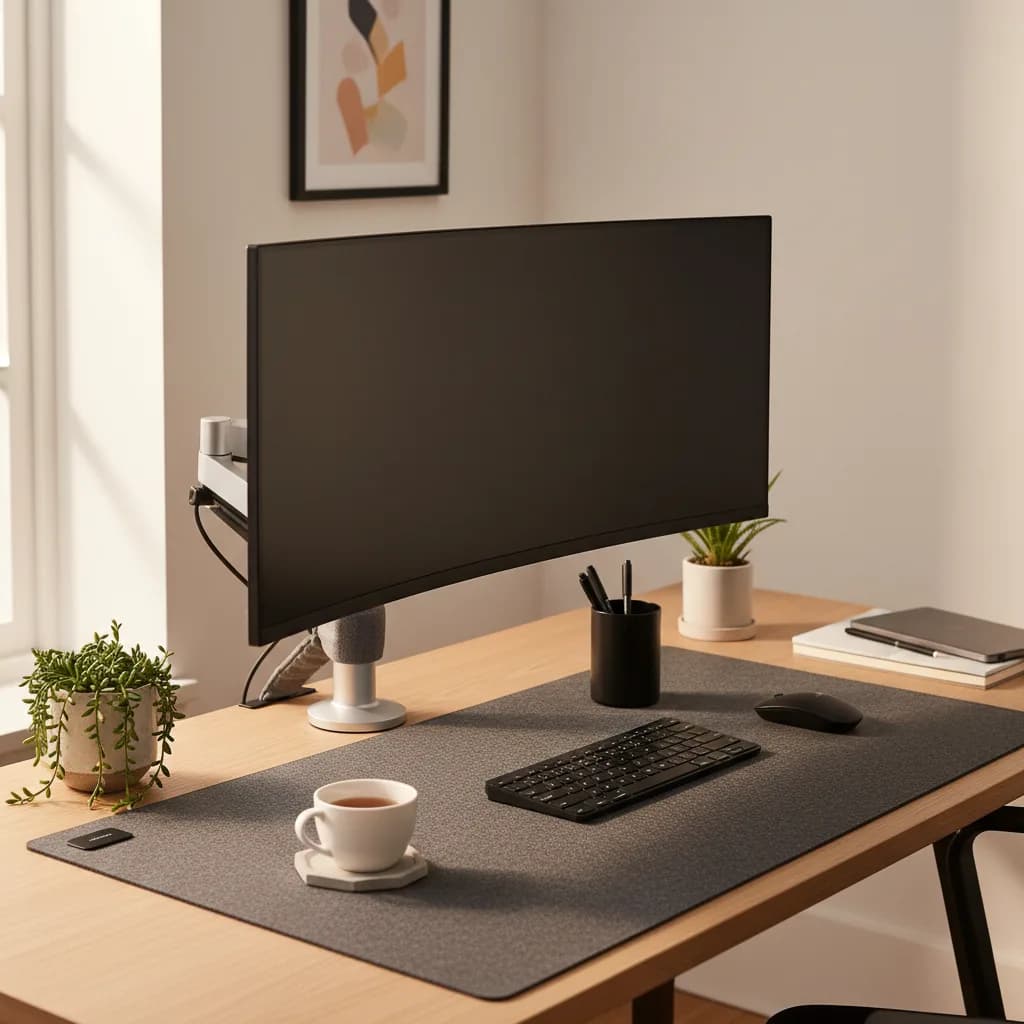
A clean desk isn't just about aesthetics — it directly affects cognitive load. Every object in your visual field competes for attention, even if you're not consciously looking at it. Keep your desk surface limited to what you actively need:
- Your computer
- A notebook
- A water bottle
- Maybe a plant
Everything else goes in a drawer or off the desk entirely.
Our guide to building a complete WFH setup covers the physical side of this in detail, including cable management and desk organization that keeps your workspace distraction-free.
Manage Noise
Noise is the most common focus disruptor for remote workers. If you can't control the noise in your environment — barking dogs, construction, family members — you need to mask it.
- White noise or brown noise through speakers or headphones is more effective than music for sustained focus.
- Apps like Noisli or myNoise let you mix ambient soundscapes.
- Noise-cancelling headphones are the nuclear option — and they work. See our headphone picks for WFH if you're shopping.
Structure Your Time
Without the external structure of an office — commute times, meetings, lunch breaks, coworkers starting and stopping — you need to create your own. The most effective remote workers don't rely on willpower to decide what to work on. They follow a structure that removes the decision.
Time Blocking
Time blocking means scheduling specific tasks into specific calendar slots — not just meetings, but actual work tasks. Instead of a vague to-do list that says "write report," your calendar has a block from 9:00 to 10:30 that says "write Q1 report — no interruptions."
It transforms an open-ended task into a time-bound commitment. When 9:00 arrives, you don't have to decide what to do. You already decided yesterday.
The friction of getting started — often the hardest part — drops dramatically.
The Pomodoro Technique (Modified)
The classic Pomodoro method — 25 minutes of work followed by 5 minutes of rest — is a good starting point but too short for deep work.
A modified version works better for most remote workers: 50 minutes on, 10 minutes off. This gives you enough uninterrupted time to get into flow state while still building in regular breaks.
During your 10-minute break, physically leave your desk:
- Walk to another room
- Step outside
- Stretch
The point is to give your brain a genuine context switch, not just to scroll your phone at the same desk.
Protect Your Peak Hours
Most people have two to three hours each day when their cognitive performance peaks. For the majority, this is mid-morning — roughly 9 AM to noon. Identify your peak hours and ruthlessly protect them for your most demanding work. Push meetings, emails, and admin tasks to your lower-energy windows (usually mid-afternoon).
Set Digital Boundaries
Your phone and computer are simultaneously your most important work tools and your biggest distraction sources. The solution isn't willpower — it's boundaries that remove the temptation before it arrives.
Phone Management
- Put your phone in another room during focus blocks. Not face down on your desk. Not in your pocket. In another room. Studies show that the mere presence of your phone — even if it's off — reduces cognitive capacity.
- Turn off non-essential notifications. You need Slack and email notifications. You don't need Instagram, news alerts, or game updates during work hours.
- Use Focus/Do Not Disturb modes that allow calls and messages only from specific contacts during work hours.
Browser Discipline
Install a site blocker like Cold Turkey or Freedom that prevents access to distracting sites during scheduled focus blocks. Yes, you can always disable it. But the extra friction — having to consciously choose to break your own rule — is usually enough to interrupt the autopilot habit of typing "reddit.com" without thinking.
Separate Work and Personal Profiles
If your browser has personal bookmarks, social media logins, and entertainment saved alongside your work tabs, every new tab is a temptation. Create a separate browser profile (or use a different browser entirely) for work. Your work browser has:
- Only work bookmarks
- Work-related extensions
- No social media logins
Build Movement Into Your Day
Sitting still for hours doesn't just hurt your body — it kills your focus. Research consistently shows that brief physical activity improves cognitive function, attention span, and mood. You don't need to do a full workout (though that helps too). You need movement breaks.
The Minimum Effective Dose
Every 60 to 90 minutes, stand up and move for 5 to 10 minutes:
- Walk around the house
- Do some stretches
- Walk outside for fresh air
This isn't procrastination — it's maintenance. Your brain needs this reset to sustain focused attention through the rest of the day.
A standing desk makes movement even easier by letting you alternate between sitting and standing throughout the day without interrupting your work.
Exercise as Focus Fuel
A 20 to 30 minute workout before your workday — even just a brisk walk — primes your brain for four to six hours of improved focus. The neurochemical cocktail of endorphins, dopamine, and norepinephrine that exercise triggers is more effective than caffeine for sustained attention. If morning workouts aren't your thing, a midday walk during lunch produces a similar (though slightly shorter-lasting) effect.
Manage Energy, Not Just Time
Focus isn't just about scheduling and environment — it's about having the energy to sustain attention. The three pillars of cognitive energy are sleep, nutrition, and hydration.
- Sleep: Seven to nine hours. Non-negotiable. Even one night of poor sleep reduces attention and working memory by 20–30%. No productivity hack compensates for sleep debt.
- Nutrition: Avoid heavy carb-loaded lunches that cause a blood sugar crash at 2 PM. Smaller, protein-rich meals and snacks maintain more even energy throughout the day.
- Hydration: Even mild dehydration (1–2% body weight loss) measurably impairs concentration. Keep a water bottle at your desk and aim for at least 64 ounces throughout the day.
Leverage Accountability
One of the biggest challenges of remote work is the absence of social accountability. In an office, the mere presence of coworkers keeps you on task. At home, no one sees you watching YouTube at 10 AM.
Replace that accountability intentionally:
- Body doubling: Work alongside someone, even virtually. Sites like Focusmate pair you with a stranger for a 50-minute work session over video. It sounds awkward, but it works remarkably well.
- Daily stand-ups: If your team doesn't have them, propose a 10-minute morning check-in where everyone states what they'll work on today.
- End-of-day review: Spend five minutes at the end of each day writing down what you accomplished. This simple habit creates a feedback loop that motivates you to have something worth writing down tomorrow.
For more on building sustainable routines that prevent burnout, check out our guide to work-life balance while working from home.
FAQ
How long can you realistically maintain deep focus?
Most research suggests that sustained deep focus maxes out at about 90 minutes before the brain needs a break. Four to five hours of genuinely deep work per day is excellent — most knowledge workers don't get that much even in an office. Don't expect eight hours of non-stop concentration; structure your day around focused blocks with real breaks in between.
Does listening to music help or hurt focus?
It depends on the music and the task. Familiar instrumental music at low volume can help with repetitive tasks. For complex tasks requiring deep thought, silence or white noise is generally better. Lyrics are almost always distracting because your brain can't help processing the words. If you need something, try lo-fi ambient or brown noise.
How do I handle interruptions from family or roommates?
Communicate your schedule visually and verbally. A closed door means "do not disturb unless it's urgent." If you don't have a door, a headphone-on signal works. Set specific times when you're available for questions and conversations. Most household members will respect boundaries once you establish them clearly — the problem is usually that the boundaries were never communicated.
Is it okay to take personal breaks during the workday?
Absolutely — in fact, it's necessary. The goal isn't to chain yourself to the desk for eight hours. Short personal breaks (making coffee, stretching, a quick walk) refresh your mind and prevent burnout. The key is intention: a deliberate 10-minute break is fine. An unconscious 45-minute scroll through social media is not.
The Bottom Line
Staying focused while working from home isn't about willpower — it's about systems.
- Design your environment to minimize distractions
- Structure your time with blocks and breaks
- Set digital boundaries that remove temptation
- Move your body regularly
- Protect your sleep
- Don't overspend on gear that won't help: a home-office air purifier won't fix the stuffy-room fog that ventilation solves
- Build in accountability, even if it's just a daily written review of what you accomplished
Do these things consistently, and focus becomes the default rather than the exception.
Your next step
Silence is the cheapest focus tool.
Hilly Shore Labs
Editorial TeamWFH Lounge is published by Hilly Shore Labs. Every recommendation is built by synthesizing ergonomic research, manufacturer specs, expert reviews from outlets like Wirecutter, RTINGS, and The Verge, and aggregated long-term owner sentiment from thousands of verified buyers.
All product reviews are independently researched. Our recommendations are based on ergonomic guidelines, manufacturer specifications, and verified buyer sentiment. See our methodology.