Best Monitors for Working From Home (2026)
The Dell S2725QC — a 27-inch 4K at 120Hz with 65W USB-C for $349.99 — is the best WFH monitor for most desks. Step up only if you need the monitor to be your dock.
Our #1 Pick
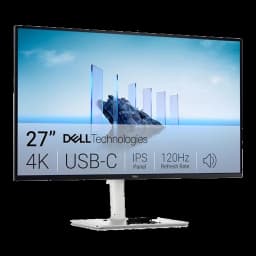
Dell S2725QC 27" 4K USB-C 120Hz
The best monitor for most home offices: 4K, 120Hz, USB-C charging, about $350 — RTINGS' value pick and the one our readers actually buy. Step up to the UltraSharp U2725QE for a 140W Thunderbolt 4 hub and 2.5GbE Ethernet, or the U3225QE if you want 32 inches.
Fits: laptops that charge on 65W USB-C (an Air or 14" Pro); no DisplayPort socket — USB-C or HDMI 2.1- Genuine 4K UHD at 120Hz for buttery scrolling
- 65W USB-C delivers single-cable laptop charging
- 99% sRGB and AMD FreeSync Premium for sharp text and smooth motion
Price checked Oct 10, 2026 — verify the live price on Amazon.
Also Great
Best 4K value: LG 27UK850-W 27" 4K ($360) — 4K IPS with USB-C and a height-adjustable stand, and the cheapest 4K in this guide's comparison table.
Buy on AmazonBest 32-inch: Dell UltraSharp U3225QE 32" 4K ($799.99) — 120Hz, Thunderbolt 4 and 140W charging when you want a bigger canvas than 27 inches.
Buy on Amazon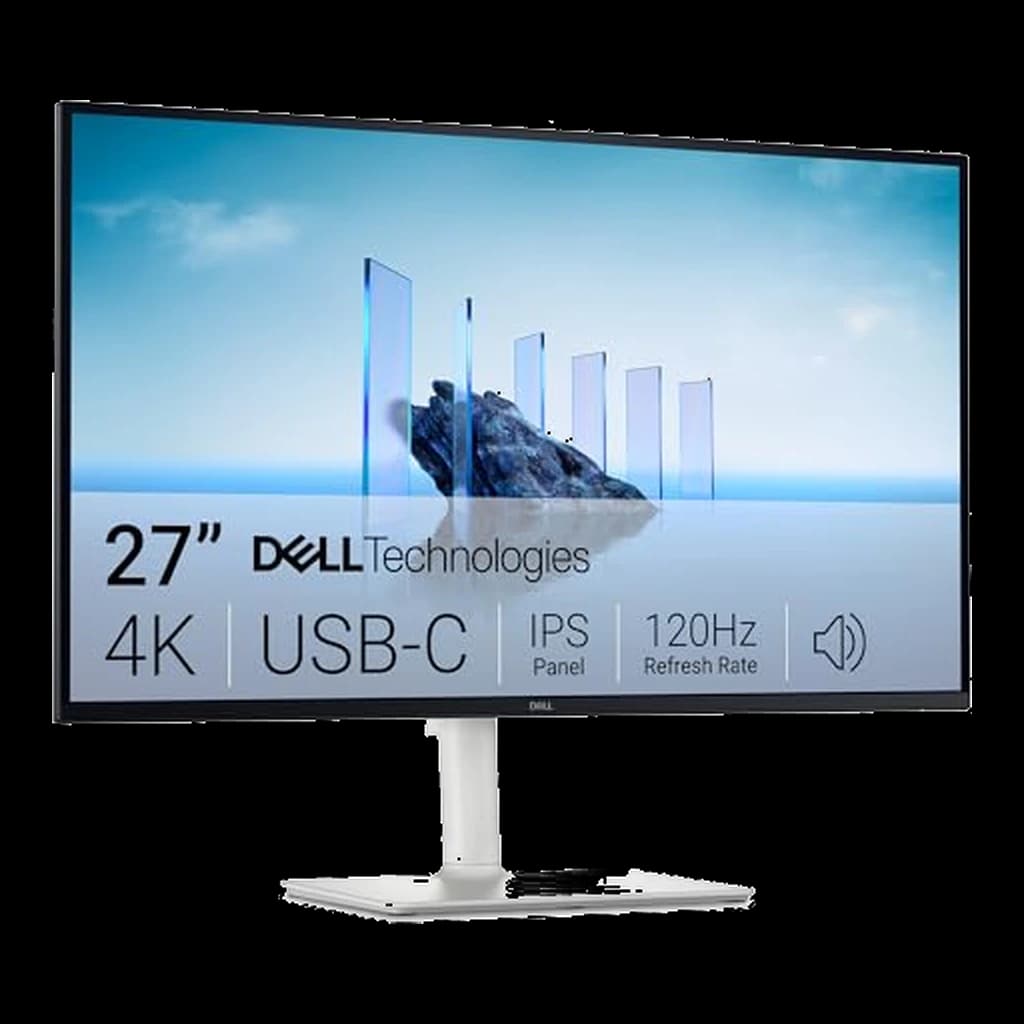 #1 Owner rating | 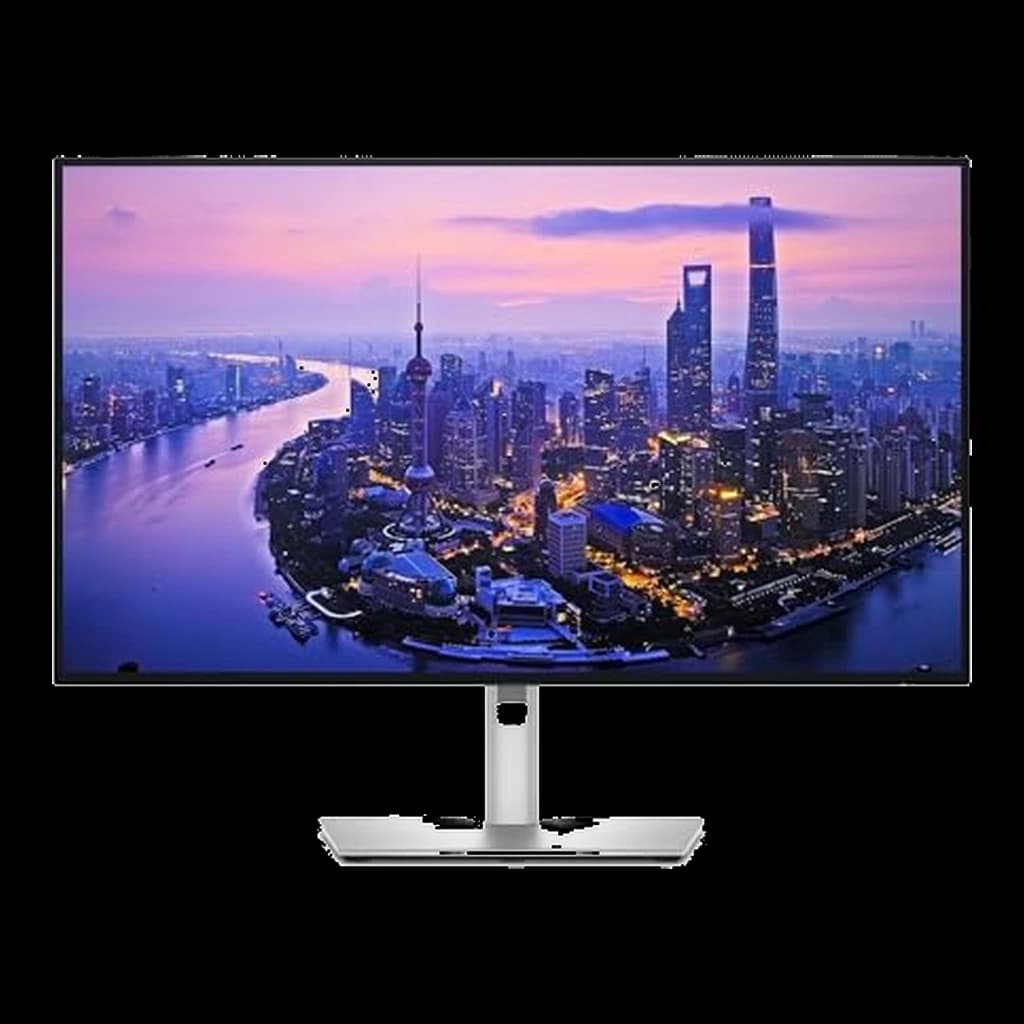 #2 Owner rating | 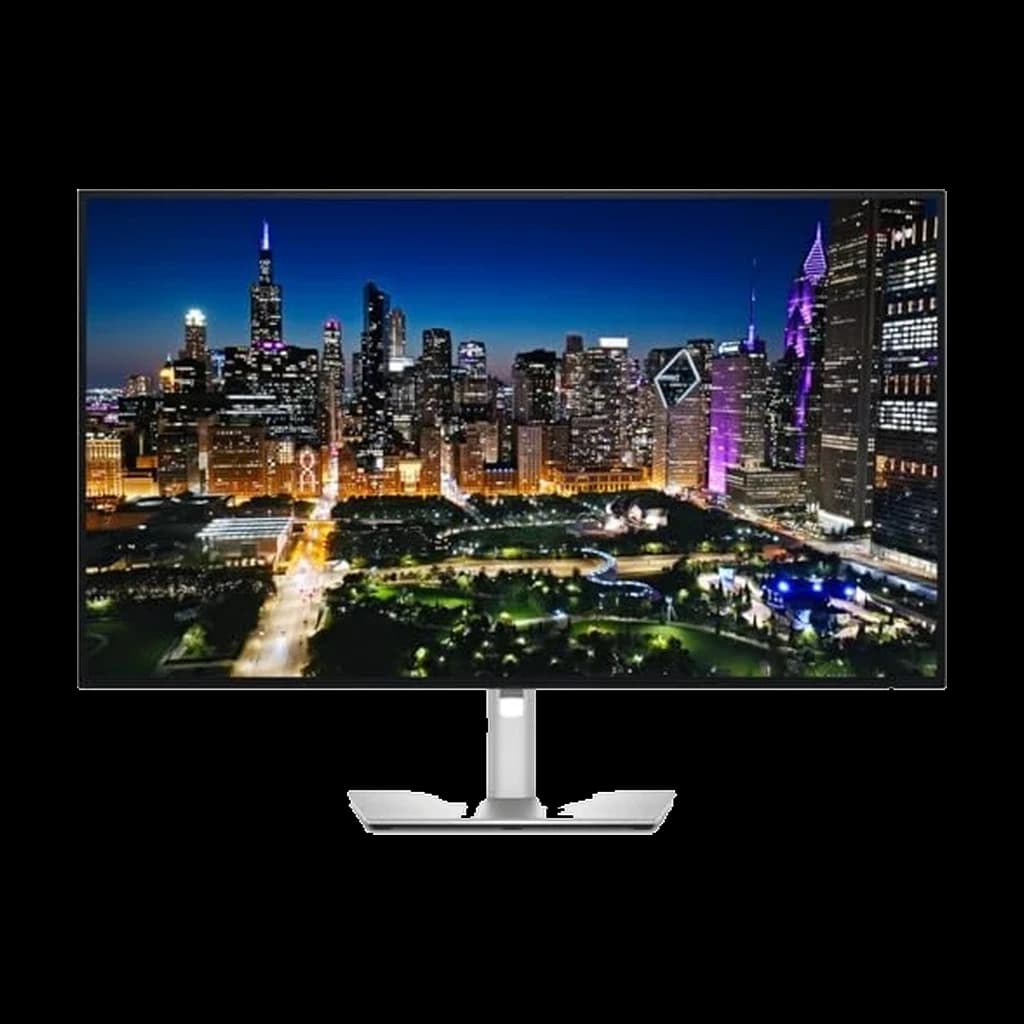 #3 Owner rating | 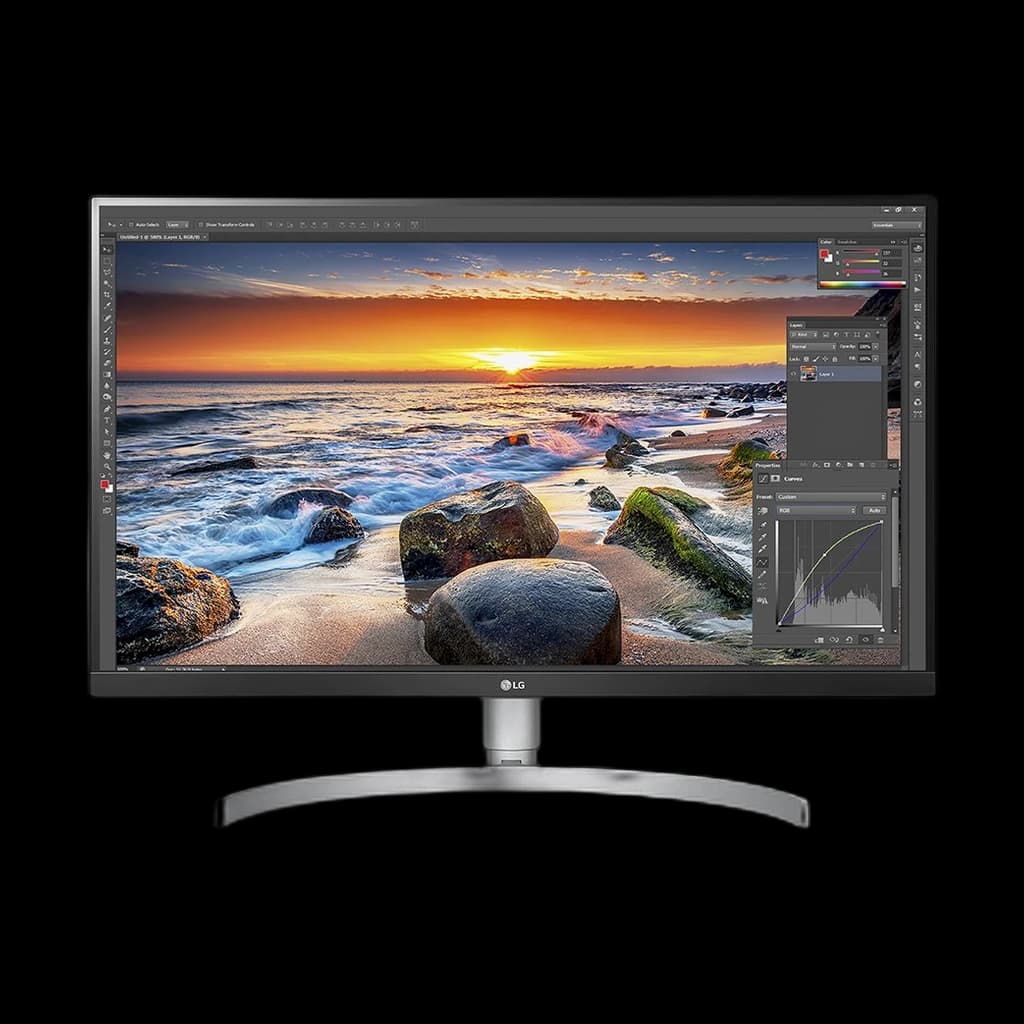 #4 Owner rating | 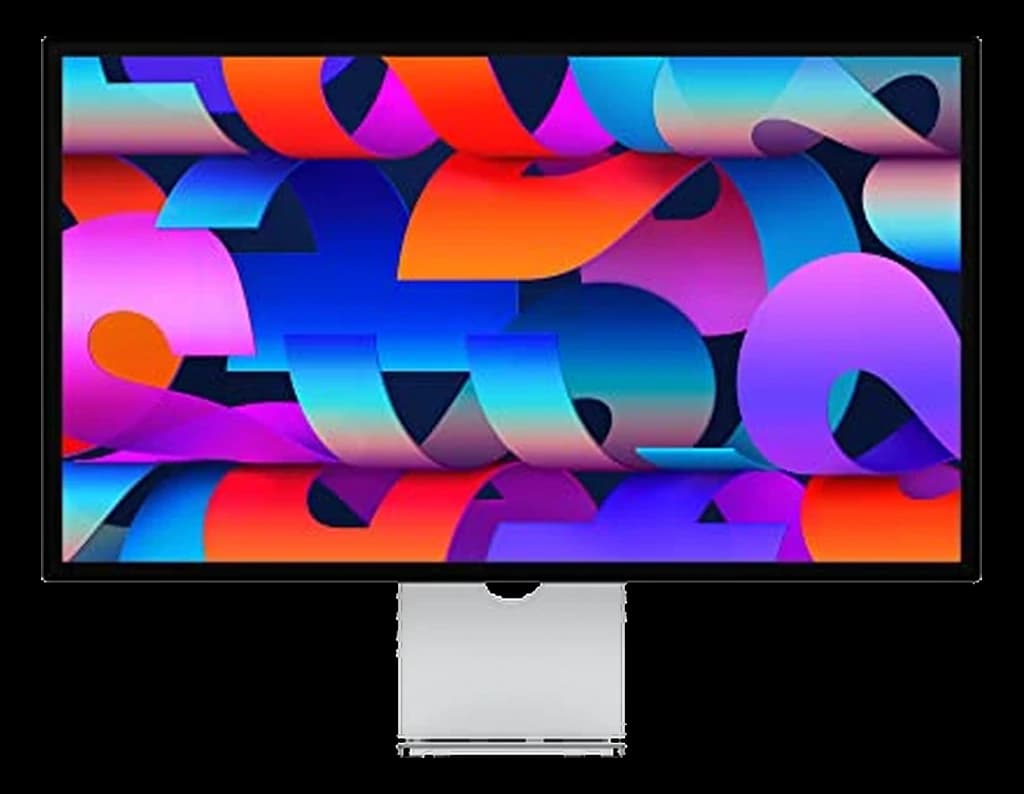 #5 Owner rating | 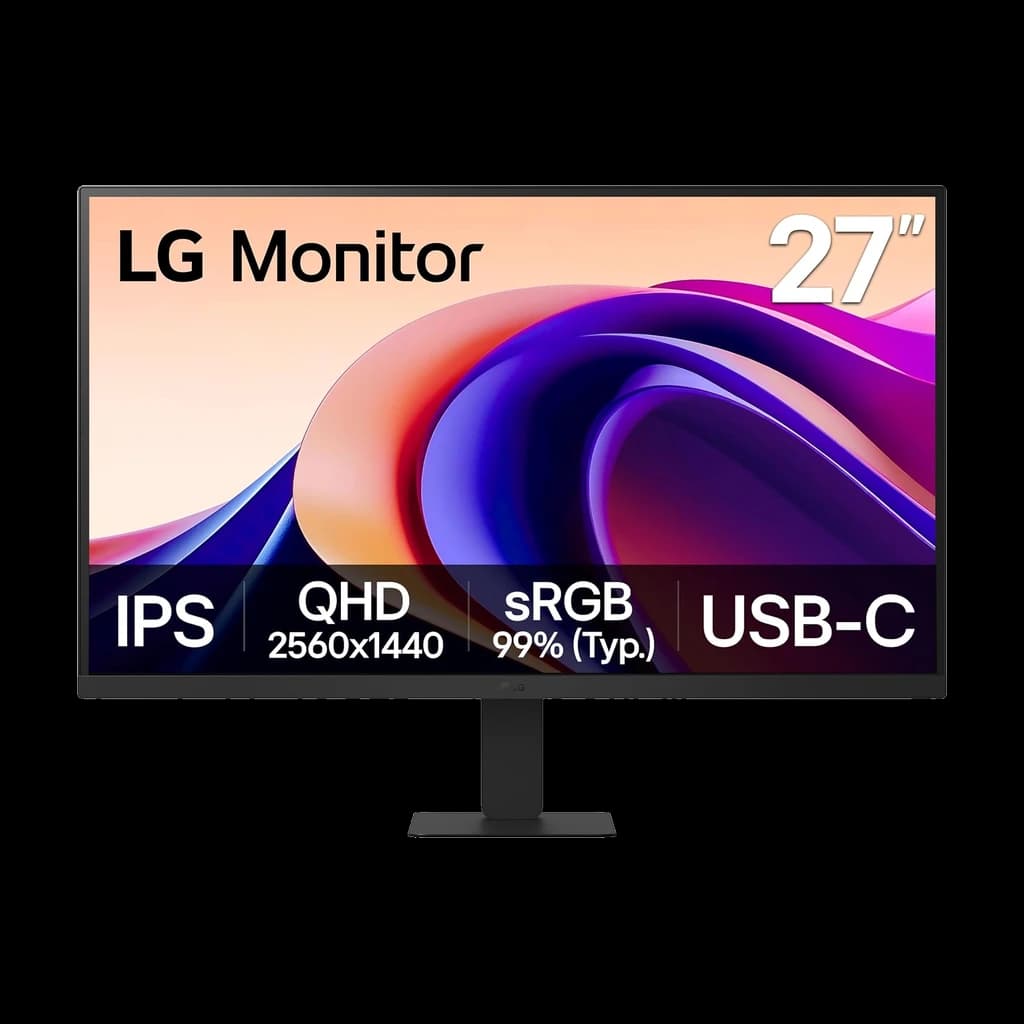 #6 Owner rating | 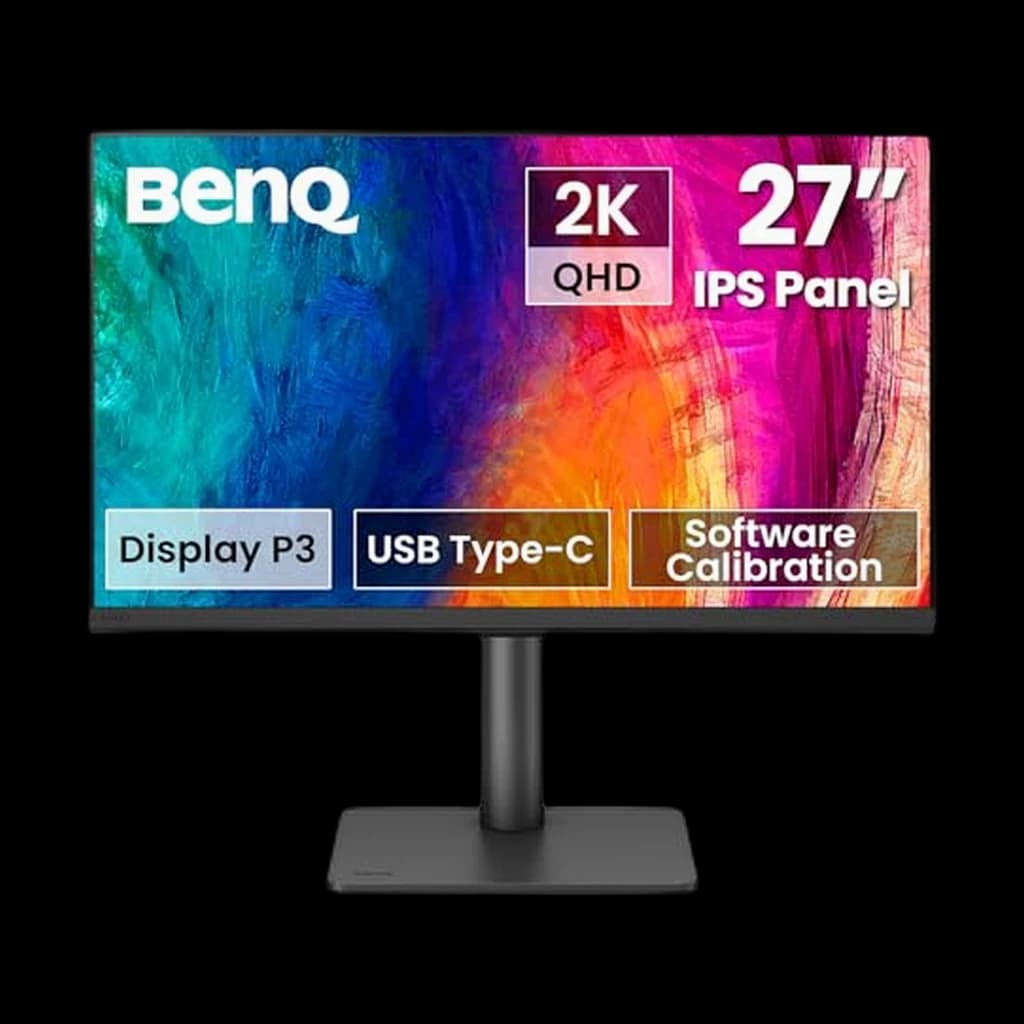 #7 Owner rating | |
|---|---|---|---|---|---|---|---|
| Price | $349.99Buy on Amazon | $639Buy on Amazon | $799.99Buy on Amazon | $360Buy on Amazon | $1,599Buy on Amazon | $169.99Buy on Amazon | $299.99Buy on Amazon |
| Verdict | Best for most WFH desks — 4K, 120Hz and 65W USB-C for about $350, and the monitor our readers actually buy | The new productivity benchmark — 4K, 120Hz, Thunderbolt 4, 140W charging in one cable. | Best 32-inch 4K for a bigger workspace — 120Hz, Thunderbolt 4 hub, 140W charging in one cable | Best 4K value | Best for Mac users — native 5K Retina over one Thunderbolt cable, with a 12MP Center Stage webcam built in | Cheapest 27-inch 1440p IPS worth owning | Best calibrated color under $300 — and 90W single-cable charging |
| Buyer sentiment | Display Quality Picture Quality Value for money Connectivity Buyers praise display quality, picture quality, value for money and connectivity. Mixed feedback on functionality. Based on 470 user mentions | Connectivity Image Quality Ergonomics Buyers praise connectivity, image quality, ergonomics. Based on 100 user mentions | Rated 4.1★ across 105 reviews | Monitor Quality Picture Quality USB Connectivity Appearance Buyers praise monitor quality, picture quality, usb connectivity and appearance. Mixed feedback on color quality and signal quality. Based on 1,085 user mentions | Display Quality Image Quality Color Quality Appearance Buyers praise display quality, image quality, color quality and appearance. Mixed feedback on value for money. Based on 53 user mentions | Image Quality Value for money Functionality Buyers praise image quality, value for money and functionality. Mixed feedback on quality and reliability. Based on 47 user mentions | Rated 4.8★ across 23 reviews |
| Resolution | 4K (3840×2160) | 3840x2160 (4K UHD) | 4K (3840×2160) | 4K (3840×2160) | 5K (5120×2880) | QHD (2560×1440) | QHD (2560×1440) |
| Refresh Rate | 120Hz | 120Hz | — | — | 60Hz | — | — |
| Panel | 27" IPS | 27" IPS Black | IPS Black | IPS | 27" IPS Retina | IPS | IPS |
| USB-C PD | 65W | — | — | — | 96W | 15W | 90W |
| Size | 27" | — | 32" | 27" | 27" | 27" | 27" |
| Connectivity | USB-C 65W PD (DisplayPort 1.4 Alt Mode) + 2x HDMI 2.1 — no DisplayPort socket | Thunderbolt 4 (140W PD), HDMI 2.1, DisplayPort 1.4, USB-C, 2.5GbE | — | USB-C + HDMI | Thunderbolt + USB-C | — | — |
| Stand | Tilt / swivel / pivot / height | Tilt / swivel / pivot / height (full ergonomic) | — | — | — | — | — |
| Refresh | — | — | 120Hz | — | — | 100Hz | 100Hz |
| TB4 PD | — | — | 140W | — | — | — | — |
| KVM | — | — | — | — | — | — | Yes |
| Pros |
|
|
|
|
|
|
|
| Cons |
|
|
|
|
|
|
|
* Prices checked Oct 2, 2026 and may vary. Check the latest price on Amazon.
We research — never hands-on. How we research →
12-month reality check
What owners say after living with this 12 months — paraphrased community consensus from the subreddits below.
After a year of daily 8-hour use, the spec people never talk about up front but always cite at month 12 is the stand. Crappy stands get swapped for VESA arms within 60 days; great stands save $80–$200 in arm purchases.
r/MonitorsUSB-C single-cable setups feel magical the first week and indispensable by month 6. The owners who stuck with HDMI + separate power brick are the ones quietly shopping for a USB-C upgrade.
r/HomeOfficeCurved ultrawides win the 12-month verdict for productivity-heavy work, but flat 4K wins for video editing and color-sensitive tasks. Pick by use case, not by what looks cool in a YouTube setup tour.
r/battlestations
Worth the upgrade
If you stare at text all day and never want to think about sharpness again, the Studio Display's 5K panel (218 PPI — double a 4K 27-inch) is the endgame. Buy it once; it outlasts two or three laptop upgrade cycles.
Key Takeaways
The best monitor for working from home in 2026 is the Dell S2725QC — 4K, 120Hz and 65W USB-C at $349.99. Plus the specs that matter and the ones to skip.
As an Amazon Associate I earn from qualifying purchases. Product prices and availability are subject to change.
The right monitor is the single most impactful WFH purchase after your chair. You're staring at it 8+ hours a day, and the difference between a cheap 24" 1080p panel and a solid 27" 1440p IPS is the difference between squinting at cramped windows and comfortably juggling three apps side-by-side. This guide walks through the best picks across four price tiers, with research-based evaluations from Wirecutter, RTINGS, Cornell Ergonomics Lab, and verified long-term owner feedback.
We're a research-based site — we don't hands-on test every monitor. Instead we synthesize the deepest reviews in the category plus r/monitors owner threads to surface the picks that consistently hold up over years of daily WFH use. For the complete informational decision framework, see our Ultimate 2026 Monitor Buying Guide.
How we evaluated
Every pick on this list had to clear three bars:
- IPS panel (for viewing angles and color accuracy at normal WFH viewing distances)
- At least 1440p at 27 inches (1080p at 27" is visibly soft for text-heavy work)
- A 4+ star aggregate rating across at least 3 independent reviewers and 50+ verified owner reviews at the 6-month-plus mark
We also checked Cornell Ergonomics Lab guidance on monitor height and distance to make sure each pick has a stand that supports proper ergonomic positioning — a beautiful panel on a terrible stand is a $400 mistake.
The three-tier short answer. One current model per price tier, with the price we last saw:
| Tier | Model | Price | Why |
|---|---|---|---|
| Budget | LG 27U631A-B | $169.99 | Cheapest honest route into 27-inch 1440p IPS — 100Hz, HDR10, 99% sRGB, but a tilt-only stand and USB-C that carries only 15W |
| Best overall | Dell S2725QC | $349.99 | 4K at 120Hz with 65W USB-C single-cable laptop charging, at the price of a good 1440p panel |
| Premium | Dell UltraSharp U2725QE | $629 | The monitor becomes the dock — 4K IPS Black at 120Hz, 140W Thunderbolt 4, 2.5GbE Ethernet, USB hub and a KVM |
Tier 1 — Budget picks (~$170–$290)
1. LG 27U631A-B (27" 1440p IPS, 100Hz)
Buy on Amazon · $169.99The cheapest honest route into this guide's minimum spec. LG lists a 27-inch QHD (2560×1440) IPS panel, a 100Hz refresh rate, HDR10, up to 99% sRGB, and a USB-C input that carries video plus 15W of power delivery — enough to keep a tablet topped up, not enough to charge a laptop. At $169.99 it undercuts everything else in this guide by more than $100.
Two things to know before you buy. LG's spec sheet lists tilt on the stand and no height adjustment, so budget for a monitor arm if your desk needs one (see the ergonomics section below). And this pick replaces the LG 27QN880-B, the ergonomic C-clamp model we used to recommend here: it no longer has a buyable Amazon listing, so we stopped pointing readers at it rather than leave a dead recommendation in place.
Good for: First-time WFH buyers, students, second-screen duty, anyone who wants 27-inch 1440p under $200. Not good for: Single-cable laptop setups (15W will not charge a laptop — see the Dell S2725QC below), designers who need factory-calibrated color.
2. BenQ PD2706QN (27" 1440p IPS, 90W USB-C, factory-calibrated)
Buy on Amazon · $299.99The designer pick at this tier, and the cheapest monitor in this guide that charges a laptop over a single cable. BenQ's spec sheet lists 100% sRGB, 100% Rec.709 and 95% P3 with factory calibration to an average Delta E ≤ 2, a 100Hz panel, 90W USB-C, a built-in KVM, and a full height / tilt / swivel / pivot stand. The anti-glare nano-matte coating is the other reason to take it over the Dell if you sit near a window. Lower resolution than the 4K Dells below, but the color accuracy and the 90W charging are what you are buying at $299.99.
It replaces the PD2706Q, which no longer has a buyable Amazon listing; the QN is the current model in that line. One trade-off against the UltraSharp above: BenQ's spec sheet lists no Ethernet port, so if you want wired networking through the monitor, the Dell is still the one.
Good for: UX designers, photographers who do client work from home, Mac and laptop users who want single-cable 90W charging under $300, anyone switching between two machines (KVM). Not good for: Anyone who needs 4K text sharpness, or wired Ethernet passthrough.
Tier 2 — The WFH sweet spot (~$300–$360)
3. Dell S2725QC (27" 4K IPS, 120Hz, 65W USB-C) — our overall pick
The monitor most home offices should buy, and the one this guide's readers actually do. Dell's spec page lists a 27-inch 3840×2160 IPS panel at up to 120Hz, 99% sRGB, two HDMI 2.1 ports, and a USB-C upstream port with DisplayPort Alt Mode and up to 65W of power delivery — so one cable drives the display and charges a MacBook Air or a 14-inch Pro. The stand does height, tilt, swivel and pivot out of the box, which is the part budget 4K panels usually skip. At $349.99 it costs about what a good 1440p monitor cost two years ago.
What you give up against the UltraSharps below: the downstream USB-C port carries only 15W and there is no Ethernet, no KVM and no wide-gamut calibration. For text, spreadsheets and video calls none of that matters.
Good for: Almost everyone — laptop users who want single-cable charging, anyone who reads text all day and wants 4K sharpness at 27 inches. Not good for: Two-laptop desks that need a KVM, wired-Ethernet setups, colour-critical design work.
4. LG 27UK850-W (27" 4K IPS, HDR10, 60W USB-C)
Buy on Amazon · $360The 4K alternative if the Dell is out of stock or you prefer LG's panel. LG lists a 27-inch 3840×2160 IPS panel at 60Hz, HDR10, 99% sRGB, and USB-C with 60W power delivery, on a stand with height adjustment and pivot. It has been on sale for years, which is why it carries more than 2,900 owner ratings — the longest track record of any 4K in this guide. Against the S2725QC you lose 120Hz and 5W of charging, and at $360 you pay a little more for it.
Good for: Buyers who want a proven 4K USB-C panel with a long owner history, MacBook Air users (60W is enough). Not good for: Anyone who wants 120Hz scrolling smoothness — the Dell has it for less.
Tier 3 — The monitor as your dock (~$630–$820)
5. Dell UltraSharp U2725QE (27" 4K IPS Black, Thunderbolt 4, 140W)
The step up from the S2725QC for full-time remote workers who want the monitor to be the dock. It replaces the U2723QE that used to hold this slot: Dell has superseded that model, and its remaining new-condition Amazon listings are third-party resellers priced above this one. From Dell's spec page, you get:
- 27" 4K (3840×2160) IPS Black panel at up to 120Hz, with 3000:1 contrast
- Thunderbolt 4 with up to 140W power delivery (enough for a 16-inch MacBook Pro)
- 2.5GbE Ethernet passthrough (critical for video calls on spotty WiFi)
- USB hub, DisplayPort out and a Thunderbolt 4 downstream port for daisy-chaining
- Height + tilt + swivel + pivot (rotates to portrait for code/docs work)
- KVM for swapping between work and personal laptops
The 120Hz is the upgrade you notice every day — scrolling long documents and dragging windows is visibly smoother than on the 60Hz model it replaces.
Good for: Serious full-time remote workers, anyone juggling two laptops (work + personal), anyone who wants one cable to carry picture, charging and wired networking. Not good for: Pure budget buyers (the Dell S2725QC gets you 4K, 120Hz and single-cable charging for under half the price; you give up the 140W, the Ethernet and the KVM).
6. Dell UltraSharp U3225QE (32" 4K IPS Black, Thunderbolt 4, 140W)
Buy on Amazon · $799.99The 32-inch pick, and the most complete hub in this guide. Dell lists a 31.5-inch 3840×2160 IPS Black panel at up to 120Hz, VESA DisplayHDR 600, 100% sRGB and 99% DCI-P3, a Thunderbolt 4 upstream port with up to 140W power delivery (enough for a 16-inch MacBook Pro), a second Thunderbolt 4 port for daisy-chaining, 2.5GbE Ethernet, a USB-C KVM upstream, and a full height / tilt / swivel / pivot stand. At 32 inches 4K is the right resolution — 1440p looks soft at this size — and the extra vertical space is a real win for spreadsheets and long documents.
Good for: Analysts and developers who want more rows and lines on screen, anyone who wants one Thunderbolt cable to run everything, two-laptop desks (KVM). Not good for: Small desks (32 inches dominates a 48-inch-wide desk), anyone for whom $814.99 is better spent on the S2725QC plus a good chair.
If what you actually want is horizontal space for many windows side by side, a 34-inch ultrawide beats 32-inch 4K — see our best ultrawide monitors for work.
Tier 4 — Premium (~$1,500+)
7. Apple Studio Display (27" 5K)
Buy on Amazon · $1,599If you're deep in the Apple ecosystem and want minimum friction, this is the move. 5K resolution gives you "retina" sharpness at any normal viewing distance, color is factory-calibrated, and the build quality is unmatched at any price. The downsides: no height-adjustable stand unless you pay extra — Apple's spec page lists the tilt-only stand as standard and the tilt-and-height stand as a paid configuration — and at $1,599 it's substantially overpriced compared to any PC-world alternative.
Good for: Mac power users who want "the Apple experience" and will pay for it. Not good for: Anyone cost-conscious, non-Mac users, anyone who values height adjustability as standard.
Ergonomics: how to actually set up your monitor
The research on monitor placement is remarkably consistent across Cornell Ergonomics Lab, OSHA's computer workstation guidelines, and the American Academy of Orthopaedic Surgeons:
- Top of the screen should be at or slightly below eye level when you're sitting up straight. Most people mount monitors too low — you end up craning your neck down all day. The monitor's included stand is often inadequate; budget $80–$150 for a Humanscale M8 or Ergotron LX monitor arm to get proper height.
- Viewing distance: 20–40 inches (roughly arm's length). Too close and your eyes have to re-focus constantly; too far and text becomes fatiguing.
- Tilt the top of the monitor ~10 degrees back so your line of sight hits the screen perpendicular to the glass.
- Brightness should match the ambient room lighting. Matching your screen to your room reduces eye strain more than any "blue light" glasses.
For more detail on the ergonomics setup that prevents Year 1 back pain, see our guide on the 5 WFH setup mistakes that wreck your back.
Dual monitors or one bigger one?
Short answer: if you constantly reference material while working on a main task, dual monitors win. If you work mostly in one app at a time, a single bigger monitor (32" 4K or 34" ultrawide) is cleaner and easier to live with. We cover this in detail in our best dual monitor setup guide.
Refresh rate, HDR, and other specs that don't matter for WFH
- Refresh rate: 60Hz is fine. Higher rates (120Hz, 144Hz) benefit gaming but don't improve spreadsheet or code work in any measurable way.
- HDR: Marketing fluff for monitor work. HDR matters for video and gaming content, not for office apps.
- Curved screens: Helpful on ultrawides (34"+) where the extreme horizontal angle starts to matter. Unnecessary on 27" screens.
- G-Sync / FreeSync: Irrelevant for WFH. These are gaming features.
Save your money on these specs and put it toward better ergonomics and higher resolution.
Budget-to-feature quick reference
| Budget | Best pick | Why |
|---|---|---|
| Under $200 | LG 27U631A-B ($169.99) | Cheapest route to 27" 1440p IPS |
| $250–$300 | BenQ PD2706QN ($299.99) | 90W single-cable charging, factory-calibrated colour, KVM |
| $300–$360 | Dell S2725QC ($349.99) or LG 27UK850-W ($360) | 4K with USB-C laptop charging — 120Hz on the Dell |
| $600–$700 | Dell UltraSharp U2725QE ($629) | 4K 120Hz + 140W Thunderbolt dock + 2.5GbE + KVM |
| $800–$900 | Dell UltraSharp U3225QE ($814.99) | 32" 4K, Thunderbolt 4, 140W, 2.5GbE |
| $1,500+ | Apple Studio Display ($1,599) | 5K for Mac users; height stand costs extra |
FAQ
What is the best monitor for working from home? The Dell S2725QC at $349.99 is the best work-from-home monitor for most people — a 27-inch 4K IPS panel at 120Hz with 65W USB-C, so one cable carries picture and laptop charging. Step up to the Dell UltraSharp U2725QE at $629 when you want the monitor to be your dock: 4K IPS Black at 120Hz, 140W Thunderbolt 4, 2.5GbE Ethernet, a USB hub and a KVM for a two-machine desk. On a tight budget, the LG 27U631A-B at $169.99 is the cheapest honest route into 27-inch 1440p IPS, though you'll want a monitor arm for it.
Is 4K worth it for a work-from-home monitor? At 27 inches it buys sharper text rather than more usable space, so it is worth it if you read and write all day and skippable if you don't. 1440p is the sharpness sweet spot at 27", and 4K becomes necessary at 32" and larger because 1440p starts to look soft there. What has changed is the price: our 4K pick, the Dell S2725QC, is $349.99 — close to what many 1440p panels cost, which is why we default to it. For pure text and document work on a tight budget, 1440p at 27" is still the value pick.
What monitor size is best for a home office? Twenty-seven inches is the right size for most home offices — three windows fit side by side without crowding, and it suits the 20–40 inches of viewing distance a standard desk gives you. Move up to 32 inches, in 4K rather than 1440p, if you work in long spreadsheets or code files and sit further back. Move sideways to a 34-inch ultrawide if your day is window-heavy rather than document-heavy. Below 27 inches you are really choosing a second screen rather than a main one.
Is one large monitor better than two? One large monitor is better if you work mostly in one app at a time; two win if you constantly reference one thing while working on another. A single 32-inch 4K or 34-inch ultrawide is cleaner to live with — one stand, one cable, no bezel down the middle — while two 27-inch panels give you more total pixels and let you keep one screen entirely separate for reference material. If you go the two-screen route, put both on an arm and set them to the same height; see our best dual monitor setup guide.
27 inches or 32 inches — which is better for WFH? 27" fits better on typical 48-60" desks and pairs well with a secondary monitor. 32" gives you more vertical space for long documents, spreadsheets, and code files, but takes over a small desk. For most people, 27" is the right call.
Do I need USB-C on a work monitor? Only if you're using a laptop as your main device and want to close the lid or swap machines often. USB-C PD lets you plug in a single cable to charge, connect peripherals, and drive the monitor — massive quality-of-life upgrade for Mac and Framework users. Desktop-only setups don't need it.
What's the difference between a gaming monitor and a WFH monitor? Gaming monitors prioritize refresh rate (144Hz+), response time, and adaptive sync (G-Sync/FreeSync). None of those matter for office work. WFH monitors prioritize color accuracy, stand ergonomics, and connectivity (USB-C, KVM, Ethernet). A gaming monitor works fine for WFH but usually has a worse stand and costs more for features you don't use.
Should I buy a curved monitor? For ultrawides (34"+), yes — the curve helps with the extreme horizontal angle. For 27" or 32" flat screens, curved has no practical benefit and limits monitor arm compatibility.
What about budget under $200? Under $200 forces compromises. You're usually looking at 24" panels or 27" 1080p, both of which you'll outgrow within 3–6 months. Better to save for another month and jump to the $170–$250 tier where the LG 27U631A-B lives.
Products referenced in this guide
For quick reference, the products tied to this guide are the Dell UltraSharp U2725QE ($629), the Dell UltraSharp U3225QE 32" 4K ($814.99), the LG 27UK850-W ($360), the Dell S2725QC 27" 4K USB-C 120Hz ($349.99), the LG 27U631A-B ($169.99), and the BenQ PD2706QN ($299.99).
Bottom line
For most full-time remote workers, the right answer is a 27" 1440p IPS monitor with USB-C power delivery, in the $300–$450 range. The Dell S2725QC at $349.99 is the overall pick — 4K, 120Hz and 65W USB-C charging — with the Dell UltraSharp U2725QE as the step up when you want the monitor to be your dock (140W Thunderbolt 4, 2.5GbE Ethernet, KVM). Pick based on whether you need the dock features.
If you do design or creative work, the factory-calibrated BenQ PD2706QN covers most of it under $300, and the UltraSharps add wide-gamut coverage at the $600+ tier. If you juggle many windows at once, go ultrawide. Otherwise, stick with the 27" sweet spot — see our best 27-inch monitors for WFH rankings.
For more on the WFH monitor decision tree, see our Ultimate 2026 Monitor Buying Guide. For dual-monitor setups, see best dual monitor setup for WFH. For the complete home office build around your new monitor, see the $1000 WFH starter kit.
More WFH Setup Resources
Your next step
Going dual-screen? Here's the playbook.
Hilly Shore Labs
Editorial TeamWFH Lounge is published by Hilly Shore Labs. Every recommendation is built by synthesizing ergonomic research, manufacturer specs, expert reviews from outlets like Wirecutter, RTINGS, and The Verge, and aggregated long-term owner sentiment from thousands of verified buyers.
All product reviews are independently researched. Our recommendations are based on ergonomic guidelines, manufacturer specifications, and verified buyer sentiment. See our methodology.