2026 Standing Desk Buying Guide: 8 Specs That Matter
A dual-motor standing desk with programmable presets and a 24"–50" height range is the sweet spot for most remote workers — the Uplift V3 leads the pack, but the Flexispot E7 Pro delivers 90% of the experience at a lower price.
Quick Answer
For most WFH buyers in 2026: dual-motor frame, 24″–50″ height range, 300+ lb capacity, 60mm-square legs (or larger), 3-stage column, and a 5+ year warranty on the motor. FlexiSpot E7 Pro ($450) hits all of these and is the default value pick. Step up to Uplift V3 ($750) for premium stability at full height. Avoid sub-$300 single-motor frames — they wobble noticeably above 40 inches and the motors fail within 2–3 years.
 #1 4.6 | 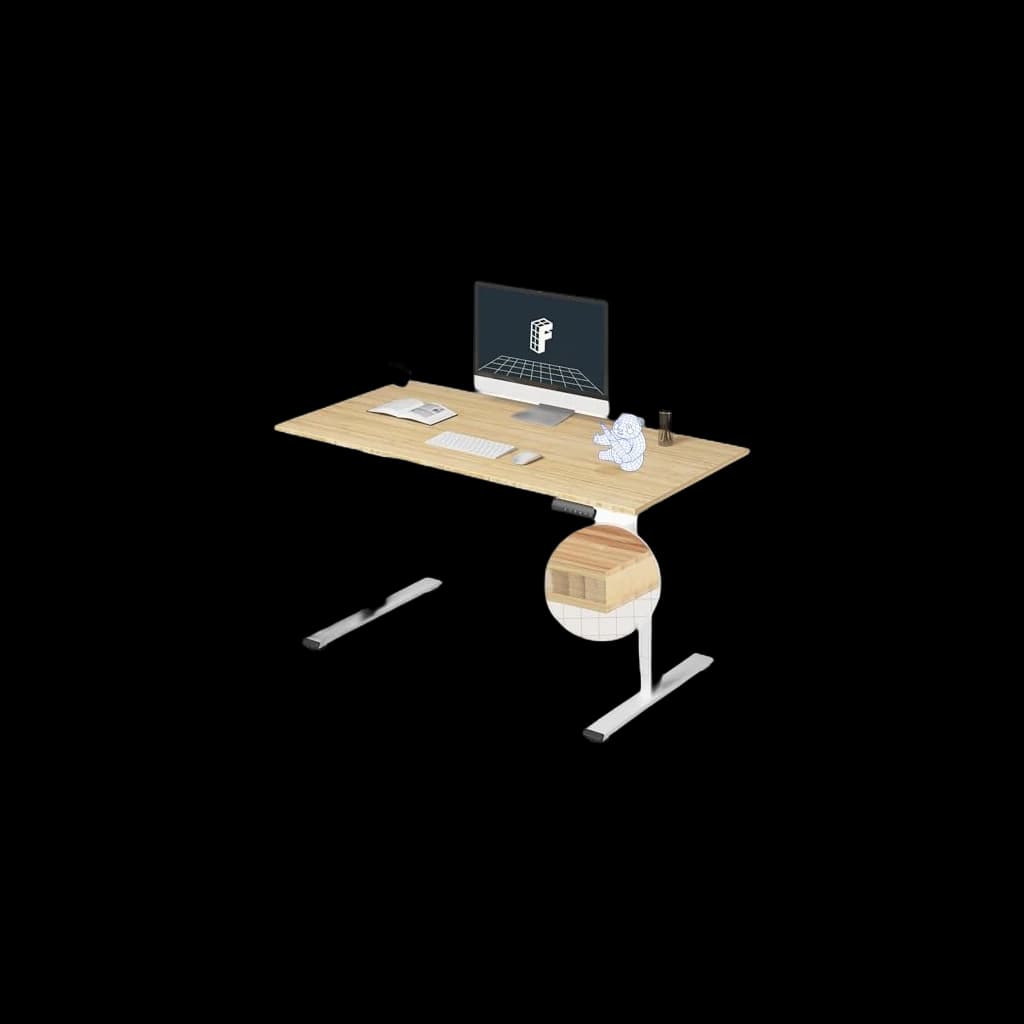 #2 4.5 | 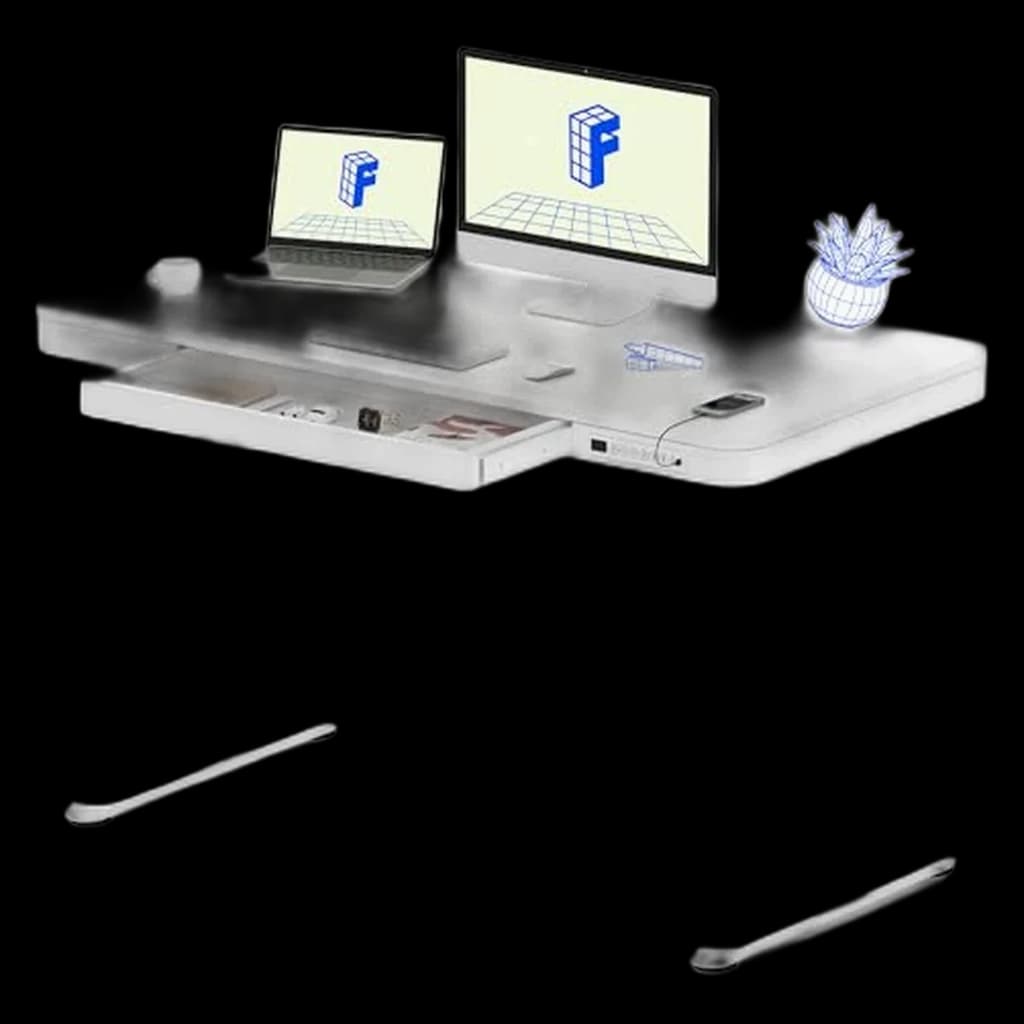 #3 4.4 | 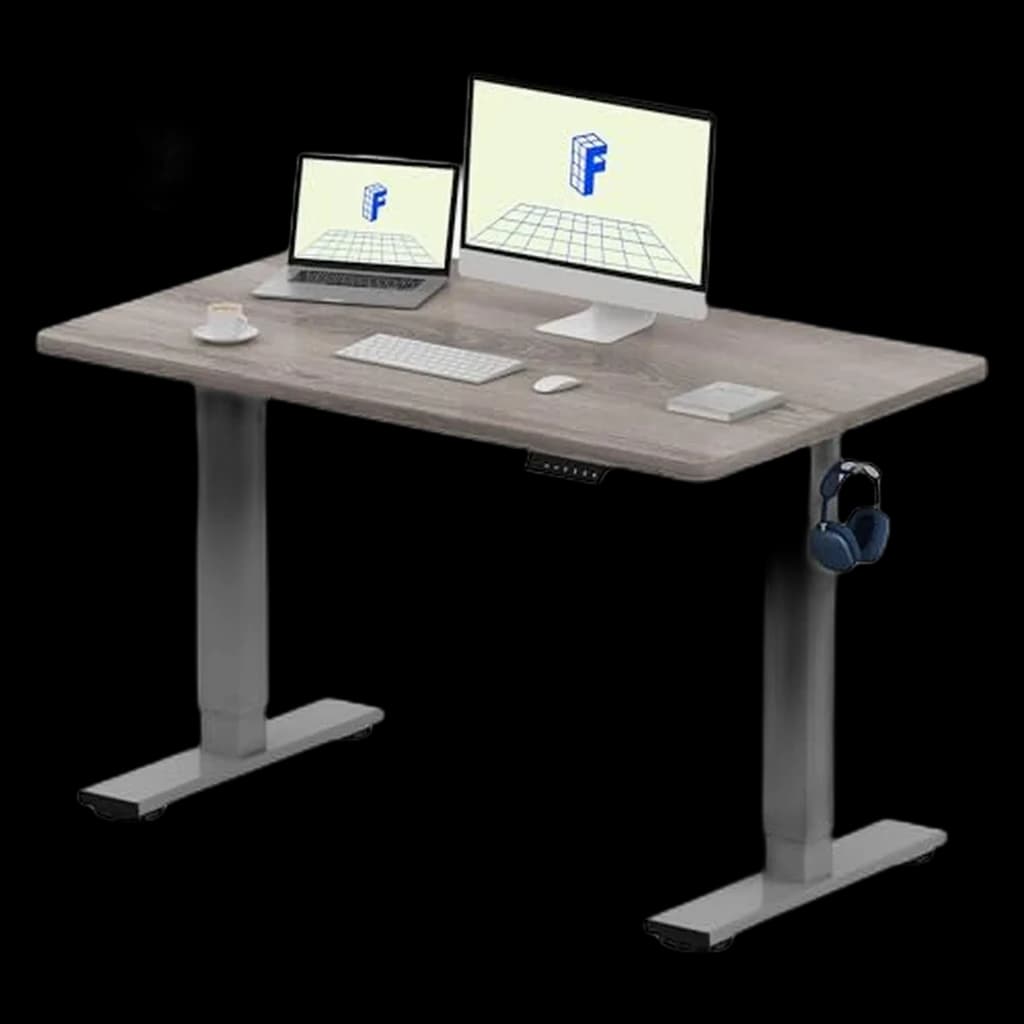 #4 4.5 | 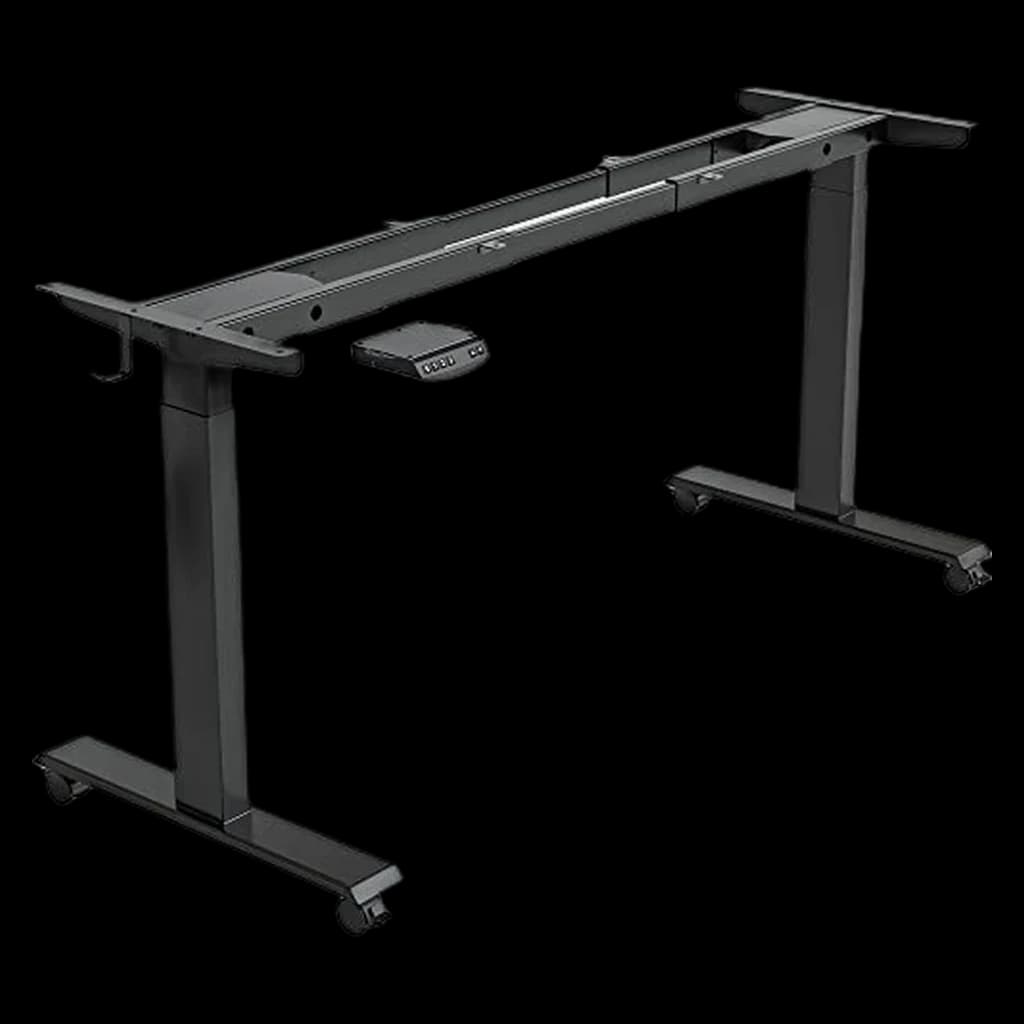 #5 4.5 | |
|---|---|---|---|---|---|
| Price | $648Buy on Amazon | $284.96Buy on Amazon | $239.99Buy on Amazon | $169.99Buy on Amazon | $109.99Buy on Amazon |
| Verdict | Most stable WFH desk at standing height with 15-year warranty | Best dual-motor value — commercial-grade specs under $500 | Best all-in-one — desktop, drawer, and USB charging built in | Most affordable dual-motor desk — solid starter for WFH budgets under $350 | Best corner desk option — triple motor prevents L-shaped torque wobble |
| Buyer sentiment | Quality Sturdiness Assembly Adjustability Buyers praise quality, sturdiness, assembly and adjustability. Based on 52 user mentions | Quality Appearance Value for money Functionality Buyers praise quality, appearance, value for money and functionality. Based on 292 user mentions | Assembly Quality Functionality Sturdiness Buyers praise assembly, quality, functionality and sturdiness. Based on 1,138 user mentions | Quality Sturdiness Assembly Value for money Buyers praise quality, sturdiness, assembly and value for money. Based on 664 user mentions | Assembly Quality Value for money Adjustability Buyers praise assembly, quality, value for money and adjustability. Mixed feedback on stability. Based on 3,805 user mentions |
| height_range | 22.6" - 48.7" | 22.8" - 48.4" | 28.3" - 47.6" | 28" - 47.6" | 27.5" - 47.2" |
| weight_capacity | 355 lbs | 355 lbs | 110 lbs | 154 lbs | 330 lbs |
| motor | Dual | Dual (3-stage) | Single | Single | Triple |
| preset_memory | 4 presets | 4 presets | 4 presets | 4 presets | 4 presets |
| noise_level | <48 dB | <45 dB | — | — | — |
| warranty | 15 years | 15 years | 5 years | 5 years | — |
| storage | — | — | Built-in drawer | — | — |
| usb_charging | — | — | USB-A + USB-C ports | — | — |
| shape | — | — | — | — | L-shaped corner |
| Pros |
|
|
|
|
|
| Cons |
|
|
|
|
|
* Prices checked Sep 12, 2026 and may vary. Check the latest price on Amazon.
We research — never hands-on. How we research →
Key Takeaways
Motor count, height range, stability, and the 8 specs separating a $300 wobbler from a $900 desk. Plus the mistake most first-time buyers make.
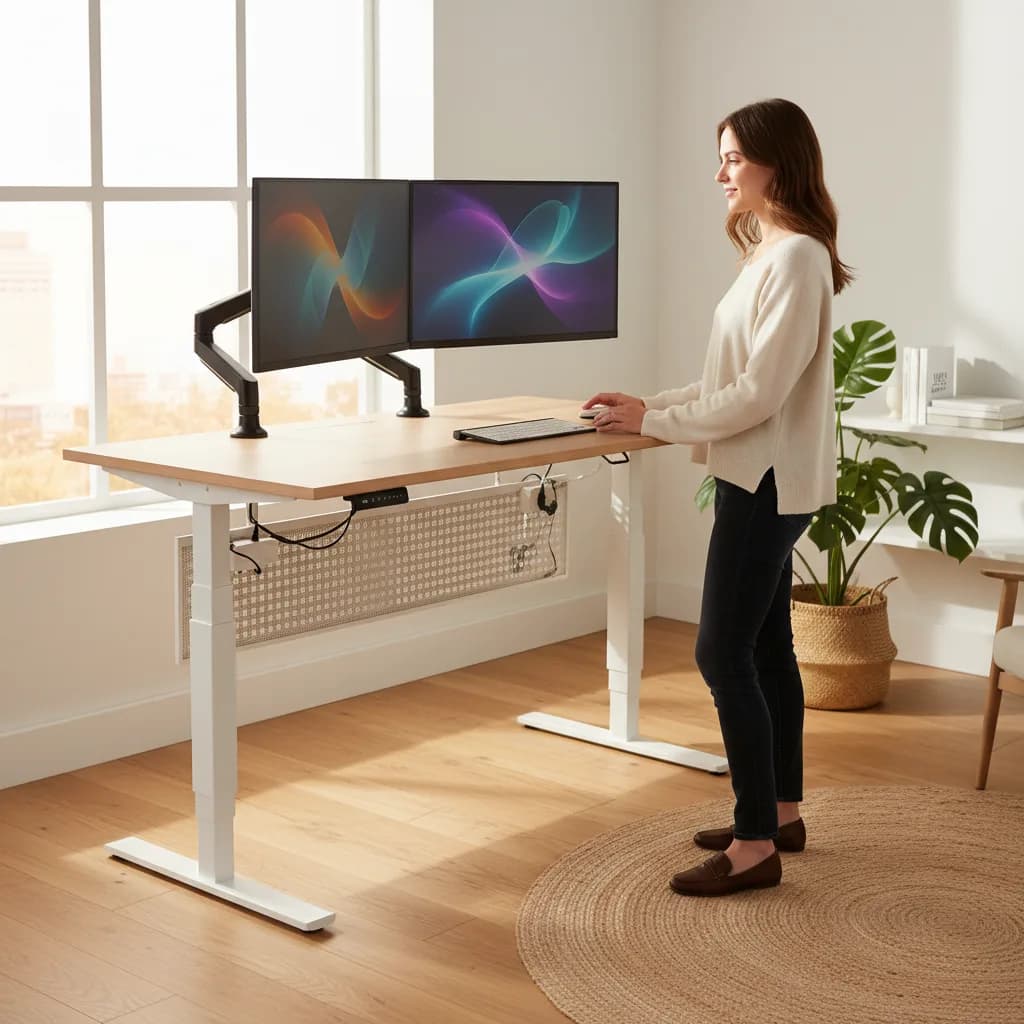
As an Amazon Associate I earn from qualifying purchases. Product prices and availability are subject to change.
Buying a standing desksit-stand deskA desk whose surface raises and lowers (electric or crank) so you can alternate sitting and standing through the day. Cornell ergonomics research recommends ~30-min sitting / ~10-min standing / ~2-min walking cycles, not all-day standing. sounds simple until you start shopping. Suddenly you're comparing single-motor vs. dual-motor frames, worrying about weight capacity, and wondering whether bamboo or laminate will hold up better over five years of daily use. The price range runs from $200 to well over $2,000 — and the cheapest option isn't always the worst, nor is the most expensive always the best.
Decide in 30 seconds
| Your situation | The pick |
|---|---|
| Most WFH buyers, $400–500 budget | FlexiSpot E7 Pro ($450) |
| Premium build, plan to keep 7+ years | Uplift V3 ($750) |
| Want app control + sit-stand reminders | Autonomous SmartDesk 5 Pro ($540) |
| Tight budget, single monitor, under 6'2″ | FlexiSpot EN1 ($275) |
| Wobble at full height is dealbreaker | Uplift V3 (avoid sub-$400 desks) |
This guide breaks down every spec that actually matters so you can buy with confidence. If you want the science behind why you should consider a standing desk in the first place, check out our deep dive on standing desk vs. sitting research.
Motor Types: Single vs. Dual
The motor is the heart of any electric standing desk, and it's the single biggest factor in how the desk feels to use every day.
Single-motor desks use one motor connected to both legs via a shared drive shaft. They're quieter and cheaper, but they lift more slowly — typically around 1 inch per second — and usually max out at a lower weight capacity. If your setup is a laptop, a monitor, and some accessories, a single motor is perfectly fine.
Dual-motor desks put an independent motor in each leg. They lift faster (1.5–1.7 inches per second is common), handle heavier loads, and tend to feel more stable at full height because each leg adjusts independently. If you're running a dual-monitor setup with a monitor arm, a mic boom, and a bunch of desk accessories, go dual-motor.
Manual crank desks still exist and cost the least, but let's be honest — if adjusting your desk height requires 40 cranks of a handle, you're never going to do it. The whole point of a sit-stand desk is switching positions frequently throughout the day.
Height Range
This is the spec most people overlook, and it matters more than you think.
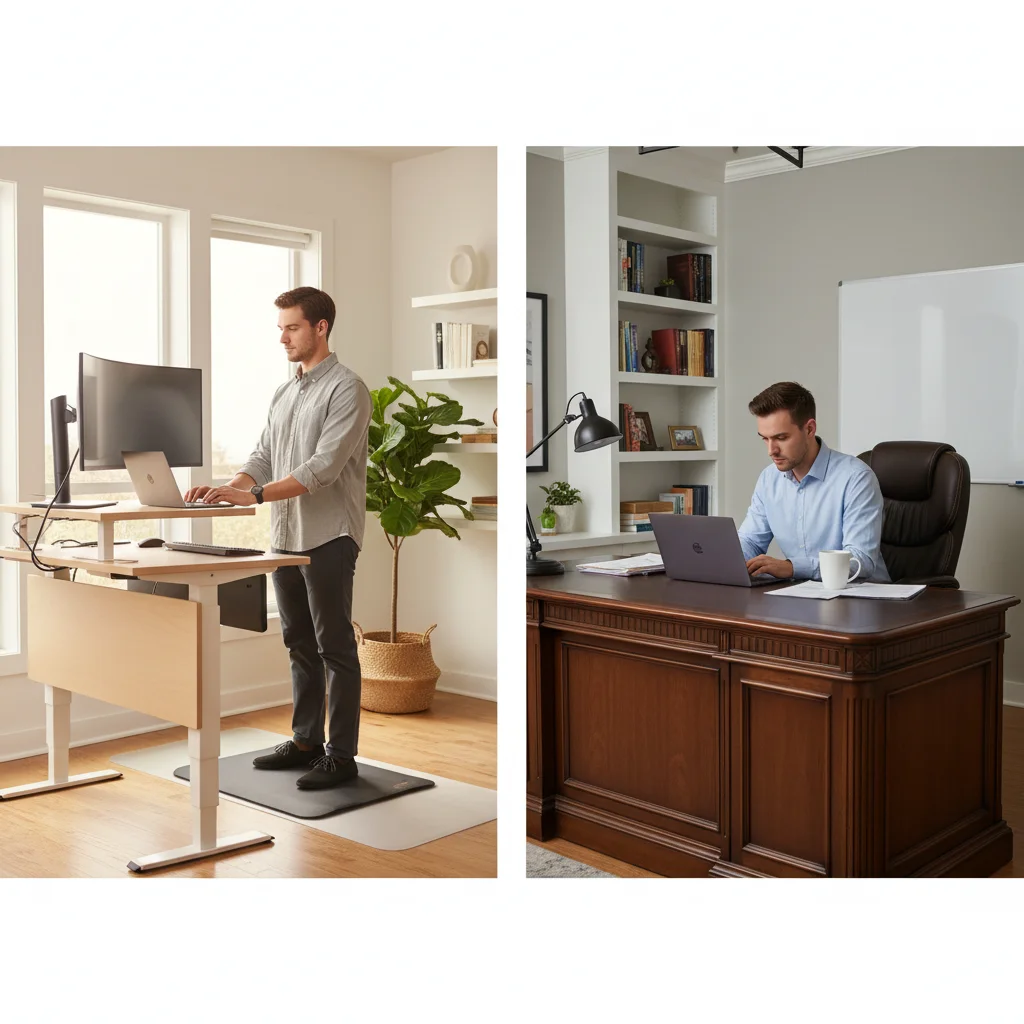
For sitting, the desk surface should sit at roughly elbow height when your arms are at 90 degrees. For standing, same rule — elbows at 90 degrees, forearms parallel to the floor. That means the ideal height range depends on your height.
- If you're under 5'5": Look for a minimum height of 24 inches or lower. Many desks bottom out at 25.5 or 26 inches, which is too high for shorter users.
- If you're over 6'2": You need a maximum height of at least 50 inches. Some budget desks cap at 47, which leaves tall users hunching.
The sweet spot for most people is a desk with a 24" to 50" range. That covers the vast majority of heights in both sitting and standing positions.
Weight Capacity
Manufacturers love to quote impressive weight capacity numbers, but real-world performance often tells a different story. A desk rated for 300 lbs might start wobbling well before that limit with all the weight concentrated on one side.
Rule of thumb: Add up the weight of your desktop, monitors, arms, and accessories, then buy a desk rated for at least 1.5x that total. A typical dual-monitor setup with accessories weighs 50–70 lbs, so a 150-lb capacity frame is the minimum you should consider. For heavier setups or larger desktops, aim for 300+ lbs.
Desktop Materials
| Material | Pros | Cons | Price Range |
|---|---|---|---|
| Laminate (MDF core) | Affordable, many color options, easy to clean | Can chip at edges, not eco-friendly | $150–$300 |
| Bamboo | Sustainable, looks great, surprisingly durable | Limited color options, can warp in humid climates | $200–$400 |
| Solid wood (rubberwood, acacia) | Beautiful grain, very durable | Heavy, expensive, needs occasional treatment | $300–$600 |
| Butcher block | Thick, premium feel, unique look | Very heavy, may need sealing | $200–$500 |
For most home offices, laminate offers the best value. If aesthetics matter to you and you want something warmer, bamboo is the move.
Programmable Presets
This feature seems minor but it's a game changer. Programmable presets let you save your exact sitting and standing heights and switch between them with a single button press. Without presets, you're holding the up/down button and eyeballing it every time — which means you'll switch positions less often.
Look for a controller with at least 3 presets (sitting, standing, and one for a stool or perching height). Some high-end controllers also include anti-collision detection, which reverses the motor if the desk hits an obstacle. That's especially useful if you have a keyboard tray or drawers underneath.
Our Top 4 Standing Desk Picks
#1 Uplift V3 — Best Overall
Price: ~$599 (60" x 30" laminate)
The Uplift V3 checks every box. Dual motors, a height range of 22.6" to 48.7" (one of the lowest minimums on the market), 355-lb weight capacity, and a rock-solid steel frame with excellent crossbar support. The built-in keypad has 4 programmable presets and anti-collision.
Pros: Industry-leading low minimum height, massive weight capacity, 15-year warranty, wide desktop selection
Cons: Premium price, heavy to assemble alone
Best for: Anyone who wants a buy-it-for-life desk that accommodates all heights
#2 Flexispot E7 Pro — Best Value
Price: ~$479 (55" x 28" bamboo)
Flexispot consistently punches above its weight, and the E7 Pro is their best frame. Dual motors lift at 1.6"/sec, the height range spans 22.8" to 48.4", and it holds up to 310 lbs. The oval steel legs look sleek and resist wobble better than rectangular tube designs.
Pros: Excellent stability for the price, quiet motors (under 45 dBdBDecibels — a logarithmic measure of sound pressure. Quiet office ~40 dB, normal speech ~60 dB, loud cafe ~75 dB. Active noise cancellation typically removes 20-30 dB of low-frequency rumble (HVAC, traffic), not voices.), bamboo top option
Cons: Keypad feels cheap compared to Uplift, customer service can be slow
Best for: Budget-conscious buyers who don't want to sacrifice build quality
#3 Vari Electric — Best for Quick Setup
Price: ~$695 (60" x 30")
Vari desks arrive almost fully assembled — you can go from box to working desk in under 10 minutes. The T-style legs provide solid stability, and the programmable controller is intuitive. Height range is 25" to 50.5", making it a great choice for taller users.
Pros: Near-zero assembly, great stability, cable management tray included
Cons: Higher minimum height (not ideal for shorter users), limited desktop options
Best for: People who hate assembly and want a plug-and-play experience
#4 Branch Standing Desk — Best Aesthetic
Price: ~$549 (48" x 30")
Branch nails the modern-office look with a clean powder-coated frame and a smooth laminate top in muted finishes. Dual motors, 275-lb capacity, and a 24.5" to 50" range. The controller is minimal and elegant, matching the desk's design-forward approach.
Pros: Beautiful design, solid build, 7-year warranty
Cons: Fewer size and color options, lower weight capacity than competitors
Best for: Design-conscious remote workers who want a desk that looks as good as it performs
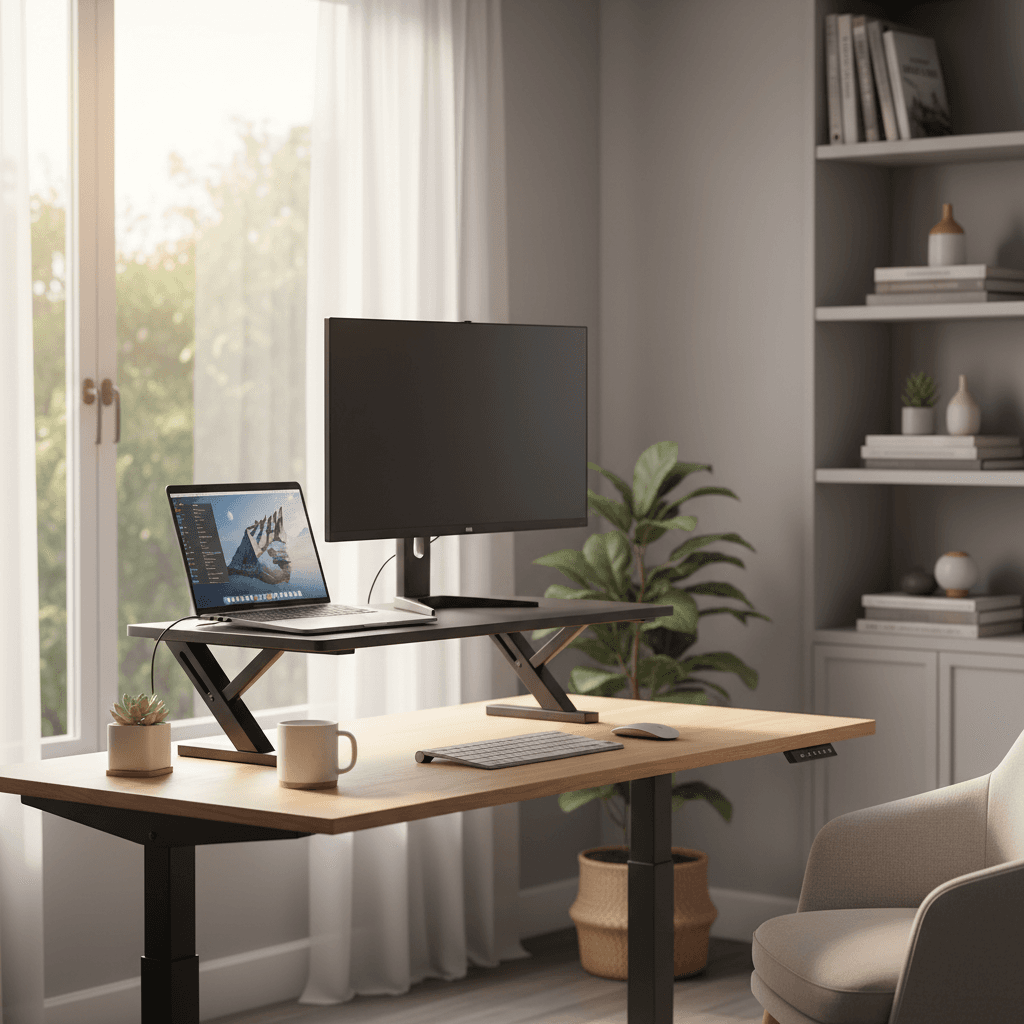
If you're not ready for a full standing desk, a standing desk converter might be a better starting point — they sit on top of your existing desk and cost significantly less.
Products referenced in this guide
For quick reference, the products tied to this guide are the UPLIFT V3 Standing Desk ($648), the FlexiSpot E6 Bamboo Standing Desk ($329.99), the FlexiSpot Comhar EG8 ($199.99), and the FlexiSpot EN1 ($169.99).
Other products referenced here include the FEZIBO 40x24 Electric Standing Desk ($109.99).
FAQ
How often should I switch between sitting and standing?
Most ergonomics experts recommend a 1:1 or 2:1 sit-to-stand ratio — about 20–30 minutes sitting, then 10–20 minutes standing. The key is movement, not marathon standing sessions.
Do standing desks wobble?
Some do, especially at full height. Dual-motor desks with crossbar support wobble the least. If wobble bothers you, look for desks with a stability rating and keep the desktop size proportional to the frame.
Is a standing desk worth it if I already have a good chair?
Absolutely. Even the best chair in the world doesn't change the fact that prolonged sitting reduces circulation and increases health risks. A standing desk gives you the option to move, which is the whole point. Pair it with a solid chair — check our guide on building an ergonomic home office on any budget.
Can I use a standing desk with a treadmill or balance board?
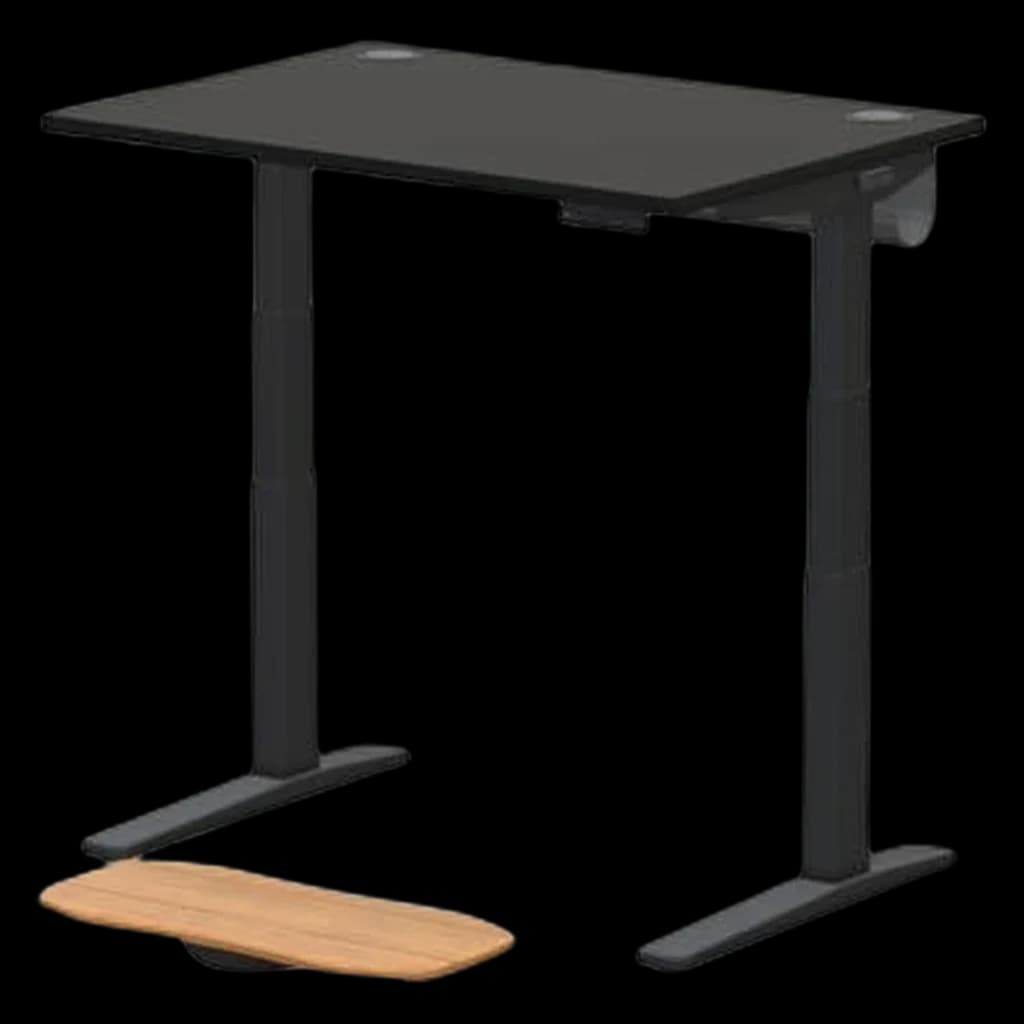
Yes, but make sure the desk is stable enough. Under-desk treadmills add vibration, so a heavier frame with a higher weight capacity is essential.
The Bottom Line
The best standing desk is one you'll actually use — which means it needs to adjust quickly, fit your height range, and hold your gear without wobbling. Invest in a dual-motor frame with programmable presets, and you'll switch between sitting and standing dozens of times a day without thinking about it. That's the goal.
More WFH Setup Resources
Adding movement to your standing desk
If you're already going to stand, you may want to walk. The thickness, noise, and belt-size specs that determine whether a walking pad actually fits under your desk are covered in GymScored's walking pad guide. The short version: stay under 4 inches thick, under 50 dB at 2 mph, and at least 47 inches of belt.
Your next step
Specs decoded — now the picks.
Hilly Shore Labs
Editorial TeamWFH Lounge is published by Hilly Shore Labs. Every recommendation is built by synthesizing ergonomic research, manufacturer specs, expert reviews from outlets like Wirecutter, RTINGS, and The Verge, and aggregated long-term owner sentiment from thousands of verified buyers.
All product reviews are independently researched. Our recommendations are based on ergonomic guidelines, manufacturer specifications, and verified buyer sentiment. See our methodology.