1 1
1
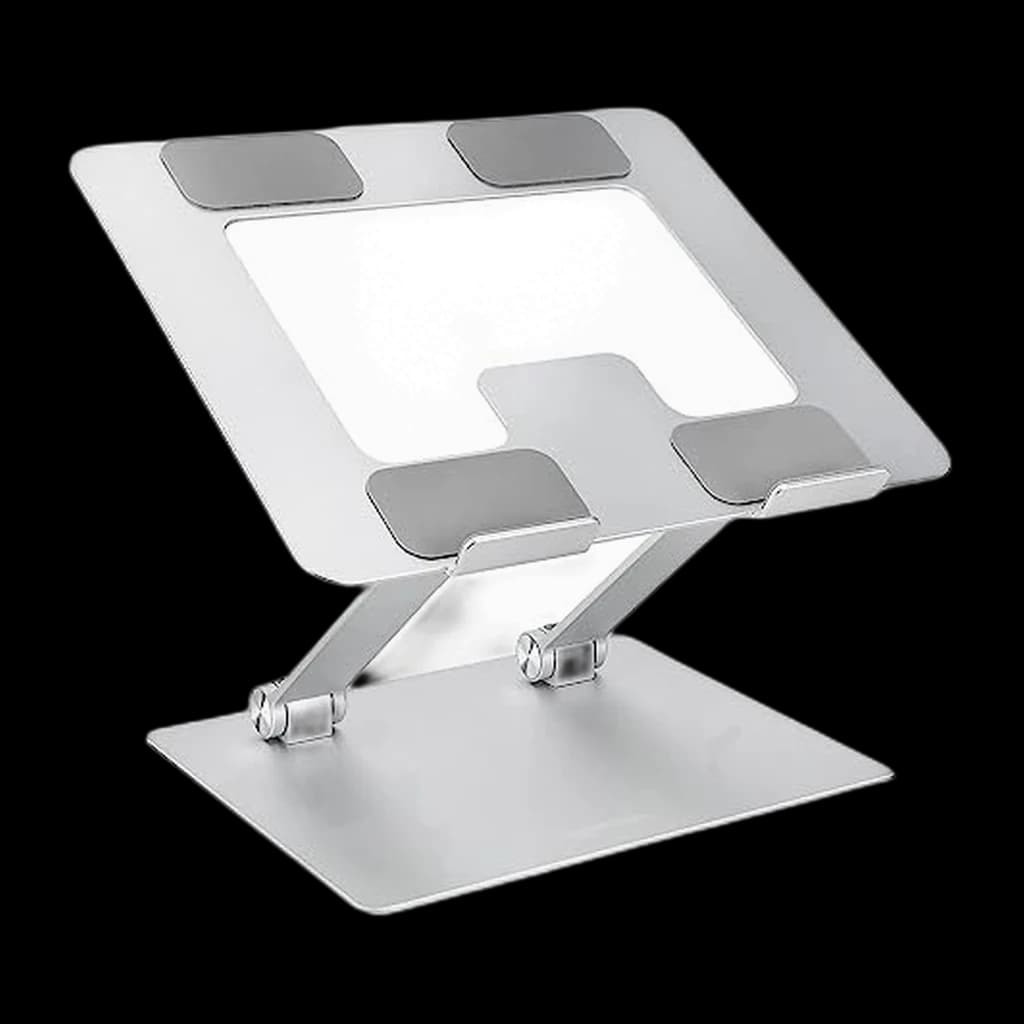
1Roost V3 Laptop Stand
👑 Premium PickThe portable stand that actually reaches eye level - folds to the size of a tent pole, weighs under a pound
↑ Stability↑ Quality↑ Portability
$89.95 Buy on Amazon
WFH Lounge · Best Picks
Ergonomic laptop stands that lift your screen to eye level and prevent neck and shoulder strain.
A laptop stand only makes ergonomics better if you also use an external keyboard - otherwise it raises the typing surface to a worse height; pair both or.
Top pick
Roost V3 Laptop Stand
Folds to the size of a tent pole, weighs under a pound, and adjusts in 1-inch increments to actual eye-level height - the portable stand that has held the WFH-pro top spot for almost a decade.
Buy on AmazonValue pick
Boyata Laptop Stand
Best score-to-price ratio in the category at the current Amazon price.
Buy on AmazonSkip this
Cheap plastic adjustable risers from no-name brands — They flex under normal typing force, which translates to a laptop that visibly bounces with every keystroke. Over months that wobble fatigues hinge mounts and creates a low-grade frustration on every keystroke. The $25 saved costs you a hinge replacement or a new stand inside a year.
1The portable stand that actually reaches eye level - folds to the size of a tent pole, weighs under a pound
 2
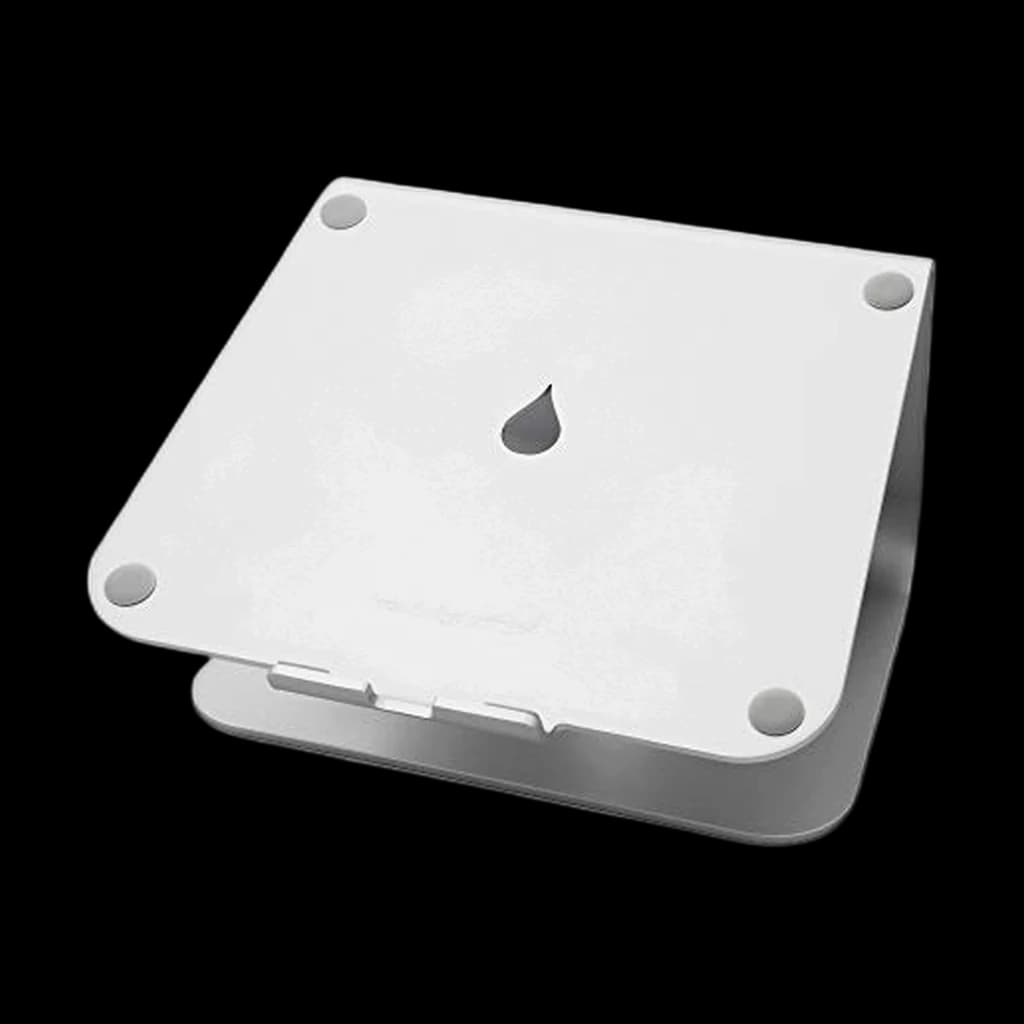
2Single sculpted aluminum block - zero moving parts, zero wobble, zero failure modes for fixed-desk Mac users
 3
3The aluminum hinge stand r/MacBookPro keeps recommending - premium feel, infinite tilt, holds firm
 4
4Heavy-duty desk stand with the widest height-and-tilt range at this price - the workhorse pick
 5
5The premium fixed-height aesthetic pick - taller than the mStand for proper eye-level positioning
| Spec | ||||||
|---|---|---|---|---|---|---|
| Buy | ||||||
WFH Scoremethodology → | Stability & Build 77 Ergonomics 77 Portability 83 Value 64 Owner Satisfaction 85 | Stability & Build 93 Ergonomics 76 Portability 81 Value 66 Owner Satisfaction 94 | Stability & Build 81 Ergonomics 75 Portability 81 Value 77 Owner Satisfaction 82 | Stability & Build 99 Ergonomics 81 Portability 81 Value 79 Owner Satisfaction 93 | Stability & Build 69 Ergonomics 63 Portability 63 Value 59 Owner Satisfaction 71 | Stability & Build 83 Ergonomics 77 Portability 74 Value 87 Owner Satisfaction 81 |
| Buyer sentiment | Stability Quality Portability Lightweight Buyers praise stability, quality, portability and lightweight. Mixed feedback on value for money. Based on 1,770 user mentions | Quality Design Sturdiness Ergonomics Buyers praise quality, design, sturdiness and ergonomics. Mixed feedback on value for money. Based on 5,918 user mentions | Quality Adjustability Comfort Buyers praise quality, adjustability and comfort. Based on 18 user mentions | Sturdiness Quality Adjustability Functionality Buyers praise sturdiness, quality, adjustability and functionality. Based on 4,790 user mentions | Quality Stability Design Adjustability Buyers praise quality, stability, design and adjustability. Mixed feedback on value for money. Based on 386 user mentions | Quality Portability Value for money Design Buyers praise quality, portability, value for money and design. Mixed feedback on stability and adjustability. Based on 1,095 user mentions |
| Material | Glass-reinforced nylon | Single-piece aluminum | Aluminum alloy + silicone | Aluminum alloy | Single-piece aluminum | Aluminum alloy |
| Height Range | 6-11 inches | Fixed 6 inches | Adjustable up to roughly 7 inches | Adjustable up to roughly 8 inches | Fixed 6.7 inches | — |
| Capacity | Up to 20 lbs | Up to 20 lbs | Up to 22 lbs | Up to 22 lbs | Up to 20 lbs | 11 lb (5 kg) |
| Compatibility | 13-16 inch laptops | 10-17 inch laptops | 11-17 inch laptops | 10-17 inch laptops | 11-17 inch laptops | — |
| Weight | 5.9 oz | 3.0 lbs | 1.1 lbs | 2.4 lbs | 3.5 lbs | — |
| Height adjustment | — | — | — | — | — | Up to 7 in |
| Fits | — | — | — | — | — | 10-15.6 in laptops and tablets |
| Folded size | — | — | — | — | — | 10 x 8.7 x 1.8 in, 1.7 lb |
* Prices checked Sep 12, 2026 and may not reflect current rates. As an Amazon Associate I earn from qualifying purchases.
As an Amazon Associate I earn from qualifying purchases. Product prices and availability are subject to change.
Cornell Ergonomics Lab places the optimal monitor top-edge height at 0-2 inches below eye level - for a typical 5'10" adult at a 29-inch desk, this translates to a laptop screen lifted approximately 6.5 inches off the desk surface, a height most adjustable stands cannot reach.
r/workspaces, r/HomeOffice, and r/MacBookPro consistently default to two recommendations: the Roost V3 for anyone who carries a laptop between locations, and the Rain Design mStand for fixed-desk MacBook setups in clamshell mode. Threads asking for sub-$30 picks repeatedly converge on the Lamicall as the budget answer that actually holds up.
Popular options we evaluated and passed on, with the specific reason each one fell short of our top picks.
Iconic travel stand with strong design, but the V3 Plus ASIN consistently failed the May 5 image-pipeline verification and the price has drifted well above peers without proportional benefit for fixed home-office use.
Long-time community favorite at the budget tier, but the Amazon listing returned a 43-byte placeholder image during the May 5 verification — strong signal of a delisted or superseded SKU. Swapped to a verified in-stock alternative.
A laptop stand is the cheapest ergonomic upgrade you can make to a WFH setup, but only if you understand what it actually does - and what it doesn't. The job of a stand is to raise the screen so the top edge sits at or just below eye level, which keeps your neck in a neutral position rather than craned downward all day. That is the entire ergonomic case. Importantly, lifting the screen also lifts the keyboard out of typing range, so a laptop stand without an external keyboard and mouse makes ergonomics worse, not better. Plan to buy both, or skip the stand entirely. Height matters more than degrees of adjustment - a fixed-height stand at the correct elevation beats an adjustable stand parked at the wrong one. For most adults seated upright at a 28-30 inch desk, you want the laptop screen lifted roughly 5-7 inches; the exact number depends on torso height and whether the laptop is 13, 14, 15, or 16 inches. Materials matter for thermals and longevity. Aluminum stands run cooler than plastic risers and last longer than steel-and-plastic hybrids; the open-frame designs (Roost, Rain Design mStand, Lululook) keep airflow under the chassis, which matters for high-thermal MacBook Pro and gaming laptops. Capacity ratings are usually generous - most aluminum stands handle 15 to 25 pounds, well above any laptop. Specific scenarios to plan for: hot deskers and people who travel between home, office, and a coffee shop want a foldable, lightweight portable (Roost, Lamicall, Roost V3 Plus); MacBook users mostly fine with the classic Rain Design mStand because it pairs perfectly with closed-clamshell mode and an external display; dual-laptop households (work + personal) should get a stand with a wide-enough base to swap quickly without resetting the height. Skip the cheap plastic adjustable risers from no-name brands on Amazon. They flex under typing pressure, and a laptop bouncing 1mm with every keystroke is tiring and slowly stretches the hinges.
Keyboards
Once the laptop is raised, its own keyboard is out of reach — you need an external one.
$104.99
Mice
Same reason as the keyboard: the trackpad is no longer where your hands are.
$119.99
Docking Stations
A raised laptop is usually a docked laptop.
$379.99

Four laptop stands ranked for couch work in 2026. LapGear Home Office Lap Desk is the top pick at $34.99; the Seville Classics cart is most ergonomic.
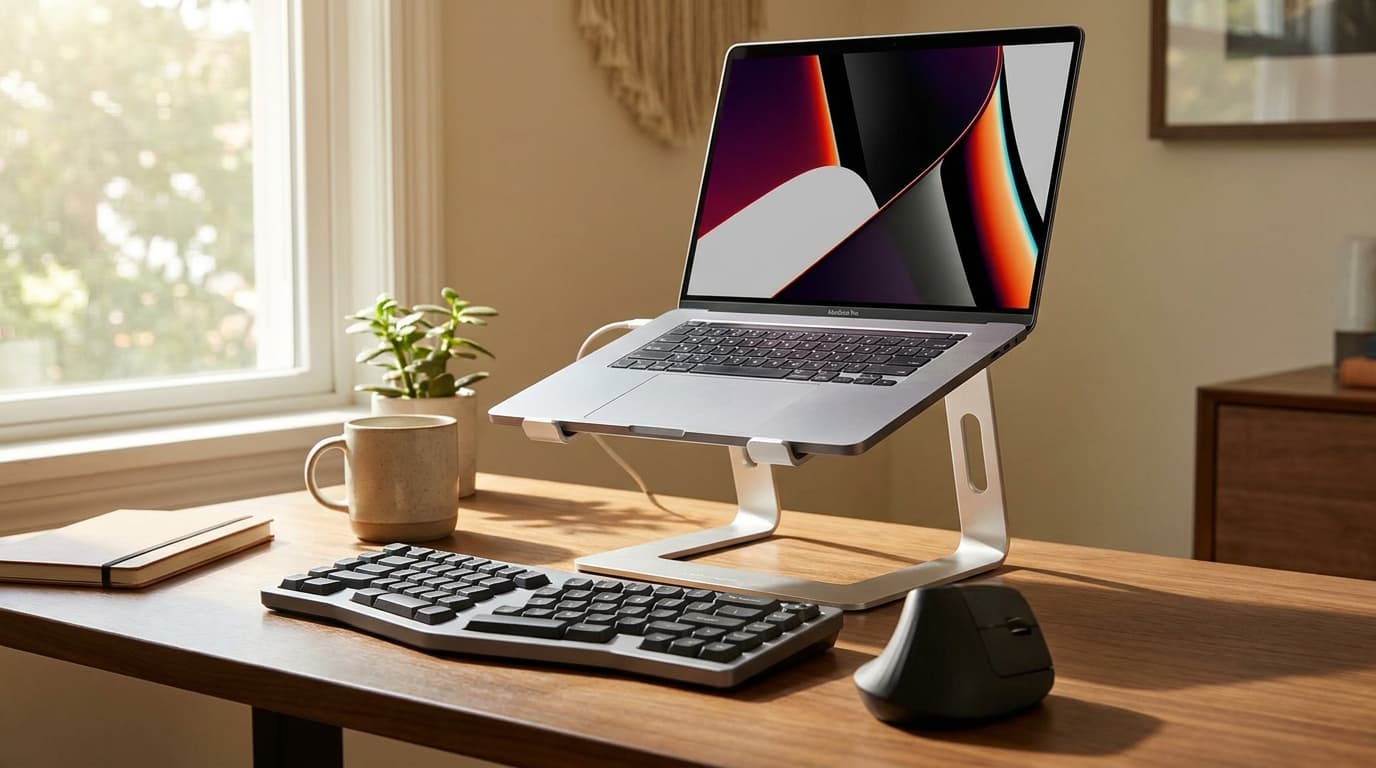
The 7 best laptop stands for WFH 2026 - Roost wins overall, mStand for fixed Mac setups, Lamicall budget. Plus the height mistake most buyers make.
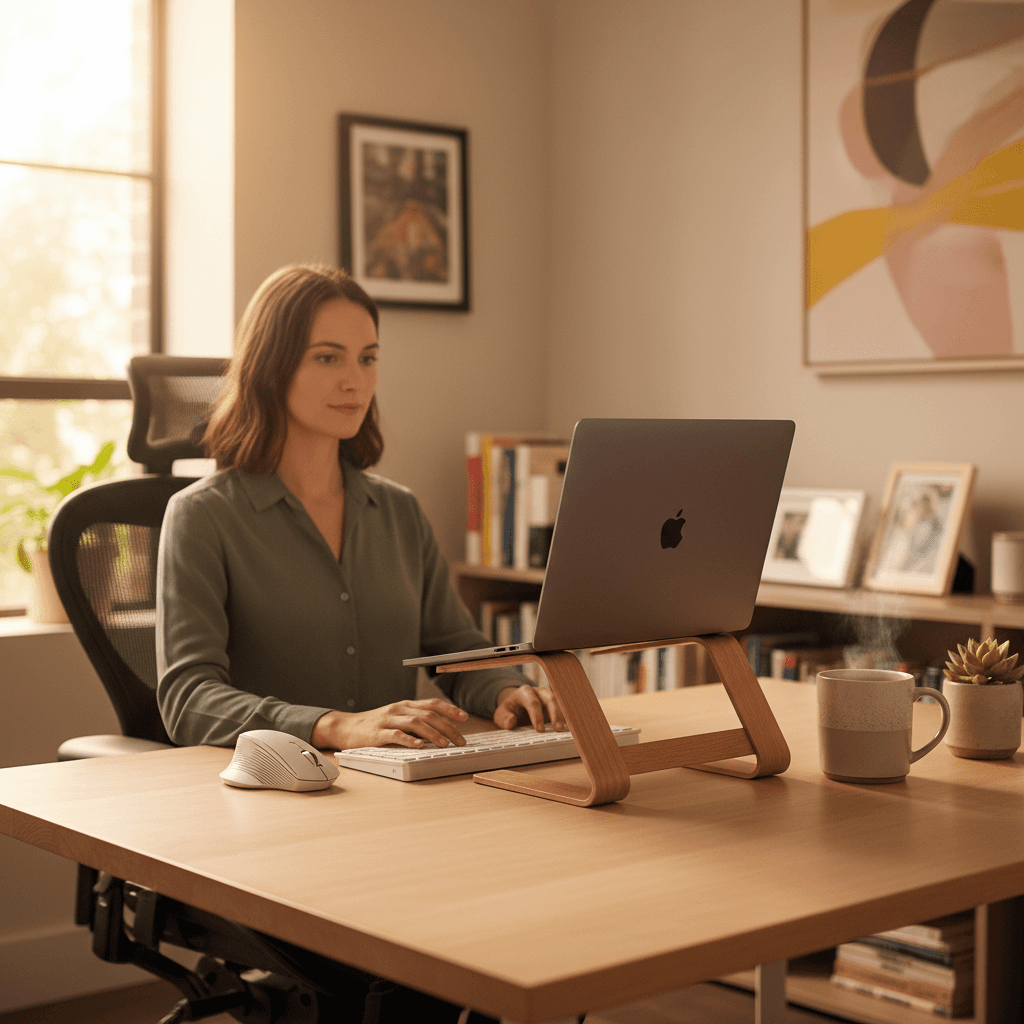
Ten laptop stands ranked for posture, not Instagram. Rain Design mStand is the top pick, Nulaxy C1 the adjustable budget runner-up for remote work.