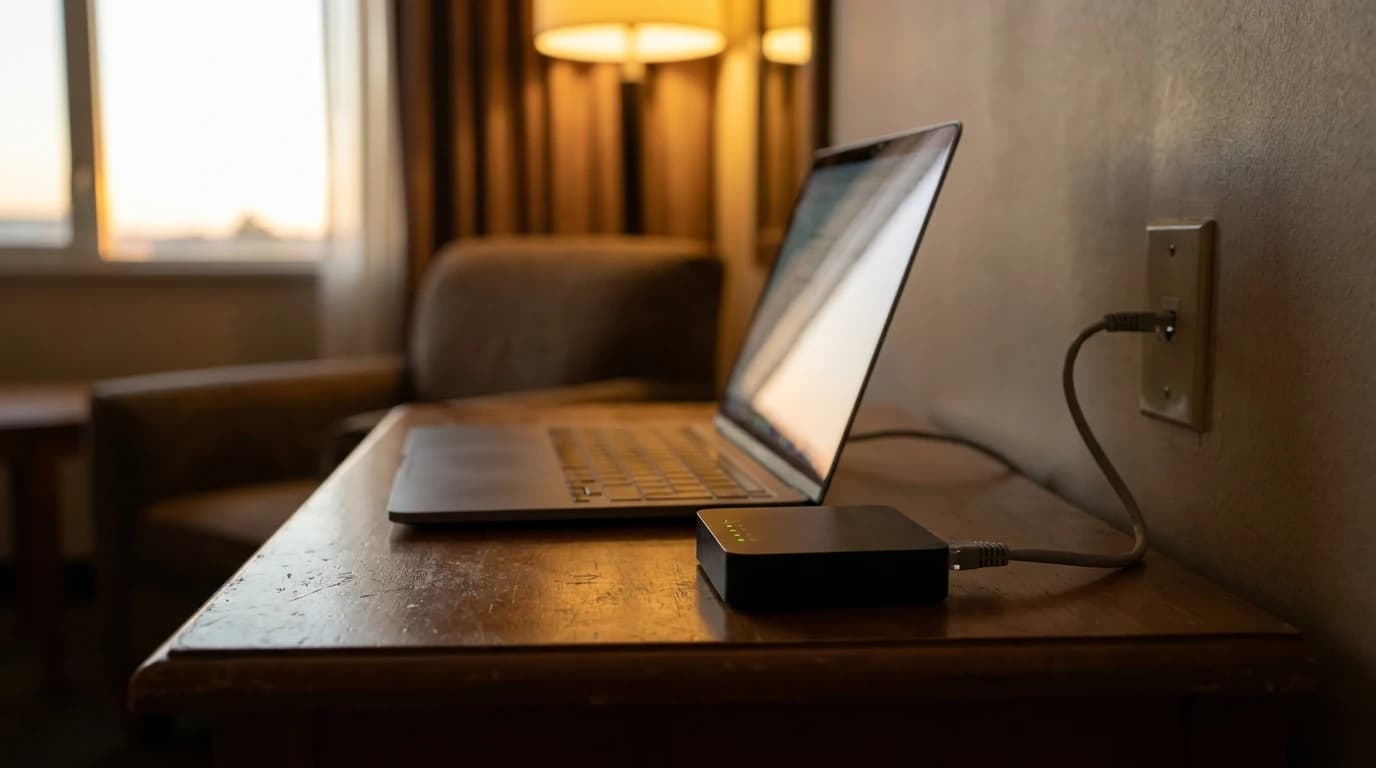
For a remote worker, a router is not a speed contest. It is a stability contest. Zoom, Teams, and Meet need roughly 3 Mbps of upload and a steady 100 to 150 ms round trip latency to hold a clean call. They will tolerate a slow link far better than a jittery one. The reason home calls drop while a partner streams 4K Netflix on the next sofa is rarely raw bandwidth. It is contention on a single radio band, plus a hand-off between weak access points that drops the SIP keepalive. Picking a router for WFH is therefore about three things: enough simultaneous radios to isolate your work device from household traffic, the ability to roam cleanly between rooms, and a quiet, predictable firmware that does not reboot itself during your 10am stand-up.
WiFi 7 changes the calculus more than WiFi 6 did, and the headline reason is Multi-Link Operation (MLO). On a WiFi 7 router and a WiFi 7 client, MLO lets the laptop send and receive on two bands at once, with the radio failing over in microseconds if either band degrades. For a video call this means a single spike of microwave interference on 5 GHz no longer freezes your face for two seconds while the laptop scans for a better channel. Cisco and TP-Link writeups both show MLO holding latency below 10 ms under interference that pushes WiFi 6 above 50 ms. That is the difference between a smooth Zoom and a stuttering one. If you are buying new in 2026 and your laptop is from 2024 or later, paying for WiFi 7 is the single most defensible upgrade.
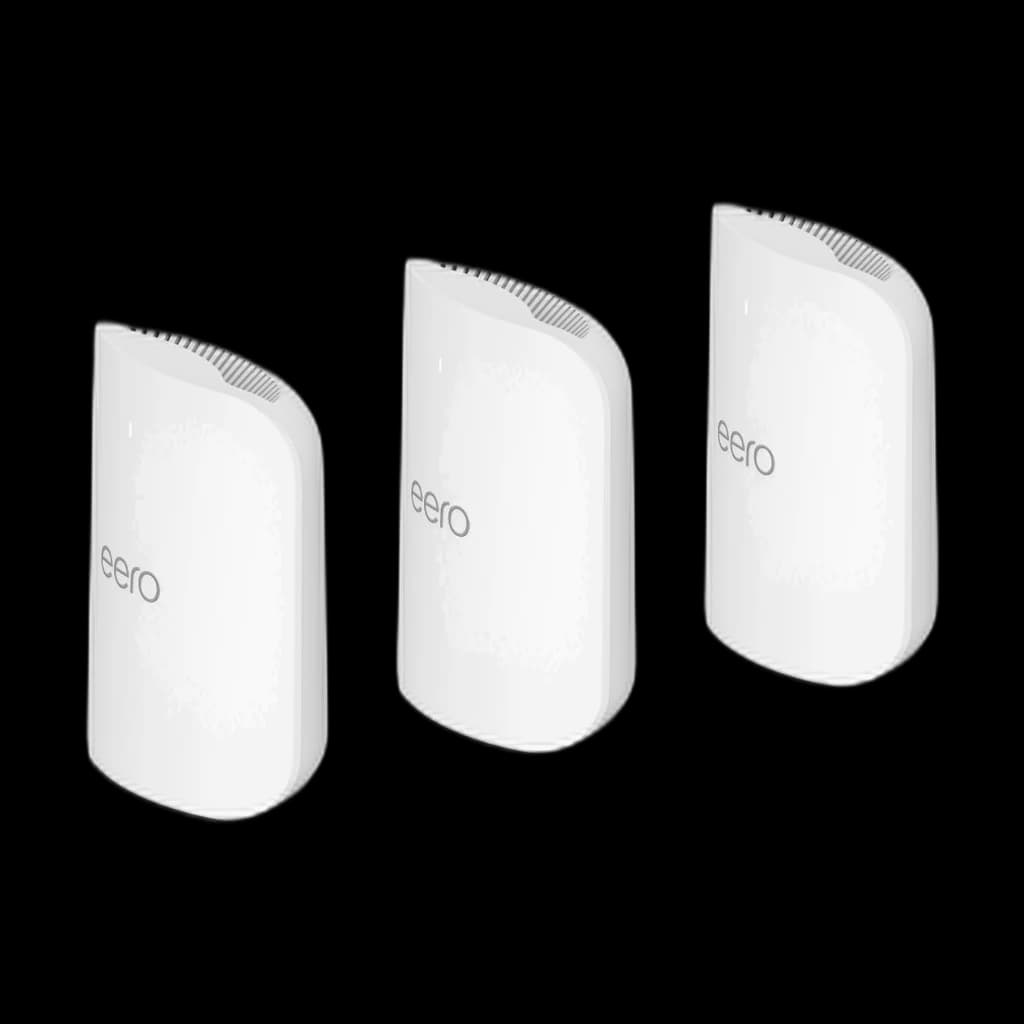
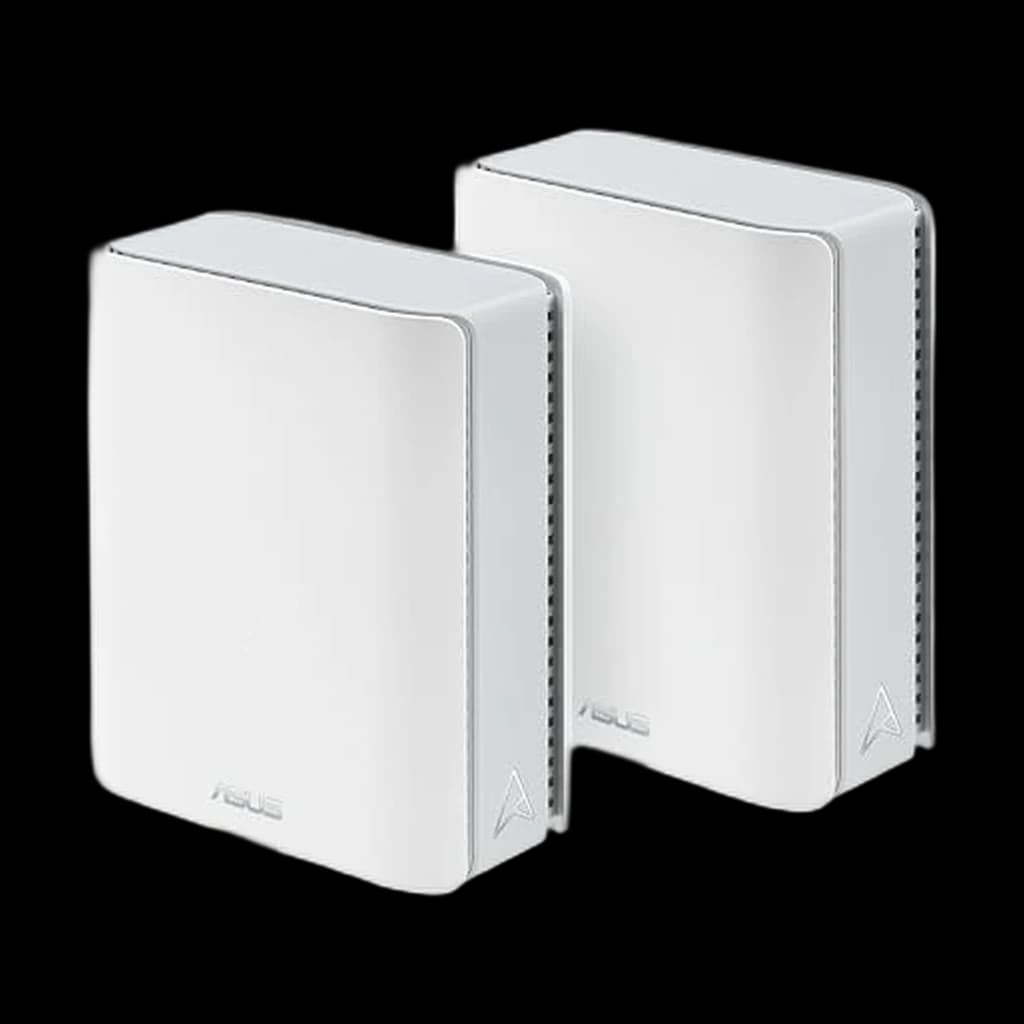
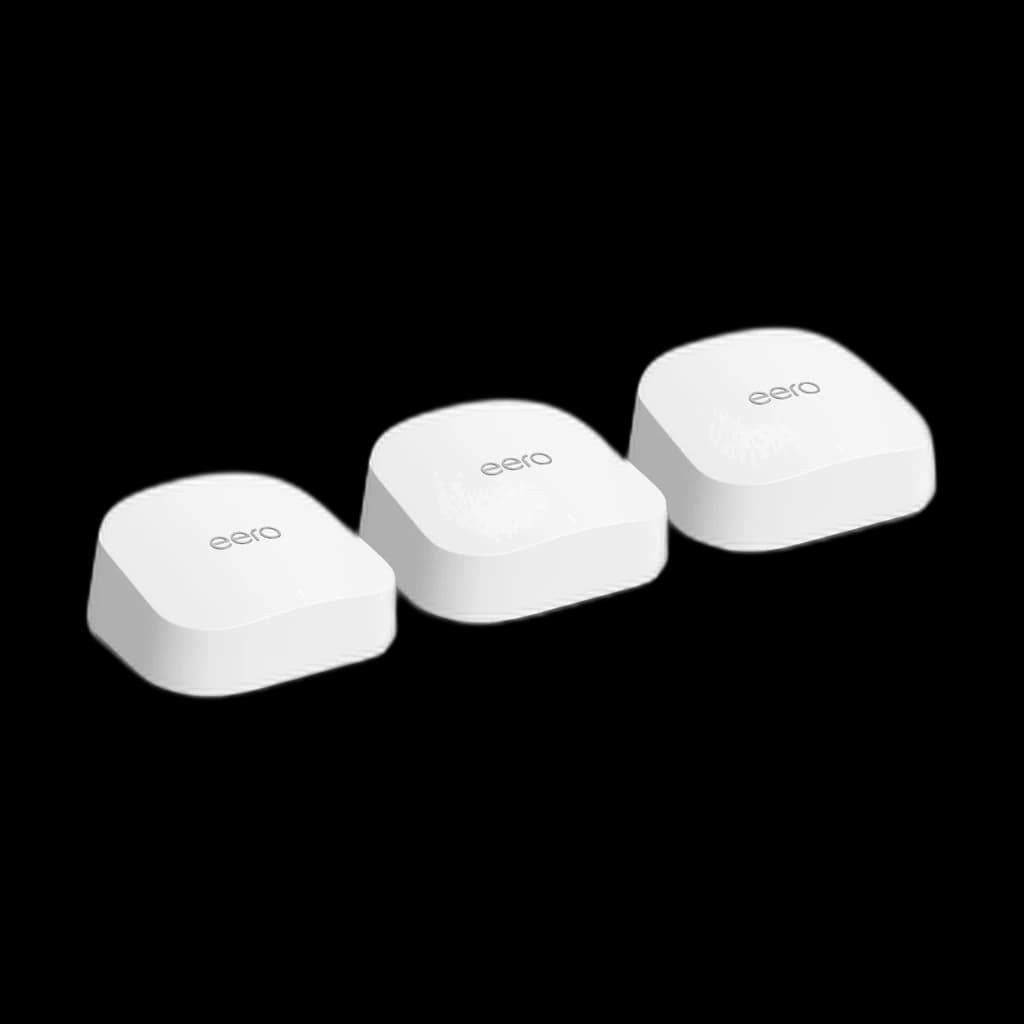
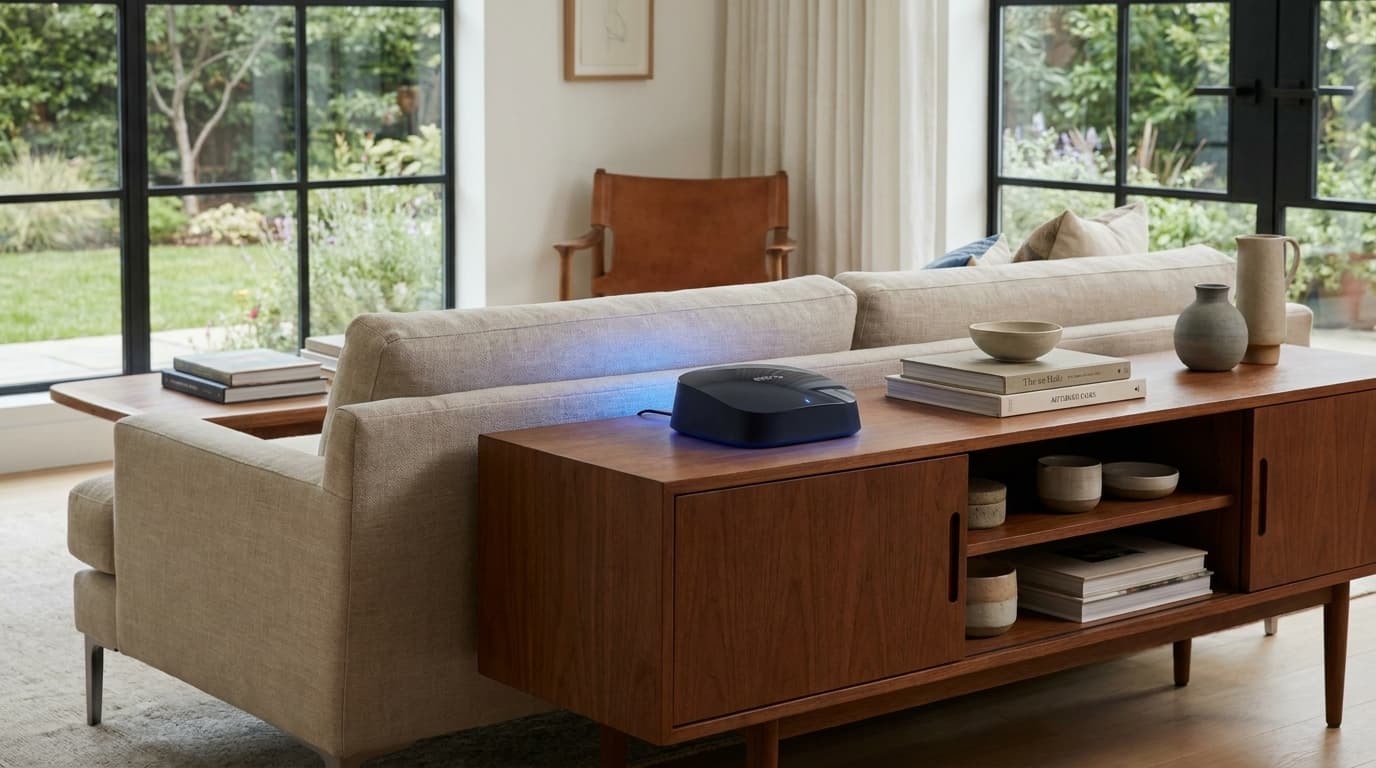
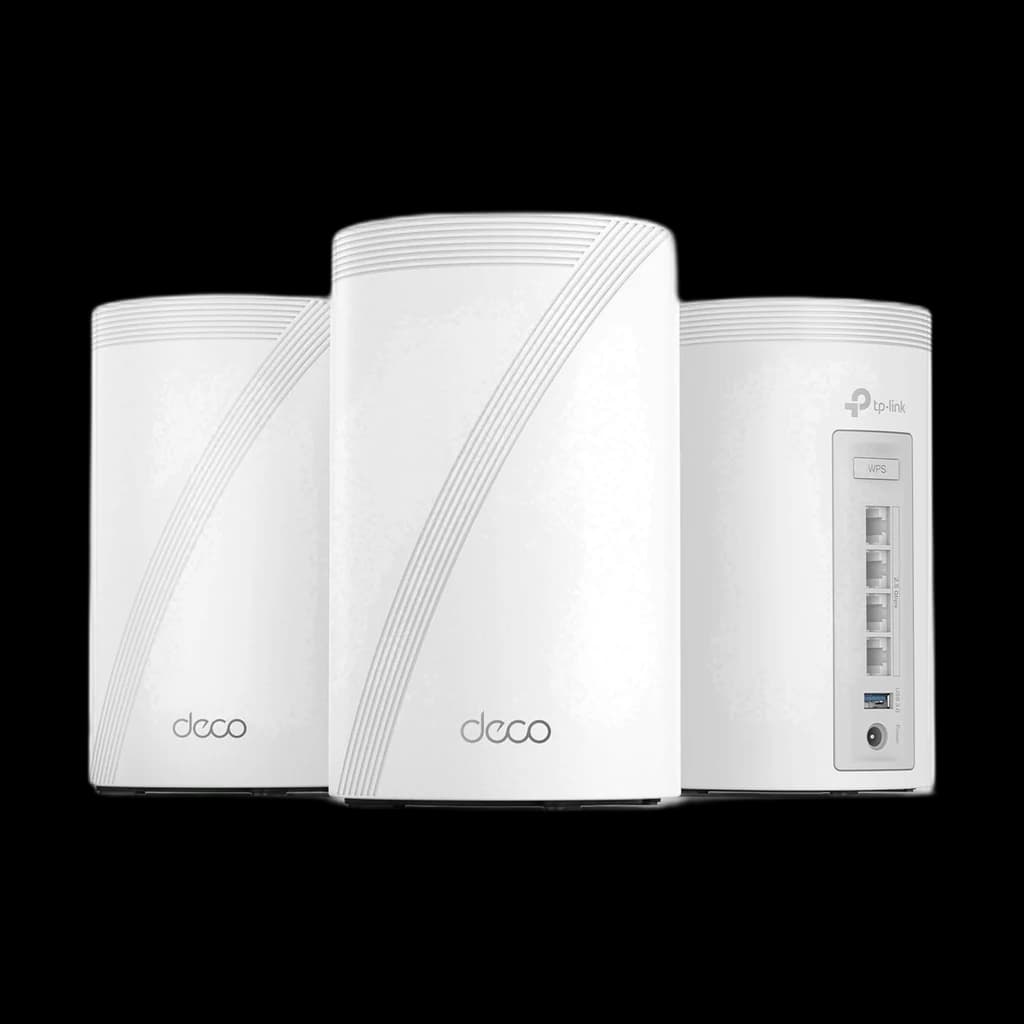
Mesh versus single router is mostly a question of square footage and floor plan. A single high-end router covers about 2,000 to 3,000 sq ft of an open floor plan, less in a multi-floor or stucco-walled home. Below that, a single router beats a mesh on price, simplicity, and raw throughput because it does not waste a band on backhaul. Above that, or anywhere with concrete walls, brick chimneys, or finished basements, a two or three node mesh wins because the laptop hops to the closest node rather than fighting through walls back to one router. The handoff quality is what separates good mesh from cheap mesh. Eero, modern TP-Link Deco, and Asus AiMesh all do 802.11k/v/r fast roaming. No-name mesh kits often do not, and you will hear the gap during your first three calls.
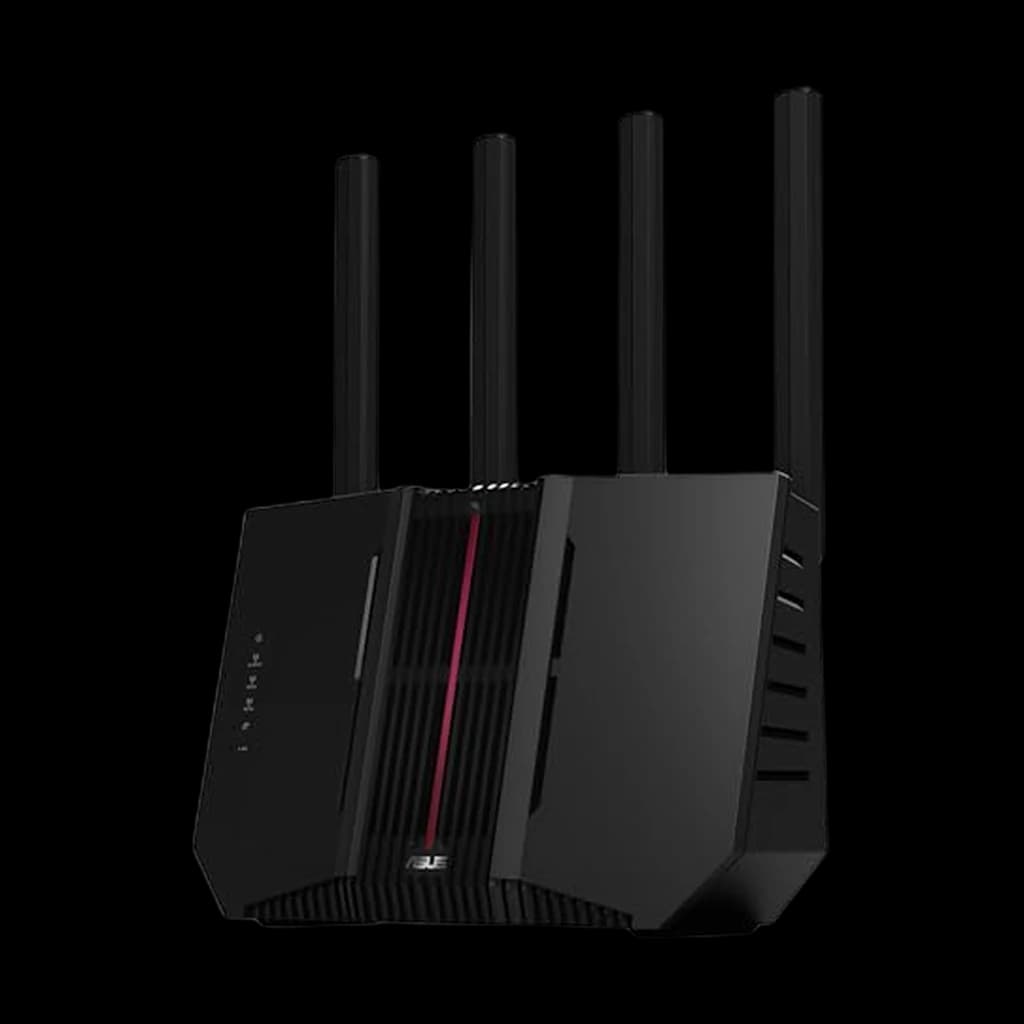
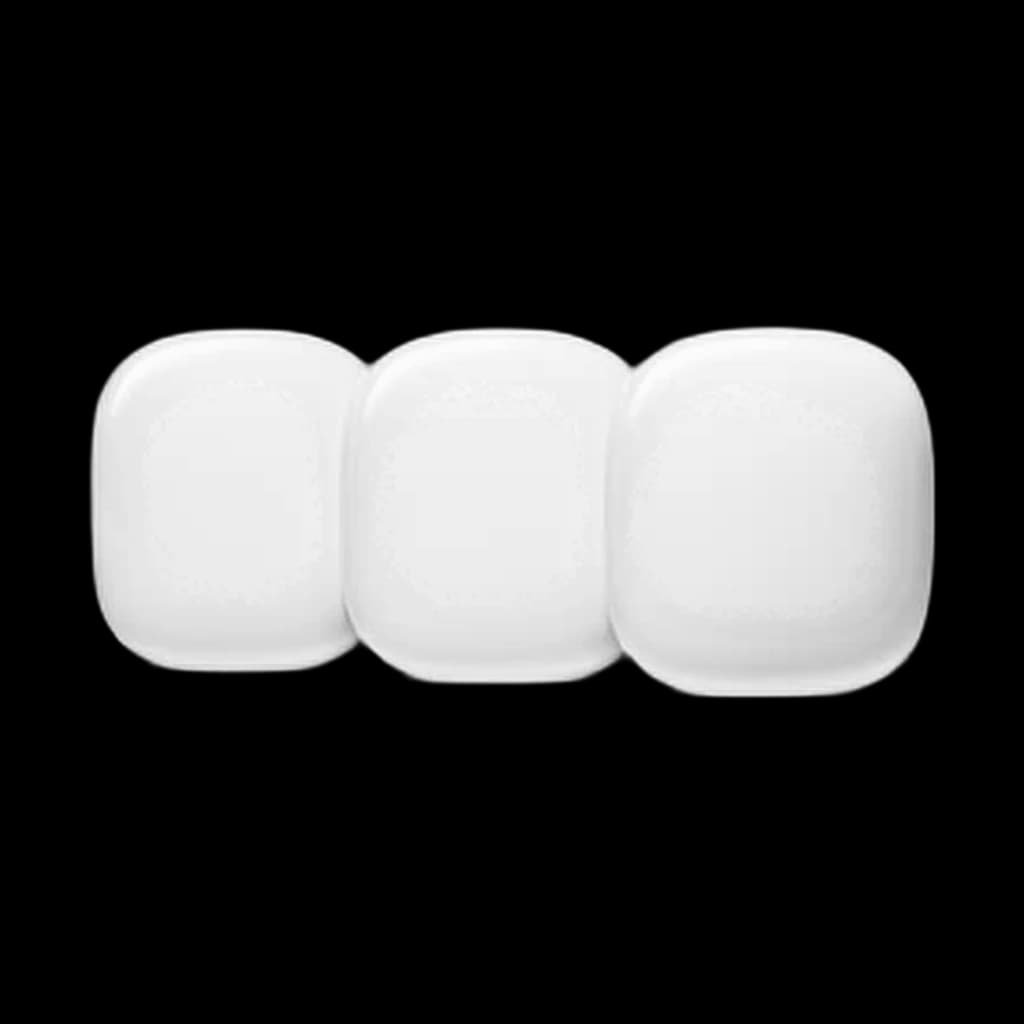
Budget tiers in 2026 break cleanly. Premium WiFi 7 mesh sits at $700 and up (eero Max 7 three-pack, Netgear Orbi 970 series). Mid sits at $300 to $700 (eero Pro 7, TP-Link Deco BE65, Asus ZenWiFi BT10). Budget WiFi 7 starts under $300 (eero 7 dual-band, basic Deco kits). If your internet plan is below 1 Gbps, the mid tier is the sweet spot. The premium tier mostly buys you 10 Gbps WAN ports and quad-band radios that are wasted on a 500 Mbps plan. Skip the off-brand $79 mesh kits on Amazon. They are WiFi 6 dressed up as 6E, do not roam well, and the firmware updates stop within a year.
 1
1