WFH Lounge · Best Picks

Best Docking Stations for Working From Home

Thunderbolt 4, Thunderbolt 5, and USB-C docking stations for WFH multi-monitor setups.

The 30-Second Answer

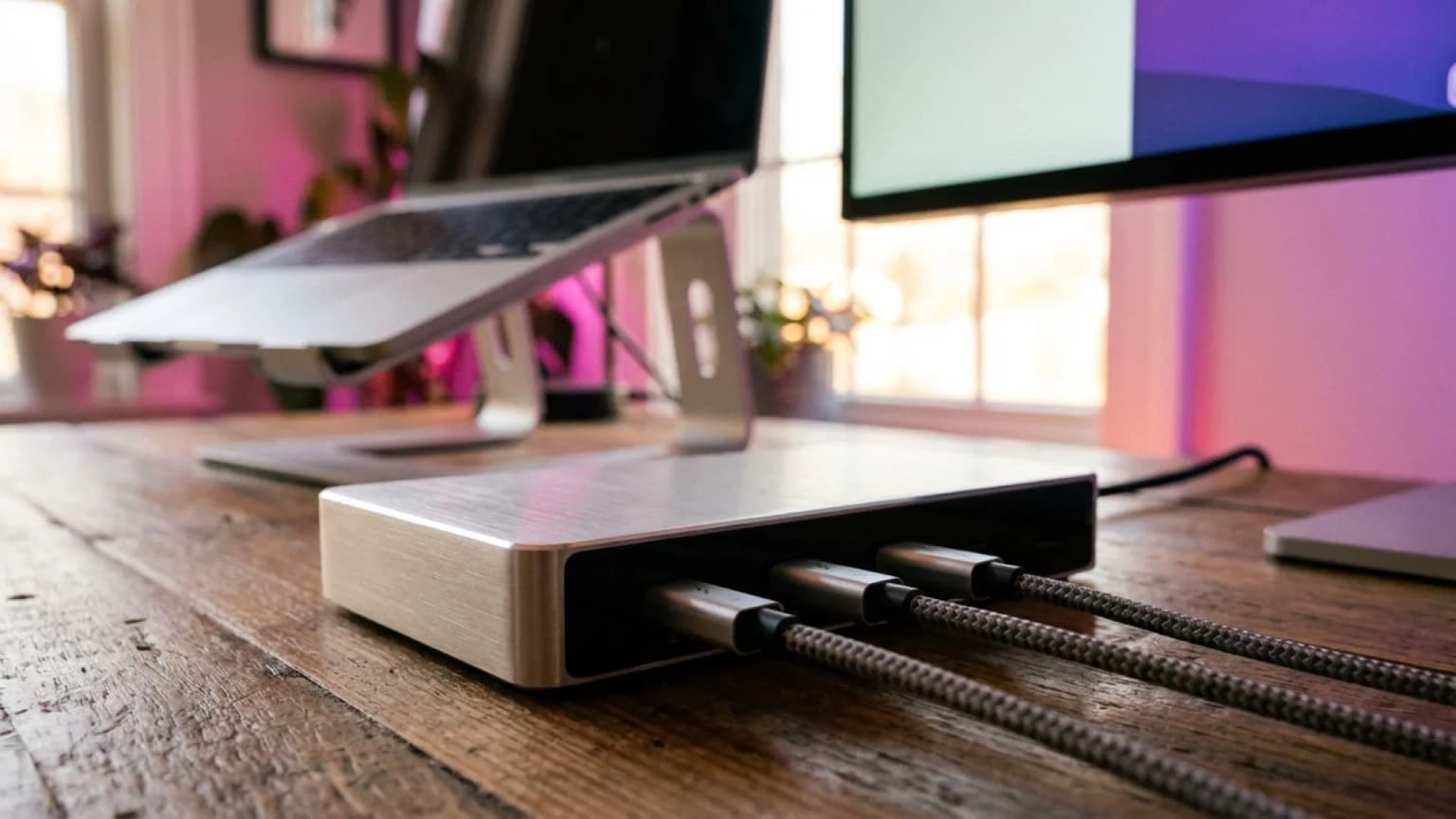
Thunderbolt 4 docks are the 2026 sweet spot for most WFH setups - 40 Gbps handles dual 4K@60 cleanly, the CalDigit TS4 owns the category, and you only need TB5 if you're running 8K or RAID arrays.

Top pick

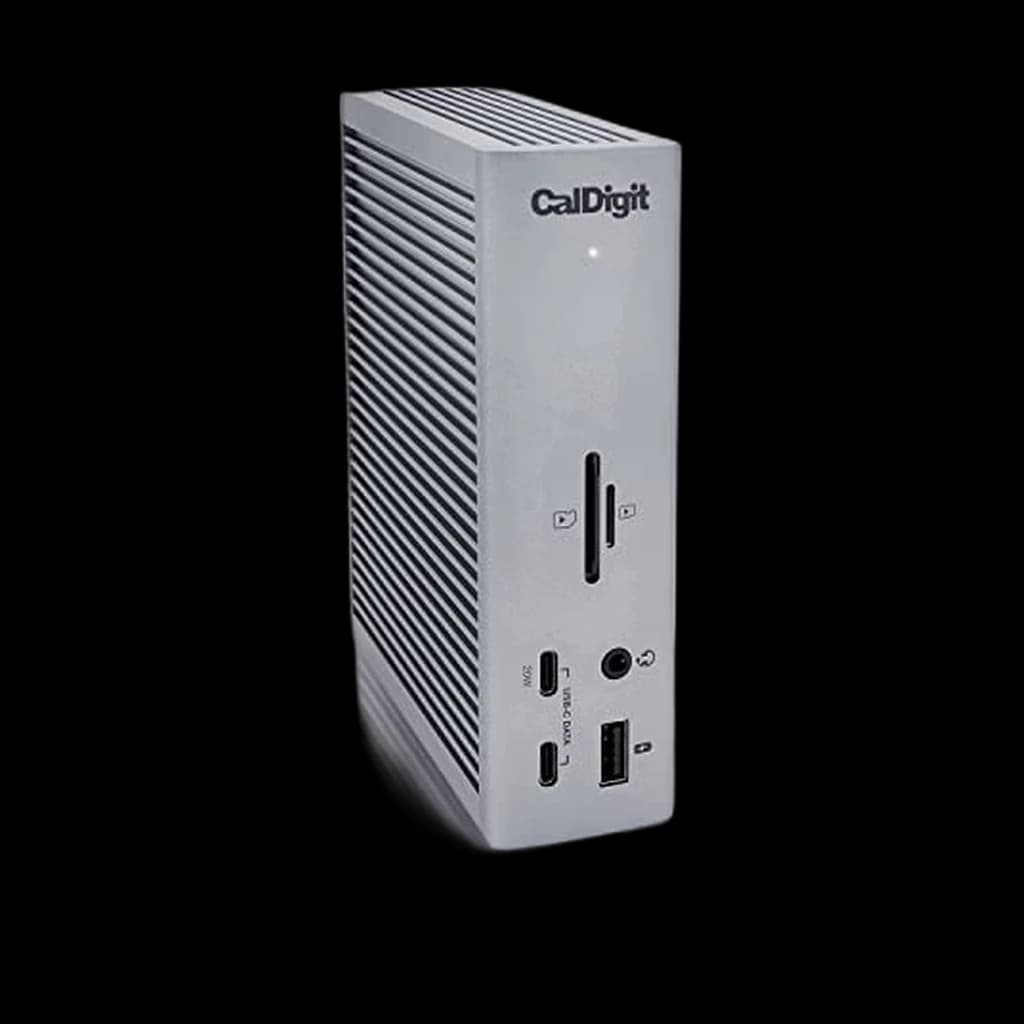
CalDigit TS4 Thunderbolt 4 Dock (18 Ports)

18 ports, 98W charging, 2.5GbE, dual 6K@60 - the dock that turns any Thunderbolt laptop into a true single-cable workstation.

Buy on Amazon

Skip this

Cheap USB-C docks under $80 with one HDMI for dual-display Mac setups

Apple Silicon Macs (M1/M2/M3/M4 base chips) cannot drive two independent displays from a non-Thunderbolt USB-C dock - DisplayPort MST is not supported on macOS. You'll plug in two monitors and see the same image mirrored on both. Spend the extra $80 and get a real Thunderbolt dock if you need dual displays on a Mac.

What Remote Workers Actually Say

A Thunderbolt 4 dock with 96W+ charging eliminates an average of 4 cables from a typical WFH desk (charger, HDMI, Ethernet, USB hub) - replacing them with a single TB4 cable to the laptop.

r/macbookpro, r/Workspaces, and r/HomeOffice consistently point new Mac users toward the CalDigit TS4 as the gold-standard Thunderbolt 4 dock. For Windows workstations, the Plugable TBT4-UDZ wins on quad-display flexibility. CalDigit's TS5 Plus gets the nod for anyone running M4 Pro/Max or Lunar Lake hardware that can actually use Thunderbolt 5 bandwidth.

Community favorites

  • CalDigit TS4Six years of forum chatter say the same thing: it just works, sleep/wake is rock-solid, and 2.5GbE Ethernet is faster than your home internet
  • OWC Thunderbolt 5 Dock (11-port)The compact TB5 option - fits behind a monitor, drives triple displays, 140W charging for the 16-inch MacBook Pro

Commonly warned against

  • Generic USB-C hubs sold as 'docking stations'An $40 hub with HDMI is not a dock - no laptop charging passthrough means you still need your charger plugged in, defeating the single-cable promise
  • Older Thunderbolt 3 docks at full priceTB3 hardware is functionally identical for most WFH workloads, but you lose driver updates, USB4 compatibility, and resale value - buy TB4 instead at the same price tier
Spec
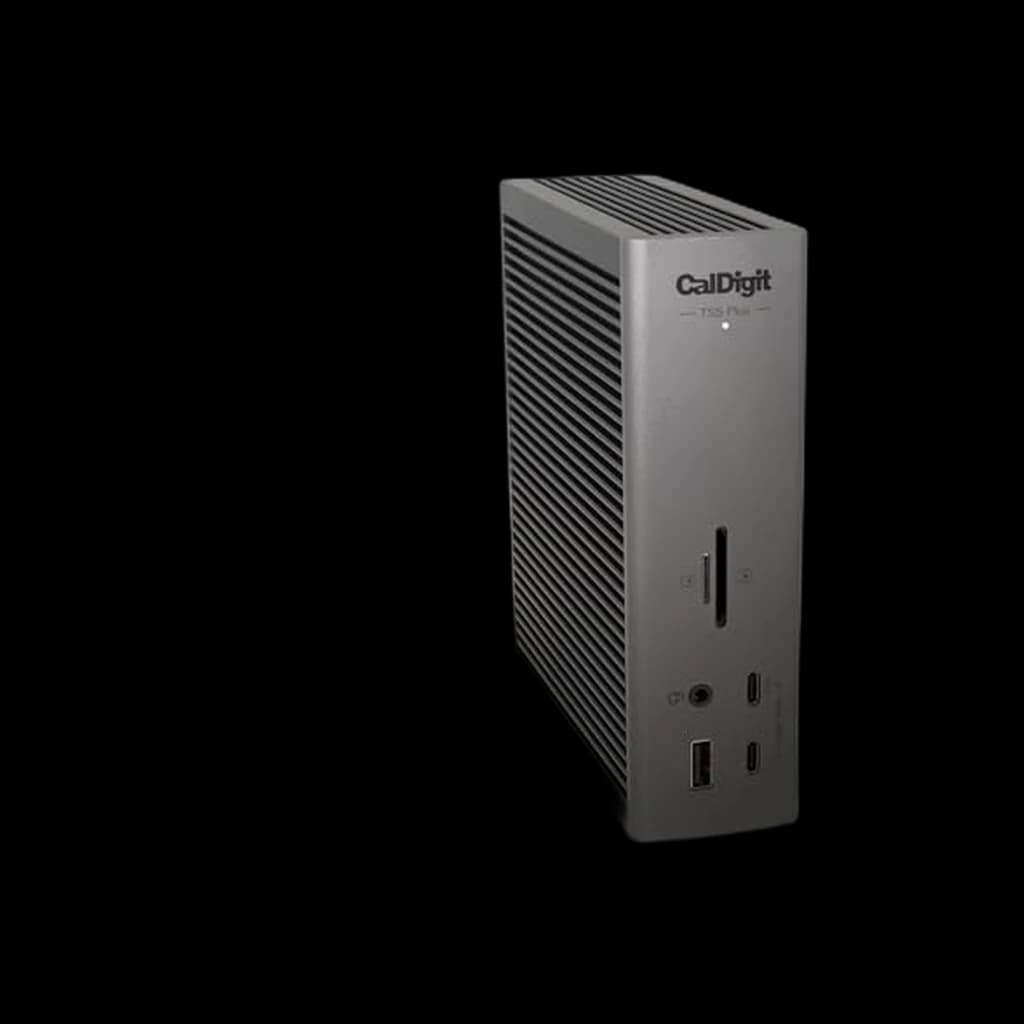
CalDigit TS4 Thunderbolt 4 Dock#1
#1👑 Premium Pick
CalDigit TS4 Thunderbolt 4 Dock
4.1
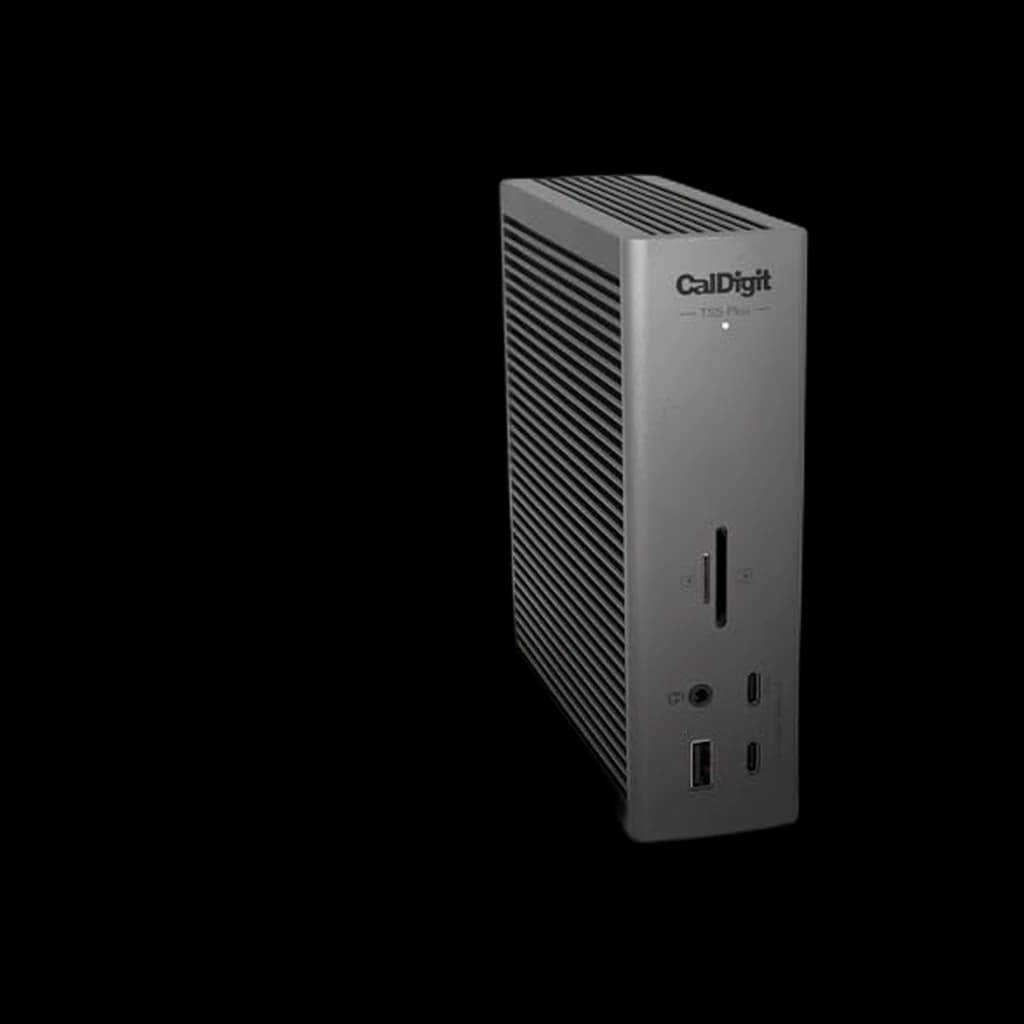
CalDigit TS5 Plus Thunderbolt 5 Dock#2
#2👑 Premium Pick
CalDigit TS5 Plus Thunderbolt 5 Dock
4.2
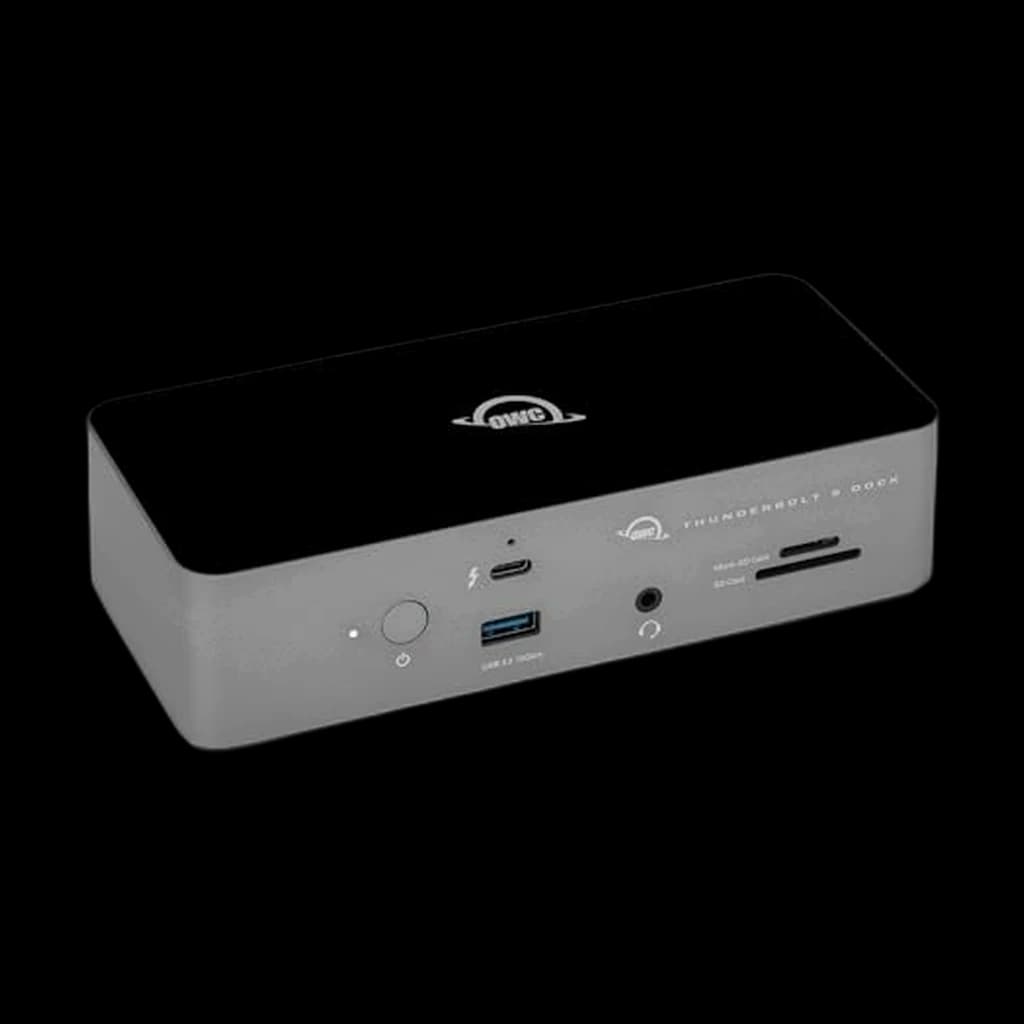
OWC Thunderbolt 5 Dock (11-Port)#3
#3👑 Premium Pick
OWC Thunderbolt 5 Dock (11-Port)
4.4
Anker 555 USB-C Hub (8-in-1)#7
#7💰 Best Budget
Anker 555 USB-C Hub (8-in-1)
4.5
Buy
Quality
70
Ergonomics
64
Features
64
Value
60
Owner Satisfaction
53
Quality
66
Ergonomics
66
Features
66
Value
61
Owner Satisfaction
60
Quality
70
Ergonomics
70
Features
70
Value
63
Owner Satisfaction
64
Quality
68
Ergonomics
68
Features
68
Value
62
Owner Satisfaction
65
Quality
82
Ergonomics
76
Features
70
Value
63
Owner Satisfaction
57
Quality
72
Ergonomics
60
Features
60
Value
59
Owner Satisfaction
49
Quality
72
Ergonomics
72
Features
72
Value
87
Owner Satisfaction
76
Buyer sentiment
Functionality Ports Build Quality
Value for money Ethernet Connectivity

Buyers praise functionality, ports and build quality. Mixed feedback on reliability and connectivity. Some flag value for money and ethernet connectivity.

Based on 1,169 user mentions

Functionality Ports Network Speed Build Quality
Overheating Value for money

Buyers praise functionality, ports, network speed and build quality. Mixed feedback on reliability. Some flag overheating and value for money.

Based on 231 user mentions

Port Capacity Quality Build Quality Setup
Value for money

Buyers praise port capacity, quality, build quality and setup. Mixed feedback on reliability and connectivity. Some flag value for money.

Based on 425 user mentions

Display Reliability

Mixed feedback on reliability and quality. Some flag display reliability.

Based on 187 user mentions

Quality Charging Performance
Reliability

Buyers praise quality and charging performance. Mixed feedback on connectivity and value for money. Some flag reliability.

Based on 59 user mentions

Ports18 total - 3x TBT4, 5x USB-A 10Gbps, 3x USB-C 10Gbps, 2.5GbE, UHS-II SD/microSD, audio in/out, DisplayPort 1.420 total - 3x TBT5, 10x USB 10Gbps, 10GbE, dual USB controllers, audio, SD11 total - 3x TBT5, 2x USB-A 10Gbps, 1x USB-A 5Gbps, 2.5GbE, SD/microSD, audio combo jack16 total - 1x TBT4 host, 1x TBT4 downstream, 2x HDMI 2.1, 2x DisplayPort 1.4, 4x USB-A, 1x USB-C, 2.5GbE, SD/microSD, audio12 total - 1x TBT4 host, 1x TBT4 downstream, 2x USB-C 10Gbps, 2x USB-A 5Gbps, 2x USB-A 480Mbps, GbE, HDMI 2.1, 2x DisplayPort 1.411 total - 1x TBT4 host, 2x TBT4 downstream, HDMI 2.1, 3x USB-A 10Gbps, 1x front USB-A 10Gbps, GbE, SD card reader, audio combo8 total - HDMI 4K@30, 1x USB-C 10Gbps, 2x USB-A 5Gbps, GbE, SD, microSD, USB-C PD input
Host CompatibilityThunderbolt 4 / Thunderbolt 3 / USB4 - Mac, Windows, ChromeOSThunderbolt 5 / TBT4 / TBT3 / USB4 backwards-compatibleThunderbolt 5 / TBT4 / TBT3 / USB4Thunderbolt 4 / Thunderbolt 3 / USB4 - Windows, Mac (limited displays), ChromeOSThunderbolt 4 / Thunderbolt 3 / USB4Thunderbolt 4 / Thunderbolt 3 / USB4 / USB-C - Mac, WindowsUSB-C / USB4 / Thunderbolt - Mac (macOS 12+), Windows, ChromeOS
Charging98W to host laptop, 20W front USB-C fast charge140W dedicated host, 36W front USB-C, 36W on each rear TB5140W to host laptop98W to host laptop100W to host, 30W on each downstream USB-C96W to host laptop85W passthrough (with 100W charger)
Display OutputDual 6K@60Hz or single 8K@30HzDual 8K@60Hz or triple 4K@144HzTriple 4K@144Hz or dual 6K@60HzQuad 4K (Windows) / Dual 4K (Mac)Single 8K@60 or quad 4KDual 4K@60 or single 8K@30 / 6KSingle 4K@30 HDMI
Network2.5GbE Ethernet10GbE Ethernet2.5GbE Ethernet2.5GbE EthernetGigabit EthernetGigabit EthernetGigabit Ethernet

* Prices are approximate and may not reflect current rates. As an Amazon Associate I earn from qualifying purchases.

As an Amazon Associate I earn from qualifying purchases. Product prices and availability are subject to change.

Find the right pick in 5 seconds

CalDigit TS4 Thunderbolt 4 Dock
🏆 Top Pick

CalDigit TS4 Thunderbolt 4 Dock

👑 Premium Pick
4.1

The most-recommended Thunderbolt 4 dock on Reddit and review sites for a reason - 18 ports, 98W charging, 2.5GbE, and CalDigit's firmware support that keeps it stable years after launch.

Pros

  • 18 ports including 3x TBT4, 5x USB-A, 3x USB-C, UHS-II SD card reader, 2.5GbE Ethernet
  • 98W laptop charging handles 16-inch MacBook Pro under load
  • Dual 6K@60Hz or 8K@30Hz display support
  • Rock-solid sleep/wake on macOS and Windows - the rare dock that doesn't drop disks at random

Cons

  • $399 is premium pricing - TB5 is not far away in cost
  • USB-C cable is a non-trivial 0.8m - short for some desk layouts
62C+WFH
Score
Quality
70
Ergonomics
64
Features
64
Value
60
Owner Satisfaction
53
How we score →

Ports

18 total - 3x TBT4, 5x USB-A 10Gbps, 3x USB-C 10Gbps, 2.5GbE, UHS-II SD/microSD, audio in/out, DisplayPort 1.4

Host Compatibility

Thunderbolt 4 / Thunderbolt 3 / USB4 - Mac, Windows, ChromeOS

Charging

98W to host laptop, 20W front USB-C fast charge

Display Output

Dual 6K@60Hz or single 8K@30Hz

Network

2.5GbE Ethernet

CalDigit TS5 Plus Thunderbolt 5 Dock
⭐ Runner Up

CalDigit TS5 Plus Thunderbolt 5 Dock

👑 Premium Pick
4.2

The flagship Thunderbolt 5 dock for 2026 - 20 ports, 10GbE, 140W charging. Pure overkill unless you have a TB5 laptop and 8K monitors, but future-proof for the next 5 years.

Pros

  • Thunderbolt 5 at 80 Gbps base / 120 Gbps boost
  • 10GbE Ethernet - 4x faster than the TS4's 2.5GbE
  • 140W dedicated host charging for 16-inch MacBook Pro full-power
  • Dual 8K@60Hz or triple 4K@144Hz output

Cons

  • $549 list price - needs a TB5 host to justify the spend
  • Most users will never saturate the 10GbE port at home
64C+WFH
Score
Quality
66
Ergonomics
66
Features
66
Value
61
Owner Satisfaction
60
How we score →

Ports

20 total - 3x TBT5, 10x USB 10Gbps, 10GbE, dual USB controllers, audio, SD

Host Compatibility

Thunderbolt 5 / TBT4 / TBT3 / USB4 backwards-compatible

Charging

140W dedicated host, 36W front USB-C, 36W on each rear TB5

Display Output

Dual 8K@60Hz or triple 4K@144Hz

Network

10GbE Ethernet

OWC Thunderbolt 5 Dock (11-Port)
💡 Great Value

OWC Thunderbolt 5 Dock (11-Port)

👑 Premium Pick
4.4

The compact Thunderbolt 5 alternative - fits behind a monitor, drives triple 4K displays, 140W charging. Goldilocks pick for Mac users who want TB5 without TS5 Plus pricing.

Pros

  • Compact 18cm chassis - easier to hide than the full-size CalDigits
  • 140W laptop charging handles 16-inch MacBook Pro
  • Triple 4K@144Hz or dual 6K@60Hz display support
  • OWC's 6+ year reliability track record on previous TB3 docks

Cons

  • 11 ports vs CalDigit TS5 Plus's 20 - fewer USB-A legacy slots
  • 2.5GbE rather than 10GbE Ethernet
67B−WFH
Score
Quality
70
Ergonomics
70
Features
70
Value
63
Owner Satisfaction
64
How we score →

Ports

11 total - 3x TBT5, 2x USB-A 10Gbps, 1x USB-A 5Gbps, 2.5GbE, SD/microSD, audio combo jack

Host Compatibility

Thunderbolt 5 / TBT4 / TBT3 / USB4

Charging

140W to host laptop

Display Output

Triple 4K@144Hz or dual 6K@60Hz

Network

2.5GbE Ethernet

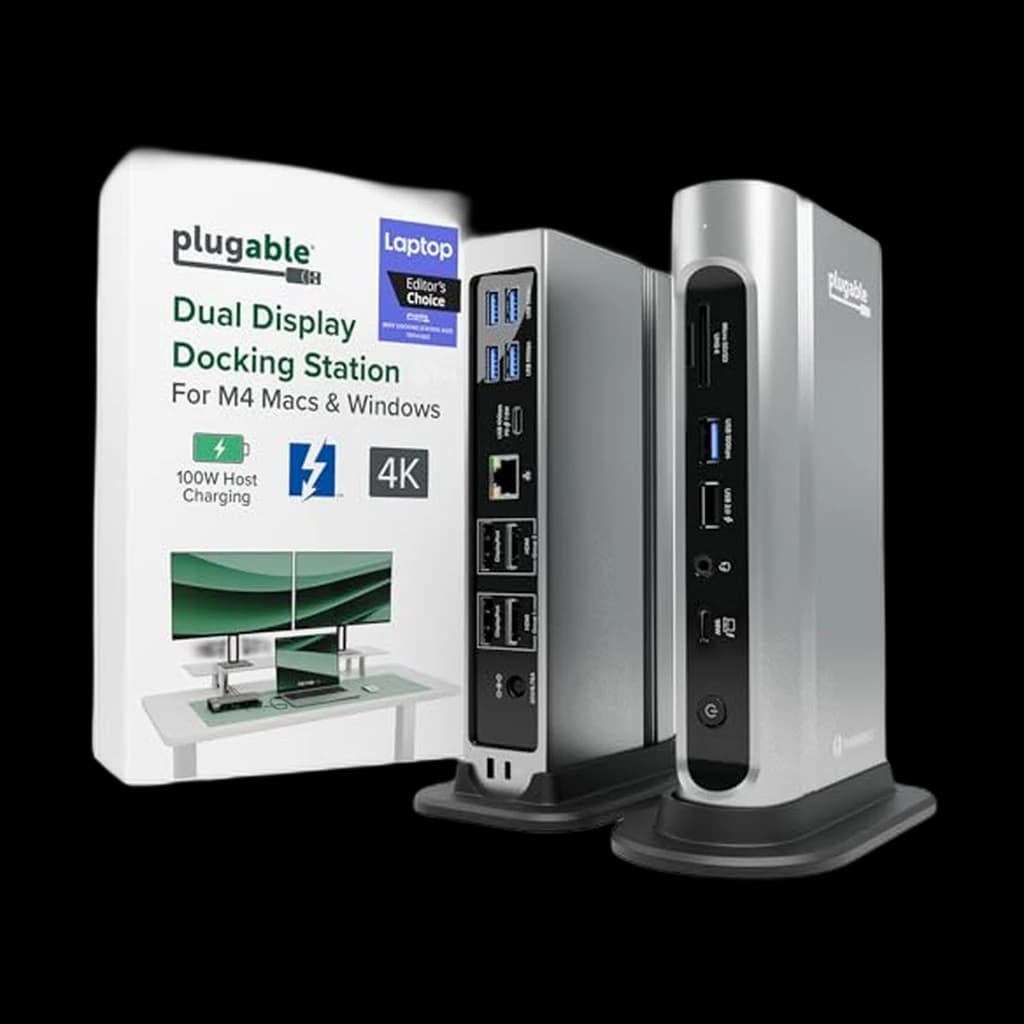
Plugable TBT4-UDZ 16-in-1 Quad Display Dock
#4

Plugable TBT4-UDZ 16-in-1 Quad Display Dock

👑 Premium Pick
4.3

The quad-display Thunderbolt 4 dock - 2x HDMI plus 2x DisplayPort native, no adapters. Best pick for Windows power users who actually need four monitors driven from one cable.

Pros

  • Native 2x HDMI + 2x DisplayPort outputs without dongles
  • Up to four 4K displays on Windows (PC supports MST; Mac caps at two)
  • 98W certified power delivery
  • Plugable's reputation for driver support and customer service

Cons

  • Mac users only get dual displays - the four-display advantage is Windows-only
  • Some users report sleep/wake quirks on certain laptops
66C+WFH
Score
Quality
68
Ergonomics
68
Features
68
Value
62
Owner Satisfaction
65
How we score →

Ports

16 total - 1x TBT4 host, 1x TBT4 downstream, 2x HDMI 2.1, 2x DisplayPort 1.4, 4x USB-A, 1x USB-C, 2.5GbE, SD/microSD, audio

Host Compatibility

Thunderbolt 4 / Thunderbolt 3 / USB4 - Windows, Mac (limited displays), ChromeOS

Charging

98W to host laptop

Display Output

Quad 4K (Windows) / Dual 4K (Mac)

Network

2.5GbE Ethernet

Anker 778 Thunderbolt 4 Docking Station (12-in-1)
#5

Anker 778 Thunderbolt 4 Docking Station (12-in-1)

👑 Premium Pick
4.4

Anker's premium Thunderbolt 4 entry - 100W charging, 8K HDMI, dual DisplayPort. Discounts to $259 regularly, which is where it becomes the value play vs CalDigit.

Pros

  • 100W laptop charging - comfortable margin for 16-inch MacBook Pro
  • 8K HDMI 2.1 plus dual DisplayPort 1.4 for triple-monitor setups
  • Front 30W USB-C ports for fast-charging phones and tablets
  • Strong Anker support and 24-month warranty

Cons

  • List price is high ($399) - wait for sale to ~$259
  • Single GbE Ethernet (not 2.5GbE)
69B−WFH
Score
Quality
82
Ergonomics
76
Features
70
Value
63
Owner Satisfaction
57
How we score →

Ports

12 total - 1x TBT4 host, 1x TBT4 downstream, 2x USB-C 10Gbps, 2x USB-A 5Gbps, 2x USB-A 480Mbps, GbE, HDMI 2.1, 2x DisplayPort 1.4

Host Compatibility

Thunderbolt 4 / Thunderbolt 3 / USB4

Charging

100W to host, 30W on each downstream USB-C

Display Output

Single 8K@60 or quad 4K

Network

Gigabit Ethernet

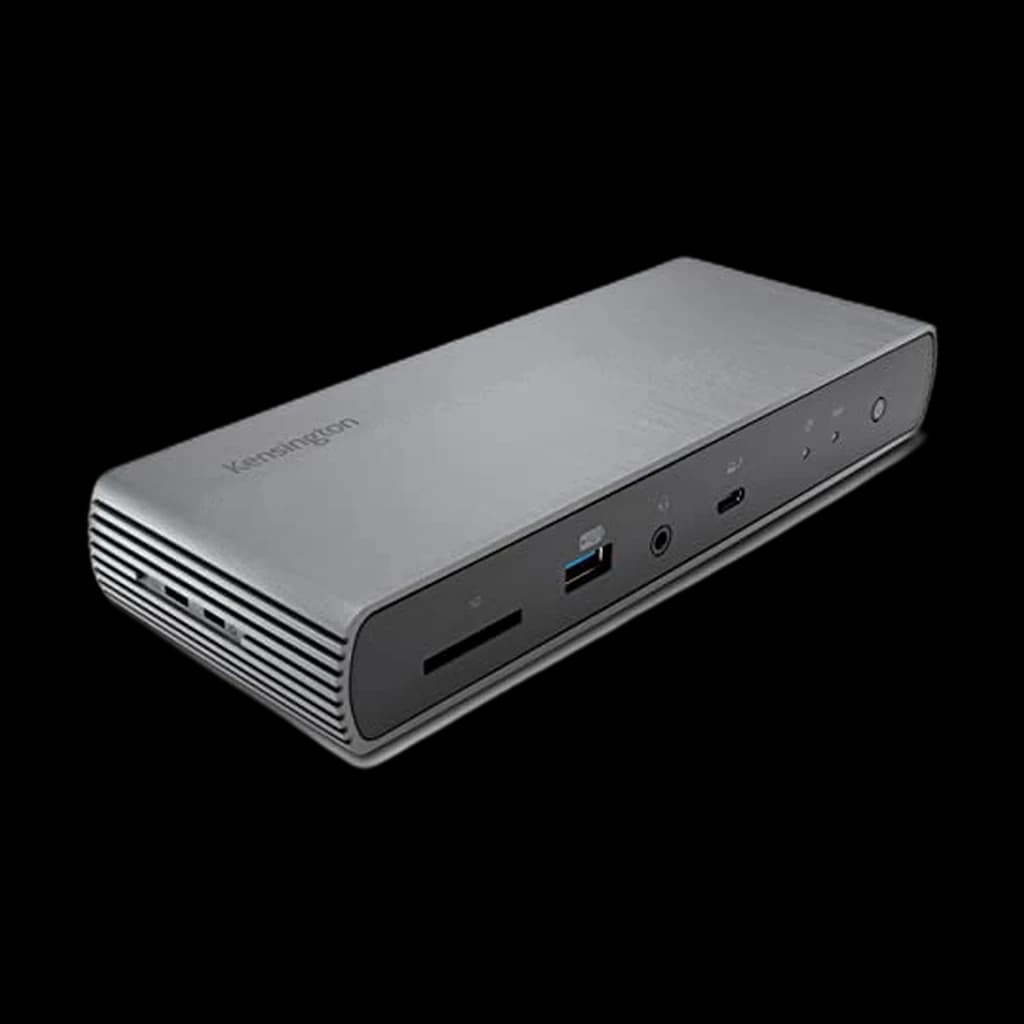
Kensington SD5780T Thunderbolt 4 Dock
#6

Kensington SD5780T Thunderbolt 4 Dock

👑 Premium Pick
3.9

The corporate-IT favorite - robust build, balanced port mix, 96W charging, and Kensington's 3-year warranty. Boring in the best way.

Pros

  • 11 ports balanced for typical office workloads (no quirky port assignments)
  • 96W power delivery, 180W internal supply
  • No drivers required - plug and work on Mac and Windows
  • Premium aluminum construction with 3-year warranty

Cons

  • Some users report sharp metal edges on the chassis
  • Sleep/wake on M1 MacBooks occasionally needs a replug
59CWFH
Score
Quality
72
Ergonomics
60
Features
60
Value
59
Owner Satisfaction
49
How we score →

Ports

11 total - 1x TBT4 host, 2x TBT4 downstream, HDMI 2.1, 3x USB-A 10Gbps, 1x front USB-A 10Gbps, GbE, SD card reader, audio combo

Host Compatibility

Thunderbolt 4 / Thunderbolt 3 / USB4 / USB-C - Mac, Windows

Charging

96W to host laptop

Display Output

Dual 4K@60 or single 8K@30 / 6K

Network

Gigabit Ethernet

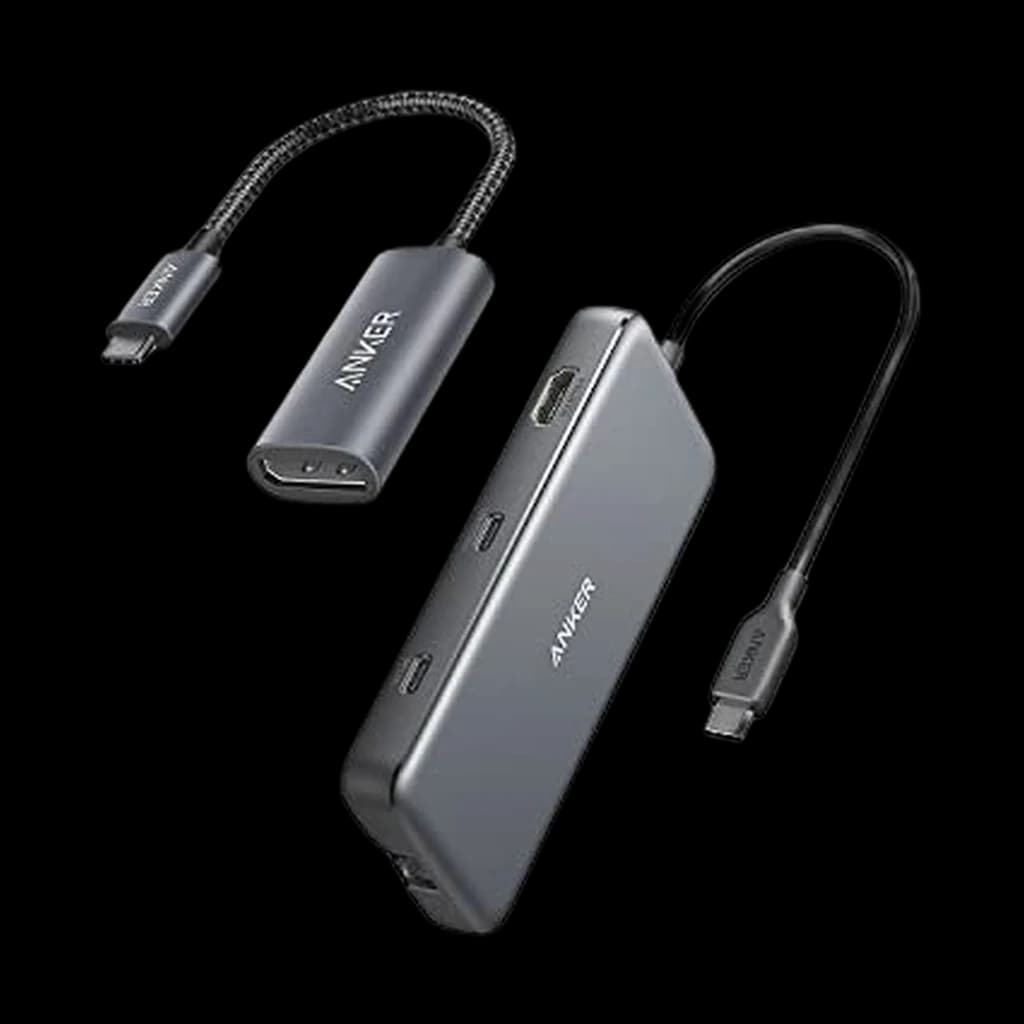
Anker 555 USB-C Hub (8-in-1)
#7

Anker 555 USB-C Hub (8-in-1)

💰 Best Budget
4.5

The portable, single-display USB-C hub for travel and second desks. At $36 it's the no-brainer pick when you don't need Thunderbolt - just don't expect dual 4K@60 on a Mac.

Pros

  • Pocketable at 0.6 inches thick, 4.4 oz
  • 85W power passthrough - enough for MacBook Air and 14-inch Pro at idle
  • 10Gbps USB-C data port plus SD/microSD readers
  • Excellent value at $36-40 street price

Cons

  • HDMI is 4K@30 only (not 60Hz) - fine for static work, choppy for scrolling
  • Single display only - no MST dual-monitor on Mac
76BWFH
Score
Quality
72
Ergonomics
72
Features
72
Value
87
Owner Satisfaction
76
How we score →

Ports

8 total - HDMI 4K@30, 1x USB-C 10Gbps, 2x USB-A 5Gbps, GbE, SD, microSD, USB-C PD input

Host Compatibility

USB-C / USB4 / Thunderbolt - Mac (macOS 12+), Windows, ChromeOS

Charging

85W passthrough (with 100W charger)

Display Output

Single 4K@30 HDMI

Network

Gigabit Ethernet

How to Pick the Right One

A docking station is the difference between a laptop you reluctantly tether to your desk and a true single-cable workstation. The right pick depends almost entirely on three variables: the host port on your laptop, how many displays you actually need, and the wattage you need to charge while you work. Thunderbolt 5 (80 Gbps base, 120 Gbps bandwidth boost) is brand new in 2025-2026 - only the latest M4/M5 MacBooks, Intel Lunar Lake laptops, and select Windows machines speak it natively. Thunderbolt 4 (40 Gbps) remains the practical sweet spot for most WFH setups in 2026: every Mac since 2020 supports it, dual 4K@60 is well within bandwidth, and the dock pool is mature, stable, and price-competitive. USB-C docks (DisplayPort Alt Mode, no Thunderbolt) are cheaper but introduce real limits - most cap at 4K@30 over HDMI, and dual-display support depends on whether your laptop supports DisplayPort MST (PC yes, Apple Silicon no - M-series Macs cannot drive two independent displays from a single non-Thunderbolt USB-C connection). Charging wattage matters more than spec sheets suggest: a 14-inch MacBook Pro pulls 70W under load; a 16-inch Pro pulls 96-140W. If your dock delivers less than your laptop draws, the battery will slowly drain during long Zoom sessions. Look for 96W minimum on Mac, 100W+ on Windows workstations. Network speed is the quiet upgrade nobody talks about - 2.5GbE is standard on premium docks now, and if you have a 2.5GbE switch and a NAS, the difference vs gigabit is immediately felt. Daisy-chaining a second Thunderbolt device off the dock works, but bandwidth is shared - don't expect 4K@120 plus an external SSD running at full speed simultaneously. Mac users should know: even with a 5-port Thunderbolt dock, base M1/M2/M3/M4 chips still cap at one external display via the dock; Pro and Max chips support two or more.

Sources & Research (4)Show

Related Reading

All guides →
Best Thunderbolt Docks 2026: CalDigit TS4 + 5 Rivals

Best Thunderbolt Docks 2026: CalDigit TS4 + 5 Rivals

Six Thunderbolt 4 and TB5 docks ranked for WFH in 2026. CalDigit TS4 is the top pick, OWC TB4 Mini Dock the compact runner-up for remote work.

WFH Lounge Team
8 min read·April 12, 2026