Camera On or Camera Off? The WFH Meeting Debate Settled
Keep your camera on for collaborative and relationship-building meetings, but feel free to turn it off during large presentations or deep-listening sessions to reduce fatigue.
Quick Answer
Default camera-on for collaborative meetings, one-on-ones, and relationship-building; camera-off is fine for large presentations and deep-listening sessions where video adds fatigue without adding signal. The middle ground — on for the first few minutes, then off when screen-sharing starts — is widely accepted and keeps both connection and energy intact.
Key Takeaways
Should you keep your camera on or off during WFH meetings? We break down the research, etiquette, and practical tips to help you decide.
As an Amazon Associate I earn from qualifying purchases. Product prices and availability are subject to change.
Few topics ignite more passionate debate in remote work circles than the camera question. Scroll through any WFH subreddit and you will find hundreds of threads with people firmly planted on both sides. Some managers insist cameras stay on at all times. Some employees feel surveilled and exhausted by the expectation. So who is right?
The honest answer is that it depends — but not in a wishy-washy way. There are clear situations where camera-on makes sense and equally clear situations where forcing video is counterproductive. Let us break it all down.
The Case for Camera On
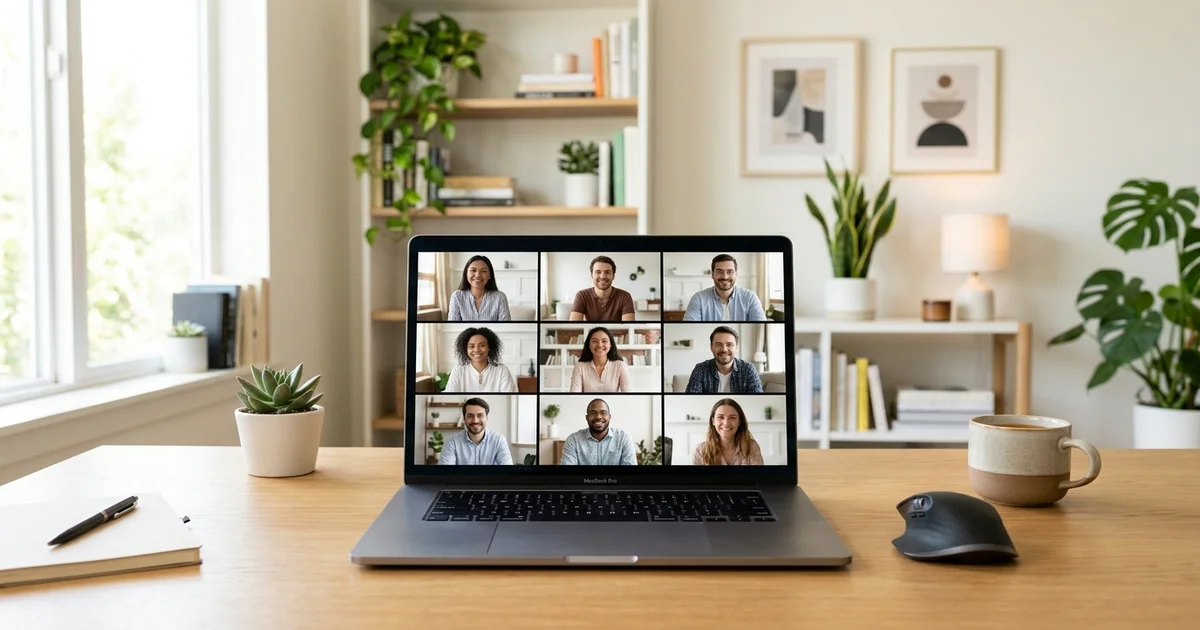
Humans are wired for face-to-face communication. Research from the MIT Human Dynamics Lab found that nonverbal cues account for a significant portion of how we interpret meaning in conversations. When cameras are on, you pick up on raised eyebrows, nods of agreement, confused expressions, and the subtle body language that tells you whether your point is landing.
Here is where camera-on genuinely helps:
- One-on-one meetings. Whether it is a check-in with your manager or a brainstorming session with a colleague, seeing each other builds rapport and trust. This is especially important for newer team members who have not had time to build relationships.
- Small team standups. When the group is five to eight people, video creates a sense of shared space. You notice when someone looks like they want to speak, which reduces the awkward crosstalk that plagues audio-only calls.
- Client-facing calls. First impressions matter. If a client or stakeholder has their camera on, matching that energy shows professionalism and engagement.
- Difficult conversations. Delivering feedback, discussing performance, or working through a conflict all benefit from visual connection. Tone gets misread far more easily without facial cues.
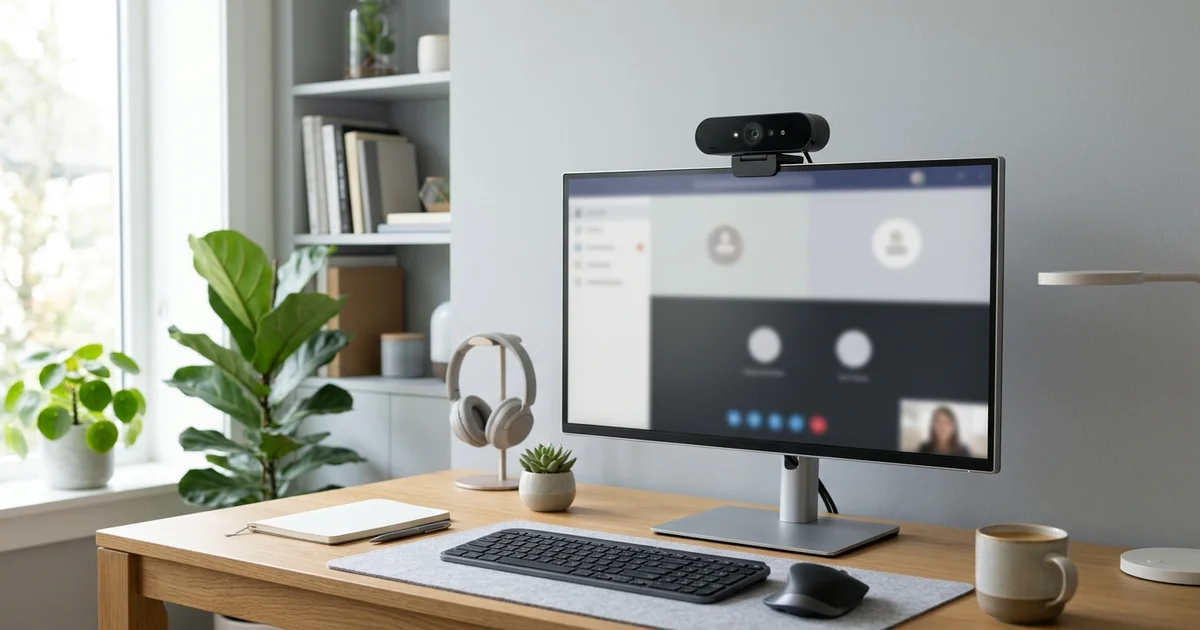
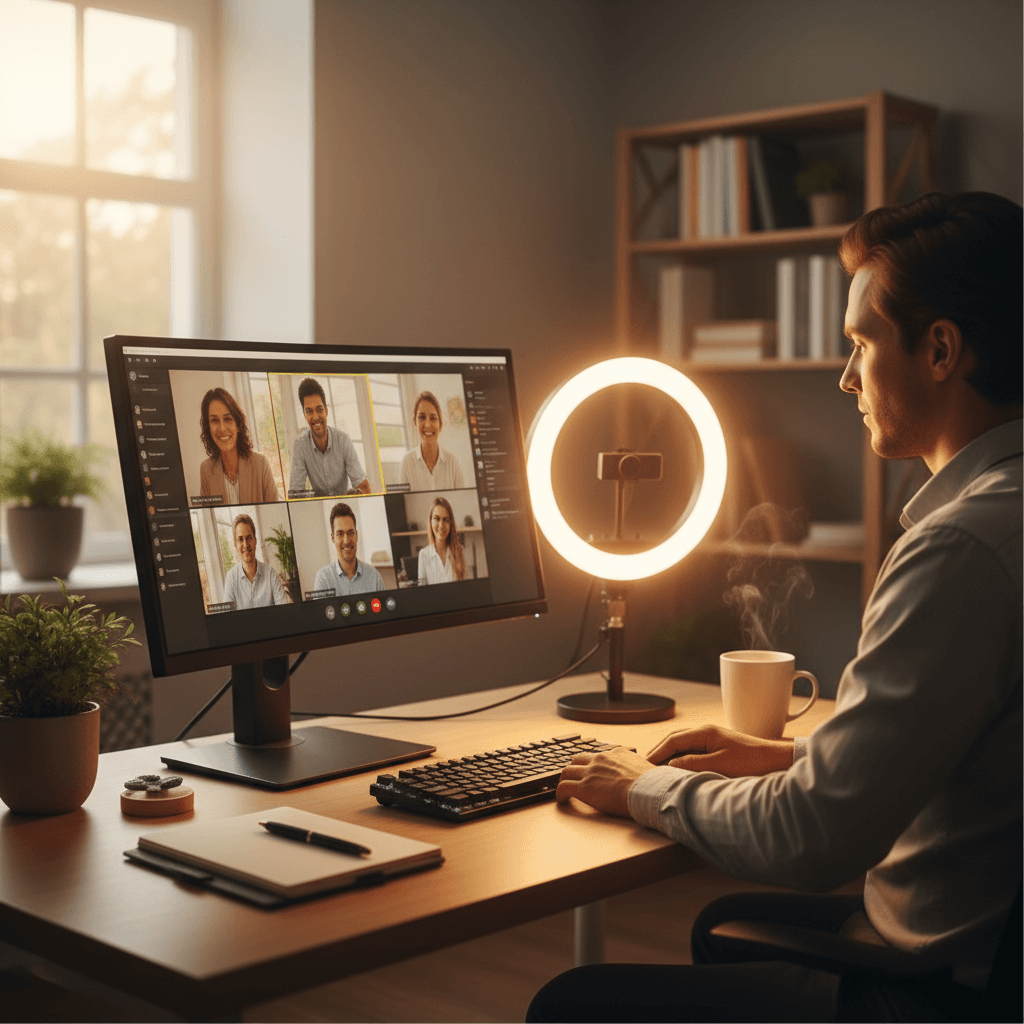
If you are going to be on camera regularly, it is worth investing in a setup that makes you look and sound professional. A solid webcam makes a noticeable difference — check out our guide to the best webcams for video calls in 2026 if you are still using a grainy built-in laptop camera. Pair that with a good ring light for your home office and you will look sharp without spending a fortune.
The Logitech Brio 4K remains one of the best options for remote workers who want crisp, natural-looking video without fussing over settings.
The Case for Camera Off
Here is the part many managers do not want to hear: there is real science behind "Zoom fatigue," and mandatory camera-on policies can make it worse.
A 2021 study from Stanford's Virtual Human Interaction Lab identified four key causes of video call fatigue:
- Excessive close-up eye contact. Staring at a grid of faces at close range for hours is cognitively draining in a way that sitting in a conference room is not.
- Seeing yourself constantly. The small self-view window is like staring into a mirror all day. It increases self-consciousness and anxiety.
- Reduced mobility. You feel tethered to the frame, unable to move naturally.
- Higher cognitive load. You are constantly managing your own expressions while simultaneously interpreting others.
Camera-off makes sense in these scenarios:
- Large all-hands meetings. If 50 people are on a call and one person is presenting, there is zero benefit to having 49 cameras on. You are not interacting — you are listening.
- Back-to-back meeting days. If someone has five or six meetings in a row, insisting on video for every single one is a recipe for burnout. Let people pick their battles.
- Deep-listening sessions. Sometimes you absorb information better when you can close your eyes, take notes freely, or pace around your room.
- Bad hair days and life happening. This one is half-joking but also real. Remote work is supposed to offer flexibility. If someone's kid is running around in the background or they just came back from the gym, forcing camera-on undermines the trust that remote work is built on.
The Middle Ground That Actually Works
The best remote teams we have seen do not have a blanket policy. They have norms. Here is a framework that works:
Default camera-on for:
- Meetings with five or fewer people
- Any meeting where you are an active participant
- First meetings with new colleagues or clients
Default camera-off is fine for:
- Meetings with more than 10 people where you are in the audience
- Your third or fourth meeting of the day
- Any meeting where you are purely listening
Always acceptable:
- Turning your camera off temporarily to deal with life (delivery at the door, dog barking, kid needs something)
- Asking at the start of a meeting: "Is this a camera-on meeting?"
How to Look Good When the Camera Is On
When you do have your camera on, a few simple upgrades go a long way:
- Lighting is everything: Natural light from a window in front of you is ideal. When that is not available, a ring light or a good desk lamp positioned behind your monitor eliminates shadows and makes you look awake and professional.
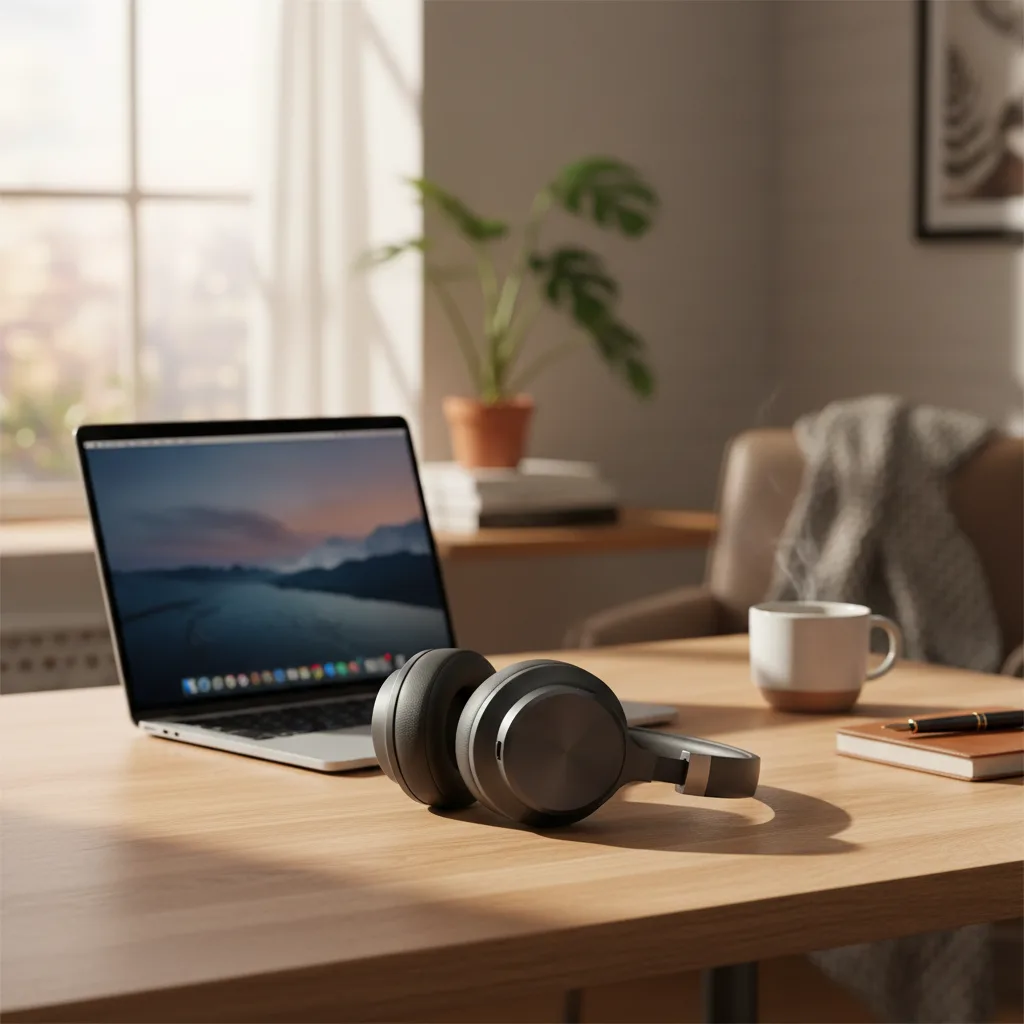
- Audio matters more than video: This might sound counterintuitive in a camera article, but people will tolerate mediocre video far longer than they will tolerate bad audio. A pair of quality headphones built for WFH ensures you sound clear and can hear everyone without cranking your laptop speakers.
The Elgato Key Light Neo (No Mount Included) is a compact option that mounts behind your monitor and gives you studio-quality lighting without cluttering your desk.
- Clean your background: You do not need a ring-lit studio. Just make sure there is nothing distracting or unprofessional behind you. A bookshelf, a plain wall, or a tidy living space all work fine. Virtual backgrounds are acceptable but can look glitchy with cheaper webcams.
- Position your camera at eye level: If your laptop is on your desk, the camera is pointing up at your chin. A simple laptop stand or a stack of books fixes this instantly and makes your framing look more natural.
What Managers Should Actually Do
If you lead a remote team, here is the most important thing to understand: trust your people. Mandating cameras at all times sends a message that you need to see employees to believe they are working. That erodes trust faster than anything.
Instead, set expectations around outcomes. If someone consistently delivers great work, participates actively in discussions, and communicates well — does it really matter if their camera is off during the Wednesday all-hands?
Create a team agreement around camera norms. Let people have input. The teams with the highest engagement are the ones where camera use feels like a choice, not a mandate.
The Bottom Line
The camera debate does not have to be all-or-nothing. Use video when it adds value — small meetings, relationship building, important conversations. Skip it when it does not — large calls, listening-heavy sessions, or when you simply need a break from performing for the screen.
Remote work is about flexibility and results. Your camera policy should reflect that.
Related Reading
Your next step
When it's on, look your best.
Hilly Shore Labs
Editorial TeamWFH Lounge is published by Hilly Shore Labs. Every recommendation is built by synthesizing ergonomic research, manufacturer specs, expert reviews from outlets like Wirecutter, RTINGS, and The Verge, and aggregated long-term owner sentiment from thousands of verified buyers.
All product reviews are independently researched. Our recommendations are based on ergonomic guidelines, manufacturer specifications, and verified buyer sentiment. See our methodology.