1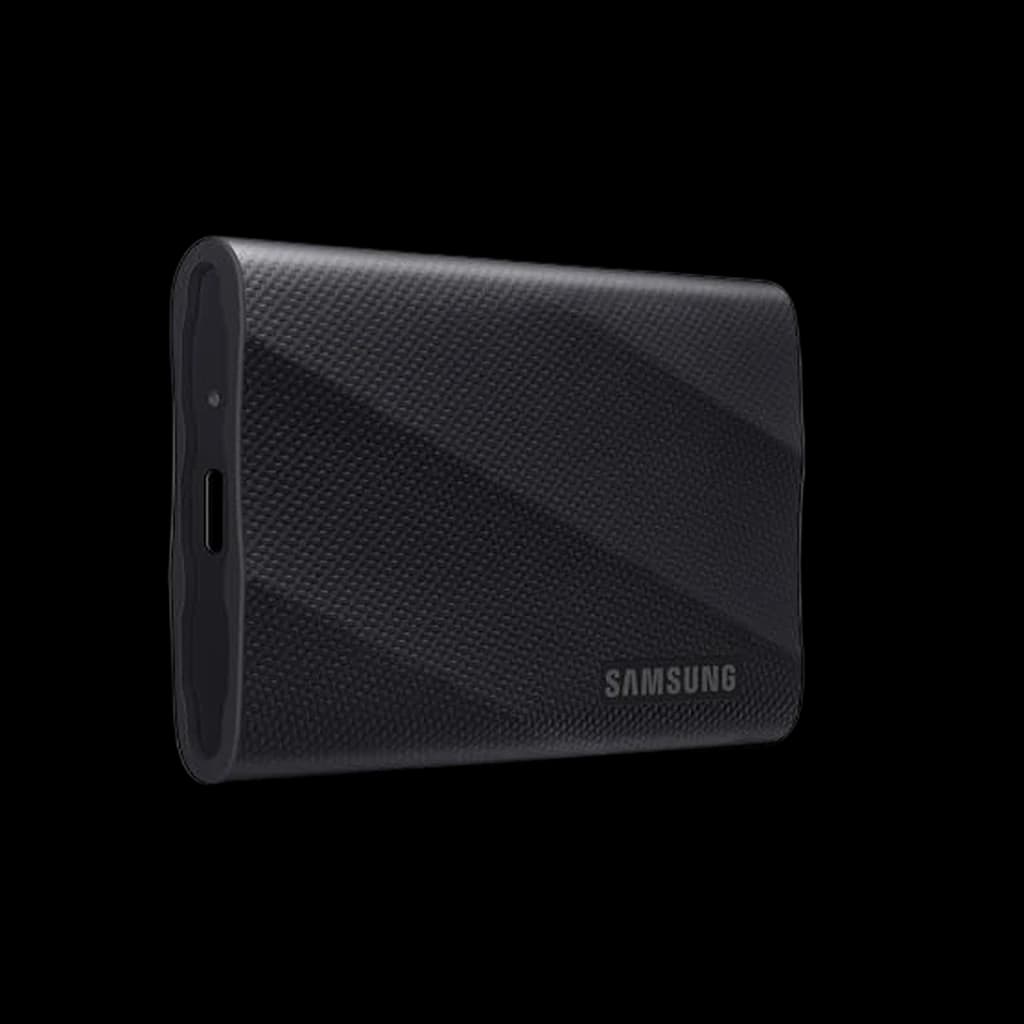 1
1
1Samsung T9 Portable SSD 2TB
👑 Premium PickThe new WFH backup default - sustained 2000MB/s and Samsung's reliability moat in a pocketable rubberized shell.
↑ Speed↑ Performance↑ Compact Size
$429.99 Buy on Amazon
WFH Lounge · Best Picks
1TB USB 3.2 Gen 2x2 (20Gbps) is the WFH sweet spot for backup and Time Machine. Most buyers overpay for Thunderbolt or underpay for slow USB 3.2 Gen 2.
The best external SSDs for WFH backup, Time Machine, and large-file workflows in 2026.
Top pick
Samsung T9 Portable SSD 2TB
USB 3.2 Gen 2x2 at 2000MB/s, NVMe-grade thermal management, and Samsung's reliability track record make this the default WFH backup drive.
Buy on AmazonValue pick
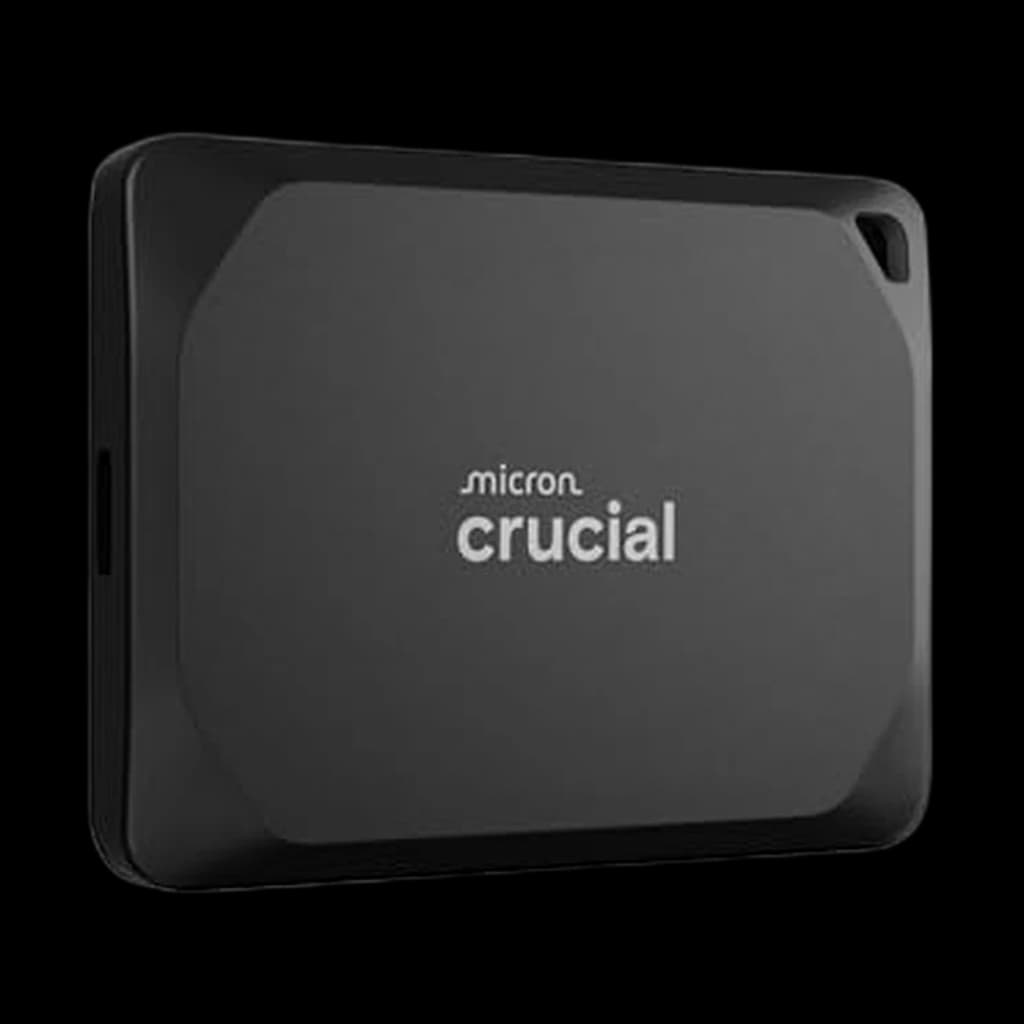
Crucial X9 1TB
Best score-to-price ratio in the category at the current Amazon price.
Buy on AmazonBudget pick
WD My Passport SSD 1TB
One of the lowest-priced picks in the category that still clears our 4.0★ minimum on Amazon.
Buy on AmazonSkip this
Cheap 'NVMe-speed' USB 3.2 Gen 2 (10Gbps) drives advertised at 1050MB/s — A 10Gbps interface caps real-world transfer at roughly 1050MB/s no matter what NAND is inside. Spend $20 more for a Gen 2x2 (20Gbps) drive that doubles throughput on any modern Mac or Thunderbolt-equipped Windows laptop.
1The new WFH backup default - sustained 2000MB/s and Samsung's reliability moat in a pocketable rubberized shell.
 2
2Best value at the 2TB tier - same 2000MB/s class speed as the T9, IP55 rugged, often $40-60 cheaper.
 3
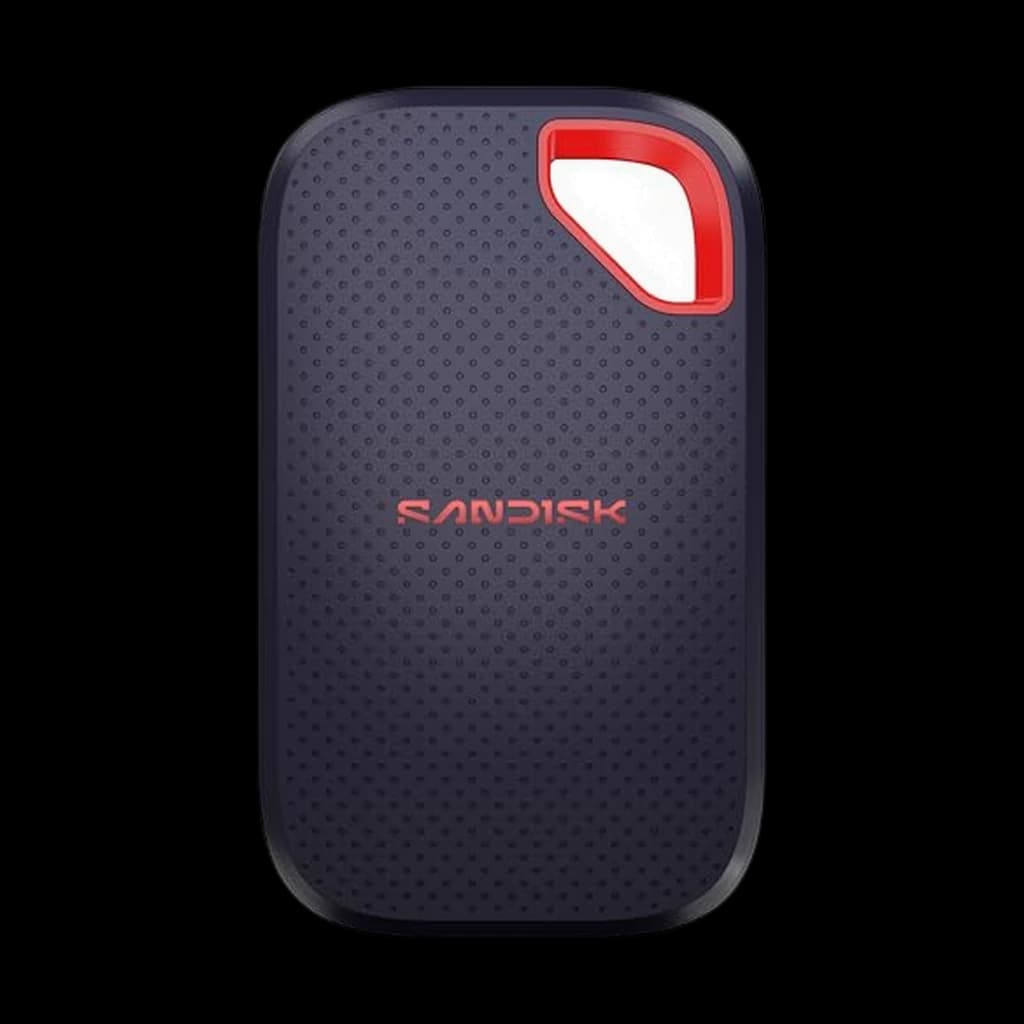
3The 2026 refresh of SanDisk's rugged Extreme, now on USB 3.2 Gen 2x2 at up to 2,000 MB/s read, nearly double the previous generation per SanDisk, in a 47 g IP65 shell with 3 m drop protection. It replaces the slower Extreme PRO V2 here and is the rugged alternative to the Samsung T9 at the same interface speed.
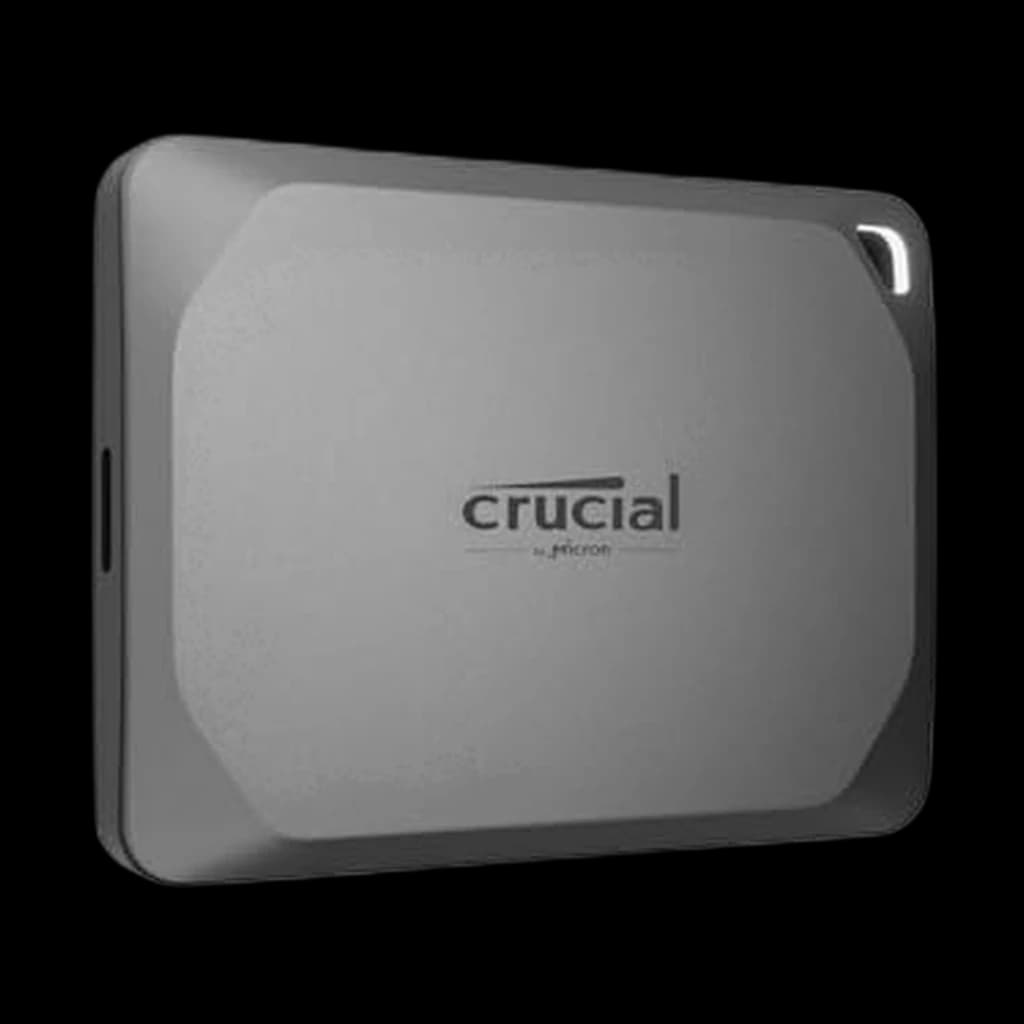 4
4Best budget pick - 1050MB/s and IP55 rugged, which makes it the right Time Machine drive for older laptops.
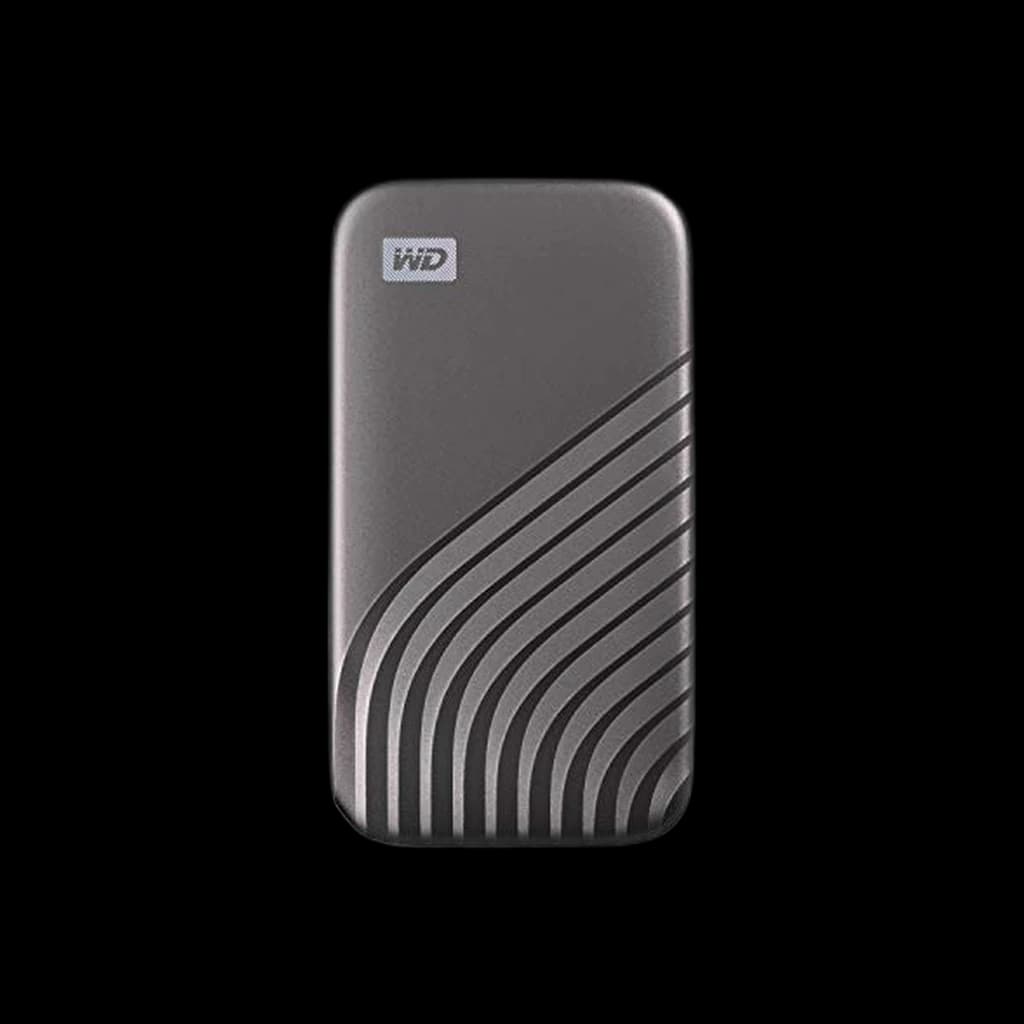 5
5Slim metal pick with strong encryption tooling - the corporate-friendly choice when the IT team asks for password-protected backups.
| Spec | |||||
|---|---|---|---|---|---|
| Buy | |||||
WFH Scoremethodology → | Speed 91 Durability 76 Build & Portability 82 Value 65 Owner Satisfaction 84 | Speed 77 Durability 80 Build & Portability 74 Value 77 Owner Satisfaction 71 | Speed 89 Durability 86 Build & Portability 74 Value 77 Owner Satisfaction 82 | Speed 83 Durability 80 Build & Portability 80 Value 87 Owner Satisfaction 78 | Speed 77 Durability 74 Build & Portability 80 Value 87 Owner Satisfaction 77 |
| Buyer sentiment | Speed Performance Compact Size Ease Of Use Buyers praise speed, performance, compact size and ease of use. Mixed feedback on reliability and value for money. Based on 1,128 user mentions | Speed Compact Size Performance Data Transfer Compatibility Data Integrity Buyers praise speed, compact size, performance and data transfer. Mixed feedback on reliability and value for money. Some flag compatibility and data integrity. Based on 1,038 user mentions | Performance Speed Compact Size Buyers praise performance, speed and compact size. Mixed feedback on reliability and value for money. Based on 113 user mentions | Reliability Speed Size Performance Compatibility Buyers praise reliability, speed, size and performance. Some flag compatibility. Based on 936 user mentions | Speed Size Quality Portability Heat Connectivity Buyers praise speed, size, quality and portability. Mixed feedback on reliability. Some flag heat and connectivity. Based on 982 user mentions |
| Capacity | 2TB | 2TB | 2TB | 1TB | 1TB |
| Interface | USB 3.2 Gen 2x2 (20Gbps) | USB 3.2 Gen 2x2 (20Gbps) | USB 3.2 Gen 2x2 (20Gbps), USB-C | USB 3.2 Gen 2 (10Gbps) | USB 3.2 Gen 2 (10Gbps) |
| Sequential Read | 2000MB/s | 2100MB/s | Up to 2000MB/s | 1050MB/s | 1050MB/s |
| Sequential Write | 1950MB/s | 2000MB/s | Not stated on datasheet (lower than read) | 1050MB/s | 1000MB/s |
| Drop Resistance | 3 meters | 7.5 feet (IP55) | 3 meters, IP65 | — | 6.5 feet |
| Encryption | AES-256 hardware | AES-256 hardware | 256-bit AES password protection (software) | 256-bit AES (optional) | AES-256 hardware (password protected) |
* Prices checked Nov 1, 2026 and may not reflect current rates. As an Amazon Associate I earn from qualifying purchases.
As an Amazon Associate I earn from qualifying purchases. Product prices and availability are subject to change.
USB 3.2 Gen 2x2 (20Gbps) hits roughly 2000MB/s sequential read in real-world tests, double what Gen 2 (10Gbps) can deliver. The interface is the bottleneck, not the NAND.
r/HomeOffice and r/macsetups consistently recommend the Samsung T9 and SanDisk Extreme Pro V2 for Time Machine backups. r/DataHoarder favors the OWC Envoy Pro FX for active project drives because of the Thunderbolt 3 throughput and IP67 rating.
Popular options we evaluated and passed on, with the specific reason each one fell short of our top picks.
The only buy box at our October 2026 check was a third-party reseller at $519, far above list.
Currently unavailable on Amazon.
Amazon marks the listing 'Old Model' and it is unavailable; the 2026 SanDisk Extreme replaces it.
An external SSD is the cheapest insurance you can buy against a dead laptop, a corrupted Time Machine, or a missing 4K video render. For WFH professionals the right pick is almost always a 1TB or 2TB drive with a USB 3.2 Gen 2x2 (20Gbps) interface and IP55 or IP65 rugged rating. The interface is the part most buyers get wrong: a drive rated at 2000MB/s only hits that speed when plugged into a USB 3.2 Gen 2x2 host port (still rare on Windows laptops, common on newer Macs via USB-C). Plug the same drive into a standard USB 3.2 Gen 2 (10Gbps) port and you cap out near 1050MB/s regardless of what the drive is rated for. Capacity sweet spot for backup-only workflows is 1TB (room for two full system clones plus 6 months of incremental backups on most laptops). For active video editing, 2TB is the floor, 4TB the comfort zone. Rugged certification matters for anything that travels: IP55 handles dust and rain, IP65 adds full water-jet resistance, and MIL-STD-883H drop ratings cover desk-height falls. Hardware AES-256 encryption is the table stakes spec for backups containing client data. Thunderbolt 3/4 drives like the OWC Envoy Pro FX double the throughput but cost roughly 50% more per terabyte and only matter if you are routinely moving 50GB+ files.
Docking Stations
A dock gives you the 10Gbps+ port these drives need to hit rated speed.
$399.95
Laptops
External storage is usually cheaper than the built-in upgrade tier.
$1,099.99