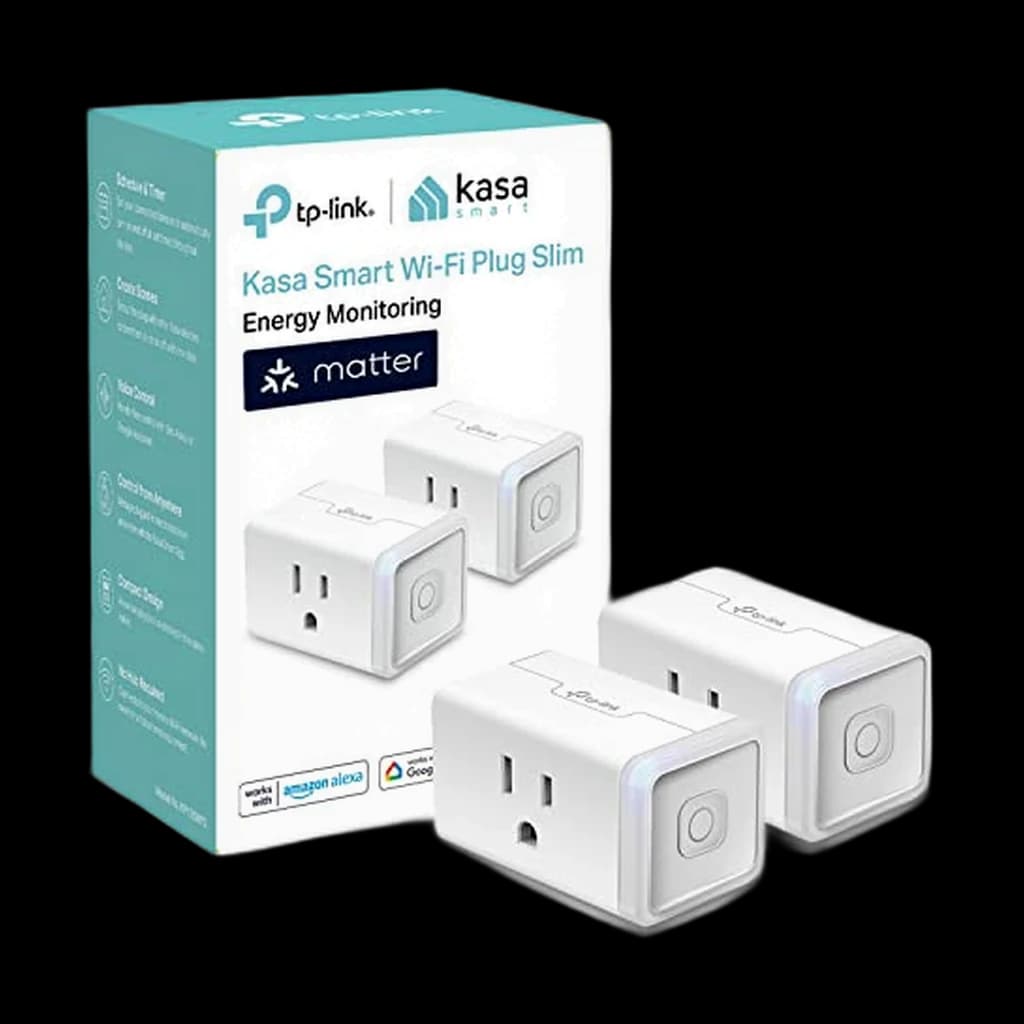
1Kasa Matter Smart Plug w/ Energy Monitoring (KP125M, 2-Pack)
⭐ Best ValueTP-Link's first Matter plug with real energy monitoring - the rare combination of cross-ecosystem compatibility and metering at a sane price
WFH Lounge · Best Picks
Smart plugs and smart power strips that add scheduling, voice control, energy monitoring, and Matter compatibility to any WFH desk outlet.
Get a Matter plug if you are unsure which voice assistant you will use long-term, prioritize energy monitoring over voice tricks for the actual ROI, and.
Top pick
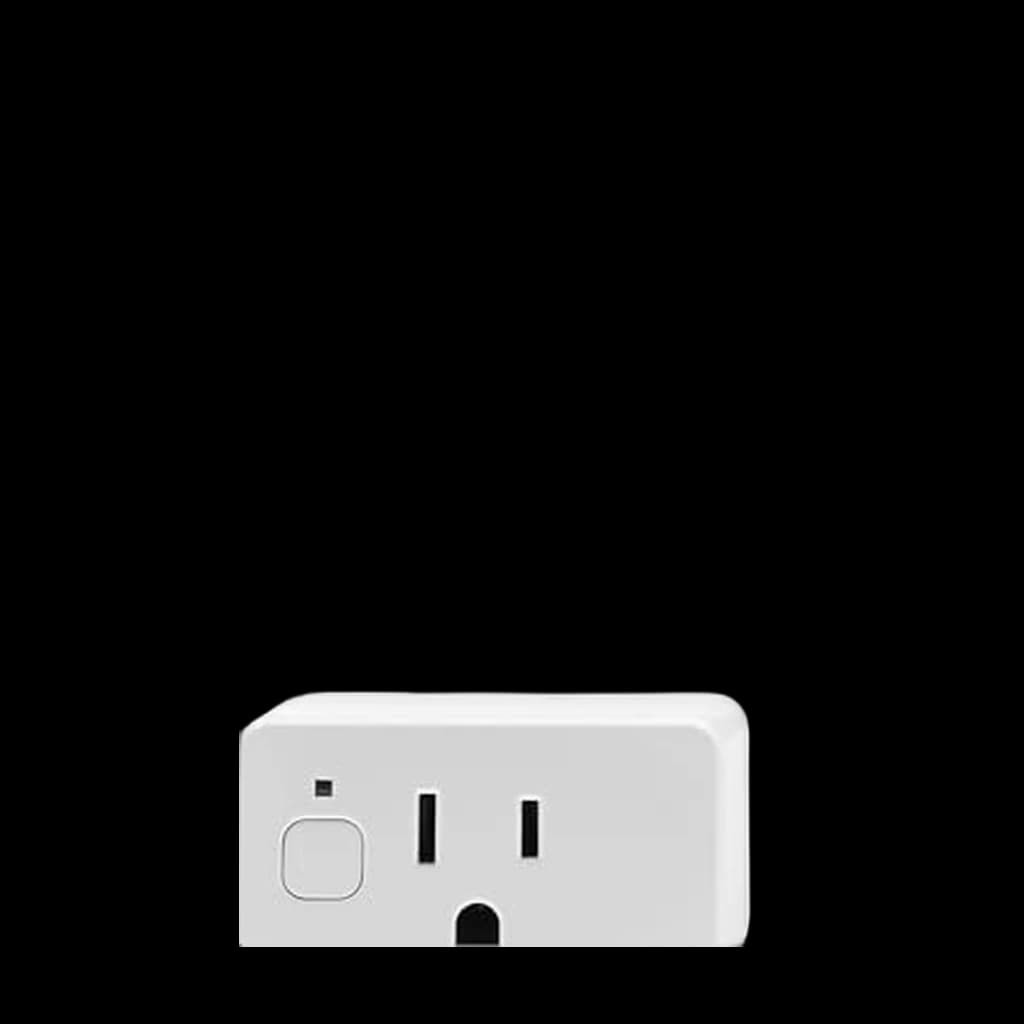
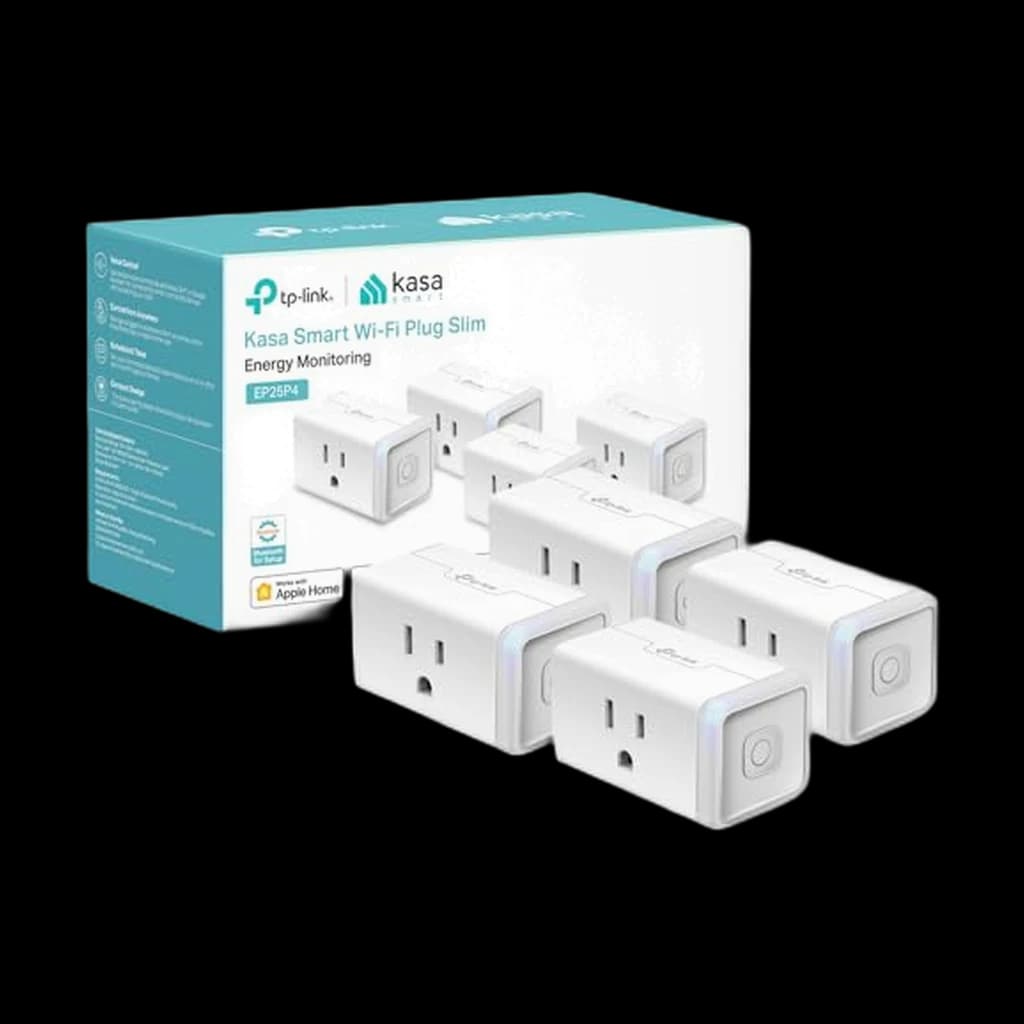
Kasa Matter Smart Plug w/ Energy Monitoring (KP125M, 2-Pack)
TP-Link's first Matter smart plug with real energy monitoring - works natively across Apple Home, Google Home, Alexa, and SmartThings without a hub, and shows you the phantom watts every device is pulling.
Buy on AmazonValue pick
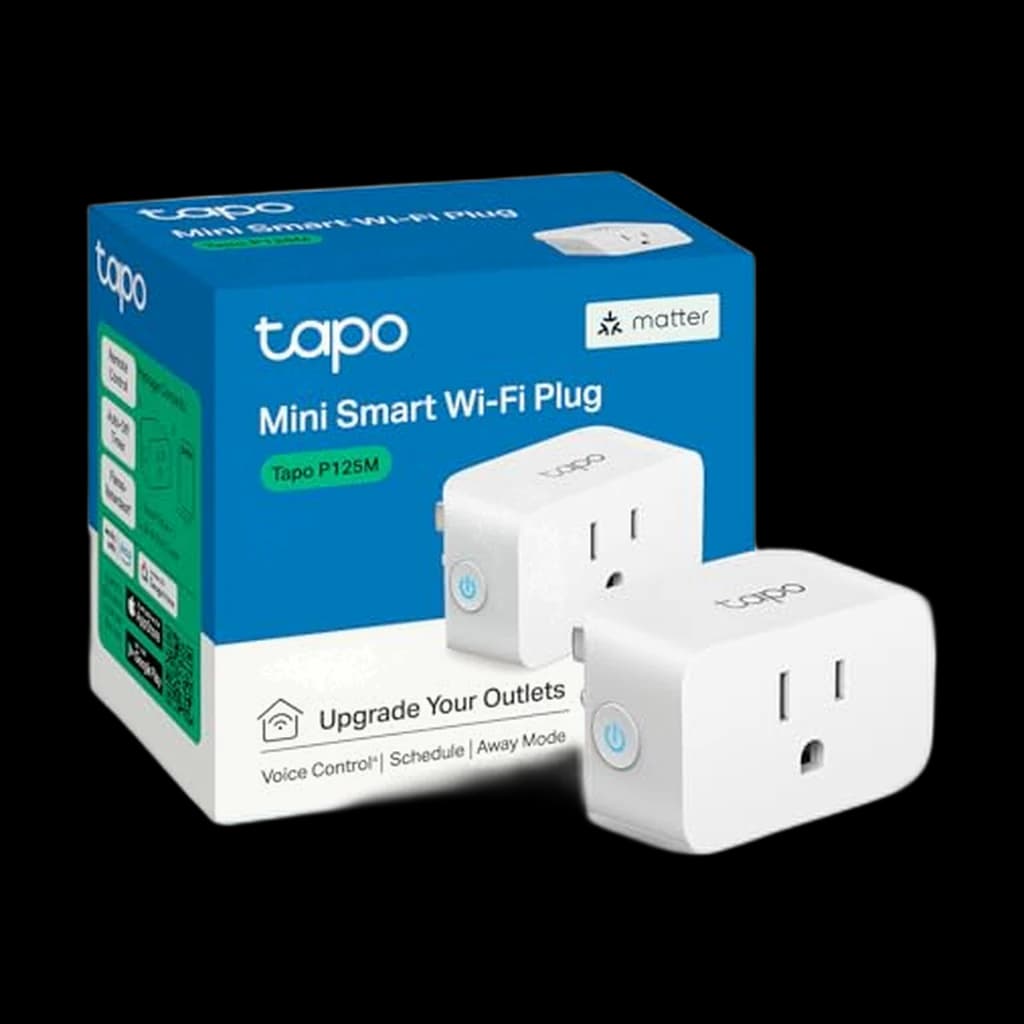
TP-Link Tapo P125M Matter Smart Plug Mini
Best score-to-price ratio in the category at the current Amazon price.
Buy on AmazonBudget pick
Meross Matter Smart Plug w/ Energy Monitoring
Lowest-priced pick in the category that still clears our 4.0★ minimum on Amazon.
Buy on AmazonSkip this
No-name $5-per-plug Wi-Fi smart plug multipacks — Cheap unbranded smart plugs depend on a vendor cloud that can disappear at any time and have a documented history of shipping with security flaws that expose your local network. Several brands have already gone dark, bricking thousands of plugs that worked fine the day before. The $20 saved over a Kasa or Tapo 4-pack costs you when the cloud goes down or the firmware never gets a security patch. Stick to TP-Link, Amazon, Eve, or Meross - vendors with a track record of shipping firmware updates.
| Spec | |||||||
|---|---|---|---|---|---|---|---|
| Buy | |||||||
WFH Scoremethodology → | Reliability 73 Compatibility 91 Features & Size 91 Value 76 Owner Satisfaction 77 | Reliability 81 Compatibility 87 Features & Size 87 Value 64 Owner Satisfaction 75 | Reliability 77 Compatibility 77 Features & Size 95 Value 87 Owner Satisfaction 82 | Reliability 77 Compatibility 77 Features & Size 89 Value 64 Owner Satisfaction 76 | Reliability 67 Compatibility 85 Features & Size 80 Value 83 Owner Satisfaction 64 | Reliability 75 Compatibility 81 Features & Size 93 Value 87 Owner Satisfaction 84 | Reliability 79 Compatibility 91 Features & Size 92 Value 78 Owner Satisfaction 90 |
| Buyer sentiment | Reliability Setup Quality Ease Of Use Buyers praise reliability, setup, quality and ease of use. Mixed feedback on compatibility and connectivity. Based on 10,184 user mentions | Easy Setup Quality Power Monitoring Responsiveness Buyers praise easy setup, quality, power monitoring and responsiveness. Mixed feedback on reliability and connectivity. Based on 275 user mentions | Reliability Easy To Set Up Quality Energy Monitoring Size Buyers praise reliability, easy to set up, quality and energy monitoring. Mixed feedback on compatibility and connectivity. Some flag size. Based on 1,122 user mentions | Functionality Quality Setup Ease Of Use Reliability Connectivity Buyers praise functionality, quality, setup and ease of use. Mixed feedback on compatibility and power control. Some flag reliability and connectivity. Based on 2,296 user mentions | Setup Quality Value for money Controls Connectivity Buyers praise setup, quality, value for money and controls. Mixed feedback on reliability and compatibility. Some flag connectivity. Based on 1,097 user mentions | Value Volume Design Compatibility Buyers praise value, volume, design. Some flag compatibility. Based on 3,680 user mentions | Functionality Easy To Set Up Ease Of Use Compatibility Buyers praise functionality, easy to set up, ease of use and compatibility. Mixed feedback on connectivity and value for money. Based on 68,603 user mentions |
| Protocol | Matter over Wi-Fi (2.4GHz) | Matter over Thread | Wi-Fi (2.4GHz) | Wi-Fi (2.4GHz) | Matter over Wi-Fi (2.4GHz) | Matter over Wi-Fi (2.4GHz) | Wi-Fi (2.4GHz) |
| Capacity | 15A / 1800W | 15A / 1800W | 15A / 1800W | 15A total / 1875W | 15A / 1800W | 15A / 1800W | 15A / 1800W |
| Energy Monitoring | Yes (real-time and historical) | Yes (granular kWh logs) | Yes | Yes (per outlet) | No | Yes | No |
| Ecosystems | Apple Home, Google Home, Alexa, SmartThings | Apple Home, Google Home, Alexa, SmartThings | Alexa, Google Home, SmartThings | Alexa, Google Home (via Kasa) | Apple Home, Google Home, Alexa, SmartThings | Apple Home, Alexa, Google Home, SmartThings | Alexa only |
| Form Factor | Compact single plug | Single plug | Compact mini plug | 6-outlet strip + 3 USB + surge | Compact mini plug | Compact single plug | Compact single plug |
* Prices checked Jul 15, 2026 and may not reflect current rates. As an Amazon Associate I earn from qualifying purchases.
As an Amazon Associate I earn from qualifying purchases. Product prices and availability are subject to change.
The US Department of Energy reports that always-on standby and idle loads account for 5-10% of total US residential electricity use, and a typical loaded WFH desk idles at 25-80W of phantom draw 24/7. At an average US residential rate of $0.16 per kWh, that is roughly $35-112 per desk per year being spent to power devices that are not in active use.
r/homeautomation, r/HomeKit, and r/HomeOffice consistently default to TP-Link Kasa or Tapo for first-time buyers because the apps are reliable, the firmware gets updated, and the energy monitoring actually works. Eve Energy is the recurring premium pick on r/HomeKit specifically because it runs on Thread (no Wi-Fi airtime) and offers the most granular kWh logs. The Kasa HS300 power strip is the long-running r/HomeOffice answer for anyone tired of managing five separate plugs at one desk.
1TP-Link's first Matter plug with real energy monitoring - the rare combination of cross-ecosystem compatibility and metering at a sane price
2The premium Thread-based pick - strengthens your smart home mesh as you add plugs and offers the most granular energy data on the market
3Cheapest cost per plug for real energy monitoring - the budget answer for outfitting an entire desk or apartment
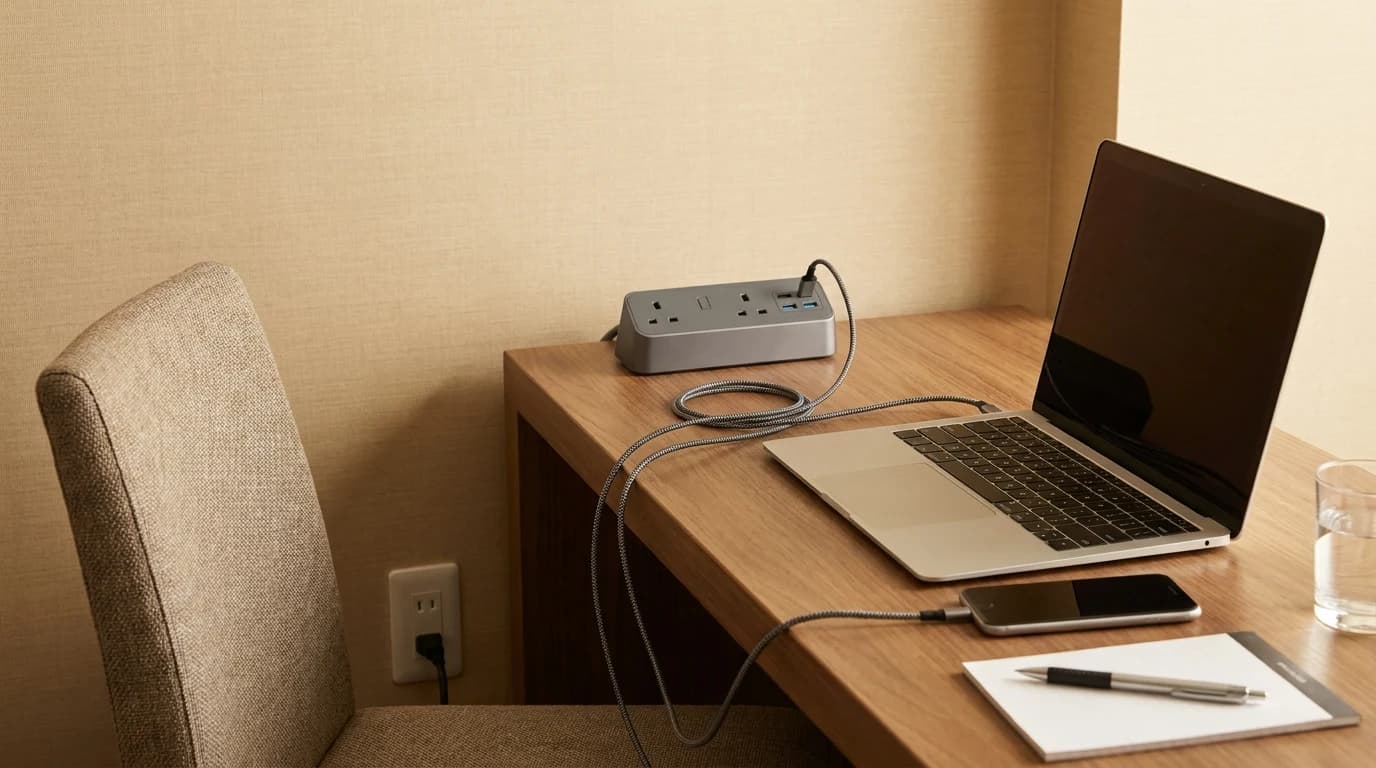
4All-in-one for a busy desk - six individually controllable outlets, three USB ports, ETL surge protection, and per-outlet energy monitoring
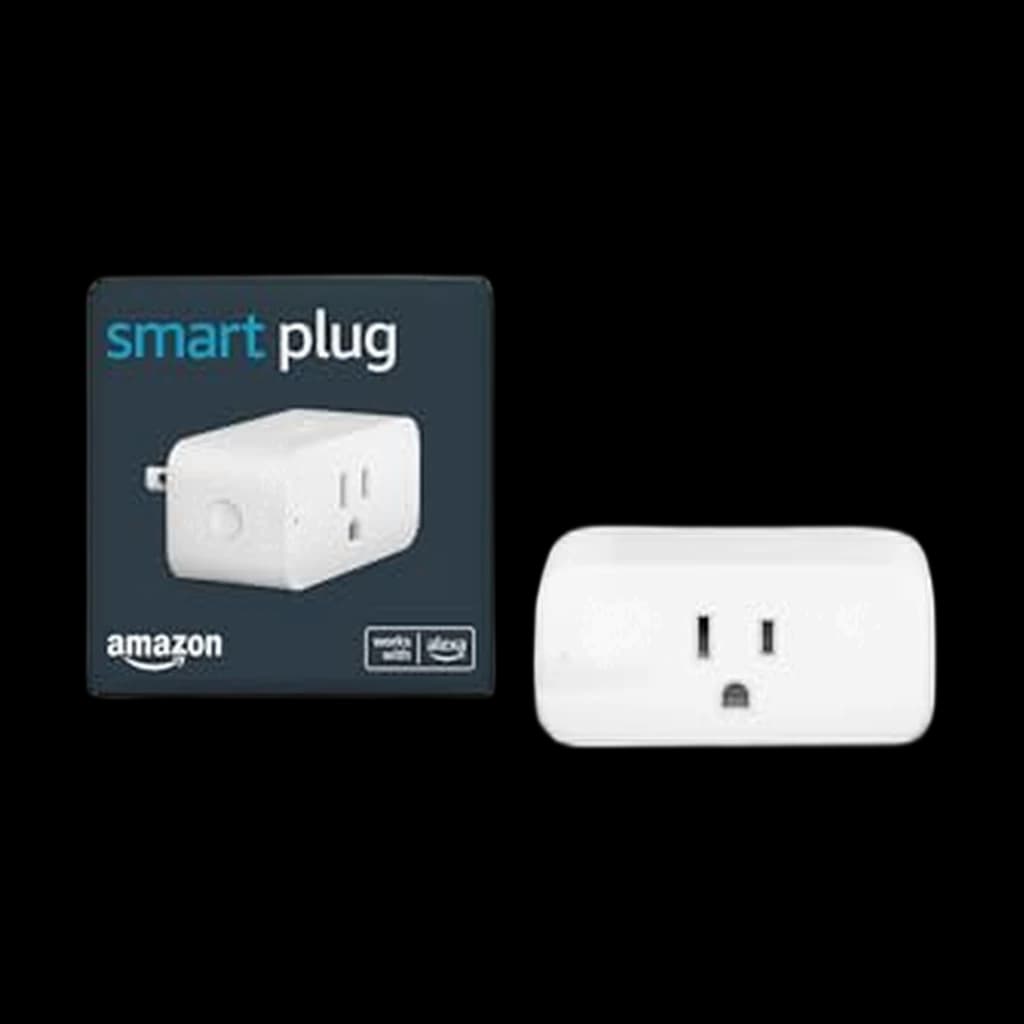
5Cheapest single-pack Matter plug from a name brand - the entry-level pick for trying Matter without committing to a multipack
6Underdog Matter plug with energy monitoring at a budget price - a solid alternative when Kasa or Tapo are out of stock
7Set-and-forget Alexa-only pick - the easiest possible setup if your house already runs on Echo, but no Matter and no energy monitoring
A smart plug looks like a $15 novelty for turning a lamp on with your voice, but for a WFH desk it earns its keep through two unsexy jobs: scheduling and energy monitoring. Scheduling kills the 'forgot to turn off the second monitor again' guilt and the white-noise machine that ran for 14 hours straight. Energy monitoring exposes the phantom load you are paying for around the clock - a docking station, an always-on speaker, a printer, the second display in standby - and most desks are quietly idling at 25-80W of draw 24/7. The right plug for a desk depends on three choices. First is the protocol. Matter, ratified in 2023 and shipping in volume from 2024 onward, is the standard worth holding out for: it lets one plug work natively across Apple Home, Google Home, Alexa, and SmartThings without proprietary hubs or per-ecosystem reconfiguration when you change phones. Wi-Fi-only Alexa plugs are cheaper but lock you to one ecosystem. Thread-based plugs (Eve Energy is the canonical example) need a Thread border router, which most newer Apple TV 4K, HomePod mini, Echo 4th gen, and Nest Hub 2nd gen units already provide. Second is energy monitoring. Not every plug includes it, and a plug without it cannot show you the phantom load that justifies the purchase. Look for plugs that report instantaneous wattage and historical kWh, not just runtime. The Kasa KP125M, Tapo P115/P110M, Eve Energy, and Meross Matter Smart Plug all include real metering. The Tapo P125M, Amazon Smart Plug, and most budget multipacks do not. Third is form factor. A single Matter plug runs $15-30 and controls one device. A smart power strip with individually controllable outlets (the Kasa HS300 is the standard) gives you scheduling and per-outlet energy monitoring across an entire desk plus surge protection in a single package. For a six-device desk (monitor, dock, lamp, speaker, printer, charger) the strip is the cleaner answer. Capacity matters: every plug on this list is rated 15A / 1800W in the US, more than enough for any desk device including a space heater. Two specific scenarios to plan around. If you have a docking station that wakes the whole desk on press, put the dock on a smart plug and schedule a hard-off at midnight - even MacBook docks pull 5-12W in standby. If you live with a surge-prone region (lightning, frequent outages), prioritize the smart power strip route since most single smart plugs do not include real surge protection. Finally, skip the no-name $5-per-plug multipacks on Amazon. They run on cloud-only firmware that depends on a vendor server that may disappear in two years, and several have shipped with security holes that exposed local networks. Stick to TP-Link Kasa, TP-Link Tapo, Amazon, Eve, or Meross.
7 UPS picks ranked for working from home in 2026 — a pure sine wave unit for the desktop, a cheap dedicated one for the router. Which to buy, by use.

The 7 best smart plugs and power strips for WFH 2026 - Kasa KP125M wins overall, Eve Energy for HomeKit purists, Kasa HS300 strip for busy desks. Plus the phant...