Best Headphones & Headsets for Zoom Calls 2026
Our #1 Pick
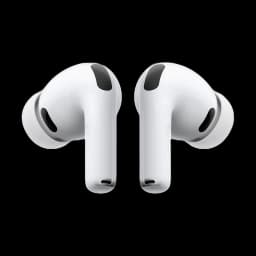
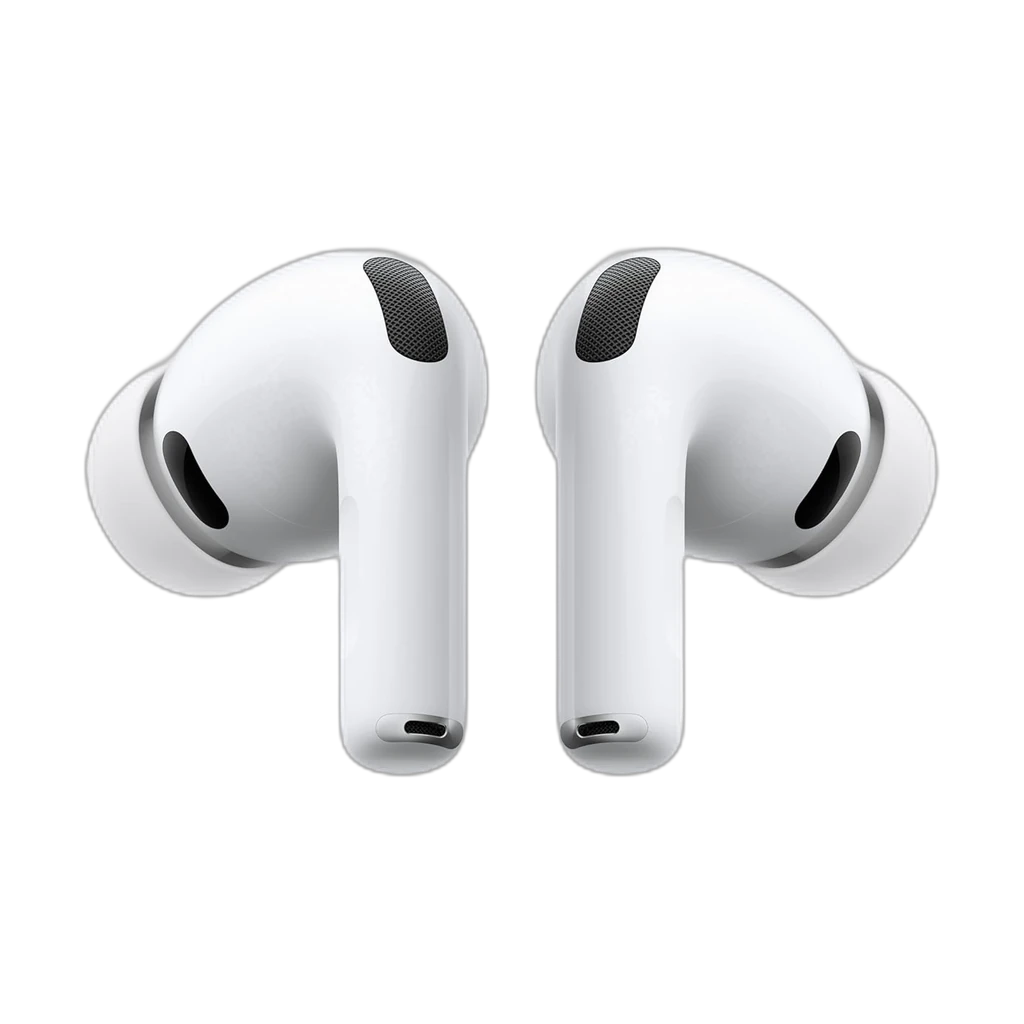
Apple AirPods Pro 3
Best overall for calls: Apple's voice-isolation mic keeps you clean on Zoom and Teams, paired with the world's best in-ear ANC, all-day USB-C battery, and instant switching across Mac, iPhone, and iPad.
- World's best in-ear ANC (2x the AirPods Pro 2)
- Excellent voice-isolation mic for calls
- Instant pairing across Mac, iPhone, and iPad
Price checked Jul 26, 2026 — verify the live price on Amazon.
Also Great
Budget headset: Logitech H390 USB ($35) — Wired, reliable, padded foam cups — best sub-$40 option for call-heavy days
Wireless earbuds: Bose QuietComfort Earbuds II ($180) — Best wireless earbuds for calls — ANC, comfortable for 6+ hour wear, clear mic
We research — never hands-on. How we research →
Key Takeaways
Headphones and headsets ranked for Zoom, Meet, and Teams calls in 2026. AirPods Pro 3 lead overall; the Jabra Evolve2 65 wins on mic for heavy call days.
Our Verdict
For most remote workers, a dedicated headset with a boom mic dramatically outperforms earbuds and laptop mics on Zoom calls.
 #1 4.5 | 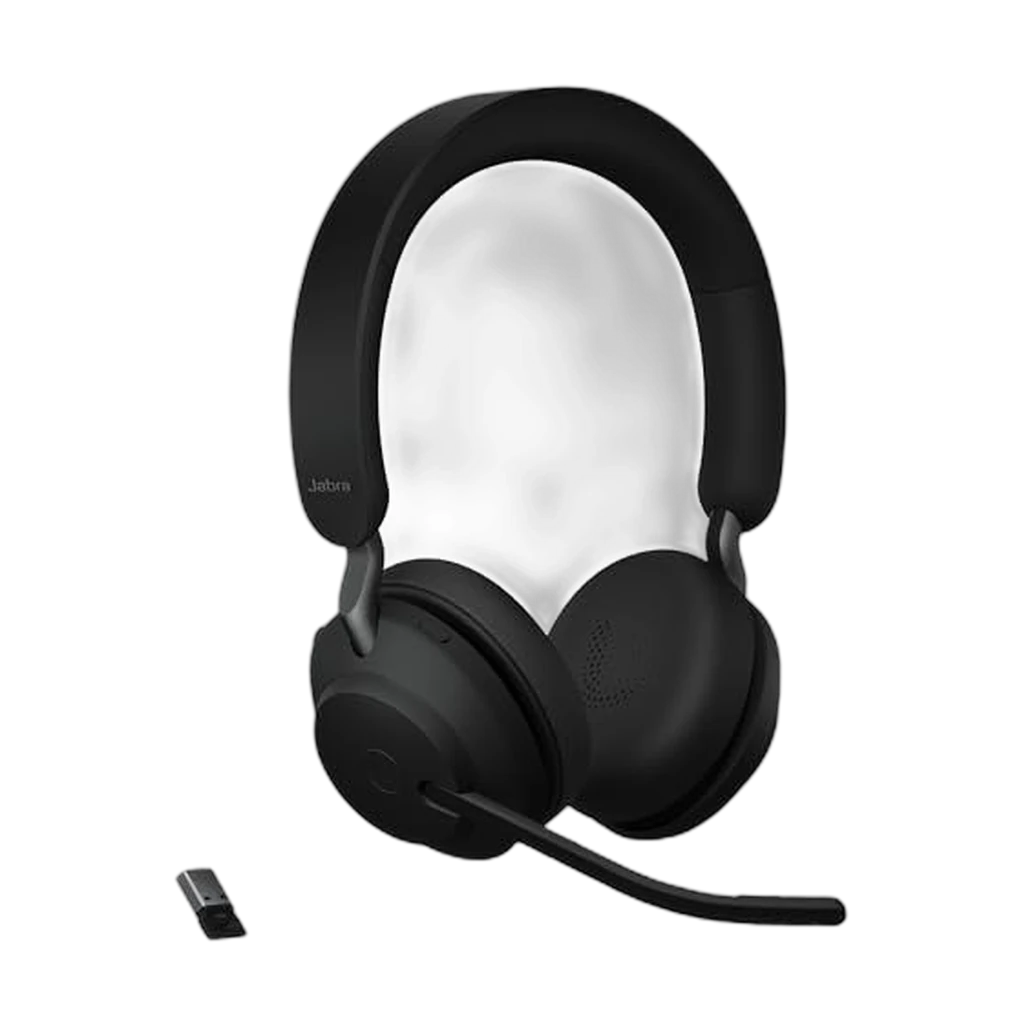 #2 4.3 | 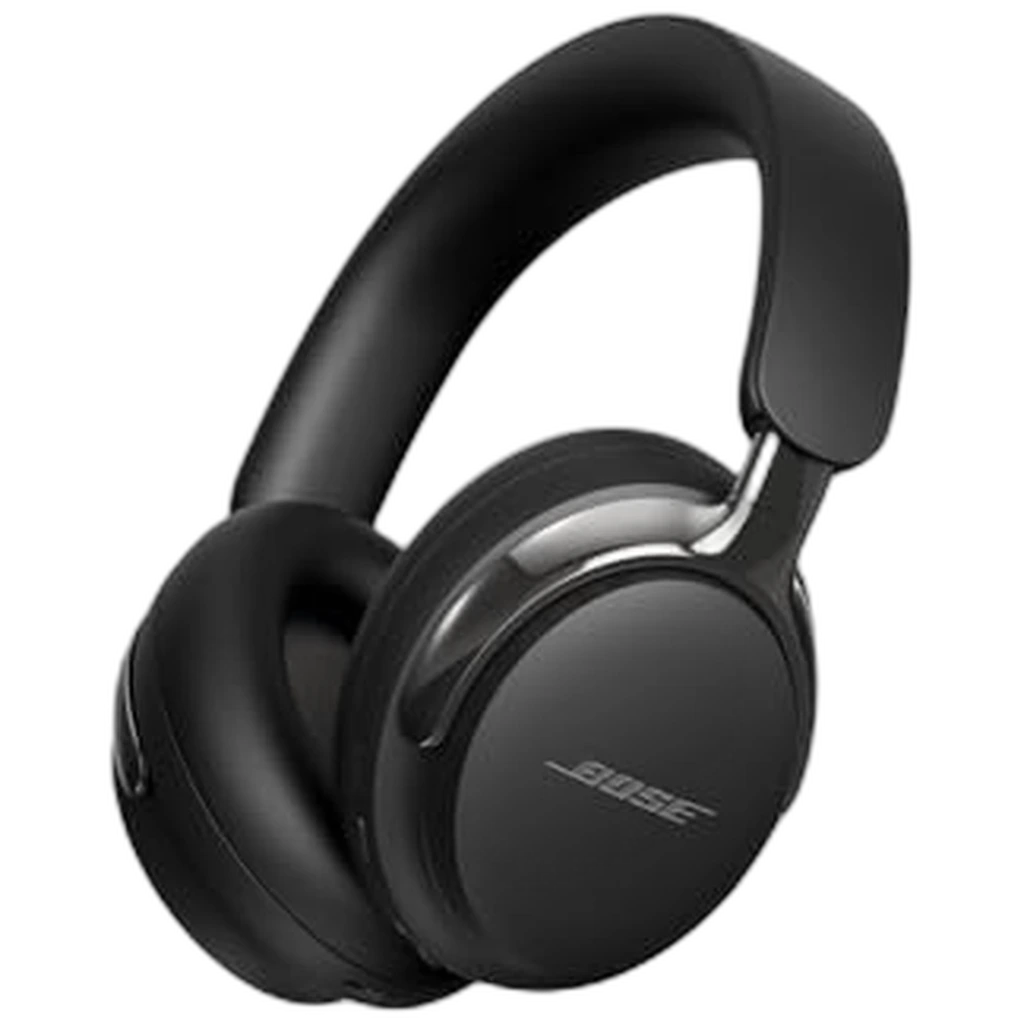 #3 4.3 | 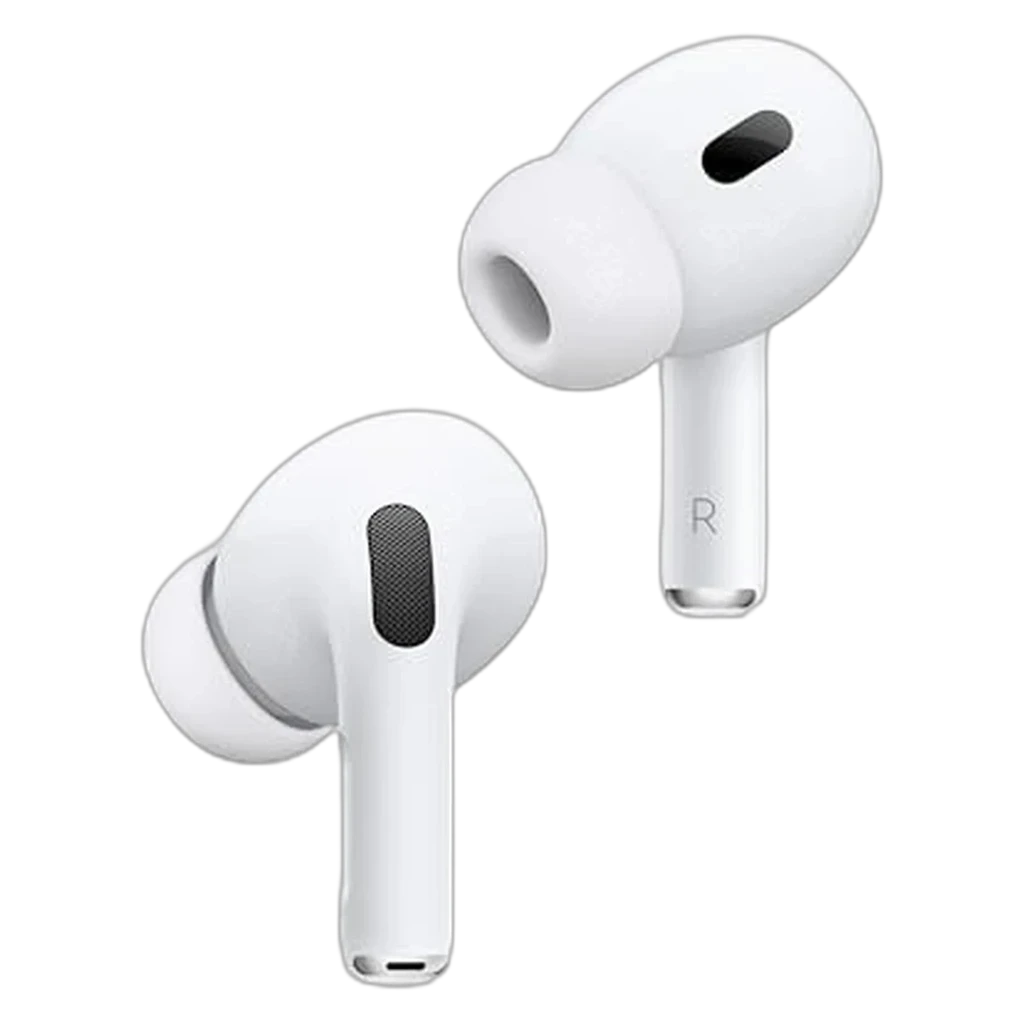 #4 4.7 |  #5 4 | 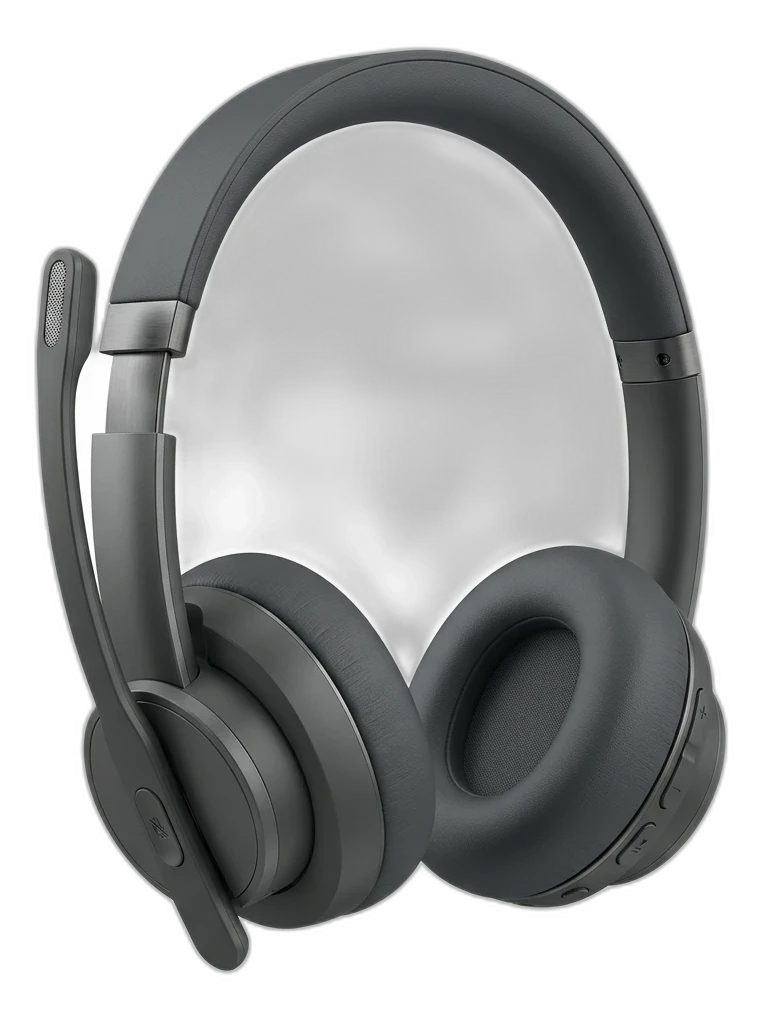 #6 4.5 | |
|---|---|---|---|---|---|---|
| Verdict | Best overall for calls | If colleagues complain they can't hear you, this is the fix — 3-mic noise-canceling boom. | Current Bose flagship — class-leading ANC + Immersive Audio with longer battery | Best-in-class call mic for an earbud + instant device-switching across Apple devices. | Value pick at well under $100. Flip-down boom mic, multipoint Bluetooth, and Zoom/Teams/Meet certification — covers the basics without the Jabra premium. | Jabra-class UC headset with less-business-y boom mic + stronger Zoom/Meet certification. |
| Buyer sentiment | Sound Quality Quality Noise Cancellation Buyers praise sound quality, quality and noise cancellation. Mixed feedback on fit and reliability. Based on 4,564 user mentions | Sound Quality Noise Cancellation Quality Battery Life Durability Reliability Buyers praise sound quality, noise cancellation, quality and battery life. Mixed feedback on comfort and value for money. Some flag durability and reliability. Based on 6,706 user mentions | Sound quality Comfort Noise cancellation Connectivity Buyers praise sound quality, comfort, noise cancellation and connectivity. Based on 1,244 user mentions | Sound Quality Noise Cancellation Quality Value for money Buyers praise sound quality, noise cancellation, quality and value for money. Mixed feedback on performance and fit. Based on 4,714 user mentions | Comfort Lightweight Noise Cancellation Buyers praise comfort and lightweight. Mixed feedback on sound quality and connectivity. Some flag noise cancellation. Based on 1,112 user mentions | Noise Cancellation Connectivity Performance Weight Buyers praise noise cancellation, connectivity, performance. Some flag weight. Based on 100 user mentions |
| Price | $199.99Buy on Amazon | $248Buy on Amazon | $369.99Buy on Amazon | $269.29Buy on Amazon | $99.99Buy on Amazon | $249.99Buy on Amazon |
| Type | In-ear ANC earbuds | — | — | — | — | — |
| Mic | Voice Isolation array | 3-mic noise-canceling boom | — | Dual beamforming + voice isolation | Flip-down boom with noise reduction | 4-mic noise-canceling retractable boom |
| ANC | World's best in-ear (2x Pro 2) | — | Adaptive | — | — | — |
| Battery | Up to 8 hrs (ANC on) | 37 hr | Up to 30h | 6 hr buds / 30 hr case | 18 hours | 22 hr music / 15 hr talk |
| Connectivity | Bluetooth + USB-C case | Bluetooth 5.0 + Link380a USB-A | — | Bluetooth 5.3 (Apple H2) | — | Bluetooth 5.2 + USB-A + USB-C dongles |
| Extras | Heart-rate, Live Translation, IP57 | — | — | — | — | — |
| Weight | — | 176 g | — | 5.3 g per bud | 185g | 210 g |
| Codecs | — | SBC | — | AAC | — | SBC, AAC |
| Audio | — | — | Immersive spatial | — | — | — |
| Calls | — | — | Yes | — | — | — |
| Wireless | — | — | — | — | Bluetooth 5.2 multipoint | — |
| Certifications | — | — | — | — | Zoom, Teams, Google Meet | — |
| Pros |
|
|
|
|
|
|
| Cons |
|
|
|
|
|
|
* Prices checked Jul 23, 2026 and may vary. Check the latest price on Amazon.
As an Amazon Associate I earn from qualifying purchases. Product prices and availability are subject to change.
If you have ever been on a Zoom call where someone sounds like they are speaking from inside a tin can while a dog barks in the background, you understand why a good headset matters. Your laptop's built-in microphone picks up everything — the HVAC system, your mechanical keyboard, the neighbor's lawnmower. A proper headset fixes all of that.
We synthesized this guide from the headset reviews that actually focus on call quality — Jabra and Poly's own engineering whitepapers, RTINGS' microphone test data, Wirecutter's long-term picks, and the recurring Reddit threads on r/WFH and r/sysadmin where IT teams compare what they roll out at scale.
Every pick had to clear three bars:
- A boom or beamforming mic that records cleanly under noise
- Comfort verified across 100+ long-term owner reviews
- Microsoft Teams or Zoom certification, or both
What the Research Says About Call Audio Quality
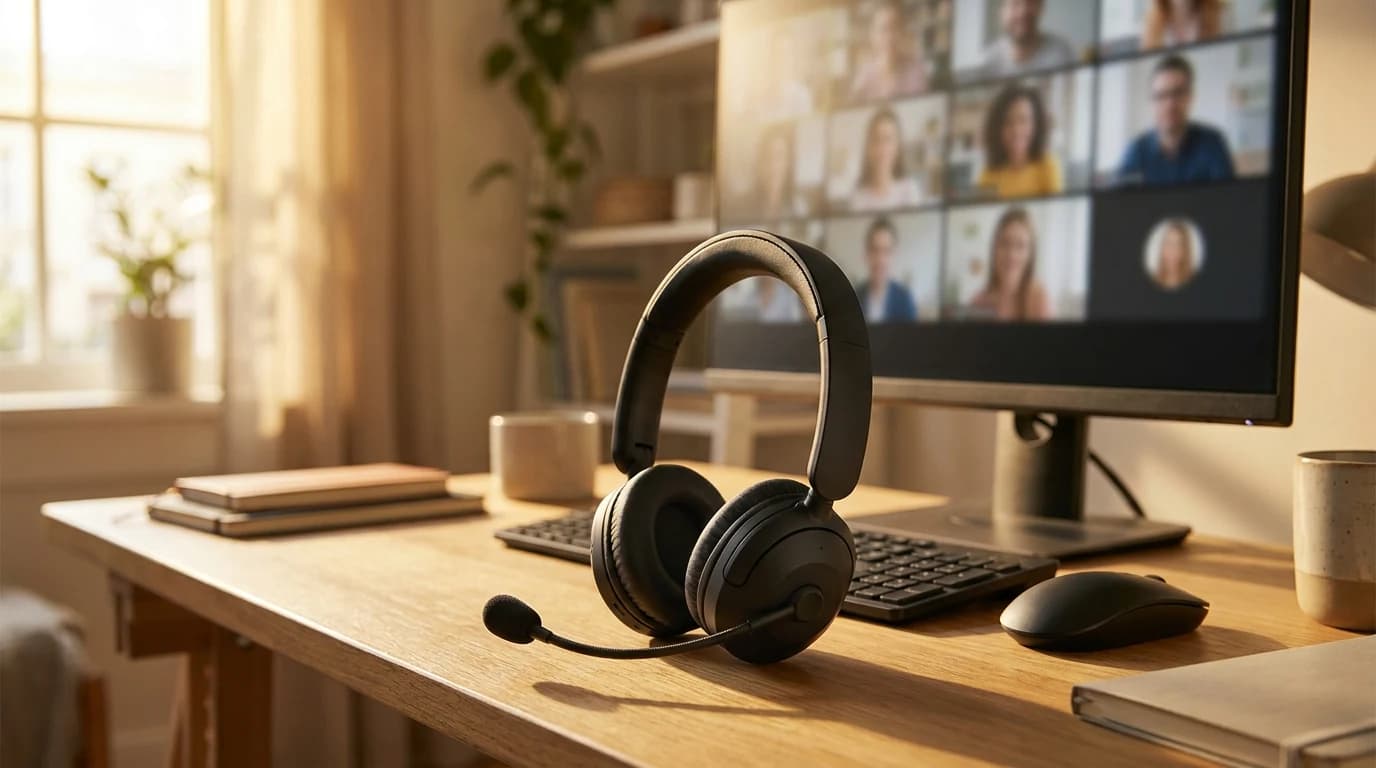
Microphone position matters far more than microphone quality for call clarity. The Journal of the Acoustical Society of America has published repeatedly that mouth-to-microphone distance is the single biggest predictor of perceived speech intelligibility.
Rule of thumb: a $50 boom mic at 2 inches outperforms a $400 condenser at 18 inches. Pay for placement, not for capsule prestige.
The standards that actually matter for WFH:
- Cardioid polar pattern. Rejects sound from behind the mic — important if you have a dog, a partner on calls, or an HVAC unit in the room.
- Microsoft Teams Open Office certification. Verifies a headset passes Microsoft's noise-rejection tests. Zoom and Google Meet do not have equivalent programs, so Teams certification is the most rigorous bar in the category.
- DSP-based noise suppression. Built into Jabra Evolve2 and Poly Voyager — handles keyboard click, mouse click, and breath noise that no microphone polar pattern can filter on its own.
What the research does not support:
- That "studio quality" condenser microphones make you sound better on Zoom. Zoom resamples to roughly 16 kHz mono with aggressive Opus compression, so a $1,000 mic and a $50 boom mic sound nearly identical after that pipeline.
What Makes a Great Zoom Headset
What actually decides how you come across:
- Microphone position — a boom that sits close to your mouth almost always beats an array mic built into earbuds
- Background-noise rejection on the microphone side
- A stable connection, which usually means the USB dongle rather than Bluetooth
- Comfort that survives four or five straight hours of meetings
What buyers over-weight:
- Listening sound quality — most headphone reviews spend 90% of their attention here and barely mention the mic
- ANCANCActive Noise Cancellation: microphones sample ambient sound and the headphones generate an inverted waveform to cancel it. Best on steady low-frequency noise (planes, HVAC). Less effective on speech, which is why open-plan office chatter still gets through. depth, which changes what you hear and nothing about what your coworkers hear
- Capsule prestige, which Zoom's audio pipeline flattens anyway
The trap: ANC and mic noise rejection are two different technologies solving two different problems. Strong ANC does nothing for the people listening to you.
Weight distribution and breathable materials matter more than they sound like they should. A headset that clamps too tightly or has shallow ear cups becomes a real problem by the fourth call of the day. And Bluetooth dropouts during a client presentation are not acceptable — the best Zoom headsets use a USB dongle for a stable wireless connection, with Bluetooth as a backup.
Our Top Picks
1. Best Overall: Apple AirPods Pro 3
Buy on Amazon · $199.99For most remote workers, Apple's Apple AirPods Pro 3 are now the best all-around pick for calls. Apple's voice-isolation processing — backed by the H2-class silicon and a refined mic array — does a remarkable job of stripping out keyboard clatter and background voices so you come through clean on Zoom, Meet, and Teams.
- Price: around $249, and frequently discounted
- Calls: voice isolation tuned to strip keyboard clatter and background speech
- ANC: what Apple calls the world's best in-ear active noise cancellation, removing up to twice as much noise as the AirPods Pro 2
- WFH extras: Adaptive Audio, redesigned foam-infused tips, USB-C charging, IP57 sweat and water resistance, heart-rate sensing for workout breaks
For anyone in the Apple ecosystem, instant pairing across Mac, iPhone, and iPad makes them the frictionless default — the easiest headset to recommend for 2026.
2. Best Dedicated Headset: Jabra Evolve2 65
The Jabra Evolve2 65 is purpose-built for professional calls, and it shows. The boom microphone is exceptional — the reviews we synthesized consistently report that callers cannot tell when a loud TV is playing in the next room. The ANC is strong enough for open office environments or noisy home situations, and the ear cushions use a memory foam that stays comfortable through a full day of meetings.
- Price: around $250
- Battery: around 36 hours with ANC off, about 24 hours with ANC on
- Connectivity: USB-A dongle with virtually zero latency, plus simultaneous Bluetooth to your phone
- The party trick: a busylight on the earpiece that tells housemates you are on a call
If calls are a major part of your job, it pays for itself in professionalism.
3. Best Budget Pick: Logitech Zone Vibe 100
For under $100, the Logitech Zone Vibe 100 delivers surprisingly good call quality. The retractable boom mic does a solid job filtering out background noise, though not quite at the Jabra level.
- Weight: around 260 grams
- Battery: around 35 hours
- Connectivity: USB-C dongle or Bluetooth
- ANC: basic but functional
If you take fewer than 10 hours of calls per week and want something that works well without spending a fortune, this is the one.
4. Best Over-Ear for All-Day Comfort: Sony WH-1000XM5
Buy on Amazon · $248The Sony WH-1000XM5 are not built specifically for calls, but Sony improved the microphone significantly over the XM4 generation. Across the reviews we analyzed, voice clarity was good in quiet environments and acceptable in moderately noisy ones.
Where these headphones truly shine is ANC and comfort — the cushioning is excellent and they weigh only 250 grams.
The caveat is the missing boom mic: without one, they struggle more with background noise rejection than our top pick. If your home office is quiet and you want one headphone that works for both music and calls, these are a strong choice. If you work in a noisy environment, stick with a boom mic headset.
For a deeper dive on noise-canceling options, check out our full guide to noise-canceling headphones for WFH.
5. Best Earbuds Alternative: Bose QuietComfort Ultra Earbuds
Some people simply do not like wearing over-ear headphones for hours. If earbuds are your preference, the Bose QC Ultra Earbuds are the best-reviewed option for call quality in the earbud category. Bose's microphone system does an impressive job with voice isolation.
That said, even the best earbuds cannot match a boom mic headset for raw call quality. If you split your time between calls and deep focus work, earbuds offer flexibility. But if calls are your primary concern, over-ear with a boom mic wins every time.
Quick Comparison
| Headset | Mic Quality | Comfort | ANC | Battery | Price |
|---|---|---|---|---|---|
| Jabra Evolve2 65 | Excellent | Excellent | Strong | 24-36 hrs | $250 |
| Logitech Zone Vibe 100 | Good | Good | Basic | 35 hrs | $80 |
| Sony WH-1000XM5 | Good | Excellent | Best-in-class | 30 hrs | $300 |
| Bose QC Ultra Earbuds | Very Good | Good | Strong | 6 hrs | $300 |
Tips for Better Zoom Audio (Regardless of Headset)
Even the best headset cannot fix everything. Here are a few quick tips:
- Use the headset's USB dongle instead of Bluetooth when on your computer. The connection is more stable and latency is lower.
- Position your boom mic correctly. It should sit about two finger-widths from the corner of your mouth, not directly in front.
- Update your Zoom audio settings. Go to Settings > Audio and make sure your headset is selected as both the speaker and the microphone. "High fidelity music mode" is there if you want richer audio; for most calls the default is fine.
- Pair your audio with good video. A great headset plus a bad webcam still looks unprofessional. We ranked the best webcams for video calls if you need an upgrade there too.
What to Skip for Zoom and Teams Calls
- AirPods Pro as your daily call headset. Battery life fails on 5+ hour meeting days, beamforming mics struggle with steady HVAC noise, and Bluetooth call audio drops to SBC/AAC mono — the worst-case codec for voice clarity.
- Gaming headsets with LED-lit boom mics. Tuned for shouted callouts over Discord, not conversational tone in a recorded meeting.
- USB condenser microphones if you wear earbuds. Zoom's echo cancellation assumes mic and speakers are paired in one headset. Splitting them often introduces a feedback loop that nobody on the call enjoys.
- Bone-conduction headsets for work. Built to prioritize ambient awareness over voice clarity — wrong tradeoff for sit-down meeting work.
- Wireless headsets without a charging cradle. You will run out of battery mid-call at least once a week. The cradle is worth the upcharge.
Our Recommendation
For most remote workers who spend meaningful time on Zoom, Google Meet, or Teams, the Apple AirPods Pro 3 are the best overall pick — they make you sound clean, cancel distractions, and pair instantly across your devices.
Pick a different one if:
- You take heavy back-to-back call days and want a boom mic and a busylight — Jabra Evolve2 65
- Budget is tight — Logitech Zone Vibe 100 gets you most of the way for a fraction of the price
- You want one pair for music and calls in a quiet room — Sony WH-1000XM5
Either way, upgrading from your laptop mic or basic earbuds is one of the highest-impact WFH upgrades you can make. Check out our broader guide to WFH headphones for even more options.
Frequently Asked Questions
What is the best headset for Zoom and Teams calls in 2026?
For most remote workers the Apple AirPods Pro 3 are the best all-rounder — their voice-isolation mics keep speech clean on Zoom, Teams, and Meet. If you take heavy back-to-back calls and want a dedicated boom mic, a business headset like the Jabra Evolve2 is the more focused tool.
Do you need a boom mic for video calls?
A boom mic helps because mouth-to-microphone distance is the single biggest predictor of how clear you sound — a close boom mic beats a far-away premium microphone. Modern earbuds with beam-forming voice isolation (like the AirPods Pro 3) close much of that gap for a typical quiet home office.
Are earbuds or over-ear headsets better for calls?
Both work. Over-ear business headsets with boom mics handle all-day call volume and noise rejection best; earbuds like the Bose QuietComfort Earbuds II are lighter and more discreet. Choose based on daily call hours, not capsule prestige.
What is the best budget headset for working from home?
The Logitech H390 USB headset is a reliable, inexpensive wired pick with a noise-canceling boom mic — ideal when you just need clear, consistent call audio without spending much.
Does an expensive studio microphone make you sound better on Zoom?
Not meaningfully. Zoom resamples audio to roughly 16 kHz mono with heavy compression, so a $1,000 condenser and a $50 boom mic sound nearly identical after the call pipeline. Spend on mic placement and noise rejection, not capsule price.
Which headset is best for Zoom calls in a noisy environment?
A boom-mic business headset, not earbuds. In a noisy room what matters is how well your microphone rejects background sound for the people listening — active noise cancellation only changes what you hear. The Jabra Evolve2 and Poly Voyager use DSP-based noise suppression that handles keyboard click, mouse click, and breath noise no microphone polar pattern can filter on its own, and Microsoft Teams Open Office certification is the most rigorous noise-rejection bar in the category. Beam-forming earbuds like the AirPods Pro 3 close much of that gap in a typical quiet home office, but a genuinely noisy room is where a boom mic earns its place.
Sources & Research
- Journal of the Acoustical Society of America — Speech intelligibility and microphone placement
- Microsoft — Teams certified devices program
- Jabra Engineering — Active noise cancellation in business headsets
- Zoom — Audio codec and bandwidth documentation
- Poly — Acoustic Fence DSP whitepaper
Related Reading
Your next step
Complete the call setup — camera next.
Hilly Shore Labs
Editorial TeamWFH Lounge is published by Hilly Shore Labs. Every recommendation is built by synthesizing ergonomic research, manufacturer specs, expert reviews from outlets like Wirecutter, RTINGS, and The Verge, and aggregated long-term owner sentiment from thousands of verified buyers.
All product reviews are independently researched. Our recommendations are based on ergonomic guidelines, manufacturer specifications, and verified buyer sentiment. See our methodology.