Your WFH Tax Deductions Checklist 2026
Self-employed remote workers can claim significant tax deductions for their home office, equipment, and work-related expenses — but proper documentation and understanding the rules is essential to avoid IRS issues.
Quick Answer
Self-employed remote workers can claim the home-office deduction (simplified $5/sq-ft method or actual-expense method), plus equipment, furniture, technology, software, and professional development. The two qualification tests — regular use and exclusive use — and clean documentation are what keep the deduction safe in an audit.
Key Takeaways
A complete 2026 checklist of WFH tax deductions for remote workers and freelancers. Know exactly what you can claim and how to document it.

As an Amazon Associate I earn from qualifying purchases. Product prices and availability are subject to change.
Tax season is here, and if you work from home, you might be leaving money on the table. The home office deduction and related write-offs can save self-employed remote workers thousands of dollars per year — but only if you know what qualifies and how to document it.
Let's cut through the confusion. This is a straightforward, actionable checklist of every WFH tax deduction available in 2026, who qualifies, and exactly how to claim each one.
First: Do You Actually Qualify?
This is where most people get tripped up. The home office deduction has strict eligibility rules:
You qualify if:
- You are self-employed (freelancer, independent contractor, sole proprietor, LLC owner)
- You use a specific area of your home regularly and exclusively for business
- It is your principal place of business
You do NOT qualify if:
- You are a W-2 employee working remotely for an employer (even if your company requires you to WFH)
- The space you use for work is also used for personal activities (e.g., your kitchen table)
This is the biggest misconception in WFH tax advice. W-2 employees cannot claim the federal home office deduction, period. The Tax Cuts and Jobs Act of 2017 eliminated this for employees through 2025, and Congress has not reinstated it for 2026. Some states (like New York) have their own rules, so check your state's tax code.
For a deeper dive into who qualifies and who doesn't, our comprehensive home office tax deductions guide covers the nuances.
If you're self-employed or have 1099 income, keep reading — this checklist is for you.
The Home Office Deduction: Two Methods
Method 1: Simplified Method
- Rate: $5 per square foot of your home office
- Maximum: 300 square feet ($1,500 max deduction)
- Documentation needed: Measurement of your office space
- Best for: People who want simplicity and have a smaller office
Method 2: Regular (Actual Expense) Method
- Calculate: The percentage of your home used for business, then apply that percentage to actual home expenses
- Includes: Rent/mortgage interest, utilities, insurance, repairs, depreciation
- Best for: People with larger offices relative to home size, or high housing costs
Example: Your office is 200 sq ft in a 1,600 sq ft apartment. That's 12.5%. If your annual rent, utilities, and renter's insurance total $24,000, your deduction is $3,000 — double the simplified method maximum.
Run the numbers both ways and pick whichever gives you the larger deduction. There's no penalty for choosing either method, and you can switch between them year to year.
The Complete Deduction Checklist
Here's everything self-employed remote workers can potentially deduct. Check off what applies to you:
Home Office Expenses
- Rent (proportional to office square footage)
- Mortgage interest (proportional — note: not the mortgage payment itself, just the interest)
- Property taxes (proportional)
- Utilities — electricity, gas, water (proportional)
- Internet service (proportional or actual business use percentage)
- Renter's or homeowner's insurance (proportional)
- Home repairs and maintenance (proportional for whole-home repairs; full deduction for office-only repairs)
- Depreciation (if you own your home — complex, consider consulting a tax professional)
Equipment and Furniture
- Desk and chair — fully deductible if used exclusively for work
- Computer and peripherals (monitor, keyboard, mouse, webcam)
- Printer and supplies
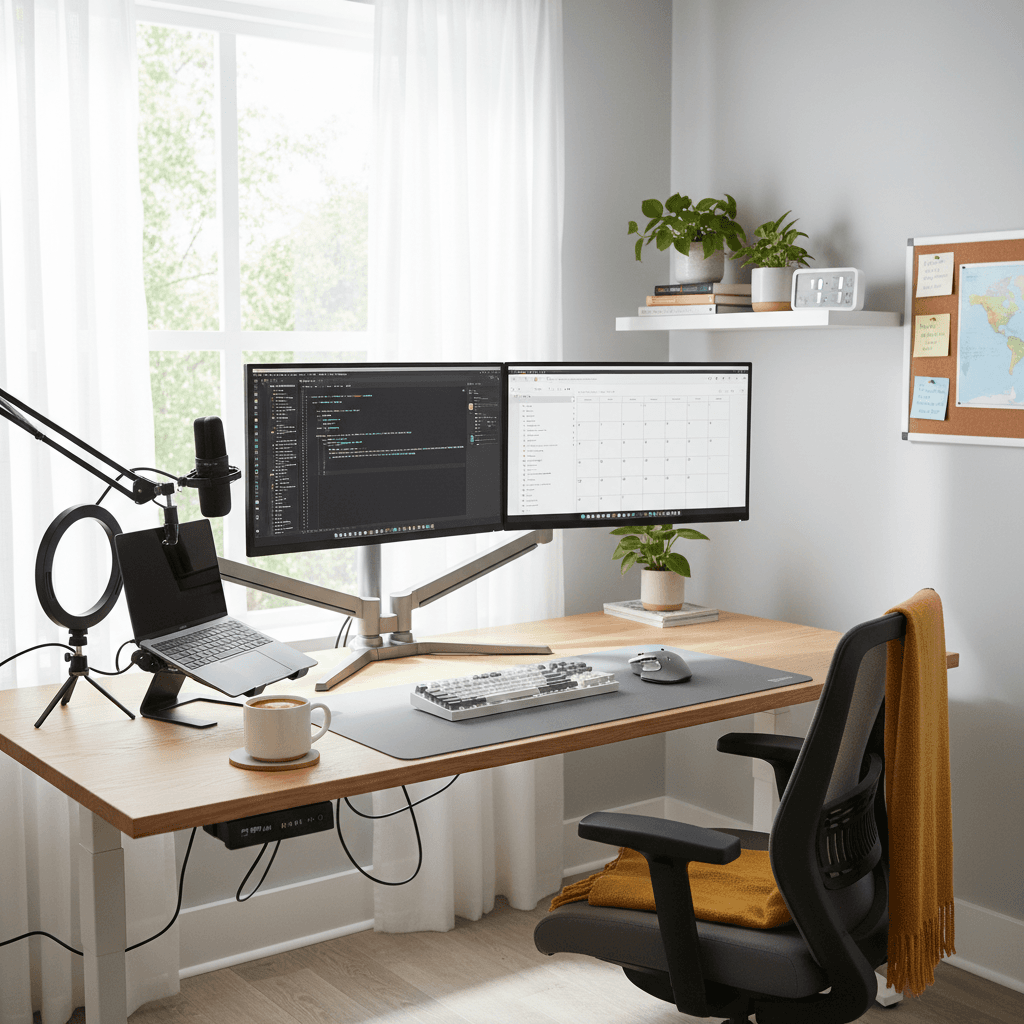
- Lighting (desk lamps, ring lights for video calls)
- Ergonomic accessories (laptop stands, monitor arms, footrests)
Many of these items can be deducted in full the year you buy them under the Section 179 deduction or de minimis safe harbor election, rather than depreciated over multiple years. For items under $2,500, the de minimis rule lets you expense them immediately.
If you're building out your setup on a budget, our guide to setting up a home office affordably can help you prioritize purchases that also happen to be tax deductible.
Technology and Software
- Software subscriptions used for business (Adobe, Microsoft 365, project management tools, accounting software)
- Cloud storage (Google Drive, Dropbox business plans)
- VPN service (if required for work security)
- Domain names and hosting (if you have a business website)
- Phone bill (business use percentage — you'll need to estimate or track this)
Professional Development
- Online courses and certifications related to your business
- Books and publications related to your field
- Conference fees and registration (including virtual conferences)
- Professional membership dues
Other Business Expenses
- Health insurance premiums (self-employed health insurance deduction — this is a big one)
- Retirement contributions (SEP IRA, Solo 401k — also huge)
- Business liability insurance
- Accounting and legal fees
- Office supplies (paper, pens, notebooks, printer ink)
- Shipping and postage for business purposes
- Business travel (mileage, flights, hotels for client meetings or conferences)
How to Document Everything
The IRS doesn't just want you to claim deductions — they want proof. Here's how to cover yourself:
-
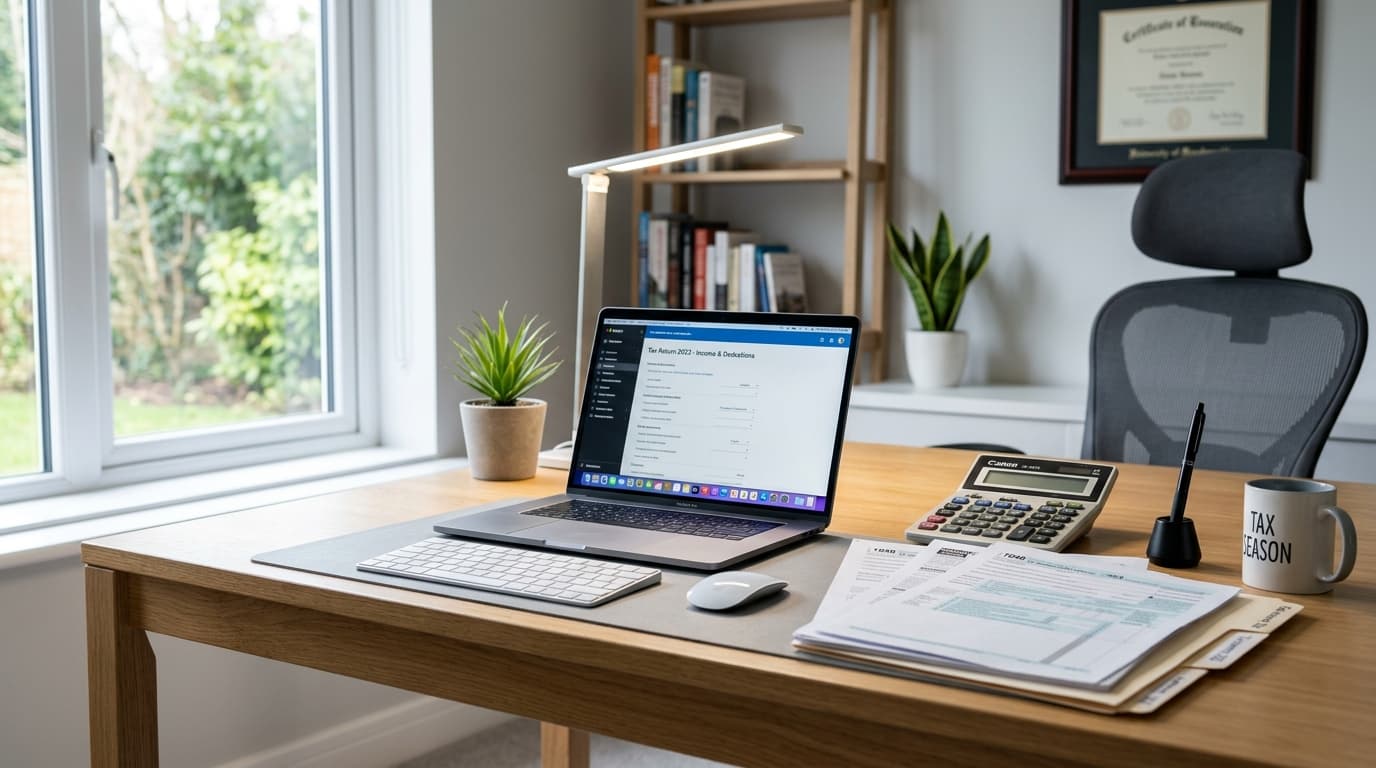
Take a photo of your home office. This establishes that the space exists and is used for work. Do this at the beginning of each tax year.
-
Keep all receipts. Use an app like Expensify or QuickBooks Self-Employed to photograph and categorize receipts as you go. Do not wait until tax season to sort through a shoebox.
-
Track mileage if applicable. Apps like MileIQ automatically log business-related driving.
-
Maintain a log for mixed-use expenses. If your phone is 60% business use, document how you arrived at that number. Same for your internet connection.
-
Keep records for at least three years. The IRS can audit returns up to three years back (six years in some cases). Digital storage makes this easy — create a folder for each tax year.
Common Mistakes to Avoid
Claiming the deduction as a W-2 employee. We said it above, but it bears repeating. If you're a regular employee, you cannot claim this deduction federally, even if your employer doesn't provide an office. For more detail, read our WFH tax tips guide.
Using "exclusive use" loosely. The IRS is strict about this. If your office doubles as a guest bedroom, you don't qualify. The space must be used only for work. An exception exists for daycare providers and people who use part of their home for storage of inventory.
Forgetting the self-employment tax deduction. You can deduct the employer-equivalent portion of your self-employment tax (50% of SE tax) on your 1040. This isn't a home office deduction per se, but it's one self-employed people frequently overlook.
Not considering an S-Corp election. If your net self-employment income exceeds $50,000-60,000, switching to an S-Corp structure can save significant money on self-employment taxes. This is worth discussing with a CPA.
When to Get Professional Help
If your situation is straightforward — single 1099 income source, simple home office, standard deductions — tax software like TurboTax Self-Employed or FreeTaxUSA can handle it.
But if you have multiple income sources, rental property, significant equipment purchases, or you're considering an entity change, a CPA who specializes in self-employment is worth the $300-800 fee. They'll typically find more in deductions than they cost.
The Bottom Line
The WFH tax deductions available to self-employed workers are substantial. Between the home office deduction, equipment write-offs, health insurance premiums, and retirement contributions, you can reduce your taxable income by thousands of dollars.
But only if you document everything, understand the rules, and claim what you're actually entitled to. Print this checklist, go through it line by line, and gather your records. Your future self (and your bank account) will thank you.
Related Reading
If you buy gear for a business
Freelancing or running a one-person company? A free Amazon Business account gives you business pricing and clean, itemized invoices — the kind of paper trail that makes home-office write-offs simple.
- Free to open — no Prime or membership required
- Business-only pricing + quantity discounts on office gear
- Itemized invoices with tax detail, so write-offs are painless at filing time
Your next step
Deductible this year? What's worth buying.
Hilly Shore Labs
Editorial TeamWFH Lounge is published by Hilly Shore Labs. Every recommendation is built by synthesizing ergonomic research, manufacturer specs, expert reviews from outlets like Wirecutter, RTINGS, and The Verge, and aggregated long-term owner sentiment from thousands of verified buyers.
All product reviews are independently researched. Our recommendations are based on ergonomic guidelines, manufacturer specifications, and verified buyer sentiment. See our methodology.