$2,000 Home Office Setup: World-Class WFH Build Guide
Quick Answer
At $2,000 you stop compromising: a premium ergonomic chair (Steelcase Leap V2 tier), a quality standing desk, a color-accurate monitor, and mechanical keyboard all fit. The biggest waste at this budget is over-spending on gadgets and RGB extras before nailing chair, desk, monitor — the three items that carry your working day.
Key Takeaways
With a $2,000 budget, you can build a home office that outperforms most corporate offices. Here is exactly how to spend it for maximum impact.
As an Amazon Associate I earn from qualifying purchases. Product prices and availability are subject to change.
At $2,000 you can build a setup that's genuinely better than most corporate offices. Here's the allocation — and the one place most people waste money at this budget.
The Full $2,000 Breakdown
| Item | Pick | Price |
|---|---|---|
| Standing desk | FlexiSpot E7 Pro | ~$470 |
| Chair | Steelcase Leap V2 (refurb) | ~$450 |
| Monitor | Dell U2724DE 27″ 1440p | ~$550 |
| Keyboard | Keychron Q1 Pro | ~$200 |
| Mouse | Logitech MX Master 3S | ~$100 |
| Webcam | Logitech Brio 4K | ~$180 |
| Desk lighting | Elgato Key Light Mini | ~$100 |
| Desk mat | SteelSeries QcK XXL | ~$50 |
| Total | ~$2,100 |
Trim to $2,000 exactly: drop the Key Light ($100) or use the standard Desk Mat ($35 vs $50).
The Premium Tier Upgrades Explained
Steelcase Leap V2 Refurbished (~$450) The best chair available at any price for dynamic sitting — people who shift posture constantly. The Live Back flexes with every movement. Buy certified refurbished from a reputable dealer; these chairs outlast the 12-year commercial warranty regularly.
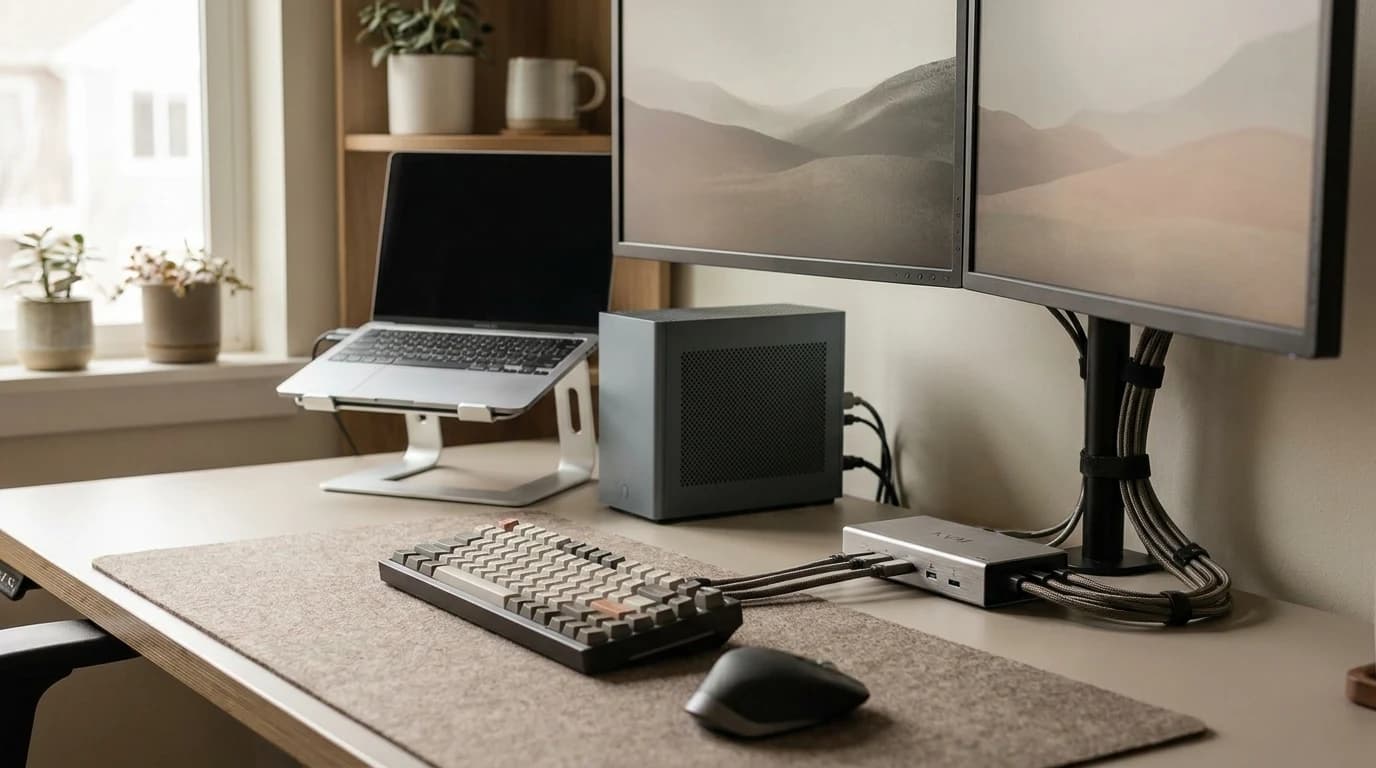
Dell U2724DE — The One-Cable Monitor (~$550) USB-C Thunderbolt in, power to your MacBook, 1440p 120Hz IPS Black display out — plus a built-in 4-port USB-C hub for peripherals. Replaces your dock at this price. IPS Black panel gives OLED-adjacent contrast without burn-in risk.
Keychron Q1 Pro (~$200)
- Gasket-mounted, aluminum frame
- Hot-swap switches
- QMK/VIA fully programmable
The best mechanical keyboard you can buy without going fully custom. The step-up from the K2 Pro is the build quality — heavier, quieter, more satisfying.
Brio 4K + Elgato Key Light Mini The client-facing combo. 4K HDR webcam handles backlit windows; the key light eliminates flat, harsh illumination. Together they make you look like you invested in your setup — because you did.
Where People Waste Money at This Budget
- ❌ $500+ gaming chairs — flashy but ergonomically inferior to a $359 Branch or $450 refurb Leap. You're paying for looks.
- ❌ Huge curved gaming monitors — 34″ VA curved monitors look impressive but have worse color accuracy and higher input lag than IPS equivalents. Not ideal for work.
- ❌ Wireless gaming headsets — latency and mic quality below what Jabra/Poly offer at the same price for calls.
Frequently Asked Questions
Is the Steelcase Leap V2 better than the Herman Miller Aeron at this price?
They're both excellent. Leap V2 wins for dynamic sitting (you move a lot); Aeron wins for fixed posture and hot climates (mesh runs cooler). Both are correct answers at this price.
Should I get a 4-leg Uplift instead of the FlexiSpot?
If stability at max height is critical (you have a heavy dual-monitor arm setup), the Uplift 4-leg is worth the ~$200 premium. For a single monitor + light peripherals, the FlexiSpot E7 Pro is negligibly less stable.
Is the Keychron Q1 Pro loud?
With linear (Red) switches it's surprisingly quiet for an aluminum mechanical keyboard — the gasket mount absorbs sound well. With clicky (Blue) switches it's not suitable for calls. Buy tactile (Brown) or linear for WFH.
What's the best next upgrade after this setup?
Acoustic treatment — foam panels, a better-sounding room. At this level of gear, room echo and reverb become the weakest link on calls.
The room is the weakest link: a $30 foam panel behind you makes a measurable audio difference.
Your next step
At this budget, buy once and buy right.
Hilly Shore Labs
Editorial TeamWFH Lounge is published by Hilly Shore Labs. Every recommendation is built by synthesizing ergonomic research, manufacturer specs, expert reviews from outlets like Wirecutter, RTINGS, and The Verge, and aggregated long-term owner sentiment from thousands of verified buyers.
All product reviews are independently researched. Our recommendations are based on ergonomic guidelines, manufacturer specifications, and verified buyer sentiment. See our methodology.