Best UPS & Battery Backup for Home Office 2026: 5 Picks
Our #1 Pick
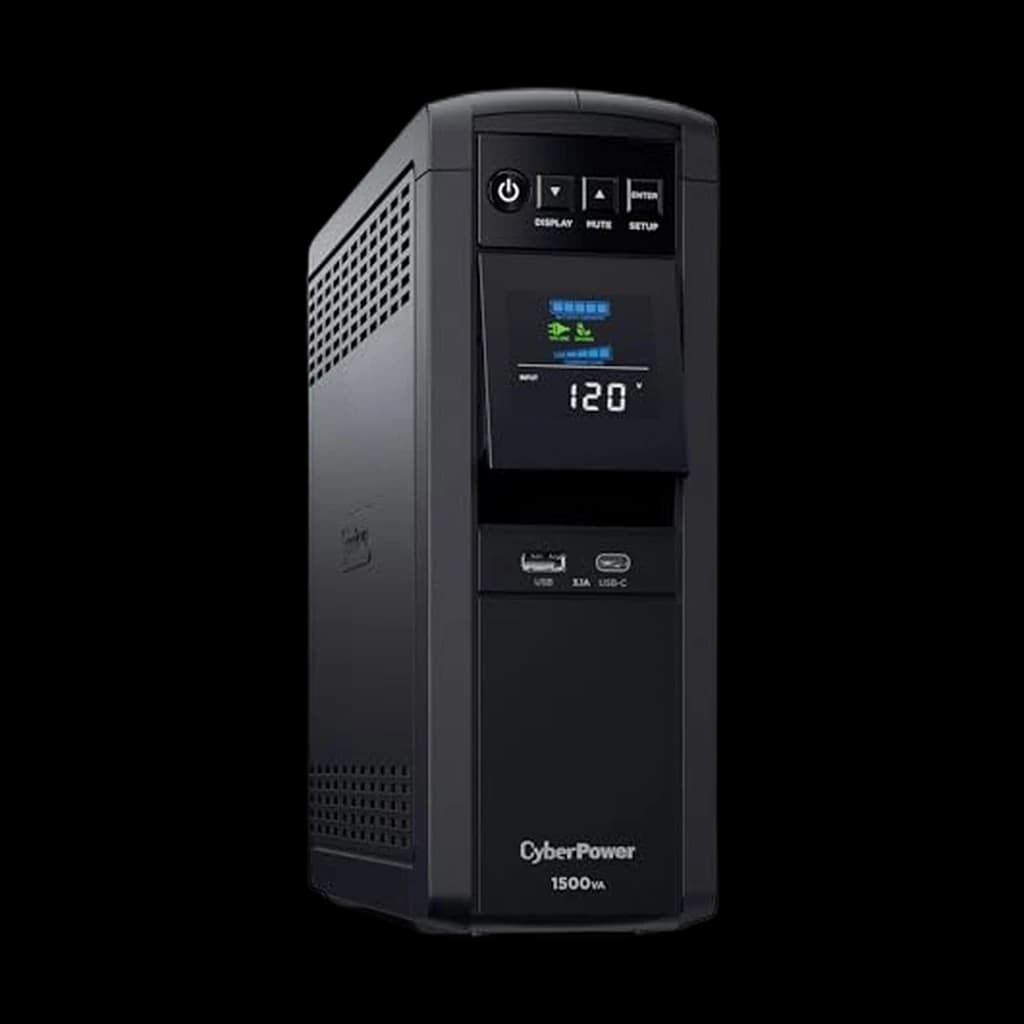
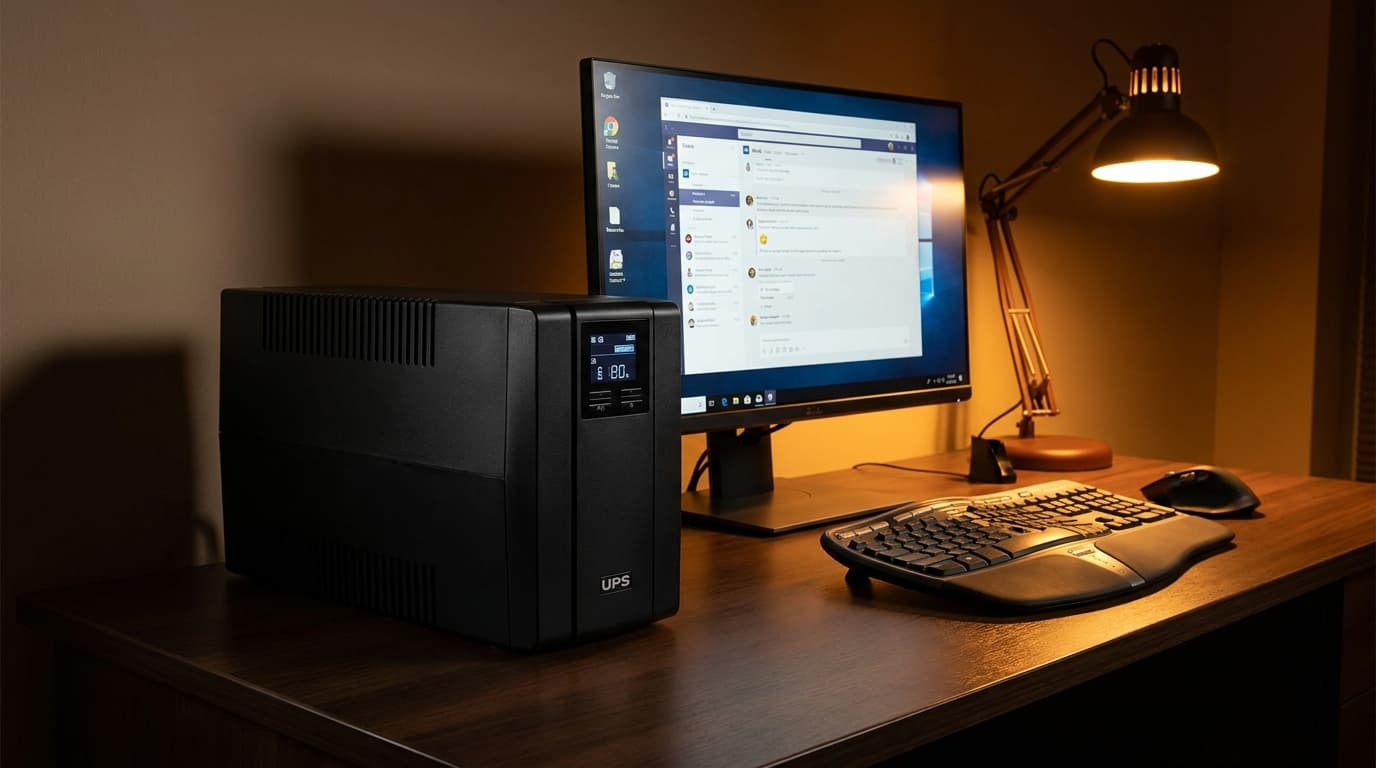
CyberPower CP1500PFCLCD PFC Sinewave UPS
Pure sine wave output at 1500VA / 1000W, a status LCD, USB auto-shutdown and a user-replaceable battery for about $240 - the #1 best-selling UPS on Amazon and the sensible desktop pick; the APC BR1500MS2 does the same job for $60 more.
- 1000W output beats the APC BR1500MS2 by 100W at the same VA rating
- Pure sine wave with active PFC compatibility for modern gaming PCs and workstations
- 12 outlets (6 battery + surge, 6 surge-only) - the best outlet ratio in the category
Price checked Oct 17, 2026 — verify the live price on Amazon.
 #1 Owner rating | 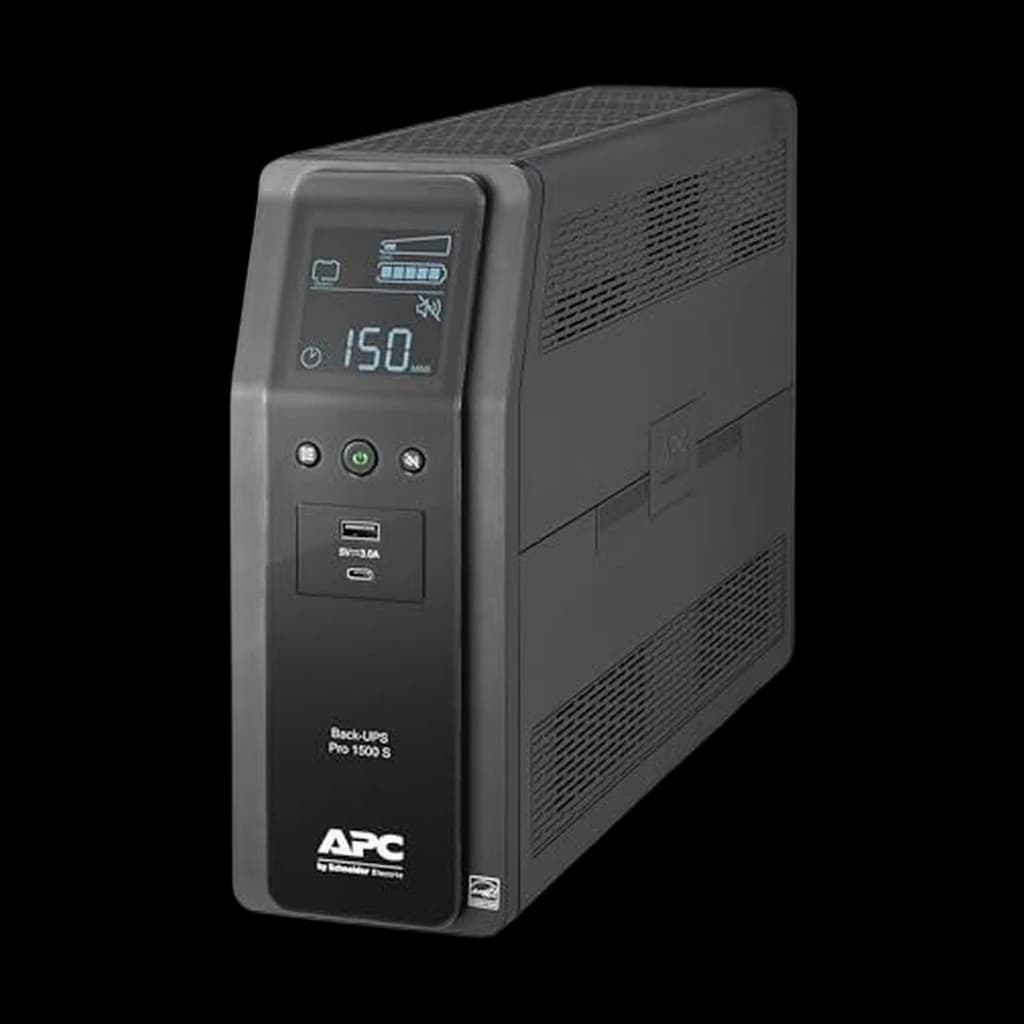 #2 Owner rating | 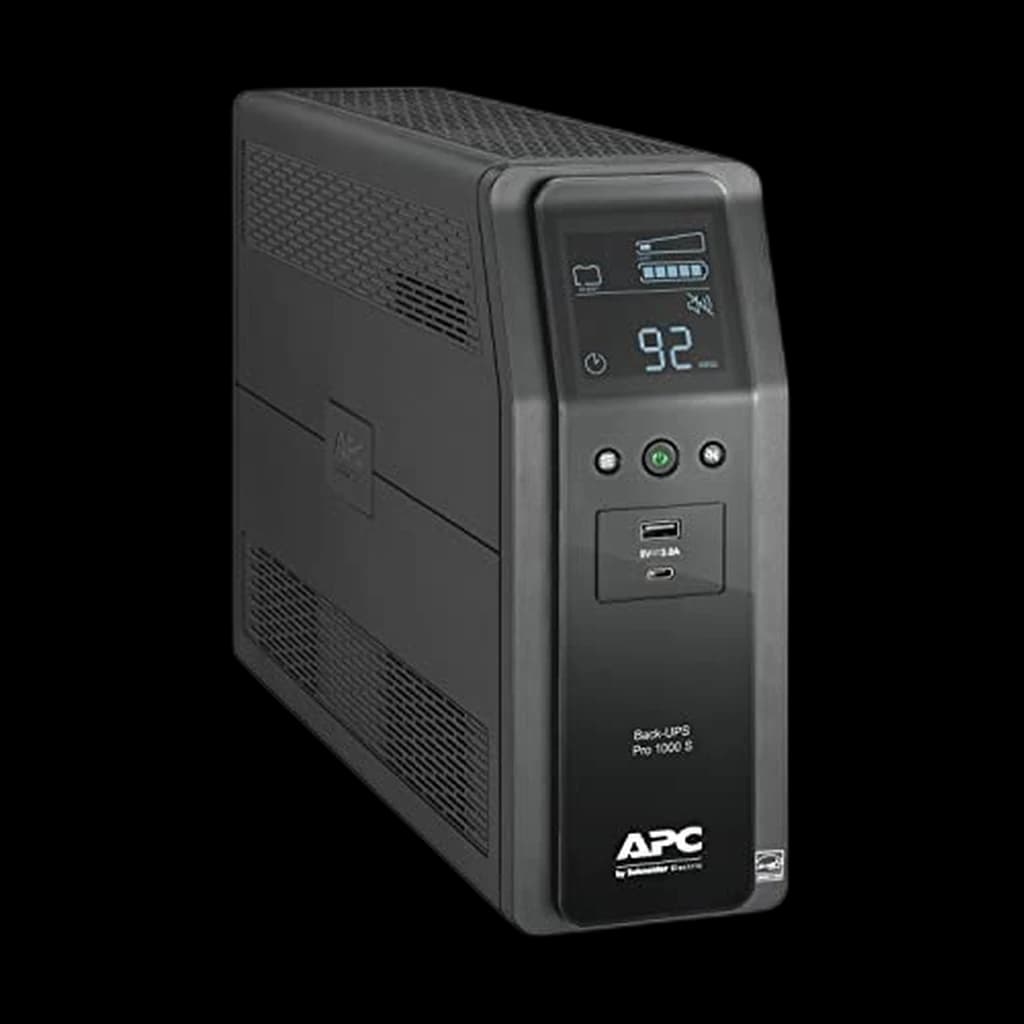 #3 Owner rating | 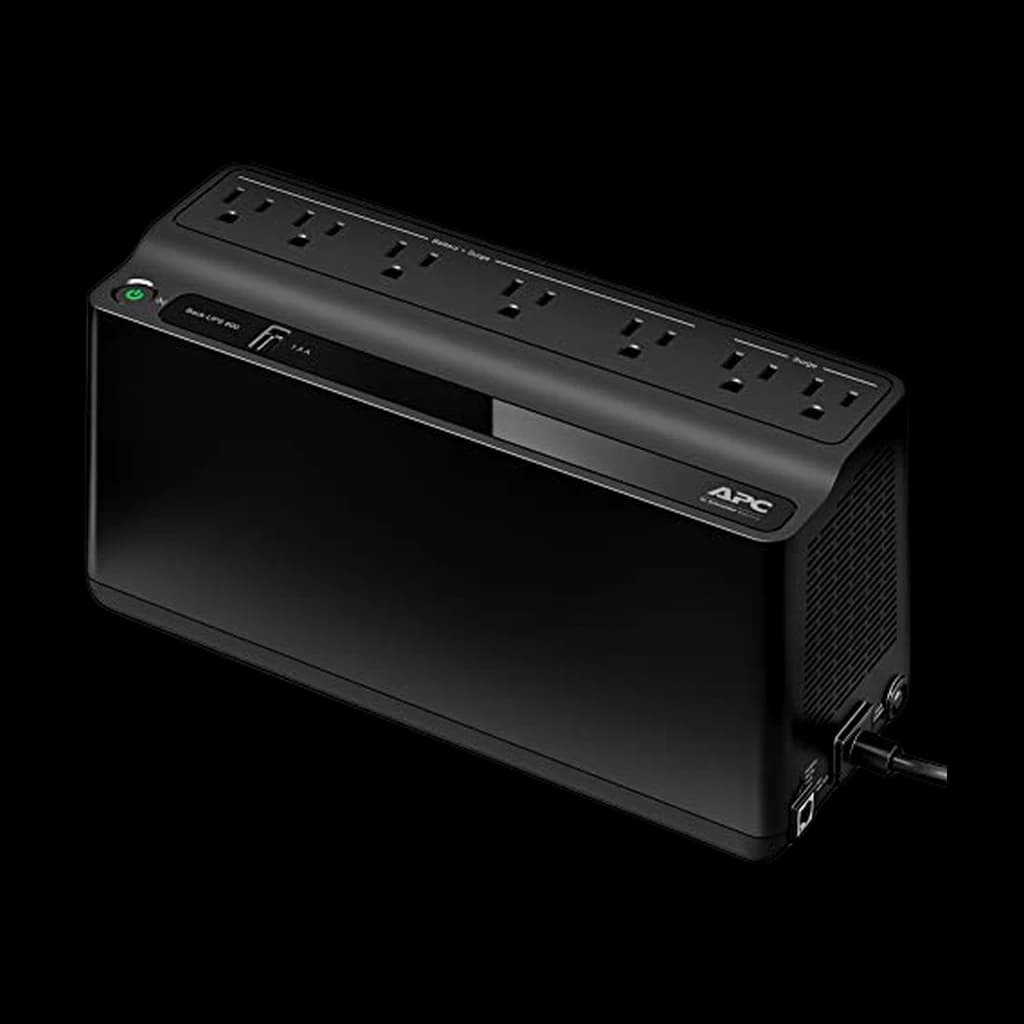 #4 Owner rating | 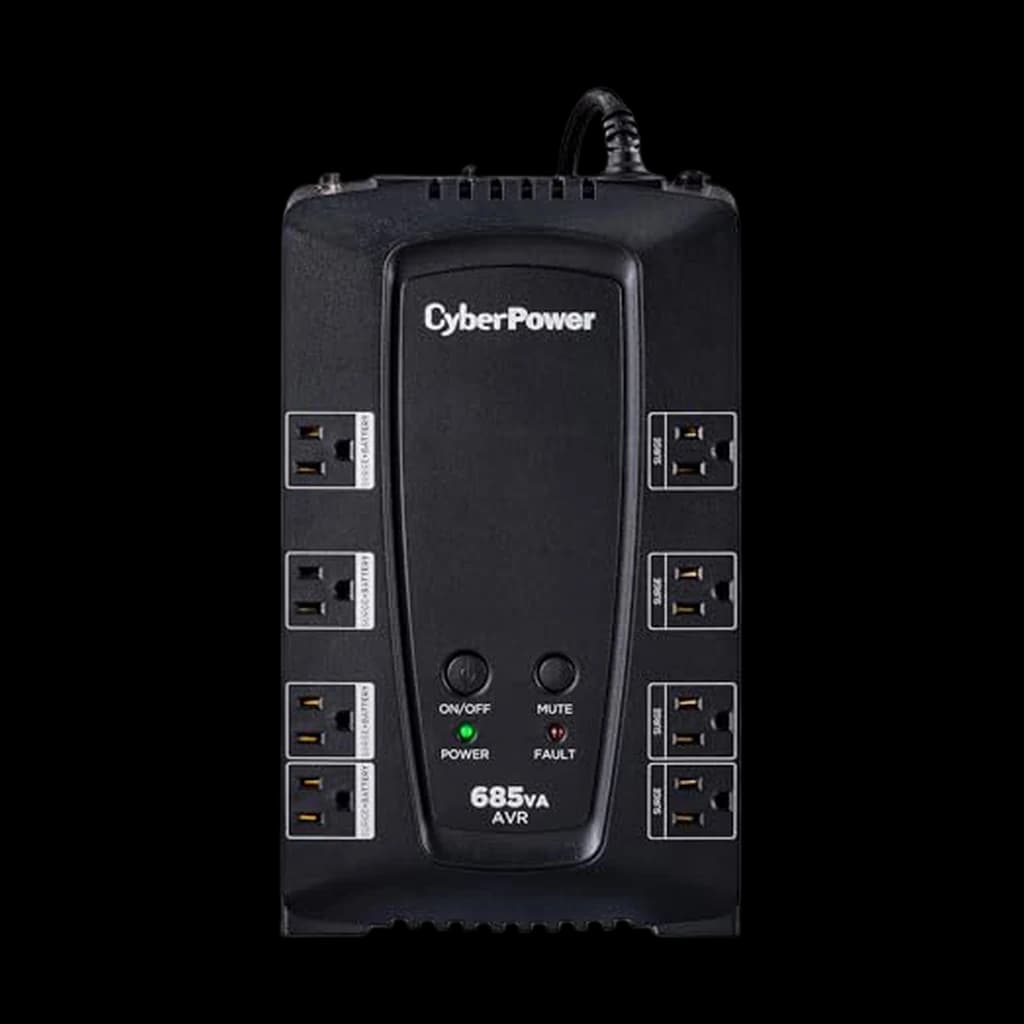 #5 Owner rating | |
|---|---|---|---|---|---|
| Price | $239.95Buy on Amazon | $299.99Buy on Amazon | $191.43Buy on Amazon | $82.24Buy on Amazon | $108.95Buy on Amazon |
| Verdict | 1500VA / 1000W pure sine - the homelab and gaming-PC default for a decade | Pure sine wave 1500VA / 900W with USB-C charging - the safe one-box pick | 1000VA / 600W pure sine wave - the right size for one desktop and one monitor | $84 router-and-modem backup that runs 90+ minutes during a blackout | 685VA / 390W line-interactive with AVR - the upgrade pick for router backup |
| Buyer sentiment | Quality Power Protection Compatibility Durability Buyers praise quality, power protection and compatibility. Mixed feedback on value for money and reliability. Some flag durability. Based on 5,140 user mentions | Quality Power Backup Setup Power Protection Noise Buyers praise quality, power backup, setup and power protection. Mixed feedback on reliability and battery life. Some flag noise. Based on 996 user mentions | Quality Setup Power Protection Value for money Noise Buyers praise quality, setup, power protection and value for money. Mixed feedback on reliability and power capacity. Some flag noise. Based on 502 user mentions | Value for money Easy To Set Up Power Backup Power Reliability Beeping Buyers praise value for money, easy to set up and power backup. Mixed feedback on reliability and quality. Some flag power reliability and beeping. Based on 5,748 user mentions | Power Delivery Quality Value for money Surge Protection Buyers praise power delivery, quality, value for money and surge protection. Mixed feedback on reliability and power reliability. Based on 407 user mentions |
| Capacity | 1500VA / 1000W | 1500VA / 900W | 1000VA / 600W | 600VA / 330W | 685VA / 390W |
| Waveform | Pure sine wave | Pure sine wave | Pure sine wave | Stepped approximation | Simulated sine wave |
| Outlets | 12 (6 battery, 6 surge) | 10 (6 battery, 4 surge) | 10 (6 battery, 4 surge) | 7 (5 battery, 2 surge) | 8 (4 battery, 4 surge) |
| Runtime at 300W | ~14.5 min | ~13 min | ~12 min | — | — |
| Runtime at 50W | — | — | — | ~90-120 min | ~75-90 min |
| Pros |
|
|
|
|
|
| Cons |
|
|
|
|
|
* Prices checked Oct 17, 2026 and may vary. Check the latest price on Amazon.
We research — never hands-on. How we research →
Key Takeaways
5 UPS picks ranked for working from home in 2026 — a pure sine wave unit for the desktop, a cheap dedicated one for the router. Which to buy, by use.
As an Amazon Associate I earn from qualifying purchases. Product prices and availability are subject to change.
Most home offices buy a UPS the same wrong way: pick the highest VA number that fits the budget, plug everything into it, and assume the box will handle the rest. The result is a 1500VA unit that quits in 8 minutes during a blackout because the user plugged in a laser printer, two monitors, a desktop, a gaming console, and a space heater. The smarter approach starts with one question almost no buyer asks: what is the actual goal of this UPS?
For most WFH workers it is one of two things. Goal one is graceful shutdown protection for a desktop and monitor so an outage does not corrupt files or drop a Zoom call mid-sentence. Goal two is internet continuity so brownouts and 30-second blips do not knock out your router and modem. Those two goals call for completely different products - and trying to do both jobs from one large UPS is the most common and most expensive mistake in this category.
Decide in 30 seconds
| If your priority is... | The right unit | Why |
|---|---|---|
| One box for desktop + monitor + router | APC BR1500MS2 (1500VA pure sine) | 900W headroom and pure sine wave for active-PFC PCs |
| Gaming PC or workstation only | CyberPower CP1500PFCLCD (1500VA pure sine) | 1000W output and $500,000 equipment guarantee |
| Just a desktop and one monitor | APC BR1000MS (1000VA pure sine) | Right-sized at 600W, USB-C charging built in |
| Internet continuity during blackouts | APC BE600M1 (600VA standby) | $60 box that runs router+modem 90-120 min |
| Laptop dock + monitors only | CyberPower CP1500AVRLCD3 (simulated sine) | Sub-$150 1500VA without paying for pure sine wave |
What to actually plug into a UPS
The priority order for a single-UPS home office is router + modem first, computer second, monitor third, everything else never.
- Router + modem. The highest-value targets, because losing internet ends every kind of remote work. They only draw 30-50W combined - meaning a small 600VA UPS gives you 90+ minutes on those alone.
- The desktop. Second priority because the cost of an unsaved hour of work is high, but the actual runtime needed is small: 5 to 10 minutes is usually enough to save and shut down cleanly.
- The monitor. Third, because many laptops and modern desktops will continue running on UPS battery without it if you can read your phone screen instead.
- Everything else - never. Printers, space heaters, second screens, charging hubs and lamps should go into a surge-only outlet or a separate strip. They burn UPS runtime that you need for the things that matter.
Pure sine wave vs simulated sine wave
This is the single decision that catches most buyers off guard. Modern desktop power supplies use Active Power Factor Correction (active PFC), which expects clean AC input that closely mimics utility grid power. A simulated sine wave UPS produces a stepped approximation that an active-PFC PSU may refuse to run on, or shut down hard the moment power transfers to battery - defeating the entire reason you bought a UPS.
The one rule: if your computer is a Mac mini, a gaming desktop, a workstation, or any PC built since roughly 2015, you need pure sine wave (sometimes labeled PFC sinewave).
The APC BR1500MS2, BR1000MS, and CyberPower CP1500PFCLCD all qualify. Laptops, monitors, routers, modems, and phone chargers tolerate simulated sine wave fine - so the cheaper APC BX1500M and CyberPower CP1500AVRLCD3 are perfectly safe for laptop-and-monitor setups.
Line-interactive vs standby
Line-interactive UPS units include AVR (Automatic Voltage Regulation), which corrects brownouts and over-voltages without dipping to battery. This is the right topology for a desktop because it extends battery life dramatically - most homes get dozens of brownouts per year that would otherwise burn battery cycles on a standby unit. Standby topology only switches to battery during a complete loss of power, which is fine for a router-and-modem backup where AVR adds cost without much benefit at 30-50W loads.
Sizing your UPS correctly
Rule of thumb most people get wrong: total your continuous load wattage, multiply by 1.6 to get VA, then double the result for usable runtime headroom.
Worked two ways:
- A 200W desktop + monitor setup wants roughly 600VA of capacity, but a 900-1000W UPS for usable runtime.
- A 50W router + modem setup wants 80VA of capacity, but a 300-600VA UPS for the 60-120 minute runtime that actually covers most outages.
What to skip
Skip the no-name AmazonBasics-tier UPS units under $90. Three reasons:
- Their batteries fail in 12 to 18 months instead of the 4 to 5 years you get from APC or CyberPower.
- The replacement battery is rarely a standard cartridge, so you end up buying a whole new unit.
- The equipment guarantees are worthless when you try to file a claim.
APC and CyberPower dominate this category for a reason - 25 years of firmware iteration, real user-serviceable batteries, and equipment guarantees that actually pay out.
The split-UPS approach
For under $300 total, the smartest WFH power-backup setup is two boxes: an APC BR1000MS (~$191) for the desktop and primary monitor, and an APC BE600M1 (~$84) dedicated to the router, modem, and any mesh node. This costs about the same as one APC BR1500MS2 and gives you 90-120 minutes of internet continuity (covering most blackouts) plus 10-15 minutes of desktop runtime for graceful shutdown.
Why two boxes beat one: the single-box approach quits in 8 minutes; the split setup keeps you online through almost any outage that lasts under two hours.
Products referenced in this guide
For quick reference, the products tied to this guide are the APC Back-UPS Pro BR1500MS2 ($299.99), the CyberPower CP1500PFCLCD PFC Sinewave UPS ($239.95), the APC Back-UPS Pro BR1000MS ($191.43), and the APC Back-UPS BE600M1 ($83.99).
Other products referenced here include the CyberPower CP685AVRG AVR UPS ($108.95).
Bottom line
- Most WFH desks: APC BR1500MS2 is the safest one-box pick at $299.99.
- Active-PFC gaming PCs and workstations: CyberPower CP1500PFCLCD at $239.95, with the strongest equipment guarantee in the segment.
- The smartest setup overall: split into a BR1000MS for the computer and a BE600M1 for the router.
- Laptop-only setups that do not need pure sine wave: the CyberPower CP1500AVRLCD3 costs $40 less than the CP1500PFCLCD without any real downside.
Your next step
What else to keep alive — router picks.
Hilly Shore Labs
Editorial TeamWFH Lounge is published by Hilly Shore Labs. Every recommendation is built by synthesizing ergonomic research, manufacturer specs, expert reviews from outlets like Wirecutter, RTINGS, and The Verge, and aggregated long-term owner sentiment from thousands of verified buyers.
All product reviews are independently researched. Our recommendations are based on ergonomic guidelines, manufacturer specifications, and verified buyer sentiment. See our methodology.