Best WiFi Routers for WFH 2026: 7 Picks for Zoom Calls
Our #1 Pick

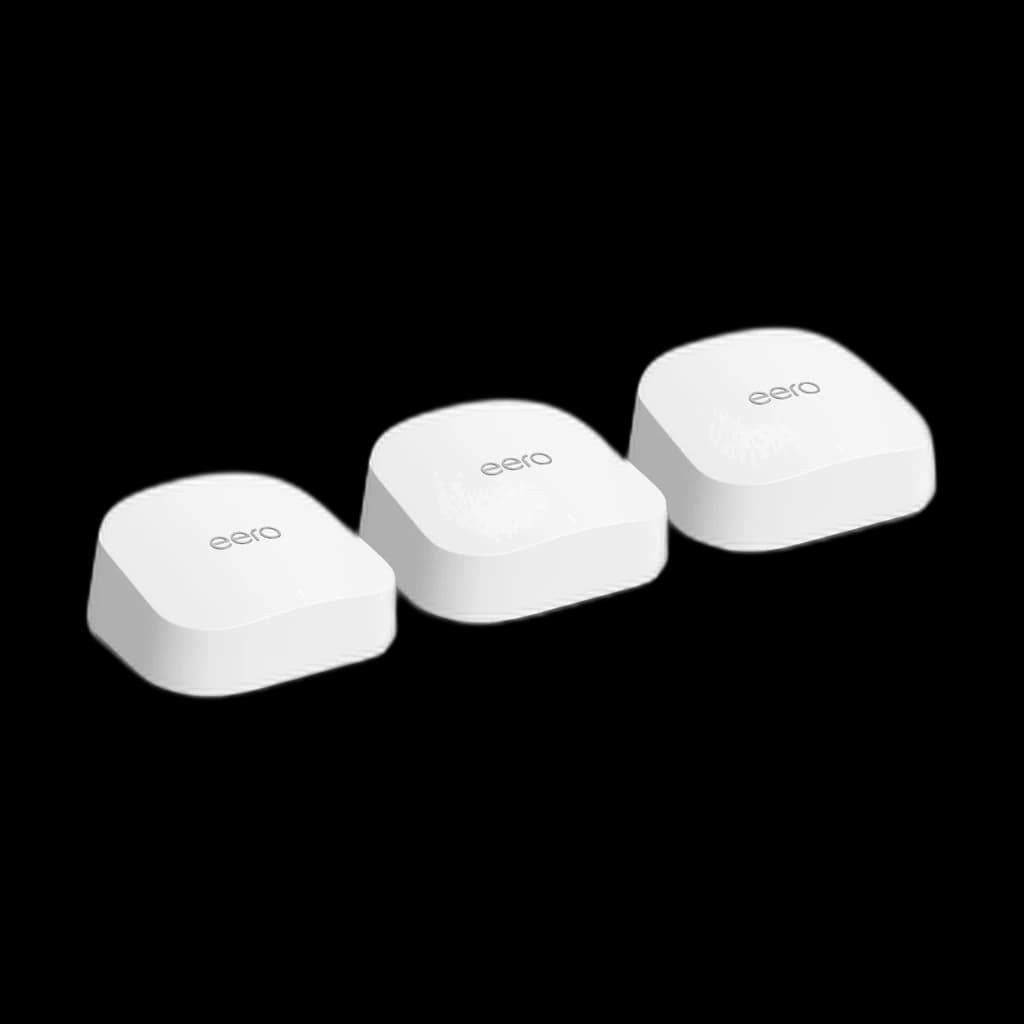
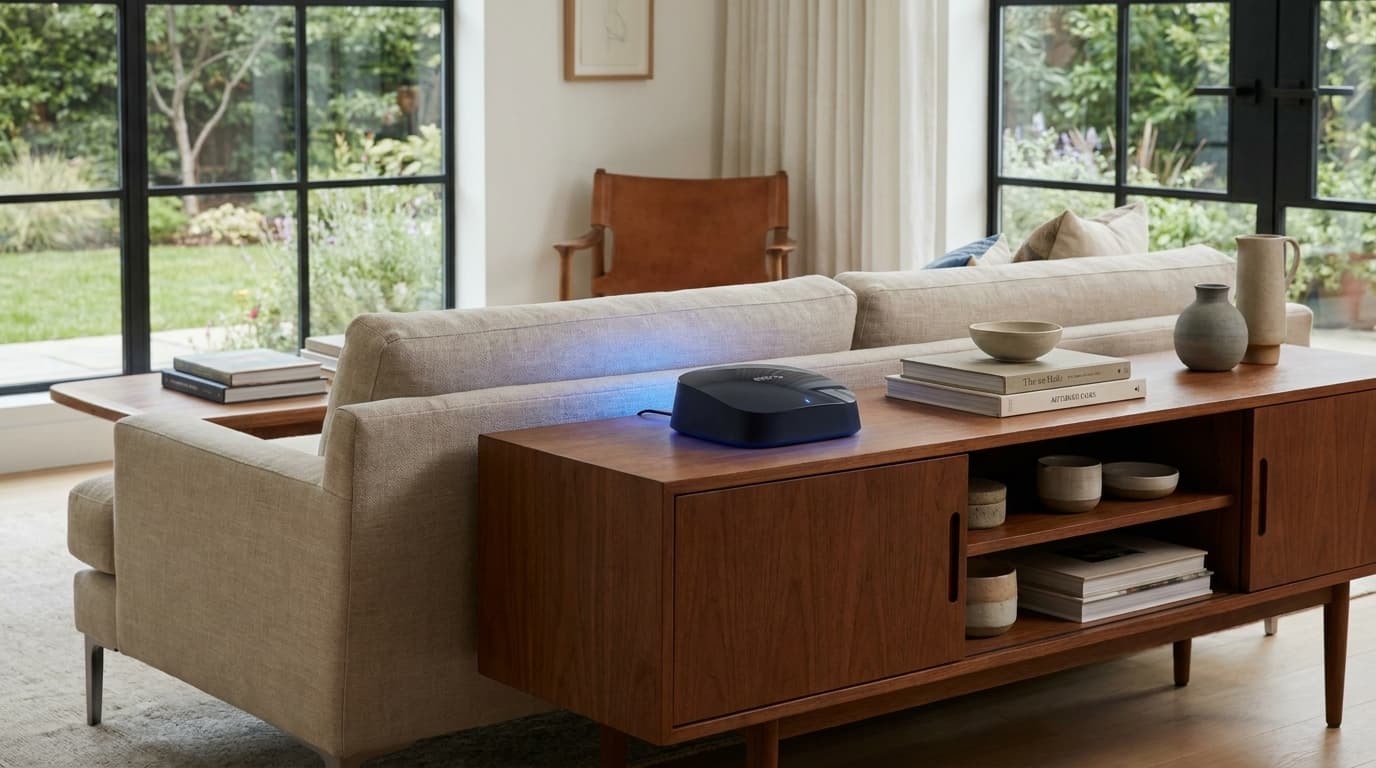
eero 7 (3-pack)
Wi-Fi 7 mesh with MLO at about half the Pro 7 price, the pick for sub-1 Gbps internet plans.
- Wi-Fi 7 with MLO
- Two 2.5 GbE ports per node
- Same eero app as the Pro 7
Price checked Oct 17, 2026 — verify the live price on Amazon.
 #1 Owner rating | 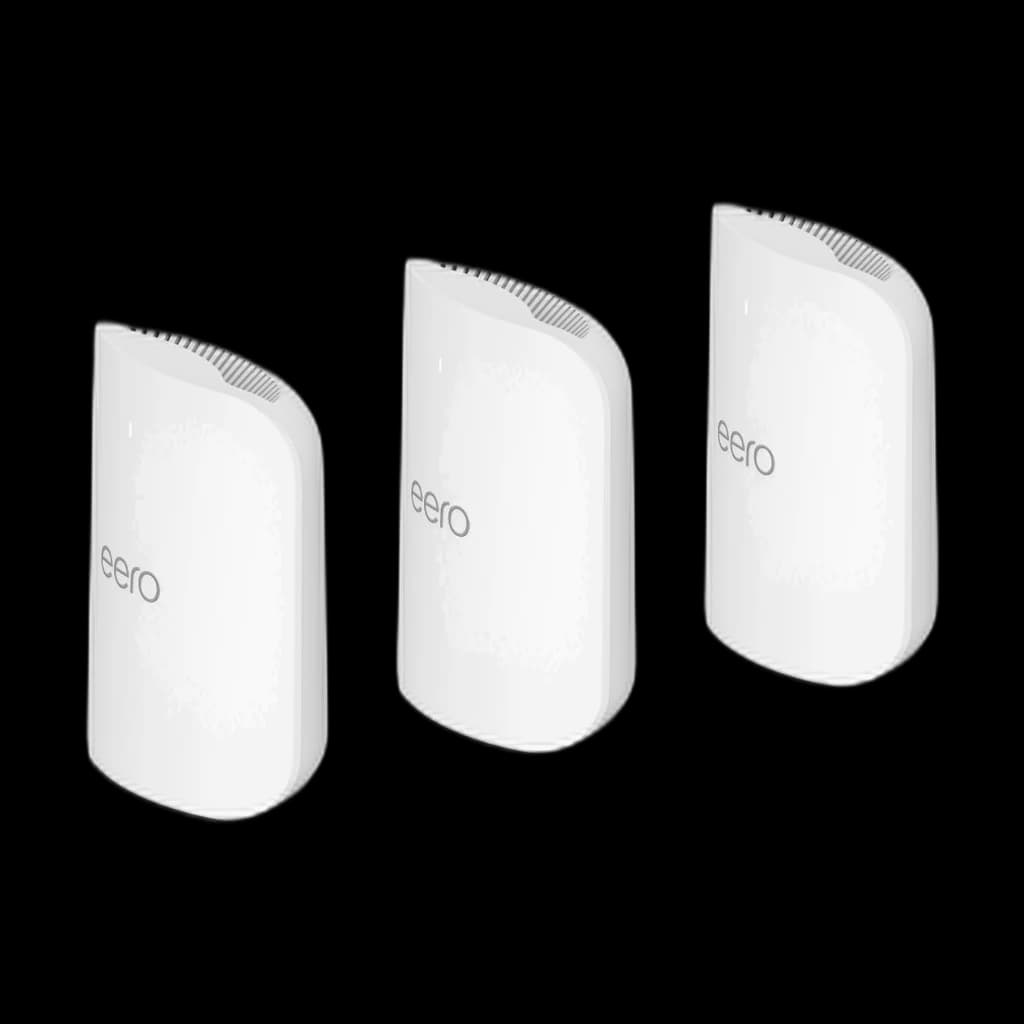 #2 Owner rating | 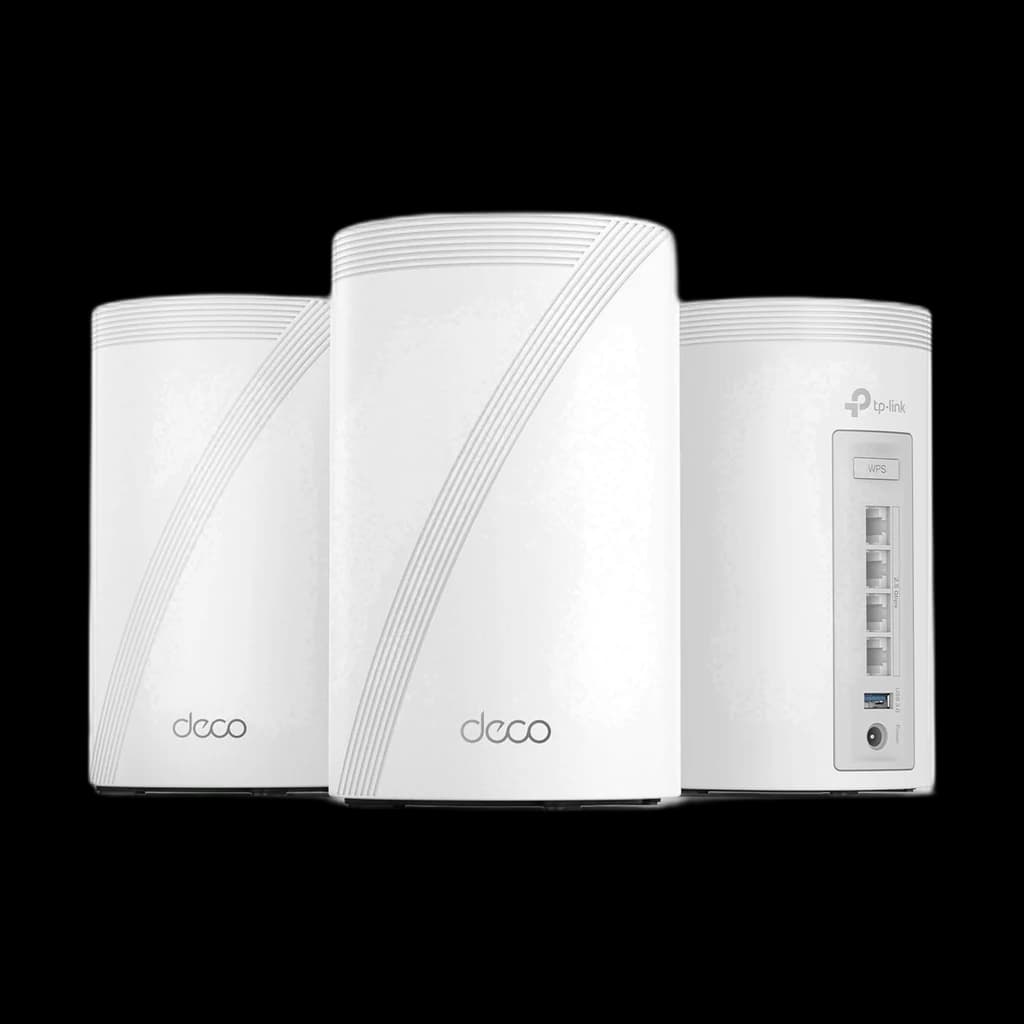 #3 Owner rating | 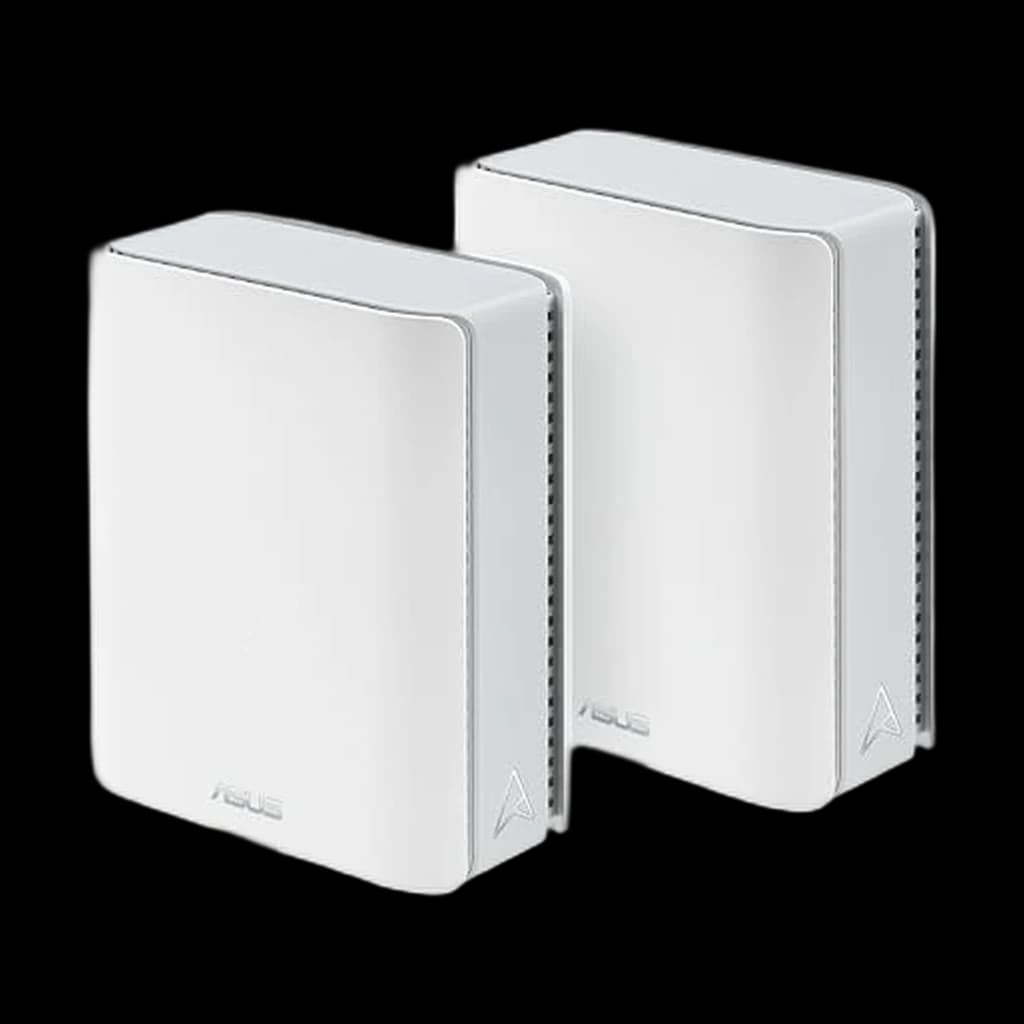 #4 Owner rating | 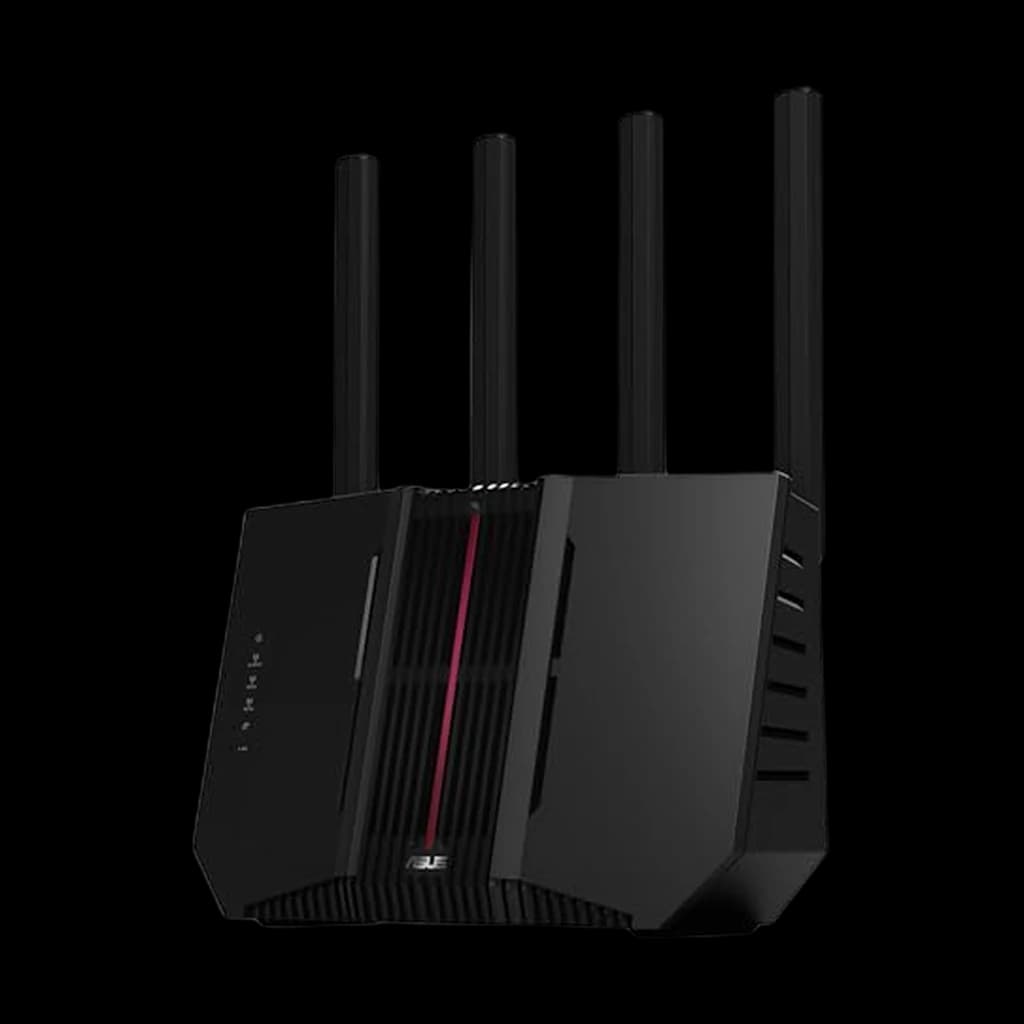 #5 Owner rating | 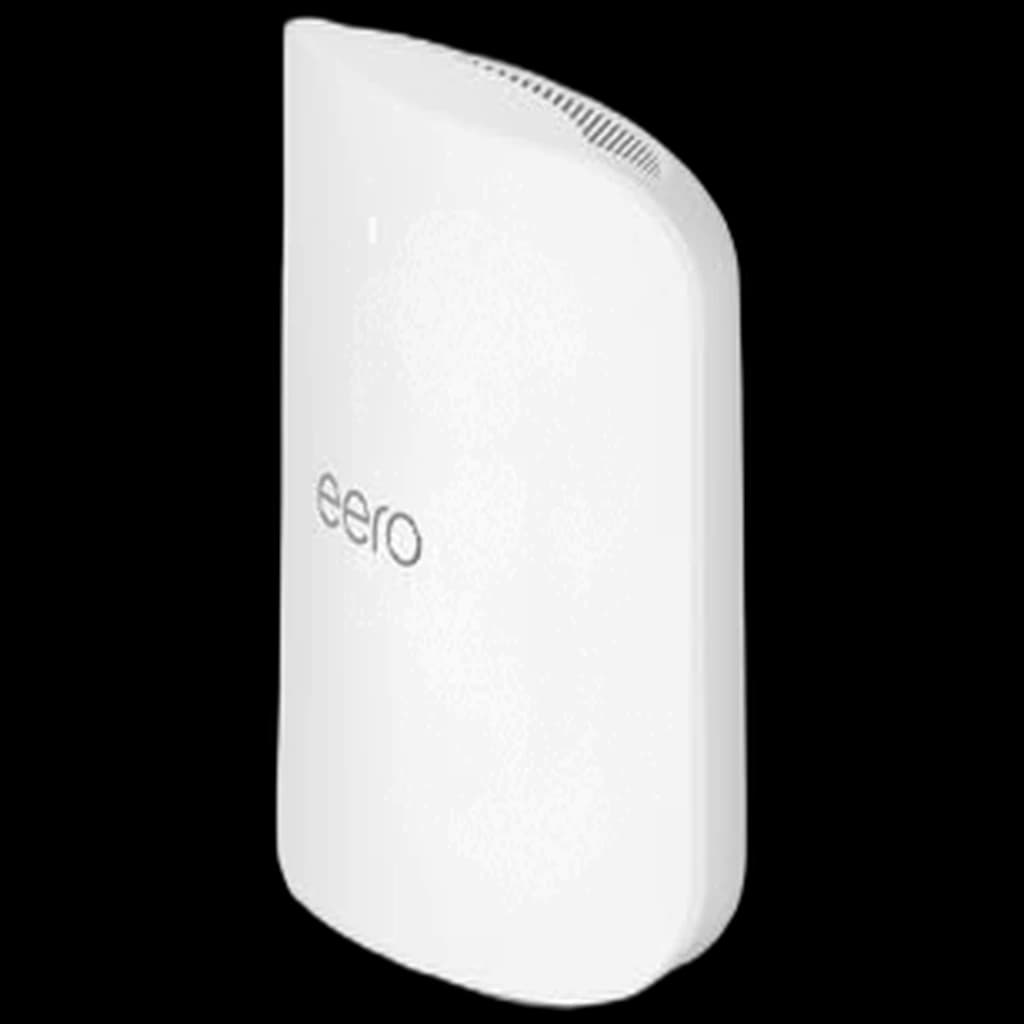 #6 Owner rating | 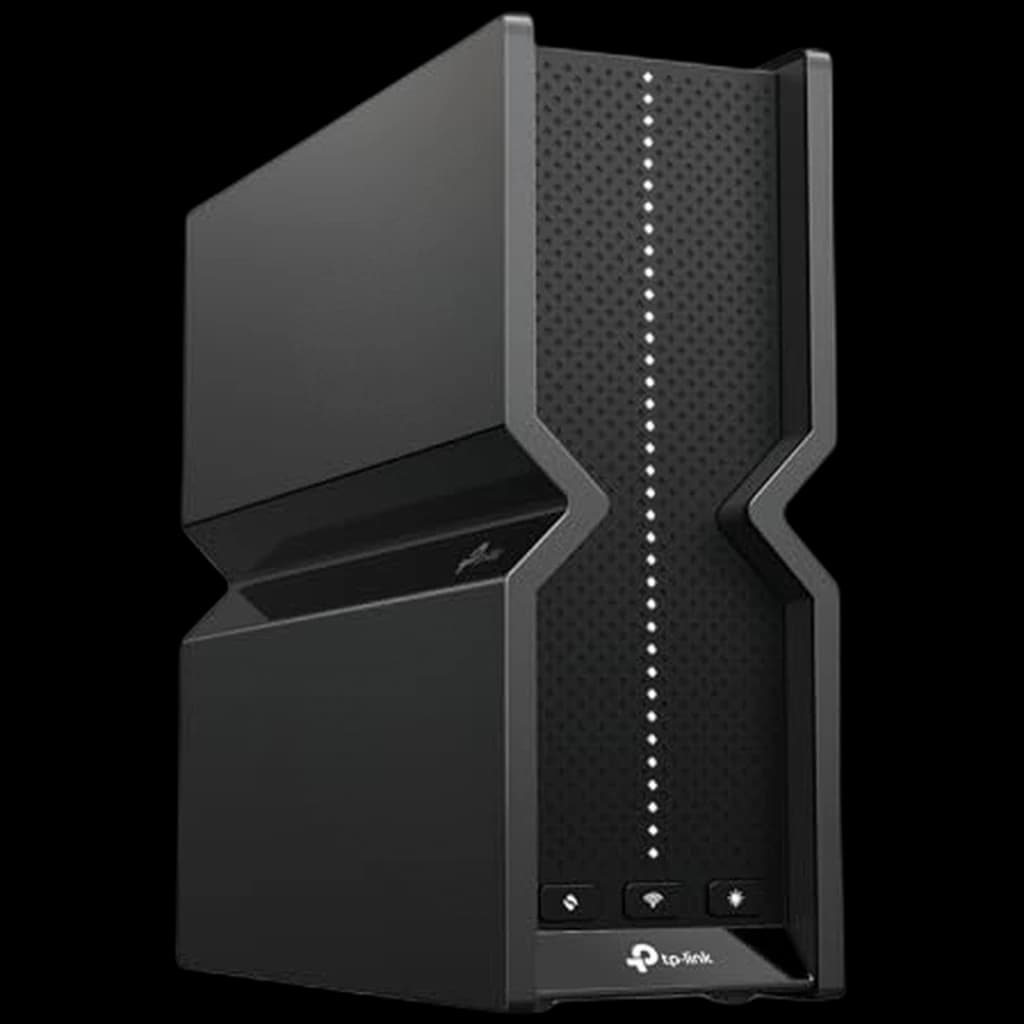 #7 Owner rating | |
|---|---|---|---|---|---|---|---|
| Price | $399.99Buy on Amazon | $799.99Buy on Amazon | $396.50Buy on Amazon | $500.43Buy on Amazon | $259.90Buy on Amazon | $599.99Buy on Amazon | $199.99Buy on Amazon |
| Verdict | Wi-Fi 7 mesh with MLO at about half the Pro 7 price, the pick for sub-1 Gbps internet plans. | The simplest Wi-Fi 7 mesh to live with: tri-band, two 5 GbE ports per node, and setup that runs entirely from the eero app. | Four 2.5 GbE ports at every node for roughly half the eero Pro 7 price, the pick for homes with wired devices in every room. | Two 10 GbE ports per node and AiMesh controls for multi-gig fiber and 10-gig wired backhaul. | The most wired capacity for the money in a single Wi-Fi 7 router: one 10 GbE and four 2.5 GbE ports. | eero's flagship: two 10 GbE ports per unit for multi-gig fiber and 10-gig desks | The cheapest way into tri-band Wi-Fi 7: a single router with a 10 Gbps WAN port for about $200 |
| Buyer sentiment | Easy To Set Up Speed Coverage Ease Of Use Buyers praise easy to set up, speed, coverage and ease of use. Mixed feedback on performance and connectivity. Based on 1,386 user mentions | Easy To Set Up Signal Strength Speed Quality Buyers praise easy to set up, signal strength, speed and quality. Mixed feedback on reliability and connectivity. Based on 1,132 user mentions | Easy To Set Up Speed Signal Strength Coverage Connectivity Reliability Buyers praise easy to set up, speed, signal strength and coverage. Mixed feedback on quality and value for money. Some flag connectivity and reliability. Based on 1,386 user mentions | Network Coverage Customizability Connectivity Reliability Buyers praise network coverage and customizability. Mixed feedback on setup and speed. Some flag connectivity and reliability. Based on 177 user mentions | Speed Setup Reliability Buyers praise speed and setup. Mixed feedback on quality and signal strength. Some flag reliability. Based on 592 user mentions | Rated 4.3★ across 934 reviews | Easy Setup Multi-Band Support Connectivity Value for money Buyers praise easy setup and multi-band support. Mixed feedback on quality and reliability. Some flag connectivity and value for money. Based on 223 user mentions |
| WiFi Standard | WiFi 7, dual-band | WiFi 7, tri-band | Wi-Fi 7, tri-band | WiFi 7, tri-band BE18000 | WiFi 7, tri-band BE9700 | Wi-Fi 7, tri-band | Wi-Fi 7, tri-band BE9700 |
| Coverage | 6,000 sq ft | 6,000 sq ft | 7,200 sq ft (3-pack) | 6,000 sq ft | 2,500 sq ft | 2,500 sq ft per unit | — |
| Wired Ports | 2x 2.5 GbE per node | 2x 5 GbE per node | 4x 2.5 GbE per node | 2x 10 GbE per node | 1x 10 GbE, 4x 2.5 GbE | 2x 10 GbE per unit | 1x 10 Gbps WAN, 4x 2.5 Gbps LAN |
| Internet Plan | Up to 2.5 Gbps | Up to 5 Gbps | Up to 2.5 Gbps | Up to 10 Gbps | Up to 10 Gbps | Up to 10 Gbps | — |
| USB | — | — | — | — | — | — | USB 3.0 |
| Setup | — | — | — | — | — | — | Tether app or web |
| Pros |
|
|
|
|
|
|
|
| Cons |
|
|
|
|
|
|
|
* Prices checked Oct 17, 2026 and may vary. Check the latest price on Amazon.
We research — never hands-on. How we research →
Key Takeaways
Seven WiFi 7 routers and mesh kits ranked for WFH. eero Pro 7 is the simplest mesh, Deco BE63 has four ports per node, and RT-BE92U is the single router.
As an Amazon Associate I earn from qualifying purchases. Product prices and availability are subject to change.
A router built for a remote worker is not built to win speed tests. It is built to hold a Zoom call steady while the rest of the household uses the network at the same time:
- A partner streaming 4K video on the next sofa
- A robot vacuum hopping between rooms
- A smart doorbell uploading a clip in the background
Stability beats speed, because Zoom's published bandwidth requirements for even 1080p group video are only a few megabits per second each way.
What kills calls is an unstable connection, not a slow plan.
The picks below are tuned for one job: keeping the work laptop on a strong, uncongested connection in the room where you actually take calls. We research rather than test: port counts, coverage figures and feature lists come from eero, TP-Link, ASUS, NETGEAR and Google specifications and the Amazon listings, checked in October 2026.
Decide in 30 seconds
| If your home is... | And you need... | Pick |
|---|---|---|
| Apartment or one floor, one router can reach your desk | The most wired ports for the money | ASUS RT-BE92U |
| Apartment or one floor, budget Wi-Fi 7 | A single router around $200 | TP-Link Archer BE550 Pro |
| 2,000–6,000 sq ft, 1–2 floors | The simplest app-managed Wi-Fi 7 mesh | eero Pro 7 (3-pack) |
| 2,000–6,000 sq ft, sub-1 Gbps internet | Wi-Fi 7 mesh at a lower price | eero 7 (3-pack) |
| Large home, several wired devices per room | Four Ethernet ports at every node | TP-Link Deco 7 Pro (BE63, 3-pack) |
| Multi-gig fiber and a 10 GbE desk | 10 GbE wired backhaul | ASUS ZenWiFi BT10 (2-pack) or eero Max 7 |
| Already on Google Home and Nest | Tight smart-home integration | Google Nest Wifi Pro 6E |
Start with the desk connection
Before buying anything, plug the work laptop into the router with an Ethernet cable and run a call at the time your problems usually happen. If the wired call is clean and Wi-Fi isn't, coverage or congestion is the problem and a better router or mesh will help. If the wired call also stutters, the issue sits upstream (modem, internet service or VPN), and no router will fix it.
Rule of thumb: fix the room you take calls in first. A wired desk beats any wireless upgrade.
Why Wi-Fi 7 matters for WFH (the MLO argument)
Wi-Fi 7's headline feature for remote workers is not its theoretical top speed. It is Multi-Link Operation.
What MLO does: a Wi-Fi 7 router and a Wi-Fi 7 laptop can use more than one band at the same time, so traffic has somewhere to go when one band gets crowded.
That matters in exactly the situation that ruins calls: a neighbour's router, a microwave or a household of streaming devices crowding the 5 GHz band at 4pm. Every Wi-Fi 7 router in this guide supports MLO.
MLO needs Wi-Fi 7 on both ends.
Your laptop's Wi-Fi adapter has to support Wi-Fi 7 (Intel BE200 or Qualcomm FastConnect 7800-class chips, for example), along with current drivers. Check the adapter in your laptop's specs rather than going by its purchase year. A Wi-Fi 6E laptop still benefits from the uncrowded 6 GHz band on a tri-band router; a Wi-Fi 6 laptop gets better coverage but none of the newer band features.
Mesh vs single router
A single high-end router covers roughly 2,500 sq ft by its maker's estimate (ASUS and eero both use that figure for their single units), less through concrete walls, brick chimneys or a finished basement. Under that footprint a single router beats a mesh on price, simplicity and raw throughput.
Above that, or anywhere with thick walls, a two- or three-node mesh wins. Count the Ethernet ports you actually need at each node, too: the modem connection uses one, a wired backhaul uses another, and your desk, dock and TV want the rest.
1. Best Overall: eero Pro 7 (3-pack)
Buy on Amazon · $799.99The eero Pro 7 is the default WFH pick for a home between about 2,000 and 6,000 sq ft. It is tri-band Wi-Fi 7 with MLO, eero rates a three-pack for 6,000 sq ft and 600+ devices, and each node has two 5 GbE ports, enough for internet plans up to 5 Gbps. The setup runs entirely from the eero app, with no router admin pages to learn. For a non-technical partner handling a restart at 4pm on a busy Tuesday, that matters more than any spec sheet.
The trade-off is the subscription model. Advanced security, ad blocking, parental controls and VPN sit behind the optional eero Plus subscription. The base hardware handles everything a clean Zoom call needs.
Two ports per node is the real limit. If one node feeds the modem and another runs a wired backhaul, that leaves one port each for desks and devices; add a small switch if you need more.
2. Best for Ports at Every Node: TP-Link Deco 7 Pro (BE63, 3-pack)
Buy on Amazon · $396.50The Deco BE63 three-pack is the pick when every room needs wired devices. TP-Link's US specification lists four 2.5 Gbps ports per unit, with WAN/LAN auto-sensing, and the current Amazon listing also advertises a 10G port, so the newest hardware version may add one. It costs roughly half the eero Pro 7 three-pack.
It is tri-band Wi-Fi 7 with MLO, and TP-Link's Deco app handles setup, guest networks and HomeShield security. HomeShield has a free tier and a paid Pro tier, so check which features you want before counting it as included.
3. Best for Power Users: ASUS ZenWiFi BT10 (2-pack)
Buy on Amazon · $500.43The ZenWiFi BT10 is the Wi-Fi 7 mesh that gives you ports and tuning levers. Each node has two 10 GbE ports plus a 1 GbE port, so you can run a 10-gig wired backhaul and still terminate a multi-gig fiber connection. ASUS rates the two-pack for 6,000 sq ft, and its AiMesh software exposes the channel and band controls that eero hides.
Setup takes longer than eero's app, and the 10 GbE ports only pay off if your internet plan or local network can use them. If neither applies, the cheaper picks here do the same job for calls.
4. Best Budget Wi-Fi 7 Mesh: eero 7 (3-pack)
Buy on Amazon · $399.99The eero 7 brings Wi-Fi 7 with MLO to a roughly $400 three-pack. eero rates it for 6,000 sq ft and plans up to 2.5 Gbps, with two 2.5 GbE ports per node for a wired backhaul or a desk connection. It is dual-band rather than tri-band, so it has no 6 GHz radio and tops out at about 1.8 Gbps wireless.
For a sub-1 Gbps internet plan that is plenty, and you keep the same eero app for about half the Pro 7's price.
5. Best Single Router: ASUS RT-BE92U
Buy on Amazon · $259.90For an apartment or a single-floor home where one router can reach your desk, a single router is the right answer. The RT-BE92U is tri-band Wi-Fi 7 with 320 MHz channels on 6 GHz and MLO. ASUS's specification lists one 10 Gbps WAN/LAN port, one 2.5 Gbps WAN/LAN port and three more 2.5 Gbps LAN ports, which is a lot of wired capacity for the price.
AiProtection Pro security is included without a subscription, and AiMesh support means that if you move to a bigger home, the RT-BE92U can become the head of a mesh rather than going in a drawer.
6. Best for 10-Gig Wired Desks: eero Max 7
The eero Max 7 is eero's flagship. Each unit has two 10 Gigabit Ethernet ports, and eero quotes wired speeds up to 9.4 Gbps and wireless up to 4.3 Gbps, with 2,500 sq ft of coverage and 250+ devices per unit. It also works as a Thread smart-home hub.
At about $600 for a single unit it is overkill for video calls. Buy it if you have multi-gig fiber and a 10 GbE desk or NAS; otherwise the Pro 7 three-pack covers far more home for the money.
7. Best Budget Single Router: TP-Link Archer BE550 Pro
Buy on Amazon · $199.99The Archer BE550 Pro is the cheapest way into tri-band Wi-Fi 7 at about $200. The listing specifies BE9700 tri-band with 320 MHz channels on 6 GHz, one 10 Gbps WAN port and four 2.5 Gbps LAN ports, plus a USB 3.0 port. EasyMesh support lets you add a compatible extender later, and setup runs from TP-Link's Tether app or a web interface.
It is a single router, not a mesh, so it suits the same apartment-sized homes as the RT-BE92U.
Two other options to know
Netgear Orbi 770 (3-pack): the Orbi 770 has the largest coverage rating here, up to 8,000 sq ft for a three-pack. Its Enhanced Backhaul uses the 5 GHz and 6 GHz bands with MLO while sharing them with your devices (NETGEAR explains the design). It supports internet plans up to 2.5 Gbps, and NETGEAR Armor security is a separate subscription after a 30-day trial. It earns a look only for genuinely large homes.
Google Nest Wifi Pro 6E (3-pack): Only sold used on Amazon right now (checked 2026-10-16). We don't link used listings, so there is no buy button until a new unit is back. The Nest Wifi Pro is Wi-Fi 6E rather than Wi-Fi 7, so there is no MLO and no 320 MHz channels, but it adds the 6 GHz band. Each router has two 1 Gbps Ethernet ports, which caps wired speed below every other pick here, and Google says it can't be meshed with older Google Wifi or Nest Wifi units. For households already running on Nest and Google Home, the integration is the reason to buy.
How we picked
Every router on this list had to clear three bars:
- Published specs we can quote. Port speeds, band counts and coverage ratings had to come from the manufacturer or the listing.
- Current hardware. Each pick is a model the manufacturer still sells and supports with firmware updates.
- A wired path for the desk. Every pick has at least one 2.5 GbE (or faster) port per unit except the Nest Wifi Pro, which we keep for smart-home households.
Wi-Fi 7 with MLO got priority over Wi-Fi 6E, because a Wi-Fi 7 router keeps working for a laptop you buy next year. Manufacturer coverage figures are estimates for open floor plans.
The Bottom Line
If you take one thing from this guide: for a remote worker, a stable connection in the room where you take calls matters more than the headline speed. Wire the desk if you can. If you can't, pick the right form factor (a single router for an apartment, mesh above that) and the right tier: the eero Pro 7 for the simplest mesh, the Deco BE63 for ports in every room, and the ASUS RT-BE92U or Archer BE550 Pro when one router will do.
Your next step
Keep the network up through outages.
Hilly Shore Labs
Editorial TeamWFH Lounge is published by Hilly Shore Labs. Every recommendation is built by synthesizing ergonomic research, manufacturer specs, expert reviews from outlets like Wirecutter, RTINGS, and The Verge, and aggregated long-term owner sentiment from thousands of verified buyers.
All product reviews are independently researched. Our recommendations are based on ergonomic guidelines, manufacturer specifications, and verified buyer sentiment. See our methodology.