WFH With a Newborn: An Office Setup That Survives Year One
You can't schedule your way around a newborn — but you can build a setup that makes the interruptions cheaper. Trustworthy monitoring, a desk-side landing spot, and a mute button you can hit fast cover 80% of it.
Quick Answer
A home office that survives a newborn needs three things: a monitor setup you trust enough to stop checking the nursery, a safe place for the baby to be content near your desk for short stretches, and ruthless noise management for calls. Add radically lowered expectations about deep work in months one through four, and the setup does the rest. It's a gear-and-layout problem more than a willpower problem.
Key Takeaways
Working from home with a baby in the house is a setup problem as much as a schedule problem. The gear, layout, and expectations that get a remote worker through the first year.
As an Amazon Associate I earn from qualifying purchases. Product prices and availability are subject to change.
Quick answer
Every article about working from home with a baby talks about schedules — nap-time sprints, shift-splitting with a partner, protected hours. All true, all necessary. But almost nobody talks about the setup: the physical arrangement of desk, nursery, and gear that decides whether each interruption costs you thirty seconds or twenty minutes. That's the part you can actually control, and it's mostly solvable with layout and a few well-chosen pieces of equipment.
Here's the setup that gets a remote worker through year one.
The monitor is the keystone
The single biggest productivity drain with a newborn isn't the interruptions — it's the checking. If you don't trust your view into the nursery, you'll walk over every fifteen minutes "just to be sure," and the walk costs you the context you were holding. A monitor you genuinely trust converts that anxiety into a glance.
What "trust" means in practice:
- Reliable connection — dropouts destroy the whole point
- A picture good enough to see breathing-level detail
- Alerts that fire when they should and only when they should — false alarms train you to ignore the thing
Cribworthy's baby monitor rankings break the field down by exactly these criteria; it's the one purchase in this article worth over-researching, because it's the one you'll interact with fifty times a day.
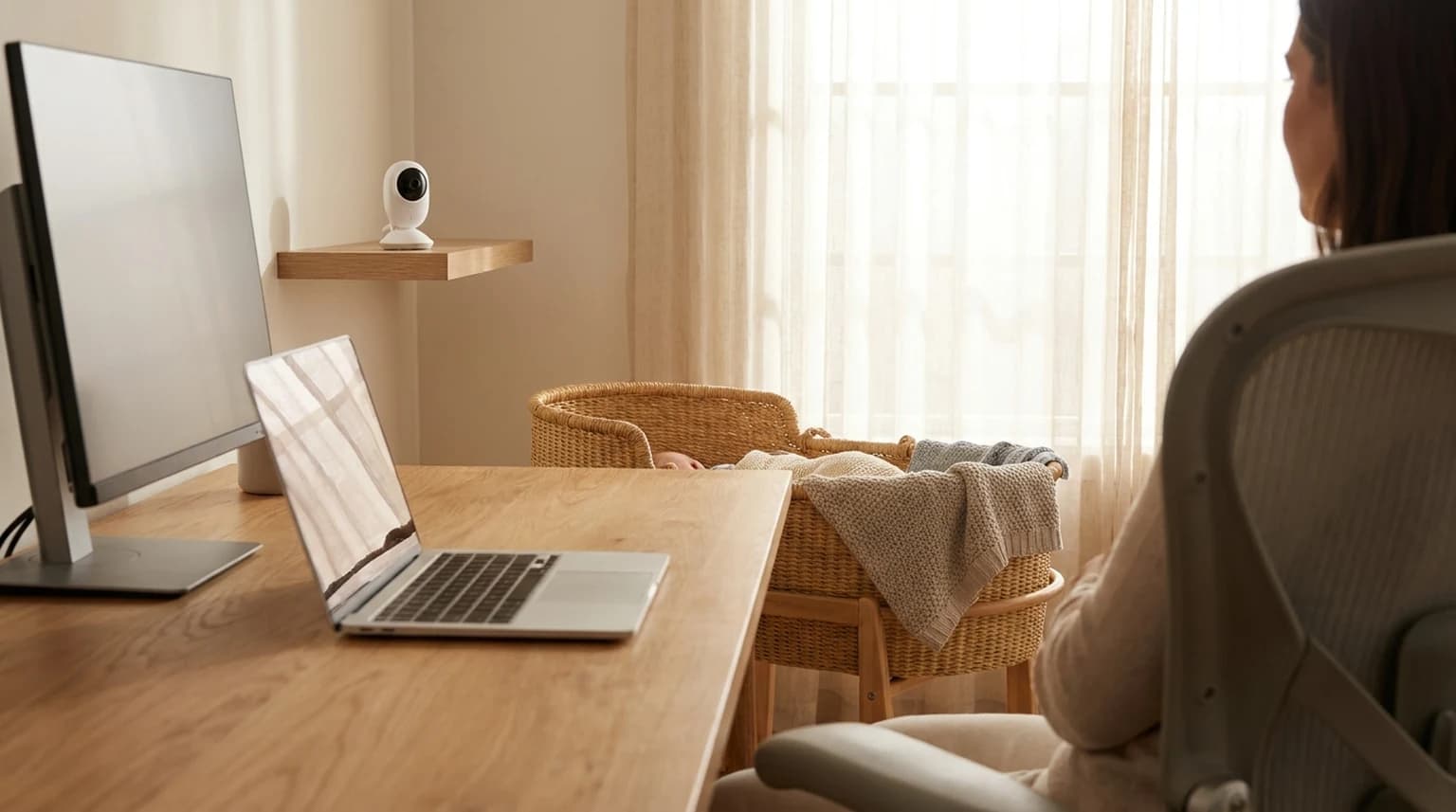
Put the parent unit or app where your eyes already are — second monitor corner, phone stand next to the keyboard — so a check costs a half-second glance instead of an app-open.
A desk-side landing spot
For the stretches when the baby is awake, fed, and content — and you have a meeting you can't move — you need somewhere safe to put them within arm's reach. This is what bouncers and swings are actually for in a WFH context: not childcare, but a ten-to-twenty-minute buffer that lets you finish the standup with a happy baby in view.
The bouncer and swing comparisons at Cribworthy sort out which ones babies actually tolerate (wildly variable) and which fold small enough to live next to a desk.
Two placement rules:
- The baby should be visible from your camera-off position
- Never treat any of it as unsupervised time — it's a buffer, not a babysitter
Noise management for calls
Some combination of the following gets you through month four with your professional reputation intact:
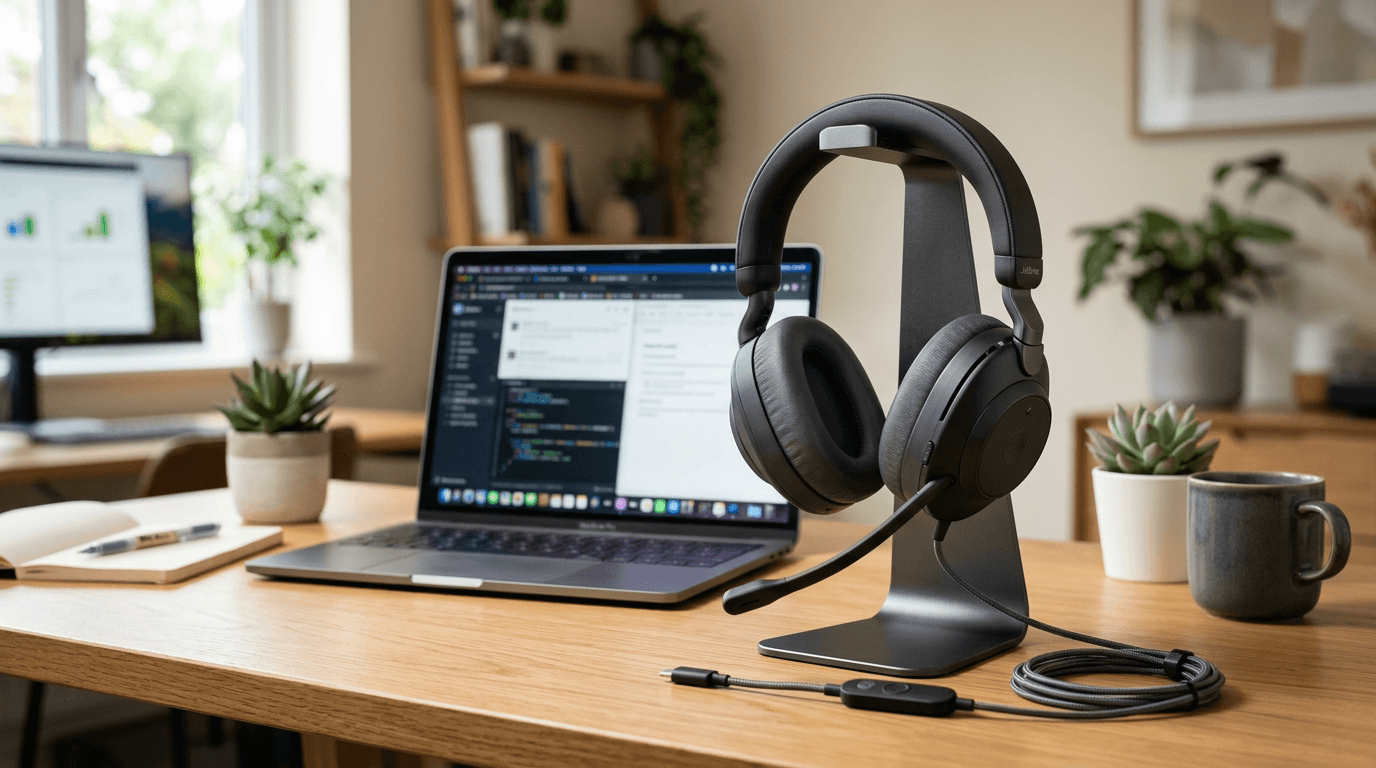
- A headset with real noise suppression on the mic side — modern voice isolation eats a background wail surprisingly well.
- Push-to-mute within finger's reach — not buried in a menu. A hardware mute button or a keyboard shortcut you've drilled.
- The pre-announcement. "There's a baby in the house; if I mute abruptly you know why" — said once at the top of a call — buys infinite grace. Everyone has either been there or fears being there.
- Camera framing that excludes the bouncer unless you want every meeting to become a baby Q&A. (Our video call setup guide covers framing basics.)
Lower the expectations, formally
The setup handles logistics; this handles sanity. Months one through four, your realistic deep-work capacity is a fraction of normal — plan for it on paper.
- Front-load the year's hard projects before the due date if you can
- Communicate reduced availability like you would for any major life event
- Measure yourself against the newborn baseline, not the old one
The fog is physiological, not motivational — fragmented sleep measurably degrades working memory and attention. Externalize everything: write every commitment down the moment it's made, because the version of you on four hours of broken sleep will not remember it. Checklists beat memory all year.
The layout that ties it together
If the house allows it, the winning arrangement is:
- Nursery within earshot but not eyeline
- Landing spot beside the desk
- Monitor feed in peripheral vision
Earshot-not-eyeline matters more than people expect — a baby you can see is a baby you will watch instead of work. The monitor gives you the awareness; the wall gives you the focus. For the broader survival strategies once the baby becomes a toddler with opinions, our working from home with kids guide picks up where this one ends.
Frequently asked questions
Can you actually work from home with a newborn and no childcare?
Part-time, yes, with a partner splitting shifts or flexible hours — full-time at full capacity, honestly, no. The setup in this article makes the possible hours dramatically more productive, but months one through three especially are about capacity management, not optimization.
What's the one purchase that matters most?
The baby monitor, by a wide margin. It's the difference between checking the nursery with a glance and checking it with a walk, fifty times a day. Get that right before spending anywhere else.
Where should the baby be while I'm working?
- Napping: in their own sleep space, on the monitor.
- Awake and content: in a bouncer or swing beside the desk for short supervised stretches.
The goal is a safe default location for every baby-state, so you're never improvising mid-meeting.
Hilly Shore Labs
Editorial TeamWFH Lounge is published by Hilly Shore Labs. Every recommendation is built by synthesizing ergonomic research, manufacturer specs, expert reviews from outlets like Wirecutter, RTINGS, and The Verge, and aggregated long-term owner sentiment from thousands of verified buyers.
All product reviews are independently researched. Our recommendations are based on ergonomic guidelines, manufacturer specifications, and verified buyer sentiment. See our methodology.