Best WFH Routine: How to Structure Your Remote Work Day
Don't copy the office 9-to-5 — build a rhythm: a morning anchor, one protected deep-work block before meetings, clustered calls midday, low-stakes work in the afternoon dip, and a hard stop you actually honor.
Quick Answer
The WFH routine that works: (1) hard start time — same as if you were commuting, (2) 90-minute deep work blocks before opening Slack or email, (3) walks replace commutes as built-in decompression, (4) hard end time enforced by a shutdown ritual (say out loud: 'shutdown complete'). The research on remote work burnout consistently points to undefined boundaries — the routine IS the boundary.
Key Takeaways
How to structure your work-from-home day for maximum productivity. Morning routines, focus blocks, breaks, and the gear that supports it all.
As an Amazon Associate I earn from qualifying purchases. Product prices and availability are subject to change.
Working from home without a routine is like having a gym membership and never going. The potential is there, but nothing happens.
The people who thrive working remotely all have one thing in common: a structure. Not a rigid 9-to-5 copy-paste of office life — but a deliberate rhythm that protects their focus time, their health, and their sanity.
Here's how to build one.
The core framework
Morning Anchor (30-60 min before work)
The worst WFH habit: rolling out of bed and opening Slack in your pajamas.
Your morning anchor is one thing you do before work that signals "the day has started." It doesn't have to be a 5am ice bath. It can be:
- Coffee at your desk with no screens for 10 minutes
- A 15-minute walk around the block
- Breakfast at the table (not the desk)
- A quick workout or stretch
The point isn't productivity. It's transition. You're telling your brain: "We're switching modes now."
The Deep Work Block (2-3 hours)
This is where your actual output happens. Protect it ruthlessly.
When: First thing in the morning (before meetings start) How long: 90-180 minutes, uninterrupted Rules:
- Slack/Teams on DND
- Phone face-down or in another room
- No email
- One task. Not three. One.
Most knowledge workers get 2-3 hours of real deep work per day. The rest is meetings, emails, and context-switching. If you can protect your deep work block, you'll outperform most of your team.
Meetings & Collaboration (midday)
Stack your meetings between 10am and 2pm if you can control your calendar. This protects your morning focus block and your afternoon wind-down.
Video call tip: Block 5 minutes between back-to-back meetings. Use it to stand up, stretch, refill water. Your brain needs the transition.
The Afternoon Shift (2-4pm)
Energy dips after lunch. This is normal. Don't fight it — work with it.
Good afternoon tasks:
- Email and Slack catch-up
- Code reviews / document reviews
- Administrative work
- Planning tomorrow
- Lower-stakes creative work
Bad afternoon tasks:
- Important decisions
- Complex problem-solving
- Anything that requires peak focus
The Hard Stop (5-5:30pm)
The #1 WFH trap: work bleeds into everything because your office is your home.
Pick a hard stop time and honor it. Close the laptop. Walk away from the desk. Do something that signals "work is over":
- Change clothes
- Go outside
- Start cooking
- Exercise
If you don't create a boundary, work will fill every available hour. And you'll burn out.
The physical setup that supports it
For Deep Work
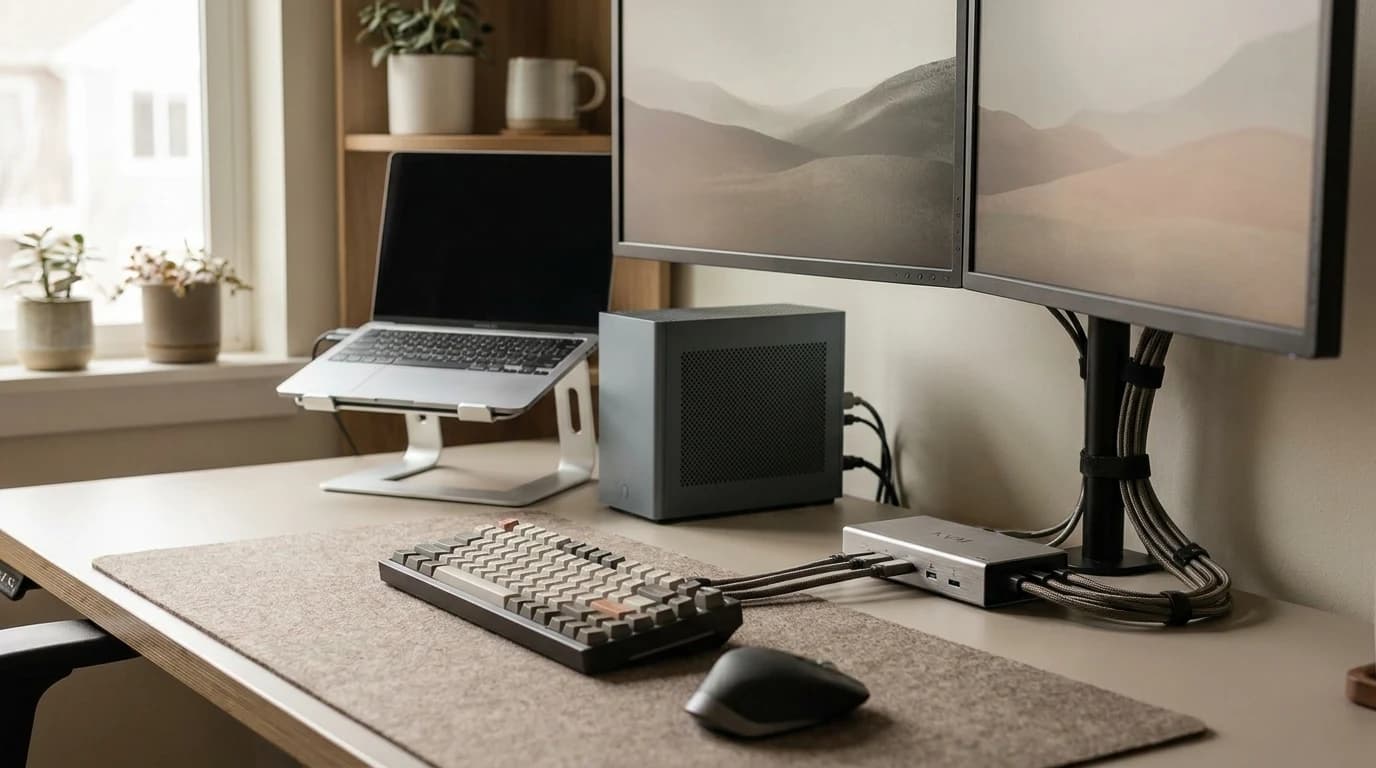
- Noise-cancelling headset: AirPods Pro 3 or Sony XM6. Silence is a superpower.
- Clean desk: A cluttered desk = a cluttered mind. Spend 2 minutes tidying before your focus block.
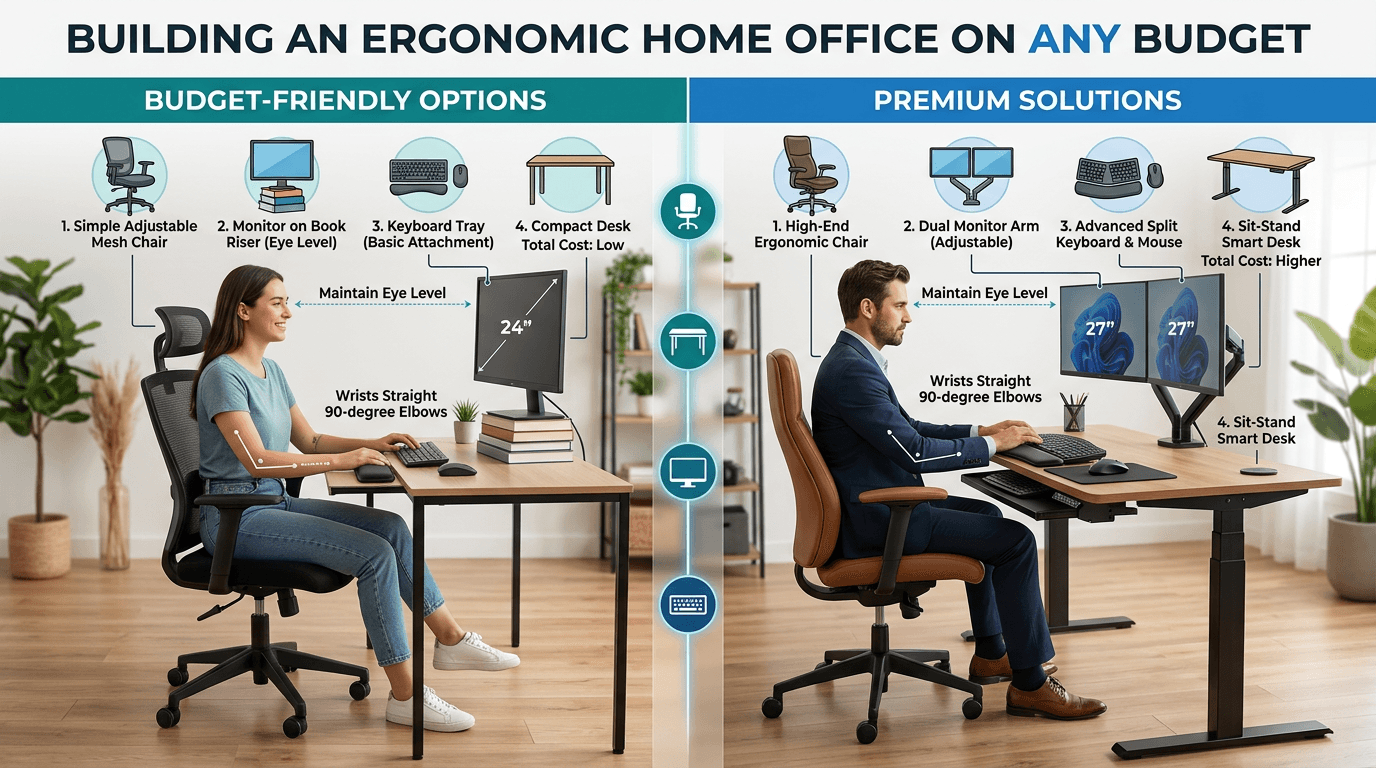
- Good monitor: Eye-level, 27"+. Reduces fatigue over long sessions.
For Meetings
- Webcam at eye level: You look more engaged and professional.
- Front-facing light: Window or desk lamp. No cave lighting.
- Mute by default: Unmute to speak, mute when done. Background noise is the #1 meeting complaint.
For Energy Management
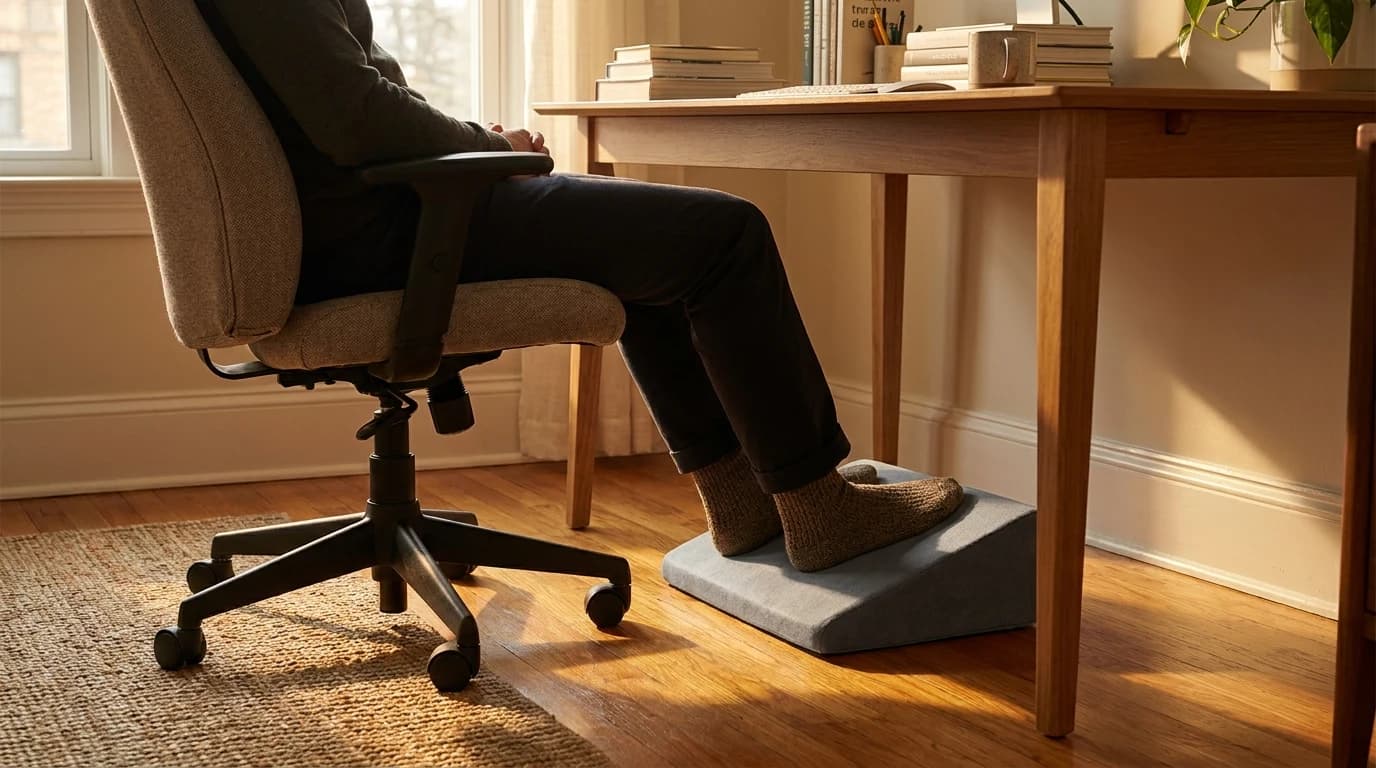
- Standing desk: Alternate sitting/standing throughout the day. Our recommended schedule: sit 90 min, stand 30 min.
- Ergonomic chair: Protects your back during the hours you are sitting.
- Blue light considerations: Some people find blue light glasses help with evening screen fatigue. The research is mixed, but they're cheap to try — see which blue light glasses are worth it.
A sample WFH day
Here's the framework as an actual schedule. Shift the clock to your life — the sequence is what matters.
| Time | Block |
|---|---|
| 7:30–8:30 | Morning anchor — coffee, walk, or breakfast away from screens |
| 8:30–11:00 | Deep work block — one task, notifications off |
| 11:00–11:15 | Break — stand, stretch, refill water |
| 11:15–1:00 | Meetings and collaboration |
| 1:00–1:45 | Lunch, away from the desk |
| 1:45–4:00 | Afternoon shift — email, reviews, admin, planning |
| 4:00–5:00 | Wrap-up — close loose ends, plan tomorrow |
| 5:00 | Hard stop — close the laptop, switch context |
Common mistakes to avoid
- No transition in or out of work. Rolling from bed to Slack and from Slack to bed erases the boundary your brain needs. Keep the morning anchor and the hard stop.
- Meetings smeared across the whole day. Scattered calls shred focus. Cluster them midday.
- Treating the afternoon dip as a failure. It's biology. Put low-stakes work there instead of forcing deep work.
- Skipping breaks to "save time." Unbroken screen time tanks afternoon output and worsens eye and back strain. Short breaks pay for themselves.
- No hard stop. Without a defined end, work expands to fill every hour — the fastest route to burnout.
The bottom line
A good WFH routine isn't a rigid 9-to-5 — it's a deliberate rhythm: a morning anchor to start, one protected deep-work block, clustered meetings, low-stakes work in the afternoon dip, and a hard stop you actually honor. Get the sequence right and the productivity follows.
Your next step
Anchor the routine with the right workspace.
Hilly Shore Labs
Editorial TeamWFH Lounge is published by Hilly Shore Labs. Every recommendation is built by synthesizing ergonomic research, manufacturer specs, expert reviews from outlets like Wirecutter, RTINGS, and The Verge, and aggregated long-term owner sentiment from thousands of verified buyers.
All product reviews are independently researched. Our recommendations are based on ergonomic guidelines, manufacturer specifications, and verified buyer sentiment. See our methodology.