AI Voice Recorders vs. Your Meeting App's Transcript
For fully-remote video work, your meeting app already does what a $150 AI recorder promises — don't buy the duplicate. A dedicated recorder is a real upgrade only when the talking leaves your screen: in-person and hybrid rooms, phone calls, and field capture. Either way, say you're recording out loud, since a dozen-odd states require all-party consent.
Quick Answer
If your meetings are remote video calls in Zoom, Teams, or Google Meet, they already transcribe and summarize themselves for free — a dedicated AI voice recorder is a duplicate. A recorder earns its place off-screen: in-person and hybrid rooms, phone calls, and field interviews with no Wi-Fi. Whatever you use, announce that you're recording, because some states require every person on the call to consent.
Key Takeaways
Your Zoom, Teams, and Meet calls already transcribe themselves — here's when a dedicated AI voice recorder is actually worth it, and when it's a duplicate.
As an Amazon Associate I earn from qualifying purchases. Product prices and availability are subject to change.
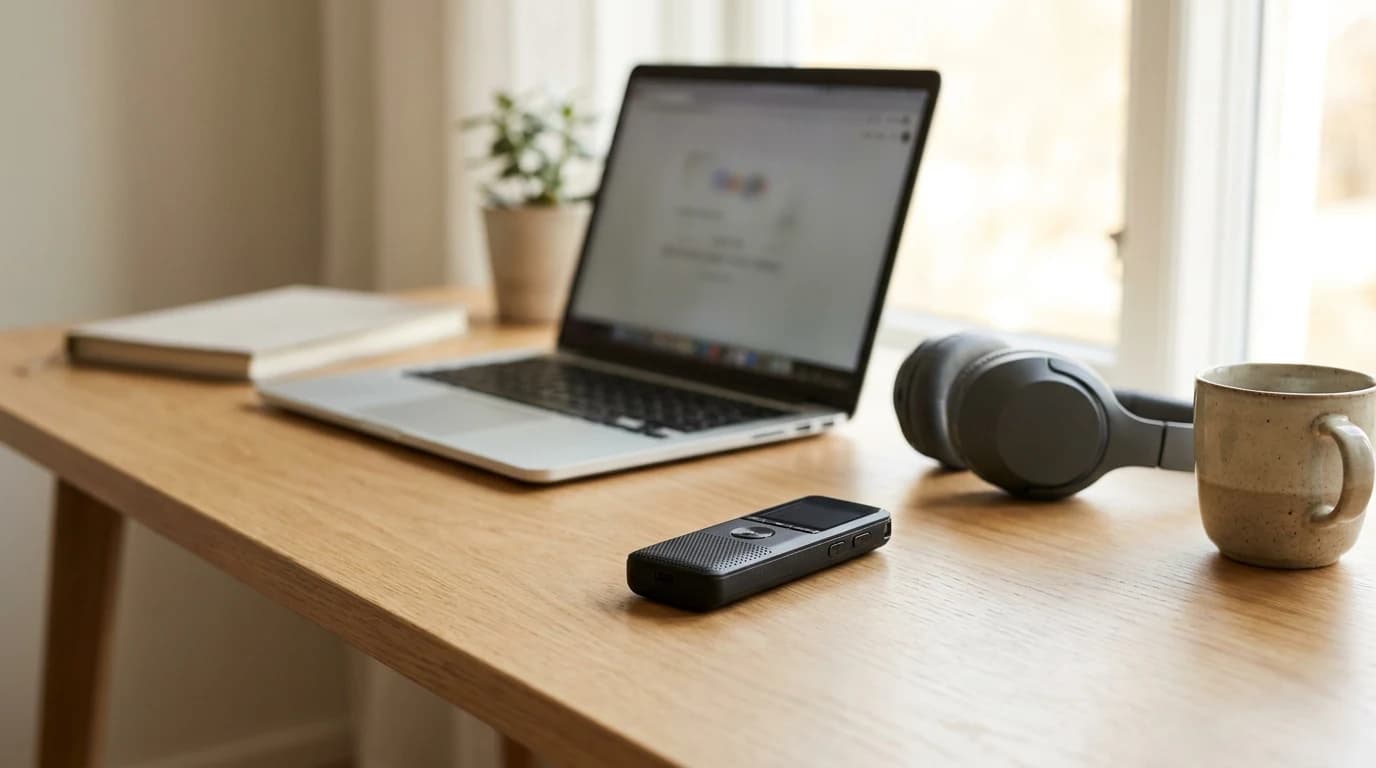
Searches for AI voice recorders and pendant note-takers have climbed sharply this year, and the pitch is seductive: clip on a gadget, and every meeting turns itself into a clean, searchable transcript with action items already pulled out. For a remote worker, though, there's an awkward question the product pages skip — your video-calling app almost certainly does this already, for free. So before you spend $150 on a dedicated recorder, it's worth mapping exactly where one earns its keep and where it's just a second copy of something you own.
The one-table decision
Read your own week against this before buying anything:
| Where the talking happens | Meeting app already covers it? | Dedicated recorder worth it? |
|---|---|---|
| Remote video calls (Zoom/Teams/Meet) | Yes — transcript + AI summary | No, it's a duplicate |
| Hybrid room (some in-person, some remote) | Partly — only the dialed-in audio | Maybe — it captures the whole room |
| Fully in-person meeting | No | Yes |
| Phone calls | No | Yes (mind consent) |
| Field / interviews / no Wi-Fi | No | Yes |
| Voice memos & solo thinking | No | Yes, but your phone does too |
If nearly every row that matters to you says "your app already covers it," you're shopping for a problem you don't have.
What your meeting app already does — free
The three platforms most remote workers live in have quietly absorbed the entire pitch of a dedicated recorder:
- Google Meet turns meeting transcripts on by default for every Workspace edition except student Education licenses, and drops the finished transcript straight into the host's Google Drive.
- Zoom's built-in AI note-taker "automatically captures, summarizes, and extracts action items from any virtual or in-person meeting" — the exact language the pendant makers use.
- Microsoft Teams offers live transcription during the call plus an AI "recap" that summarizes it afterward.
If your job runs on one of these, a $150 gadget buys you a second transcript of a call that's already transcribing itself. (The thing actually worth spending on for those calls isn't a recorder — it's better call audio, because a clean transcript still needs a clean input.)
Where a recorder actually earns its place
A dedicated device becomes genuinely useful the moment the conversation leaves your screen:
- The hybrid room. Three people around a conference table, two dialed in — your meeting app only hears the mic'd remote feed, so the in-room voices come through thin or not at all. A recorder on the table captures everyone.
- Fully in-person meetings. A standup at a client site, a hallway decision, a workshop — none of it touches Zoom, so none of it gets auto-transcribed.
- Phone calls. Ordinary cellular calls produce no transcript. A recorder (or a recording app) is the only way to get one.
- Field capture. Interviews, site visits, a walk-and-talk with no Wi-Fi — a device that stores locally and transcribes later doesn't depend on a meeting platform at all.
Notice the pattern: every genuine use case is off the video call. That's the whole test.
The honest take: for someone whose meetings are 95% remote video calls, a dedicated AI voice recorder solves a problem their software already solved. The people who should buy one are hybrid and in-person workers — not the fully-remote crowd the ads target.
What most buyers get wrong
The online buying conversation is almost entirely about transcription accuracy — which model has the lowest error rate. That's the wrong axis. Modern speech-to-text is good enough across the board; a two-percent accuracy edge rarely changes whether you find the decision you were looking for. The questions that actually matter are:
- Does the audio even reach the device? (Covered above — this is the whole game.)
- Are you allowed to record it? (Almost nobody asks. See below.)
Optimizing for the accuracy leaderboard while ignoring those two is how people end up with a drawer gadget.
The part nobody mentions: consent
Here's the risk the product pages never print: recording a conversation isn't automatically legal just because you're in it.
Most U.S. states follow one-party consent — you, as a participant, can record. But a smaller group requires all-party consent, meaning everyone in the conversation must agree first. That group includes big population centers — California, Florida, Illinois, Massachusetts, Pennsylvania, and Washington among them — so a remote team spread across states can easily include someone it covers. When a one-party caller records someone in an all-party state, courts have applied the stricter state's rule.
The practical move is boring and bulletproof: say you're recording, out loud, at the top of the call. Every built-in meeting tool already flags recording on-screen for exactly this reason; a pocket recorder gives no such warning — which is precisely when people get into trouble. If you record at all, make verbal notice a habit, not an afterthought.
So, do you need one?
Map your real week to the table. If the conversations you'd want captured happen inside a video call, you already own the feature — spend the money on audio quality or a faster connection instead. If your work regularly pulls you into rooms, phone calls, or the field, a dedicated recorder is a real upgrade — just build the "I'm recording" sentence into your routine before it ever leaves the drawer.
Does Zoom or Teams already transcribe my meetings?
Yes. Zoom's built-in AI note-taker auto-captures and summarizes meetings, Microsoft Teams offers live transcription plus an AI recap, and Google Meet turns transcripts on by default for most Workspace editions and saves them to Drive. For remote video calls, that overlaps almost entirely with what a dedicated recorder does.
When is a dedicated AI voice recorder actually worth it?
When the talking happens off your screen — in-person meetings, hybrid rooms where remote software only hears the dialed-in feed, phone calls, and field interviews without Wi-Fi. If nearly all your meetings are remote video calls, it's largely redundant.
Is it legal to record my work calls?
It depends on your state. Most U.S. states allow one-party consent (you can record a call you're in), but roughly a dozen require all-party consent — everyone must agree first. Because remote teams span states, the safe practice is to announce that you're recording at the start of every call.
Sources
- Google Meet Help — Use Transcripts with Google Meet (transcripts on by default for Workspace editions; saved to Drive)
- Zoom — AI note taking (auto-captures, summarizes, and extracts action items from any virtual or in-person meeting)
- Microsoft Teams support — Live transcription in Teams meetings (built-in live transcription plus AI recap)
- Justia — Recording Phone Calls & Conversations: 50-State Survey (majority one-party consent; a smaller group requires all-party consent)
Hilly Shore Labs
Editorial TeamWFH Lounge is published by Hilly Shore Labs. Every recommendation is built by synthesizing ergonomic research, manufacturer specs, expert reviews from outlets like Wirecutter, RTINGS, and The Verge, and aggregated long-term owner sentiment from thousands of verified buyers.
All product reviews are independently researched. Our recommendations are based on ergonomic guidelines, manufacturer specifications, and verified buyer sentiment. See our methodology.