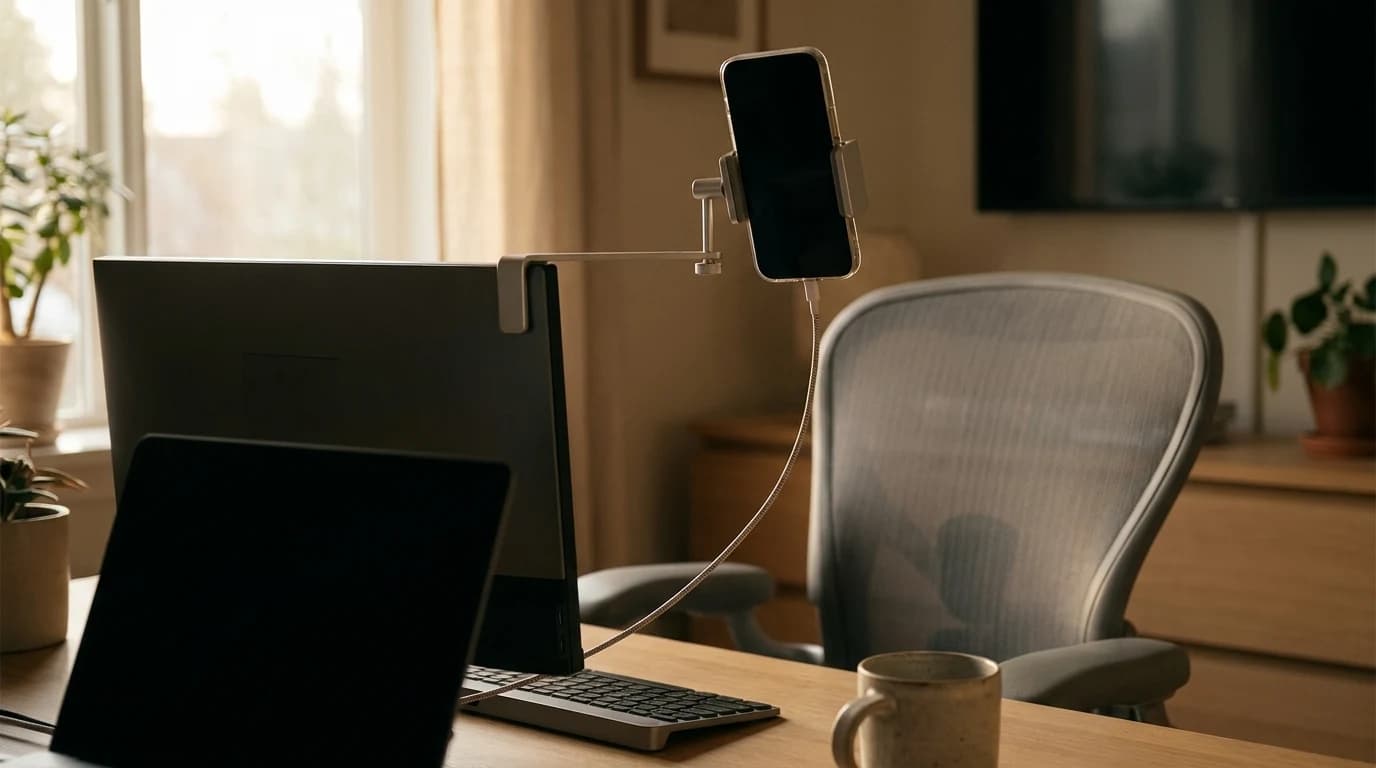
Iriun Webcam Setup: Use Your Phone as a Real Webcam
Iriun turns any phone into a webcam on any OS. The setup steps, the free-tier watermark, and the two pairings Apple and Microsoft leave uncovered.
WFH Lounge Editorial
6 min read·August 31, 2026
WFH Lounge Blog
Research-backed buying guides, product comparisons, and work-from-home setup advice.
Showing 1–12 of 14 guides tagged #video-calls
Iriun turns any phone into a webcam on any OS. The setup steps, the free-tier watermark, and the two pairings Apple and Microsoft leave uncovered.
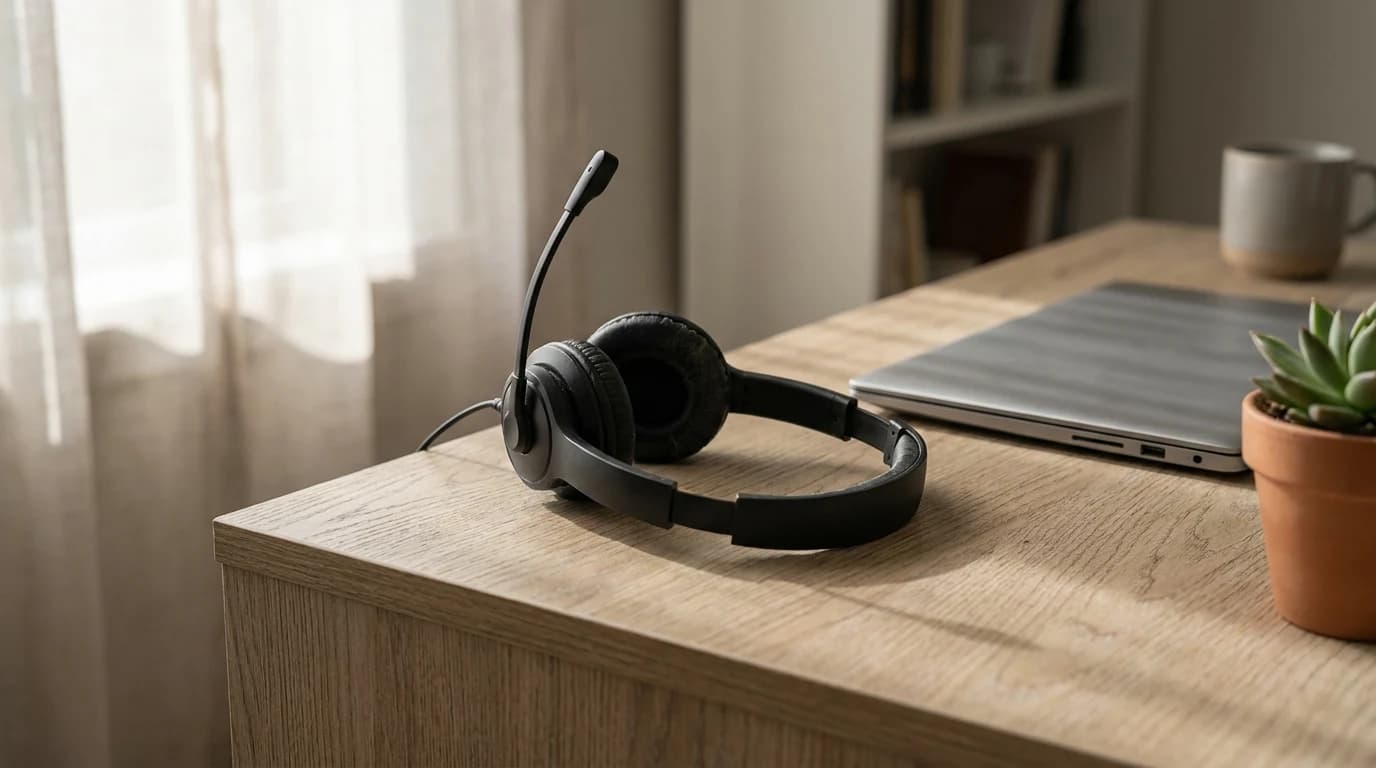
Bluetooth Classic cannot carry stereo playback and a live microphone at once. Here is the profile switch behind it, and why two common fixes miss.
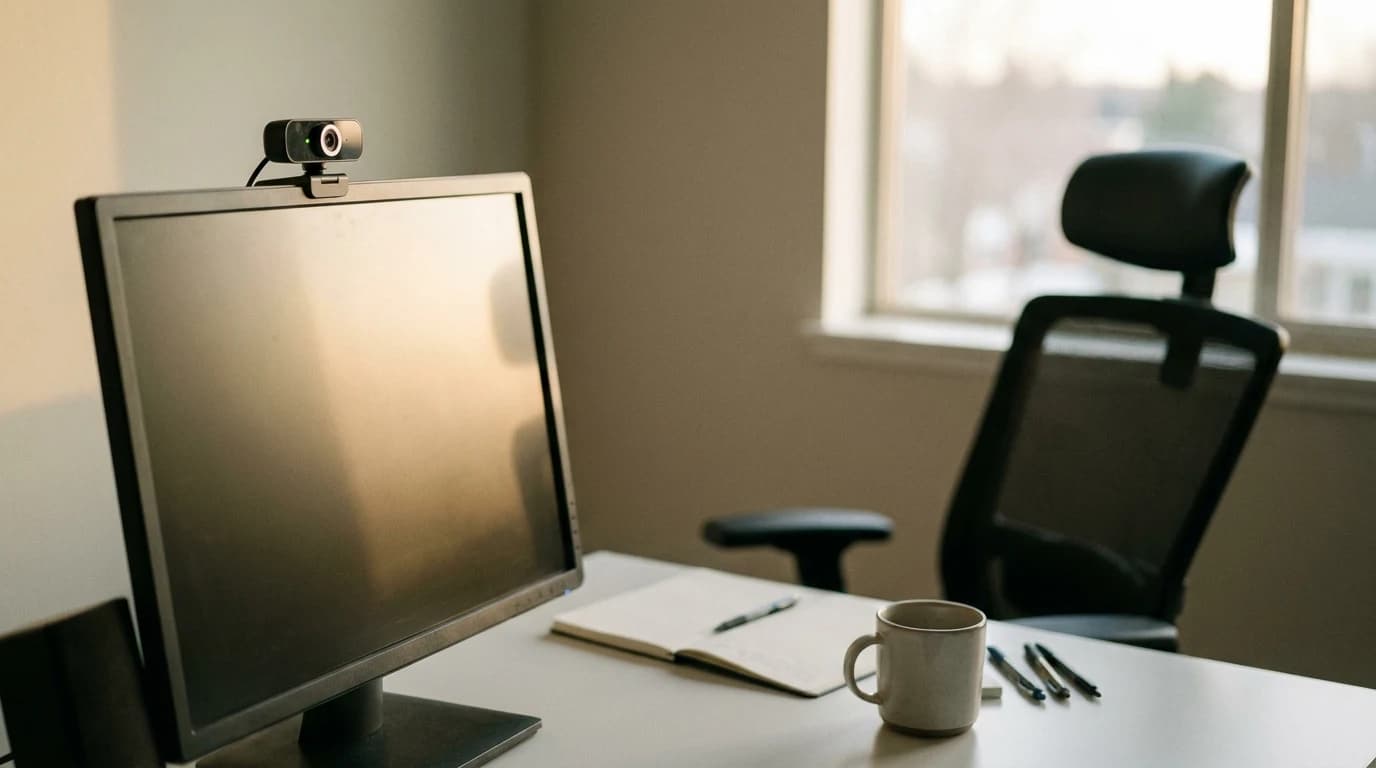
Windows names the cause in its own error code and a Mac tells you with a green light. The 90-second test that beats restarting your laptop again.
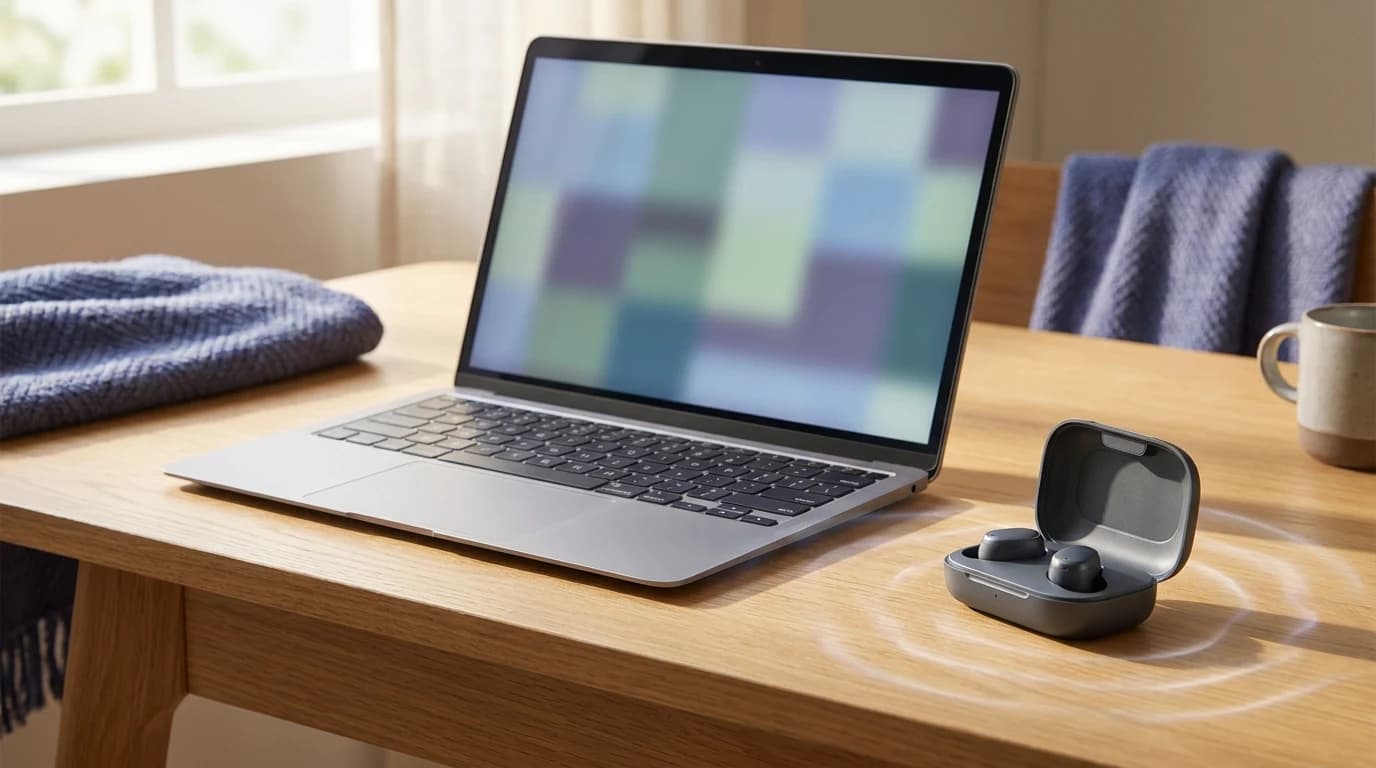
Translation earbuds listen to room sound, while meeting captions translate the call audio before it leaves the app. Here is which tool fits each setting.
Your Zoom, Teams, and Meet calls already transcribe themselves — here's when a dedicated AI voice recorder is actually worth it, and when it's a duplicate.
You sound worse on calls than you should — and it's almost never your voice. The three real causes, in order, and the free fixes that beat buying a mic.
The 7 best USB microphones for remote workers in 2026 - Shure MV7+ wins overall, Rode PodMic USB for podcast-first, Samson Q2U budget hybrid. Plus the dynamic v...
The 4 best key lights for WFH 2026 - Litra Glow wins overall, Elgato Key Light MK.2 brightest, NEEWER N43 for budget. Why glasses-wearers skip ring lights.
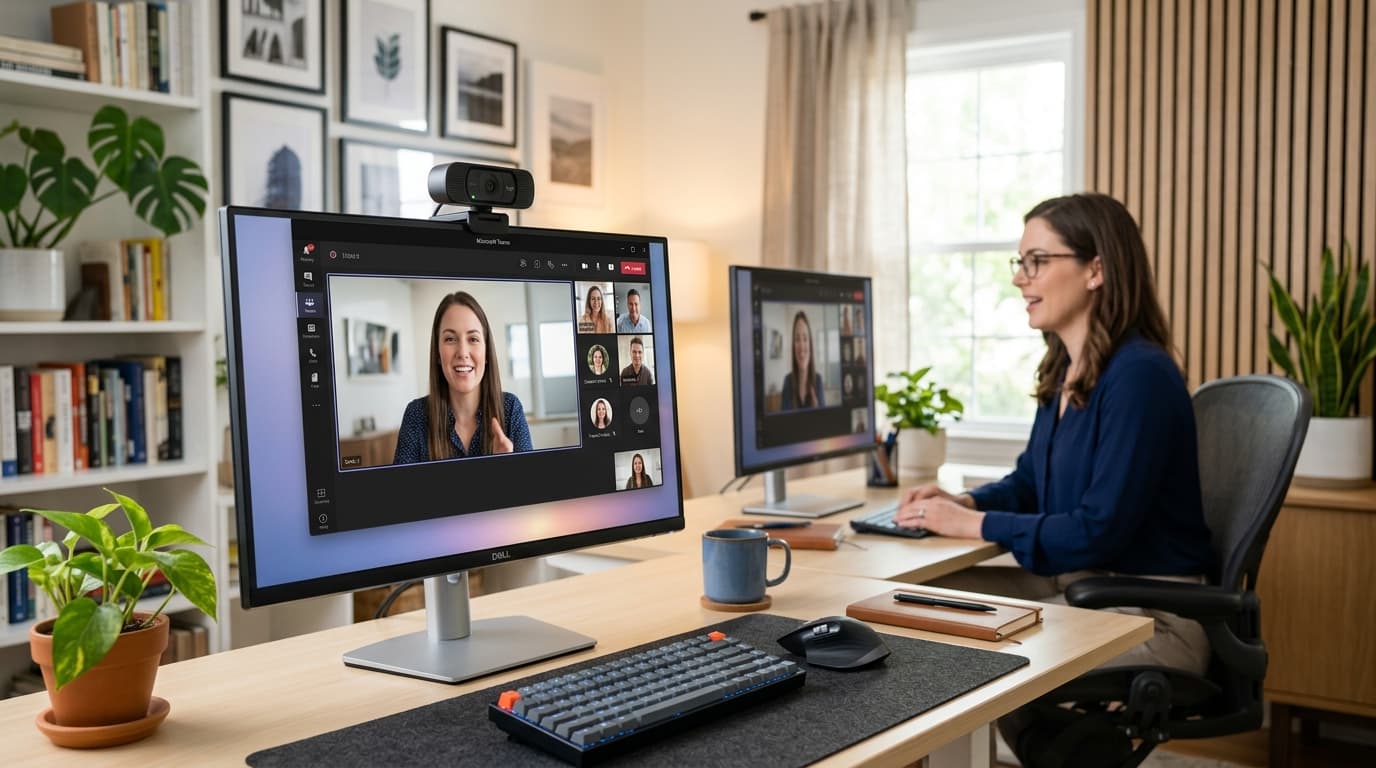
Webcams under $100 for Zoom, Teams and Meet in 2026. Top pick: Razer Kiyo V2 X ($99.99). Budget: Anker C200 ($59.49). 4K: OBSBOT Meet 2 ($94 with Prime ($129 ot...
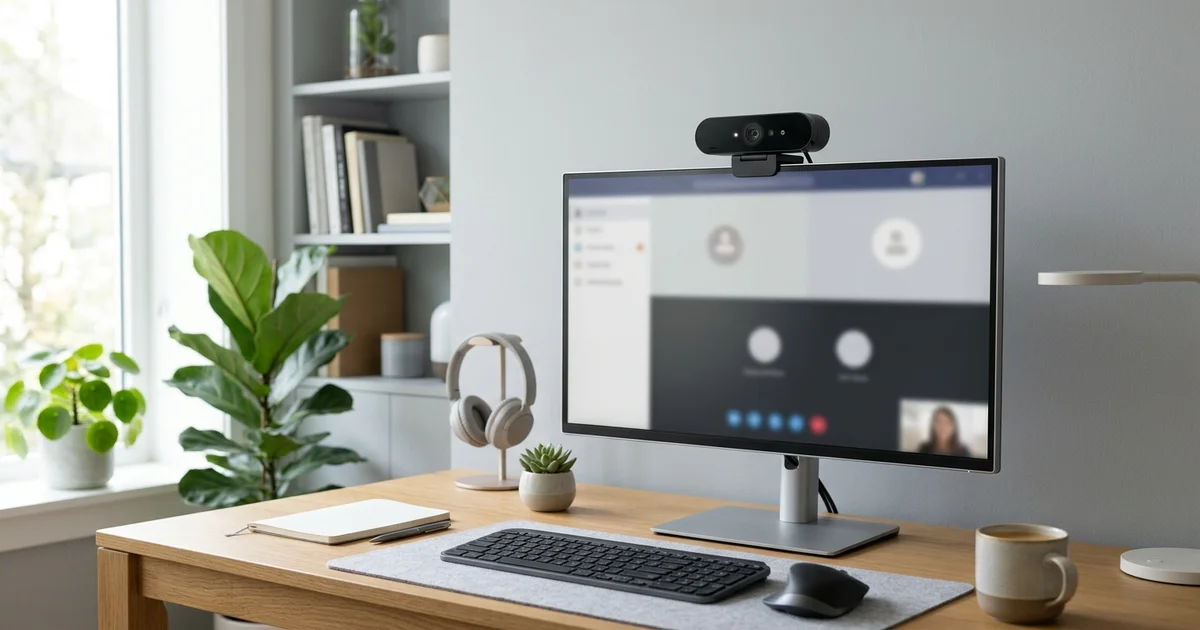
Six webcams ranked for WFH calls in 2026. The Insta360 Link 2C Pro is our top pick, the $69.99 Anker C200 the budget choice, the MX Brio the office pick.
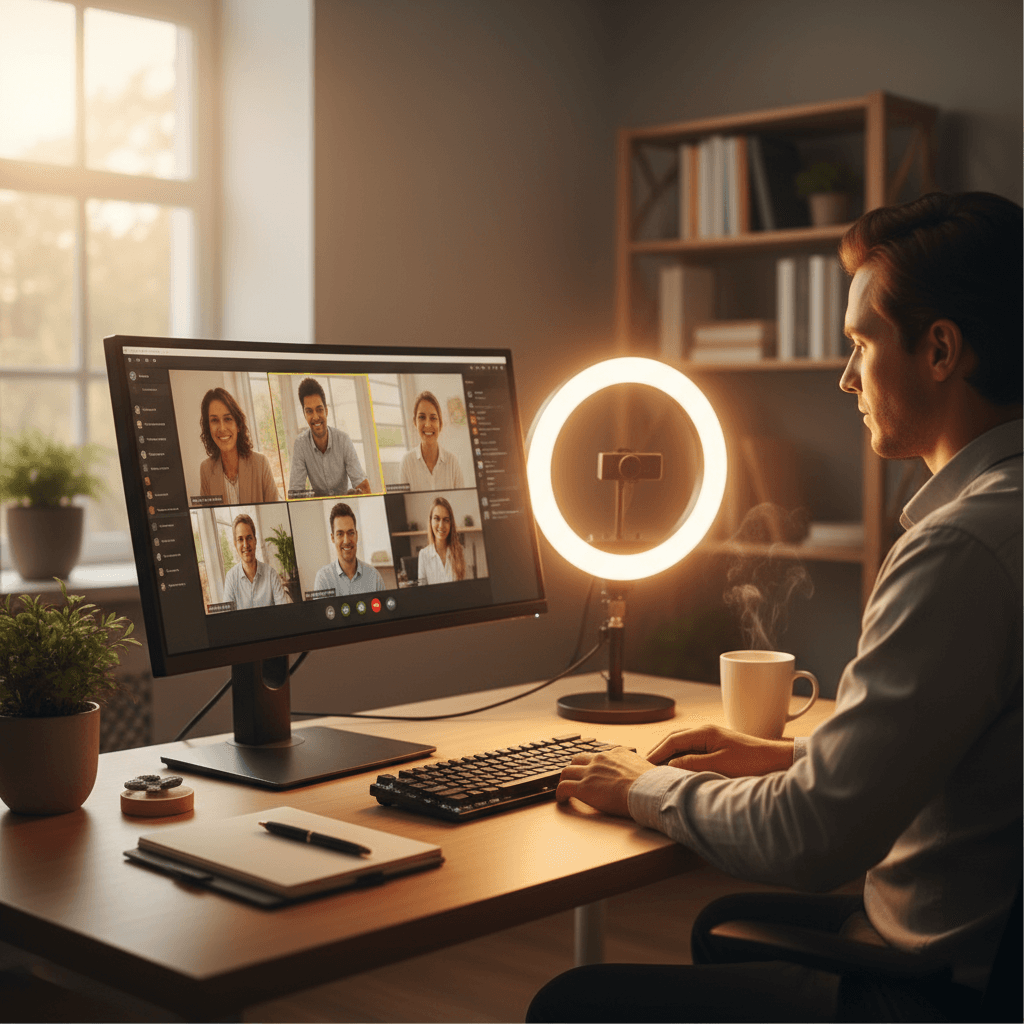
Six ring and key lights ranked for WFH video calls in 2026. The monitor-mounted Logitech Litra Glow is our top pick; a $22 clip-on ring is the budget play.
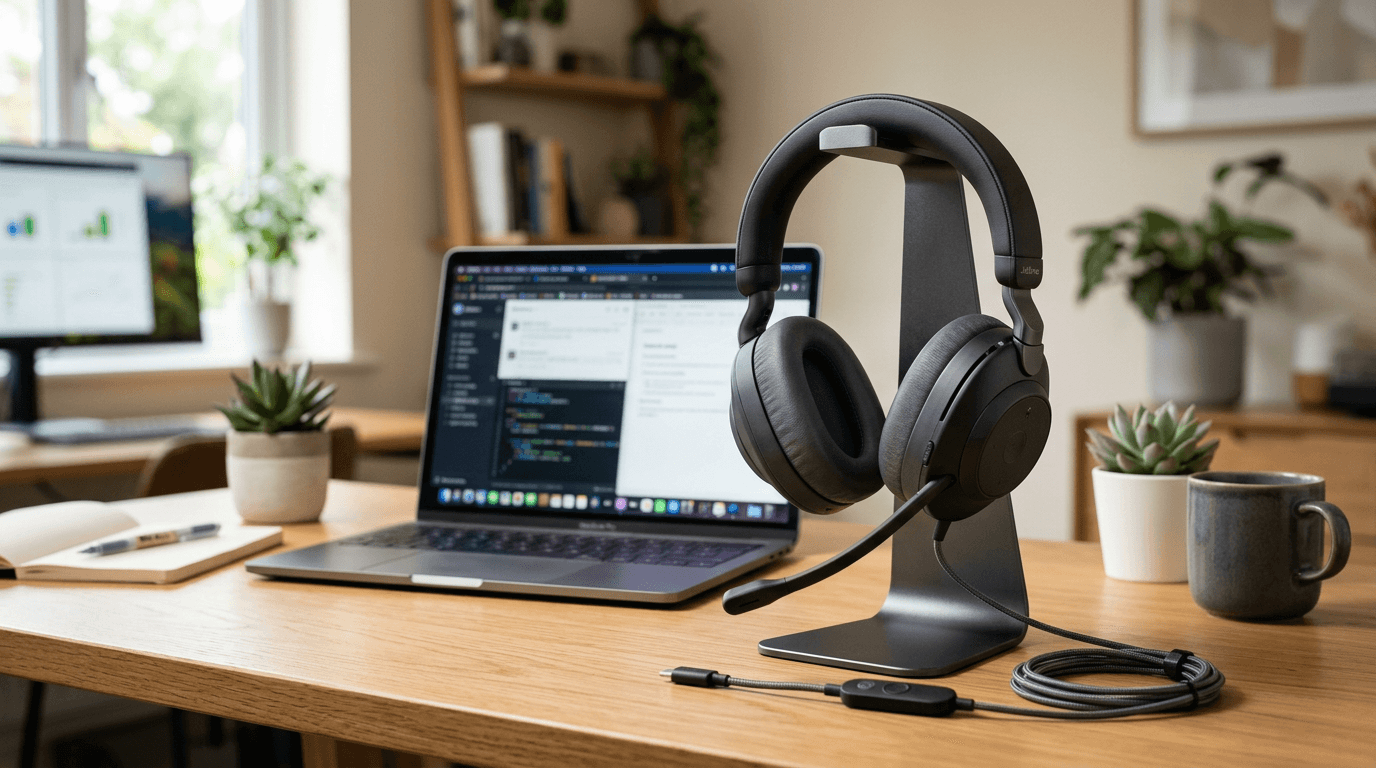
Simple fixes to look professional on Zoom, Teams, and Google Meet. Lighting, camera angle, and background tips that cost almost nothing.