Best External SSDs for WFH 2026: 7 Picks by Speed
Our #1 Pick
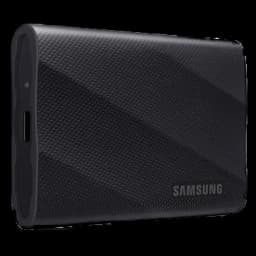
Samsung T9 Portable SSD 2TB
True 2000MB/s on USB 3.2 Gen 2x2, advanced thermal management on long Time Machine jobs, and Samsung's reliability track record. The default WFH backup drive in 2026.
- USB 3.2 Gen 2x2 hits a true 2000MB/s read on any Gen 2x2 host
- Advanced thermal management prevents throttling on long Time Machine sessions
- Hardware AES-256 encryption built into Samsung Magician software
Price checked Oct 17, 2026 — verify the live price on Amazon.
Also Great
Best value: Crucial X10 Pro 2TB ($364.44) — Same 2000MB/s class on Gen 2x2, IP55 rugged, $40-60 cheaper than the T9 at the 2TB tier
Buy on AmazonBest rugged: Samsung T7 Shield 2TB ($530.45) — IP65 water and dust resistance plus 9.8-foot drop rating for fieldwork or coffee-shop spills
Buy on Amazon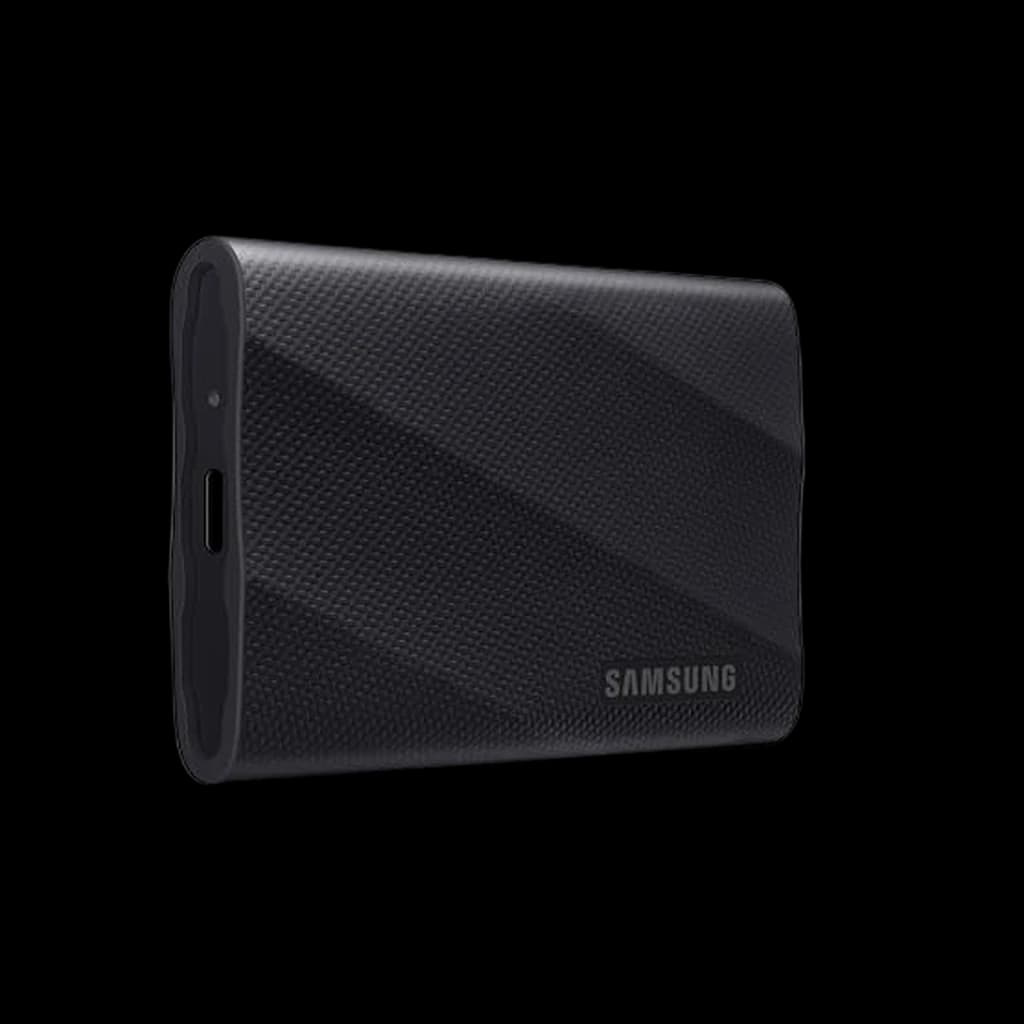 #1 Owner rating | 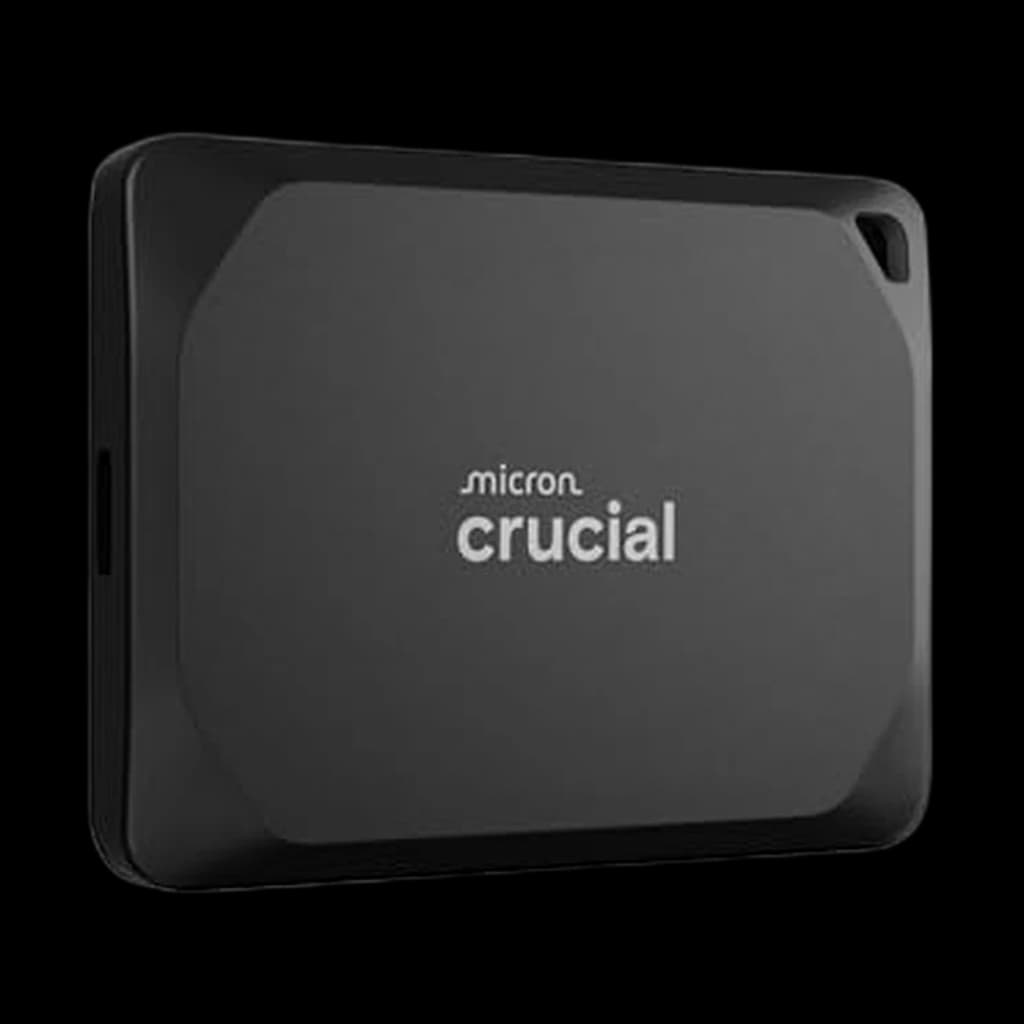 #2 Owner rating | 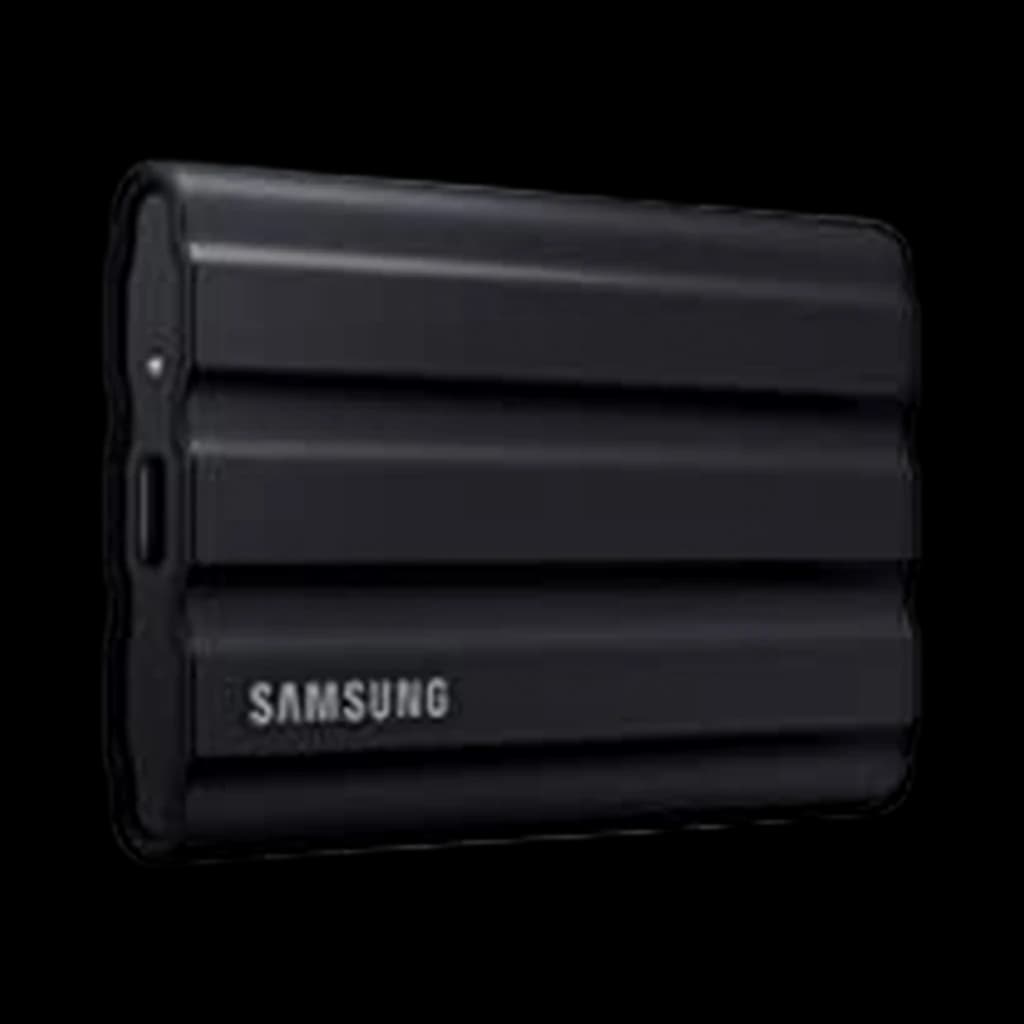 #3 Owner rating | 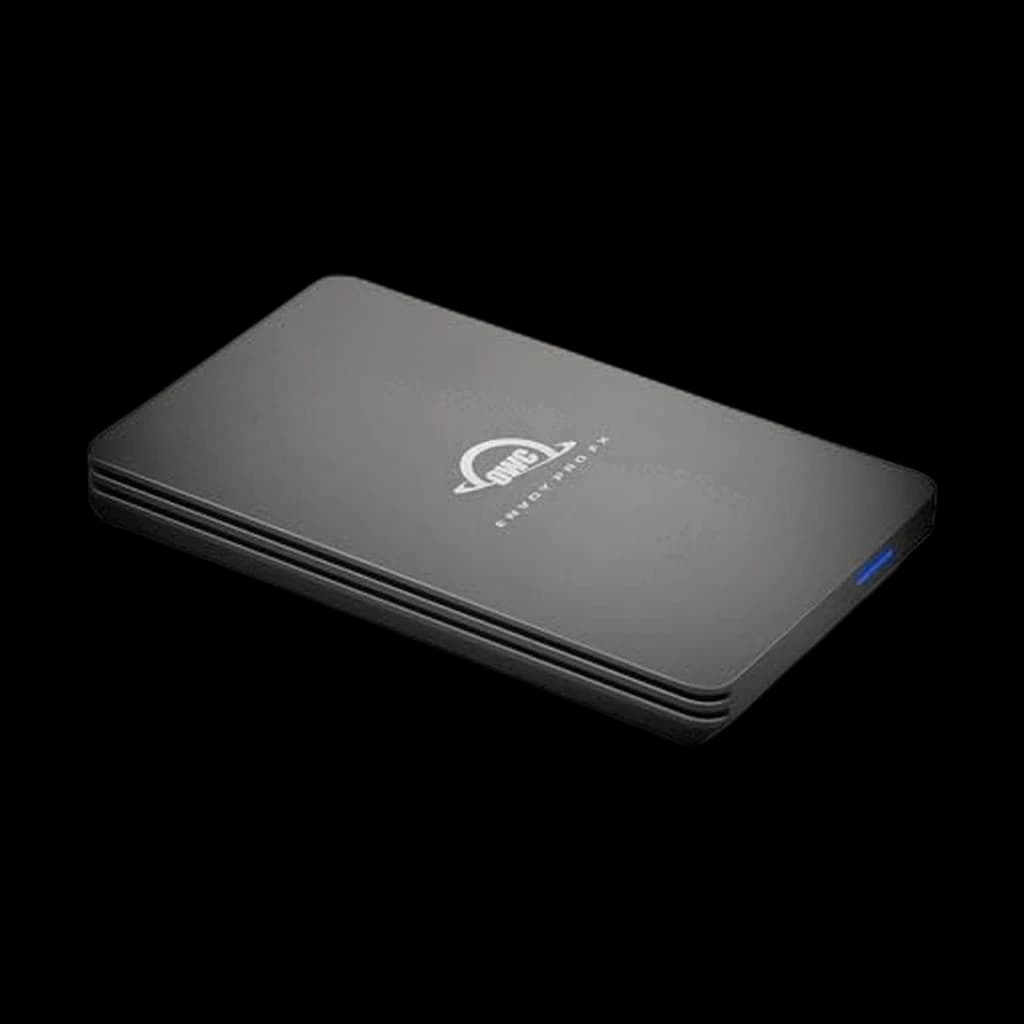 #4 Owner rating | 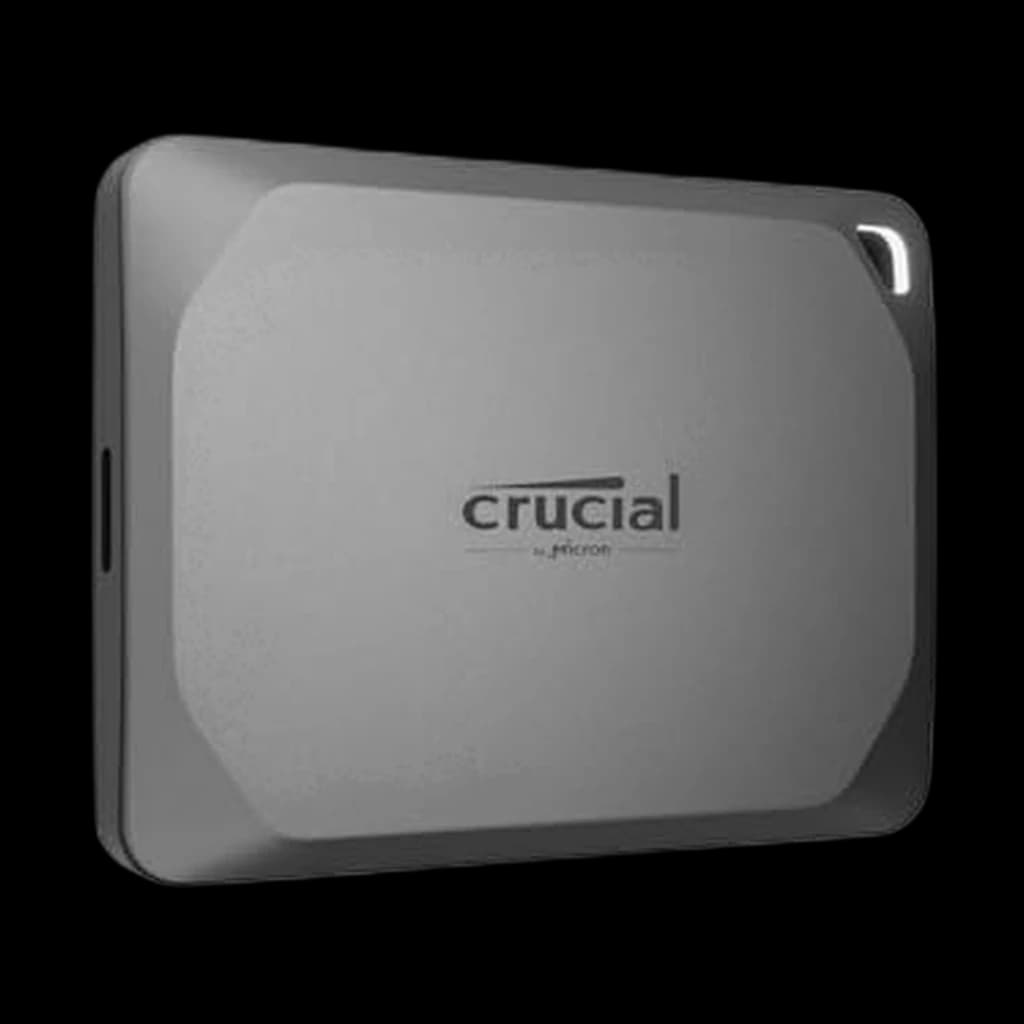 #5 Owner rating | |
|---|---|---|---|---|---|
| Price | $449.99Buy on Amazon | $364.44Buy on Amazon | $530.45Buy on Amazon | $571.96Buy on Amazon | $169.13Buy on Amazon |
| Verdict | Best overall - true 2000MB/s on Gen 2x2 | Best value 2TB | Best rugged pick | Best Thunderbolt pick for Mac | Best budget pick |
| Buyer sentiment | Speed Performance Compact Size Ease Of Use Buyers praise speed, performance, compact size and ease of use. Mixed feedback on reliability and value for money. Based on 1,128 user mentions | Speed Compact Size Performance Data Transfer Compatibility Data Integrity Buyers praise speed, compact size, performance and data transfer. Mixed feedback on reliability and value for money. Some flag compatibility and data integrity. Based on 1,038 user mentions | Speed Reliability Quality Compact Size Buyers praise speed, reliability, quality and compact size. Mixed feedback on value for money and compatibility. Based on 3,770 user mentions | Speed Reliability Size Installation Value for money Buyers praise speed, reliability, size and installation. Some flag value for money. Based on 107 user mentions | Reliability Speed Size Performance Compatibility Buyers praise reliability, speed, size and performance. Some flag compatibility. Based on 936 user mentions |
| Capacity | 2TB | 2TB | 2TB | 1TB | 1TB |
| Interface | USB 3.2 Gen 2x2 (20Gbps) | USB 3.2 Gen 2x2 (20Gbps) | USB 3.2 Gen 2 (10Gbps) | Thunderbolt 3 | USB 3.2 Gen 2 (10Gbps) |
| Read Speed | 2000MB/s | 2100MB/s | 1050MB/s | 2800MB/s | 1050MB/s |
| Drop | 3 meters | 7.5 feet (IP55) | 9.8 feet (IP65) | IP67 | — |
| Encryption | — | — | — | — | 256-bit AES (optional) |
| Pros |
|
|
|
|
|
| Cons |
|
|
|
|
|
* Prices checked Oct 10, 2026 and may vary. Check the latest price on Amazon.
We research — never hands-on. How we research →
Key Takeaways
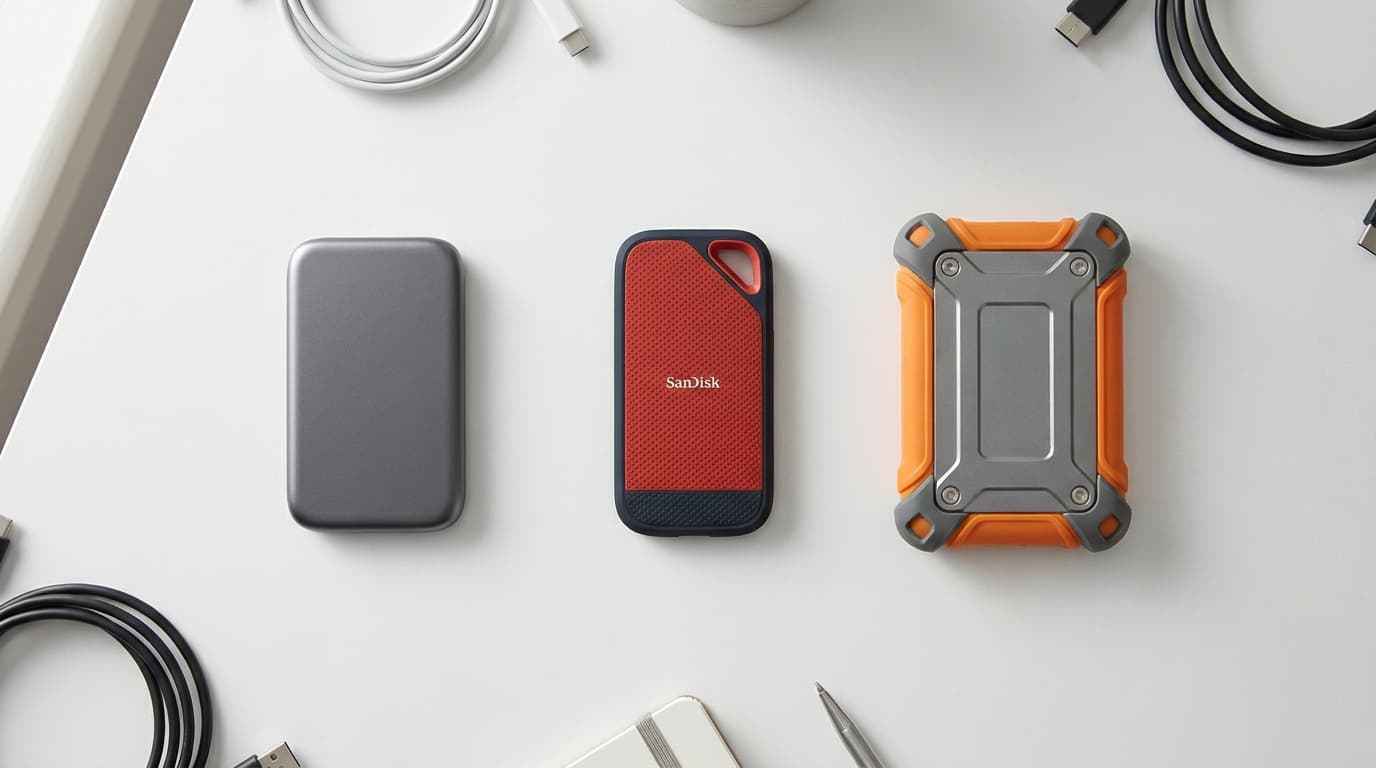
From Time Machine backups to 4K video edits: the 7 external SSDs worth buying in 2026, ranked by interface speed, rugged rating and price per terabyte.
As an Amazon Associate I earn from qualifying purchases. Product prices and availability are subject to change.
Why your laptop needs an external SSD in 2026
The single highest-leverage WFH purchase after a good chair and monitor is an external SSD. A laptop SSD failure used to be a once-in-five-years event; in 2026, the average laptop is more loaded with active project files, Time Machine deltas, and synced cloud caches than ever, and a single corruption event can erase a week of work. An external SSD is the cheapest insurance you can buy.
But the category has gotten messy in three specific ways:
- Speed claims that depend on your laptop. Drives advertised at "NVMe-class 2000MB/s speeds" routinely cap out at 1050MB/s because the host laptop only has USB 3.2 Gen 2 ports, not the Gen 2x2 the drive needs.
- Rugged certifications are inconsistently published.
- Firmware-related data-loss bugs have hit two of the biggest brands in the last two years.
This guide walks through the 7 external SSDs worth buying in 2026, ranked by what actually matters for WFH professionals: interface speed that matches your laptop's ports, capacity that fits your workflow, rugged rating that survives travel, and a track record of reliability. Research-based evaluations cite Tom's Hardware, Wirecutter, PetaPixel, and the USB-IF interface specifications.
Decide in 30 seconds
| Use case | Capacity | Pick |
|---|---|---|
| Time Machine, backup only | 1TB | Crucial X9 1TB |
| Daily WFH backup, modern Mac | 2TB | Samsung T9 2TB |
| Best value 2TB | 2TB | Crucial X10 Pro 2TB |
| Travels in a backpack daily | 2TB | Samsung T7 Shield 2TB |
| 4K video editing, Mac | 1TB+ | OWC Envoy Pro FX 1TB |
| Corporate laptop, encrypted backup | 1TB | WD My Passport SSD 1TB |
What the specs actually mean
USB 3.2 Gen 2 vs Gen 2x2 vs Thunderbolt
The interface is the part most buyers get wrong. There are three speed tiers in 2026:
- USB 3.2 Gen 2 (10Gbps) - caps real-world throughput at roughly 1050MB/s. Standard on most Windows laptops and older MacBooks.
- USB 3.2 Gen 2x2 (20Gbps) - unlocks roughly 2000MB/s. Common on newer Macs via USB-C, still rare on Windows laptops.
- Thunderbolt 3 / 4 / USB4 - 40Gbps interface, real-world throughput around 2800MB/s. Standard on every Apple Silicon Mac, increasingly common on premium Windows laptops.
A drive rated at 2000MB/s only delivers that speed when plugged into a 20Gbps Gen 2x2 host port. Plug it into a 10Gbps Gen 2 port and you cap out near 1050MB/s.
Check before you pay: look for "USB 3.2 Gen 2x2" or "Thunderbolt" on your laptop's spec sheet before paying premium prices for a fast drive.
IP55 vs IP65 vs IP67
The IP code tells you what the drive survives. The first digit is dust resistance (5 = some dust gets in but no functional impact, 6 = fully dust-tight), the second is water resistance (5 = water jets, 7 = submersion to 1 meter).
- IP55 - fine for WFH-plus-occasional-travel.
- IP65 - the floor for coffee-shop spills and field photography.
- IP67 - overkill unless your drive actually goes in water.
Hardware AES-256 encryption
If your backups contain client work, financial records, or contracts, hardware encryption is the table-stakes spec. All seven picks here support AES-256, but the implementation differs: Samsung uses the Portable SSD app, WD uses WD Security, SanDisk uses SecureAccess.
Verify first: check the encryption workflow on your OS before trusting the drive with sensitive files.
The picks, ranked
1. Samsung T9 Portable SSD 2TB - best overall
Buy on Amazon · $449.99The Samsung T9 Portable SSD 2TB is the new WFH backup default. USB 3.2 Gen 2x2 delivers a sustained 2000MB/s in real-world tests, the rubberized chassis survives a 3-meter drop, and Samsung's track record on consumer SSDs is the most boring kind of good. Hardware AES-256 encryption integrates cleanly with both macOS and Windows. The premium per terabyte over the older T7 Shield is real, but you get true Gen 2x2 speeds in exchange.
Where it fits: the laptop you actually use every day, with a USB-C port that supports 20Gbps. Time Machine writes finish in roughly half the time of any 10Gbps drive.
2. Crucial X10 Pro 2TB - best value at the 2TB tier
Buy on Amazon · $364.44The Crucial X10 Pro 2TB hits the same 2000MB/s class as the T9, often $40-60 cheaper at the 2TB capacity. The IP55 rating and 7.5-foot drop tolerance cover normal WFH-plus-travel use. The aluminum chassis acts as a passive heatsink, which keeps sustained writes from throttling on long backup jobs. The only knock is the lone short USB-C cable in the box - no USB-A adapter on the standard SKU.
3. Samsung T7 Shield 2TB - best rugged pick
Buy on Amazon · $530.45The Samsung T7 Shield 2TB trades raw speed for survivability. IP65 dust and water resistance plus a 9.8-foot drop rating from the elastomer outer shell make it the right call for anyone whose laptop bag gets thrown in cars, lockers, and overhead bins. Speed is capped at 1050MB/s by the USB 3.2 Gen 2 interface, but for most WFH backup workflows that ceiling is invisible - you're bottlenecked by the source disk and the file count, not the drive.
4. SanDisk Extreme Pro Portable SSD V2 1TB - only buy after the firmware fix
The SanDisk Extreme Pro Portable SSD V2 1TB is the right SanDisk to buy in 2026, but only after verifying the firmware version. The forged aluminum chassis doubles as a heatsink, and the 2000MB/s rating is real on Gen 2x2 hosts. The pocket-coin form factor is the smallest in this guide.
Why the caveat: earlier production runs had a documented data-loss bug; the updated firmware (released in late 2023) addresses it.
5. OWC Envoy Pro FX 1TB - best Thunderbolt pick for Mac
Buy on Amazon · $571.96The OWC Envoy Pro FX 1TB is the right answer if you edit 4K video on a Mac. Thunderbolt 3 delivers 2800MB/s sustained throughput, the IP67 rating means it survives full submersion to 1 meter, and bus-powered operation eliminates the desk brick. The cost is roughly 2x per terabyte of comparable USB-C drives. If you only back up files, you're paying for speed you can't use; if you actively edit 4K timelines, the Thunderbolt advantage shows up immediately.
6. Crucial X9 1TB - best budget pick
Buy on Amazon · $169.13The Crucial X9 1TB is the least expensive drive in this guide, and the one to pick when 1TB is enough. The 1050MB/s ceiling on the Gen 2 interface is the right tradeoff for the price; you wouldn't see Gen 2x2 speeds on most older laptops anyway.
7. WD My Passport SSD 1TB - corporate-friendly pick
The WD My Passport SSD 1TB is the pick when the IT team asks for password-protected backups. WD Security wraps the drive in 256-bit AES with a clean password-prompt workflow on both macOS and Windows. The slim metal design has no rubber bumper, which makes it the easiest of the seven to slip into an already-stuffed laptop bag. The 6.5-foot drop rating and lack of published IP code keep it indoors.
Reddit and community consensus
- r/HomeOffice consistently recommends the Samsung T9 and SanDisk Extreme Pro V2 (post-firmware-fix) for Time Machine backups.
- r/macsetups favors the OWC Envoy Pro FX for active project drives because of the Thunderbolt 3 throughput.
- r/DataHoarder leans on the Samsung T7 Shield for travel because of the 9.8-foot drop rating and IP65 certification.
The most common warning is against unbranded "NVMe-speed" drives that don't publish an interface spec or IP rating - field-failure rates climb sharply on un-rated drives.
The Bottom Line
For most WFH professionals in 2026:
- Samsung T9 2TB - the right backup drive for most people.
- Crucial X10 Pro 2TB - the value pick, same speed class at a better price.
- Samsung T7 Shield 2TB - the rugged answer if your laptop bag travels.
- OWC Envoy Pro FX 1TB - the only drive on this list that fully utilizes Thunderbolt throughput, for editing 4K video on a Mac.
If what you need is bulk backup capacity rather than speed, compare our external hard drive picks.
Your next step
Plug it into a dock worth the ports.
Hilly Shore Labs
Editorial TeamWFH Lounge is published by Hilly Shore Labs. Every recommendation is built by synthesizing ergonomic research, manufacturer specs, expert reviews from outlets like Wirecutter, RTINGS, and The Verge, and aggregated long-term owner sentiment from thousands of verified buyers.
All product reviews are independently researched. Our recommendations are based on ergonomic guidelines, manufacturer specifications, and verified buyer sentiment. See our methodology.