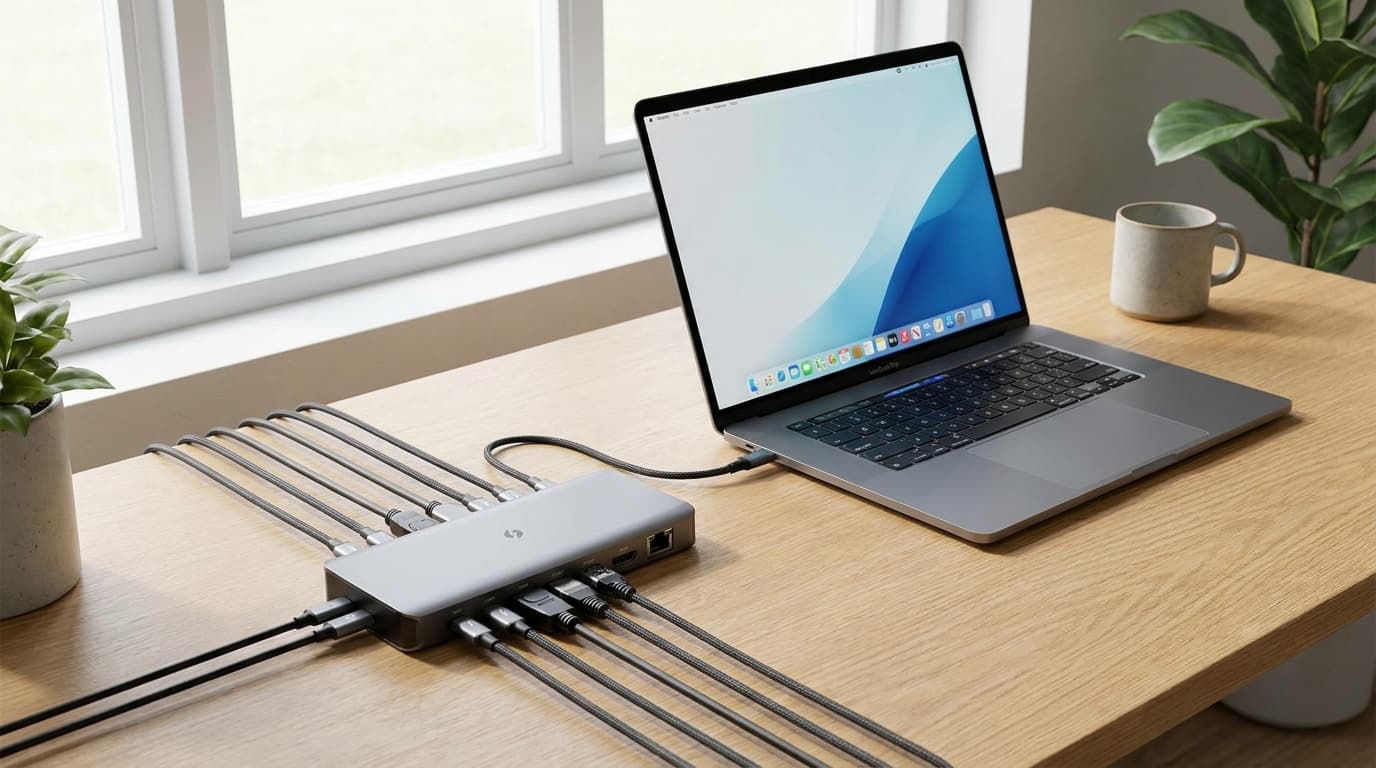
Best Thunderbolt Hubs & Docks 2026: CalDigit TS4 Wins
**For most WFH setups in 2026, the CalDigit TS4 is the dock to buy.** It is the only Thunderbolt 4 dock that delivers 98W charging, dual 4K-60Hz output, and 18 ports without thermal throttling under sustained load. If you only need one external display and want a compact bus-powered option, the OWC Thunderbolt 4 Mini Dock is a $150 cheaper alternative. Skip Thunderbolt 5 docks for now — the price premium does not pay back unless you are running a 6K Pro Display XDR or two 4K-120Hz monitors.
Our #1 Pick
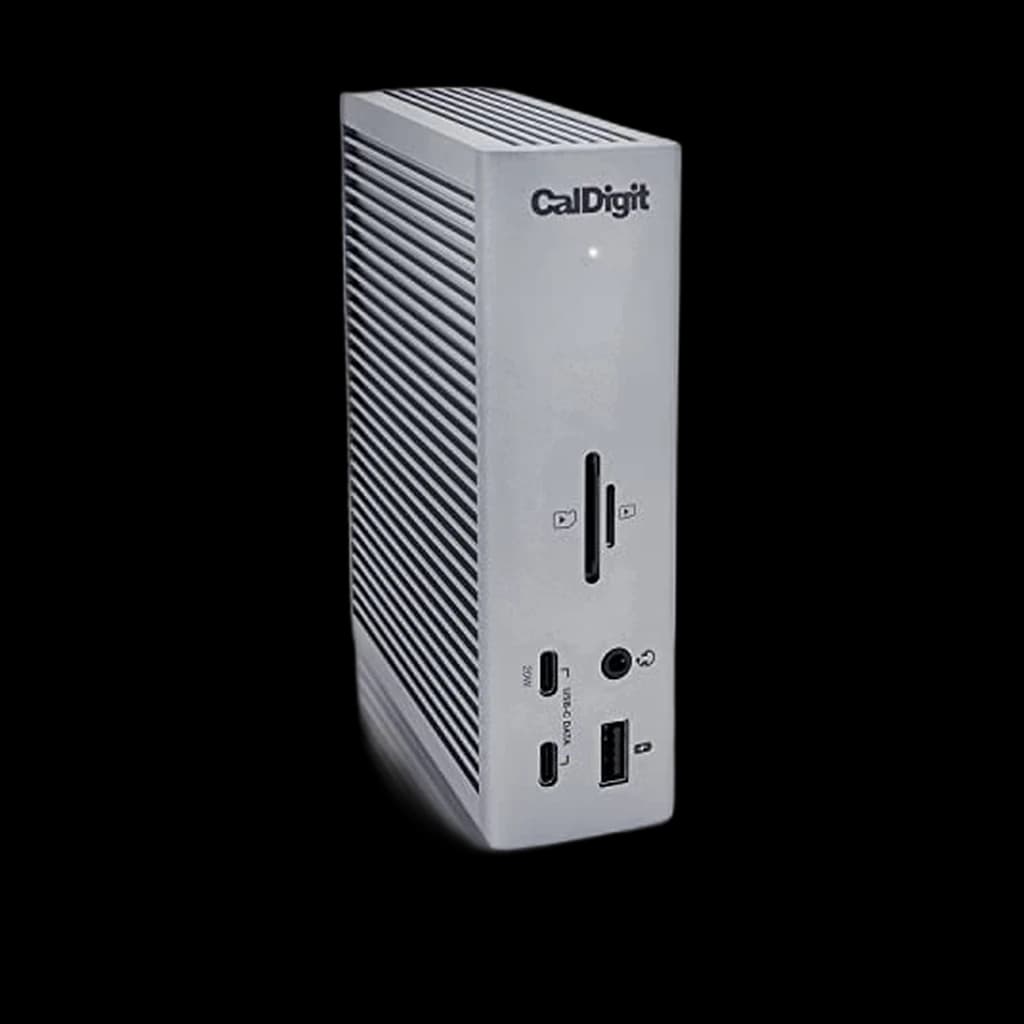
CalDigit TS4 Thunderbolt 4 Dock
18 ports, 98W charging, daisy-chain capable — the definitive one-cable solution for MacBook and Windows Thunderbolt setups. Every peripheral connects here, including dual 4K monitors.
- 18 ports including 3x TBT4, 5x USB-A, 3x USB-C, UHS-II SD card reader, 2.5GbE Ethernet
- 98W laptop charging handles 16-inch MacBook Pro under load
- Dual 6K@60Hz or 8K@30Hz display support
Price checked Oct 8, 2026 — verify the live price on Amazon.
Also Great
Mid-range: OWC Thunderbolt 4 Hub ($150) — 4 TB4 ports for chaining and 60W charging — simpler and cheaper if you don't need 18 ports
Budget USB-C: Anker 655 8-in-1 Hub ($60) — USB-C hub for non-Thunderbolt MacBooks and Windows laptops — covers the basics well
 #1 Owner rating | 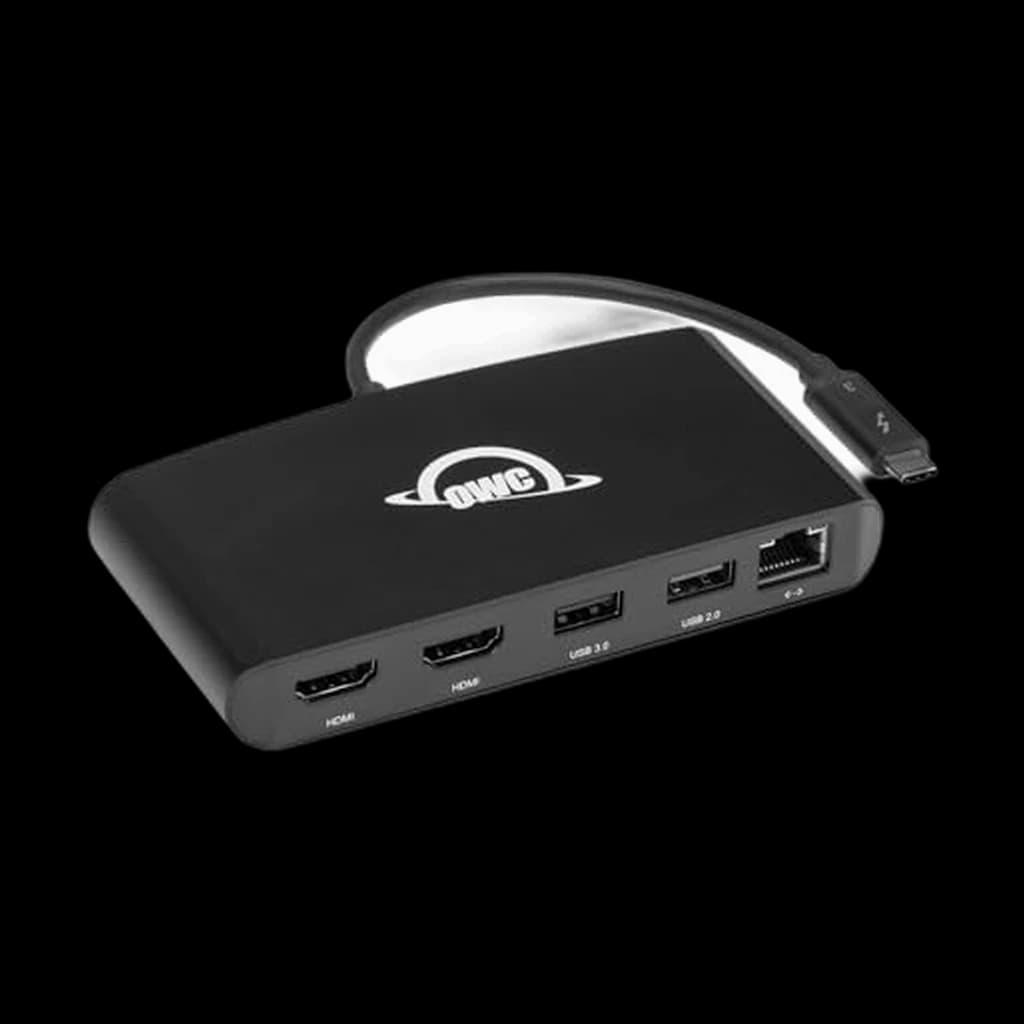 #2 Owner rating | 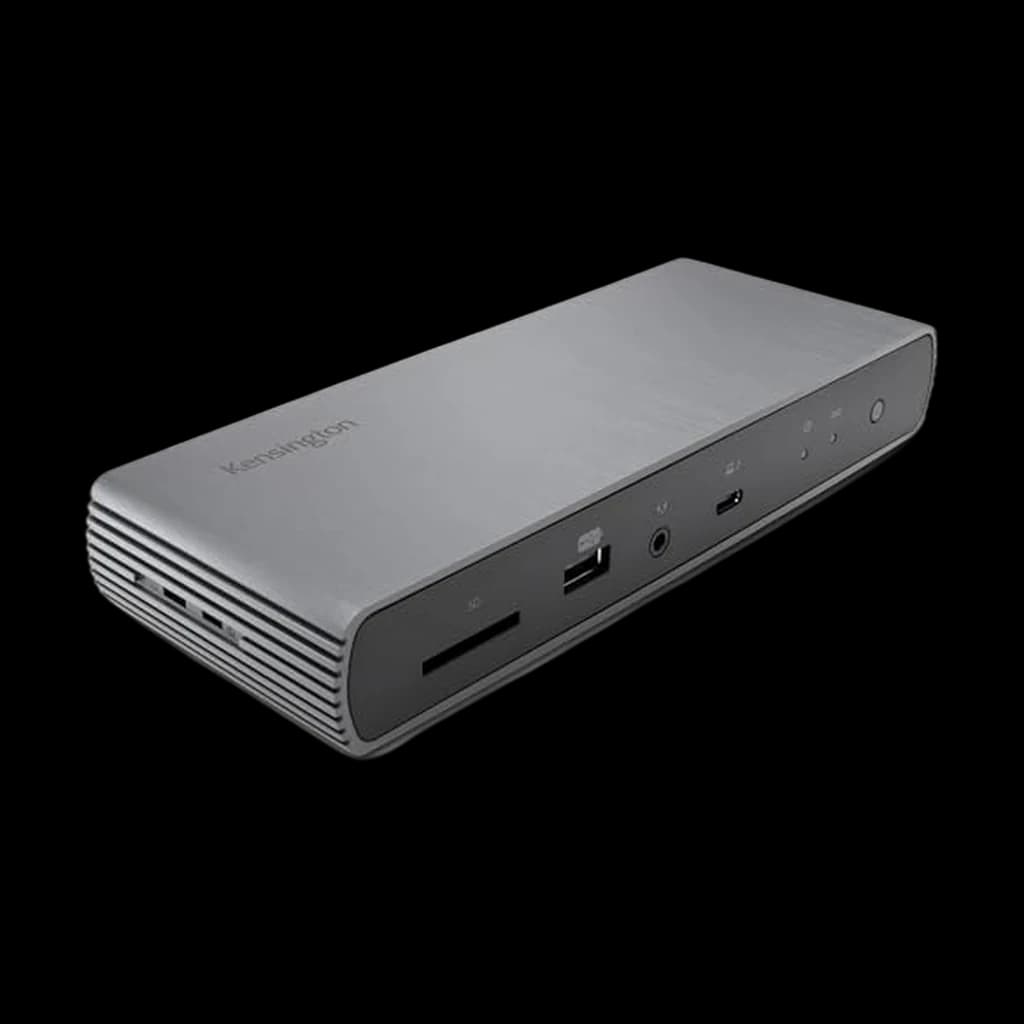 #3 Owner rating | 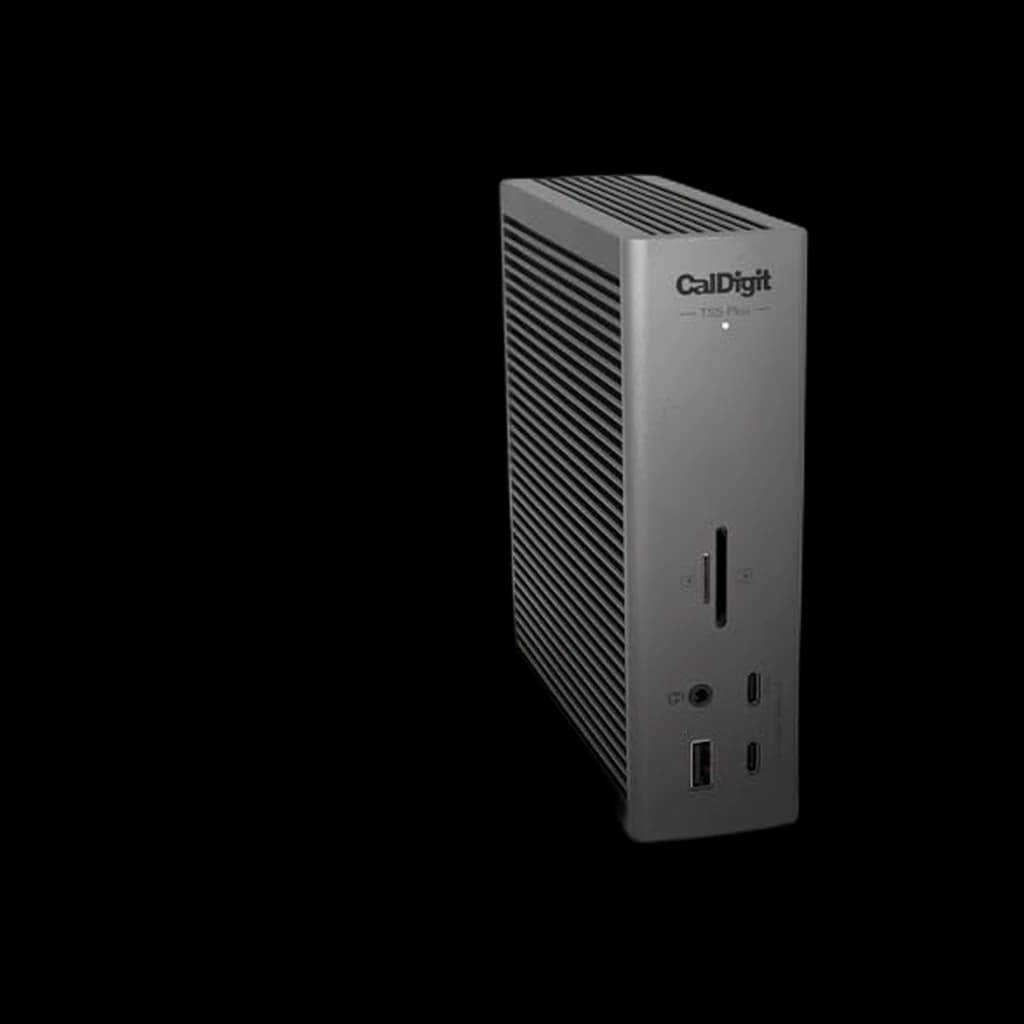 #4 Owner rating | 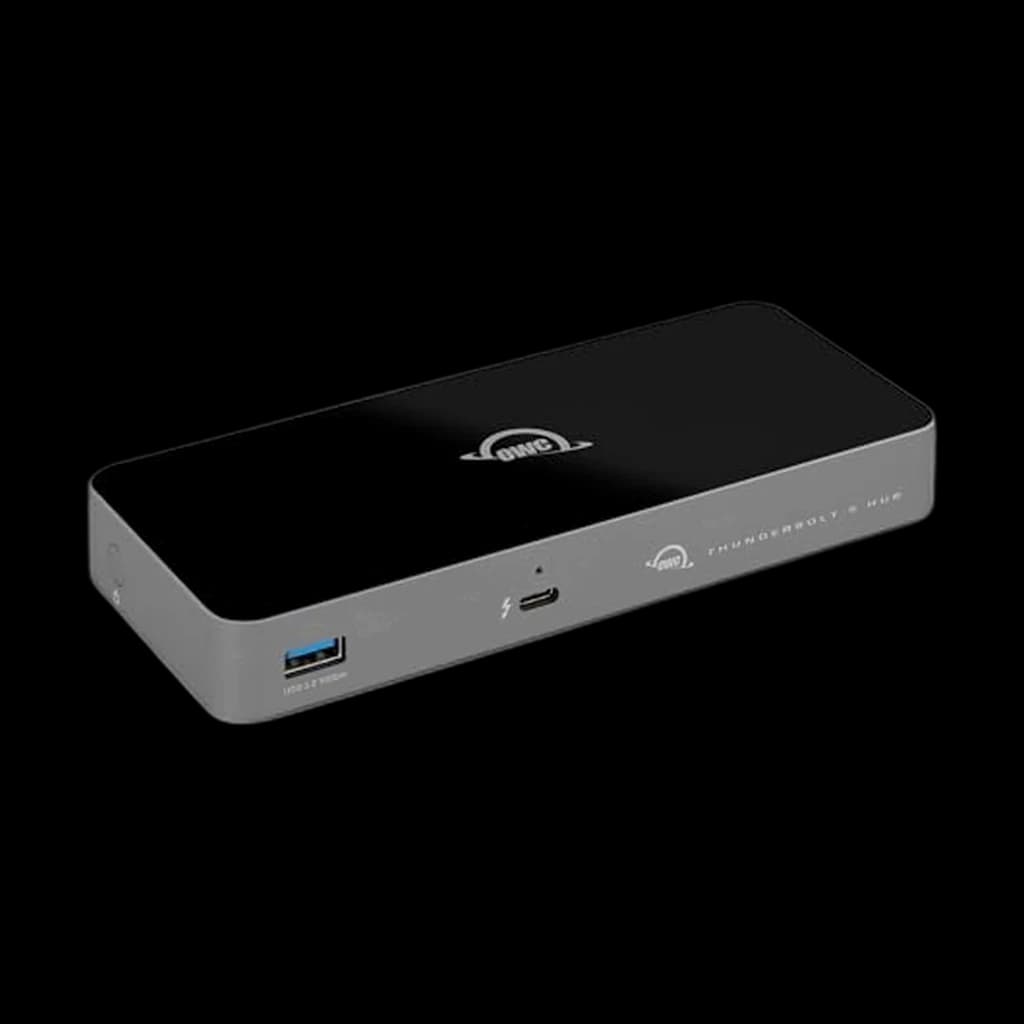 #5 Owner rating | 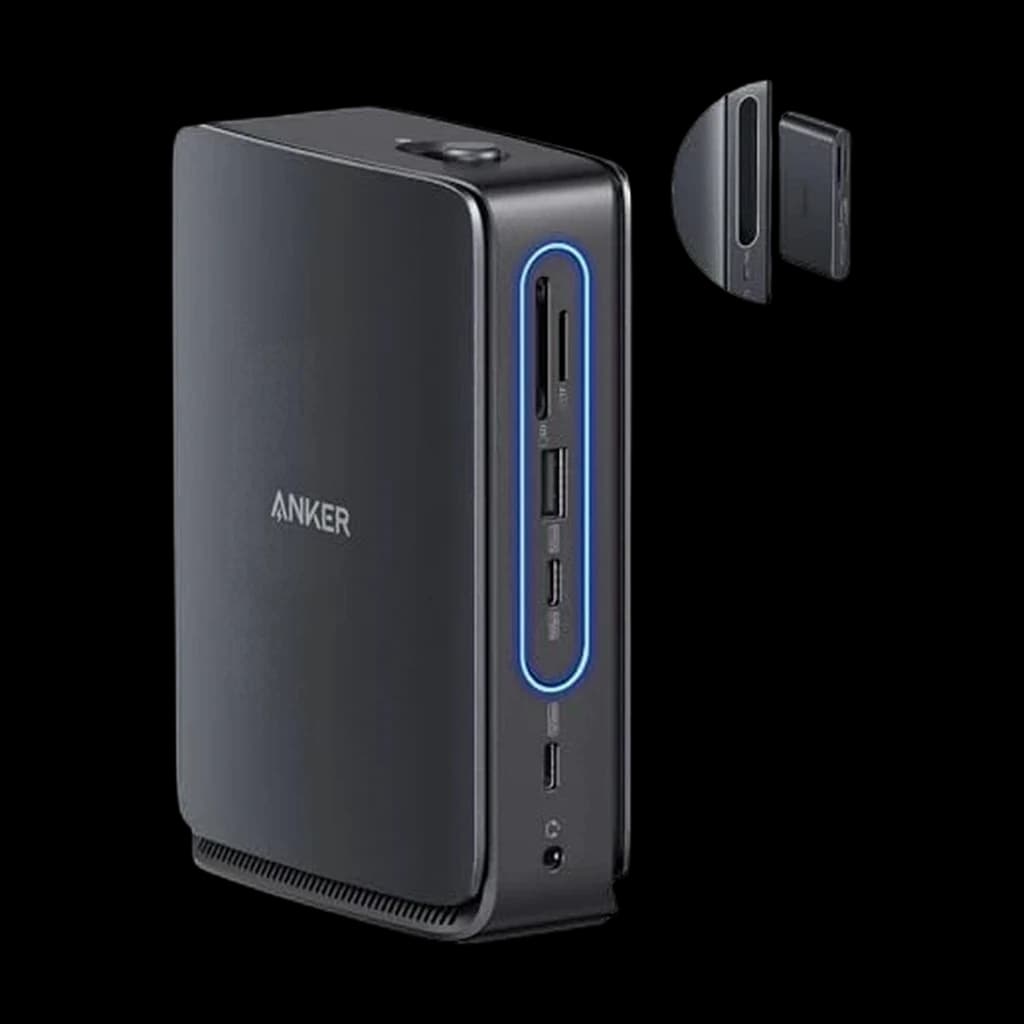 #6 Owner rating | |
|---|---|---|---|---|---|---|
| Price | $379.99Buy on Amazon | $119.99Buy on Amazon | $289.99Buy on Amazon | $499.99Buy on Amazon | $179.99Not sold on Amazon right now | $149.99Buy on Amazon |
| Verdict | Best overall Thunderbolt dock — 18 ports, 98W PD, rock solid reliability | Best portable Thunderbolt dock — fits in a laptop bag | Best mid-tier — CalDigit functionality at $100 less | The flagship Thunderbolt 5 dock for 2026 - 20 ports, 10GbE, 140W charging. Pure overkill unless you have a TB5 laptop and 8K monitors, but future-proof for the next 5 years. | Best Thunderbolt 5 pick — future-proofing for 2025–2026 laptops | The workstation dock for laptops that do not have Thunderbolt. It is USB-C, not TB4, so displays top out at 4K60 on one screen, 2K60 on two or 1080p60 on three — but $149.99 buys three display outputs, Gigabit Ethernet, 10 Gbps USB-C, SD/TF slots, 100 W laptop charging and a 140 W adapter in the box. The front 6-in-1 section pops out and travels with the laptop, which none of the Thunderbolt docks here can do. |
| Buyer sentiment | Functionality Build Quality Value for money Ethernet Connectivity Buyers praise functionality and build quality. Mixed feedback on reliability and ports. Some flag value for money and ethernet connectivity. Based on 1,148 user mentions | Dual Monitor Support Ease Of Setup Compact Design Quality Buyers praise dual monitor support, ease of setup, compact design and quality. Mixed feedback on reliability and compatibility. Based on 95 user mentions | Functionality Reliability Buyers praise functionality. Mixed feedback on connectivity and noise. Some flag reliability. Based on 41 user mentions | Device Compatibility Port Selection Network Connectivity Power Output Value for money Overheating Buyers praise device compatibility, port selection, network connectivity and power output. Mixed feedback on reliability and build quality. Some flag value for money and overheating. Based on 300 user mentions | Quality Build Quality Power Speed Display Reliability Buyers praise quality, build quality, power and speed. Mixed feedback on connectivity and value for money. Some flag display reliability. Based on 102 user mentions | Compatibility Functionality Port Availability Ease Of Use Buyers praise compatibility, functionality, port availability and ease of use. Mixed feedback on removable port. Based on 269 user mentions |
| Specs |
|
|
|
|
|
|
| Pros |
|
|
|
|
|
|
| Cons |
|
|
|
|
|
|
* Prices checked Oct 2, 2026 and may vary. Check the latest price on Amazon.
We research — never hands-on. How we research →
Worth the upgrade
If you're buying a dock to keep for five-plus years, the TS5 PLUS is the future-proof call — Thunderbolt 5's 120Gb/s headroom covers monitor and SSD generations that don't exist yet, from the same CalDigit reliability track record as the TS4.
Key Takeaways
6 Thunderbolt hubs and docks ranked for WFH in 2026. The CalDigit TS4 is our #1 pick; the $99 OWC Thunderbolt 4 Mini Dock is the portable runner-up.
As an Amazon Associate I earn from qualifying purchases. Product prices and availability are subject to change.
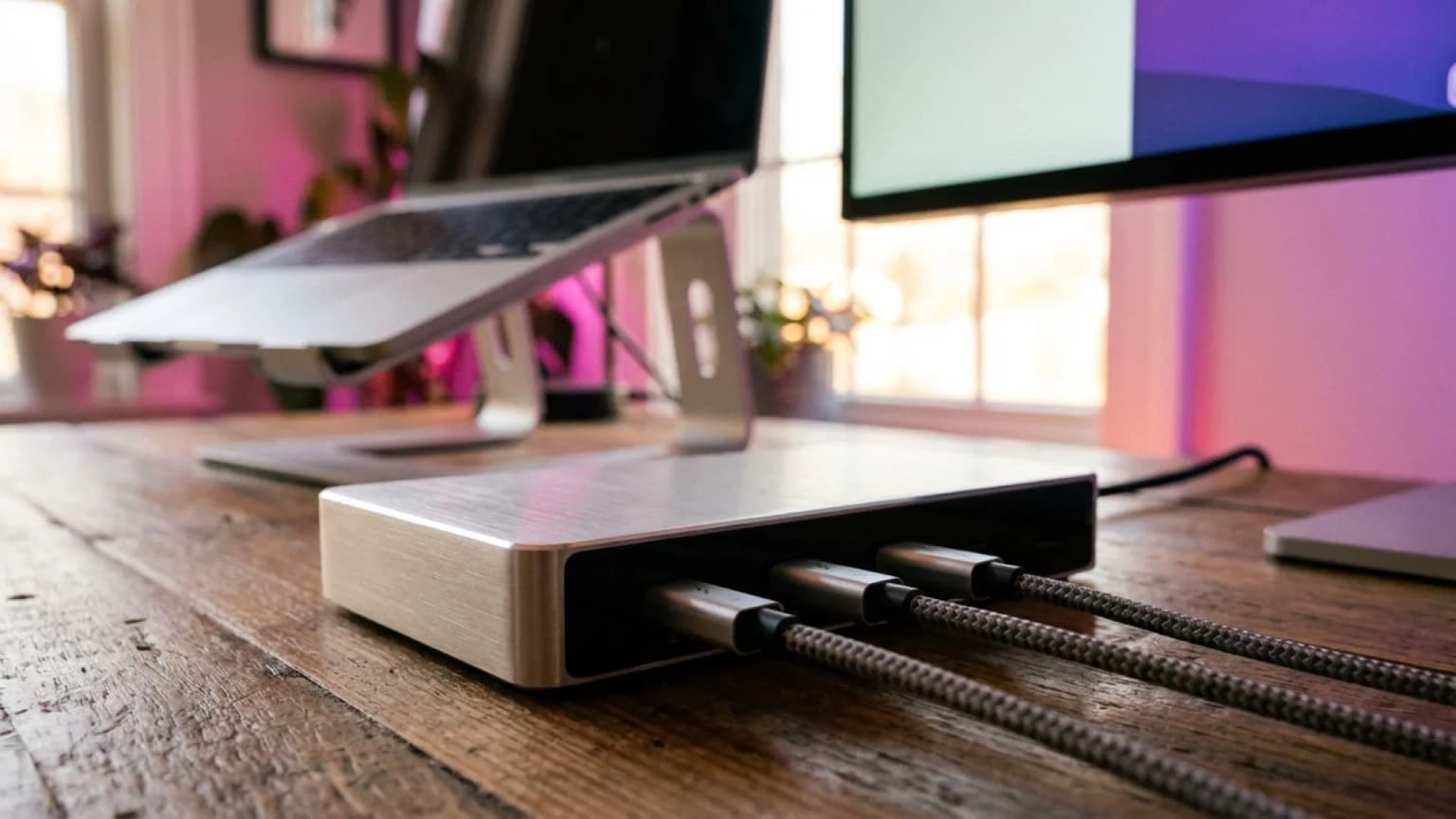
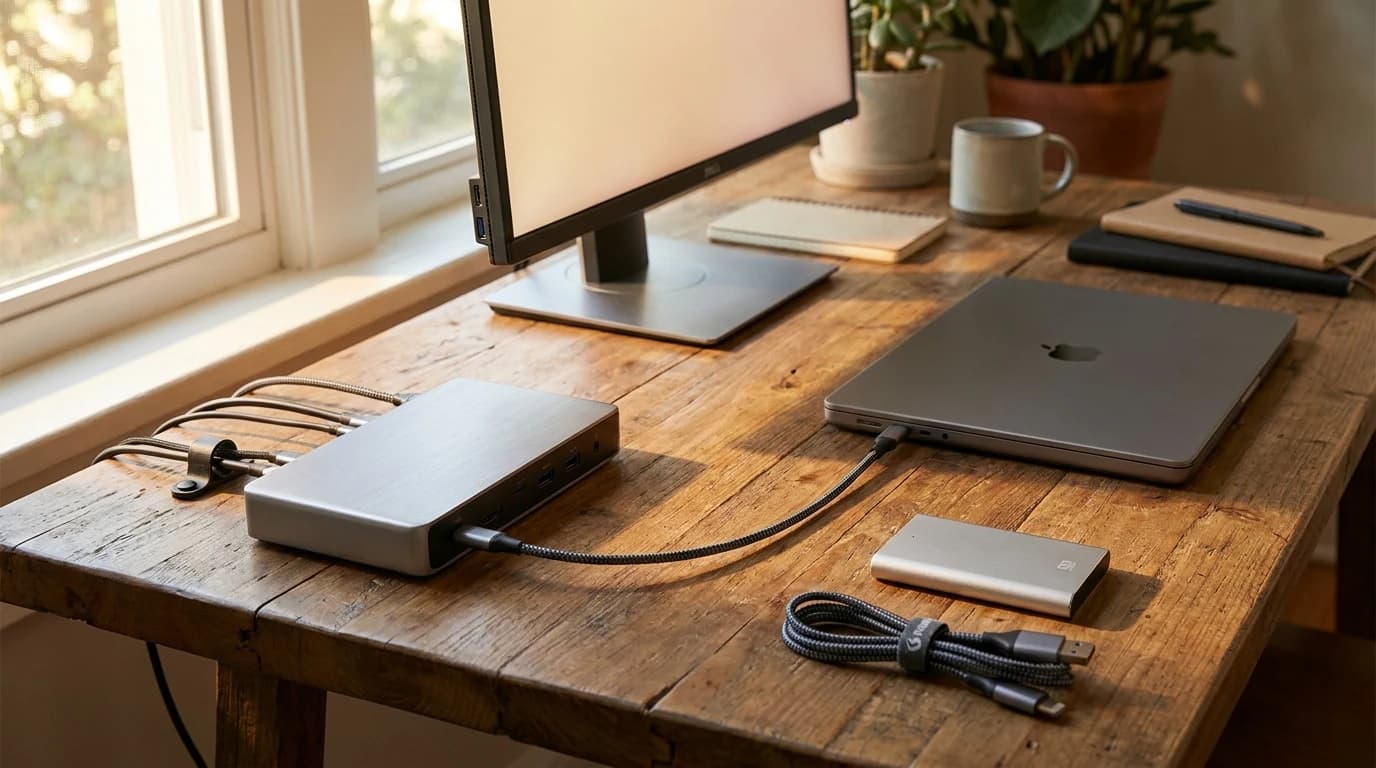
Thunderbolt docks are the premium tier of WFH connectivity — more bandwidth, more displays, more power, and more reliability than USB-C hubs. If you're running a MacBook Pro, a Windows laptop with Thunderbolt 4, or the brand-new Thunderbolt 5 generation, a proper Thunderbolt dock turns your laptop into a full desktop workstation with one cable. This guide ranks six Thunderbolt hubs and docks worth buying in 2026, with picks across every budget.
Thunderbolt vs USB-C, laid out:
| Thunderbolt 4 | Thunderbolt 5 | USB-C hub, no Thunderbolt | |
|---|---|---|---|
| Bandwidth | 40 Gbps | 80 Gbps (120 Gbps asymmetric) | 10 Gbps |
| Displays | Two 4K, or one 8K | Dual 6K | Can't drive dual 4K at 60Hz |
| Power to bus-powered peripherals | 15W+ guaranteed | — | — |
Thunderbolt 5 is shipping late 2025 / 2026. Thunderbolt 4's 40 Gbps is 4x USB 3.2; USB-C hubs without Thunderbolt are cheaper but live under that 10 Gbps ceiling. For WFH users with single-display setups, USB-C is fine — see our best USB-C hubs for WFH guide. For dual-display or high-performance setups, Thunderbolt is the right spend.
The short test: if you only plug in one monitor and a few USB peripherals, USB-C is fine. If you plug in two monitors, an SSD, and an audio interface, you need Thunderbolt.
Our Top Picks
| Dock | Ports | Host charging | Ethernet | Price |
|---|---|---|---|---|
| CalDigit TS4 | 18 | 98W | 2.5GbE | $400 |
| Kensington SD5750T | 14 | 96W | Gigabit | $300 |
| OWC Thunderbolt 4 Mini Dock | 5 | 96W | Gigabit | $119.99 |
| CalDigit TS5 Plus | 20 | 140W | 10Gb | — |
| OWC Thunderbolt 5 Hub | 4 | 140W | None | $170–$200 |
| Anker Nano 13-in-1 | 13-in-1 | 100W | Gigabit | $149.99 |
1. CalDigit TS4 Thunderbolt 4 Dock — Best Overall
Buy on Amazon · $379.99The CalDigit TS4 is the reference Thunderbolt 4 dock for 2026. 18 ports total (4 Thunderbolt 4, 5 USB-A, 3 USB-C, 2.5GbE ethernet, SD/microSD card readers, DisplayPort 1.4, audio), 98W power delivery to the host laptop, and a heavy aluminum body that stays on the desk even with stiff Thunderbolt cables attached. $400. Wirecutter's current Thunderbolt dock top pick and the dock most recommended on r/MacBookPro.
- Good for: Serious WFH users with MacBook Pros, dual-display setups, or complex peripheral setups.
- Not good for: Anyone on a $150 budget — the CalDigit is premium-priced. If $400 is more dock than your desk justifies, we ranked the cheaper CalDigit TS4 alternatives that keep the ports most WFH setups actually use.
2. OWC Thunderbolt 4 Mini Dock — Best Portable Thunderbolt Dock
Buy on Amazon · $119.99The OWC Thunderbolt 4 Mini Dock is a compact Thunderbolt 4 dock for users who move their setup between multiple locations. 5 ports (3 Thunderbolt 4, 1 USB-A, 1 HDMI 2.1, 1 Gigabit ethernet), 96W power delivery, small enough to fit in a laptop bag. $200–$230.
- Good for: Digital nomads, hybrid workers, anyone who doesn't want a 2-lb brick on the desk.
- The trade: roughly half the ports of the CalDigit TS4 — but also half the size and half the price.
3. Kensington SD5750T Thunderbolt 4 Dock — Best Mid-Tier Thunderbolt Dock
Buy on Amazon · $289.99The Kensington SD5750T Thunderbolt 4 Dock hits the mid-tier sweet spot. 14 ports (1 Thunderbolt 4 host, 3 Thunderbolt 4 downstream, 4 USB-A, 1 USB-C, DisplayPort, Gigabit ethernet, audio, card reader), 96W PD. $300. Slightly less premium than the CalDigit but solid port count and proven reliability.
- Good for: Users who want CalDigit-tier functionality at $100 less.
- Also worth knowing: Kensington's enterprise support means replacements are easy to get.
4. CalDigit TS5 Plus Thunderbolt 5 Dock — Best Full Thunderbolt 5 Dock
The CalDigit TS5 Plus is the full-dock upgrade for people who already own Thunderbolt 5 hardware. It gives you a 20-port desktop hub, 140W host charging, 10Gb Ethernet, multiple Thunderbolt 5 downstream ports, and enough USB for an entire desk.
- Good for: M4 Pro/Max MacBook Pro and high-end Windows laptop owners who need a full desktop dock, not just extra Thunderbolt ports.
- Not good for: Price-sensitive buyers. It is expensive — it is simply the current no-compromise pick if you need Thunderbolt 5 bandwidth and a real desktop dock rather than a small hub.
5. OWC Thunderbolt 5 Hub — Best Thunderbolt 5 Pick
The OWC Thunderbolt 5 Hub is the first widely-available Thunderbolt 5 hub. 4 ports (1 Thunderbolt 5 host, 3 Thunderbolt 5 downstream), 140W power delivery, support for dual 6K displays or a single 8K display. $170–$200.
- Good for: Owners of 2025–2026 Thunderbolt 5 laptops, future-proofing buyers.
- Backward compatible: it works with any Thunderbolt 4 laptop too, just at TB4 speeds. Buy it if you have (or will soon have) a Thunderbolt 5 MacBook Pro or Windows laptop.
6. Anker Nano 13-in-1 Docking Station — Best Budget Multi-Display Dock
Buy on Amazon · $149.99The Anker Nano 13-in-1 Docking Station is the budget counterweight to the premium Thunderbolt docks above. It is technically a USB-C/DisplayLink dock rather than a pure Thunderbolt dock, but for spreadsheet, browser, Slack, and Zoom work it gives you the most useful port mix under $150: dual HDMI, DisplayPort, Ethernet, card readers, 100W charging, and a detachable travel hub.
- Good for: Buyers who care more about practical ports and price than native Thunderbolt bandwidth.
Best Thunderbolt-Class Hubs Under $150 (2026 Picks)
If your budget caps at $150, you have three solid options. Note that true Thunderbolt 4 docks at this price are rare — most sub-$150 picks are USB4 or USB-C hubs that share the same port shape but trade off charging wattage or dual-display reliability. Here's what actually works for WFH.
Anker Nano 13-in-1 Docking Station — $149.99 (Best Under $150 Overall)
Buy on Amazon · $149.99The Anker Nano 13-in-1 Docking Station is the safest sub-$150 pick right now. Triple-display support (2x HDMI + 1x DP), 100W charging, 10 Gbps USB-C, Gigabit Ethernet, and a detachable 6-in-1 hub make it much more useful than the generic seven-port USB-C adapters that overheat under daily desk use. The triple-display config relies on DisplayLink for the third monitor, which is fine for productivity work but not for gaming or color-critical video editing.
Best for: WFH setups that need 2-3 displays + Ethernet + 100W charging without spending $250+ on a true Thunderbolt 4 dock.
OWC Thunderbolt 4 Mini Dock — $99.99 (Best Portable Stretch Pick)
Buy on Amazon · $119.99The OWC Thunderbolt 4 Mini Dock often dips near $100 and is the better portable option if you specifically need Thunderbolt rather than a USB-C dock. It has fewer ports than a full desktop dock, but the built-in cable, HDMI, USB, and Ethernet cover a surprisingly useful travel or hybrid-work setup.
Best for: Hybrid workers who want one small dock for home, office, and travel bags.
OWC Thunderbolt 5 Hub — $174.99 (Best Future-Proof Stretch Pick)
The OWC Thunderbolt 5 Hub sits just above the $150 line, but it is the one budget stretch that makes sense for people buying new Thunderbolt 5 laptops. It is not a full dock with Ethernet and card readers; it is a compact way to turn one Thunderbolt port into several high-bandwidth downstream ports.
Best for: New MacBook Pro and high-end Windows laptop owners who want Thunderbolt 5 headroom without buying a $400 dock.
What to skip under $150
What holds up at this price:
- The Anker Nano 13-in-1 at $149.99 — the most useful port mix under $150.
- The OWC Thunderbolt 4 Mini Dock near $99.99 — real Thunderbolt in a bag-sized body.
- The OWC Thunderbolt 5 Hub at $174.99 — the only stretch worth making, and only for a TB5 laptop.
What to skip:
- Generic 7-in-1 USB-C hubs ($30-50): They overheat after 30-60 minutes of sustained use and drop displays. Fine for travel; not for daily-driver setups.
- "Thunderbolt 3" docks from no-name brands: Thunderbolt 3 chipsets are end-of-life. Stick with TB4/USB4 even at the budget end.
Thunderbolt Dock FAQ
Do I need a Thunderbolt dock or can I get by with a USB-C hub?
You need Thunderbolt if you're running:
- Dual 4K displays
- High-speed external SSDs
- Audio interfaces or other live-bandwidth gear
A $80–$150 USB-C hub is enough if you're running:
- A single display on a MacBook Air or mid-range Windows laptop
- A handful of ordinary USB peripherals
Is Thunderbolt 4 or Thunderbolt 5 worth the upgrade?
For most WFH users in 2026, Thunderbolt 4 is still the right pick — it's mature, well-supported, and drives everything current WFH setups need. Thunderbolt 5 doubles the bandwidth and supports 8K displays or dual 6K, but the laptops and displays that actually need that bandwidth are still rare. Buy TB4 now; buy TB5 when you buy your next laptop in 2–3 years.
Why are Thunderbolt docks so expensive compared to USB-C hubs?
Thunderbolt chips are licensed from Intel and cost significantly more than USB-C controller chips. Thunderbolt docks also have higher-quality power delivery (87–98W is standard vs 60–65W for USB-C hubs), more ports, and higher build quality. The CalDigit TS4 at $400 is roughly 4x the price of an equivalent USB-C hub — but it's also 4x the bandwidth, 2x the power, and 3x the port count.
Does Thunderbolt 4 work with older Thunderbolt 3 devices?
Yes — Thunderbolt 4 is fully backward compatible with Thunderbolt 3. Any Thunderbolt 3 peripheral (SSD, audio interface, monitor) works on a Thunderbolt 4 dock. The reverse is mostly true too — Thunderbolt 4 peripherals work on Thunderbolt 3 hosts, but you lose some TB4-specific features like guaranteed dual 4K display support.
Will a Thunderbolt dock charge my laptop?
Yes — most Thunderbolt docks provide 85–98W of power delivery, which is enough to charge any MacBook Pro up to the 16" and most Windows laptops. The CalDigit TS4 provides 98W (full charging for 16" MacBook Pro); the OWC Mini Dock provides 96W (same).
Check before you buy: match the dock's PD spec against your laptop's max draw. A 140W gaming laptop won't charge at full speed on a 96W dock, but it will still work.
How many monitors can a Thunderbolt 4 dock drive?
Thunderbolt 4 supports either two 4K displays at 60Hz or one 8K display at 60Hz, plus any USB peripherals. Thunderbolt 5 doubles this to dual 6K displays or a single 8K display at 120Hz. If you want three displays, you'll need a laptop with two Thunderbolt ports (daisy-chain a second dock) or a dock with DisplayLink in addition to Thunderbolt.
Is daisy-chaining Thunderbolt reliable?
Yes — daisy-chaining up to 6 Thunderbolt devices from a single host port is official spec and works reliably. The practical advice: put high-bandwidth devices (monitors, external SSDs) closer to the host and low-bandwidth devices (card readers, audio interfaces) at the end of the chain. Don't daisy-chain two docks through a single cable — each dock should have its own host Thunderbolt port.
The Bottom Line
For serious WFH users, the CalDigit TS4 is the Thunderbolt 4 dock to buy in 2026 — it's the premium experience with no compromises. If you want to save $100, the Kensington SD5750T delivers 85% of the functionality. For portable setups, the OWC Thunderbolt 4 Mini Dock is the right call. Buyers on 2025–2026 Thunderbolt 5 laptops should consider the OWC Thunderbolt 5 Hub for future-proofing. Users who just need extra Thunderbolt ports (not a full dock) can save money with the Plugable TBT4-HUB3C.
For single-display and lighter WFH setups, a USB-C hub is usually enough — see our best USB-C hubs for WFH guide. For the full home office context, see our Best WFH & Home Office Setup 2026.
More WFH Setup Resources
- →Best WFH & Home Office Setup 2026the complete home office build-out
- →Best USB-C Hubs for WFHcheaper alternative to Thunderbolt
- →Best Monitors for Working From Homewhat to pair with your dock
- →How to Set Up Dual Monitors for WFHdual-display setup guide
If the TS4 feels like more dock than your desk needs, this decision matrix explains when a cheaper dock beats a CalDigit TS4.
Your next step
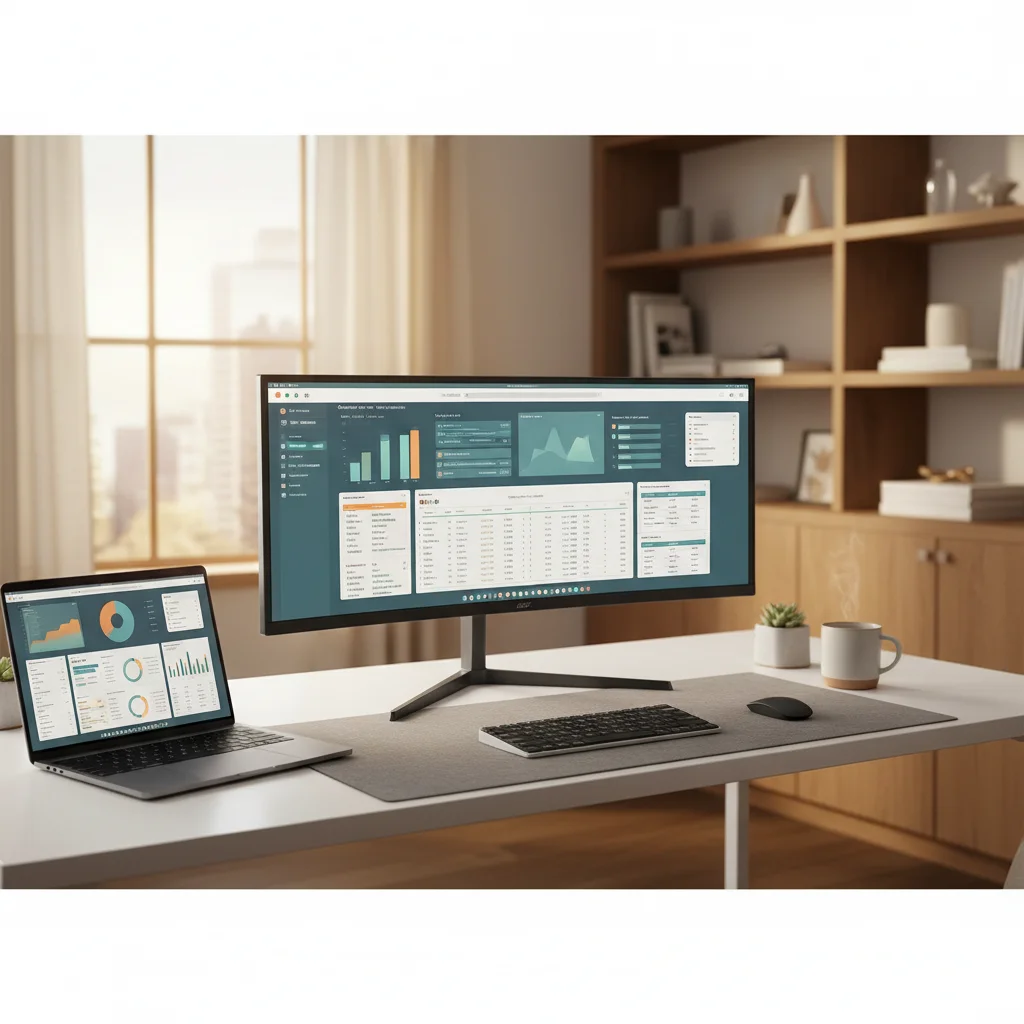
A dock this good deserves two screens.
Hilly Shore Labs
Editorial TeamWFH Lounge is published by Hilly Shore Labs. Every recommendation is built by synthesizing ergonomic research, manufacturer specs, expert reviews from outlets like Wirecutter, RTINGS, and The Verge, and aggregated long-term owner sentiment from thousands of verified buyers.
All product reviews are independently researched. Our recommendations are based on ergonomic guidelines, manufacturer specifications, and verified buyer sentiment. See our methodology.