Best Monitors Under $300 for WFH 2026: 3 Picks Ranked
The best 4K monitor under $300 is the LG 27US500-W at ~$170. Want sharper text for spreadsheets? The color-accurate 1440p ASUS ProArt PA278QV at ~$189 is the pick.
Our #1 Pick
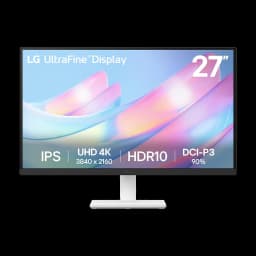
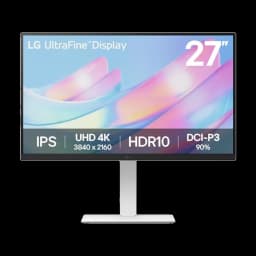
LG 27US500-W 27" 4K
Genuine 27-inch 4K IPS with DCI-P3 90% and HDR10 for $179 — the cheapest real 4K on this list and the best pure value for a work-from-home desk.
- Genuine 27-inch 4K UHD at roughly $210 — the cheapest real 4K here
- DCI-P3 90% + HDR10 for accurate, punchy color
- 3-side borderless design — clean in a dual-monitor setup
Price checked Oct 10, 2026 — verify the live price on Amazon.
Also Great
Best for color: ASUS ProArt PA278QV 27" ($189) — Factory-calibrated 1440p (Delta-E < 2, 100% sRGB) with a full ergonomic stand — the most-reviewed pick here at 4.6 stars across 3,000+ ratings.
Buy on Amazon4K + ergonomic stand: LG 27US550-W 27" 4K ($254) — The same 4K panel as our top pick, plus a height/tilt/pivot/swivel stand out of the box.
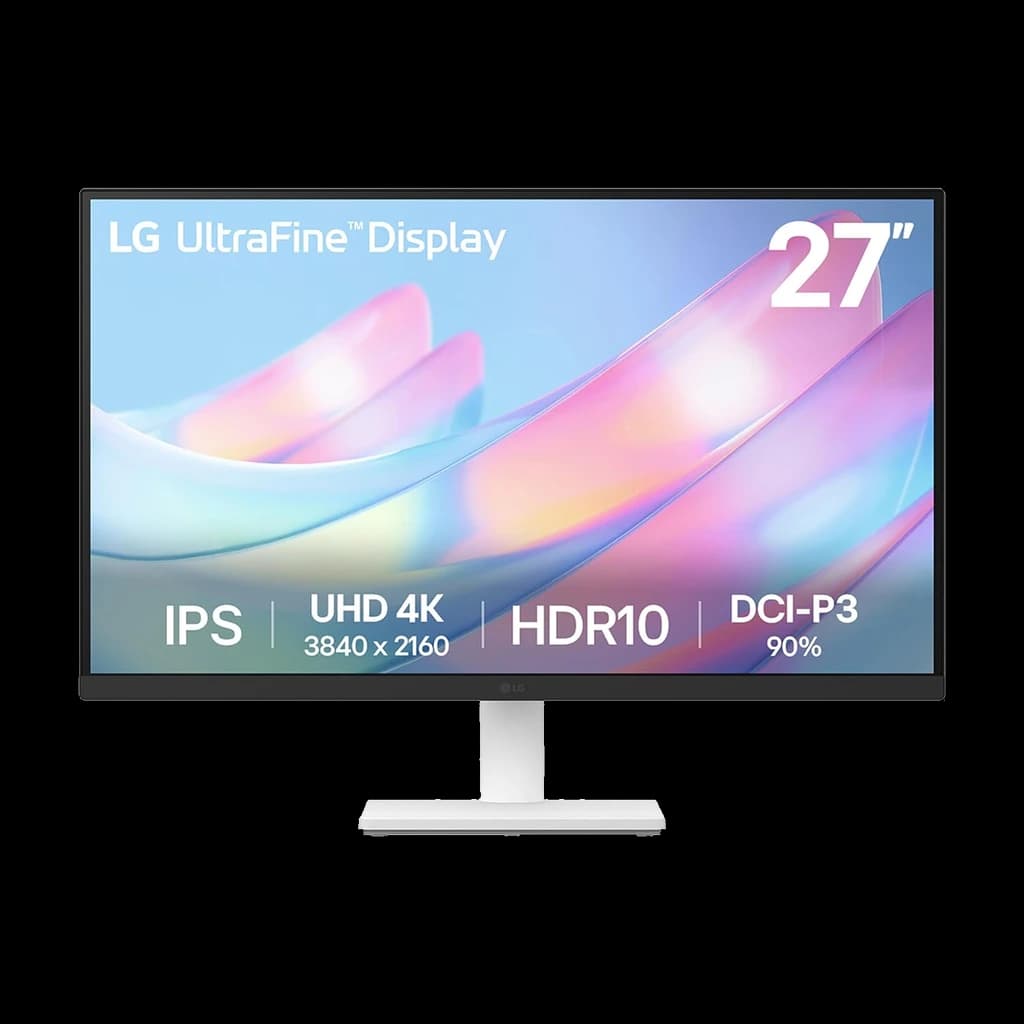 #1 Owner rating | 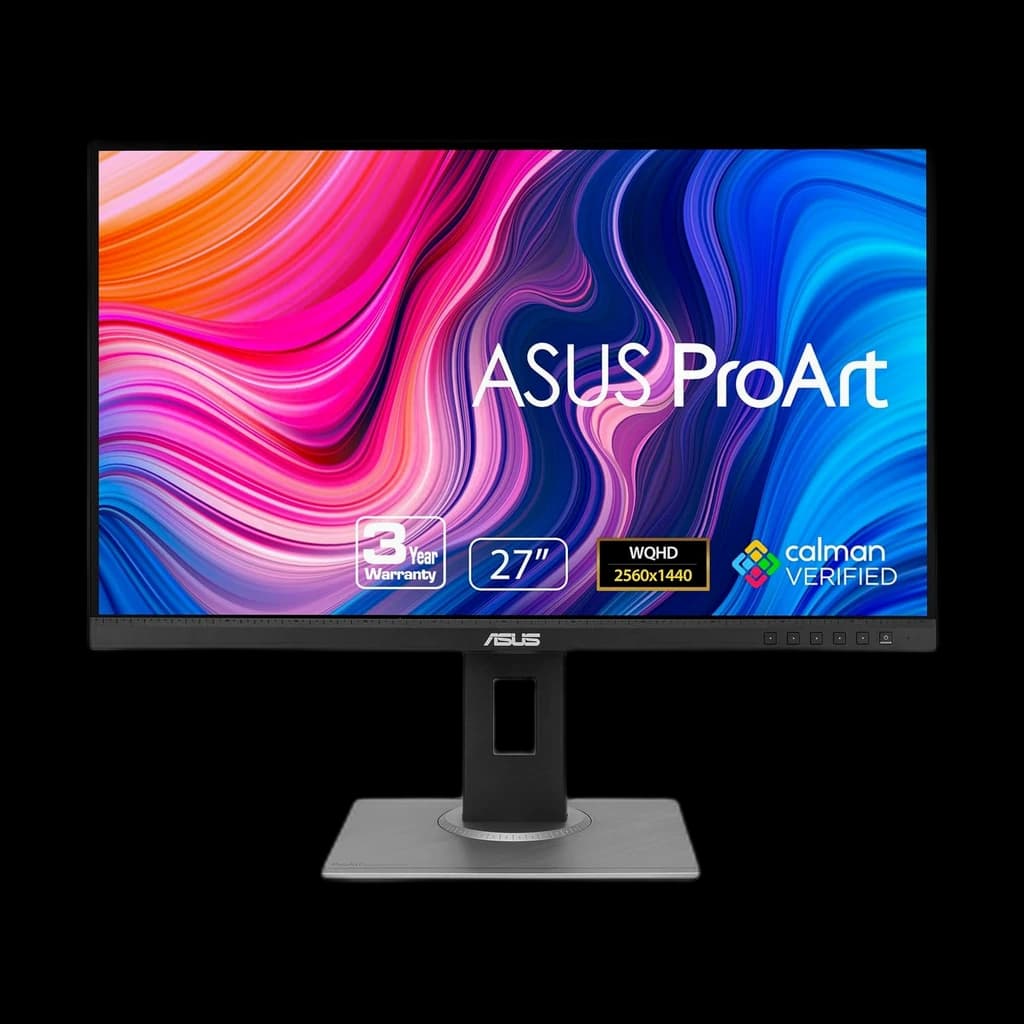 #2 Owner rating | 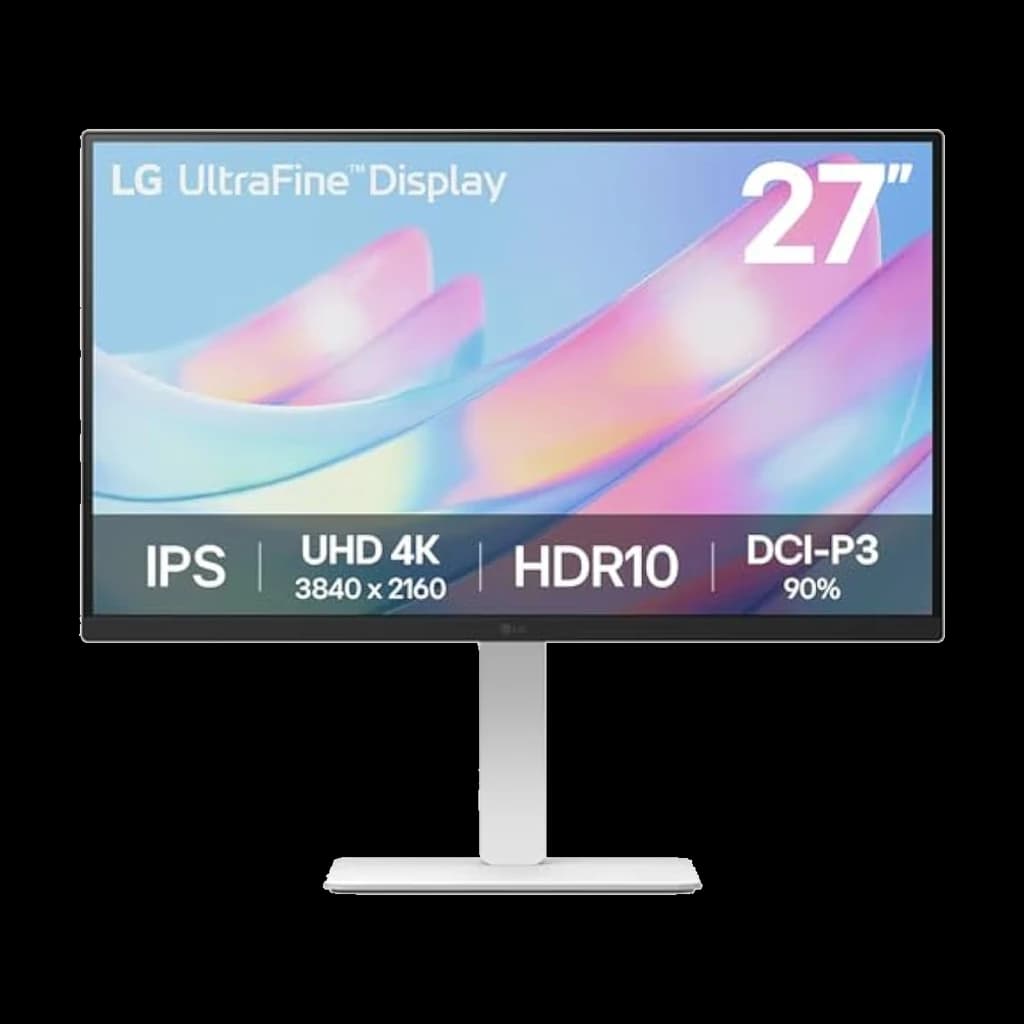 #3 Owner rating | |
|---|---|---|---|
| Price | $170.05Buy on Amazon | $189Buy on Amazon | $254Not sold on Amazon right now |
| Verdict | Best pure value — genuine 27-inch 4K IPS for around $170. | Best-reviewed and best for color: calibrated 1440p with a proper ergonomic stand. | 4K plus a full ergonomic stand under $270 — the step-up if you want built-in height adjustment. |
| Buyer sentiment | Quality Picture Quality Value for money Appearance Stand Stability Buyers praise quality, picture quality, value for money and appearance. Mixed feedback on color quality. Some flag stand stability. Based on 283 user mentions | Display Quality Color Picture Quality Functionality Screen Reliability Buyers praise display quality, color, picture quality and functionality. Some flag screen reliability. Based on 986 user mentions | Rated 4.4★ across 22 reviews |
| Resolution | 3840x2160 (4K UHD) | 2560x1440 (QHD) | 3840x2160 (4K UHD) |
| Refresh Rate | 60Hz | 75Hz | 60Hz |
| Panel | 27" IPS | 27" IPS | 27" IPS |
| Color | DCI-P3 90%, HDR10 | 100% sRGB / Rec. 709, Delta-E < 2 (Calman Verified) | DCI-P3 90%, HDR10 |
| Connectivity | 2x HDMI, DisplayPort (no USB-C) | DisplayPort, HDMI, Mini DP, DVI-D, USB-A hub | HDMI, DisplayPort (no USB-C charging) |
| Stand | Tilt only | Tilt / height / pivot / swivel | Tilt / height / pivot / swivel |
| Pros |
|
|
|
| Cons |
|
|
|
* Prices checked Oct 10, 2026 and may vary. Check the latest price on Amazon.
We research — never hands-on. How we research →
Pick your monitor
Three honest picks under $300 — all real 4K or 1440p panels, no fake-HDR compromises.
Best 4K value
Genuine 4K at the lowest honest price — crisp for photos, video and everyday work. Our #1 pick under $300.

LG 27US500-W 27″ 4K
$170.05
Best for text & color
Factory-calibrated 1440p — sharper text than 4K at 27″ for spreadsheets and accurate color for light design work.

ASUS ProArt PA278QV 27″ 1440p
$189
Best 4K + stand
4K with a height, tilt, pivot and swivel stand — the most adjustable 4K pick that still stays under $300.

LG 27US550-W 27″ 4K
$269
Key Takeaways
Three WFH monitors under $300, ranked for 2026: LG 27US500-W 4K value, ASUS ProArt calibrated QHD, LG 27US550-W 4K with an ergonomic stand.
As an Amazon Associate I earn from qualifying purchases. Product prices and availability are subject to change.
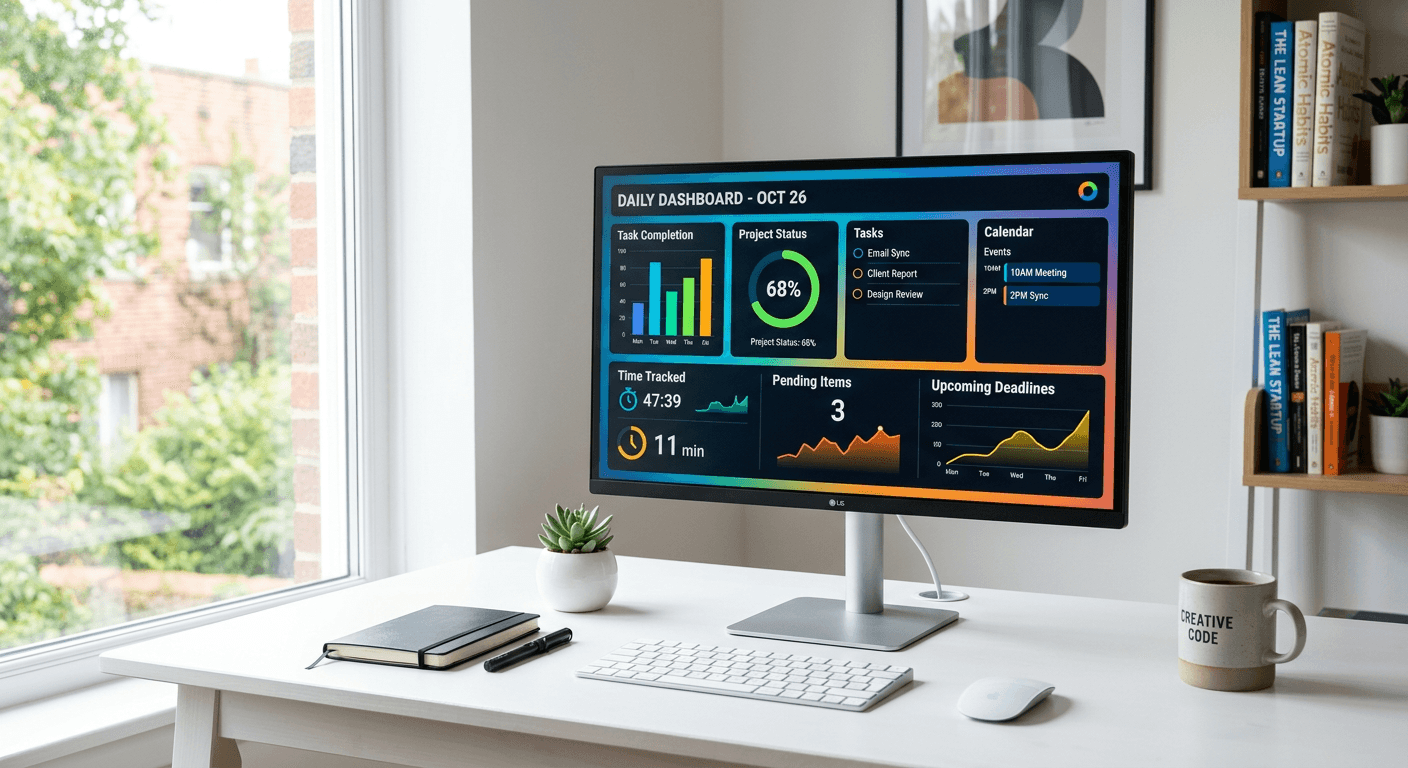
In 2026, $300 finally buys a genuine 27-inch 4K IPS panel — something that cost $400+ a year ago. The catch at this price isn't picture quality; it's single-cable USB-C charging, which you almost always give up under $300. Here are three monitors we'd actually put on a WFH desk, ranked, each verified in stock and under $300.
What the Research Says About Sub-$300 Monitors
Under $300 you're choosing tradeoffs, not buying compromises. RTINGS' panel testing and the VESA DisplayHDR database map the price-to-spec curve clearly: below $200 the panel is the bottleneck; between $200 and $300 the panel is genuinely good and the corners get cut on the stand and on USB-C power delivery.
- IPS over VA for productivity. IPS keeps color and contrast stable across viewing angles — what you want when you lean in and out on calls. VA wins on movie contrast but shifts under head tilt, the wrong tradeoff for desk work.
- 27 inches is the size sweet spot. At 27", 4K (~163 PPI) is razor-sharp and QHD/1440p (~109 PPI) is still comfortably crisp at normal desk distance. A 24" panel means paying for connectivity you can't really see.
- USB-C charging is the spec that's missing down here. One USB-C cable that also charges your laptop is genuinely convenient — but sub-$300 4K panels almost universally drop the 65W+ power delivery to hit the price.
Worth knowing: high refresh rates don't do anything for office work. Above 60Hz is preference for documents and spreadsheets, not function.
Our Top Picks
| Rank | Monitor | Resolution | Stand | Price |
|---|---|---|---|---|
| 🥇 | LG 27US500-W | 27″ 4K IPS | Tilt only | ~$179 |
| 🥈 | ASUS ProArt PA278QV | 27″ QHD IPS | Tilt / height / pivot / swivel | ~$223 |
| 🥉 | LG 27US550-W | 27″ 4K IPS | Tilt / height / pivot / swivel | ~$269 |
#1 — LG 27US500-W (~$170)
The best pure value under $300. You get a genuine 27-inch 4K IPS panel with DCI-P3 90% color and HDR10 for $179 (sold by Amazon; LG's list price is $249.99) — the cheapest real 4K on this list. Text is pin-sharp, color is accurate enough for everything short of pro photo work, and the 3-side borderless design looks clean in a dual-monitor setup. It carries a solid 4.4-star average across 485 ratings.
- Best for: Anyone who wants the sharpest possible screen for reading, spreadsheets, and code at the lowest price.
- Watch out for: The stand tilts but doesn't raise — budget ~$30 for a basic riser or VESA arm if you need height. No USB-C, so you'll run HDMI or DisplayPort plus a separate charger.
#2 — ASUS ProArt PA278QV ($189)
The best-reviewed monitor here by a wide margin — 3,000+ ratings at 4.6 stars — and the one to buy if you do any color-sensitive work. It's QHD (1440p) rather than 4K, but it ships factory-calibrated to Delta-E < 2 with 100% sRGB and 100% Rec. 709 coverage, Calman Verified out of the box. The stand is the real luxury at this price: full tilt, swivel, pivot, and height adjustment, backed by a 3-year warranty.
- Best for: Design, photo editing, or anyone who values a proven track record and a proper ergonomic stand over raw pixel count.
- Watch out for: 1440p, not 4K — sharp, but not the pixel density of the LGs. No USB-C.
#3 — LG 27US550-W (~$254)
The same 4K IPS quality as our top pick, but with the ergonomic stand built in. This is the one to buy if you want 4K and a stand that raises, tilts, pivots, and swivels without adding an arm. DCI-P3 90% and HDR10 match the 27US500-W; the extra money is buying the adjustability.
- Best for: 4K buyers who want out-of-the-box height adjustment and would rather not shop for a monitor arm.
- Watch out for: It's a newer listing with only a couple dozen reviews so far — the panel is a known quantity, but the sample size is still small. No USB-C.
No buy link right now (October 5, 2026): LG's main Amazon listing for the 27US550-W shows no buy box, and the only other new offer ships from a third-party seller with a 9–16-day delivery window, so we're not linking it. If you want 4K plus height adjustment today, pair the 27US500-W with a monitor arm, or take the ProArt.
The Stretch Pick: If You Need USB-C Charging
None of the three above does single-cable USB-C laptop charging. If that's a must-have, the Dell S2725QC (27″ 4K, 120Hz, 65W USB-C power delivery) is the closest option — but at around $350 it's just over our $300 line, so we've left it off the ranked list. Worth the small stretch only if one-cable docking genuinely matters to you.
Rule of thumb: if one-cable charging is non-negotiable, you're shopping at ~$330+, not under $300.
Should You Buy 1080p, 1440p, or 4K?
| You're doing mostly... | Recommended |
|---|---|
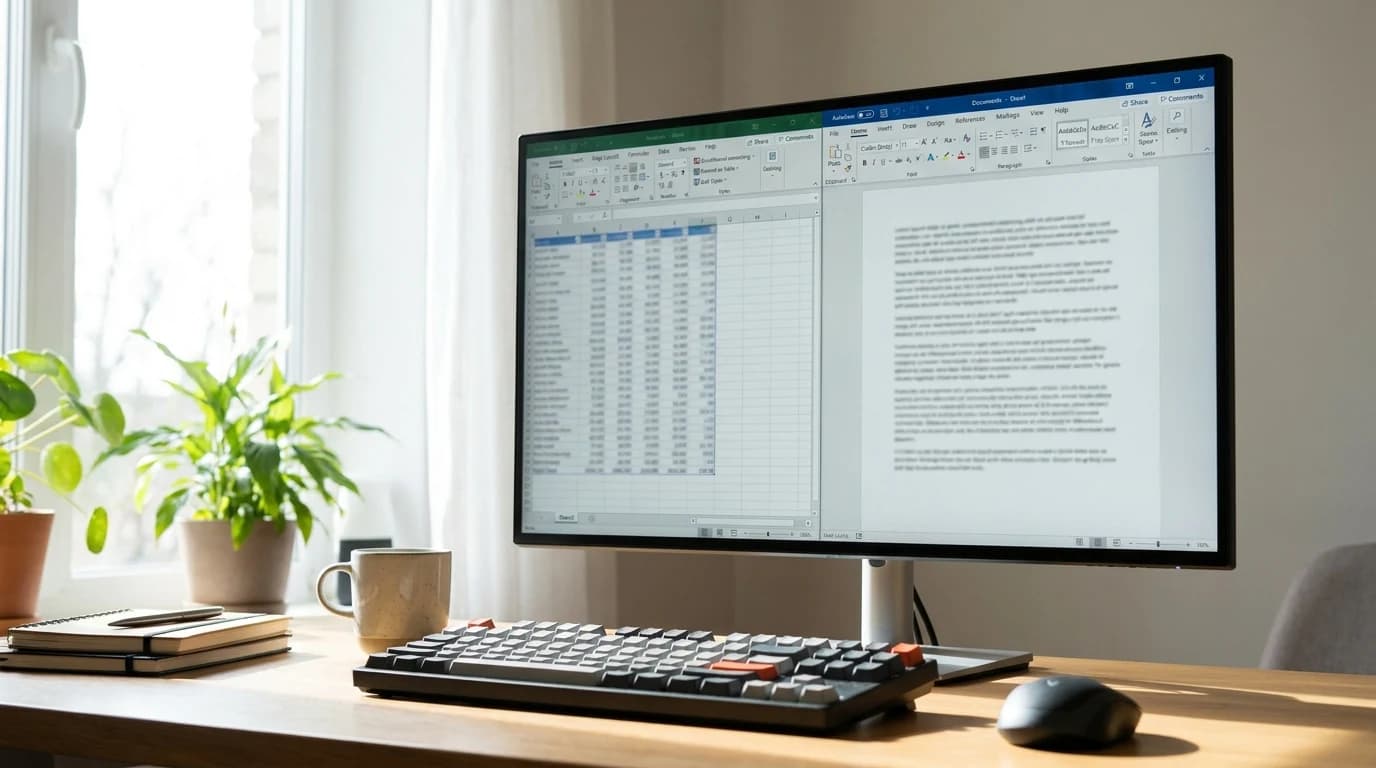
| Reading, writing, email | 4K — text is noticeably sharper |
| Spreadsheets | 4K — more rows visible at once |
| Video calls | Any of the three is fine |
| Design / photo editing | Calibrated 1440p (ProArt) or 4K |
| Mixed work on a tight budget | 4K at ~$179 (LG 27US500-W) |
What to Skip Under $300
- 27-inch 1080p monitors. Below 100 PPI, text shows jaggies at desk distance. 1080p belongs on 22–24-inch panels, not 27.
- VA-panel "ultra-thin bezel" deals. The thin bezel is marketing; the viewing-angle shift is what you'll notice 8 hours a day.
- Single-HDMI monitors. No DisplayPort, no flexibility. Look for HDMI and DisplayPort at minimum.
- Curved "productivity" monitors. Curvature distorts spreadsheets and design work. Flat panels for productivity; save the curve for media.
Products referenced in this guide
The picks in this guide are the LG 27US500-W (~$170), the ASUS ProArt PA278QV (~$189), and the LG 27US550-W (~$254). The Dell S2725QC (~$350) is the USB-C stretch pick, just over budget.
Frequently Asked Questions
Is 27″ 1080p still worth buying in 2026?
No — at 27″, 1080p looks soft. 1440p (QHD) is the minimum we'd recommend at 27″, and 4K is better — and at ~$170 for the LG 27US500-W, it no longer costs more. At 24″, 1080p is still fine.
Can I get USB-C charging on a monitor under $300?
Rarely, and almost never with the 65W+ power delivery that actually charges a laptop. Sub-$300 4K panels drop USB-C PD to hit the price. If one-cable charging is essential, plan on ~$330+ (for example, the Dell S2725QC).
4K or calibrated 1440p — which should I pick?
For reading, spreadsheets, and code, 4K's extra sharpness wins (LG 27US500-W). For photo or design work, the ProArt's factory calibration and 100% sRGB matter more than pixel count. Both are excellent for the money.
How important is the stand at this price?
It's the main thing separating our picks. The LG 27US500-W is tilt-only; the ProArt and LG 27US550-W add full height, pivot, and swivel. If you can't set the screen to eye level, you'll either buy a ~$30–$170 arm or live with neck strain.
Sources & Research
Your next step
Worth stretching the budget? See the step-up picks.
Hilly Shore Labs
Editorial TeamWFH Lounge is published by Hilly Shore Labs. Every recommendation is built by synthesizing ergonomic research, manufacturer specs, expert reviews from outlets like Wirecutter, RTINGS, and The Verge, and aggregated long-term owner sentiment from thousands of verified buyers.
All product reviews are independently researched. Our recommendations are based on ergonomic guidelines, manufacturer specifications, and verified buyer sentiment. See our methodology.