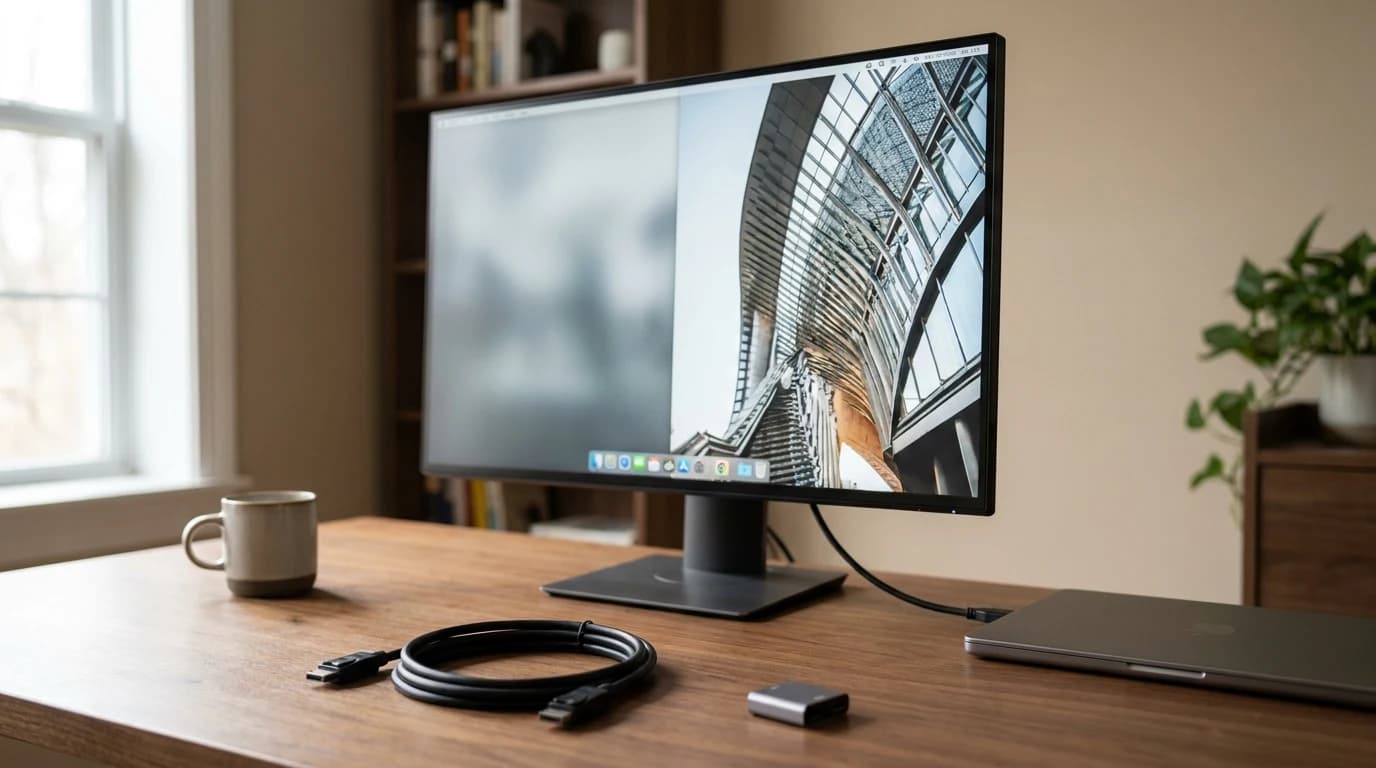
Best 27-Inch Monitors for Working From Home 2026: 7 Picks Across Every Budget
The best 27-inch monitors for working from home in 2026. Seven picks from $200 budget to $1,000 premium 4K — with USB-C, IPS panels, and real-world WFH producti...
Research-backed buying guides, product comparisons, and work-from-home setup advice.
Showing 11 posts tagged #monitors

The best 27-inch monitors for working from home in 2026. Seven picks from $200 budget to $1,000 premium 4K — with USB-C, IPS panels, and real-world WFH producti...

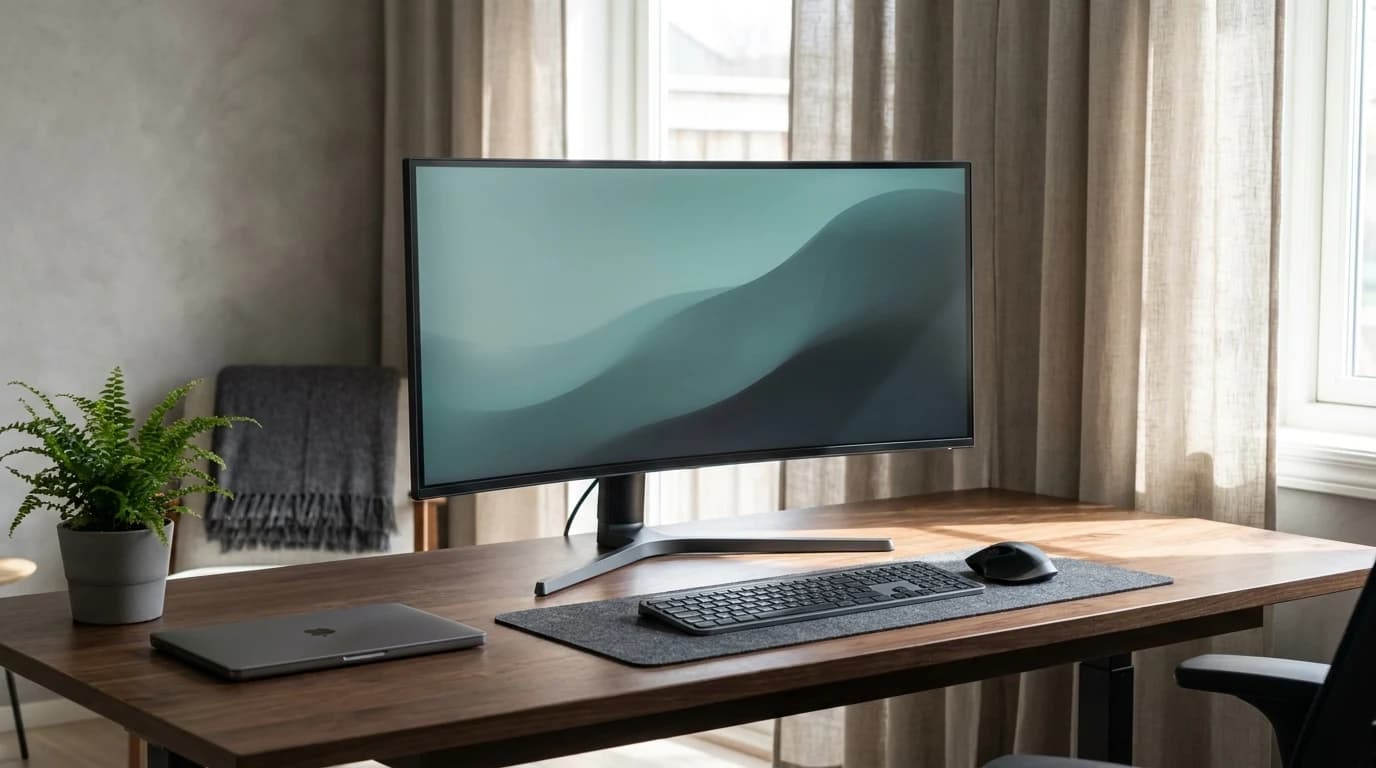
The best ultrawide monitors for working from home in 2026. Six picks from 34" to 49" — with USB-C power delivery, KVM switching, and real WFH workflow notes.
Featured27" vs 32" vs ultrawide. 1440p vs 4K. IPS vs VA vs OLED. 60Hz vs 120Hz. This is the complete decision framework for picking a WFH monitor in 2026, with specific...
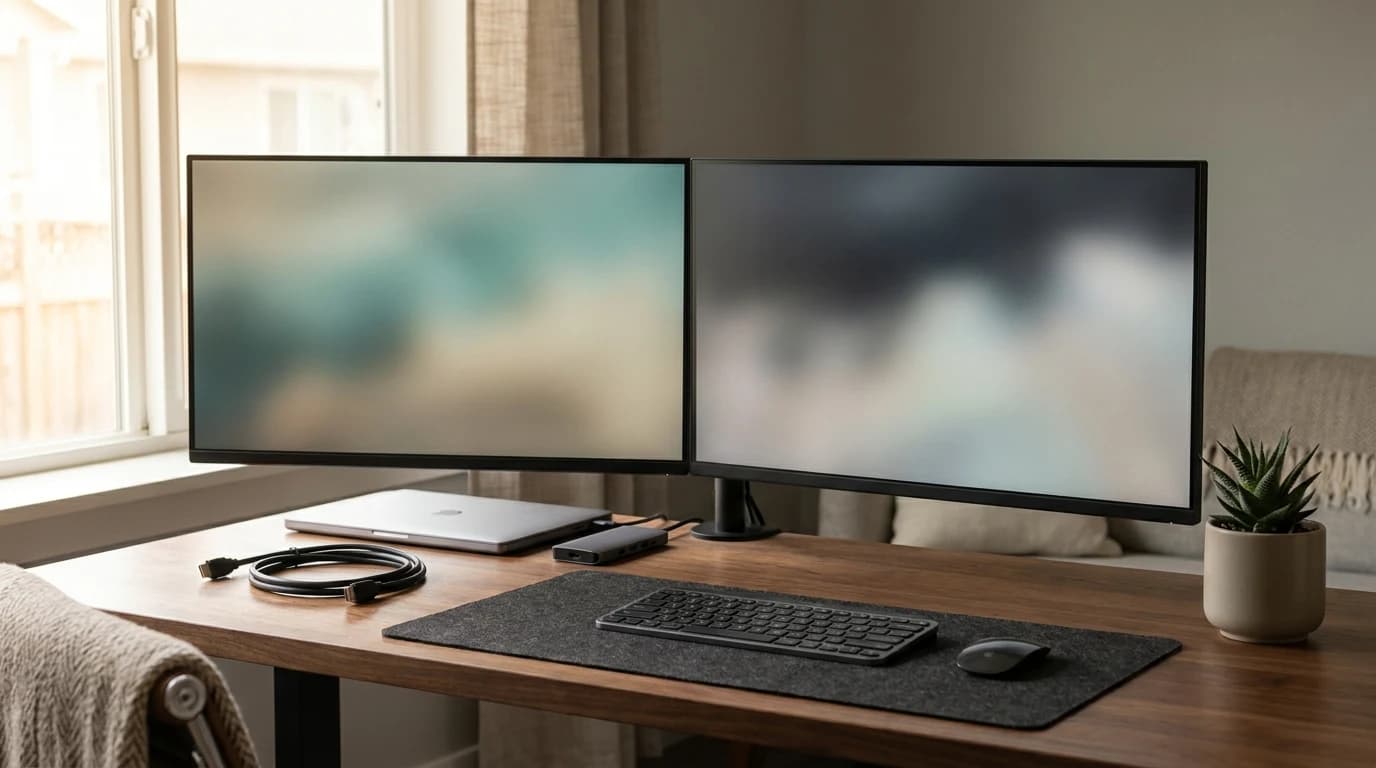
FeaturedThinking about going dual-monitor? We break down the best monitor pairs, arms, stands, and physical layouts for a productive two-screen WFH setup — plus when du...

The best monitor arms for Mac Mini setups in 2026. Six picks ranked by weight capacity, VESA compatibility, and ergonomic range — for 27" and 32" displays.

Complete guide to setting up dual monitors for work from home in 2026. Cable types, resolution matching, arm mounting, and workflow tips for maximum productivit...

Programmers spend 8-10 hours at a keyboard. The right gear makes a real difference to productivity, eye strain, and wrist health. Here is the ideal setup.

Eye strain from screens affects nearly every remote worker. Here are the evidence-based solutions — from monitor settings to lighting — that actually work.

Dell UltraSharp vs LG monitors for home office in 2026. Head-to-head comparison on panel quality, USB-C, warranty, color accuracy, and real-world WFH value.

You do not need to spend $500 on a great home office monitor. These monitors under $300 deliver 1440p or 4K image quality that will serve you well for years.
FeaturedNot all monitors are created equal. Here's what actually matters when choosing a monitor for your home office — and what specs you can safely ignore.