Best Under-Desk Treadmills 2026: Walk While You Work
The WalkingPad C2 wins for most home offices: it folds in half to slide under a sofa, runs 1–4 mph and costs about $365. Use it during email and calls to turn sitting hours into walking.
Our #1 Pick

WALKINGPAD C2 Foldable Treadmill
Price checked Nov 21, 2026 — verify the live price on Amazon.
Folds 180° to a 5.4-inch stack that slides under a sofa, runs 1–4 mph with app and remote control so you never bend down mid-call, and carries a 220 lb capacity. The walking pad most standing-desk owners should buy.
- Folds 180° to a 5.4 in stack
- App and remote speed control
- No assembly; two wheels for moving it
Also Great
Best for serious use: LifeSpan TX6 ($1,399) — 4.5 HP motor, 400 lb capacity and 0.4–6.0 mph: built for several hours of walking a day
Buy on AmazonWalk-and-jog hybrid: WalkingPad X21 ($664.05) — 1–7.5 mph and a longer, wider deck, folding upright for storage: one machine for desk walks and a jog
Buy on Amazon #1 Owner rating | 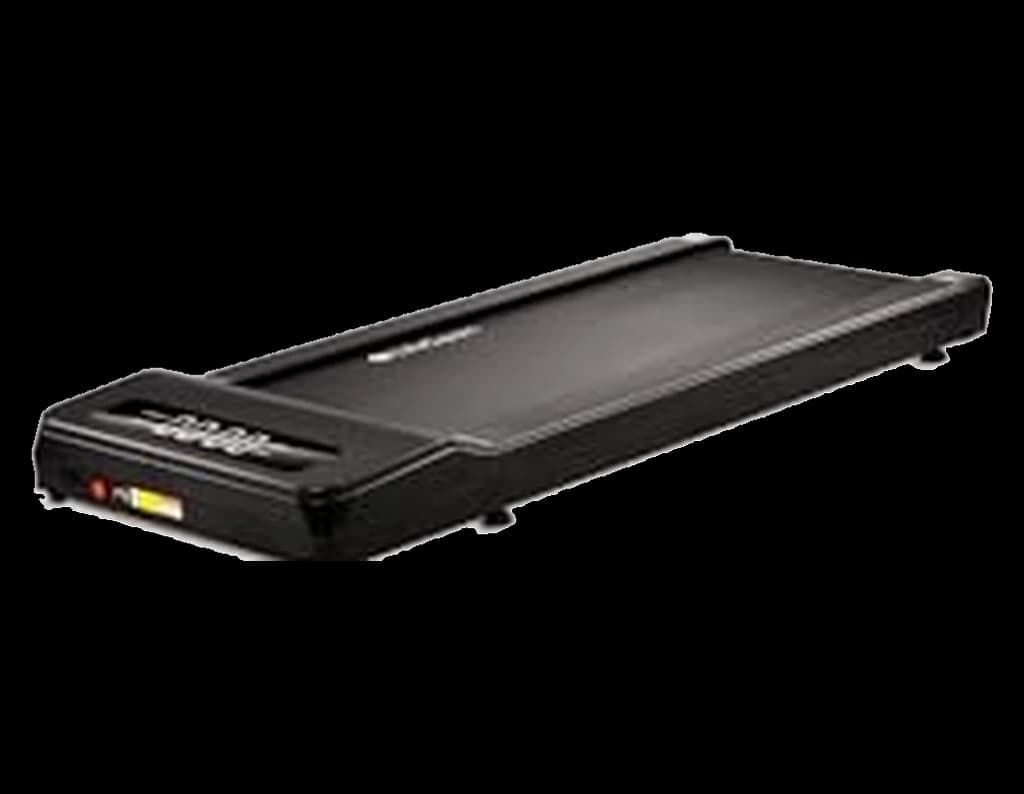 #2 Owner rating | 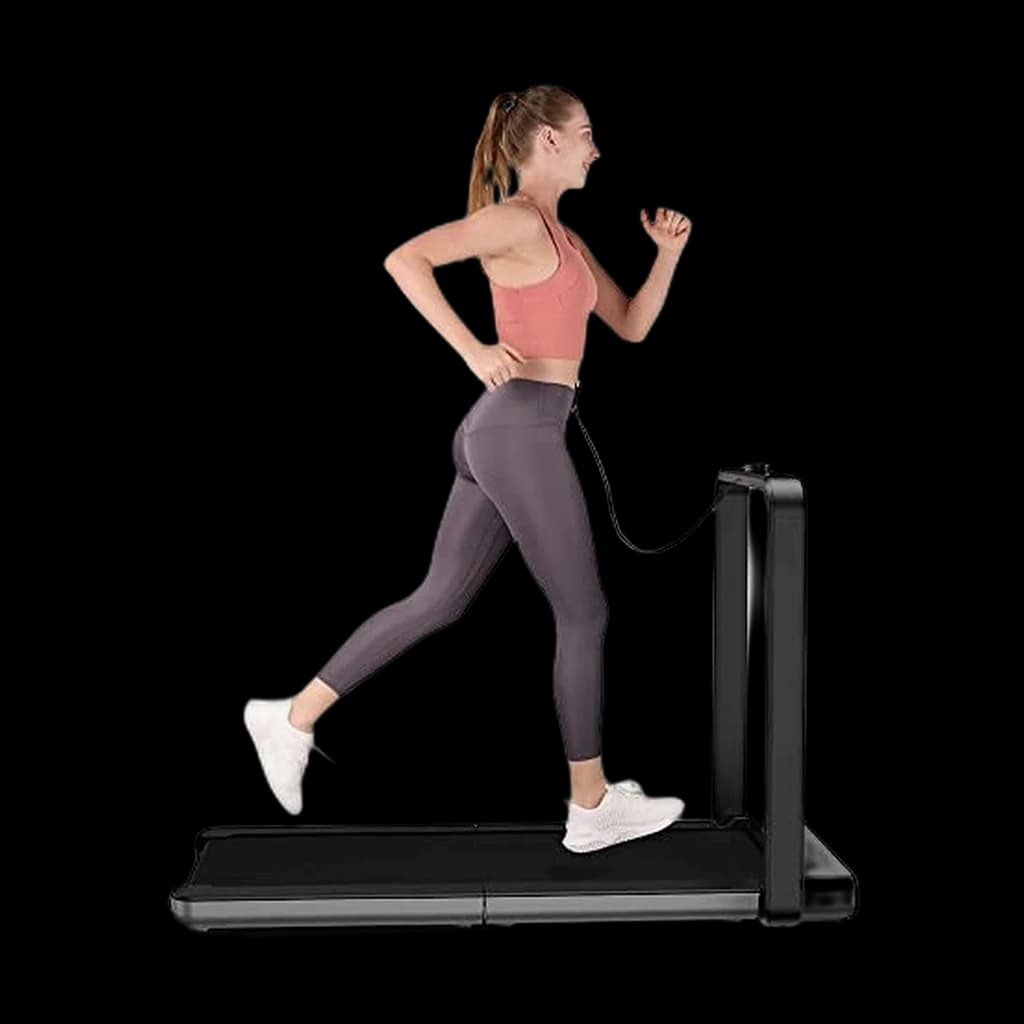 #3 Owner rating | |
|---|---|---|---|
| Price | $362.57Buy on Amazon | $1,399Buy on Amazon | $664.05Buy on Amazon |
| Verdict | Best overall: folds in half for under-sofa storage, 1–4 mph, about $365 | Best for serious use — 4.5 HP, 400 lb, jogging speeds | Walk-and-jog hybrid: 1–7.5 mph with a deck that stands upright for storage |
| Buyer sentiment | Walking Pad Foldability Mobility Functionality Buyers praise walking pad, foldability, mobility and functionality. Mixed feedback on noise level. Based on 44 user mentions | Rated 3.9★ across 2 reviews | Rated 4.3★ across 288 reviews |
| Type | Foldable walking pad | — | — |
| Speed | 1–4 mph (selected listing) | — | — |
| Capacity | 220 lb | 400 lb | 240 lb |
| Unit Weight | Approx. 55 lb | — | — |
| Control | App + remote | — | — |
| Max speed | — | 6 mph | 7.5 mph |
| Folds | — | No | Yes (stands upright) |
| Pros |
|
|
|
| Cons |
|
|
|
* Prices checked Nov 21, 2026 and may vary. Check the latest price on Amazon.
We research — never hands-on. How we research →
Key Takeaways
Three under-desk treadmills ranked for WFH. WalkingPad C2 is the top folding pick; LifeSpan TX6 suits heavier, all-day use and X21 adds jogging speed.
As an Amazon Associate I earn from qualifying purchases. Product prices and availability are subject to change.
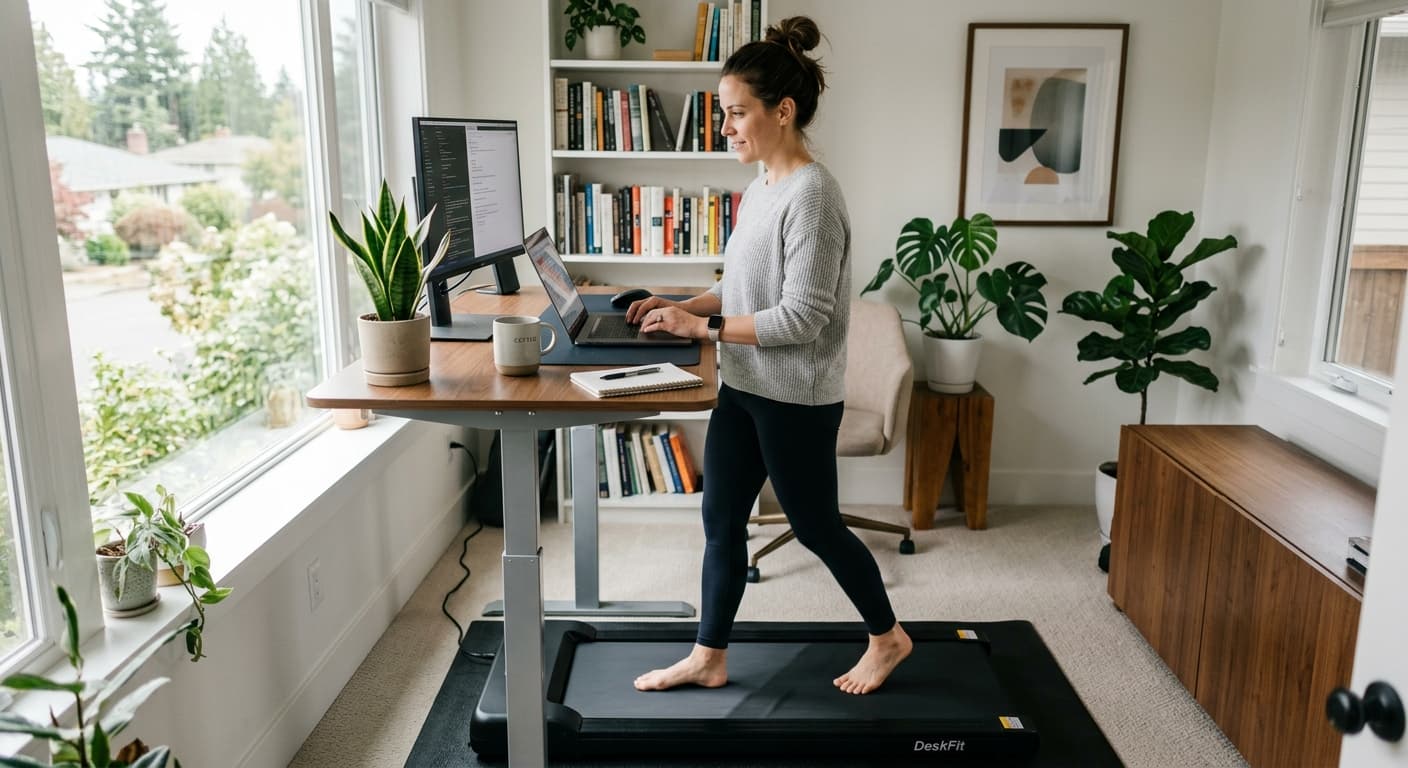
Under-desk treadmills went from novelty to mainstream WFH gear as the health risks of sedentary work became better understood. The premise is simple: walk at 1–2 mph while doing email, calls, and document review. You won't sustain deep coding or writing at the same time, but for passive tasks a walking pad turns sitting hours into movement.
The research backs the premise. In a Mayo Clinic study of 15 sedentary office workers, walking at a self-chosen 1.1 mph while working burned about 119 more calories per hour than seated work (Levine and Miller, British Journal of Sports Medicine, 2007).
What Makes an Under-Desk Treadmill Different
Under-desk treadmills are not regular treadmills. They're designed to:
- Operate at walking speeds (0.5–4 mph max, not running speeds)
- Run quietly enough for phone calls
- Fold or slide under a desk when not in use
- Work with standing desks or dedicated desk frames
They're not suitable for running. If you want to run, get a regular treadmill.
Key Specs
- Max speed: 2–3 mph is sufficient for walking while working; some units go to 6 mph for light jogging between tasks.
- Noise level: The most important spec for WFH use, and the one brands are vaguest about. Few publish a decibel figure, so owner reports of call noise at walking speed are the best evidence you have. Those complaints cluster around cheap generic pads and higher speeds, where footfall carries into the microphone.
- Weight capacity: Most home under-desk treadmills support 220–265 lbs. If you're near that range, buy for capacity first: the TX6 below is rated to 400 lb.
- Fold/storage: How the unit stores when not in use matters for home offices with limited space.
Our Top Picks
1. Best Overall: WalkingPad C2 ($363)
Buy on Amazon · $362.57The WalkingPad C2 is the walking pad most standing-desk owners should buy, and it wins because storage is the binding constraint in most home offices. It folds 180° in half to a 5.4-inch stack that slides under a bed or sofa, so it disappears completely between sessions. It needs no assembly and runs a 2.0 HP motor from 1–4 mph with a 220 lb capacity, which covers the 1–2 mph range you actually walk at while working. WalkingPad pitches the motor as quiet enough for virtual meetings, and app and remote control mean you never bend down mid-call to change speed. At about 55 lb on two wheels, it moves between rooms easily.
It is also the cheapest pick here at about $430. You are paying for the fold and the finish, not for a bigger motor.
Best for: Small apartments, shared rooms, anyone storing the pad between sessions
Pros: True 180° fold, no assembly, remote and app speed control, compact 5.4-inch folded height
Cons: 220 lb capacity is the lowest here; 4 mph ceiling rules out jogging; no handrail
2. Best for Serious Use: LifeSpan TX6 ($1,399)
Buy on Amazon · $1,399The LifeSpan TX6 is the commercial-grade option for people who plan to walk several hours a day. It runs a 4.5 HP motor against the 1–2 HP typical of consumer walking pads, carries a 400 lb weight capacity, and spans 0.4–6.0 mph, so it handles a genuine jog rather than topping out at a stroll. At 88 lbs it is portable in the sense that two people can move it, not that you will stow it daily.
It is LifeSpan's current under-desk model and replaces the TR1200-DT3, which is no longer sold on Amazon. The listing is new and carries only a handful of ratings, so the published specs are the evidence here.
Best for: Multi-hour daily walking, users over 220 lb, permanent standing-desk setups
Pros: 4.5 HP motor, 400 lb capacity, 0.4–6.0 mph range, remote and LED display
Cons: About three times the price of the C2; 88 lbs; a new listing with a thin review history
3. Best Walk-and-Jog Hybrid: WalkingPad X21 ($664.05)
Buy on Amazon · $664.05The WalkingPad X21 is the pick if you want one machine for desk walking and a between-meeting jog. WalkingPad lists a 1–7.5 mph range, a 47.6 × 18.1-inch running area and a 240 lb user limit, and the tri-fold frame stands upright for storage. A rotary dial sets the speed, so there is no touchscreen to fumble.
Not worth it unless you actually jog on it: for walking only, the C2 does the job for about $300 less.
Best for: One-machine households, runners who can't fit a full treadmill
Pros: Up to 7.5 mph, longer and wider deck than the C2, vertical storage
Cons: Heavier than a walking pad at 81 lb (manufacturer); premium price
Treadmill Comparison
| Treadmill | Max Speed | Capacity | Folds? | Price |
|---|---|---|---|---|
| WalkingPad C2 | 4 mph | 220 lb | Yes (180°) | $363 |
| LifeSpan TX6 | 6 mph | 400 lb | No | $1,399 |
| WalkingPad X21 | 7.5 mph | 240 lb | Yes (stands upright) | $664 |
Using a Treadmill Desk Effectively
- Start at 1–1.5 mph: Most people find 1.2–1.5 mph optimal for email and reading without losing focus. Faster is harder to type accurately on.
- Use it for specific task types: Email, Slack, reading, simple calls: great. Deep writing, coding, or complex analysis: worse. Batch your passive tasks for treadmill time.
- Set a daily step goal, not a duration goal: "I'll walk 3,000 steps during morning email" is more motivating than "I'll walk for 30 minutes."
- Put it on a firm, level base: a thin, dense treadmill mat protects hardwood floors and damps vibration; a soft anti-fatigue mat is the wrong base for a moving belt.
For other active WFH solutions, see our stay active WFH guide and best standing desks 2026.
🏆 Bottom Line: The WalkingPad C2 is the right buy for most home offices: it folds in half to slide under a sofa, runs 1–4 mph and costs about $365. Step up to the LifeSpan TX6 if you're over 220 lb or will walk several hours a day, and to the WalkingPad X21 only if you also want to jog. Use any of them during email and calls, not during deep focus work.
Sources
- Levine JA et al. — "Non-exercise activity thermogenesis: The crouching tiger hidden dragon of societal weight gain." Arteriosclerosis, Thrombosis, and Vascular Biology, 2006.
- Levine JA, Miller JM — "The energy expenditure of using a 'walk-and-work' desk for office workers with obesity." British Journal of Sports Medicine, 2007.
- Pronk NP et al. — "Reducing occupational sitting time and improving worker health." Preventing Chronic Disease, 2012.
- LifeSpan Fitness — TX6 under-desk treadmill specifications. lifespanfitness.com.
- WalkingPad — C2 and X21 specifications. walkingpad.com.
Going deeper on walking pads or stepping up to a full treadmill
If you specifically want to walk while you work, our sister site GymScored runs a comprehensive walking pad guide covering noise floors, ergonomic desk-height math, and a 5-product spec table. For a real run-rated treadmill (not the desk variety), their best home treadmill guide compares motor CHP, deck length, and safety standards.
Your next step
A walking pad needs a standing desk above it.
Hilly Shore Labs
Editorial TeamWFH Lounge is published by Hilly Shore Labs. Every recommendation is built by synthesizing ergonomic research, manufacturer specs, expert reviews from outlets like Wirecutter, RTINGS, and The Verge, and aggregated long-term owner sentiment from thousands of verified buyers.
All product reviews are independently researched. Our recommendations are based on ergonomic guidelines, manufacturer specifications, and verified buyer sentiment. See our methodology.