Best Standing Desks for a Home Office (2026)
The UPLIFT V3 at $648 is the best standing desk for most home offices — a 22.6-48.7 inch range, 355 lb capacity and a 15-year warranty. Drop to the FlexiSpot E6 Bamboo at $284.96 to save about $360.
Our #1 Pick
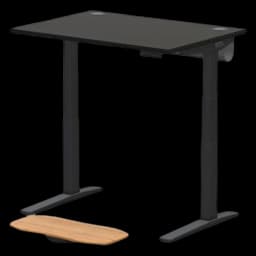
UPLIFT V3 Standing Desk
Dual motors, 3-stage legs that stay steady at the top of a 22.6"-48.7" range, 355 lb capacity, and a 15-year warranty covering frame, motors and electronics. The standing desk that outlasts every cheaper rival.
- Lowest minimum height at 22.6" — fits users from 4'11" to 6'5"
- 355 lb capacity handles any dual-monitor WFH setup
- 15-year warranty covers frame, motors, and electronics
Price checked Oct 8, 2026 — verify the live price on Amazon.
Also Great
Best value: FlexiSpot E6 Bamboo Standing Desk ($329.99) — Dual-motor 3-stage frame with a real bamboo top — the same stability story as the UPLIFT for about $360 less
Buy on AmazonBudget pick: FlexiSpot EN1 ($169.99) — Single motor and a narrower range, but genuine electric sit/stand for well under $200 — the cheapest desk here we would still recommend
Buy on Amazon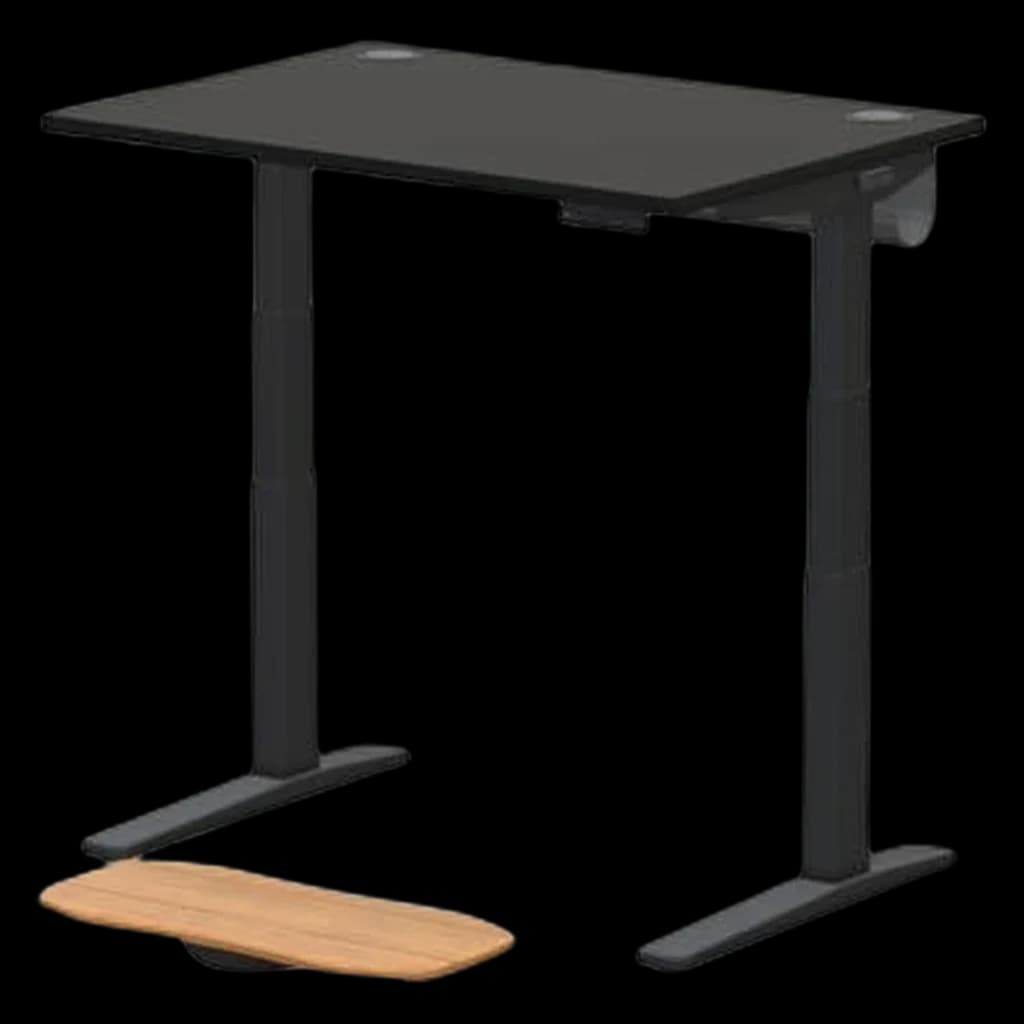 #1 Owner rating | 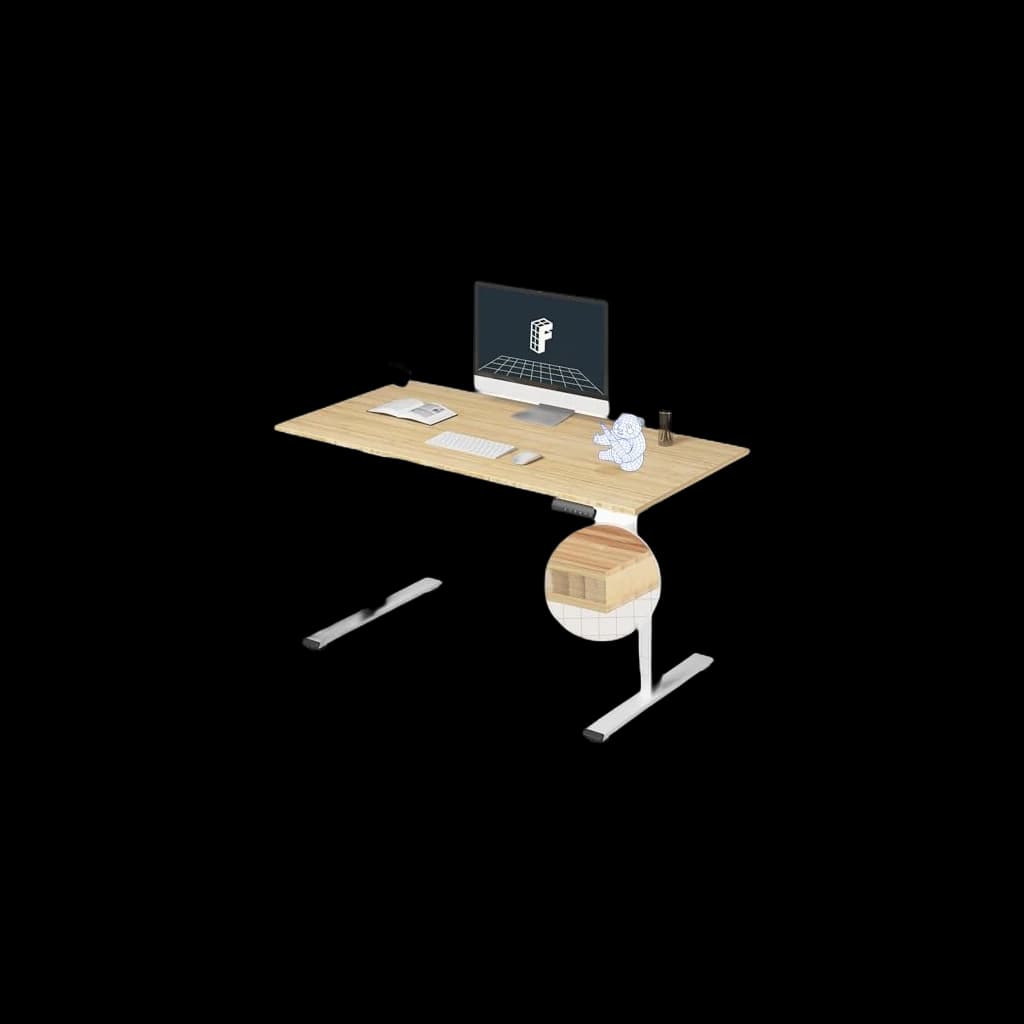 #2 Owner rating | 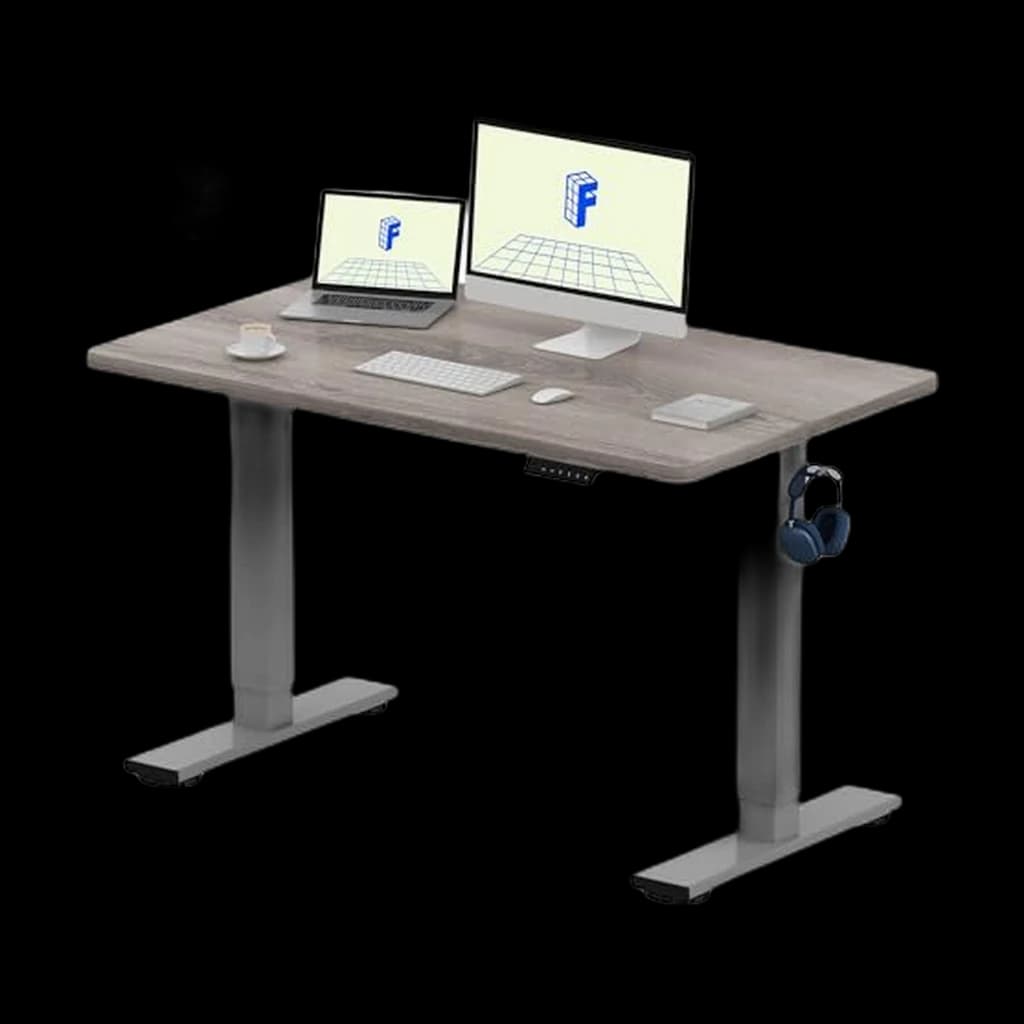 #3 Owner rating | 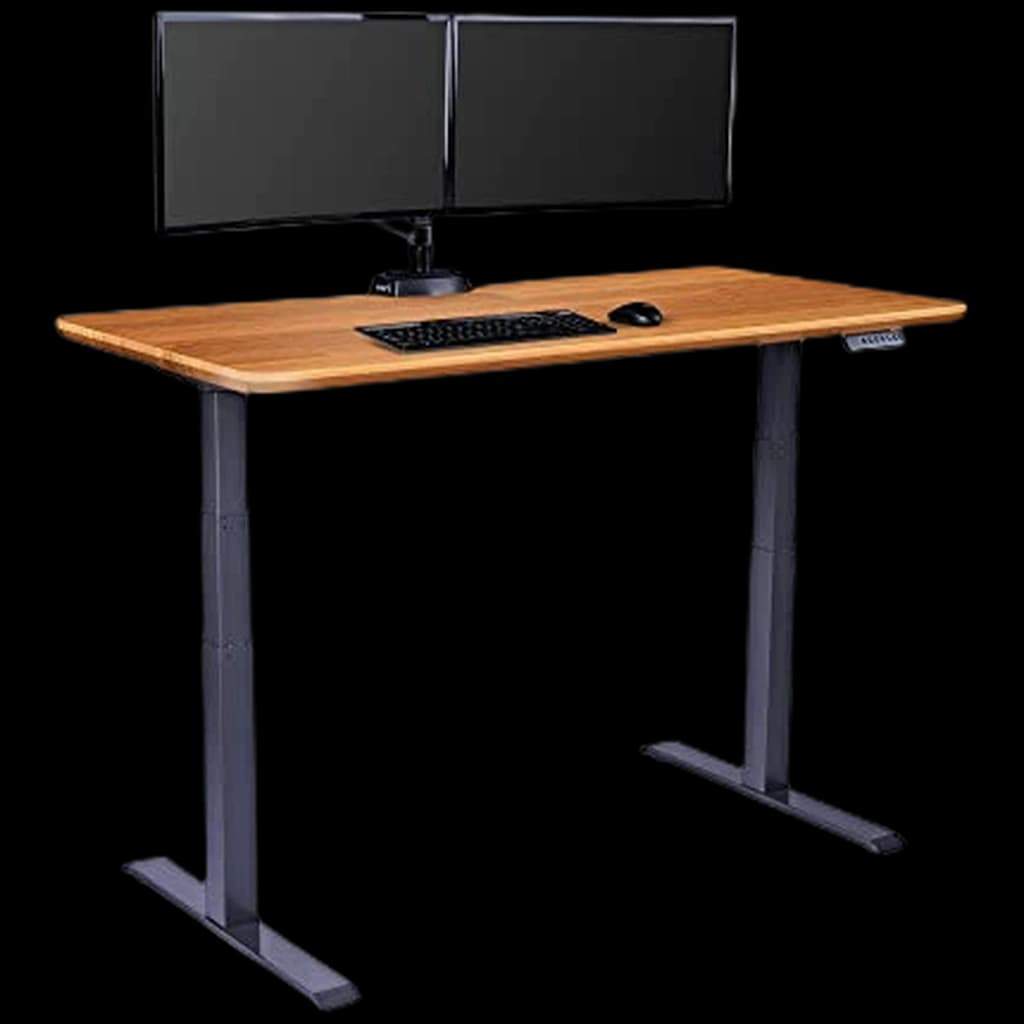 #4 Owner rating | |
|---|---|---|---|---|
| Price | $648Buy on Amazon | $329.99Buy on Amazon | $169.99Buy on Amazon | |
| Verdict | Best standing desk overall — dual-motor precision, 15-year warranty, widest height range | Best value — dual-motor 3-stage frame with a bamboo top, priced below the UPLIFT V3 | Best budget sit-stand desk under $300 — single-motor 2-stage frame at entry price | Highly-rated electric sit-stand — sturdy, fast and near-silent (4.7★ over 2,000 reviews) |
| Buyer sentiment | Quality Sturdiness Assembly Adjustability Buyers praise quality, sturdiness, assembly and adjustability. Based on 52 user mentions | Quality Appearance Value for money Functionality Buyers praise quality, appearance, value for money and functionality. Based on 292 user mentions | Quality Sturdiness Assembly Value for money Buyers praise quality, sturdiness, assembly and value for money. Based on 664 user mentions | Assembly Quality Sturdiness Value for money Weight Buyers praise assembly, quality, sturdiness and value for money. Some flag weight. Based on 1,523 user mentions |
| Specs |
|
|
|
|
| Pros |
|
|
|
|
| Cons |
|
|
|
|
* Prices checked Oct 7, 2026 and may vary. Check the latest price on Amazon.
We research — never hands-on. How we research →
Key Takeaways
Standing desks ranked for home offices in 2026 — UPLIFT V3, FlexiSpot and budget picks compared on wobble at full height, height range, warranty and price.
As an Amazon Associate I earn from qualifying purchases. Product prices and availability are subject to change.
Standing desks have moved from office perk to home office essential. The research is clear: prolonged sitting increases risk of cardiovascular disease, metabolic syndrome, and back pain. A standing desk doesn't need to be used standing all day — research suggests the optimal pattern is 20–30 minutes of standing per hour of work, which requires a desk that's easy to raise and lower throughout the day.
Here's what to look for and which desks we recommend in 2026.
Electric vs. Manual Crank vs. Fixed Height
Electric (motorized): Push a button, desk moves. Most have programmable memory presets for your preferred sitting and standing heights. The convenience of one-button adjustment is the biggest factor in whether people actually use the standing function. Recommended for most buyers.
Manual crank: A hand crank adjusts the height. Cheaper, no motor to fail, but the effort means you're less likely to switch positions throughout the day.
Fixed standing height: The cheapest option — desk is set at standing height permanently. Only makes sense for dedicated standing workstations, not for alternating sit/stand use.
If you want the decision without the detail, here are the three desks in this guide by budget tier:
| Tier | Model | Price | Why |
|---|---|---|---|
| Budget | FlexiSpot EN1 | $169.98 | Real electric adjustment with three memory presets; single motor, 2-stage legs, 154 lb capacity |
| Best overall | UPLIFT V3 | $648 | 22.6"–48.7" BIFMA-compliant range, 355 lb capacity, 15-year warranty on frame, motors and electronics |
| Buy-once | Vari Classic Electric | price currently unavailable | Vari states a lifetime warranty against defects, plus 3-tier legs and four programmable heights |
Key Specs That Matter
Height range: Standard height range is 25"–50". If you're under 5'4" or over 6'2", check the minimum and maximum heights carefully — some desks don't accommodate extreme heights.
Stability: Wobble at standing height is the most common complaint. Look for desks with crossbar bracing or a wider leg stance. Dual-motor desks are more stable than single-motor.
Warranty: A 5-year warranty is the minimum for a premium desk; best desks offer 10-year or lifetime warranties.
Desktop size: 48"×24" is the minimum useful workspace for a single-monitor setup; 60"×30" is comfortable for dual-monitor.
Our Top Picks
1. Best Value: FlexiSpot E6 Bamboo Dual-Motor Standing Desk ($329.99)
The FlexiSpot E6 Bamboo is the value pick in this guide — a 3-stage dual-motor frame with a bamboo top and a programmable memory keypad that makes sit/stand transitions effortless. The 3-stage legs are what buy you stability at full standing height; two-stage frames at this price wobble.
At $329.99 with the bamboo desktop included, it undercuts the UPLIFT V3 by roughly $320 with a comparable dual-motor, 3-stage feature set.
One thing to know: FlexiSpot now lists this frame on its own site as the 3-Stage Premium Option and shows it off-shelf, having moved its named line-up on to the E6 MAX and E6 Pro. The desk is unchanged and still sold, but you are buying a superseded generation.
Best for: Most home office setups, all-day daily use
Pros: Dual motor, 3-stage legs, three memory presets, bamboo top included
Cons: Desktop surface isn't as premium as higher-end competitors; superseded by newer E6 variants
2. Best Overall: UPLIFT V3 Standing Desk ($648)
Buy on Amazon · $648The UPLIFT V3 is our overall pick and the benchmark for premium quality: exceptional stability even at maximum height, the widest height range here (22.6"–48.7", which UPLIFT says meets the ANSI/BIFMA G1-2013 ergonomic standard and fits over 95% of users), a 355 lb capacity, and a 15-year warranty covering frame, motors and electronics. The UPLIFT ecosystem of accessories (monitor arms, cable management, under-desk trays) integrates seamlessly.
Best for: All-day heavy use, buyers who want the best and will keep it for a decade+
Pros: 15-year warranty on frame, motors and electronics; outstanding stability; widest height range; best accessories ecosystem
Cons: Costs roughly twice the budget pick; one-touch memory presets need the upgraded keypad
3. Best Budget: FlexiSpot EN1 Electric Standing Desk ($169.98)
Buy on Amazon · $169.99The FlexiSpot EN1 is the most affordable electric standing desk that doesn't compromise on the essentials: electric adjustment, decent height range (28"–47.6"), and adequate stability for light to moderate use. Single motor and 2-stage legs (vs. the E6's dual motor and 3-stage), but perfectly functional for a single-monitor setup, and FlexiSpot still specifies three memory presets on it.
Best for: Budget-conscious buyers, light home office use
Pros: Electric adjustment, three memory presets, affordable, simple setup
Cons: Single motor and 2-stage legs limit lifting capacity and stability; 154 lb capacity; shorter height range
Standing Desk Comparison
| Desk | Motors | Height Range | Warranty | Price |
|---|---|---|---|---|
| UPLIFT V3 | Dual | 22.6"–48.7" | 15 years | $648 |
| FLEXISPOT Q8 Bamboo | Dual | 3-stage | 5 years | $569.99 |
| FlexiSpot E6 Bamboo | Dual | 3-stage | 5 years | $329.99 |
| FlexiSpot EN1 | Single | 28"–47.6" | 5 years | $169.98 |
| Vari Classic | Dual | 25"–50.5" | 5 years | price currently unavailable |
Manufacturer-Stated Specs, Side by Side
Every figure below comes from the manufacturer's own current product page, checked in September 2026. Where a manufacturer publishes no number, the cell says "not stated" rather than a guess.
| Model | Height range | Lift capacity | Motor | Frame warranty | Desktop sizes offered |
|---|---|---|---|---|---|
| UPLIFT V3 | 22.6"–48.7" (BIFMA G1-2013) | 355 lb, inclusive of desktop | Dual — synchronised motor in each leg | 15 years, covering frame, motors and electronics | 42, 48, 60, 72 and 80" widths in 24" or 30" depth |
| FlexiSpot E6 (3-Stage Premium frame) | 23.6"–48.4" | 275 lb | Dual, 3-stage legs | 5 years frame and motor; 2 years controller and electronics | Frame accepts tops 47.2"–70.8" wide × 23.6"–31.5" deep |
| FlexiSpot EN1 | 27.9"–47.6" per frame details; 29"–48.6" in the spec table on the same page | 154 lb, not including desktop weight | Single, 2-stage legs | 5 years frame and motor; 2 years controller and electronics | 55" × 28" and 60" × 30"; tops under 63" wide |
| Vari Classic Electric | 25"–50.5" | 200 lb (60" × 30"); 180 lb on the 72" × 30" | Not stated | Lifetime against defects in material or workmanship | 60" × 30" and 72" × 30" |
Two things there matter more than the headline numbers. Capacity is measured differently by brand: UPLIFT's 355 lb includes the desktop, FlexiSpot's 154 lb for the EN1 explicitly does not, and a 60" × 30" laminate top can be 50 lb — so the EN1's real headroom is smaller than the gap suggests. FlexiSpot also publishes two different height ranges for the EN1 on the same page, frame-only and assembled, which is exactly the discrepancy that trips up tall buyers.
What the height range means for your body
The rule for setting a standing desk is elbow height, not your height. Stand with shoulders relaxed and upper arms hanging vertically; your forearms should sit roughly parallel to the floor, so the work surface wants to be at about your bent-elbow height. Measure it on yourself — floor to elbow, shoes on — and add a little for keyboard thickness.
Then check that number against the maximum. The EN1 stops around 47.6", the V3 at 48.7" and the Vari at 50.5", so if your elbow height is in the high 40s the budget frame runs out of travel before you do — and a monitor arm cannot fix it, because the keyboard sits on the desktop. Running downward, the V3's 22.6" minimum is the widest margin here, which is why it is the safer buy for shorter users.
What Actually Decides Which Desk You Keep
Wobble at standing height. Every two-legged desk moves at the top of its travel; the frames answer it differently. UPLIFT states the V3 reaches its stability without a lower crossbar — the traditional fix, and the thing that gets in the way of your feet. FlexiSpot's answer on the E6 frame is double steel tubing, which it says holds firm at maximum height, and Vari uses T-shaped steel legs plus a three-tier column. The EN1, being 2-stage, has less column overlap when raised than any of them — the physical reason cheap frames wobble precisely when you are standing at them.
Keypad presets are not always included. FlexiSpot specifies three programmable presets on both the E6 and the EN1, plus a sit-stand reminder (0–99 minutes on the E6, 90 on the EN1). Vari specifies four programmable heights. But the V3's standard keypad is the Basic Display, which UPLIFT says needs constant touch to raise and lower — one-touch movement to a saved height, keypad lock and min/max limits come with an Advanced keypad, a paid upgrade. If one-button sit/stand is what makes you use the desk, budget for it.
Anti-collision is not universal. UPLIFT states an anti-collision system on the V3 that stops and reverses on contact, with adjustable sensitivity. Vari states a safety sensor in the motor that halts movement when the top meets a chair or anything else underneath. FlexiSpot publishes no collision-detection spec for the E6 frame or the EN1. If the desk shares a room with a filing cabinet, a high-armed chair or a toddler, that is a real difference.
Cable management is included on exactly one. The V3 ships with UPLIFT's FlexMount cable manager and ten mounted wraps. Vari sells its cable tray separately, and FlexiSpot states nothing about cable routing on either frame. Budget an evening and about $30 for trays and wraps regardless, because a rising desk drags every cable with it.
Assembly, as owners describe it. UPLIFT says V3 components click into place or fasten with a single included tool. Owner reviews on Vari's own product page repeatedly describe getting the desk together in ten to twenty minutes, several working alone despite instructions suggesting two people. The complaint in the less happy reports is weight, not complexity: flipping an assembled desk upright is where a second pair of hands helps.
Returns and warranty, read properly. UPLIFT offers a 30-day risk-free trial and covers return shipping in the contiguous US; its 15-year warranty is non-transferable, excludes open-box units, and is reduced proportionally above 40 hours of use a week. FlexiSpot takes returns within 30 days with no restocking or return shipping fee on like-new items, but its warranty covers only the original purchaser and only desks bought from an authorised FlexiSpot retailer — confirm the seller before buying through a marketplace. Vari's lifetime warranty covers defects in material or workmanship that affect your ability to use the desk as intended, is also non-transferable, and comes with 30-day free returns.
Getting the Most From Your Standing Desk
Set up your ergonomics correctly. Standing doesn't automatically mean better posture. At standing height, elbows should be at 90° with wrists straight, monitor at eye level. An anti-fatigue standing mat reduces fatigue significantly.
Start gradually. If you've been sitting all day for years, standing 6 hours immediately causes its own pain. Start with 20–30 minutes standing per hour and build up — we go deeper on the rhythm in how often you should stand at a standing desk.
Move your monitor arm too. A fixed monitor that requires you to raise/lower the full desk is less flexible. A monitor arm decouples monitor height from desk height.
For more on building out a complete ergonomic setup, see our ergonomic home office guide and standing desk buying guide, or browse every desk we rate in standing desks.
🏆 Bottom Line: The UPLIFT V3 at $648 is the best standing desk for a home office in 2026 — 3-stage stability and a 15-year warranty on frame, motors and electronics. The FlexiSpot E6 Bamboo at $329.99 is the value pick if you want dual motors for about $320 less, and the FlexiSpot EN1 at $169.98 is the budget pick if you're watching spend.
What the Research Says About Standing Desks
The evidence for standing desks is real but narrower than the marketing suggests. A 2018 Cochrane systematic review (Shrestha et al.) found that sit-stand desks reduced workplace sitting time by an average of about 57 minutes per day at medium-term (3–12 month) follow-up, with shorter-term studies showing reductions of 84–116 minutes per day. That is a meaningful behavior change.
What the research does not yet support is the bigger health promise. The same Cochrane review rated the evidence as low quality and concluded that the health effects of sit-stand desks are "still unproven." Separately, a widely-cited 2015 meta-analysis in Annals of Internal Medicine (Biswas et al.) found that prolonged sedentary time is associated with higher all-cause mortality independent of exercise — which is the real case for sitting less, not for any single desk.
The practical takeaway: a standing desk is a tool to break up sitting, not a health treatment. Alternate roughly every 30–60 minutes, and don't trade all-day sitting for all-day standing — prolonged standing carries its own leg and lower-back fatigue.
Products referenced in this guide
For quick reference, the products tied to this guide are the UPLIFT V3 Standing Desk ($648), the FLEXISPOT Q8 Bamboo Standing Desk ($569.99), the FlexiSpot EN1 Electric Standing Desk ($169.98), and the Vari Classic Electric Standing Desk (price currently unavailable).
Vari stock note (checked 2026-09-09): Vari's own store listed the 60x30 Classic as out of stock while the Amazon listing, sold by Vari, was in stock. Amazon's size and finish selector can land you on the 72x30 sibling of the same desk — check the size line before you buy.
What r/StandingDesks actually recommends
The subreddit's recurring recommendation threads land close to this guide, with one important dissent. In Best standing desks in 2026 so far, commenters name the UPLIFT V3 the best overall and credit it specifically with better stability at standing height and faster motors than the V2 it replaced. The framing repeated there is worth borrowing: buy a brand's mid-range frame, not its cheapest, because the entry models are where the compromises live.
On brand versus brand, Uplift or Flexispot, what do you think is the BEST standing desk reaches the same split we do: UPLIFT rated higher on build quality, FlexiSpot rated as tracking its own price ladder, so the cheap FlexiSpot is a cheap desk and the expensive one is a good one — the argument for the E6 over the EN1 if you can stretch.
Where the community disagrees with our V3 pick: in Which standing desk would you actually buy in 2026 and Standing desk recommendations in 2025, long-time posters still steer buyers to the older UPLIFT V2, on the grounds that it has years of accumulated long-term feedback and the V3 does not yet. Others skip UPLIFT for Deskhaus, and in an older Wirecutter-versus-Reddit thread a commenter argues the most stable desk sold is RightAngle's NewHeights Elegante XT, dismissed by mainstream sites on price. If proven-over-years matters more to you than the V3's newer frame, that is a fair read of the same evidence.
The most useful wobble thread is not really about desks. In Standing desks and monitor wobble, the consensus is that the shimmer people see in their monitors while typing is desk movement amplified by the arm, not an arm defect — one poster with a solid premium desk found the arm reintroduced the wobble they had paid to avoid. The fixes raised in Combating monitor wobble at standing height and Minimizing monitor wobble are cheap: extend the levelling feet so they bite through carpet, and move the arm clamp inboard so it sits over a leg rather than the unsupported middle of the top.
FAQ
Is a standing desk worth it for working from home?
Yes, if you treat it as a way to break up sitting rather than a health cure. The 2018 Cochrane review found sit-stand desks cut workplace sitting by roughly an hour a day at medium-term follow-up while rating the health-outcome evidence as low quality. At home the practical case is stronger, because you control the room and one-button adjustment is what makes people actually alternate.
What is the best standing desk under $500?
The FlexiSpot E6 Bamboo at $329.99 — a dual-motor 3-stage frame with the bamboo top included, three memory presets and a 275 lb capacity on FlexiSpot's spec sheet. It wins because 3-stage legs are the part that buys stability at full standing height, and little else under $500 pairs them with dual motors. On a tighter budget the FlexiSpot EN1 at $169.98 covers the basics with a single motor.
How much weight can a standing desk hold?
It depends on the frame, and brands measure it differently. UPLIFT rates the V3 at 355 lb inclusive of the desktop; FlexiSpot rates the E6 frame at 275 lb and the EN1 at 154 lb not including the desktop; Vari rates its 60" × 30" Classic Electric at 200 lb. Subtract your top's weight from any figure that excludes it — most single and dual-monitor setups land under 100 lb, so 154 lb up is workable and 250 lb and above is comfortable.
Do standing desks wobble at full height?
To some degree all two-legged desks do; the amount is what varies. Column overlap is the cause, which is why 3-stage frames like the UPLIFT V3, FlexiSpot E6 and Vari Classic stay steadier when raised than a 2-stage frame like the EN1. Before blaming the desk, extend the levelling feet so they sit firmly through carpet and move the monitor arm clamp inboard over a leg — the two fixes r/StandingDesks reports as making the biggest practical difference.
How long should I stand at a standing desk each day?
There is no official number, but alternating roughly every 30–60 minutes is a sensible rhythm, and it is what the sit-stand reminder timers on FlexiSpot's keypads are built around. The goal is breaking up long sitting blocks, not standing for hours — prolonged standing causes its own leg and lower-back fatigue. Build up gradually if you have been sitting all day for years.
UPLIFT vs FlexiSpot — which is better?
UPLIFT is the better desk; FlexiSpot is the better deal, and which wins depends on how long you keep it. UPLIFT backs the V3 with 15 years on frame, motors and electronics and a wider 22.6"–48.7" range, against FlexiSpot's 5 years on frame and motor and 2 on the electronics. Our picks reflect that split — the V3 at $648 overall, the E6 Bamboo at $329.99 for value — and so do the r/StandingDesks brand threads.
Sources
- Biswas A et al. — "Sedentary time and its association with risk for disease incidence, mortality, and hospitalization in adults." Annals of Internal Medicine, 2015.
- Thorp AA et al. — "Prolonged sedentary time and physical activity in workplace and non-work contexts." International Journal of Behavioral Nutrition and Physical Activity, 2012.
- UPLIFT Desk — UPLIFT V3 Standing Desk: height range, capacity, anti-collision, keypad tiers, cable management, desktop sizes.
- UPLIFT Desk — Warranty and Returns: 15-year coverage and exceptions, 30-day risk-free trial.
- FlexiSpot — 3-Stage Premium Option (E6 frame): dual motor, capacity, presets, warranty split.
- FlexiSpot — Standing Desk EN1: single motor, 2-stage, capacity, height figures, returns.
- Vari — Electric Standing Desk 60x30: height range, capacity, four presets, safety sensor, lifetime warranty.
Your next step
Pair the desk with movement underneath it.
Hilly Shore Labs
Editorial TeamWFH Lounge is published by Hilly Shore Labs. Every recommendation is built by synthesizing ergonomic research, manufacturer specs, expert reviews from outlets like Wirecutter, RTINGS, and The Verge, and aggregated long-term owner sentiment from thousands of verified buyers.
All product reviews are independently researched. Our recommendations are based on ergonomic guidelines, manufacturer specifications, and verified buyer sentiment. See our methodology.