Logitech C920 vs Brio 4K 2026: Is 3x the Price Worth It?
The Verdict
 #1 Owner rating | 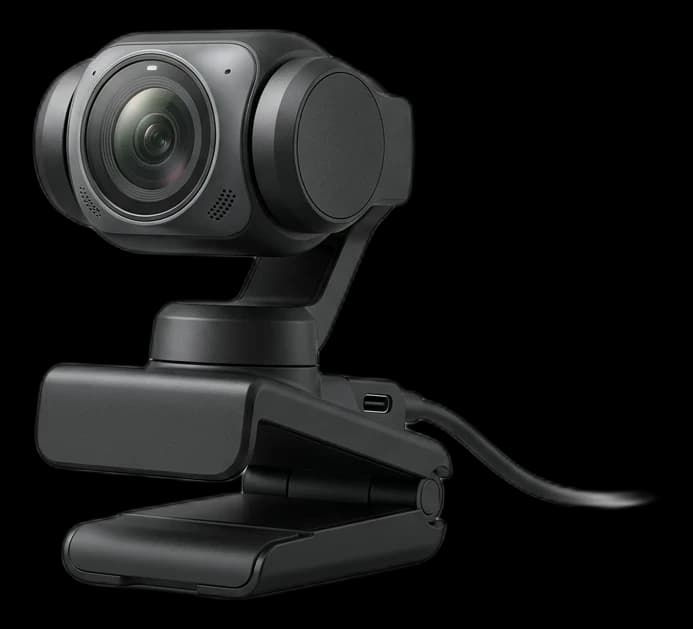 #2 Owner rating | 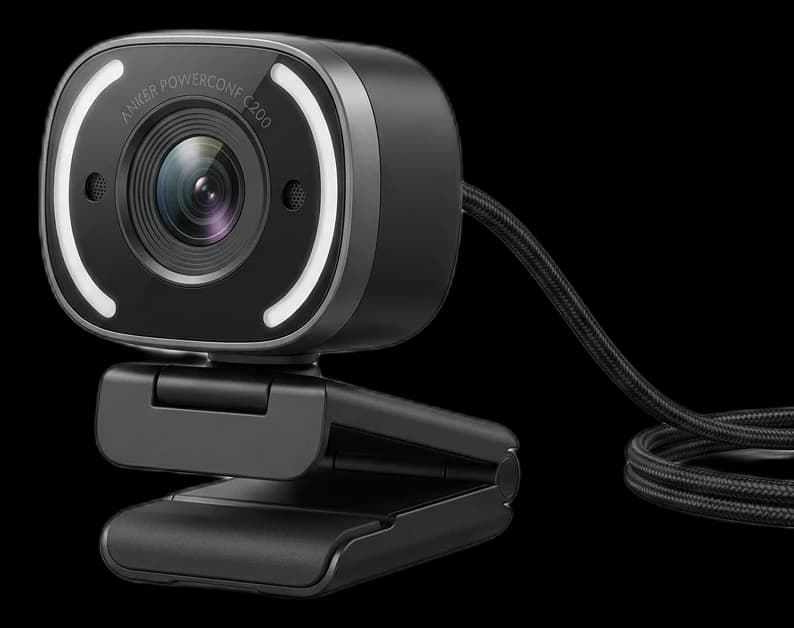 #3 Owner rating | 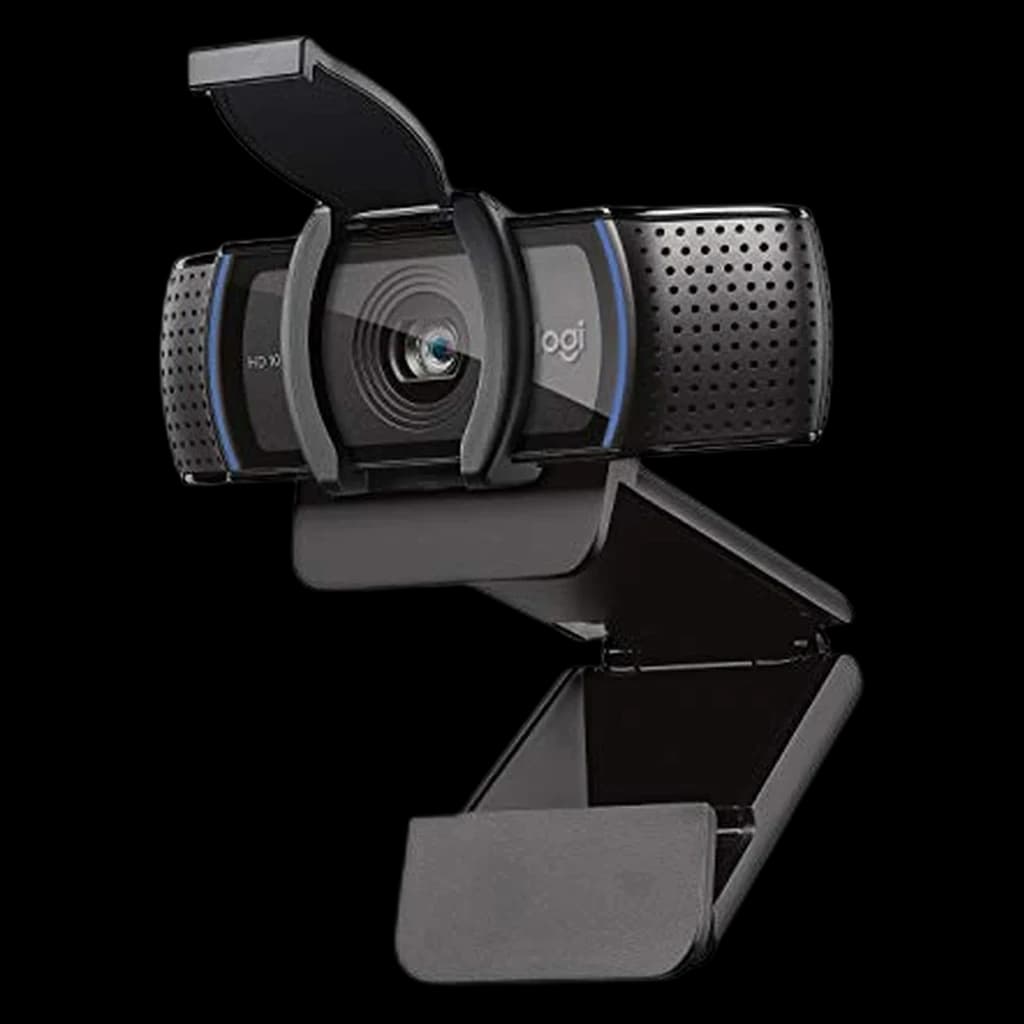 #4 Owner rating | |
|---|---|---|---|---|
| Price | $199.99Buy on Amazon | $149.99Buy on Amazon | $69.99Buy on Amazon | $69.99Buy on Amazon |
| Verdict | Cleanest out-of-box 4K image of any consumer webcam in 2026. | 2-axis gimbal physically follows you while keeping full 4K sensor active. | Sweet-spot pick under $75 — 2K is sharper than 1080p on bigger displays. | Default answer when someone asks 'just give me a webcam that works'. |
| Buyer sentiment | Sensors Connectivity Build Quality Buyers praise sensors, connectivity, build quality. Based on 100 user mentions | Quality Image Quality Ai Tracking Ease Of Use Buyers praise quality, image quality, ai tracking and ease of use. Mixed feedback on reliability and value for money. Based on 615 user mentions | Quality Picture Quality Value for money Ease Of Use Autofocus Buyers praise quality, picture quality, value for money and ease of use. Mixed feedback on reliability and adjustability. Some flag autofocus. Based on 2,664 user mentions | Quality Picture Quality Setup Value for money Autofocus Buyers praise quality, picture quality, setup and value for money. Mixed feedback on reliability. Some flag autofocus. Based on 662 user mentions |
| resolution | 4K/30fps, 1080p/60fps | 4K/30fps, 1080p/60fps | 2K/30fps, 1080p/30fps | 1080p/30fps |
| sensor | 1/2.8" Sony Starvis | 1/2" CMOS | 1/2.8" CMOS | Full HD CMOS |
| fov | 90° (adjustable to 78°/65°) | 79.5° | 65°/78°/95° adjustable | 78° |
| mic | Dual omnidirectional with noise reduction | Dual AI noise-canceling | Dual stereo with AI noise cancel | Dual stereo |
| connection | USB-C 3.0 | USB-C | USB-A | USB-A |
| Pros |
|
|
|
|
| Cons |
|
|
|
|
* Prices checked Oct 10, 2026 and may vary. Check the latest price on Amazon.
We research — never hands-on. How we research →
Key Takeaways
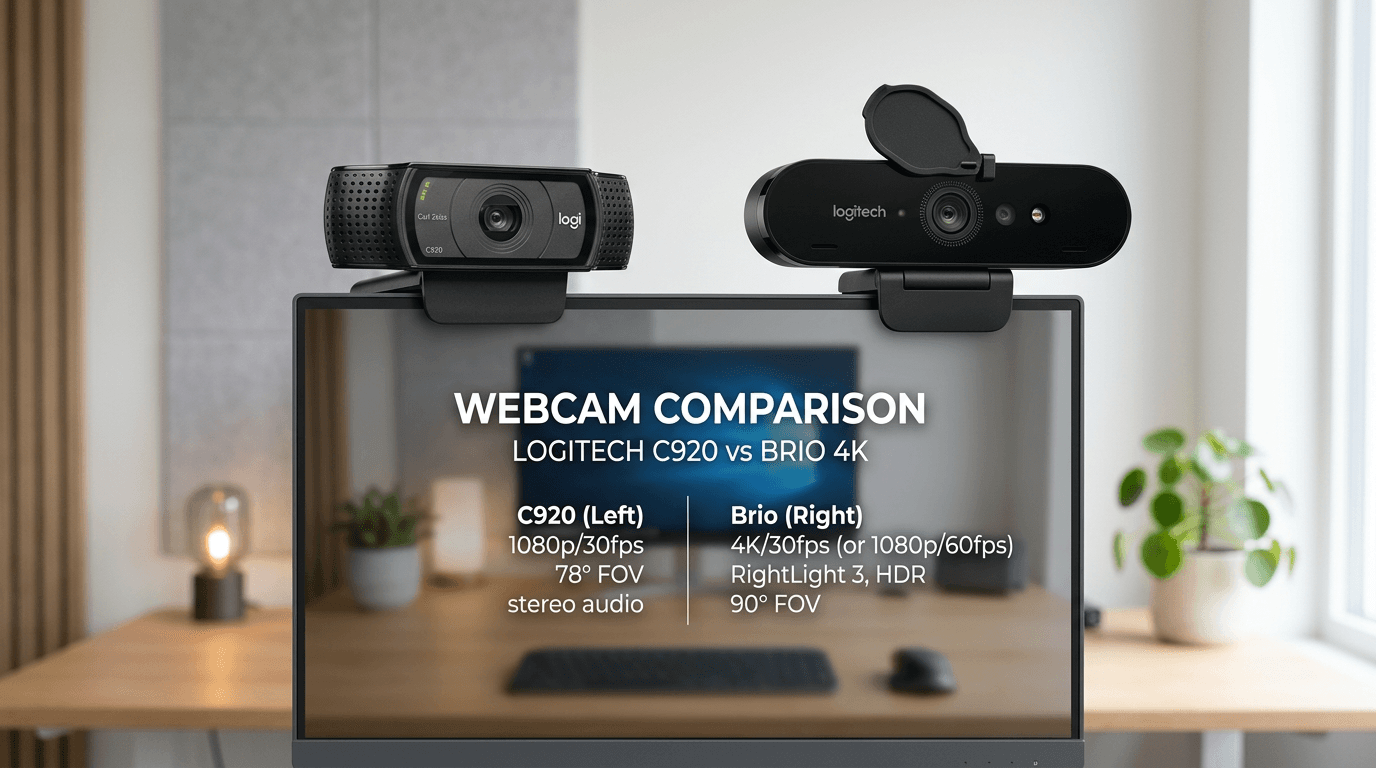
C920 is $70, Brio 4K is $200. For most WFH calls in 2026 the C920 wins on value — but here is exactly when the Brio earns every dollar of the upgrade.
As an Amazon Associate I earn from qualifying purchases. Product prices and availability are subject to change.
The C920s costs about $70. The Brio 4K costs about $190. Is the upgrade worth ~$125? Yes — but only if you're on camera for client-facing calls.
What the Research Says About Webcam Resolution for Video Calls
Most video-call platforms cap webcam stream resolution and bitrate aggressively. Zoom defaults to 720p for group calls (1080p only for paid Pro+ accounts), Google Meet caps at 720p for most participants, and Microsoft Teams uses adaptive bitrate that often downsamples 4K input to 720p output mid-call. This single fact constrains the entire C920 vs Brio decision.
What the data does support:
- 4K webcams help in solo studio recording, not group Zoom. If you're recording courses, doing podcast video, or producing content, 4K input matters. For day-to-day team calls, the network and platform compression eat the resolution advantage almost entirely.
- Lens and sensor matter more than headline resolution. The Brio's RightLight 3 HDR processing handles backlit windows better than the C920's older imaging pipeline. That's visible on calls; raw 4K usually isn't.
- USB 2.0 vs 3.0 bandwidth. 4K @ 30fps uncompressed needs more bandwidth than USB 2.0 provides. The Brio falls back to compressed 4K on some hubs and old laptops — verify the chain before assuming 4K-capable means 4K-delivered.
What the research does not support: that 4K input "future-proofs" your setup. Codec evolution (H.265, AV1) reduces bandwidth needs without requiring a new camera.
Side-by-Side Specs
| Logitech C920s | Logitech Brio 4K | |
|---|---|---|
| Resolution | 1080p / 30fps | 4K / 30fps |
| Price | ~$70 | ~$180 |
| HDR | ✗ | ✓ RightLight 3 |
| Privacy shutter | ✓ Physical | ✗ (software only) |
| Autofocus | ✓ | ✓ |
| Field of view | 78° | 65°–90° (adjustable) |
| Digital zoom | ✗ | ✓ 5× |
| Works plug-and-play | ✓ | ✓ |
When to Buy the C920s
The C920s is the most-proven webcam under $100. At 1080p it looks sharp on any screen your colleagues are watching on. The physical privacy shutter (the Brio lacks one) is a genuine quality-of-life feature — slide it, done, no software required.
Buy the C920s if:
- You're on internal team calls, standups, one-on-ones
- Your office has good, consistent lighting
- You want plug-and-play reliability without thinking about settings
- Budget matters
When to Upgrade to the Brio 4K
The Brio's killer feature isn't 4K resolution — it's HDR auto-exposure. If you have a window behind you, the C920 will silhouette your face. The Brio's RightLight 3 compensates in real time, keeping your face properly exposed even with strong backlight.
Buy the Brio if:
- You're on client calls, sales calls, or presentations where first impressions matter
- Your desk faces a window (backlight problem)
- You do any video content alongside WFH
- You want to crop/zoom without losing quality
The One Catch With the Brio
No physical privacy shutter. You get a software toggle and an LED indicator, but there's no mechanical cover. For anyone who cares about camera privacy, this is a real downgrade versus the C920s.
What to Skip in WFH Webcams
- Cheap "1080p" webcams under $30. The sensor is typically a 720p sensor upscaled in firmware — actual delivered resolution is no better than your laptop's built-in.
- Webcams without HDR or backlight compensation. If your home office has a window behind you, you'll be a silhouette on every afternoon call.
- 4K webcams paired with USB 2.0 hubs. Bandwidth bottleneck downgrades you to compressed 4K or 1080p. The Brio needs USB 3.0 to actually deliver 4K.
- Webcams with built-in ring lights. The light is too close to the lens (creates "raccoon eye" reflection) and the angle is fixed.
Our Recommendation
→ C920s for most people. Internal calls, good lighting, limited budget — it does everything you need.
→ Brio 4K if you regularly present to external clients, you have backlighting issues, or you want to future-proof for content creation.
There's no in-between option at this price: the C920 family is the right call at $65, and the Brio is the right call when you need HDR. Everything between those two is usually not worth it. Still not sure which webcam fits your setup? Answer three quick questions in our webcam finder and it narrows the field for you.
Products referenced in this guide
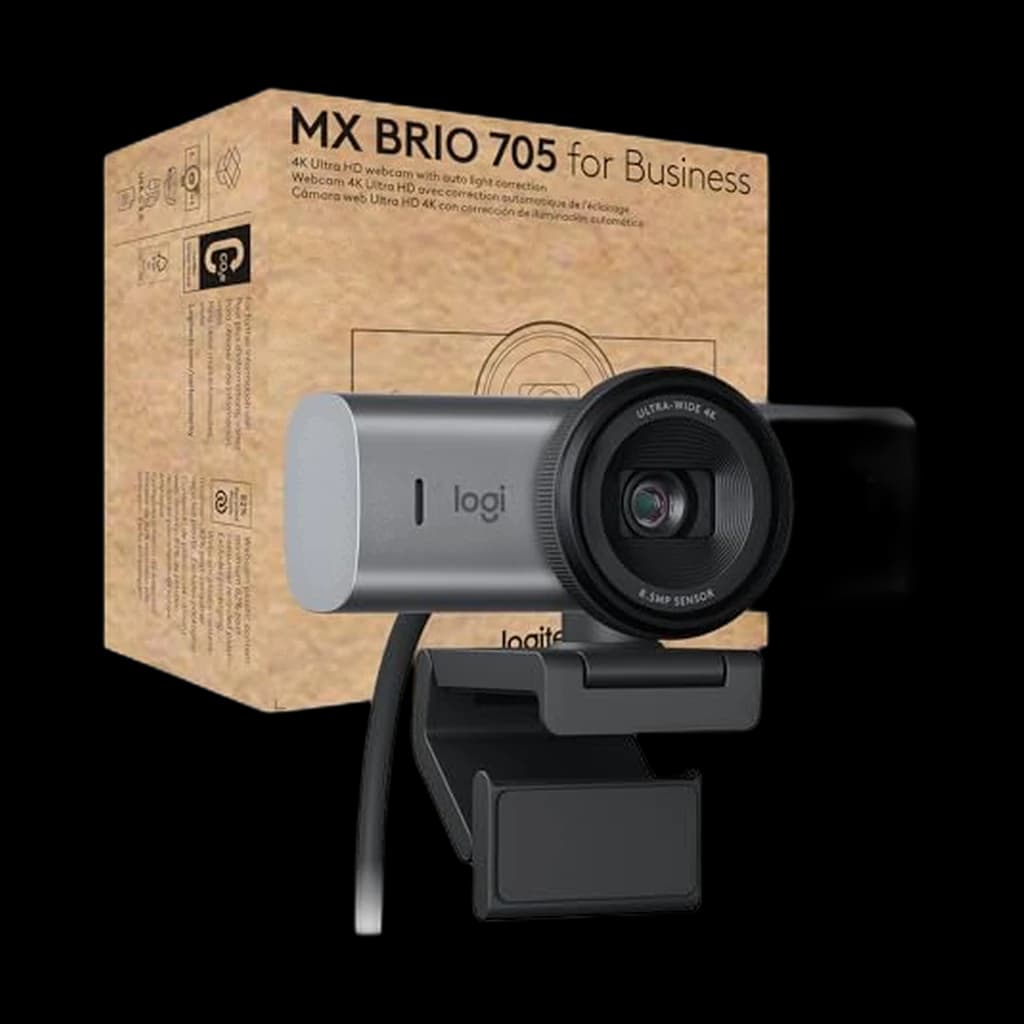
For quick reference, the products tied to this guide are the Logitech MX Brio 705 for Business ($192.69), the Insta360 Link 2 ($149.99), and the Anker PowerConf C200 ($69.99).
Other products referenced here include the Logitech C920S Pro HD ($69.99).
Sources & Research
- Zoom — Video resolution and bandwidth requirements
- Microsoft Teams — Network bandwidth and codec docs
- USB-IF — USB 3.0 bandwidth specification
- Logitech RightLight 3 engineering overview
Frequently Asked Questions
Does 4K actually matter for video calls?
Zoom, Teams, and Meet cap streams at 1080p (usually 720p on free plans). The 4K sensor matters for zoom quality and HDR processing — not for raw resolution on the call.
Which works better with Mac?
Both are plug-and-play on macOS with no drivers. The Brio integrates slightly better with macOS's continuity camera features.
Is there a version of the Brio with a privacy shutter?
Not officially. Third-party lens covers exist on Amazon for ~$8 if this matters to you.
Can I use either webcam for streaming or YouTube?
Yes. The Brio 4K is meaningfully better for content — HDR, 4K crop flexibility, and better low-light. The C920 is fine for casual streaming but shows its age at high zoom levels.
Your next step
See every webcam ranked.
Hilly Shore Labs
Editorial TeamWFH Lounge is published by Hilly Shore Labs. Every recommendation is built by synthesizing ergonomic research, manufacturer specs, expert reviews from outlets like Wirecutter, RTINGS, and The Verge, and aggregated long-term owner sentiment from thousands of verified buyers.
All product reviews are independently researched. Our recommendations are based on ergonomic guidelines, manufacturer specifications, and verified buyer sentiment. See our methodology.