How to Reduce Eye Strain Working From Home (Guide)
Most digital eye strain comes from how you use the screen, not the screen itself. Run the 20-20-20 rule on a timer, match screen brightness to the room, push the monitor to arm's length at eye level, and turn on dark mode — all free, and more effective than any gadget.
Quick Answer
Most digital eye strain comes from how you use the screen, not the screen itself. Run the 20-20-20 rule on an actual timer, match screen brightness to the room, push the monitor to arm's length at eye level, and bump font sizes — all free, and more effective than any gadget marketed for eye strain.
Key Takeaways
Eye strain from screens affects nearly every remote worker. Here are the evidence-based solutions — from monitor settings to lighting — that actually work.

As an Amazon Associate I earn from qualifying purchases. Product prices and availability are subject to change.
Digital eye strain affects an estimated 65% of people who use screens for more than 2 hours daily, according to the American Academy of Ophthalmology. The symptoms — tired eyes, blurred vision, headaches, neck pain — aren't caused by screens themselves. They're caused by how we use them.
The American Optometric Association reports that 59% of adults who routinely use computers experience symptoms of digital eye strain.
The fixes are mostly free or cheap.
The root causes
Eye strain rarely comes from the screen itself — it comes from how you use it:
- You blink less. People blink dramatically less while staring at a screen, which dries the eyes and causes that gritty, tired feeling.
- Your eyes hold one focal distance for hours. The focusing muscles never relax, so they fatigue — like any muscle held in one position.
- Brightness mismatch and glare. A screen much brighter (or dimmer) than the room forces your pupils to work overtime; glare from windows or overhead light makes it worse.
- Poor positioning. A screen too close, too far, or above eye level stacks neck strain on top of eye strain.
Fix those four and the symptoms usually fade. Here's how, cheapest first.
Free fixes (do these first)
The 20-20-20 Rule
Every 20 minutes, look at something 20 feet away for 20 seconds. This relaxes the ciliary muscles. Set a timer. Seriously — this alone makes a significant difference.
Lower Your Screen Brightness
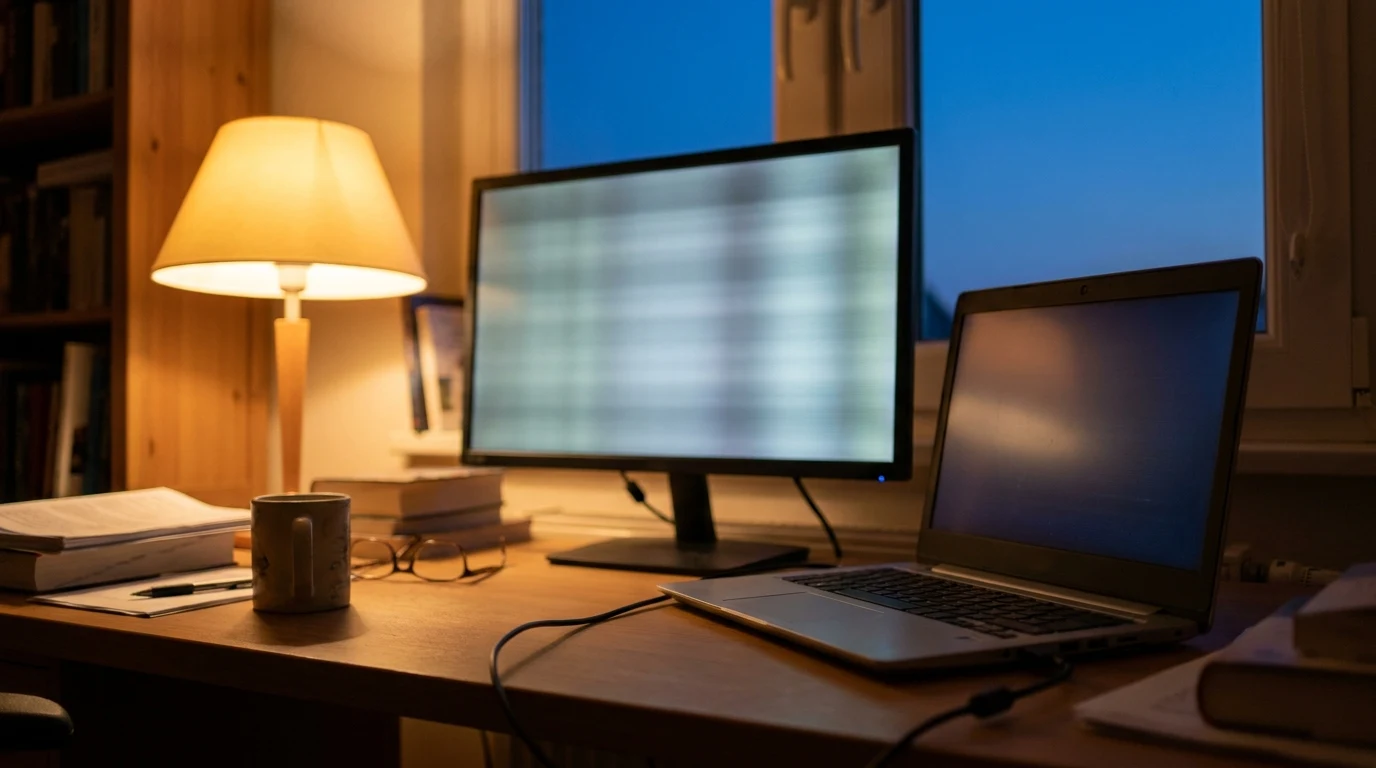
Your screen should be roughly the same brightness as your environment. In a bright room, brighter. In a dim room, dimmer. Most people have screens set too bright.
Increase Font Sizes
Bigger text = less eye strain. Go up 2-4 points in your primary apps. 14pt body text in email, 16pt in text editors.
Enable Dark Mode
High contrast white backgrounds are the hardest on eyes. Dark mode reduces the luminance contrast your eyes have to deal with. Enable it in your OS, browser, and key apps.
Adjust Your Screen Distance
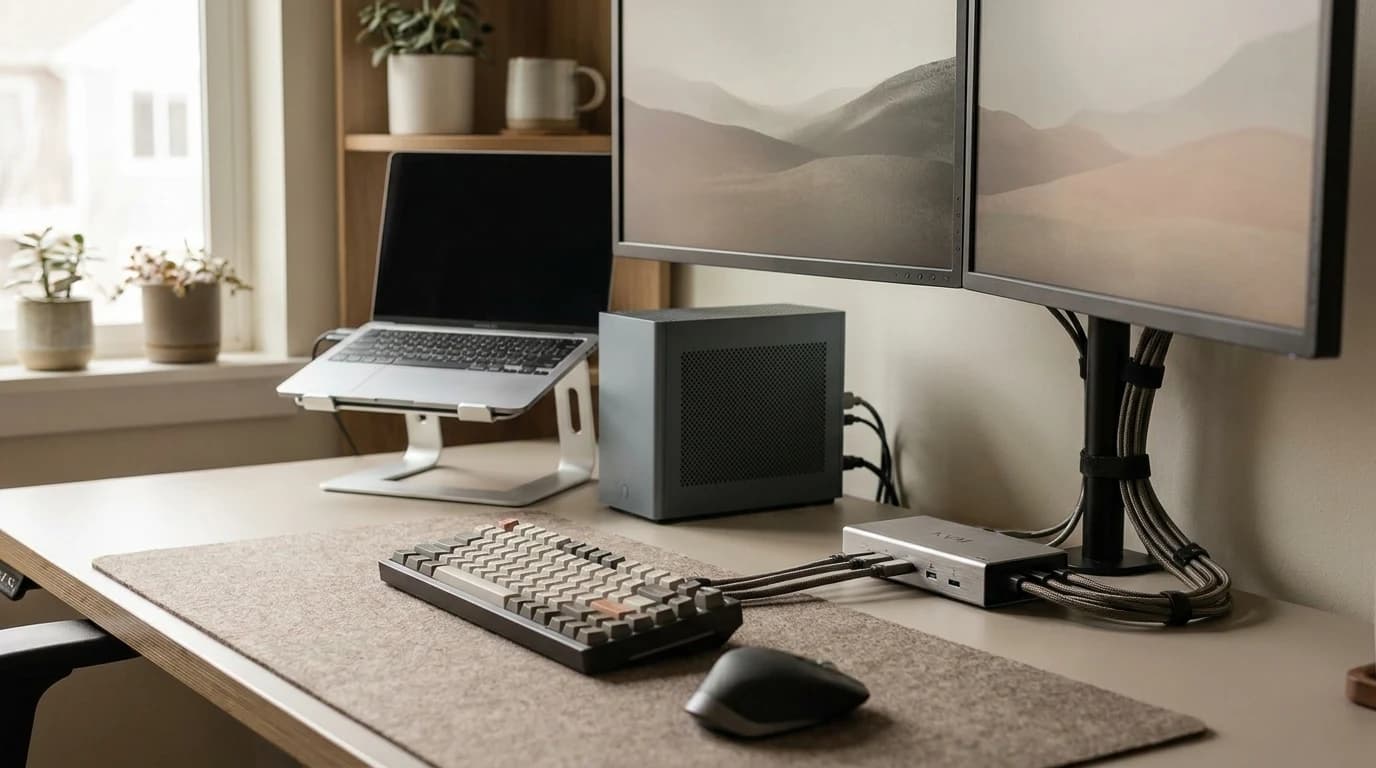
The ideal: 50-70cm from your eyes to the screen. A monitor arm makes this easy to set precisely and adjust by task.
Gear fixes
Monitor: IPS, 27", 1440p with Flicker-Free
IPS panels have better color uniformity across the screen — less strain than VA at off-angles. Flicker-free certification means the backlight doesn't pulse (PWM dimming causes subtle flicker that can cause headaches). Look for this specifically in the specs.
Best options: LG 27UK650 or Dell P2723DE. Both are flicker-free, IPS, and in the $250-350 range.
Desk Lamp: BenQ ScreenBar
The BenQ ScreenBar mounts on your monitor and lights your desk without creating any glare on the screen. This reduces the brightness contrast between screen and environment — the main cause of eye strain.
At $109, it's the single most impactful gear purchase for eye strain reduction. See our desk lamp rankings.
Blue Light Glasses: Marginal
Blue light blocking glasses have limited evidence for daytime eye strain reduction. If they help you (many people report benefit), use them — our evidence-first blue light glasses ranking covers which pairs are worth it. But fix the brightness, distance, and blink issues first — those have more impact.
Monitor settings checklist
Run through this once and you've handled most of the problem:
- Brightness roughly matches the room (not maxed out)
- Text scaled up 2–4 points in the apps you live in
- Dark mode on in your OS, browser, and main apps
- Screen 50–70 cm away, top of the screen at or just below eye level
- Warm/night color temperature enabled after sunset
- Flicker-free / PWM-free confirmed in your monitor's specs
Long-term habits that protect your eyes
- Run the 20-20-20 rule on a timer until it's automatic — it's the single highest-impact habit.
- Take a real break every 60–90 minutes — stand up, look out a window, let your focus reset at distance.
- Keep water at your desk. Dehydration worsens dry eye.
- Get an eye exam yearly. A surprising amount of "screen strain" is just an out-of-date prescription. Mention your screen hours so they check your intermediate (computer) distance.
Frequently asked questions
Do blue light glasses actually reduce eye strain?
The evidence is weak for daytime strain. If they feel like they help you, fine — but fix brightness, distance, and your blink/break habits first, because those have far more impact.
How far should my monitor be?
Roughly 50–70 cm (about an arm's length), with the top of the screen at or just below eye level so your gaze drops slightly. A monitor arm makes this easy to dial in.
Does dark mode really help?
For most people, yes — a bright white background is the harshest luminance contrast for your eyes, and dark mode lowers it. Not a cure on its own, but a free improvement.
My eyes still hurt after all this — what now?
If symptoms persist after fixing brightness, distance, and breaks, see an optometrist. Lingering strain often points to an uncorrected prescription or a need for dedicated computer glasses.
Your next step
A better panel beats any pair of glasses.
Hilly Shore Labs
Editorial TeamWFH Lounge is published by Hilly Shore Labs. Every recommendation is built by synthesizing ergonomic research, manufacturer specs, expert reviews from outlets like Wirecutter, RTINGS, and The Verge, and aggregated long-term owner sentiment from thousands of verified buyers.
All product reviews are independently researched. Our recommendations are based on ergonomic guidelines, manufacturer specifications, and verified buyer sentiment. See our methodology.