Where to Put Your Desk Relative to the Window
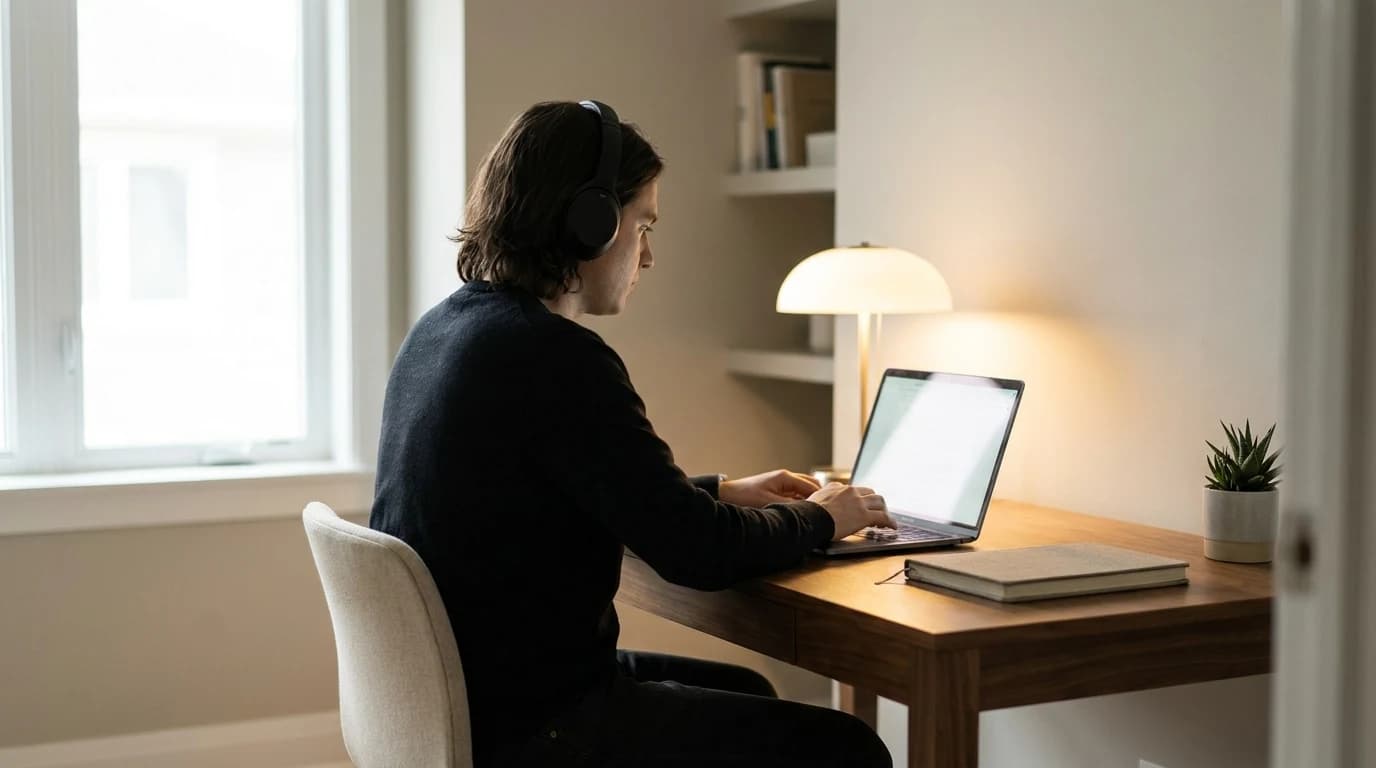
Window to the side, screen toward a wall. It's the one orientation that gives you soft daylight on calls without glare on the screen — and it's free. Facing a window backlights your face on camera; backing one glares your panel all afternoon. Rotate the desk before you buy a ring light or a glare filter; gear bought to fix a bad layout rarely fully does.
Quick Answer
Put the window to one side of your desk, not in front of or behind your screen. Perpendicular-to-the-window is the orientation OSHA recommends: daylight reaches your face for video calls without hitting the screen as glare or backlighting you on camera. If the room forces you to face or back a window, control the light with sheer curtains or blinds first, and an anti-glare filter last.
Key Takeaways
Facing the window blinds you on calls; backing it glares your screen. The room-layout rule that fixes both, plus fixes for one-window rooms.
As an Amazon Associate I earn from qualifying purchases. Product prices and availability are subject to change.
Most home-office advice tells you how to set up your monitor — height, distance, tilt. Almost none of it tells you where the desk goes in the room, and that single decision quietly causes two of the most common WFH complaints: a screen you can't read in the afternoon, and a face that looks like a witness-protection silhouette on every video call.
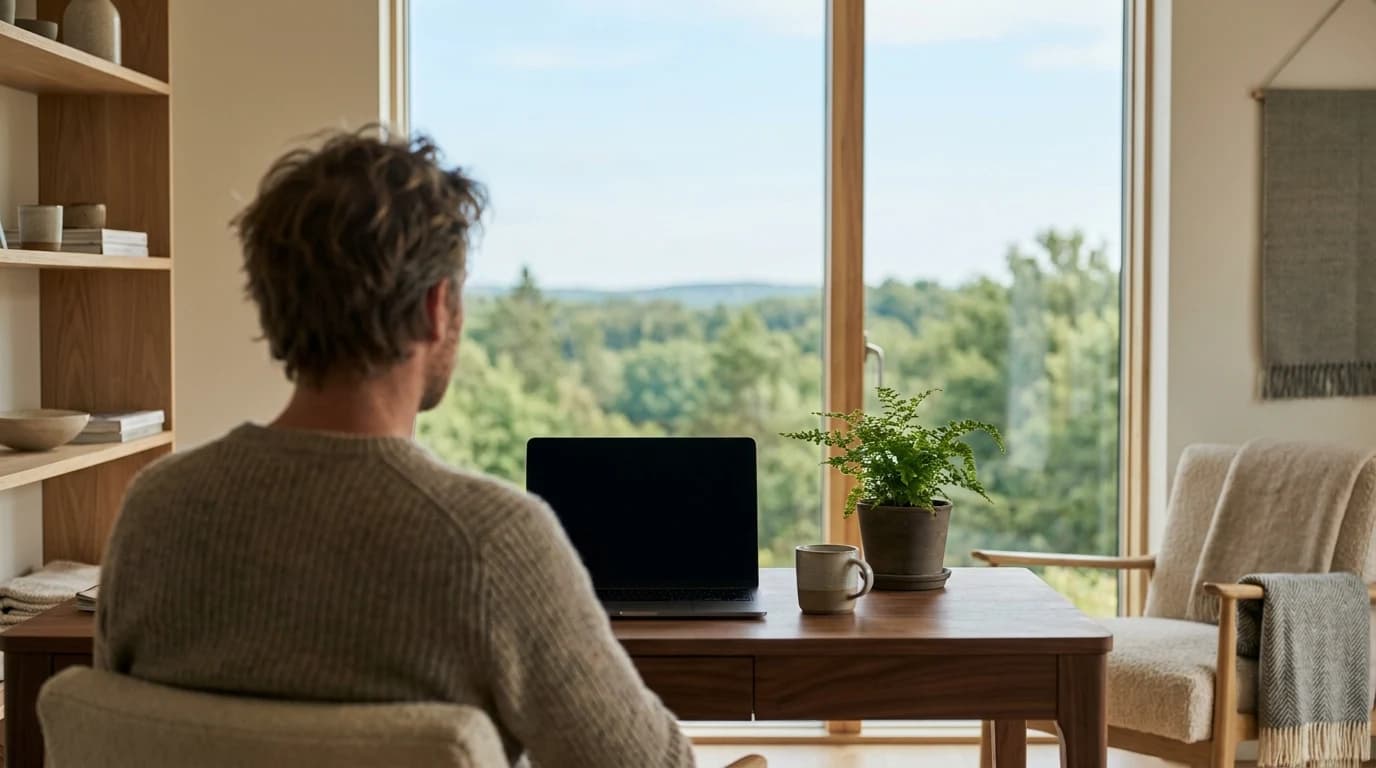
The two problems pull in opposite directions. Put the window behind your screen (you facing it) and the daylight blows out your webcam and tires your eyes. Put it behind you and that same light bounces off your screen as glare. There's one orientation that dodges both — and a short list of fixes for rooms that won't allow it.
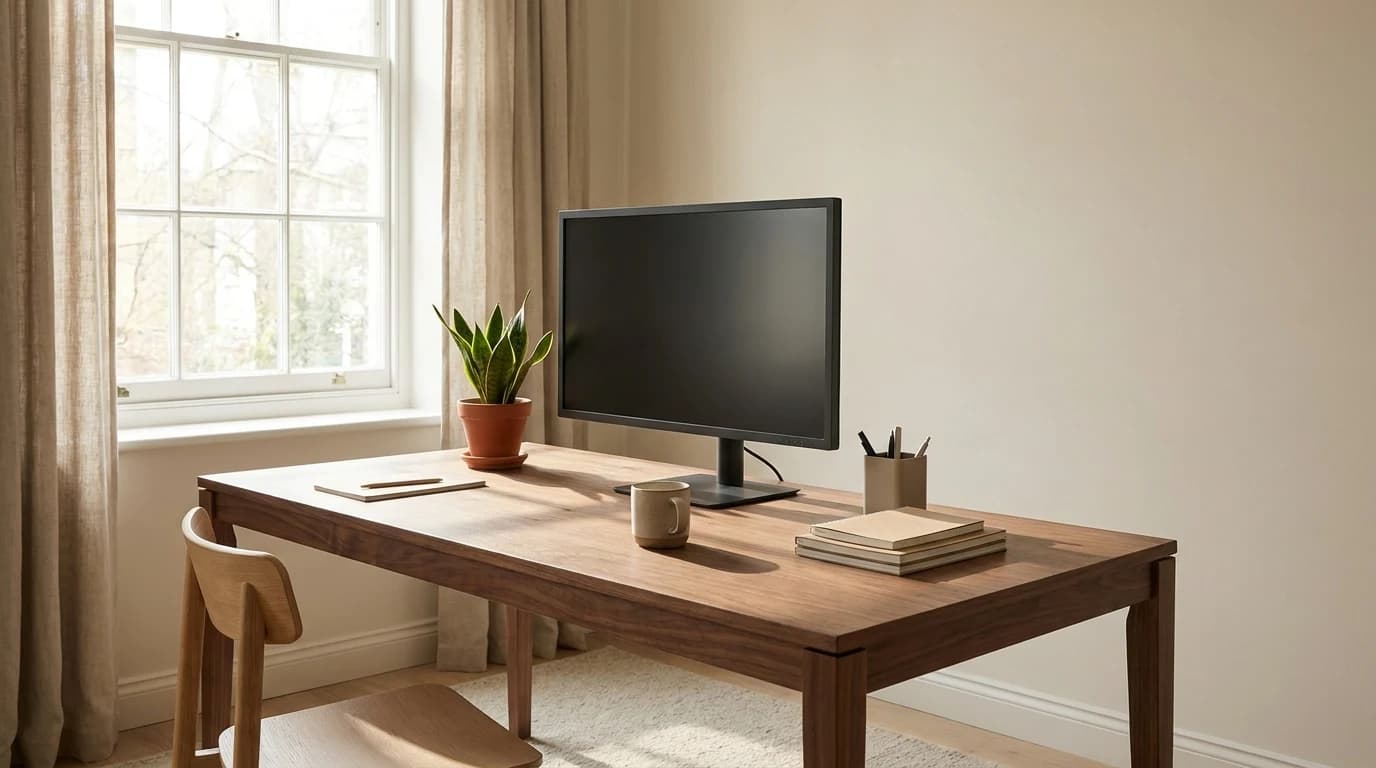
Put the window to your side, with the desk perpendicular to it. Your screen faces a blank wall (no glare bouncing in), and the daylight rakes across your face from the side (soft, even fill for calls — not a backlight). When the room only allows facing or backing the window, the fix is the same in both cases: control the light, don't fight it — blinds, sheer drapes, or a small reposition.
The rule, and why it works
- Perpendicular to the window is the answer. OSHA's computer-workstation guidance literally says "place monitor perpendicular to window" — daylight comes from the side instead of straight onto or behind the screen.
- Facing the window wrecks calls and tires your eyes. Bright light behind your screen forces your pupils to fight the contrast; your webcam meters for the window and turns your face into a shadow.
- Backing the window glares your screen. The American Optometric Association names overhead lighting and windows as the top glare sources, and recommends blinds or drapes to control them.
- You don't need a corner office to fix it. A 90° desk rotation, sheer curtains, or an anti-glare filter solve almost every one-window room.
The three orientations, ranked
Every desk-vs-window setup is one of three. Here's how each one actually plays out across a workday:
| Orientation | Screen glare | On-camera look | Eye comfort | Verdict |
|---|---|---|---|---|
| Window to the side (perpendicular) | None — light misses the screen | Soft side fill, well-lit face | Best — no competing bright source | ✅ Do this |
| Facing the window (window behind screen) | Low | Backlit, blown-out, face in shadow | Poor — pupils fight window brightness | ⚠️ Calls suffer |
| Back to the window (window behind you) | High — daylight reflects off the panel | Good face light until the sun moves | Poor — you squint past reflections | ⚠️ Glare all afternoon |
The side-on position wins because it separates the two jobs daylight is doing. The light needs to reach your face (good for calls and for not working in a cave) without reaching the screen (where it becomes glare or a backlight). A window off to one side does exactly that.
Why facing the window is the sneaky-bad option
It feels right — natural light, a view, who wouldn't want that? But your eyes and your camera both meter for the brightest thing in frame, and that's now the window directly behind your monitor.
- Your eyes: they're constantly adjusting between a dim screen and a bright window a few inches behind it. The AOA lists "improper viewing distances" and "glare on a digital screen" among the direct causes of digital eye strain — and a bright backdrop is the contrast version of the same problem.
- Your camera: a webcam exposes for the window, not your face. The result is the classic blown-out background with your features sunk into shadow — the look every "why do I look bad on calls" thread is really about.
If your desk currently faces a window and your calls look dim, you've found the cause. You don't need a ring light first; you need to turn the desk.
Why backing the window is the other trap
Window behind you is what most people try next, because it lights your face beautifully — for about an hour. Then the sun arcs around, hits the back of the room, and lands on your screen as a wash of reflected daylight you keep tilting your head to see past.
The AOA's guidance is blunt about this: "Position the computer screen to avoid glare, particularly from overhead lighting or windows. Use blinds or drapes on windows." OSHA adds that even tilting the screen back to "fix" it tends to catch overhead light instead — so you trade one glare source for another.
Quick test for hidden glare: with the screen off, sit where you normally work and look at the dark panel. If you can see the window, a lamp, or your own reflection in it, that light is hitting your eyes as glare all day with the screen on. Move the desk or kill the light source.
What most people get wrong
The reflex is to buy the fix — a ring light, a glare filter, blue-light glasses — before changing the free thing: where the desk points. Glare filters and key lights are real tools, but they're compensating for a layout problem. OSHA and the AOA both treat placement first, gear second: orient the screen perpendicular to the window, then control any remaining light with blinds or drapes, and only then reach for an anti-glare filter "if there is no way to minimize glare from light sources" (the AOA's own words). Gear bought to paper over a bad orientation rarely fully fixes it.
The other myth: that you need a dedicated room or a good view to get this right. You don't. The constraint is the angle between your screen and the brightest window, not square footage.
Fixes for the room you actually have
Most homes don't offer a clean side-window wall. Here's the fallback order, cheapest first:
- Rotate the desk 90°. The single best free move. Even a partial turn — so the window is at 45° rather than dead ahead or behind — cuts most of the glare and backlight.
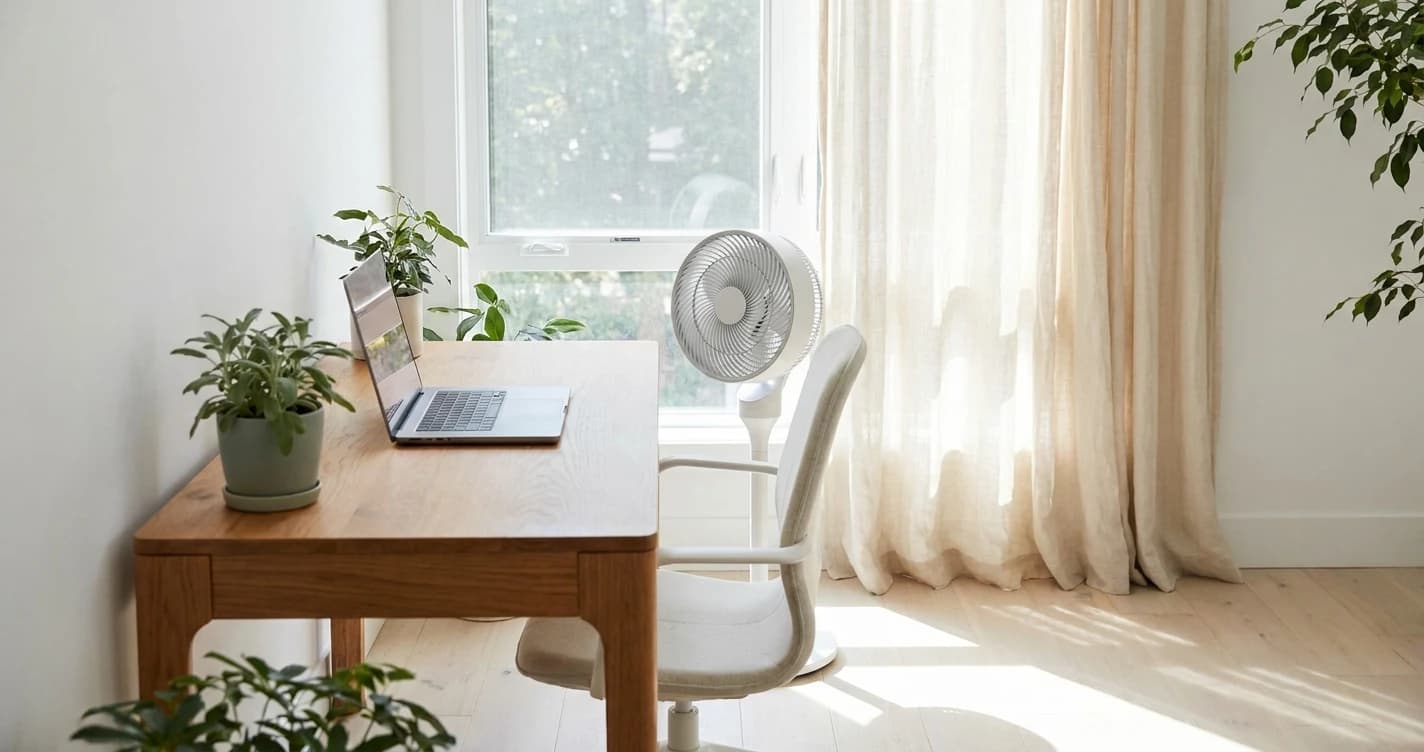
- Add sheer curtains or top-down blinds. Sheers diffuse harsh daylight into soft fill without blacking out the room; top-down/bottom-up shades let you block the bright upper portion while keeping the view below. This is the AOA's first-line glare fix.
- Reposition, don't recline. If you can't move the desk, don't tilt the monitor back to dodge glare — OSHA notes that catches ceiling light instead. Nudge the monitor a few inches and angle it off the light source.
- Anti-glare filter, last. A screen glare filter is the AOA's explicit last resort, "if there is no way to minimize glare." It works, but it slightly dims and softens the image, so try the free moves first.
- For calls specifically: if your only option is facing a window, close the blinds during the call and add a small front light. The window will sabotage the camera every time otherwise.
The two-minute setup
Stand in your room and find the brightest window. Put the desk so that window is off to your left or right, with the screen facing a wall or a dim part of the room. Sit down, turn the screen off, and check the dark panel for reflections. If it's clean, you're done — that one move fixes glare and call lighting at the same time, for free, before you spend a dollar on gear.
If you're also dialing in screen height and distance, pair this with the numbers in how to position your monitor to avoid neck and eye strain and the broader home office lighting guide.
Sources
- →OSHA — Computer Workstations eTool: Monitors"Place monitor perpendicular to window"; preferred viewing distance 20–40 inches; tilting the screen back can create overhead glare.
- →American Optometric Association — Computer Vision Syndromeposition the screen to avoid glare from windows and overhead lighting; use blinds or drapes; anti-glare filter as a last resort; 20-20-20 rule.
Hilly Shore Labs
Editorial TeamWFH Lounge is published by Hilly Shore Labs. Every recommendation is built by synthesizing ergonomic research, manufacturer specs, expert reviews from outlets like Wirecutter, RTINGS, and The Verge, and aggregated long-term owner sentiment from thousands of verified buyers.
All product reviews are independently researched. Our recommendations are based on ergonomic guidelines, manufacturer specifications, and verified buyer sentiment. See our methodology.