How to Position Your Monitor to Avoid Neck & Eye Strain
Where the screen sits matters more than what you spent on it. Get three numbers right — top of the screen at or just below eye level, center 15–20° below your straight-ahead gaze, and roughly an arm's length back — and the head-forward neck ache and most digital eye fatigue ease off. A laptop riser or monitor arm is usually all the hardware you need to hit those numbers. Just be clear about the limits: good positioning reduces fatigue, it does not prevent eye disease, and it does not replace the 20-20-20 break the optometry guidance actually recommends. Fix the geometry first; it is free, and it does more than any gadget.
Quick Answer
Raise it. The single biggest fix for screen-related neck and eye strain is monitor height: the top of the screen should sit at or slightly below your eye level so your gaze drops about 15–20° instead of tilting up. Set it about an arm's length away (OSHA says 20–40 inches; the AAO says ~25), tilt it square to your face, and rotate it perpendicular to any window to kill glare. That two-minute, zero-cost adjustment relieves more strain than a new chair or blue-light glasses — but it is not a replacement for regular breaks.
Key Takeaways
Screen neck and eye strain has a free fix: top of the screen at eye level, an arm's length back, angled off any window. The exact numbers, per OSHA.
As an Amazon Associate I earn from qualifying purchases. Product prices and availability are subject to change.
If your neck aches by mid-afternoon or your eyes feel gritty after a full day of calls, the cause is usually not your chair, your glasses, or "screen time" in the abstract. It is almost always where the screen sits. A monitor that is too low, too close, or angled into a window quietly forces your head, neck, and eyes into the same strained position for eight hours. The fix costs nothing and takes about two minutes. Here is what occupational-health and eye-care guidance actually says.
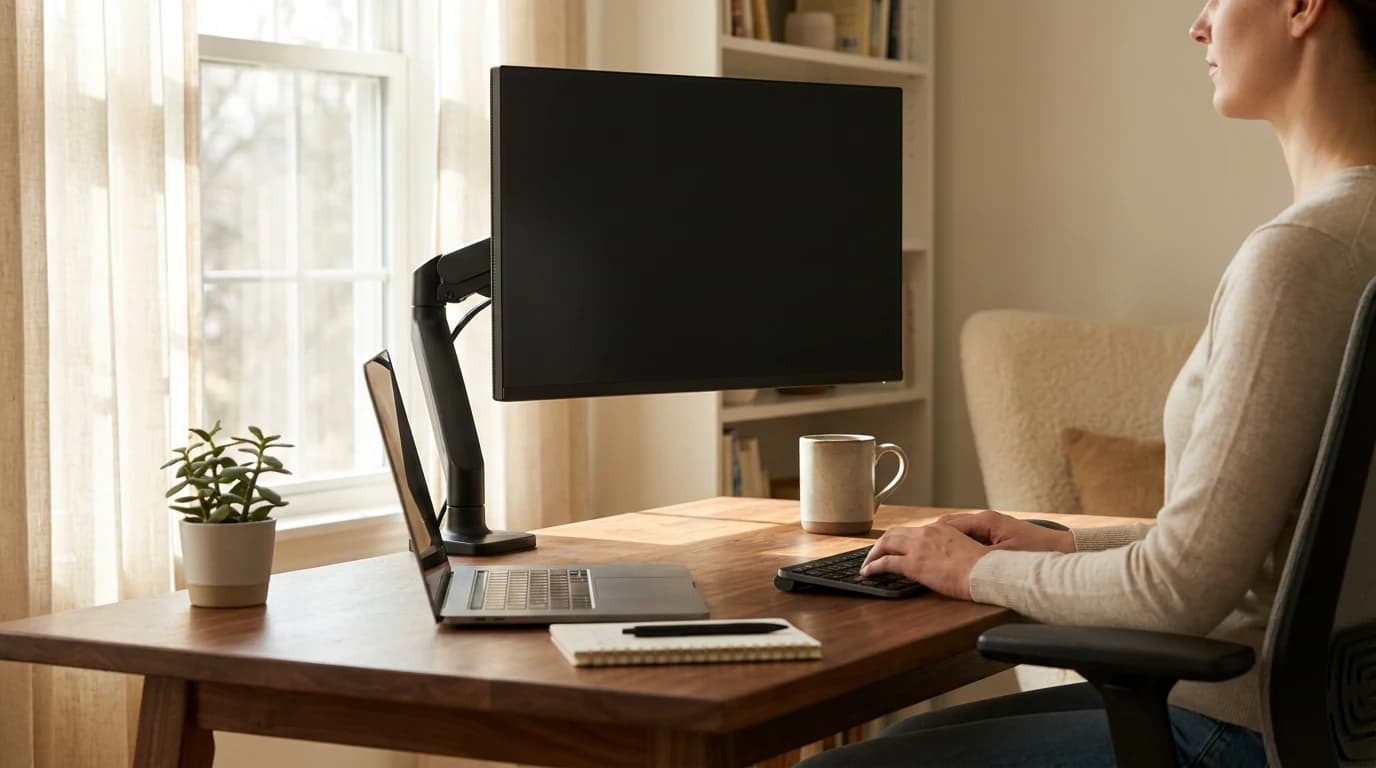
The whole game is three numbers: the top of the screen at or just below eye level, the center about 15–20° below your straight-ahead gaze, and the screen about an arm's length away (roughly 20–40 inches). Hit those and most "screen neck" and digital eye strain ease off on their own.
The numbers, up front
- Raise the screen until its top edge is at or slightly below eye level. OSHA's workstation guidance puts the monitor center 15–20° below horizontal eye level — so your gaze drops slightly, never tilts up.
- Sit about an arm's length back. OSHA gives a 20–40 inch window; the American Academy of Ophthalmology calls ~25 inches "right about arm's length."
- Angle the screen away from windows, not toward them. OSHA's fix for glare is to place the monitor perpendicular to the window, not facing or backing it.
- Position fixes posture and glare — it does not replace breaks. For eye fatigue, the optometry guidance is the 20-20-20 rule, separate from where the screen sits.
Get the height right first
Most desk setups put the screen too low, because a laptop or a monitor sitting straight on the desk lands well below eye level. You compensate by dropping your chin and rounding your neck forward — and holding that for hours is what produces the dull ache at the base of the skull.
The target is simple: the top of the screen should be at or slightly below your eye level when you sit up straight. From there, your eyes naturally rest on the upper third of the display, and the center of the screen falls into the comfortable zone.
Quick check: sit normally, close your eyes, then open them looking straight ahead. Your gaze should land on the top edge of the screen or just below it. If you are looking up at the screen, it is too high; if your chin is dropping to read the middle, it is too low.
Laptops are the worst offenders here, because the screen and keyboard are fixed together — you cannot raise one without raising the other. A laptop stand plus an external keyboard solves it; a monitor arm gives you the same freedom for a standalone display and frees up desk space.
Then set the angle and distance
Once the height is right, two more adjustments finish the job.
- Tilt: the screen should face you squarely, with the center 15–20° below your horizontal line of sight. In practice that means a very slight backward tilt of the top edge so the whole panel is square to your eyes rather than your forehead. The American Optometric Association describes the optimal screen position as 15–20° below eye level — about 4 to 5 inches measured at the center — and 20–28 inches from the eyes.
- Distance: far enough that you are not leaning in, close enough that you are not squinting. The consensus across sources is roughly an arm's length.
| Setting | Target | Source |
|---|---|---|
| Top of screen | At or slightly below eye level | OSHA |
| Screen center | 15–20° below horizontal gaze | OSHA / AOA |
| Viewing distance | 20–40 in (about arm's length, ~25 in) | OSHA / AAO |
| Relative to window | Perpendicular, to avoid glare | OSHA |
A screen that is too far makes you crane forward and type with outstretched arms; too close makes your eyes work harder to focus. If you find yourself leaning in to read, increase text size before pulling the monitor closer.
Kill the glare before you blame your eyes
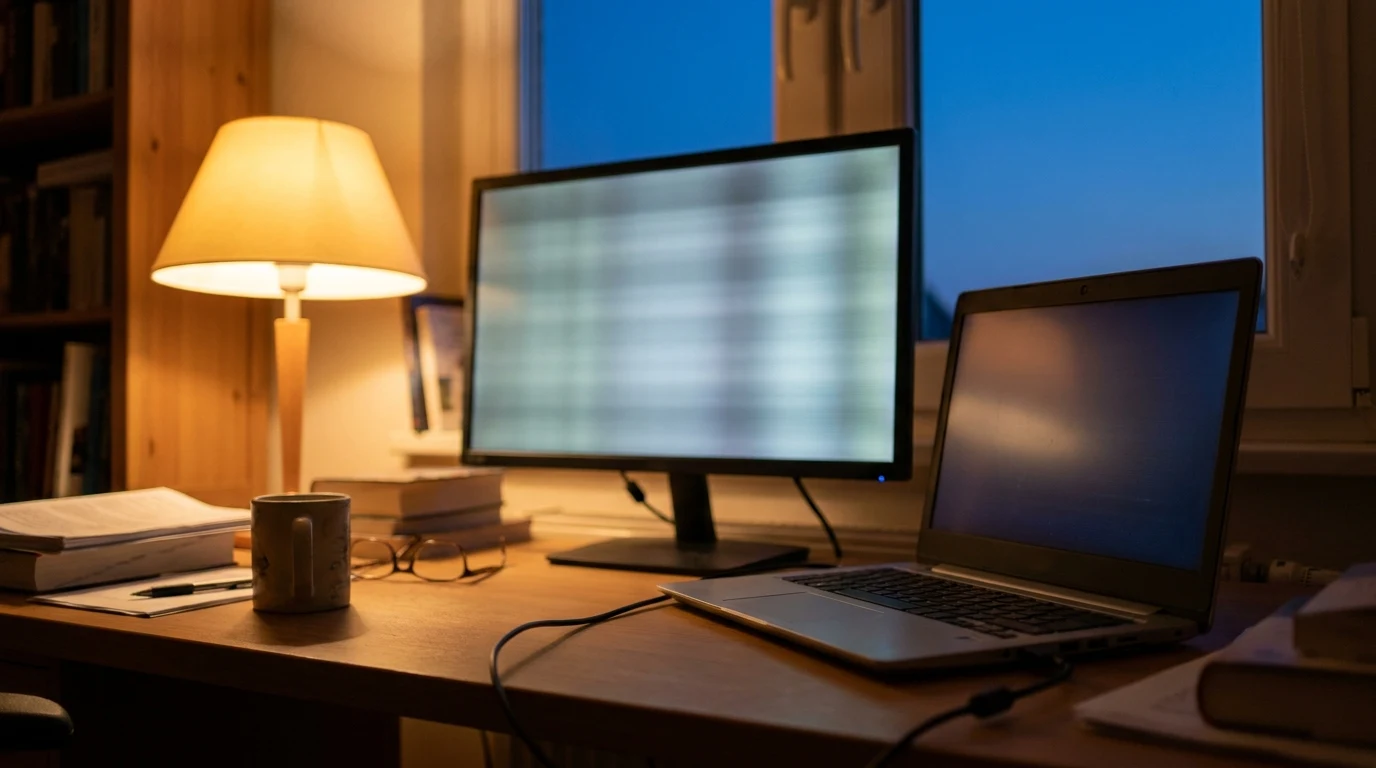
A surprising amount of "eye strain" is really glare. When a bright window sits behind or directly behind your screen, your eyes constantly fight the brightness difference. OSHA's recommendation is direct: place the monitor perpendicular to the window so daylight hits the screen from the side rather than washing it out or silhouetting it.
Fast glare audit: look at a dark area of your screen mid-morning. If you can see a window, a lamp, or your own reflection in it, rotate the desk or the monitor so the light source is off to the side. Closing blinds or adding a desk lamp for even, indirect light helps too.
Multiple monitors and ultrawides
The same rules apply, with one addition: the screen you use most should be the one positioned dead center and at the right height. If you split your day across two displays, angle them in a gentle arc so you turn your head a little instead of twisting your neck to a hard angle. Our dual-monitor setup guide covers the arrangement in detail. An ultrawide simplifies this — one screen, centered — but it should still meet the same height and distance targets, which usually means a sturdy arm or riser given the weight.
What the research does NOT support
Two things worth being honest about.
First, good monitor position does not "prevent" eye disease. The eye-care bodies are careful here: looking at a screen, even for long stretches, does not permanently damage healthy eyes. What positioning reduces is fatigue — the temporary dryness, blur, and ache of digital eye strain — not any lasting harm. So if your setup is dialed in and your eyes still bother you, that is a cue to see an eye doctor, not to buy more gear.
Second, position is not a substitute for breaks. No screen placement stops your blink rate from dropping when you concentrate. The optometry guidance for that is the 20-20-20 rule: every 20 minutes, look at something about 20 feet away for 20 seconds. It addresses focusing fatigue, which geometry alone cannot fix.
There is also no evidence that any single "ergonomic" number is magic. The ranges above are guidance, not law — the real test is whether your gaze drops slightly, your neck stays neutral, and you are not squinting or leaning. Adjust to that feeling and you are done.
Sources
- →OSHA — Computer Workstations eTool: Monitorsviewing distance 20–40 in; top of monitor at or slightly below eye level; center 15–20° below horizontal; place perpendicular to window.
- →American Academy of Ophthalmology — Computer Usage and Your Eyessit about 25 inches (arm's length) from the screen with the gaze slightly downward; screens do not permanently damage healthy eyes.
- →American Optometric Association — Computer Vision Syndromescreen 15–20° below eye level (~4–5 in) and 20–28 in from the eyes; the 20-20-20 rule for eye fatigue.
Your next step
Position is easier with an arm.
Hilly Shore Labs
Editorial TeamWFH Lounge is published by Hilly Shore Labs. Every recommendation is built by synthesizing ergonomic research, manufacturer specs, expert reviews from outlets like Wirecutter, RTINGS, and The Verge, and aggregated long-term owner sentiment from thousands of verified buyers.
All product reviews are independently researched. Our recommendations are based on ergonomic guidelines, manufacturer specifications, and verified buyer sentiment. See our methodology.