Best Laptop Screen Extenders for 2026
Our #1 Pick
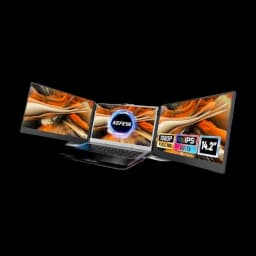
KEFEYA 14.2" Triple Portable Monitor
The biggest panels and by far the largest owner base (2,500+ reviews at 4.3 stars) of any clip-on triple. Two 14.2" 1080p IPS screens fold out from a magnetic plate and run off a single USB-C cable each — the most usable portable workspace you can bolt to a laptop.
- Two 14.2" FHD IPS panels — biggest usable area of the clip-on triples
- Magnetic quick-detach plate; panels come off for solo travel
- Runs off one USB-C per panel on most modern laptops (no HDMI needed)
Price checked Oct 8, 2026 — verify the live price on Amazon.
Also Great
Value triple: APILDELLA 14" Triple ($219.99) — Rates a hair higher (4.4) with HDR mode and per-screen brightness, for a little less — just a smaller review history.
Lightest / single panel: Mobile Pixels Duex Plus 13.3" ($139.99) — One slide-out screen instead of two fold-outs — under 1.5 lb added, the least-bulky way to get a real second display on the road.
Buy on Amazon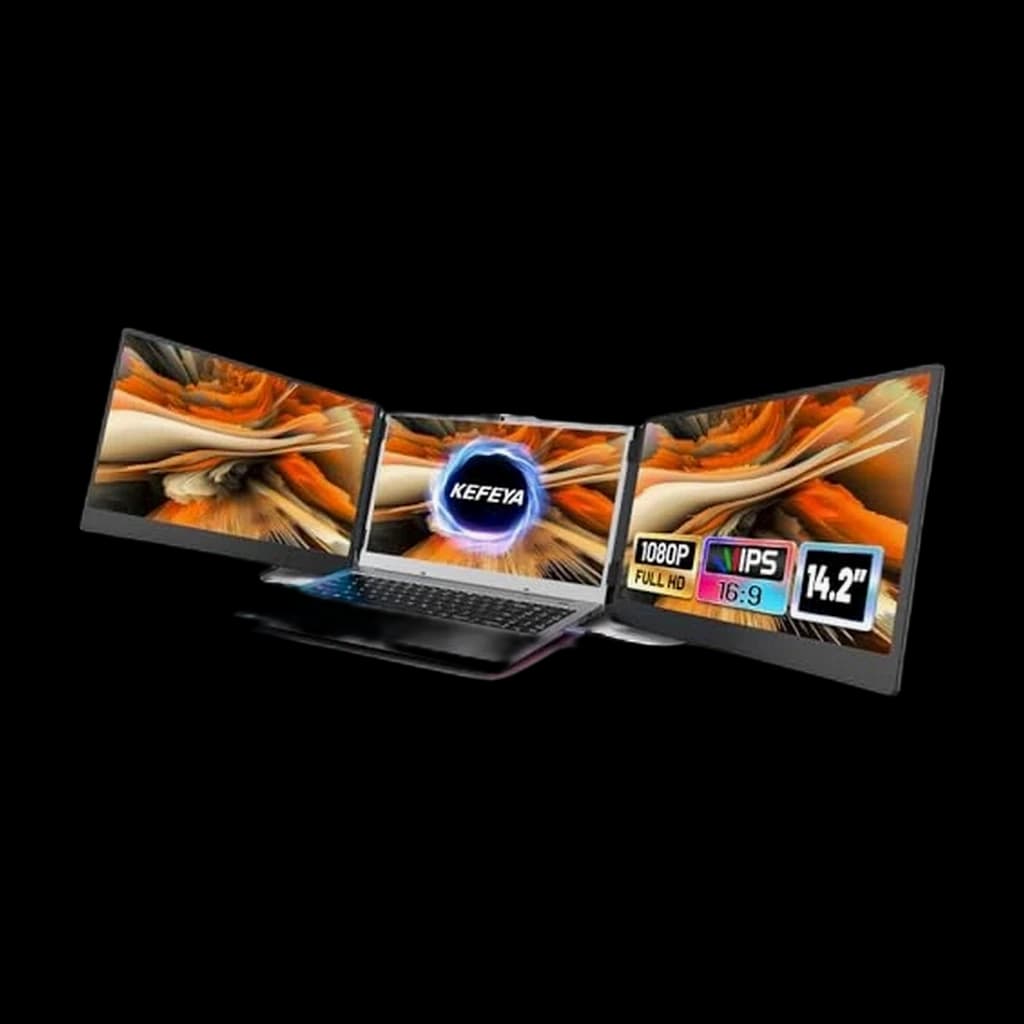 #1 Owner rating | 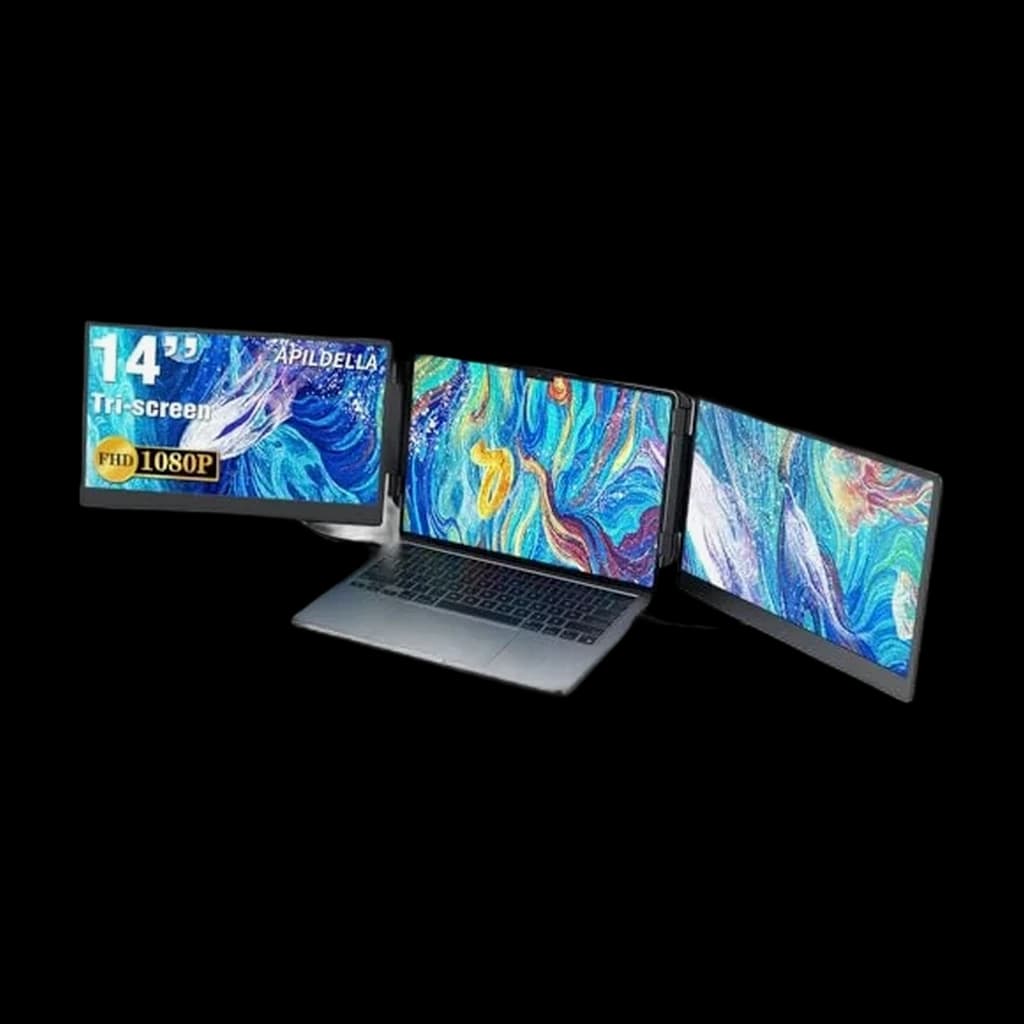 #2 Owner rating | 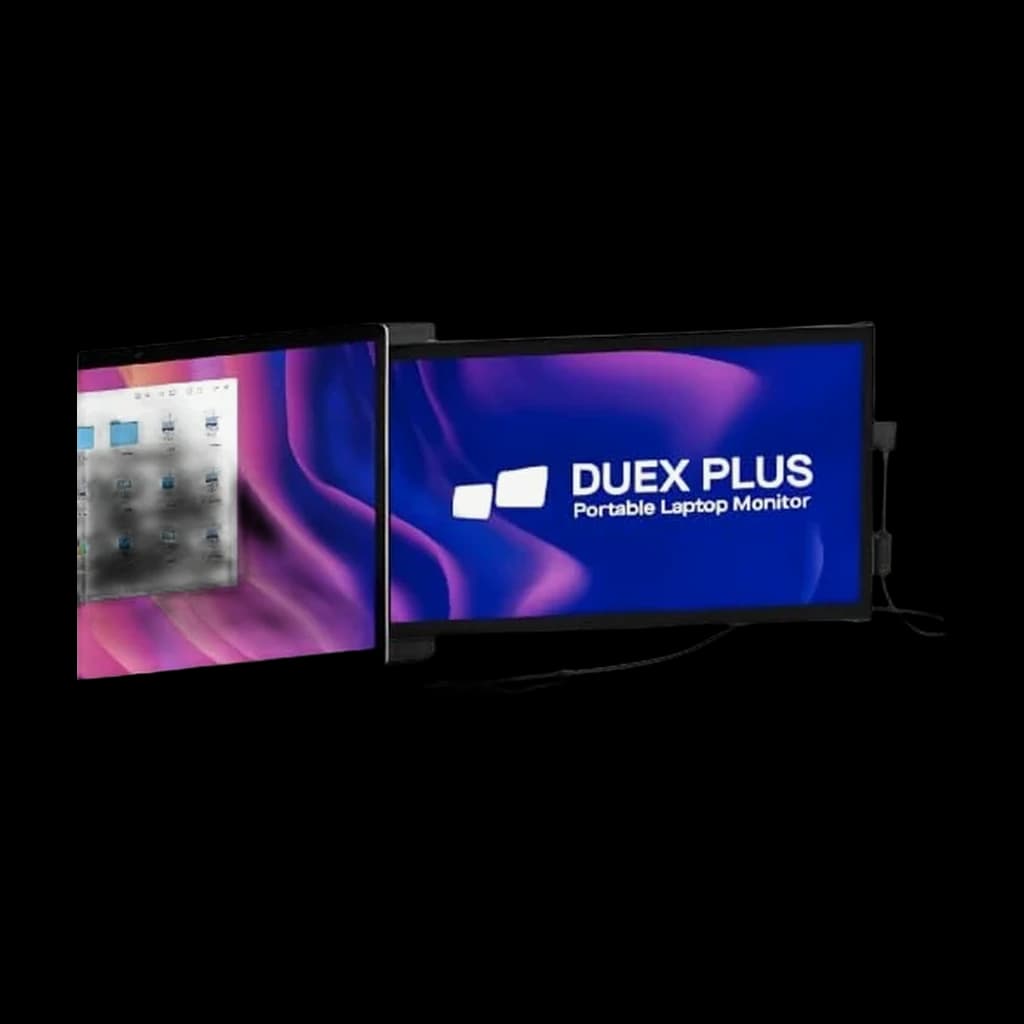 #3 Owner rating |  #4 Owner rating | |
|---|---|---|---|---|
| Price | $225.99Buy on Amazon | $169.99Buy on Amazon | $139.99Buy on Amazon | $279.99Buy on Amazon |
| Verdict | The most-reviewed triple extender and our overall pick — two 14.2" 1080p IPS panels fold out from a magnetic mounting plate, single USB-C cable each. | Highest-rated of the triples and a touch cheaper — HDR mode plus per-screen brightness make it the value triple if you can live with a smaller review base. | If a triple feels like too much bulk, this is the single-screen answer — one 13.3" slide-out panel, the lightest real second screen you can bolt to a laptop. | The triple with built-in speakers — handy if your laptop audio is weak, though a smaller review base means less long-term reliability data. |
| Buyer sentiment | Quality Setup Portability Value for money Buyers praise quality, setup, portability and value for money. Mixed feedback on reliability and compatibility. Based on 2,039 user mentions | Quality Setup Portability Value for money Compatibility Buyers praise quality, setup, portability and value for money. Mixed feedback on cables. Some flag compatibility. Based on 755 user mentions | Screen Size Portability Screen Quality Convenience Mounting Durability Buyers praise screen size, portability, screen quality and convenience. Mixed feedback on functionality and value for money. Some flag mounting and durability. Based on 490 user mentions | Setup Portability Display Quality Multitasking Buyers praise setup, portability, display quality and multitasking. Based on 216 user mentions |
| Panels | 2 x 14.2" 1080p IPS | 2 x 14" 1080p FHD | 1 x 13.3" 1080p IPS | 2 x 14" 1080p FHD |
| Fits | 13"-17" laptops | 13"-17.3" laptops | 13"-16" laptops | 13"-16.5" laptops |
| Connection | USB-C per panel (HDMI adapter included) | USB-C or HDMI | USB-C or USB-A | USB-C (HDMI adapter included) |
| Weight added | ~3 lb / 1.4 kg | ~2.9 lb / 1.3 kg | ~1.4 lb / 0.65 kg | ~3 lb / 1.4 kg |
| Rotation | Panels swivel to face clients | — | — | — |
| Extras | — | HDR mode, per-screen adjustment | — | Built-in speakers |
| Mechanism | — | — | Slide-out (not fold-out) | — |
| Pros |
|
|
|
|
| Cons |
|
|
|
|
* Prices checked Oct 8, 2026 and may vary. Check the latest price on Amazon.
We research — never hands-on. How we research →
Key Takeaways
The best portable laptop screen extenders for 2026 — triple and single-panel picks compared on size, weight, and real owner reviews, plus the ergonomics caveat nobody mentions.
As an Amazon Associate I earn from qualifying purchases. Product prices and availability are subject to change.
A laptop screen extender clips two (or one) extra display panels onto the back of your laptop lid, turning a single screen into a portable dual- or triple-monitor rig you can fold up and put in a backpack. Searches for them are up sharply this year, and for good reason: hybrid workers want the desk-monitor productivity boost without owning a desk in every location.
We evaluated the current best-sellers on panel size, added weight, how they connect, and — most importantly — how many real owners have lived with them. No hands-on lab time here; this is a synthesis of manufacturer specs, retailer listings, aggregated owner ratings, and the ergonomics research on multi-screen work.
The short version
If you want the maximum portable workspace, the KEFEYA 14.2" Triple is the pick — the biggest panels and by far the largest owner base in the category. Want to spend a little less and don't mind a smaller review history? The APILDELLA 14" Triple actually rates a hair higher. And if strapping three pounds to your laptop lid sounds miserable, the single-panel Mobile Pixels Duex Plus adds one screen at under a pound and a half.
Why a second screen is worth the hassle
The productivity claim isn't marketing fluff — it's one of the better-replicated findings in office research.
- Jon Peddie Research measured an average 42% productivity increase when people worked across two monitors instead of one.
- A University of Utah study (cited in Dell's dual-monitor whitepaper) found a 44% boost on text tasks and 29% on spreadsheet tasks moving from one screen to two.
A screen extender is how you get that gain when your "desk" is a hotel room, a client office, or a kitchen table. The tradeoff is what the specs table below makes concrete: portability costs you panel size, adds weight to your lid, and leans on your laptop's battery and USB-C power budget.
What most buyers get wrong
The triple-screen models are not laptop-height ergonomic. This is the honest caveat the product listings bury. Because the panels bolt to your laptop lid, they sit at laptop height — well below eye level. OSHA's guidance is that the center of a screen sit 15 to 20 degrees below horizontal eye level, with the top at or slightly below eye level. A clip-on extender puts all three screens far lower than that.
That's fine for a few hours in a coffee shop. It is not a replacement for a proper desk monitor at eye level for eight-hour days. Use an extender for mobility; use a real monitor (ideally on an arm) as your home base. If you spend most days at one desk, buy the monitor, not the extender.
The four we'd actually consider
The comparison table at the top ranks these on size, weight, connection, and — the number that matters most in a category full of no-name brands — how many owners have actually reviewed them. A few notes:
- Triples add ~3 lb to your lid. You will feel it opening the laptop and carrying it. The single-panel Duex Plus is under half that.
- Check your laptop's USB-C output. Two panels drawing power over USB-C can outrun a thin-and-light laptop's port budget; you may end up plugging in the charger anyway. Thicker workstation laptops handle it better.
- 1080p is the ceiling here. Every model in this class is FHD, not 4K. That's fine for docs, email, and reference windows — don't expect a color-grading display.
Extender vs. a portable monitor vs. a real desk monitor
Three different tools for three different problems:
- Screen extender — you already travel with the laptop and want extra screens attached to it, folding away in seconds. Best for true road warriors.
- Standalone portable monitor — a single screen you set beside the laptop; more flexible positioning, but it's another object to carry and prop up.
- Desk monitor on an arm — the eye-level, all-day, no-compromise option for your home base. See our best dual-monitor setup guide and the monitor arm picks.
Most heavy hybrid workers end up with two of these: a real monitor at home, and an extender (or portable monitor) for the road.
Sources
- Jon Peddie Research — multiple displays increase productivity by 42%: press release summary
- University of Utah / Dell dual-monitor productivity whitepaper (44% text, 29% spreadsheet): Dell whitepaper
- OSHA Computer Workstations eTool — monitor height and viewing angle: osha.gov
Hilly Shore Labs
Editorial TeamWFH Lounge is published by Hilly Shore Labs. Every recommendation is built by synthesizing ergonomic research, manufacturer specs, expert reviews from outlets like Wirecutter, RTINGS, and The Verge, and aggregated long-term owner sentiment from thousands of verified buyers.
All product reviews are independently researched. Our recommendations are based on ergonomic guidelines, manufacturer specifications, and verified buyer sentiment. See our methodology.