Discontinued Monitor? How to Find a Real Alternative
Alternatives lists answer what is good now, not what is the same, and on a desk that already works those are different questions. Pull the old owner's manual off the manufacturer's support page, write down four specs, and shop against those instead of the model number. If nothing matches all four, stop hunting — the successor from the same brand is often cheaper than the discontinued original anyway.
Quick Answer
Match four specs and you have a replacement: native resolution and aspect ratio, USB-C power delivery wattage, the hub feature set, and the stand or VESA mount. Miss any one of them and you have bought a different monitor that happens to be good. Get those numbers from the manufacturer's support page — it outlives the sales page and still serves the owner's manual, which is where the full spec table lives.
Key Takeaways
A replacement matches four specs: resolution and aspect, USB-C wattage, hub features and mount. Miss one and you have bought a different monitor.

As an Amazon Associate I earn from qualifying purchases. Product prices and availability are subject to change.
Your monitor died, or you want a second one exactly like the one already on your desk, and the model number now returns nothing but marketplace listings and a wall of "best monitor" roundups. Those roundups answer a different question — what is good right now — when what you asked was what is the same.
A replacement keeps your desk working exactly as it does today. A recommendation gives you a better monitor that can quietly break your cable, your mount and your text size on the way in. Here is how to tell which one you are buying.
The distinction that matters. A replacement matches your existing monitor on the four specs that touch the rest of your desk. An upgrade improves the panel and changes at least one of them. Both are fine purchases. Only one is a like-for-like swap, and the roundups never separate them.
Step 1: The support page outlives the sales page
When a manufacturer retires a model, the marketing page goes first. The support page tends to stay, because warranty obligations and manuals outlive the product. Try that before anything else:
- The URL to guess — for LG it is
lg.com/us/support/product/lg-<MODEL>. Checked on 9 August 2026, the pages for the 27UK500-B and the 27BL85U-W both still load, both still serve the English owner's manual, and both still state the warranty terms. - What is not on that page — the specs themselves. They live in the back of the owner's manual PDF, which is the download the support page does offer. That manual is the document to open, not the retailer listing that says "27-inch 4K" and stops there.
Retailer listings compress a spec sheet into a headline; a manual does not. If you are matching a monitor rather than picking one, it is the only source that gives you every port, the native resolution and the stand's actual travel.
Step 2: Lock four specs, ignore the rest
Brightness, colour gamut, refresh rate and panel generation can all change without anything on your desk noticing. These four cannot.
| Match this | What breaks when you don't | Where the number lives |
|---|---|---|
| Native resolution and aspect ratio | Text size, window tiling, and every scaling setting you already tuned | Manual spec table |
| USB-C power delivery wattage | The single cable stops charging the laptop and you are back to two bricks | Manual spec table, given in watts |
| Hub features — ethernet, KVM, downstream ports | Peripherals that lived in the monitor now need a separate dock | Full port list, not the headline |
| Stand height range and VESA mount | Your eye-level setting or monitor arm no longer reaches | Mechanical section of the manual |
Wattage is a spec, not a given. USB Power Delivery was capped at 100W until Revision 3.1, announced in 2021, lifted the ceiling to 240W. Two monitors can both advertise "USB-C" and deliver very different power. If your laptop currently charges from the monitor, that number has to match or beat the one you had.
The trap: most alternatives are upgrades
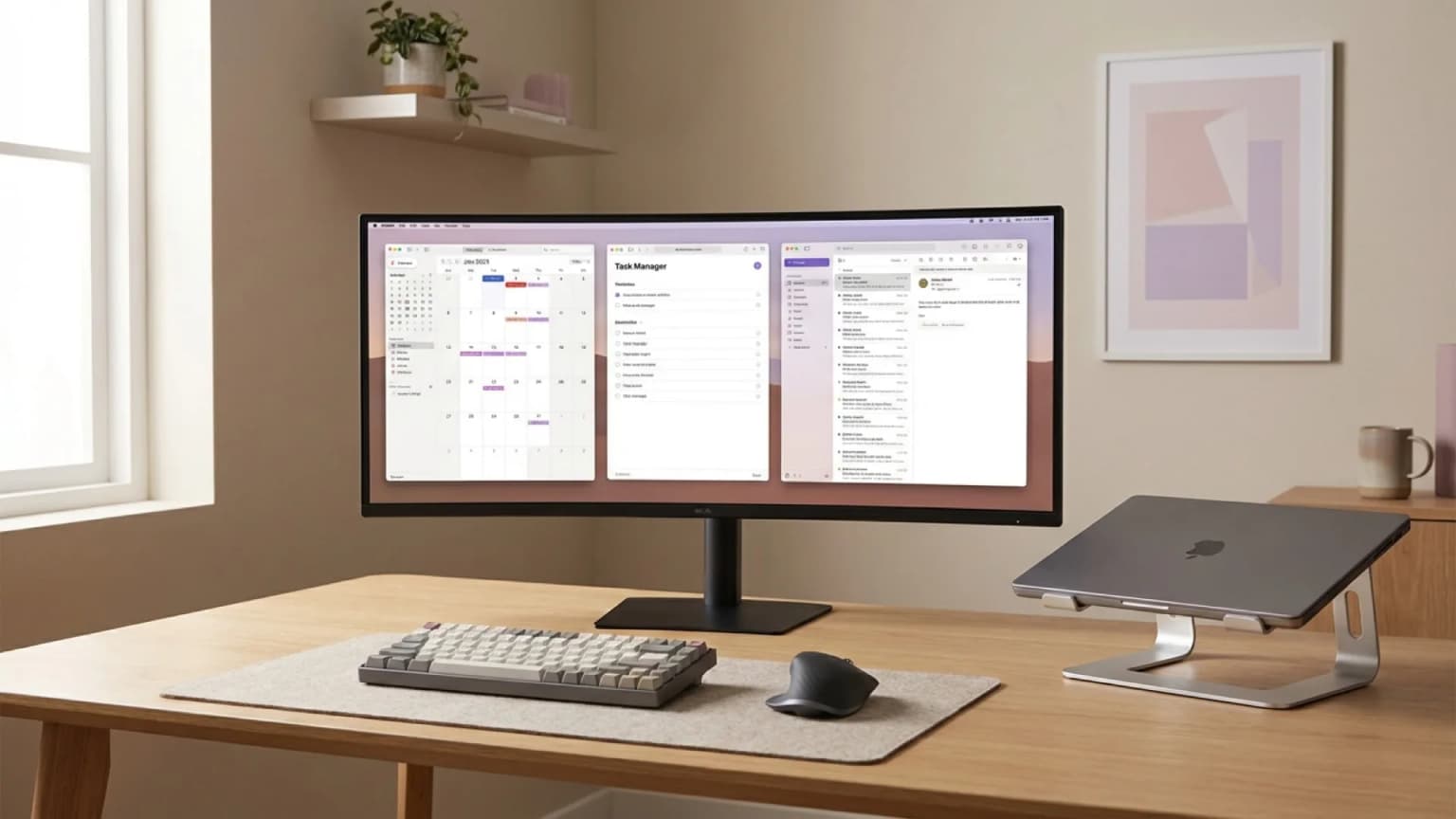
Take the 34-inch LG UltraWide that turns up in our own search data more than any other monitor people want an alternative to. LG's page describes the 34WQ650-W as a 34-inch UltraWide FHD display — 2560 x 1080, IPS, with USB Type-C and a tilt and height adjustable stand.
Now look at what any "best 34-inch ultrawide" list hands you, ours included:
| What you have | What the lists recommend | |
|---|---|---|
| Native resolution | 2560 x 1080 | 3440 x 1440 |
| Pixel count | Baseline | Around 1.8x more |
| Day one | Nothing changes | Everything renders smaller until you redo scaling |
A WQHD ultrawide is the better monitor. It is simply not the same monitor, and if you are buying a second one to sit beside the first, the mismatch shows the moment both are on: text at one scaling setting is not the same size across two panels, so the blurry-and-wrong-size fix becomes a per-display job.
The discontinued model is often the expensive one
The instinct is that the outgoing model must be the bargain. Frequently it is the opposite: remaining stock gets scarcity-priced by third-party sellers while the successor sits at ordinary retail.
Our own 27-inch monitor comparison, with prices re-checked on 8 August 2026, listed the outgoing Dell UltraSharp U2723QE above its own successor, the U2725QE. Same maker, newer panel, better port set, lower price. By October the only new-condition U2723QE listings left on Amazon came from third-party resellers, and we stopped linking it.
So before paying a premium to match a model number, check three things:
- What the successor costs today from the same manufacturer.
- Whether the seller is the manufacturer or a marketplace reseller sitting on the last units.
- Whether the thing you needed to match was really the model, or just the resolution and the port set.
When to stop hunting for a match
Drop the model number and buy on spec when any of these is true:
- The old monitor is your only monitor, so there is nothing for it to match.
- It had no USB-C, no hub and no unusual resolution, so there is nothing distinctive to preserve.
- The same manufacturer's successor already covers all four specs above.
- The only listings left are third-party sellers priced above current retail.
At that point you are not replacing a monitor, you are buying one, and the monitor buying guide is the better place to start.
FAQ
Is a newer model from the same brand automatically a safe replacement?
No. Port sets change between generations — a USB-C input gets dropped, ethernet gets added, power delivery wattage moves. Check the four specs against the old manual rather than trusting the model naming.
Does the panel type need to match?
Only for colour-critical work. Panel generation varies most between a monitor and its successor while mattering least for text and calls. Resolution and connectivity are what you feel daily.
How do I find the spec sheet when the product page is gone?
Search the manufacturer's support site for the exact model code including the suffix — the "-B" or "-W" is part of the model, not a colour note. Download the owner's manual and read the specification table at the back.
Can I run a replacement next to the original on a dual setup?
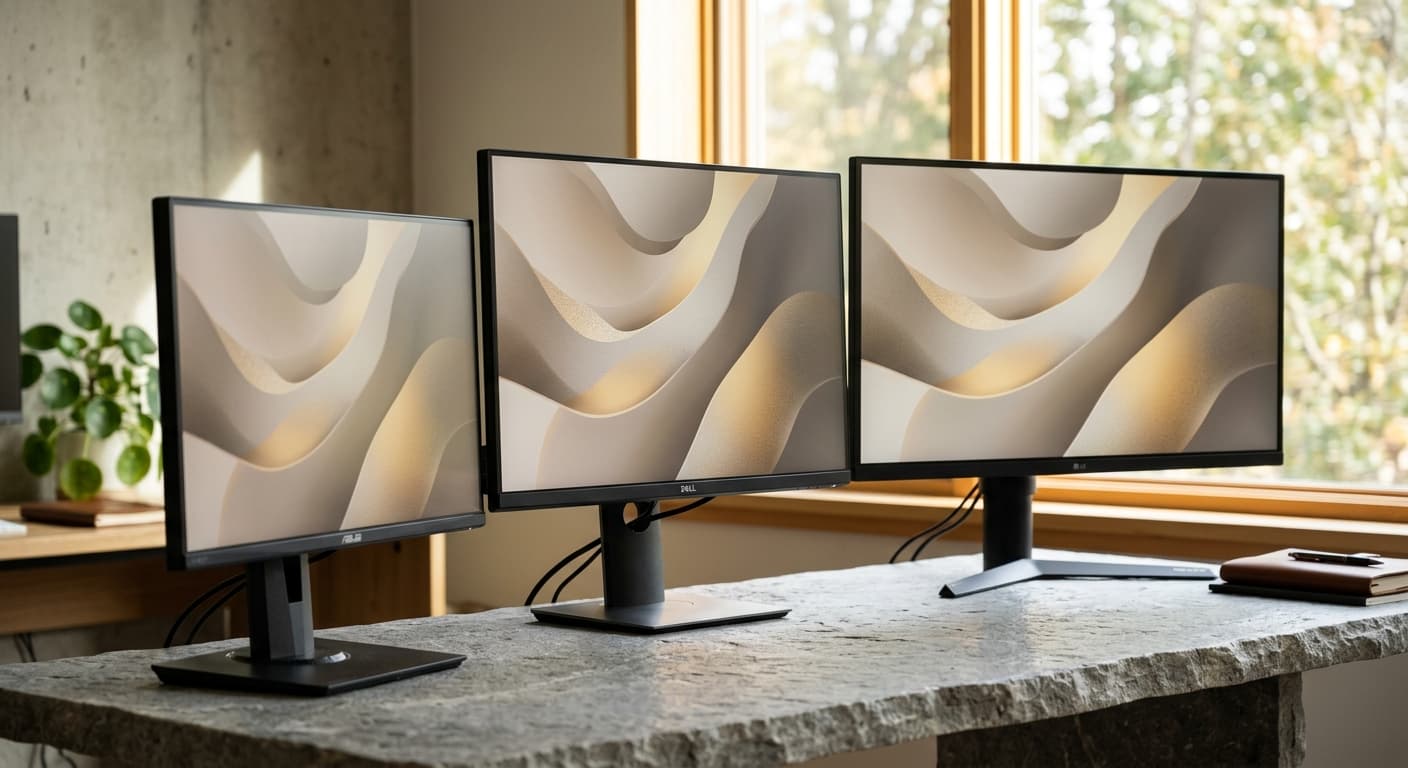
Yes, if the native resolutions match. Different native resolutions mean per-display scaling, mismatched text size, and a visible jump when you drag a window across.
Sources and research
- →LG 34WQ650-W product page34-inch UltraWide FHD (2560 x 1080) IPS, USB Type-C, tilt and height adjustable stand.
- →LG 27UK500-B support pageowner's manual downloads and warranty terms still hosted for a retired model.
- →LG 27BL85U-W support pagethe same pattern, with manuals and firmware still available.
- →USB-IF, USB Power DeliveryPD was limited to 100W before Revision 3.1 raised it to 240W.
Hilly Shore Labs
Editorial TeamWFH Lounge is published by Hilly Shore Labs. Every recommendation is built by synthesizing ergonomic research, manufacturer specs, expert reviews from outlets like Wirecutter, RTINGS, and The Verge, and aggregated long-term owner sentiment from thousands of verified buyers.
All product reviews are independently researched. Our recommendations are based on ergonomic guidelines, manufacturer specifications, and verified buyer sentiment. See our methodology.