Best Mouse Pads 2026: Extended Mats vs Standard for WFH
Logitech G840 XL is our pick for a large cloth keyboard-and-mouse surface. Choose Aothia for PU leather, Corsair MM350 PRO for spill-resistant cloth, or Razer Atlas for a rigid glass mouse surface.
Our #1 Pick
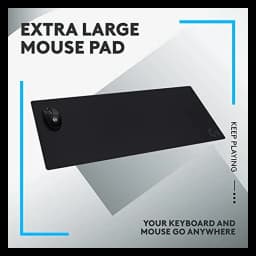
Logitech G840 XL Cloth Mouse Pad
A 900 × 400 mm cloth surface with a 3 mm rubber base gives a keyboard and mouse one continuous surface. Measure your available desk space before choosing an extended mat.
- Performance-tuned cloth surface
- Stable rubber base
- Universally cited as the workhorse XL
Price checked Oct 10, 2026 — verify the live price on Amazon.
Also Great
PU-leather alternative: Aothia Leather Desk Pad () — A smooth PU-leather surface for readers who prefer it to cloth; check the selected size.
Spill-resistant cloth: Corsair MM350 PRO Extended XL () — A 930 × 400 mm cloth mat with a spill-resistant coating and stitched edges.
 #1 Owner rating | 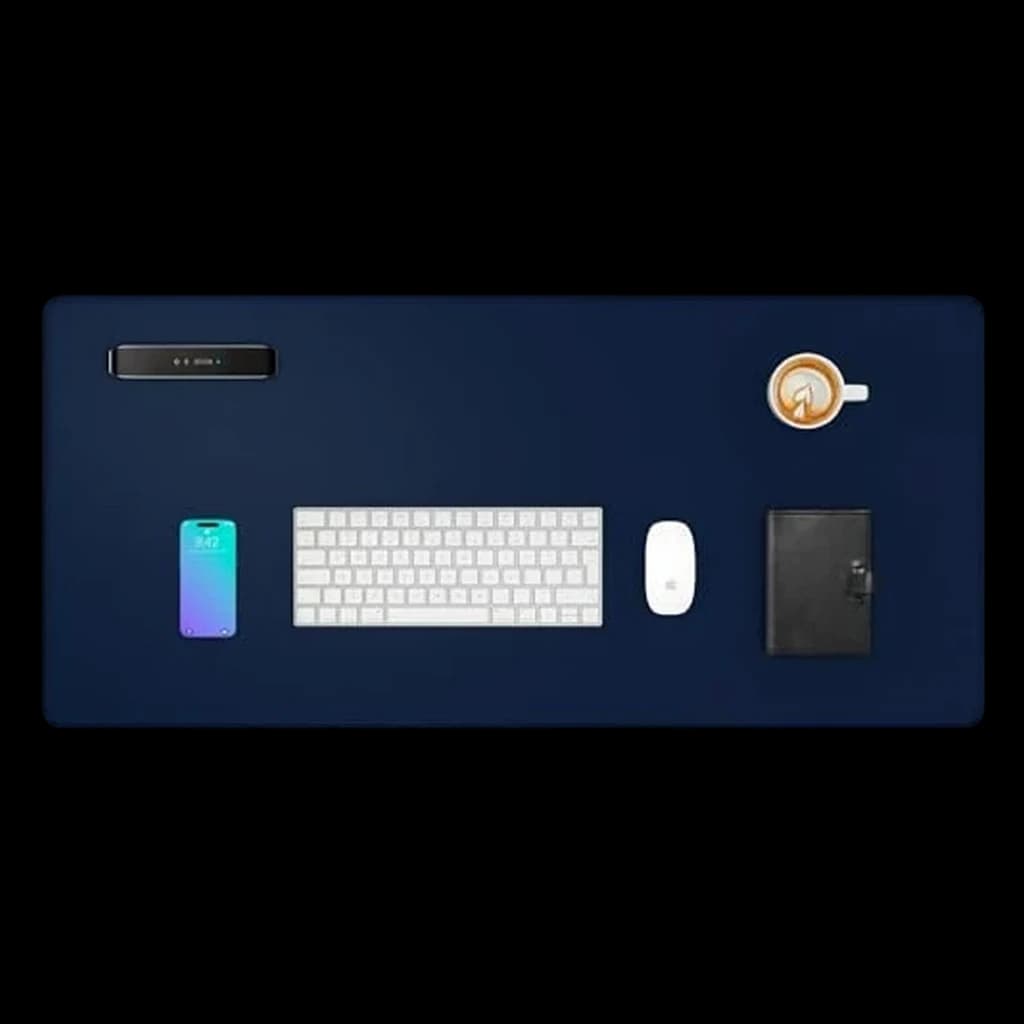 #2 Owner rating |  #3 Owner rating | 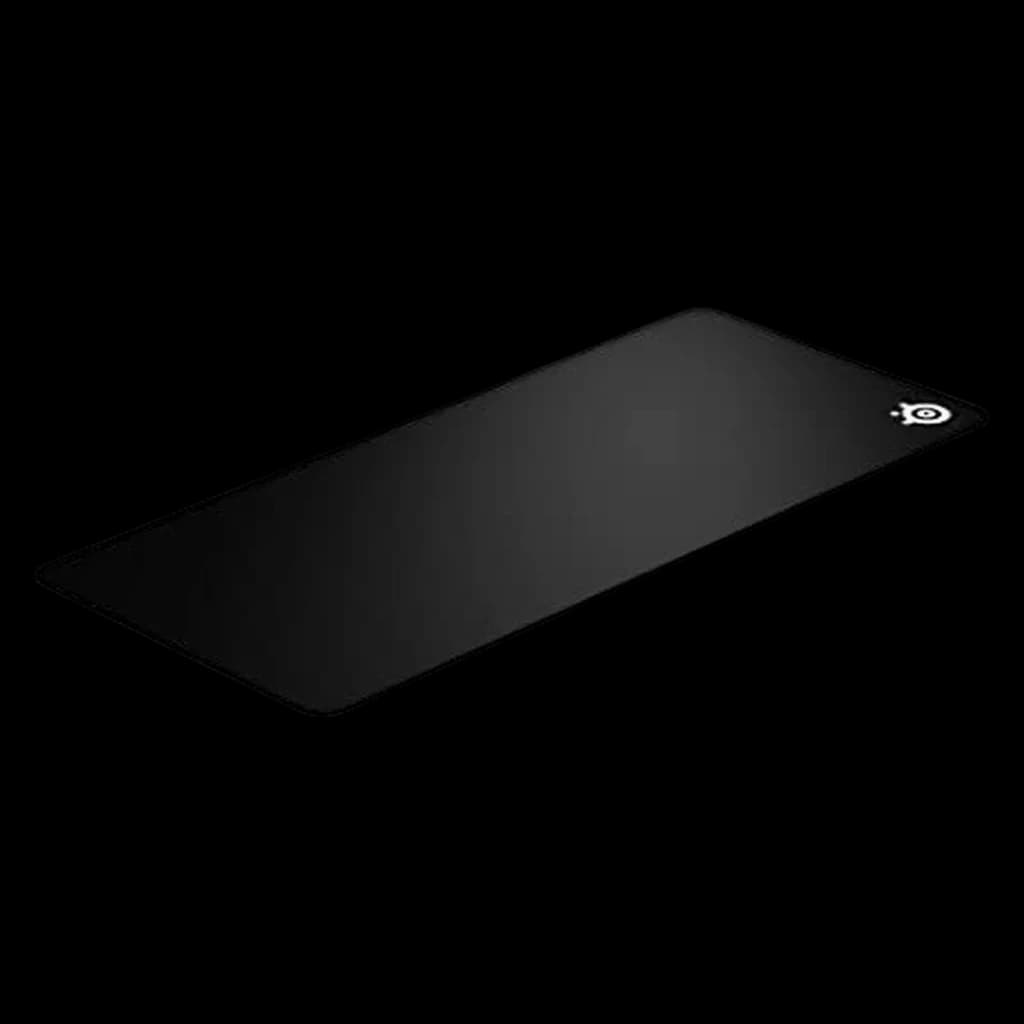 #4 Owner rating | 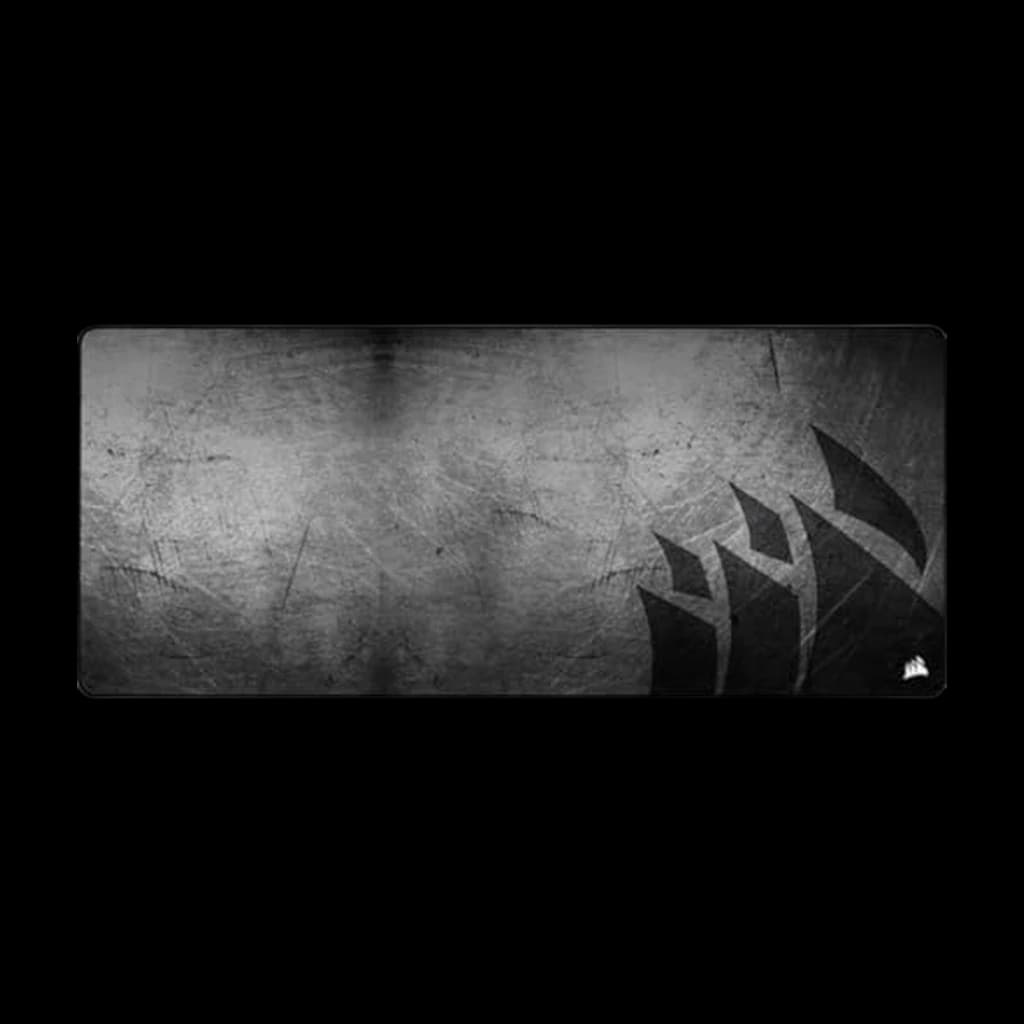 #5 Owner rating | |
|---|---|---|---|---|---|
| Price | $37.99Buy on Amazon | $13.99Buy on Amazon | $99.99Buy on Amazon | $29.99Buy on Amazon | $29.99Buy on Amazon |
| Verdict | 900x400mm covers full keyboard + mouse zone — productivity-friendly workhorse. | Amazon's top-selling desk mat — PU leather, waterproof, professional look. | A rigid tempered-glass mouse surface; not an extended keyboard mat. | 900 × 400 mm micro-woven cloth surface with a 4 mm rubber base. | Coffee-on-the-desk insurance — spill-proof + stain-resistant. |
| Buyer sentiment | Quality Size Smoothness Value for money Durability Buyers praise quality, size, smoothness and value for money. Mixed feedback on thickness and grip. Some flag durability. Based on 518 user mentions | Quality Appearance Color Size Buyers praise quality, appearance, color and size. Mixed feedback on stability. Based on 11,703 user mentions | Smoothness Quality Glide Ease Of Cleaning Buyers praise smoothness, quality, glide and ease of cleaning. Mixed feedback on size and value for money. Based on 183 user mentions | Quality Size Functionality Value for money Buyers praise quality, size, functionality and value for money. Mixed feedback on durability and thickness. Based on 16,656 user mentions | Quality Smoothness Size Mouse Glide Buyers praise quality, smoothness, size and mouse glide. Based on 333 user mentions |
| size | 900x400mm | 31.5" x 15.7" | 450 × 400 mm | 900 × 400 mm | 36.6" x 15.7" |
| thickness | 3mm | — | 5mm | 4 mm | 4mm |
| surface | Performance cloth | Smooth | Tempered glass | Micro-woven cloth | Spill-proof coating |
| base | Rubber | Non-slip | Anti-slip silicone | Non-slip rubber | Anti-slip rubber |
| material | — | PU leather | — | — | — |
| Pros |
|
|
|
|
|
| Cons |
|
|
|
|
|
* Prices checked Oct 10, 2026 and may vary. Check the latest price on Amazon.
We research — never hands-on. How we research →
Key Takeaways
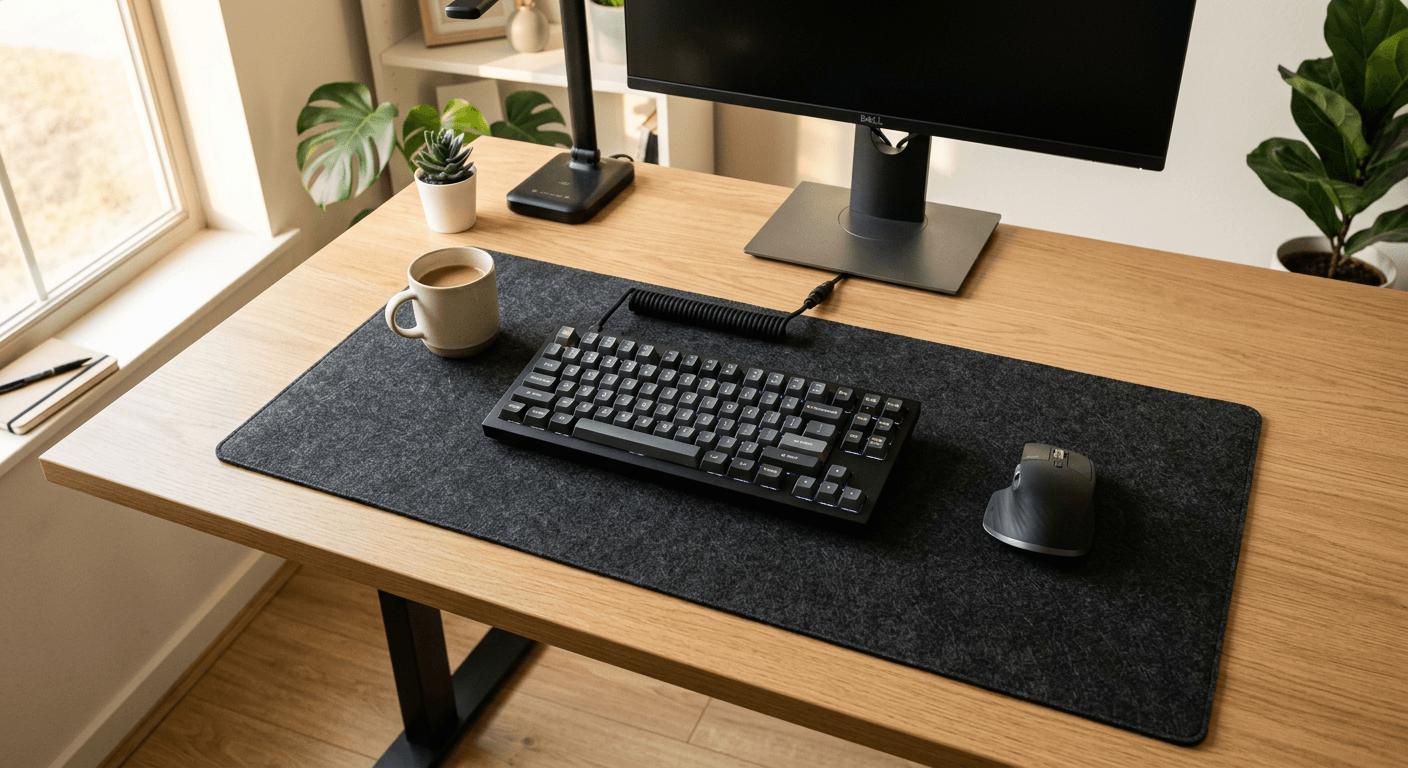
Best mouse pads for home office in 2026. Extended desk mats vs compact pads — which style is right for your WFH setup?
As an Amazon Associate I earn from qualifying purchases. Product prices and availability are subject to change.
Choose a mouse pad by the space you need to move your mouse and whether you also want the keyboard on it. A mouse-only pad and an extended desk mat serve different layouts; neither size is inherently better quality.
Our Picks at a Glance
The product comparison above and the recommendations below cover the same five products. Logitech G840 XL is our large cloth pick. Prices are shown in the comparison rather than repeated as fixed estimates throughout this guide.
| Pick | Surface | Intended use |
|---|---|---|
| Logitech G840 XL | Cloth over rubber | One large surface for keyboard and mouse |
| Aothia Leather Desk Pad | PU leather | Smooth desk cover for a different feel from cloth |
| Razer Atlas | Tempered glass | Rigid mouse-only surface |
| SteelSeries QcK Heavy XXL | Micro-woven cloth | Thicker extended cloth option |
| Corsair MM350 PRO Extended XL | Spill-resistant coated cloth | Extended surface with stitched edges |
Mouse-Only Pad vs Extended Desk Mat
There is no universal standard mouse-pad size. A small office pad might measure around 22 × 18 cm, while other mouse-only pads are substantially larger. An extended mat is wide enough to accommodate a keyboard and mouse, depending on the equipment and your movement space.
| What to check | Mouse-only pad | Extended desk mat |
|---|---|---|
| Equipment on the surface | Mouse | Usually keyboard and mouse |
| Space needed | Pad footprint plus room for the keyboard beside it | One wider clear rectangle |
| Portability | A small flexible pad is easier to carry | Larger footprint; check whether it rolls |
| Cleaning | Depends on material and manufacturer instructions | Depends on material and manufacturer instructions |
Choose by measurements: Put your keyboard where you use it, move the mouse through your normal range, and measure that footprint before buying.
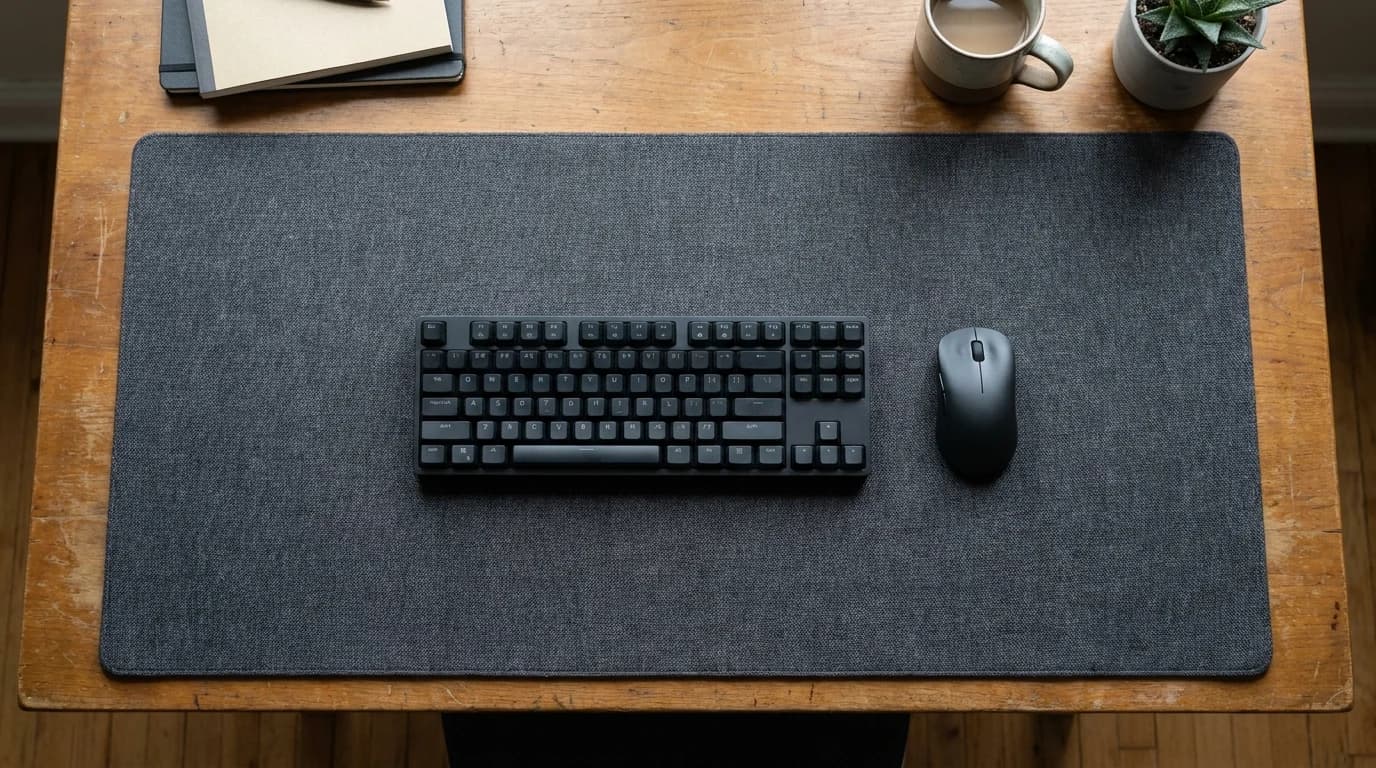
1. Logitech G840 XL — Our Large Cloth Pick
The Logitech G840 XL has a cloth surface and rubber base. It measures 900 × 400 mm and is 3 mm thick. It is not a hard-polymer or PU-leather pad.
The wide shape suits a permanent keyboard-and-mouse setup with enough clear desk space. If your monitor feet occupy much of the desk, measure the remaining depth first.
Best for: A large continuous cloth surface. Trade-off: It takes more desk space than a mouse-only pad.
2. Aothia — PU-Leather Alternative
The Aothia desk pad is the PU-leather alternative in this comparison. The selected catalog option is 31.5 × 15.7 inches; check the retailer's selected variant before ordering.
Best for: Readers who prefer a smooth desk cover to cloth. Trade-off: PU leather is not real leather, and the mouse feel differs from fabric.
3. Razer Atlas — Rigid Glass Mouse Surface
The Razer Atlas is a 450 × 400 mm tempered-glass mouse mat. It is a mouse surface rather than an extended mat for both keyboard and mouse.
Best for: Readers specifically seeking a rigid glass surface. Trade-off: It cannot roll up and is less convenient to transport than a flexible cloth pad.
4. SteelSeries QcK Heavy XXL — Thicker Cloth Option
Buy on Amazon · $29.99The SteelSeries QcK Heavy XXL measures 900 × 400 × 4 mm. Its micro-woven cloth top and rubber base make it an extended cloth alternative to the G840. The XXL is 4 mm thick; do not confuse it with other Heavy sizes.
Best for: Readers who prefer a thicker extended cloth pad. Trade-off: Cloth needs cleaning appropriate to the model; thickness alone does not establish better tracking or ergonomic benefit.
5. Corsair MM350 PRO Extended XL — Spill-Resistant Cloth
Buy on Amazon · $29.99The Corsair MM350 PRO Extended XL measures 930 × 400 × 4 mm. It has a coated cloth surface, rubber base and stitched edges. Corsair specifies a spill-resistant coating; clean spills promptly rather than treating the pad as permission to leave liquid on the desk.
Best for: A wide cloth pad with a spill-resistant surface. Trade-off: Check the care instructions rather than assuming it can go in a washing machine.
Cleaning and Desk Protection
- Follow the exact model's cleaning instructions. Size does not determine whether a pad can be washed.
- Remove loose debris and deal with spills promptly.
- Let a cleaned pad dry fully before returning it to the desk.
- Check compatibility with delicate desk finishes and lift the pad periodically to inspect for trapped moisture or dirt.
Frequently Asked Questions
Is there a normal mouse-pad size?
No single size is universal. Compare the listed width and depth with your mouse movements. Small mouse-only pads, larger mouse surfaces and extended keyboard-and-mouse mats are all available.
Is the Logitech G840 a hard mouse pad?
No. It has a cloth surface over a rubber base. Razer Atlas is the rigid glass option in this comparison.
What size mat fits a 120 cm desk?
Desk width alone is not enough. Measure the clear depth in front of the monitor, the keyboard width and your mouse movement area. A 90 × 40 cm mat fits within a 120 cm desk's width, but monitor feet and other equipment may still interfere.
Do stitched edges guarantee a longer lifespan?
No fixed lifespan follows from stitching alone. Materials, cleaning and use matter. We do not have comparative durability testing to claim a specific multiplier or number of years.
For more on material trade-offs, see our desk-mat guide.
Sources
Your next step
The mouse matters more than the pad.
Hilly Shore Labs
Editorial TeamWFH Lounge is published by Hilly Shore Labs. Every recommendation is built by synthesizing ergonomic research, manufacturer specs, expert reviews from outlets like Wirecutter, RTINGS, and The Verge, and aggregated long-term owner sentiment from thousands of verified buyers.
All product reviews are independently researched. Our recommendations are based on ergonomic guidelines, manufacturer specifications, and verified buyer sentiment. See our methodology.