Under-Desk Footrest: Do You Need One, and How High to Go?
Fit the keyboard, chair and feet in that order. Skip the footrest if the floor already supports your feet. If a fixed desk forces the chair higher, choose a stable support whose usable height fits you under load. Seat and back cushions solve different problems and require a fresh fit check.
Quick Answer
Use a footrest when your chair fits your keyboard but your feet cannot rest fully on the floor. Adjust the desk and chair first, estimate the gap below your heels, then check both feet are supported while seated. Product height is a starting point: angle and foam compression change the fit.
 #1 Owner rating | 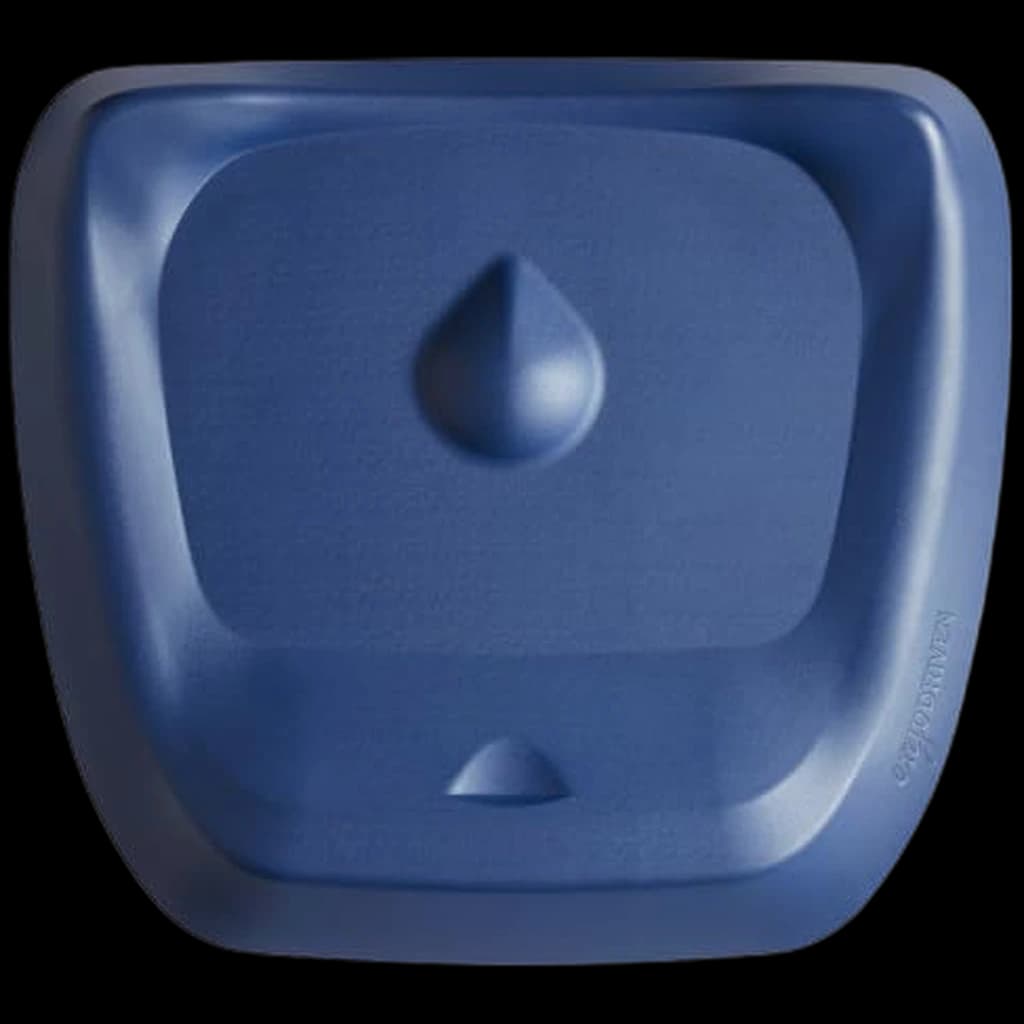 #2 Owner rating | 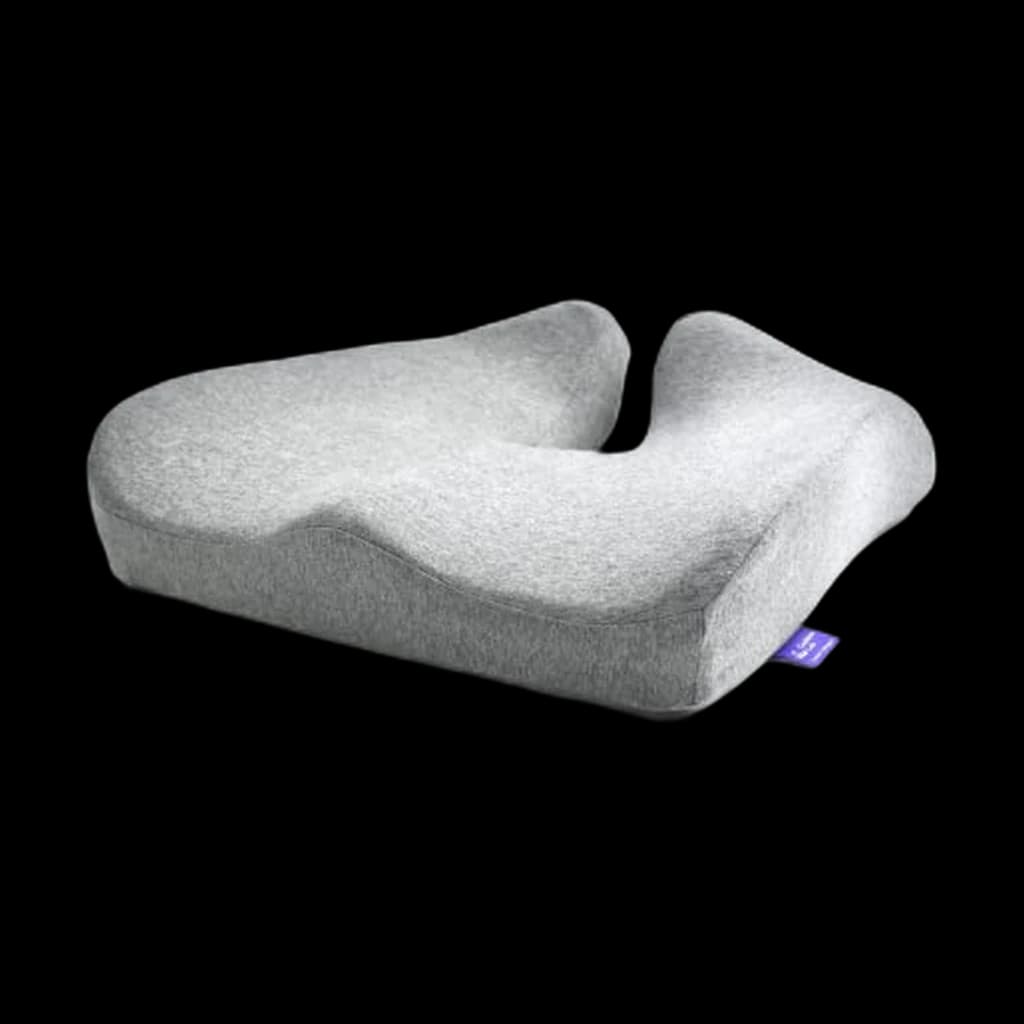 #3 Owner rating | 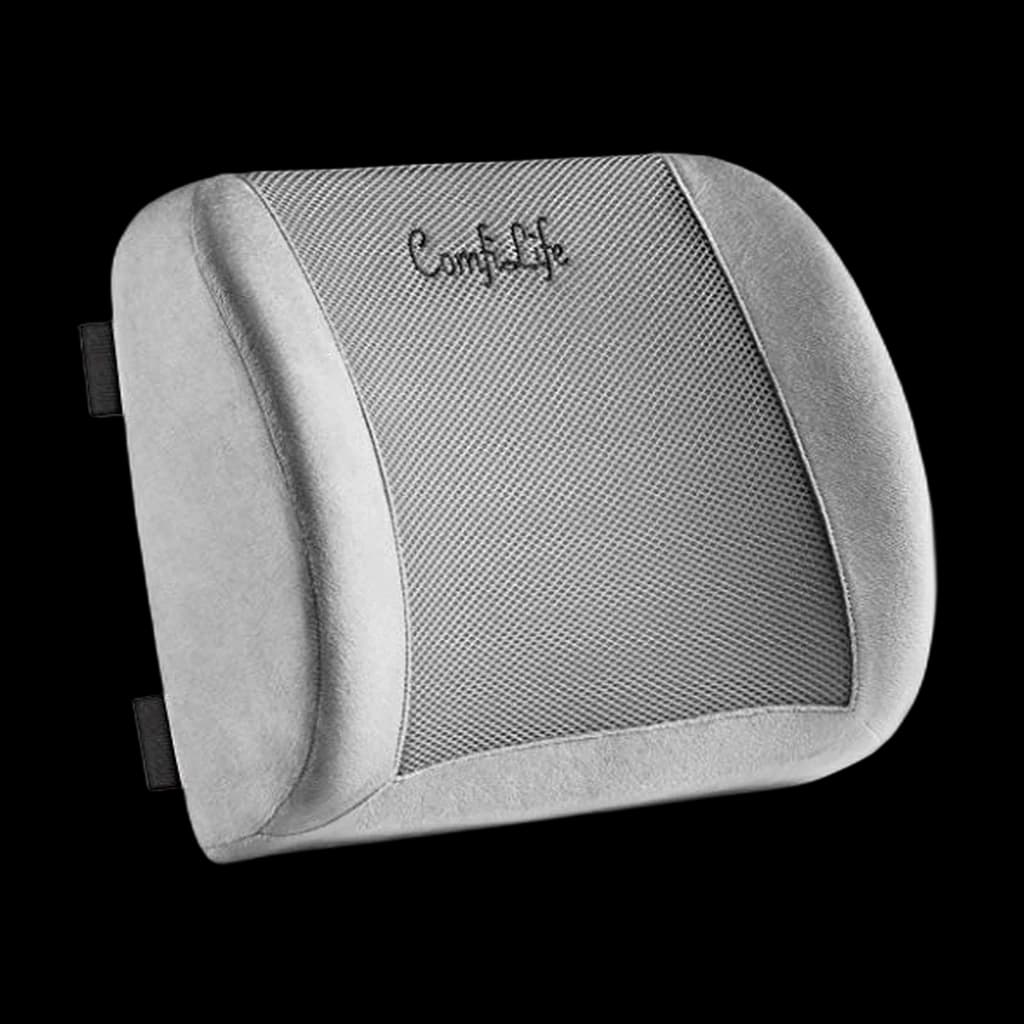 #4 Owner rating | |
|---|---|---|---|---|
| Price | $45.95Buy on Amazon | $119Buy on Amazon | $74.99Buy on Amazon | $36.99Buy on Amazon |
| Verdict | Seated foot support with two nominal heights and a flip-over rocker | A contoured surface for standing work, not a seated height fix | A contoured seat cushion that requires a fresh chair-height check | A strapped back cushion for a lumbar-support gap |
| Buyer sentiment | Comfort Quality Adjustability Firmness Buyers praise comfort, quality, adjustability and firmness. Mixed feedback on material. Based on 280 user mentions | Mobility Foot support Durability Comfort Buyers praise mobility, foot support, durability and comfort. Based on 592 user mentions | Comfort Pain Relief Cushion Quality Buyers praise comfort, pain relief, cushion and quality. Mixed feedback on value for money and firmness. Based on 6,897 user mentions | Comfort Back Support Pain Relief Quality Buyers praise comfort, back support, pain relief and quality. Mixed feedback on firmness. Based on 3,557 user mentions |
| Specs |
|
|
|
|
| Pros |
|
|
|
|
| Cons |
|
|
|
|
* Prices checked Oct 8, 2026 and may vary. Check the latest price on Amazon.
We research — never hands-on. How we research →
Key Takeaways
Check your chair and desk fit before buying a footrest. Use a three-step support check, compare useful heights, and choose the accessory your setup needs.
As an Amazon Associate I earn from qualifying purchases. Product prices and availability are subject to change.
The common mismatch starts at the work surface: raising a chair to reach a fixed-height keyboard can leave a smaller person suspended above the floor. Check the whole arrangement together.
The free fix comes first: an adjustable desk may let you lower the keyboard and chair together. A footrest earns its place when the work surface stays too high for your feet to reach the floor comfortably.
The three-step fitting check
Do this at your actual keyboard, wearing the footwear you normally work in. A measurement taken while perching on the chair edge will describe the wrong setup.
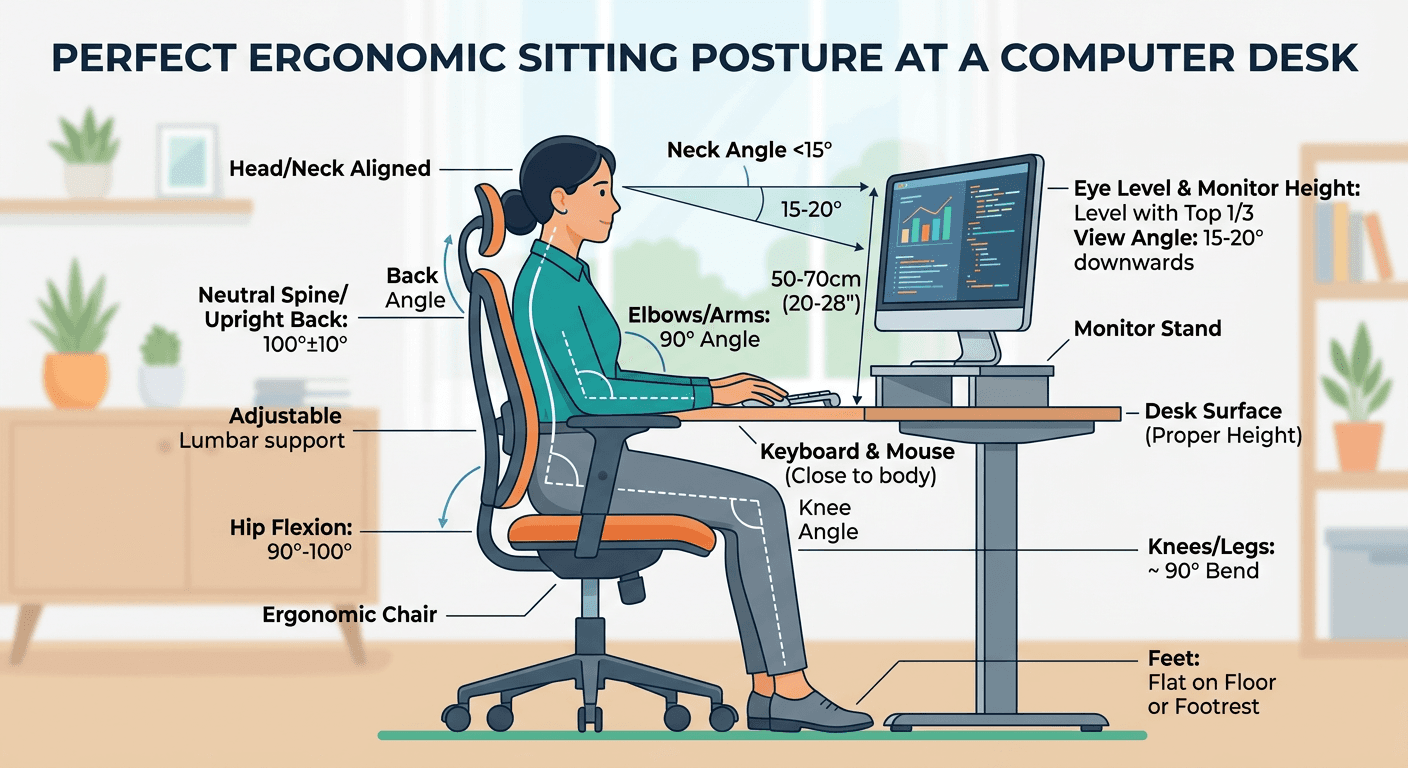
- Fit the chair to the keyboard. Sit back with your back supported. Adjust the chair so your shoulders relax, elbows stay close, and forearms are roughly parallel to the floor when typing. Keep wrists in line with your forearms. If the desk adjusts, change its height too. OSHA's neutral-position guidance describes the target; it does not prescribe one chair height for everyone.
- Check what happens below the desk. Are both soles supported without pointing your toes downward or sliding forward? Are your thighs supported without the seat edge pressing into the backs of your knees? If the feet float, estimate the vertical gap below your heels. Treat that as a starting point for shopping, rather than an exact required platform height.
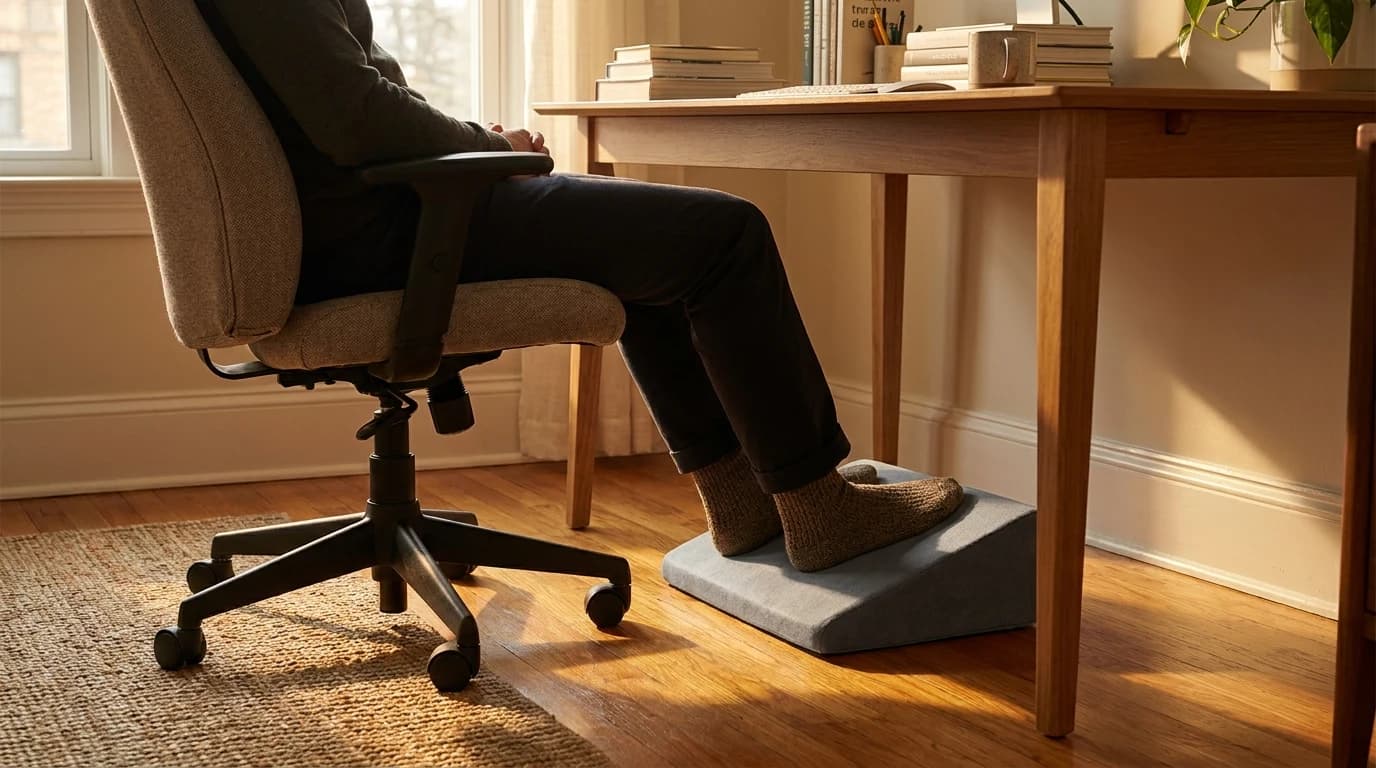
- Check the height under load. With the proposed support in place, sit back and put both feet on it. Aim for supported soles, thighs generally level, and knees around hip height. Recheck your keyboard position and knee clearance. An angled surface and compressible foam can fit differently from their advertised maximum height.
A support that is too low leaves you reaching for it. One that is too high lifts your knees and changes how your thighs meet the seat. OSHA's chair guidance recommends a stable footrest when lowering the chair would make the workstation unsuitable. That is a fitting decision, not a universal recommendation to add another accessory.
Match your situation to the actual fix
This is the decision point. Find the problem before choosing a product.
| What you notice | First adjustment | Where a footrest fits |
|---|---|---|
| Feet fully supported, typing position comfortable | Keep the fit; change position regularly | No footrest needed just because you work at a desk |
| Feet dangle after raising the chair for a fixed desk | Check whether keyboard height can be reduced | Seated support can bridge the remaining gap |
| Desk height is adjustable | Lower the work surface and chair together | Buy only if foot support is still missing |
| Seat edge presses behind the knees | Check seat depth and chair fit | A platform cannot shorten an oversized seat |
| You added a seat cushion | Refit chair and keyboard while sitting on it | Recheck foot support after the cushion compresses |
| You are working standing up | Refit the desk for standing and change stance | A standing mat or foot rail serves a different purpose from a seated height fix |
For the rest of the workstation, follow our seated posture guide. If moving the chair changes your screen position, revisit monitor placement too.
Choose adjustability before chasing features
A foam wedge gives your feet a cushioned surface, but its usable height changes with pressure. An adjustable platform offers more height or angle choices; check the manufacturer's actual range against your estimated gap. A rocker allows movement, but it still needs to support your feet comfortably in its resting position.
A suspended hammock is a different arrangement: the support depends on its mounting points and tension. Check desk compatibility, leg clearance and whether both feet stay supported where you sit. Do not assume every product called a footrest can solve the same height mismatch.
Measure the useful surface: compare the support available where your heels and forefeet will land. The tallest point on a sloped footrest is not the height beneath your whole foot.
Four catalog options, with different jobs
The comparison above includes one seated footrest and three conditional alternatives. The alternatives make sense only when they match the problem you found.
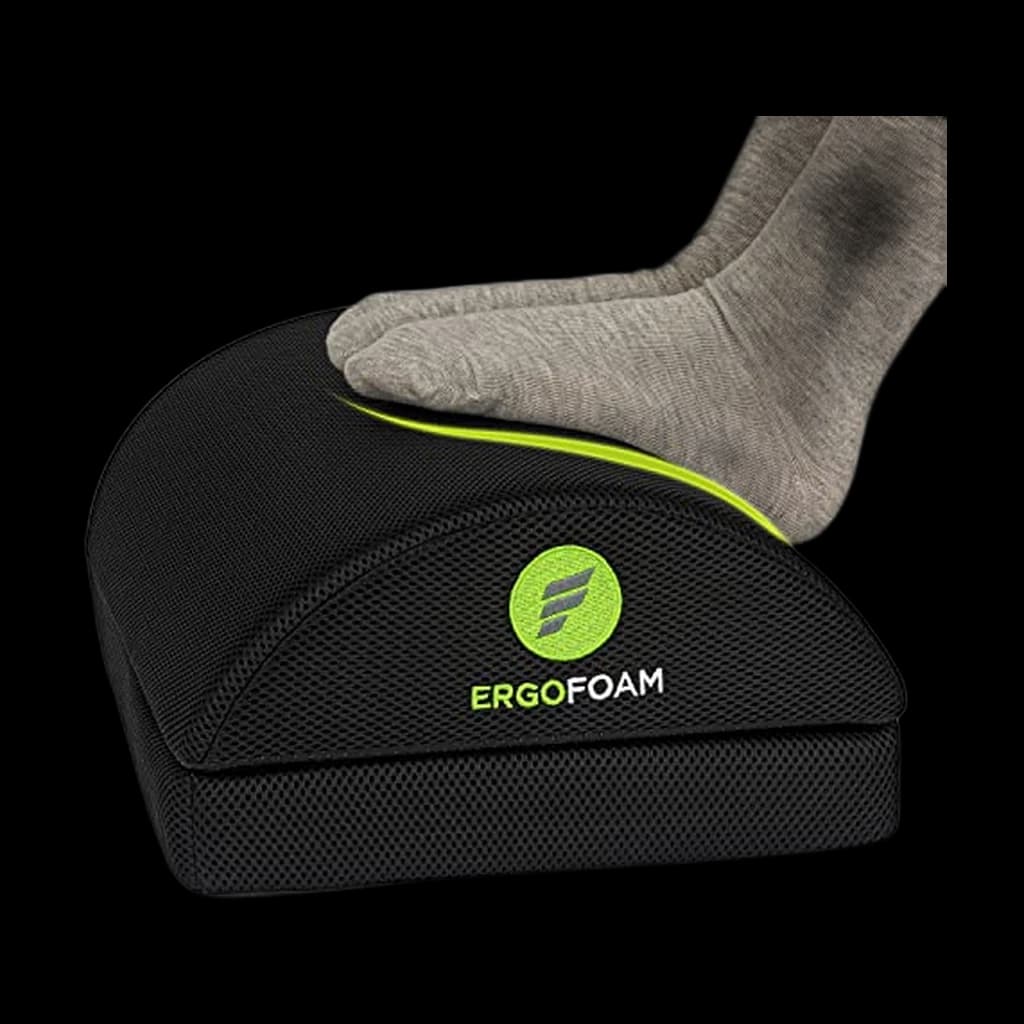
- For unsupported feet: the ErgoFoam Adjustable Foot Rest has a removable base. Its manufacturer lists nominal heights of 3.9 and 5.9 inches, and says it can flip into a rocker. Those are two settings, not continuous adjustment; check the seated fit before committing. Manufacturer specifications.
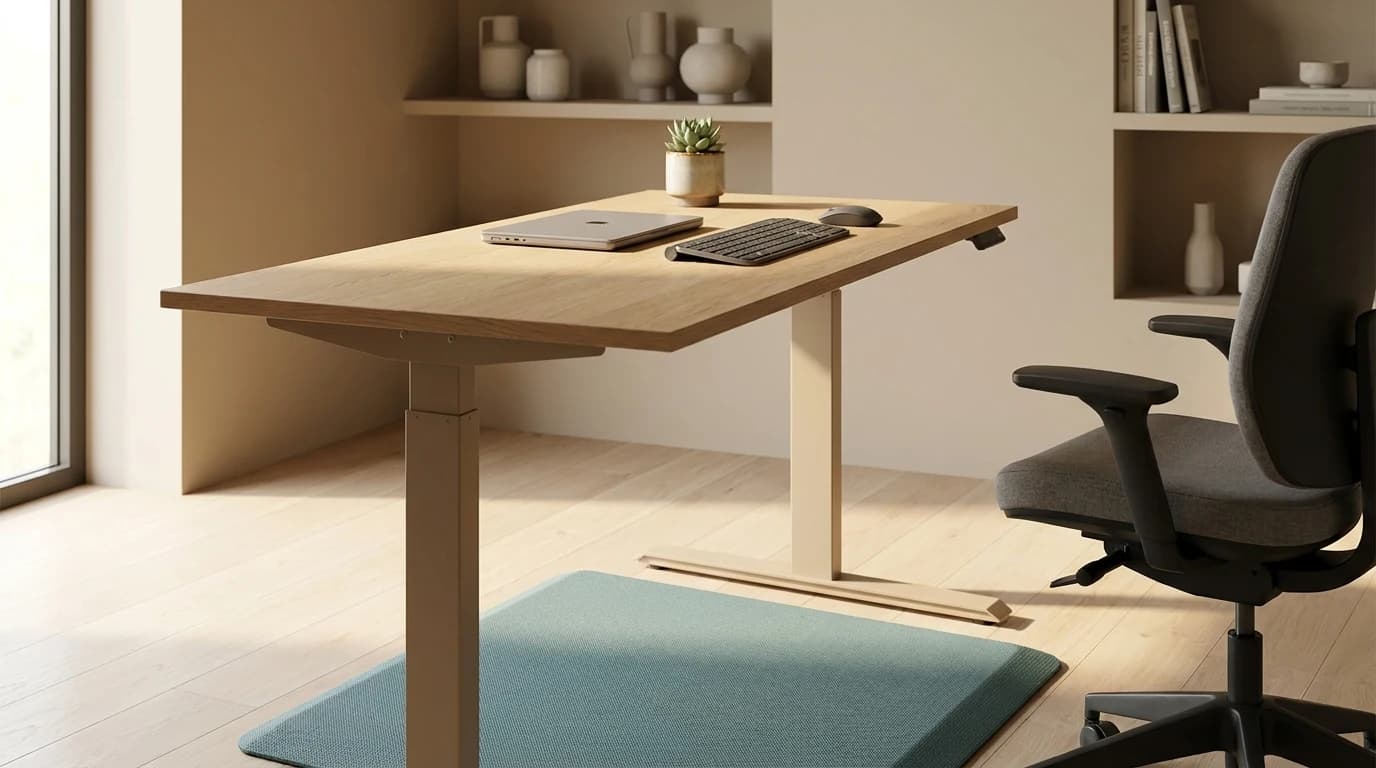
- For standing work: the Ergodriven Topo Anti-Fatigue Standing Mat provides a contoured standing surface. It does not solve a dangling-feet problem while seated. The manufacturer describes its standing use and raised terrain; consider it alongside a realistic sit–stand routine.
- For a seat surface you want to change: the Cushion Lab Pressure Relief Seat Cushion adds contoured foam above the chair seat. Its manufacturer page describes the construction. Recheck the entire seated fit after adding it; its product name is not evidence that it treats a medical condition.
- For a gap behind your lower back: the ComfiLife Lumbar Support Pillow is a strapped memory-foam back cushion. Adjust the chair's backrest first. OSHA also suggests a rolled towel as temporary lumbar support. A back cushion does not replace support beneath your feet.
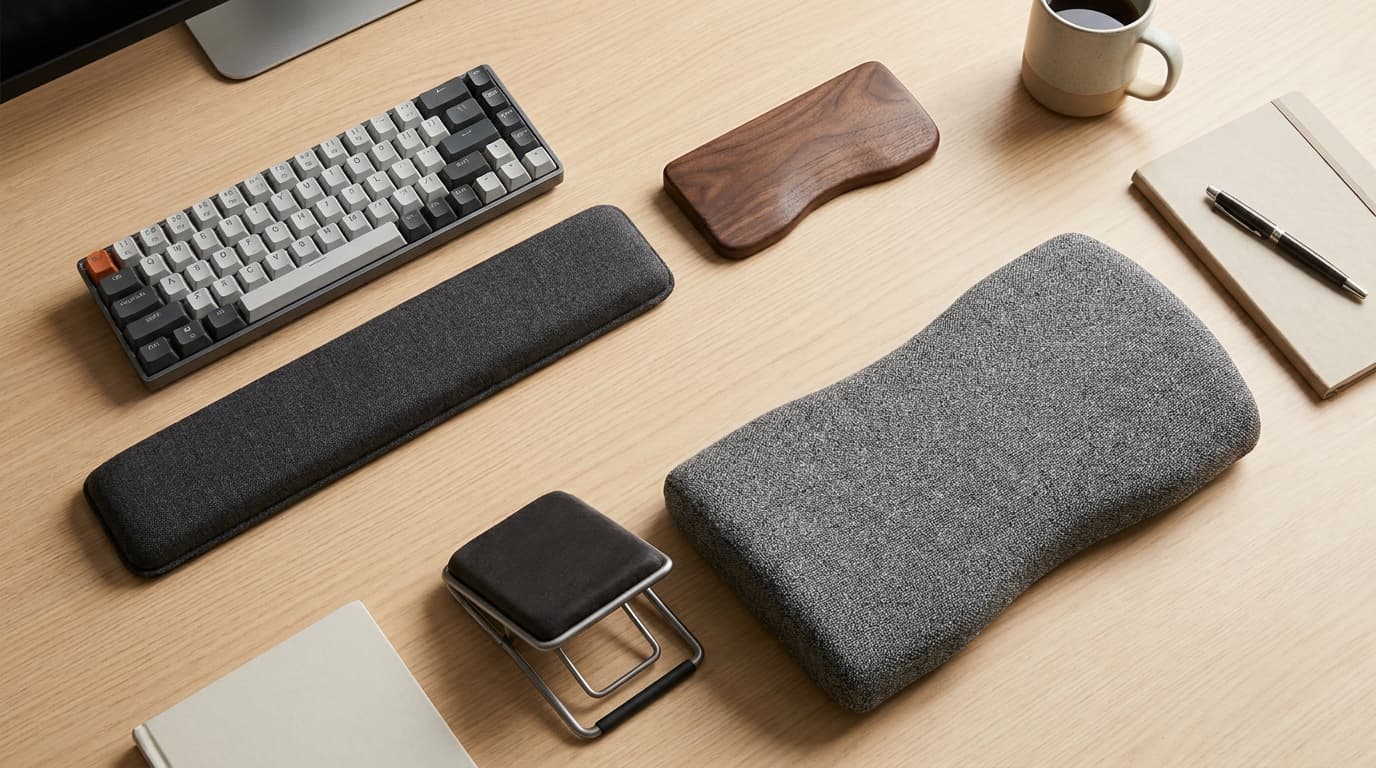
For a wider accessory shortlist, see our ergonomic desk accessories guide. Avoid buying several supports together: changing one variable makes the next fit check easier to interpret.
Before you keep the footrest
Try normal typing and reaching, rather than judging it from a posed photograph.
- Both feet remain supported without sliding forward in the chair.
- The support stays in place, with room to move your legs.
- Your knees clear the desk and your shoulders stay relaxed.
Common questions
How high should an under-desk footrest be?
High enough to support your feet in the correctly adjusted chair. Use the gap as an estimate, then judge the loaded fit. There is no single height that works across different desks, seats, footwear and footrest shapes.
Can a footrest fix a chair that is too large?
It may help unsupported feet, but it cannot change seat depth, backrest reach or desk clearance. If those remain wrong, examine chair fit. Cornell's workstation guide emphasizes comfortable, supported positioning and suggests seeking ergonomic advice when adjustments do not resolve the setup.
Should you hold the same position all day?
No. OSHA recommends changing position regularly even when the workstation fits well. A footrest should make support available; it should not lock your legs into one pose for the whole workday.
Hilly Shore Labs
Editorial TeamWFH Lounge is published by Hilly Shore Labs. Every recommendation is built by synthesizing ergonomic research, manufacturer specs, expert reviews from outlets like Wirecutter, RTINGS, and The Verge, and aggregated long-term owner sentiment from thousands of verified buyers.
All product reviews are independently researched. Our recommendations are based on ergonomic guidelines, manufacturer specifications, and verified buyer sentiment. See our methodology.