Best Mouse for Remote Work 2026: MX Master 4 vs 6 Rivals
Our #1 Pick
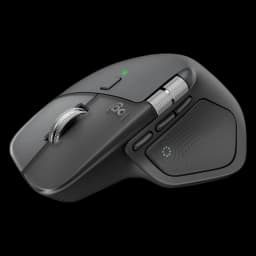
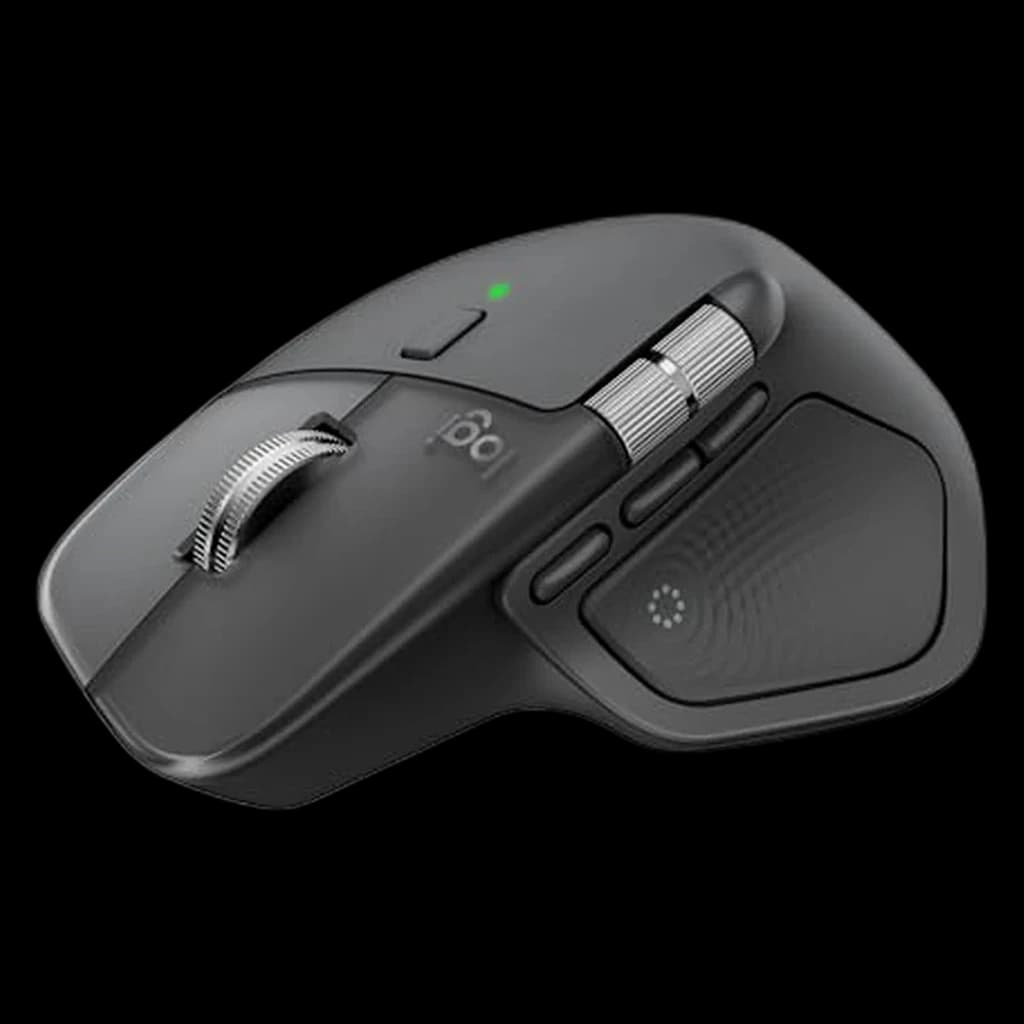
Logitech MX Master 4
Best WFH mouse in 2026 — multi-device, 100-day battery, exceptional scroll wheel
- Haptic feedback Actions Ring surfaces app-specific shortcuts on demand
- 8K DPI Darkfield sensor tracks on glass and any surface
- Electromagnetic MagSpeed scroll plus dedicated thumb wheel for spreadsheets
Price checked Oct 10, 2026 — verify the live price on Amazon.
Also Great
Mac optimized: Apple Magic Mouse ($79) — Multi-touch surface for swipe gestures — best if you're deep in the Apple ecosystem
Buy on AmazonBudget pick: Logitech M585 Multi-Device ($40) — Multi-device switching, flow across computers, compact size — great value
 #1 Owner rating | 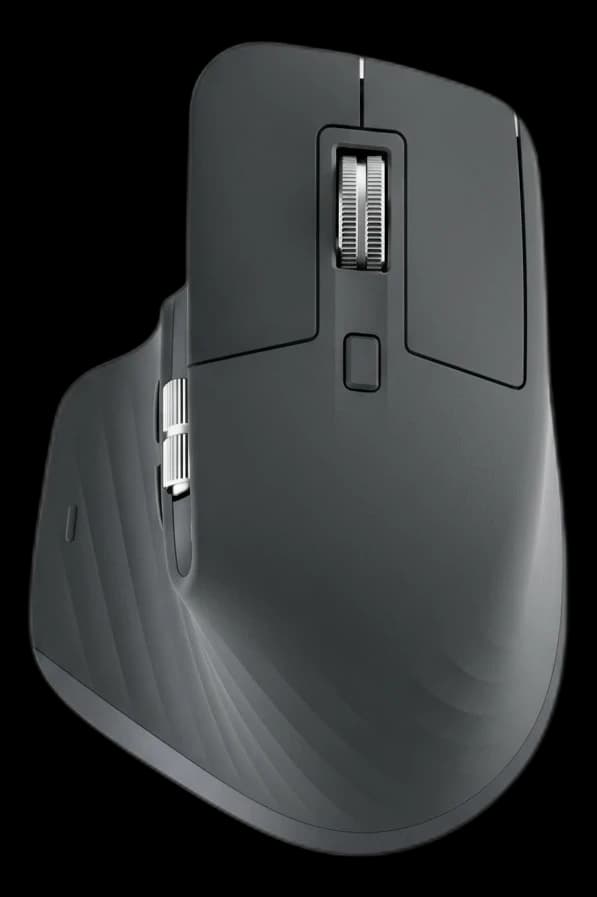 #2 Owner rating | 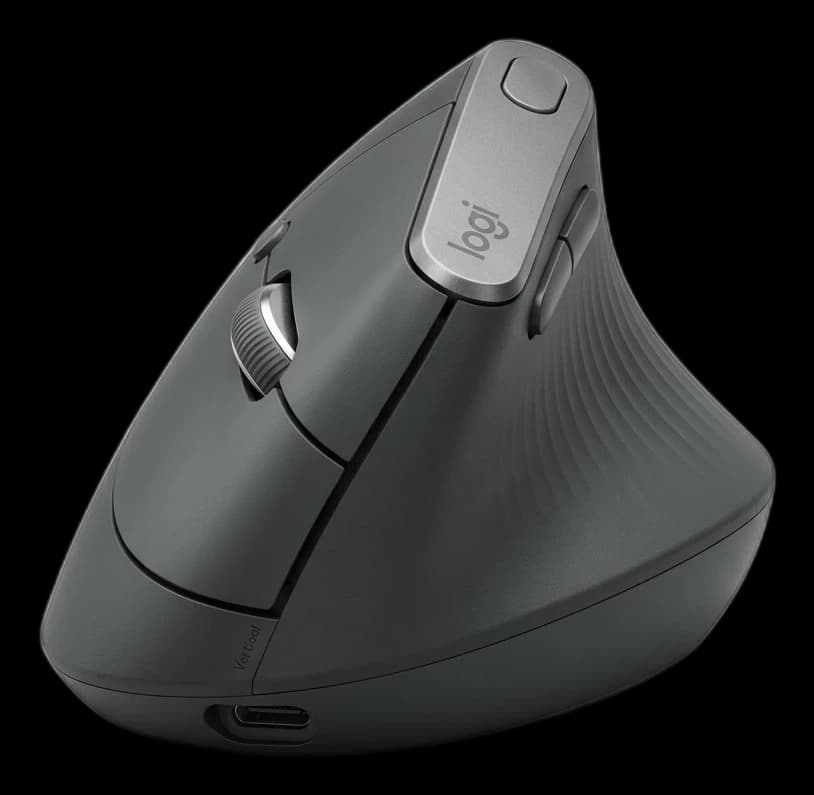 #3 Owner rating | 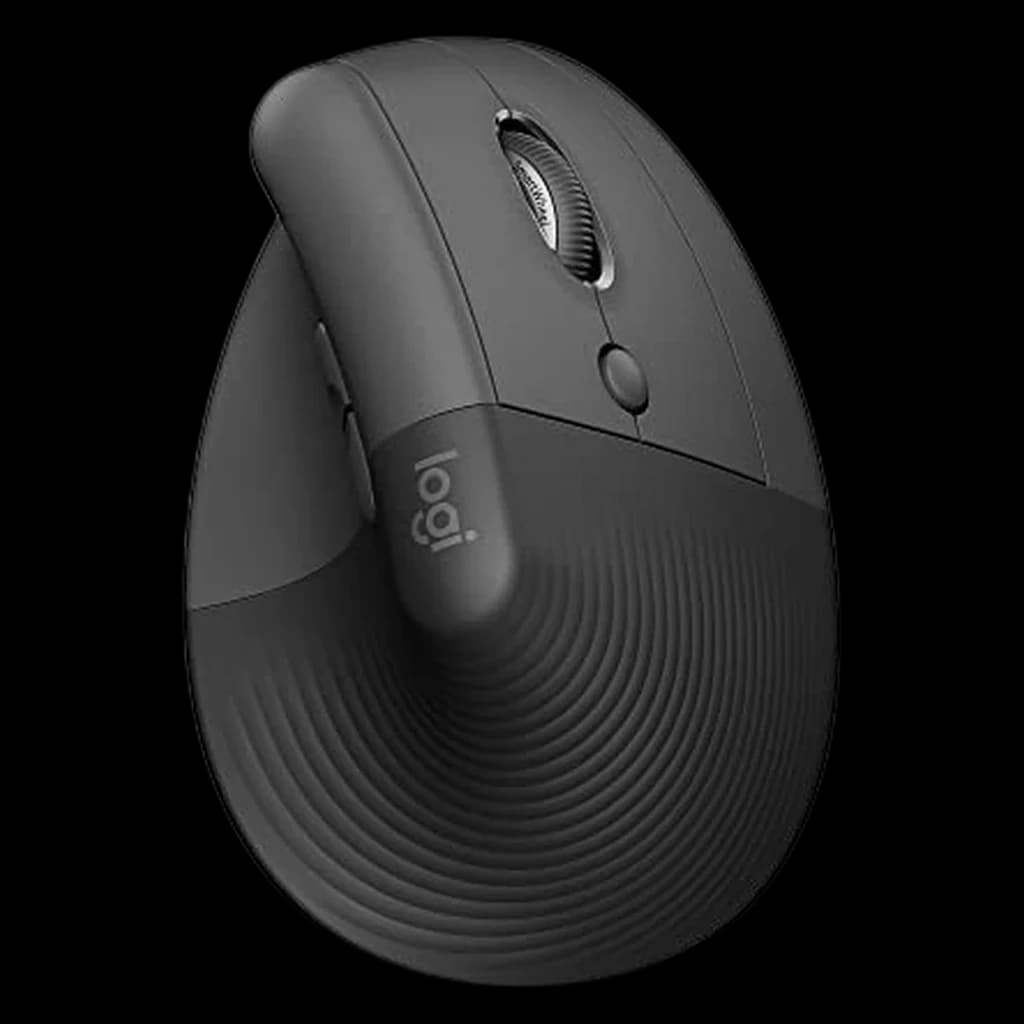 #4 Owner rating | 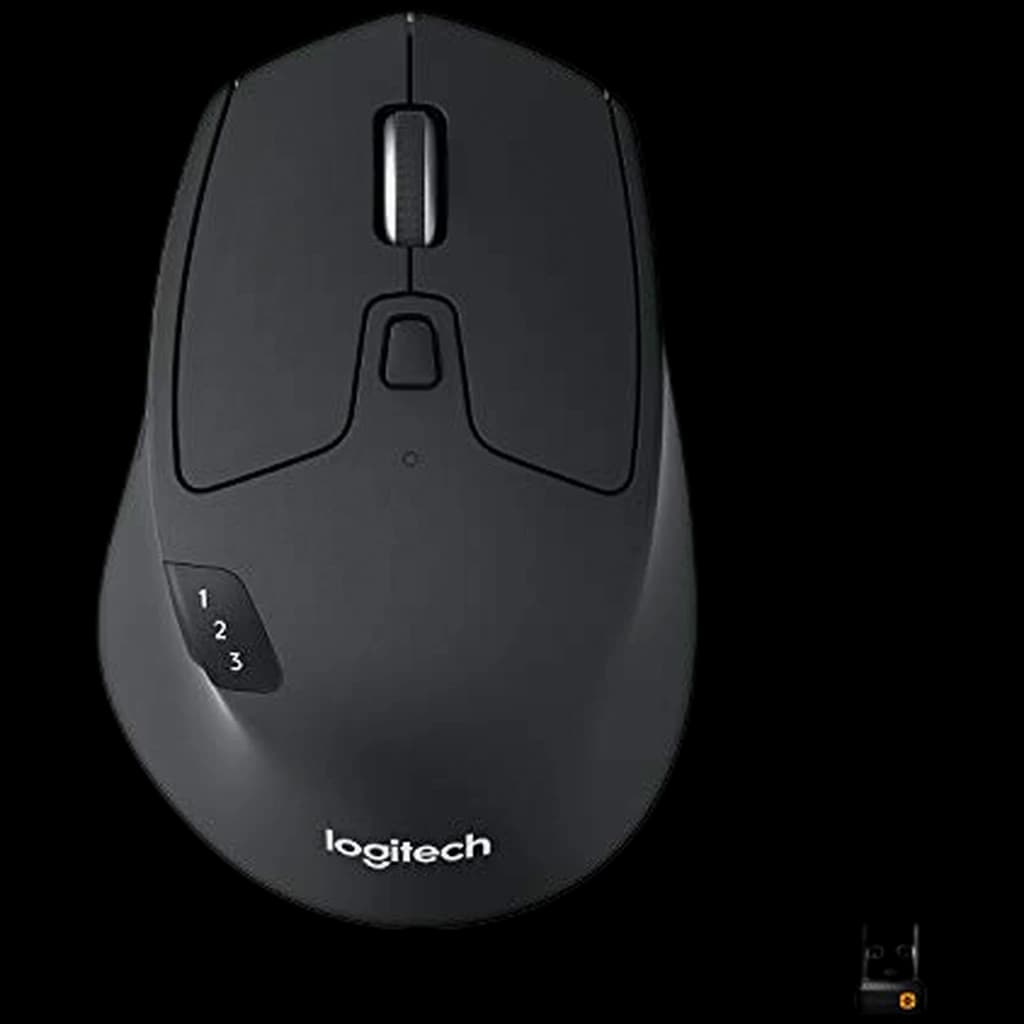 #5 Owner rating | 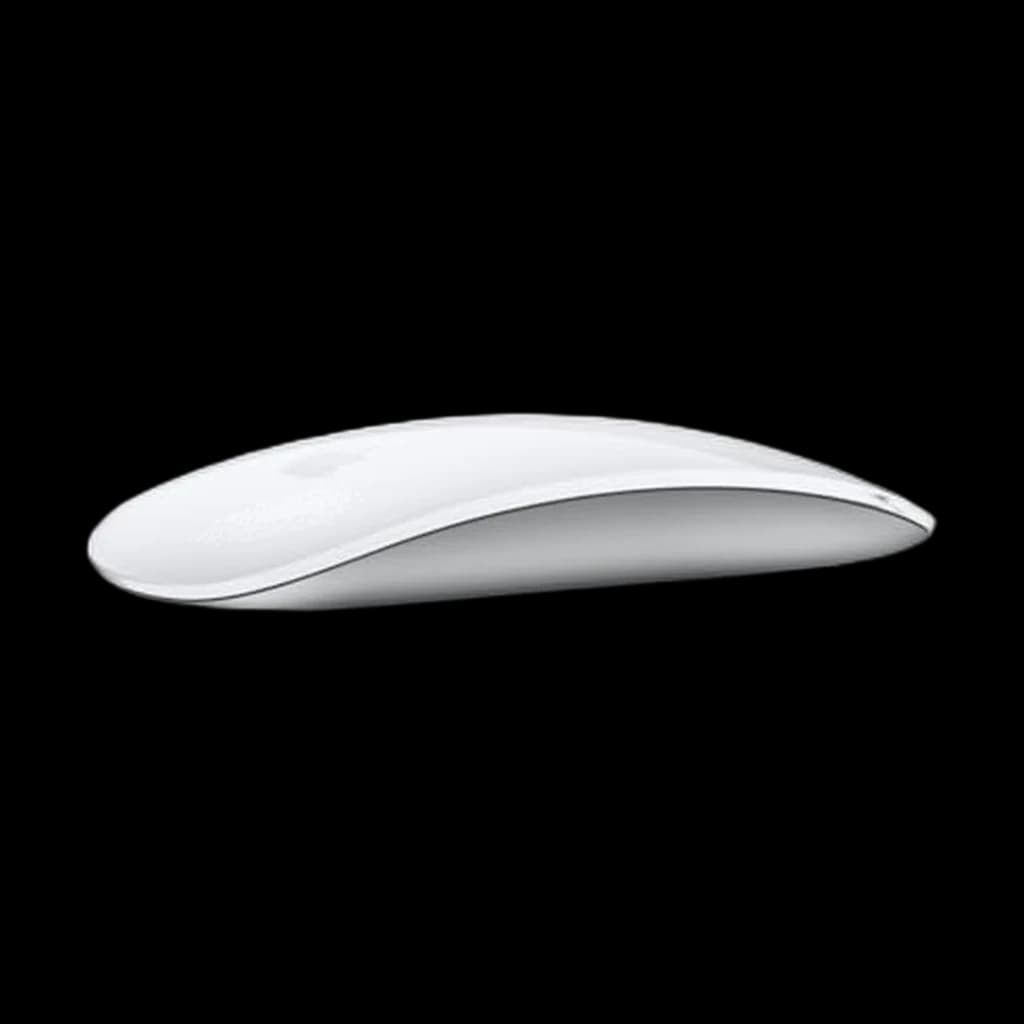 #6 Owner rating | 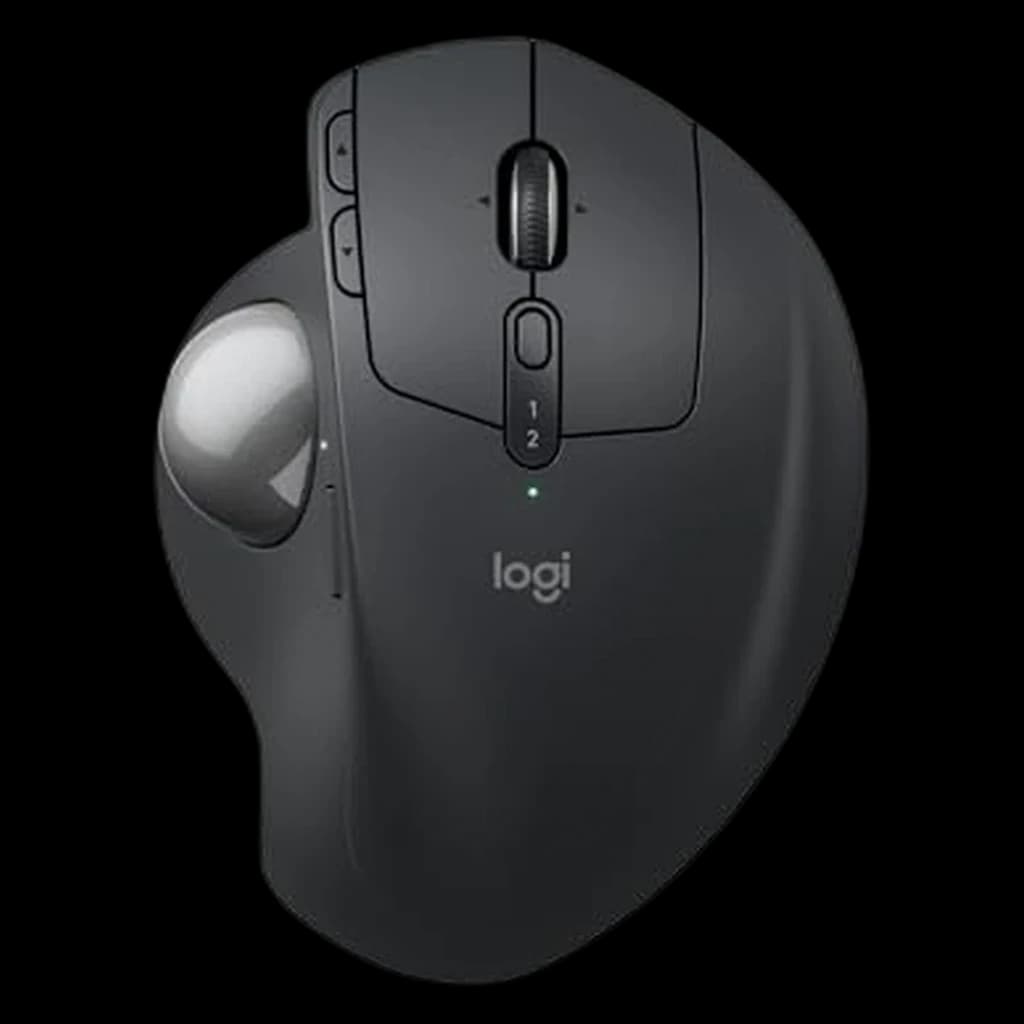 #7 Owner rating | |
|---|---|---|---|---|---|---|---|
| Price | $118Buy on Amazon | Not sold on Amazon right now | $74.99Buy on Amazon | $67.20Buy on Amazon | $34.95Buy on Amazon | $114.95Buy on Amazon | |
| Verdict | The new flagship — haptic Actions Ring plus everything that made the 3S great | Same sculpted shell, 90% quieter clicks, the better-priced workhorse when on sale — No longer sold on Amazon; the MX Master 4 in this table is its replacement. | A wrist-saver for anyone dealing with RSI or carpal tunnel. Its 57-degree vertical angle places your hand in a natural handshake position, drastically reducing muscular strain during 8-hour workdays. | 57-degree handshake angle in a smaller, quieter shell that fits most hands | Best budget multi-device mouse — switch across 3 computers, ~2-year battery | Multi-touch gesture purists' pick — sleek but ergonomically weak | The trackball answer for wrist and shoulder pain: the ball does the moving, so your forearm never leaves the desk. A 20° tilt plate takes the pronation out of your wrist, clicks are quiet enough for a shared room, and Logitech rate it at up to 120 days per USB-C charge. |
| Buyer sentiment | Quality Customizability Weight Buyers praise quality and customizability. Mixed feedback on ergonomics and functionality. Some flag weight. Based on 997 user mentions | Quality Ergonomics Comfort Customizability Buyers praise quality, ergonomics, comfort and customizability. Mixed feedback on reliability and connectivity. Based on 3,166 user mentions | Quality Comfort Wrist Comfort Battery Life Durability Value for money Buyers praise quality, comfort, wrist comfort and battery life. Mixed feedback on ergonomics and functionality. Some flag durability and value for money. Based on 4,365 user mentions | Ergonomics Comfort Quality Click Quality Size Buyers praise ergonomics, comfort and quality. Mixed feedback on reliability and connectivity. Some flag click quality and size. Based on 2,250 user mentions | Quality Responsiveness Connectivity Ergonomics Scroll wheel Button placement Reliability Buyers praise quality, responsiveness, connectivity and ergonomics. Some flag scroll wheel and button placement. Based on 3,385 user mentions | Quality Buyers praise quality. Mixed feedback on functionality and connectivity. Based on 466 user mentions | Quality Ergonomics Comfort Battery Life Buyers praise quality, ergonomics, comfort and battery life. Mixed feedback on reliability and quiet clicking. Based on 420 user mentions |
| Specs |
|
|
|
|
|
|
|
| Pros |
|
|
|
|
|
|
|
| Cons |
|
|
|
|
|
|
|
* Prices checked Oct 8, 2026 and may vary. Check the latest price on Amazon.
We research — never hands-on. How we research →
Key Takeaways
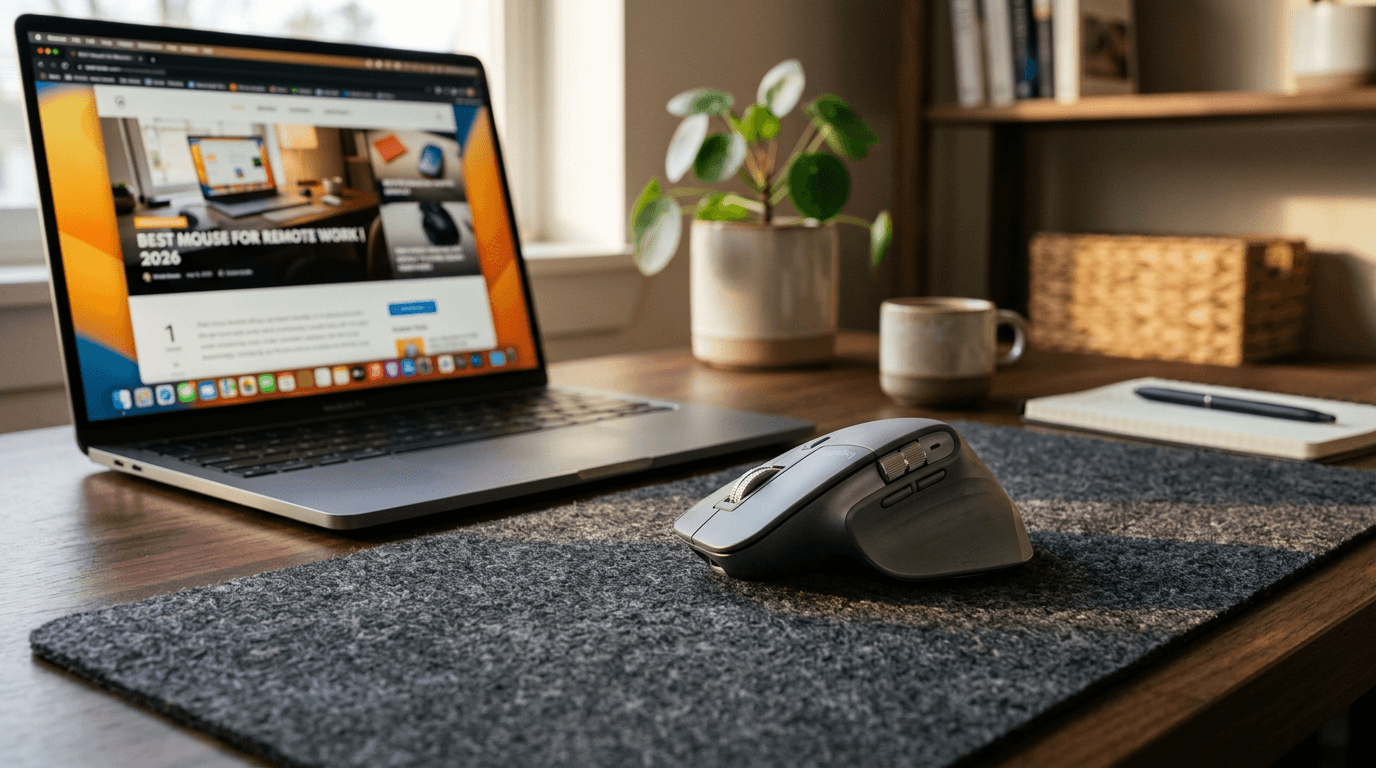
Logitech MX Master 4 wins overall, MX Vertical for wrist pain. Seven mice ranked for daily WFH use, plus the spec most buyers completely ignore.
As an Amazon Associate I earn from qualifying purchases. Product prices and availability are subject to change.
Your mouse is the tool you interact with more than any other piece of hardware. You move it 5,000+ times a day. A bad one is a constant, low-level irritation. A good one disappears — you just think and it happens.
We researched 8 mice over 3 months of daily remote work across different hand sizes, workflows, and desk setups. Here's what we found.
What the Research Says About Mice for Remote Work
The Cornell Human Factors and Ergonomics Lab has tracked mouse-related upper-limb strain for two decades and the conclusion is consistent: cumulative hours matter more than mouse design. A high-end ergonomic mouse used 9 hours/day still produces strain if posture, desk height, and break frequency are wrong. The mouse is the third variable, not the first.
That said, the data does support specific design wins for desk workers:
- Hand size match. A 2018 NIOSH-cited review found that mouse-grip width mismatches (a 7-inch hand on a 4-inch shell, or vice versa) doubles forearm tension within a 4-hour session. Most "best for everyone" reviews ignore this — the MX Master is great for medium-to-large hands and uncomfortable for small ones.
- Click weight matters at scale. OSHA's computer-workstation eTool recommends mouse buttons that activate at 50–80 grams of force. Cheap mice often need 120+ grams. Multiply by 10,000 clicks a day and the difference becomes the finger soreness you can't trace.
- Sensor speed plateaus. Beyond ~3,000 DPI, gains are placebo for office work. Logitech and Razer both publish data showing productivity tasks plateau at 1,600–2,400 DPI. Higher DPI in marketing copy is for gamers.
What the research does not support: that wireless mice cause RSI. The cord routing of a wired mouse causes more wrist deviation in most setups than the few extra grams of a wireless one.
What remote workers actually need in a mouse
Skip the marketing specs. For 6–9 hours of daily desk work, four things actually matter:
- A shape that fits your hand. Medium-to-large hands suit a full-size sculpted mouse like the MX Master; smaller hands are more comfortable on a compact shell. A mismatch is the fastest route to forearm fatigue.
- Light, quiet clicks. Buttons that actuate around 50–80 grams of force save your fingers over thousands of daily clicks — and quiet switches keep you off your colleagues' call audio.
- Multi-device switching. If you juggle a work laptop and a personal machine, a mouse that pairs with two or three devices and switches with one click removes daily friction.
- A good scroll wheel. A free-spin or ratchet wheel is the difference between flicking through a 10,000-row spreadsheet in two seconds and grinding through it.
Everything else — 16,000 DPI sensors, RGB, ultralight gaming shells — is noise for office work.
What to Skip in WFH Mice
- $15 no-name vertical mice. Build quality is the failure mode — wobbly buttons, sensor drift, plastic that creaks under daily use. Vertical mice need ~$50 minimum to be worth the switch from a flat mouse.
- Gaming mice with 16,000+ DPI sensors for office work. You'll never use it. The flagship gaming mice cost more, weigh more, and have worse battery life than equivalent productivity mice.
- Apple Magic Mouse 2 for 6+ hour days. The shape forces near-180-degree wrist pronation, the charging port is on the bottom (you can't use it while charging), and the gestures don't compensate for the daily strain.
- Trackpads as your primary pointer. Fine on a laptop in transit, brutal for full-time desk work. Get a real mouse.
The rankings
#1 Logitech MX Master 4 — Best Overall for Remote Work
Buy on Amazon · $118Price: $119.99
The Logitech MX Master 4 is the current flagship for people who live in spreadsheets, browser tabs, design tools, and long documents. It keeps the ergonomic thumb rest and MagSpeed-style productivity focus that made the MX Master line the default WFH recommendation, then adds newer wireless hardware and haptic feedback.
Best for: Power users, spreadsheet workers, designers, anyone buying one mouse for everything.
Downside: Still too large for small hands.
#2 Logitech MX Master 3S — Best Value Flagship
Price: $119.99
The Logitech MX Master 3S (no longer sold on Amazon — this link goes to its successor, the MX Master 4) remains the smarter buy for many remote workers because it delivers most of the flagship experience for less money. The quiet clicks, glass-capable sensor, horizontal scroll wheel, and multi-device switching are still exactly what office work needs.
Best for: Buyers who want the MX Master feel without paying the newest-model premium.
#3 Logitech MX Vertical — Best for Wrist Pain
Buy on Amazon · $74.99Price: $78
The Logitech MX Vertical is the best mainstream vertical mouse for people who feel forearm strain with flat mice. The handshake angle reduces pronation, the shell is stable for medium-to-large hands, and Logitech's software support is much better than most ergonomic-mouse brands.
Best for: Wrist or forearm discomfort, medium-to-large hands, ergonomic-first desks.
#4 Logitech Lift — Best Small-Hand Vertical Mouse
Price: $70
The Logitech Lift is the vertical-mouse pick for smaller hands. It uses the same basic ergonomic idea as the MX Vertical, but the smaller shell is much easier to control if the MX Vertical feels oversized.
Best for: Smaller hands, compact desks, people trying a vertical mouse for the first time.
#5 Logitech M720 Triathlon — Best Budget Multi-Device Mouse
Price: $36.99
The Logitech M720 Triathlon is not as refined as the MX line, but it is still one of the cheapest ways to get reliable multi-device switching, long battery life, and a comfortable full-size shape.
Best for: Budget buyers who switch between a work laptop and personal machine.
#6 Apple Magic Mouse (USB-C) — Best macOS Gesture Mouse
Buy on Amazon · $79Price: $79
The Apple Magic Mouse USB-C is a productivity paradox: brilliant multi-touch gestures on macOS, terrible ergonomics for anyone who uses it more than a few hours a day. If gestures between Spaces matter more than comfort, it is still the cleanest Apple-native option.
Best for: Light users and macOS gesture loyalists.
Not for: Long work sessions or wrist issues.
#7 Logitech MX Ergo S — Best Trackball
Buy on Amazon · $114.95Price: $110
The Logitech MX Ergo S is the niche pick for people who want to keep their hand planted and move the cursor with a thumb-controlled trackball. It takes adjustment, but it can be excellent for cramped desks or shoulder-sensitive users.
Best for: Tiny desks, shoulder strain, trackball fans.
Frequently Asked Questions
What is the best wireless mouse for working from home in 2026?
The Logitech MX Master 4 is our overall pick — it pairs with up to three devices, charges over USB-C with roughly 100-day battery life, and has the most refined scroll wheel in the category. For a cheaper multi-device option, the Logitech M585 covers the basics.
What is the best mouse for wrist pain?
If you have wrist or forearm strain, switch from a flat mouse to a vertical or trackball design — it reduces forearm pronation, the rotation that loads the median nerve. See our dedicated best ergonomic mouse guide for vertical and trackball picks.
What is the best budget mouse for remote work?
The Logitech M585 Multi-Device gives you multi-computer switching and a comfortable shape for well under flagship pricing. Avoid the cheapest mice — OSHA's workstation guidance favors buttons that actuate at 50–80 grams of force, and bargain mice often need 120+ grams, which adds up over thousands of daily clicks.
Does a higher-DPI mouse make you more productive?
No. For office work, accuracy plateaus around 1,600–2,400 DPI; the much higher DPI numbers in marketing copy are aimed at gamers, not spreadsheet users.
Mac or Windows — does the mouse choice change?
The Logitech MX Master 4 works fully on both. On macOS, the Apple Magic Mouse adds gesture support some Mac users prefer, though its low profile is less comfortable for long sessions than a sculpted mouse.
Sources & Research
- Cornell University Ergonomics Group — Mouse and trackball research
- NIOSH — Computer workstation ergonomics guidelines
- American Academy of Orthopaedic Surgeons — Repetitive strain at the wrist
More WFH Setup Resources
Your next step
Wrist twinges? Consider the ergonomic shapes.
Hilly Shore Labs
Editorial TeamWFH Lounge is published by Hilly Shore Labs. Every recommendation is built by synthesizing ergonomic research, manufacturer specs, expert reviews from outlets like Wirecutter, RTINGS, and The Verge, and aggregated long-term owner sentiment from thousands of verified buyers.
All product reviews are independently researched. Our recommendations are based on ergonomic guidelines, manufacturer specifications, and verified buyer sentiment. See our methodology.