The Perfect WFH Setup for Programmers in 2026
Our #1 Pick
LG DualUp 28" 16:18 Monitor
The tall 16:18 aspect ratio shows 2× more code vertically than a standard 16:9 monitor — eliminates constant scrolling and is the single biggest productivity upgrade for developers who spend 8+ hours in an IDE.
Verify the live price on Amazon.
Also Great
Keyboard: Keychron Q1 Pro ($200) — Hot-swap QMK/VIA — customize every key, remap layers for terminal shortcuts
Dock: CalDigit TS4 Thunderbolt 4 ($379.99) — One cable to your MacBook drives the monitor + peripherals + charges at 98W
Buy on Amazon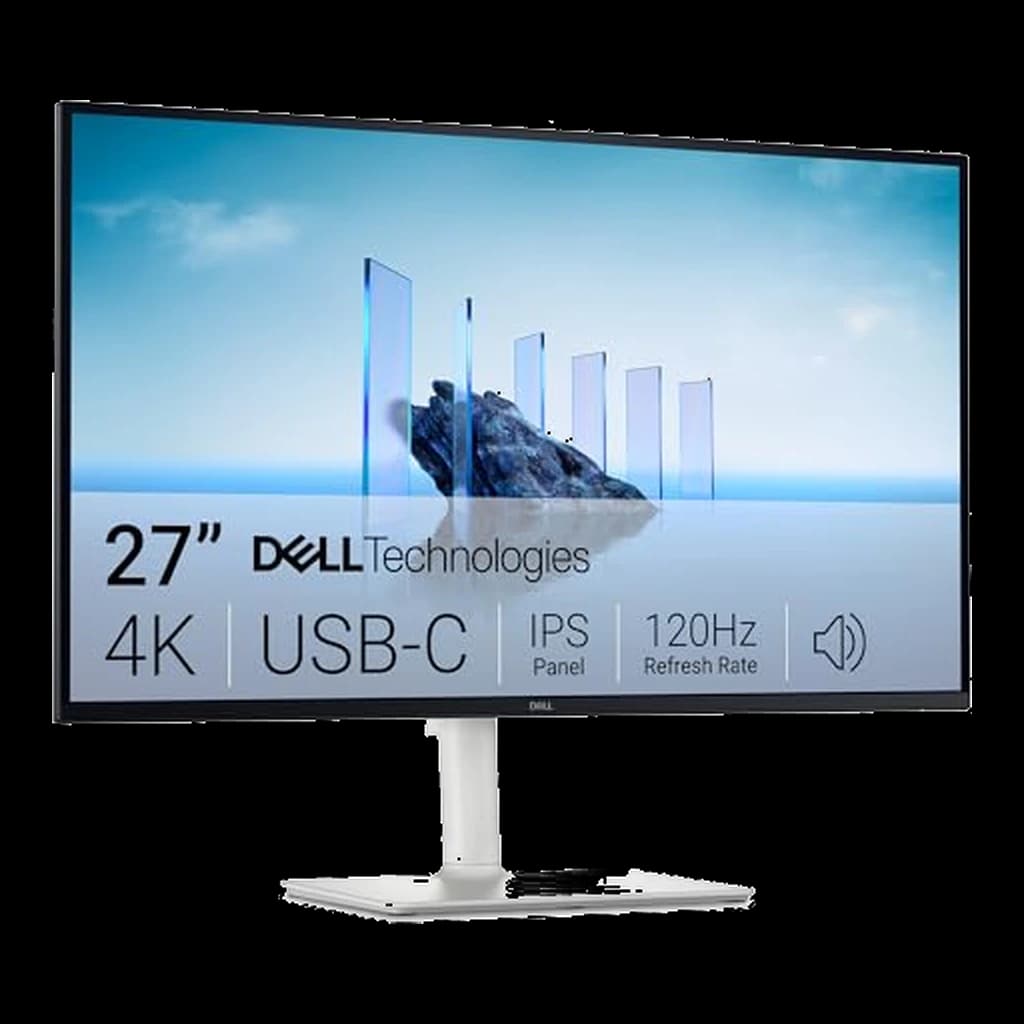 #1 Owner rating | 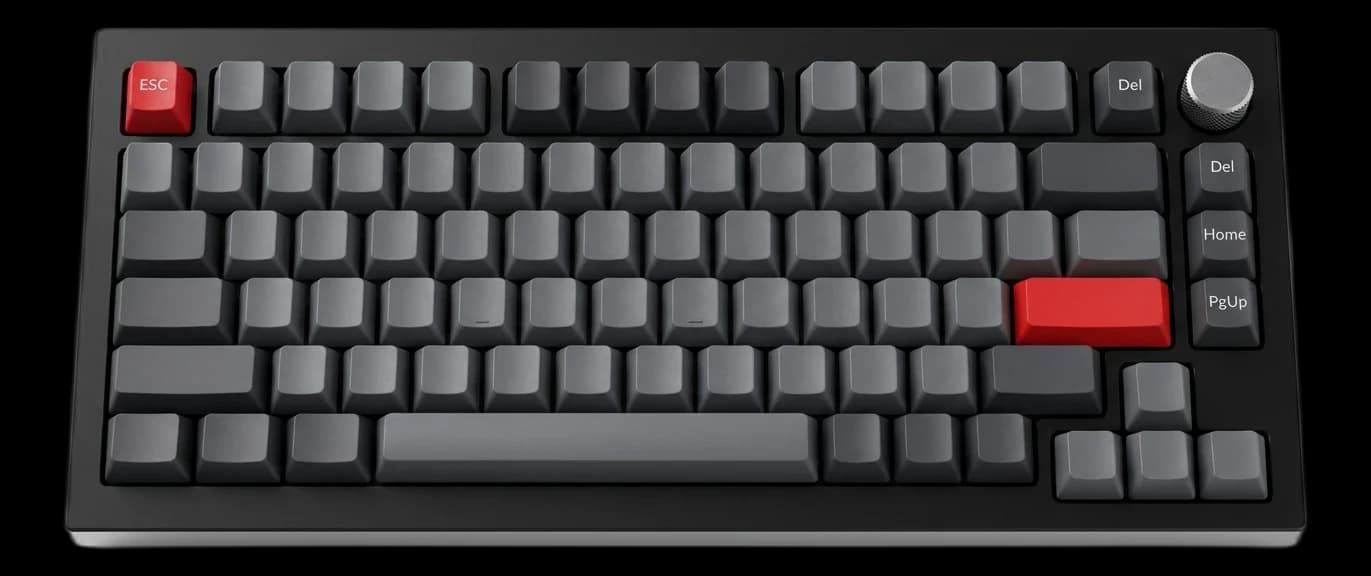 #2 Owner rating | 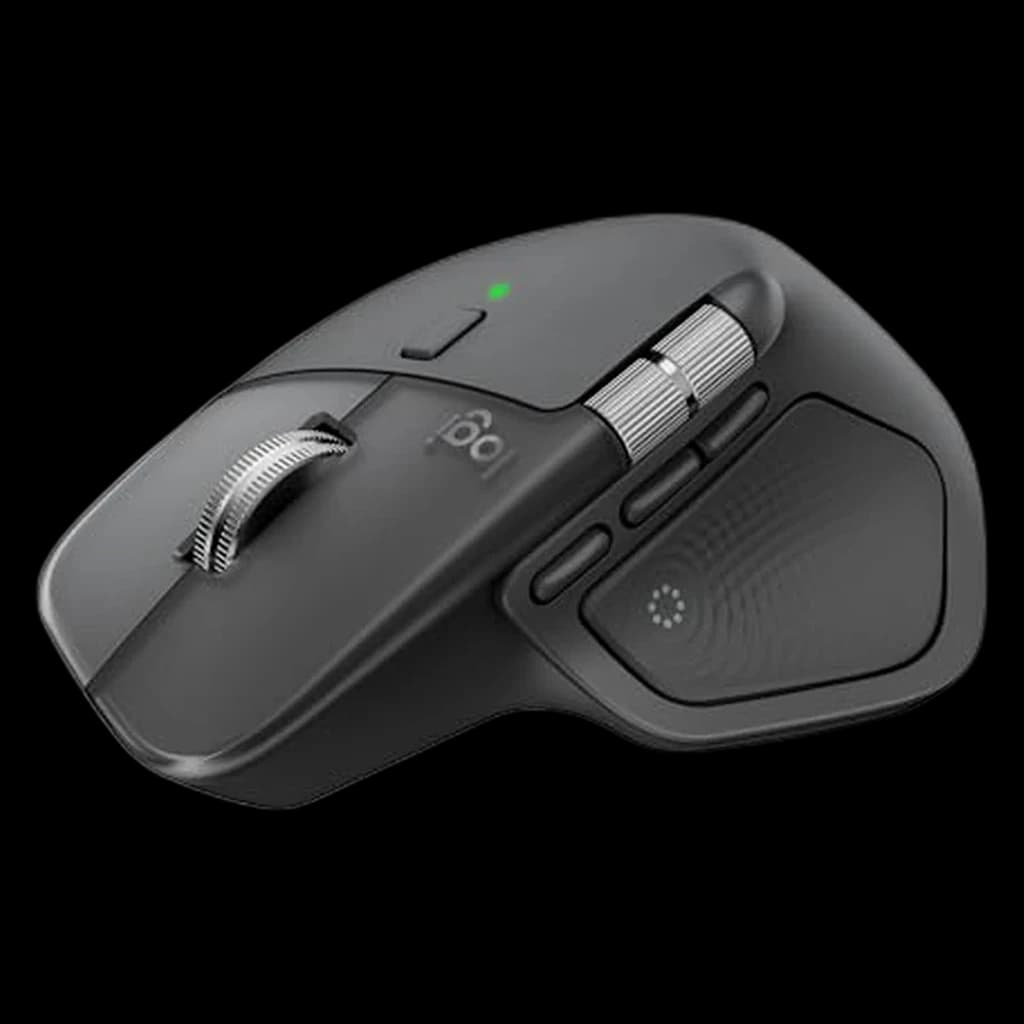 #3 Owner rating | 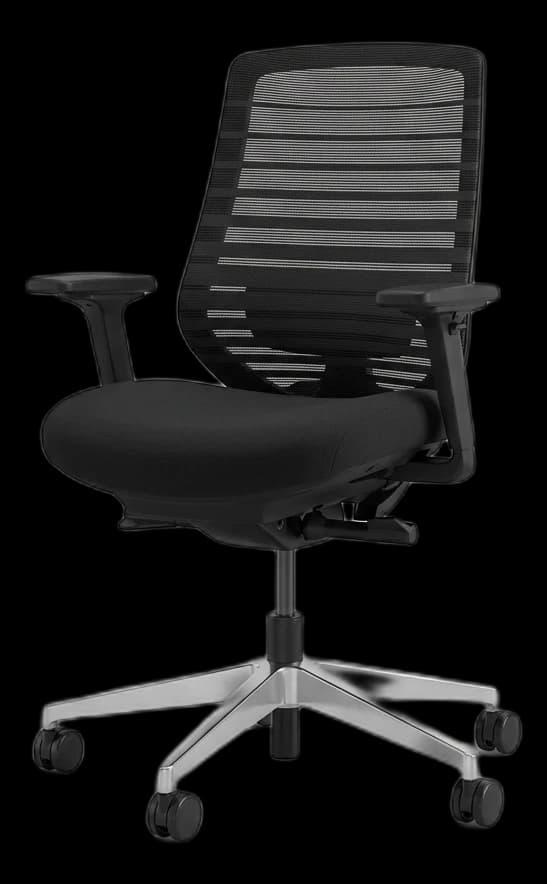 #4 Owner rating | 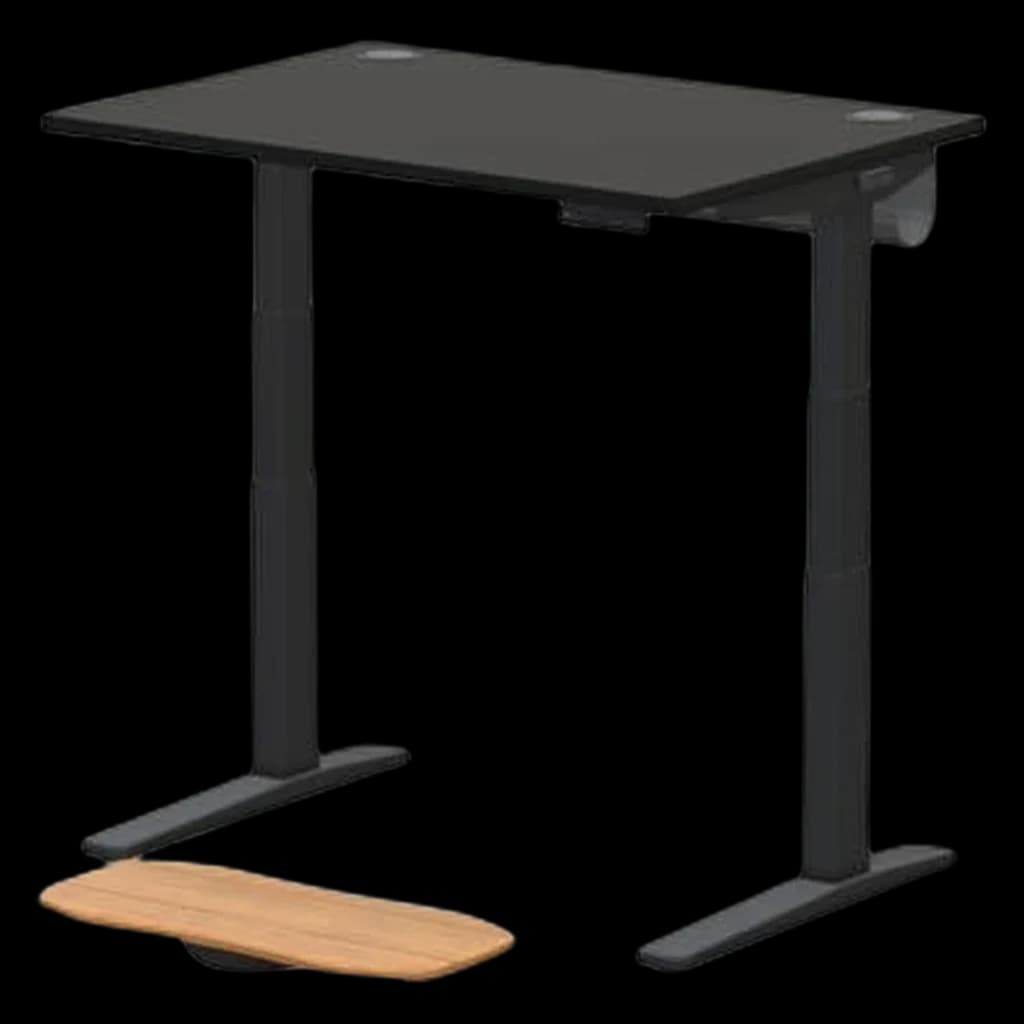 #5 Owner rating | 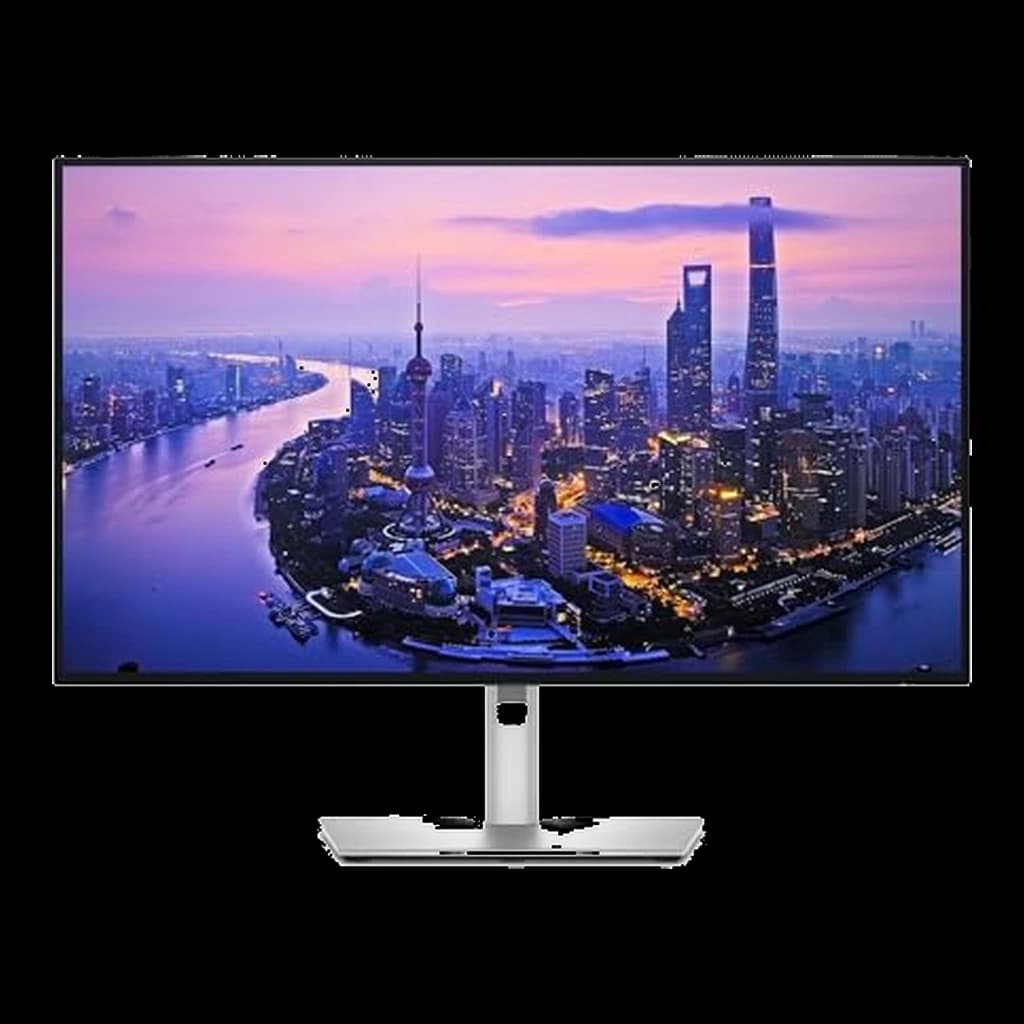 #6 Owner rating | |
|---|---|---|---|---|---|---|
| Price | $349.99Buy on Amazon | $69.99Buy on Amazon | $118Buy on Amazon | $359Buy on Amazon | $648Buy on Amazon | $639Buy on Amazon |
| Verdict | Best for most WFH desks — 4K, 120Hz and 65W USB-C for about $350, and the monitor our readers actually buy | A premium, heavy-duty aluminum mechanical keyboard that finally offers wireless connectivity. It features a gasket-mounted design for a deeply satisfying, thocky typing sound right out of the box. | The new flagship — haptic Actions Ring plus everything that made the 3S great | The sub-$500 chair — height-adjustable lumbar, 7-year warranty | Most stable WFH desk at standing height with 15-year warranty | The new productivity benchmark — 4K, 120Hz, Thunderbolt 4, 140W charging in one cable. |
| Buyer sentiment | Display Quality Picture Quality Value for money Connectivity Buyers praise display quality, picture quality, value for money and connectivity. Mixed feedback on functionality. Based on 470 user mentions | Rated 4.6★ across 2 reviews | Quality Customizability Weight Buyers praise quality and customizability. Mixed feedback on ergonomics and functionality. Some flag weight. Based on 997 user mentions | Quality Assembly Adjustability Sturdiness Buyers praise quality, assembly, adjustability and sturdiness. Mixed feedback on comfort and adjustable lumbar support. Based on 407 user mentions | Quality Sturdiness Assembly Adjustability Buyers praise quality, sturdiness, assembly and adjustability. Based on 52 user mentions | IPS Black Panel Thunderbolt 4 Hub 120Hz at 4K KVM Switch Premium Price 60Hz over HDMI Buyers praise the IPS Black contrast and Thunderbolt 4 hub. Some note the price premium vs standard IPS. |
| Specs |
|
|
|
|
|
|
| Pros |
|
|
|
|
|
|
| Cons |
|
|
|
|
|
|
* Prices checked Oct 10, 2026 and may vary. Check the latest price on Amazon.
We research — never hands-on. How we research →
Key Takeaways
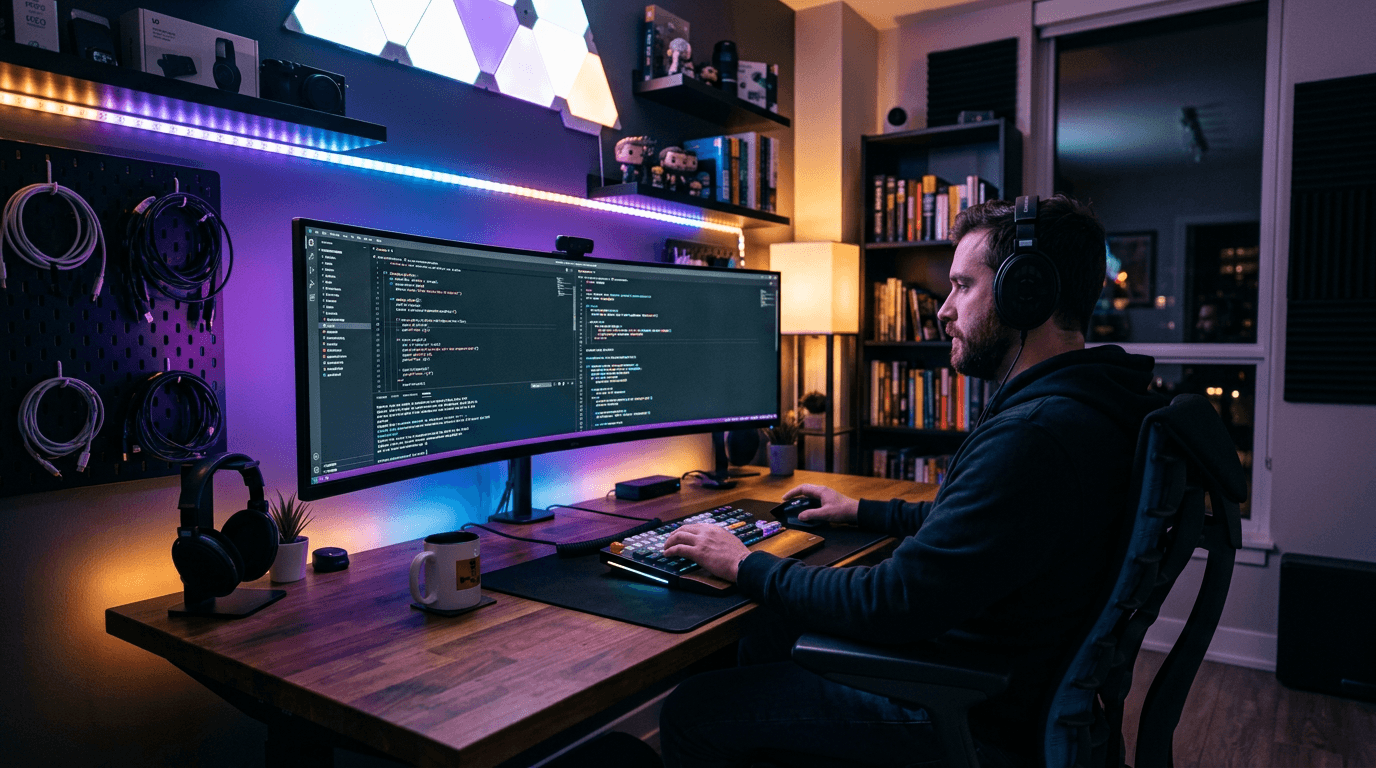
Programmers spend 8-10 hours at a keyboard. The right gear makes a real difference to productivity, eye strain, and wrist health. Here is the ideal setup.
As an Amazon Associate I earn from qualifying purchases. Product prices and availability are subject to change.
Developers have different needs than general knowledge workers: vertical screen real estate, programmable keyboards, and setups that don't interrupt flow state.
The Programmer's Priority Stack
| Priority | Why it matters for coding |
|---|---|
| 1. Screen height | More lines of code visible without scrolling |
| 2. Keyboard | Custom layers for shortcuts, no wrist fatigue |
| 3. Desk space | Large mat, clean cable run, room to think |
| 4. Audio | Focus-grade ANC, clear mic for standups |
| 5. Dock | One cable to rule all peripherals |
Monitor Recommendation: Go Tall, Not Wide
Most developers default to ultrawide. The smarter choice for coding is vertical height.
| Monitor | Best for | Price |
|---|---|---|
| LG DualUp 28″ (16:18) | Pure coding — 2× vertical vs 16:9 | ~$500 |
| Dell U2724DE 27″ 1440p | Coding + design + calls | ~$550 |
| LG 34WN80C-B Ultrawide | Terminal + browser side by side | ~$400 |
| Dual 27″ 4K setup | Multi-repo, multi-context work | ~$600 (pair) |
The LG DualUp's unusual 16:18 aspect ratio is the most underrated developer monitor available. You see 30–40% more code vertically than any 16:9 panel the same diagonal size.
Keyboard: Get Hot-Swap
The ability to swap switches means you're not locked in. What feels good in the store doesn't always feel good at hour 6 of debugging.
Top picks:
🥇 Keychron Q1 Pro (~$200) — gasket mount, QMK/VIA, aluminum frame. Best-in-class build. Program a dedicated layer for IDE shortcuts, terminal commands, window management.
🥈 Keychron K2 Pro (~$90) — same hot-swap + QMK at half the price. Only difference is plastic frame vs aluminum. Excellent value.
Which switches for coding?
- Linear (Red/Yellow): quietest, smooth — good for high-speed typing
- Tactile (Brown/Banana): bump at actuation point — reduces missed keystrokes
- Clicky (Blue): avoid for calls, fun otherwise
Mouse: The MX Master 3S
No debate. The MagSpeed scroll wheel for flying through diffs, log files, and docs. The thumb buttons for back/forward in IDE history. The horizontal scroll wheel for wide dataframes and diagrams. At $100 it's the single best ROI peripheral for any developer.
Dock: One Cable to Everything
If you're on a Mac with Thunderbolt:
- CalDigit TS4 (~$380) — 18 ports, 98W charge, the definitive solution
- OWC TB4 Hub (~$150) — simpler, cheaper, still great
If you're on USB-C (no Thunderbolt):
- Anker 655 8-in-1 (~$60) — handles HDMI + USB-A + SD + 100W passthrough
The Audio Stack for Standups
Daily standups deserve decent audio. You don't need studio gear — just not a laptop microphone.
Recommended: Jabra Evolve2 55 wireless (~$350) or Sony WH-1000XM5 (~$280). ANC blocks interruption during deep work; mic handles standups cleanly.
The Full Setup at Two Price Points
$1,200 coding setup: Keychron K2 Pro + MX Master 3S + Dell U2724DE 1440p + Anker hub + Sony XM5 + desk mat
$2,200 senior dev setup: Keychron Q1 Pro + MX Master 3S + LG DualUp + CalDigit TS4 + Steelcase Leap V2 (refurb) + FlexiSpot E7 + Sony XM5
Products referenced in this guide
For quick reference, the products tied to this guide are the Dell UltraSharp U2725QE 27" 4K Thunderbolt Hub ($629), the Keychron Q2 V2 Wired Custom Mechanical 65% ($69.99), the Logitech MX Master 4 ($118.99), and the Branch Ergonomic Chair ($359).
Other products referenced here include the UPLIFT V3 Standing Desk ($648).
Frequently Asked Questions
Is a second monitor better than an ultrawide for coding?
Two 27″ monitors gives you more flexibility (one for code, one for docs/browser) and better color accuracy than most curved ultrawides. The downside: bezel gap and dual-arm setup. It's a toss-up; most developers who try the LG DualUp never go back.
Do I need a mechanical keyboard to code faster?
Speed isn't the point — accuracy and fatigue reduction are. Tactile feedback reduces typos and gives your fingers physical confirmation of each keypress, which matters after hour 5.
What's the best IDE color scheme for reducing eye strain?
Catppuccin Mocha, One Dark Pro, or GitHub Dark Dimmed — all use mid-contrast dark backgrounds instead of pure black (#000), which reduces the halo effect around bright text on high-brightness OLEDs.
Is a standing desk worth it for programmers specifically?
More than most professions — developers sit longer with fewer natural break prompts. A sit-stand desk with a height reminder app (Stretchly, Workrave) is the single best anti-RSI investment.
Buying this setup through a business?
If you’re self-employed and expensing the build, a free Amazon Business account is worth opening before you order — business-only pricing on the same gear, and itemized invoices instead of a pile of personal receipts to reconcile later.
- Free to open — no Prime or membership required
- Business-only pricing + quantity discounts on office gear
- Itemized invoices with tax detail, so write-offs are painless at filing time
Your next step
Dev-grade peripherals, ranked.
Hilly Shore Labs
Editorial TeamWFH Lounge is published by Hilly Shore Labs. Every recommendation is built by synthesizing ergonomic research, manufacturer specs, expert reviews from outlets like Wirecutter, RTINGS, and The Verge, and aggregated long-term owner sentiment from thousands of verified buyers.
All product reviews are independently researched. Our recommendations are based on ergonomic guidelines, manufacturer specifications, and verified buyer sentiment. See our methodology.