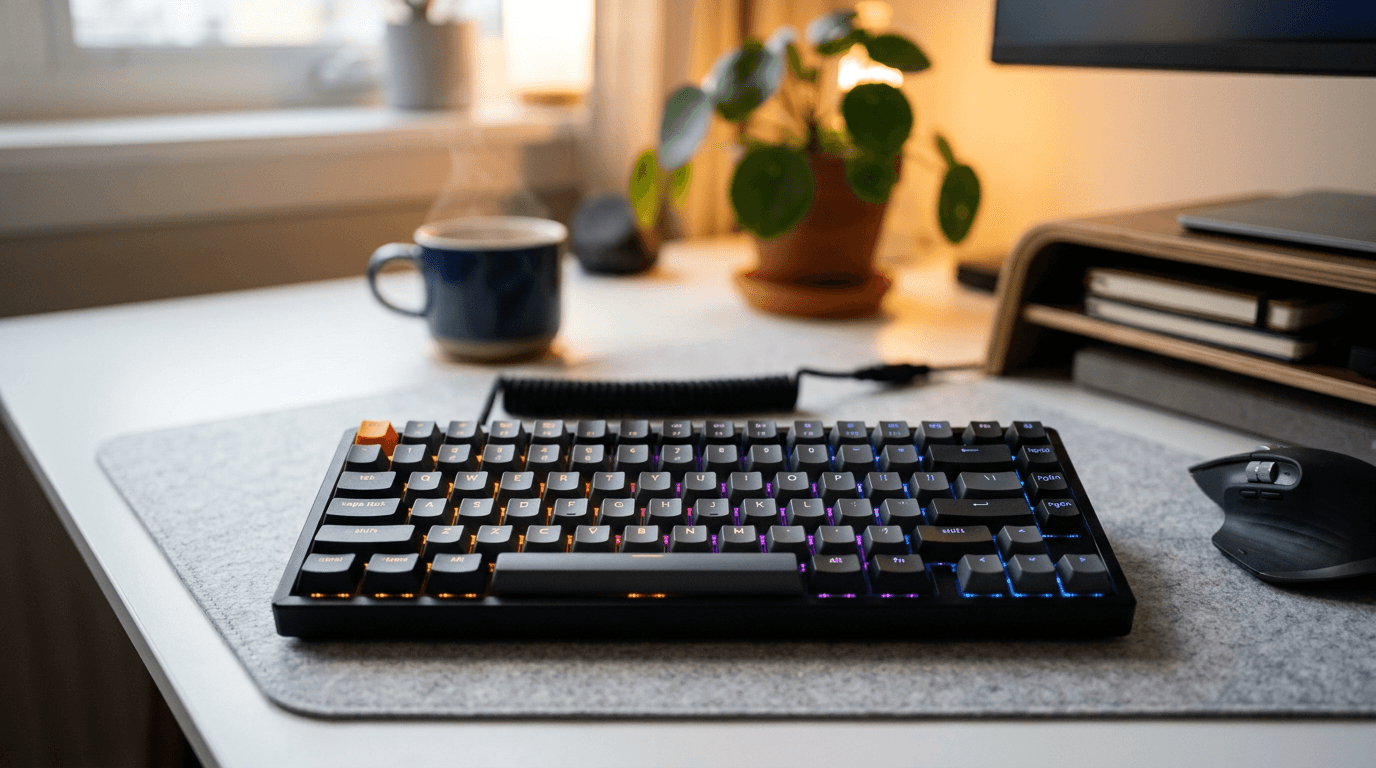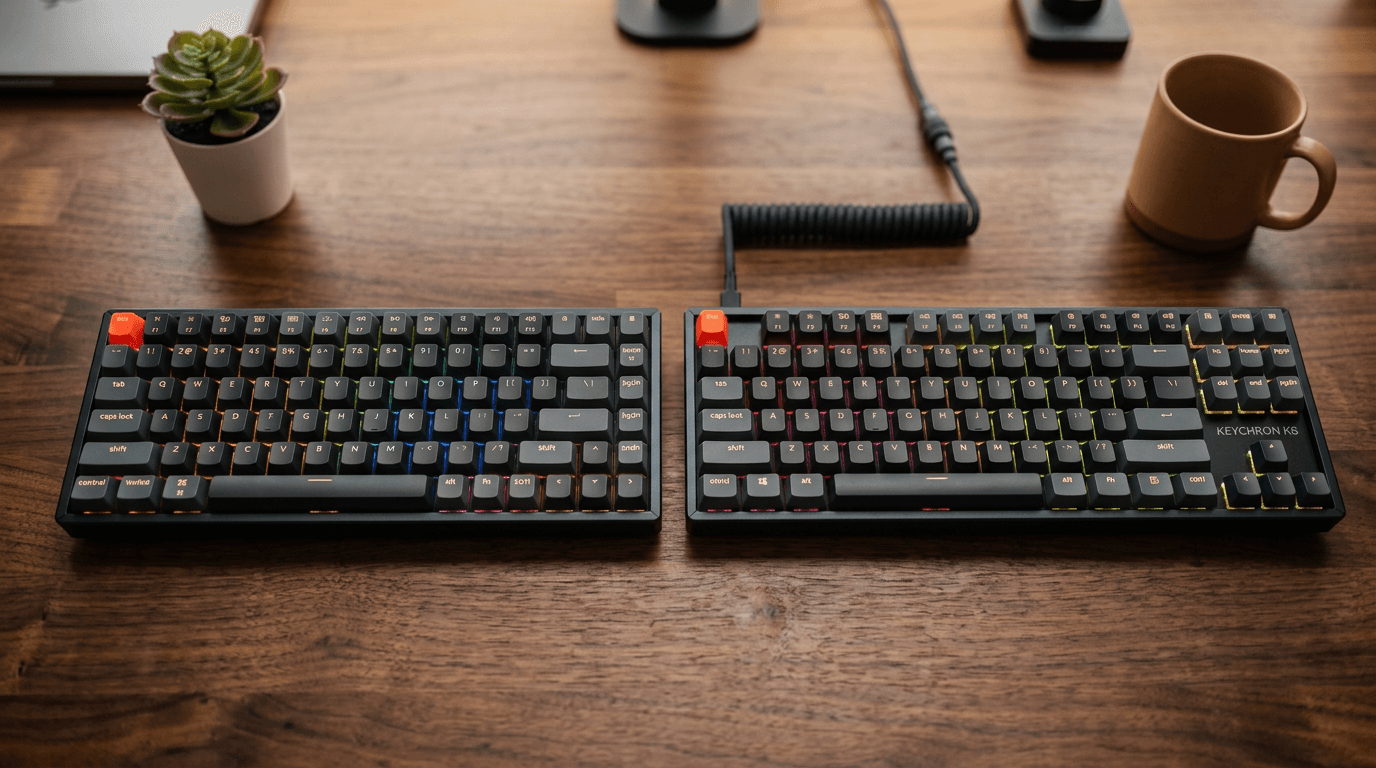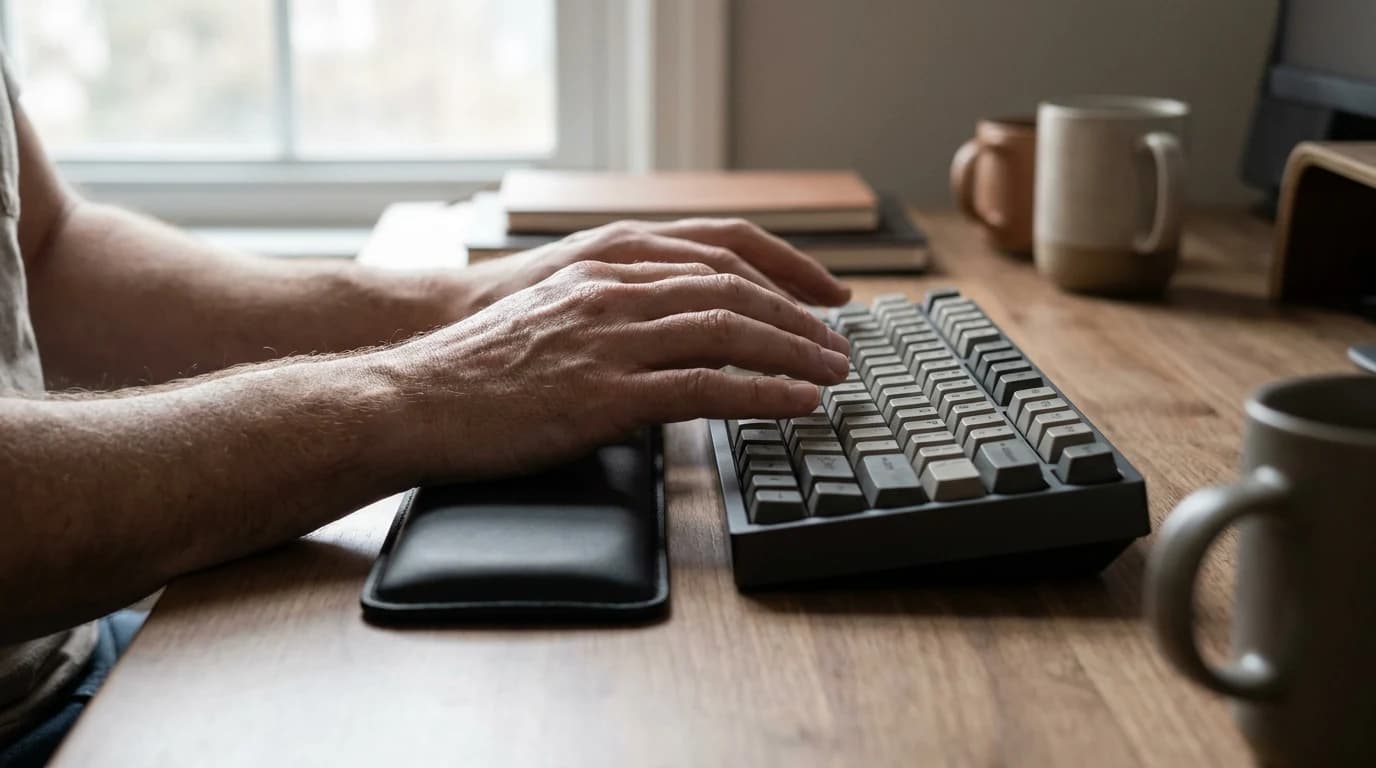
Are Mechanical Keyboards Actually More Ergonomic?
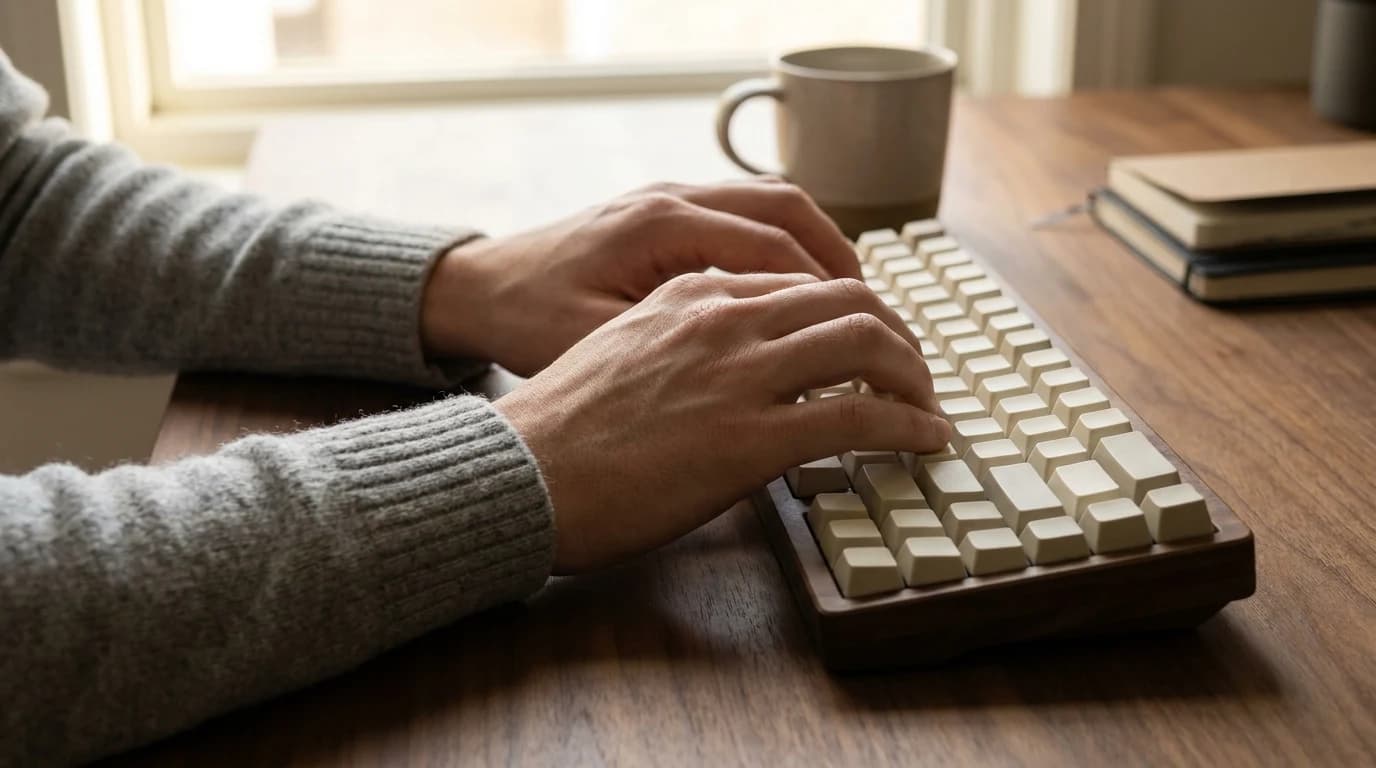
Switch type is comfort, not ergonomics. What the research says actually protects your wrists for WFH — and the free fix that beats any keyboard upgrade.
WFH Lounge Blog
Research-backed buying guides, product comparisons, and work-from-home setup advice.
Showing 7 posts tagged #keyboards

Switch type is comfort, not ergonomics. What the research says actually protects your wrists for WFH — and the free fix that beats any keyboard upgrade.

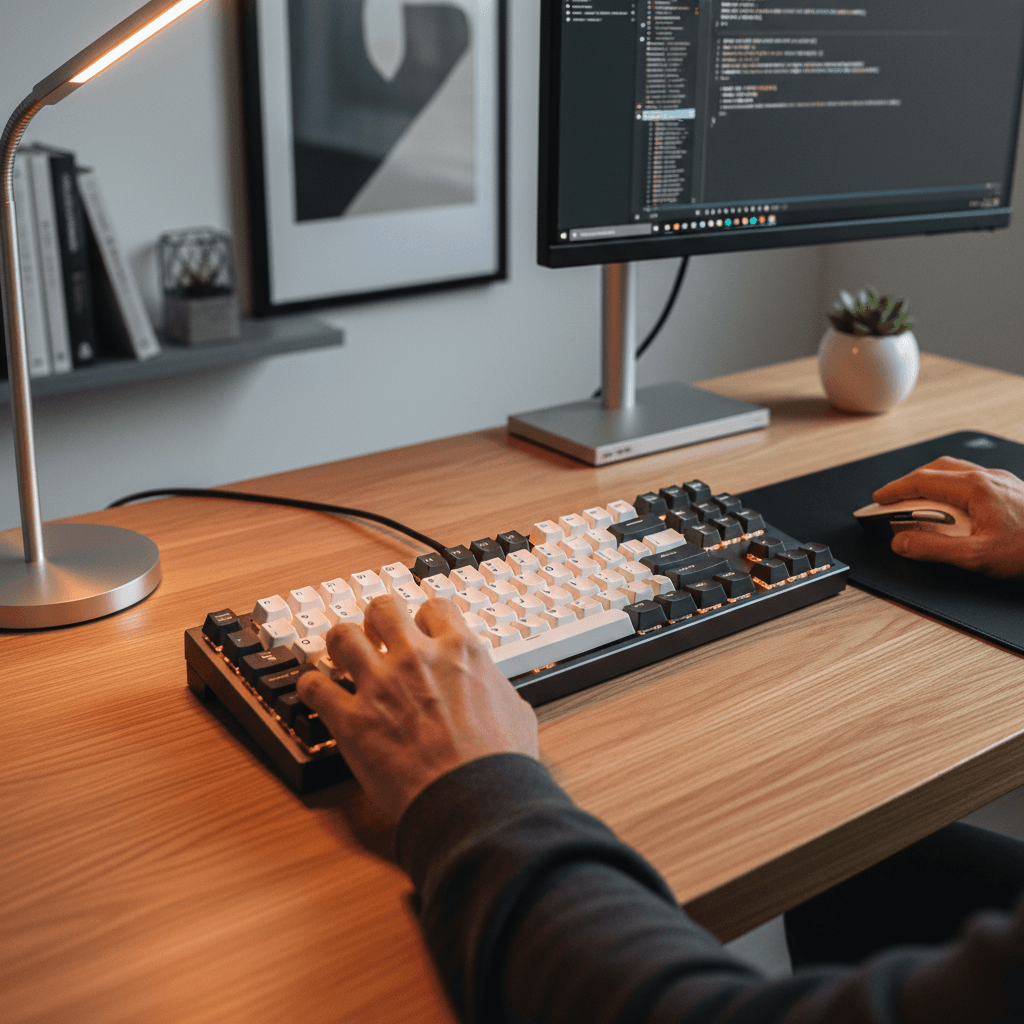
Eight mechanical keyboards ranked for WFH in 2026. Keychron V3 Max TKL is the top pick, Logitech MX Keys S the quiet-office play. Switches explained.

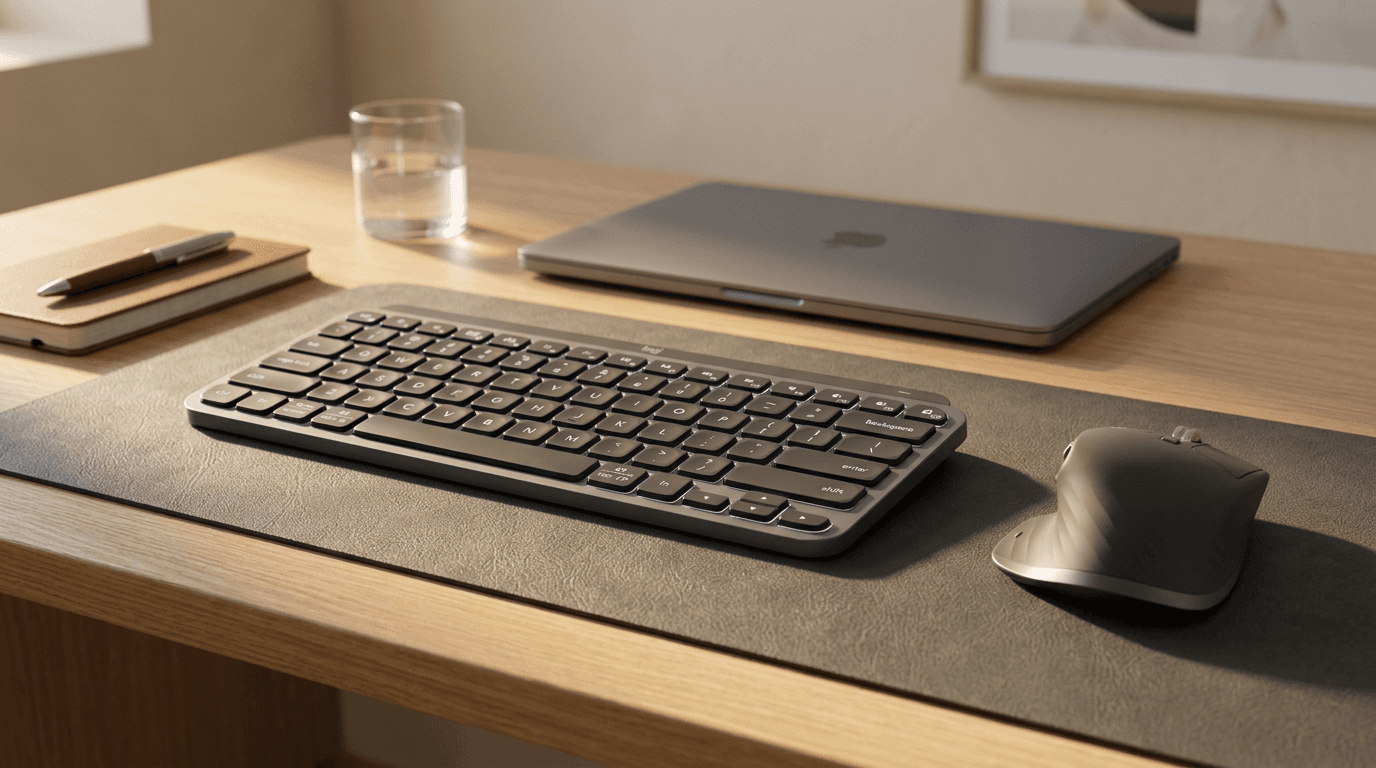
MX Master 3S mouse vs MX Keys Mini keyboard for WFH in 2026. The mouse wins on daily impact — but here is exactly when the keyboard matters more.

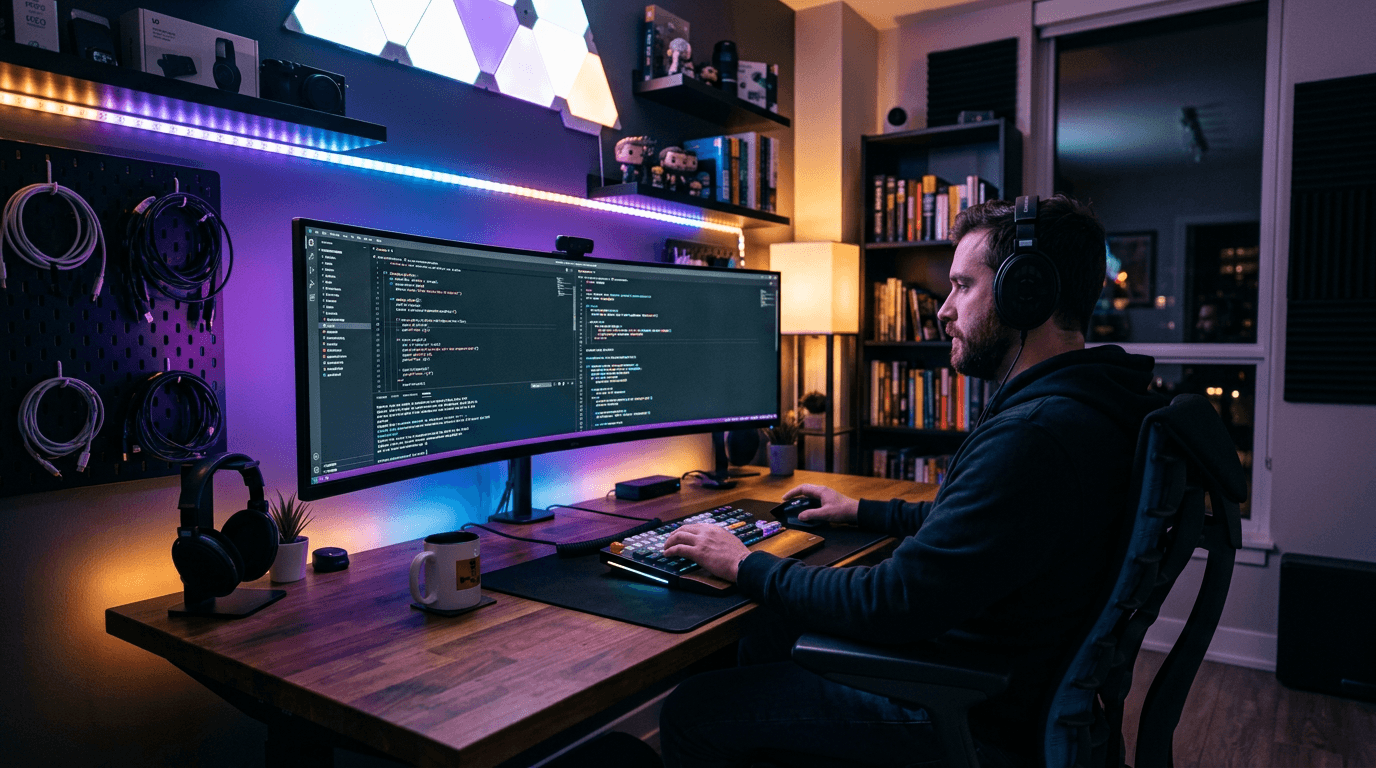
Programmers spend 8-10 hours at a keyboard. The right gear makes a real difference to productivity, eye strain, and wrist health. Here is the ideal setup.

Six mechanical keyboards under $100 ranked for WFH in 2026. Keychron K2 is the top pick, Royal Kludge RK84 the hot-swap wireless value play.

K2 is 75% with function row, K8 is TKL with more space. For WFH in 2026, K2 wins for compact desks, K8 for heavy typists. Full side-by-side inside.
Mechanical or membrane for remote work in 2026? The real differences in comfort, sound, and longevity — plus who should actually skip mechanical entirely.