Qi2 Power Banks: Phone Top-Up or Laptop Backup?
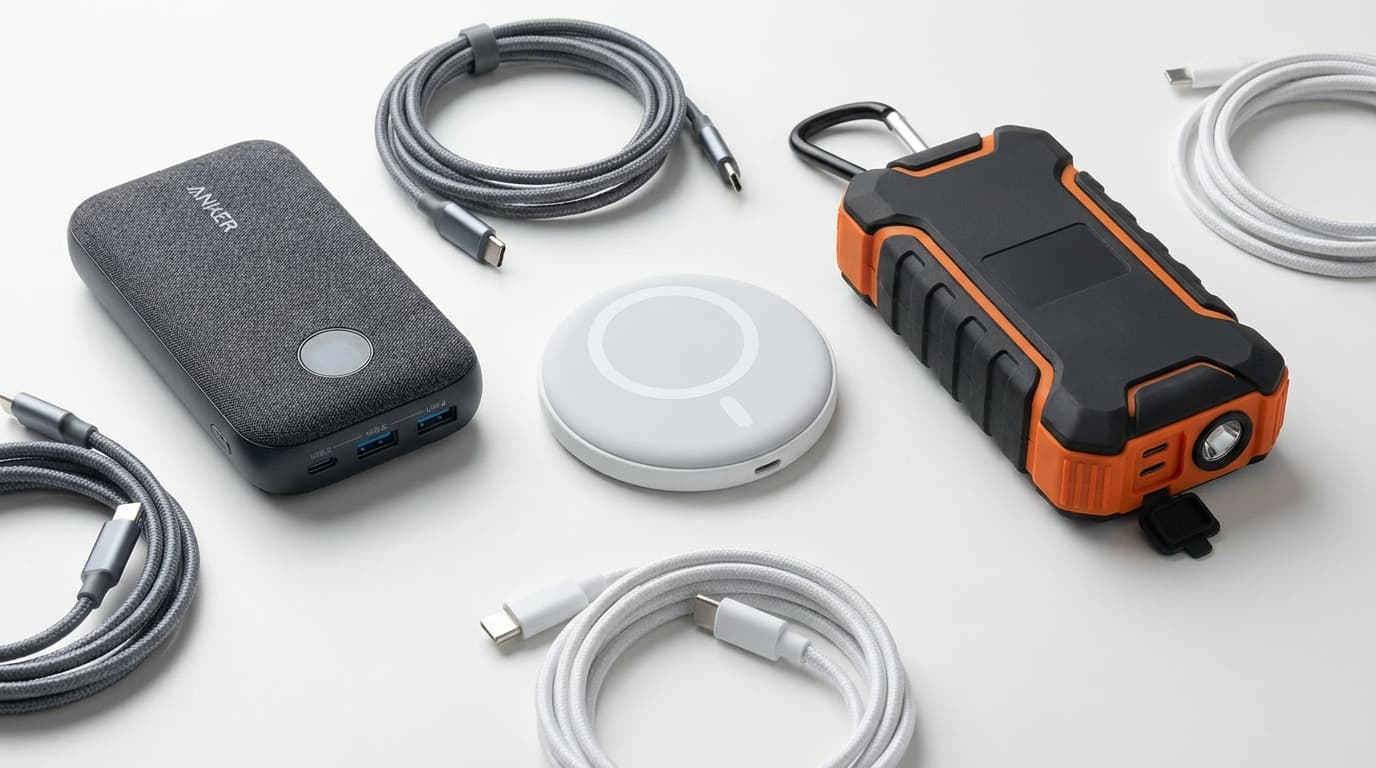
Qi2 is a phone-convenience feature, not a laptop-power credential. A 5,000–10,000 mAh magnetic pack with 20–30W USB-C output is a strong phone top-up and may slow-charge a small laptop in a pinch. A real WFH laptop backup starts around 20,000 mAh with 45–65W USB-C PD for light notebooks, rising to 100W or more for demanding machines. Buy on wired output and watt-hours first; treat the magnet as a bonus.
Quick Answer
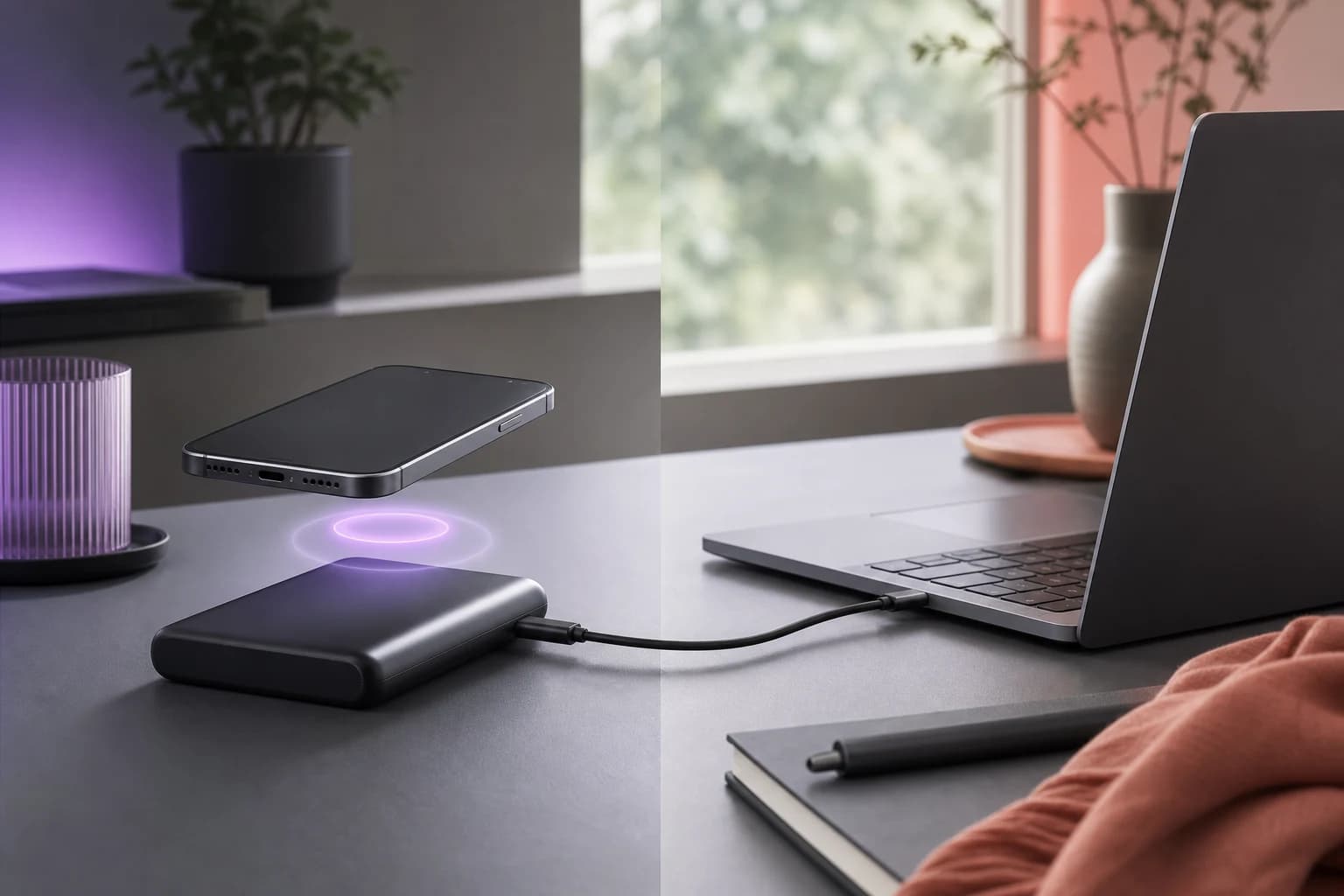
Treat a compact Qi2 magnetic bank as a phone top-up unless its USB-C port explicitly supports USB Power Delivery at the wattage your laptop expects. Qi2 describes the wireless phone side: 15W for original Qi2 and up to 25W for Qi2 25W. Laptop backup happens over a cable. For a light notebook, look for at least 20,000 mAh, 45–65W USB-C PD output, and a cable rated for that power; larger laptops may need 100W or more.
Key Takeaways
A Qi2 magnet does not make a power bank laptop-ready. Use capacity, USB-C output, and cable support to tell phone top-ups from real laptop backup.
As an Amazon Associate I earn from qualifying purchases. Product prices and availability are subject to change.
Qi2 answers the wrong laptop question
The Wireless Power Consortium introduced Qi2's Magnetic Power Profile to align a compatible phone and charger. Better alignment improves coupling and makes wireless charging easier to use. The original Qi2 standard enabled 15W; the later Qi2 25W specification supports up to 25W.
That is meaningful for phones. It is far below the normal wired power range of current laptops, and the magnetic surface is not designed to charge a notebook. A bank can be excellent at Qi2 and mediocre at USB-C, or vice versa. The two outputs share a battery but serve different jobs.
This distinction also prevents a common shopping mistake: a listing may advertise a large “total output” by adding multiple ports together. Your laptop receives what one compatible USB-C port can negotiate, not the sum printed across the box.
The wattage test
USB Power Delivery lets a source and device negotiate voltage and current over USB-C. USB-IF's current PD framework can reach 240W, but that is a protocol ceiling, not what every bank or cable supports. Read the specification for the single USB-C output you will use.
For a practical WFH buying screen:
- 20–30W: phone/tablet territory; can be an emergency trickle for some light laptops.
- 45–65W: useful laptop-backup range for many thin-and-light notebooks.
- 100W: better for larger laptops, faster recovery, and working while charging.
- 140W+: relevant only when your laptop accepts it and the bank plus cable explicitly support the required PD mode.
The laptop sets the target. Apple's MacBook Air charging guide lists 30W or 35W adapters for some configurations and higher-power fast-charging options, including 67W or 70W on compatible models. Apple also warns that an underpowered source may appear as a slow charger. Windows notebooks vary more widely, so check the original adapter label or manufacturer support page.
The capacity test: mAh versus Wh
Power-bank marketing favors milliamp-hours because 20,000 looks larger than 74. Laptop batteries are usually described in watt-hours, which makes watt-hours the cleaner comparison.
A rough conversion is:
watt-hours = mAh × nominal cell voltage ÷ 1,000
Most power banks rate internal cells around 3.6–3.7V. That makes a 10,000 mAh pack roughly 36–37Wh before conversion losses; a 20,000 mAh pack is roughly 72–74Wh. You will not deliver every stored watt-hour to the laptop because the bank converts voltage and loses energy as heat. Wireless charging loses more again.
This is why a slim magnetic bank that feels generous beside a phone can be modest beside a laptop. A 13-inch MacBook Air M2, for context, has a 52.6Wh battery. A nominal 37Wh bank cannot produce a full empty-to-full laptop charge even before losses, but it can still buy useful working time.
What happens when the bank is underpowered?
“Charging” is not binary. If a laptop is asleep or lightly loaded, a 30W source may add battery. During a video call with high screen brightness and several peripherals, the same source may only slow the rate of discharge. A performance laptop may reject the source or warn that it is insufficient.
That makes a small Qi2 bank a reasonable emergency bridge: finish the call, save files, or reach the next outlet. It is not a dependable substitute for the adapter through a long outage. Our power-outage work guide covers the wider setup, including network and runtime planning.
The cable test
The port rating is only one link. The bank, cable, and laptop must all support the negotiated power. A cable sold for phone charging may work physically while limiting delivery. For higher-power PD, use a USB-C cable explicitly rated for the wattage you need; higher ranges rely on electronically marked cables and the appropriate Extended Power Range support.
Also check direction. Some USB-C ports accept input to recharge the bank and provide output to devices; others have asymmetric limits. A bank that recharges at 65W may still output only 30W. Read “USB-C output,” not just “USB-C input/output” or “fast charge.”
The buying decision
| Your real need | Buy this class | Skip this trap |
|---|---|---|
| Phone through a commute | 5,000–10,000 mAh Qi2 pack | Paying for 100W output you will not use |
| Phone + occasional laptop rescue | 10,000 mAh Qi2 pack with 30–45W USB-C PD | Assuming wireless watts apply to the cable |
| Half-day laptop extension | 20,000 mAh+, 65W USB-C PD | Tiny magnetic pack with a large total-output claim |
| Power-hungry laptop backup | 25,000 mAh+, 100W or more, matched cable | Buying before checking the laptop's accepted wattage |
If you want specific laptop-capable options, use our WFH power-bank rankings. If your desk has wall power and the problem is charger clutter, the better answer is usually a high-output multi-port adapter; see how to power a WFH desk from one charger.
The spec-sheet trap
They buy the feature they can see. The magnetic snap is visible and easy to demonstrate; battery energy and per-port PD profiles are buried in small print. For a phone top-up, convenience wins. For a laptop backup, the small print is the product.
The bottom line
Buy a Qi2 bank for the phone you carry. Buy a laptop power bank for the wattage and runtime your notebook needs. One device can do both, but only when its wired specifications prove it.
Can a Qi2 power bank charge a MacBook Air?
Only through its USB-C output, not the magnetic Qi2 surface. A 30W output may charge some Air models slowly; 45–65W is a more useful backup range. Match the bank and cable to the model's recommended input.
Is 10,000 mAh enough for a laptop?
It is enough for a useful extension, not a dependable full recharge. A 10,000 mAh bank stores roughly 36–37Wh before conversion losses, while many laptop batteries are larger.
Does Qi2 25W mean 25W USB-C output?
No. Qi2 25W describes compatible wireless power transfer. The USB-C output is a separate specification and may be higher, equal, or lower.
Will a 30W bank damage a laptop that normally uses 65W?
A compliant USB-C PD system negotiates power rather than forcing it. The likely result is slow charging, reduced drain, or a warning, not over-powering the laptop. Use certified equipment and the manufacturer's guidance.
Sources
Hilly Shore Labs
Editorial TeamWFH Lounge is published by Hilly Shore Labs. Every recommendation is built by synthesizing ergonomic research, manufacturer specs, expert reviews from outlets like Wirecutter, RTINGS, and The Verge, and aggregated long-term owner sentiment from thousands of verified buyers.
All product reviews are independently researched. Our recommendations are based on ergonomic guidelines, manufacturer specifications, and verified buyer sentiment. See our methodology.