CalDigit TS4 Alternatives 2026: When a $150 Dock Wins
The TS4 is a capacity purchase, not a magic performance upgrade. If your setup is a single monitor and normal desk peripherals, spend less and keep the extra money for the monitor, chair, or lighting you will notice every day.
Quick Answer
Buy the CalDigit TS4 only if you need many ports, 90W-plus charging, downstream Thunderbolt devices, or sustained multi-drive bandwidth. For one 4K monitor, keyboard, webcam, Ethernet, and laptop charging, a cheaper dock is usually the smarter buy.
Key Takeaways
When the $400 CalDigit TS4 earns its premium — and when a $150 USB-C or Thunderbolt dock does the same WFH job. Decision matrix and what to buy instead.
As an Amazon Associate I earn from qualifying purchases. Product prices and availability are subject to change.
Quick answer
The CalDigit TS4 is worth buying when your desk actually uses its headroom: lots of ports, 90W-plus laptop charging, downstream Thunderbolt devices, fast external drives, or native multi-display needs. If your work-from-home setup is one 4K monitor, a keyboard, mouse, webcam, Ethernet, and laptop charging, a cheaper USB-C or Thunderbolt-class dock will feel identical in daily use.
The trap: the TS4 is excellent, but many desks are paying for capacity they never touch.
Use this as a decision helper, then jump to our best docking stations for WFH or best Thunderbolt docks guide for the actual picks.
What the TS4 premium actually buys

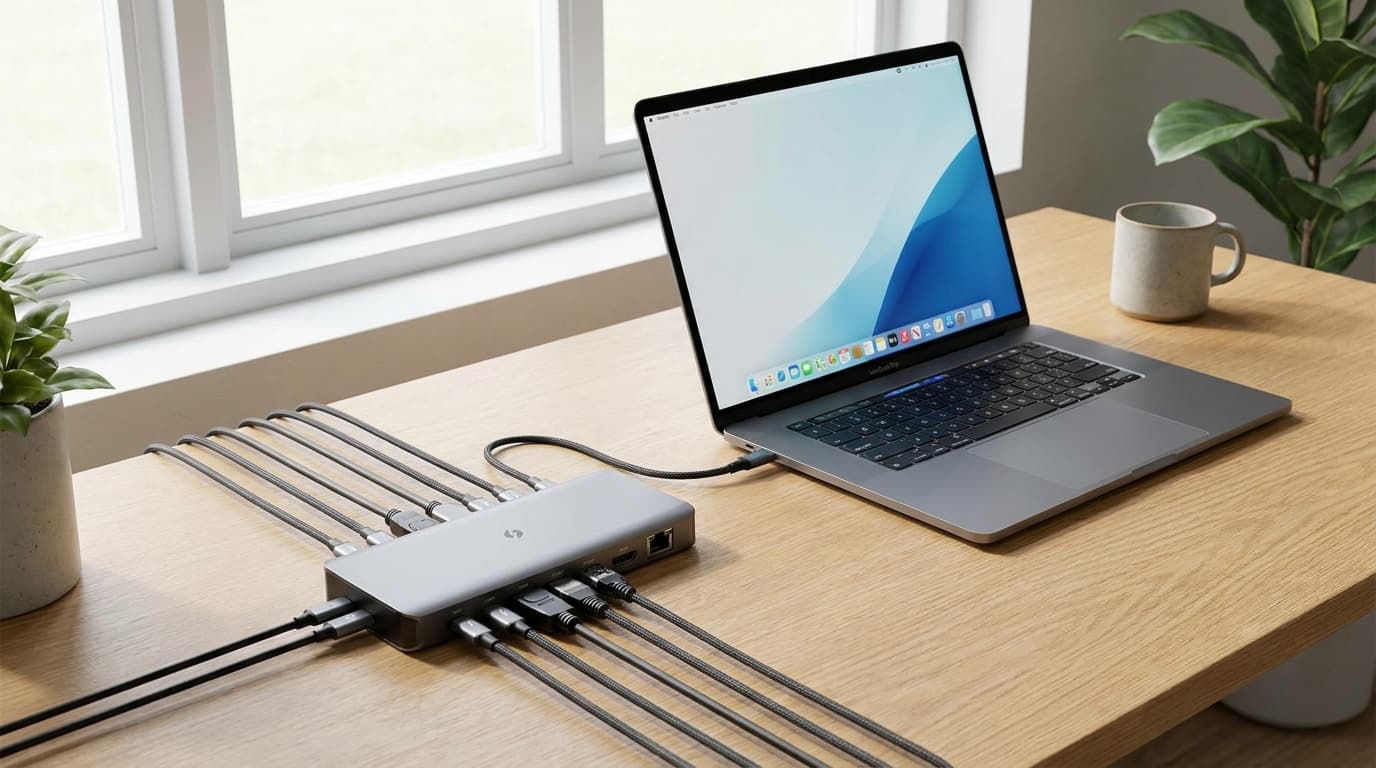
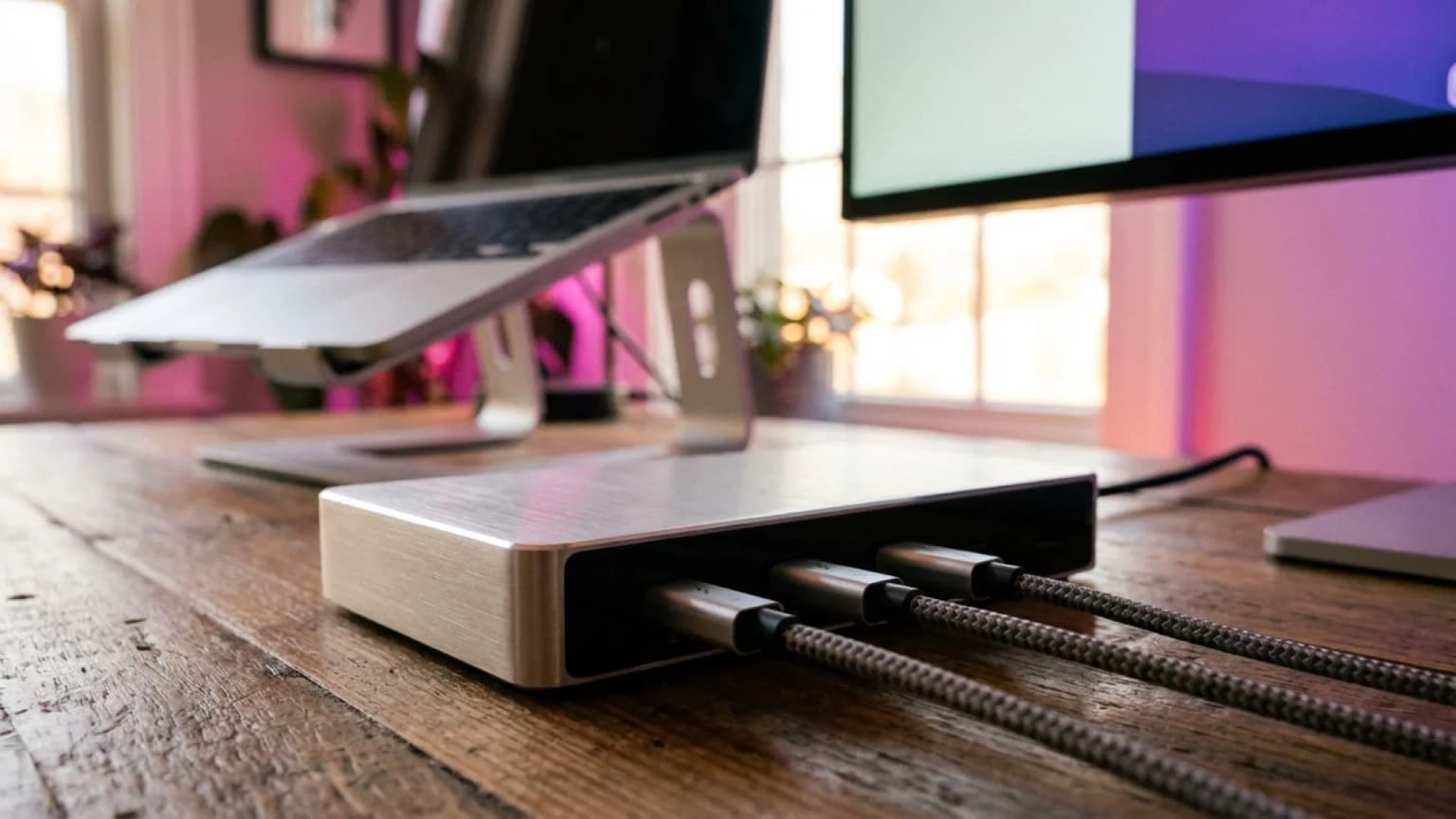
CalDigit's own TS4 spec page lists the big reasons people want it: 18 ports, up to 98W host charging, 2.5GbE, downstream Thunderbolt 4, card readers, audio, and display support through a single cable. Those are real advantages. They just are not equally valuable to every desk.
Thunderbolt 4 is still a shared pipe. A dock does not turn one laptop port into infinite bandwidth. It gives you cleaner routing, more port types, more power delivery, and better downstream options. If your devices are low-bandwidth peripherals, you will not feel the difference between a $150 dock and a $400 one after the first week.
The decision matrix
| Your desk need | TS4 is worth it? | Cheaper dock is smarter when |
|---|---|---|
| One 4K monitor plus keyboard, mouse, webcam | Usually no | You just need HDMI/DisplayPort, USB, Ethernet, and 65W charging |
| Dual native displays on a Mac that supports them | Maybe | Your Mac model only supports one external display anyway |
| 90W-plus charging for a 14- or 16-inch pro laptop | Yes | Your laptop charges fine at 60-85W during office work |
| Multiple fast external SSDs or audio/video gear | Yes | Storage is occasional backup, not live editing |
| Downstream Thunderbolt devices | Yes | Everything you own is USB-A, USB-C, HDMI, or Ethernet |
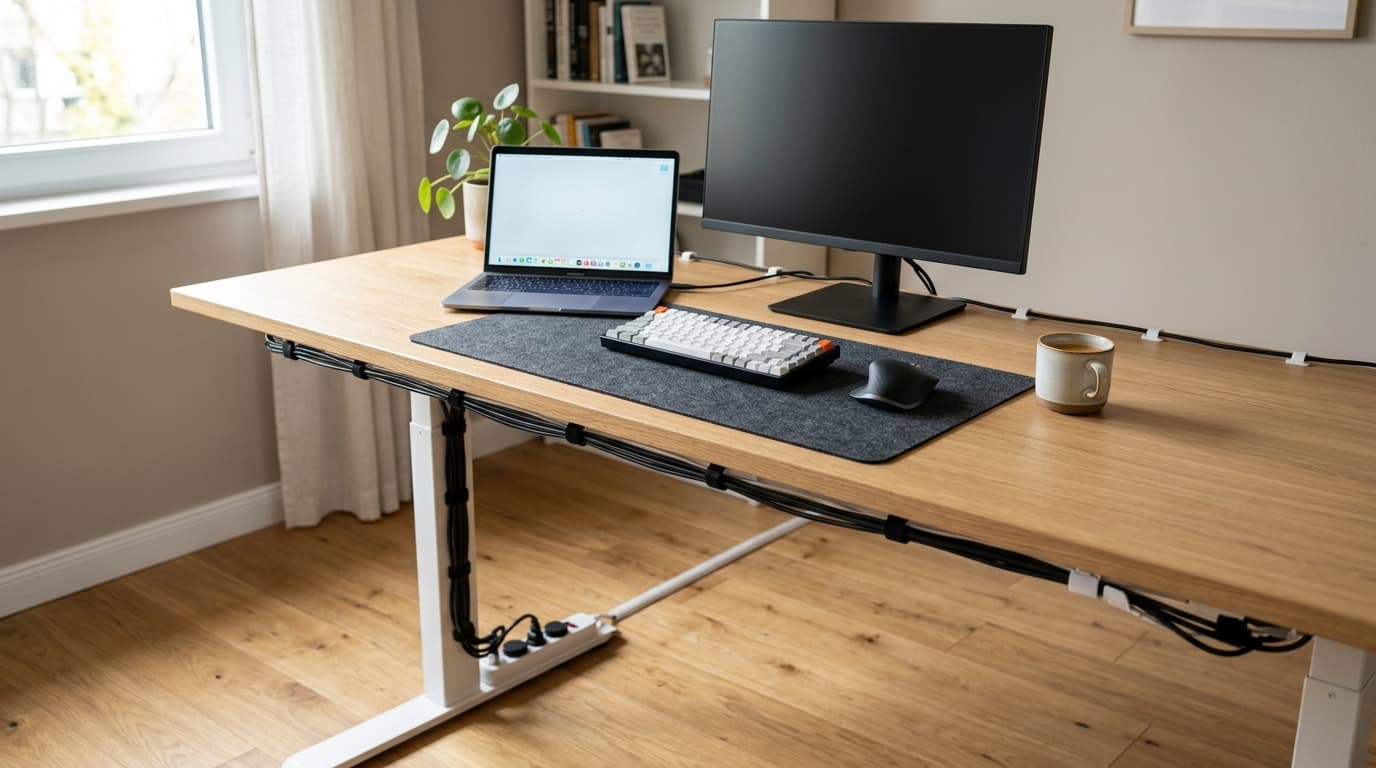
| Clean desk with fewer cables | Any good dock helps | Port count beyond your actual devices adds no benefit |
The practical rule: count the devices you use every workday, then add two spare ports. If that number is under eight and you do not need downstream Thunderbolt, the TS4 is probably overkill.
When a cheaper dock wins
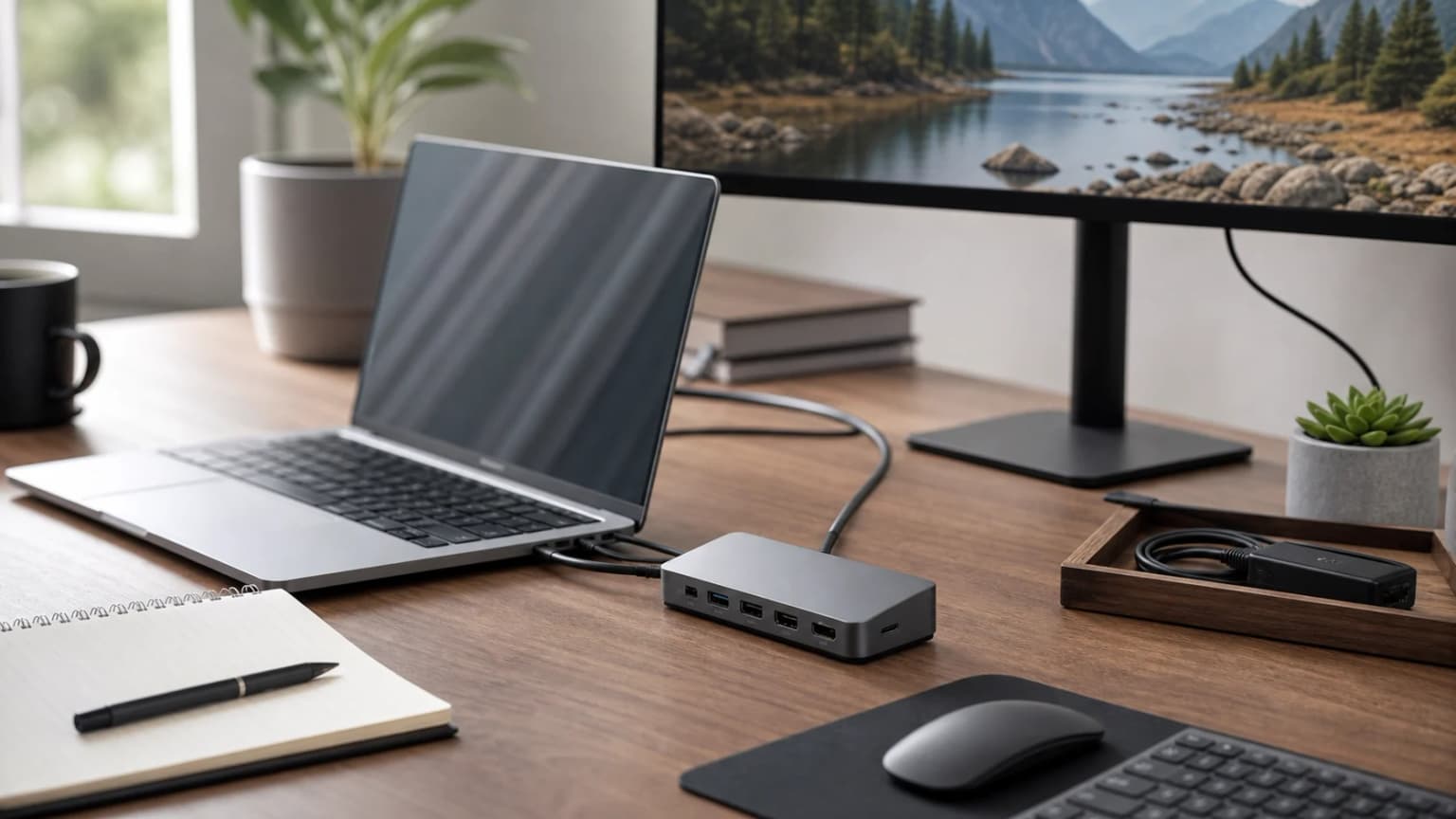
A cheaper dock wins when the job is simple and stable. Most WFH desks have a laptop, one external display, a USB receiver or keyboard, a webcam, headphones, and maybe Ethernet. That is not a TS4 workload. It is a normal dock workload.
The money saved matters because docks are invisible once they work. A better monitor arm, task light, webcam, chair mat, or second display changes the workday more than unused ports on the back of a premium hub.
This is especially true for base Apple silicon laptops. Apple's own MacBook Air display support page shows that the exact number of supported displays depends on the chip and configuration. A premium dock cannot create native display engines the Mac does not have. Some DisplayLink docks work around that with software, but that is a different buying decision than simply buying the fanciest Thunderbolt dock.
When the TS4 is genuinely worth it
Buy the TS4 if at least one of these is true:
- You run a high-power laptop and want close-to-full charging over one cable.
- You keep multiple fast SSDs, audio gear, cameras, or capture devices plugged in.
- You need downstream Thunderbolt ports, not just generic USB-C.
- You want 2.5GbE and card readers without separate dongles.
- Your desk changes often and the spare ports are an actual workflow buffer.
Buy cheaper if all of these are true:
- Your setup is one external monitor plus office peripherals.
- Your laptop charges fine at 60-85W during office work.
- Storage is occasional backup, not live editing.
- Everything you own is USB-A, USB-C, HDMI, or Ethernet.
In that first case, the TS4 is not indulgent. It is insurance against dongle sprawl. Just make sure you are buying insurance for a risk you actually have.
What to buy instead
For a normal desk, start with the cheaper tier in our WFH docking station guide. If you know you need Thunderbolt, use the Thunderbolt dock roundup and focus on power delivery, display support for your exact laptop, and the ports you will use every day.
Is the CalDigit TS4 overkill for one monitor?
Usually, yes. One monitor plus office peripherals is the easiest job a dock does. The TS4 can do it, but so can many cheaper docks.
Does a Thunderbolt dock make every laptop support two monitors?
No. Display support is limited by the laptop's chip, ports, operating system, and the dock technology. Always check your exact laptop's display support before buying.
Is 98W charging necessary for WFH?
Only for laptops that actually draw that much under your workload. Many ultrabooks and MacBook Air setups are fine below that. Bigger pro laptops benefit more.
Sources and research
- →CalDigit TS4 official specs18 ports, 98W host charging, downstream Thunderbolt, 2.5GbE.
- →CalDigit TS4 support pageport speeds and power delivery by port.
- →Apple MacBook Air external display supportdisplay support varies by model and configuration.
- →Thunderbolt technology overviewThunderbolt capability and compatibility framing.
Hilly Shore Labs
Editorial TeamWFH Lounge is published by Hilly Shore Labs. Every recommendation is built by synthesizing ergonomic research, manufacturer specs, expert reviews from outlets like Wirecutter, RTINGS, and The Verge, and aggregated long-term owner sentiment from thousands of verified buyers.
All product reviews are independently researched. Our recommendations are based on ergonomic guidelines, manufacturer specifications, and verified buyer sentiment. See our methodology.