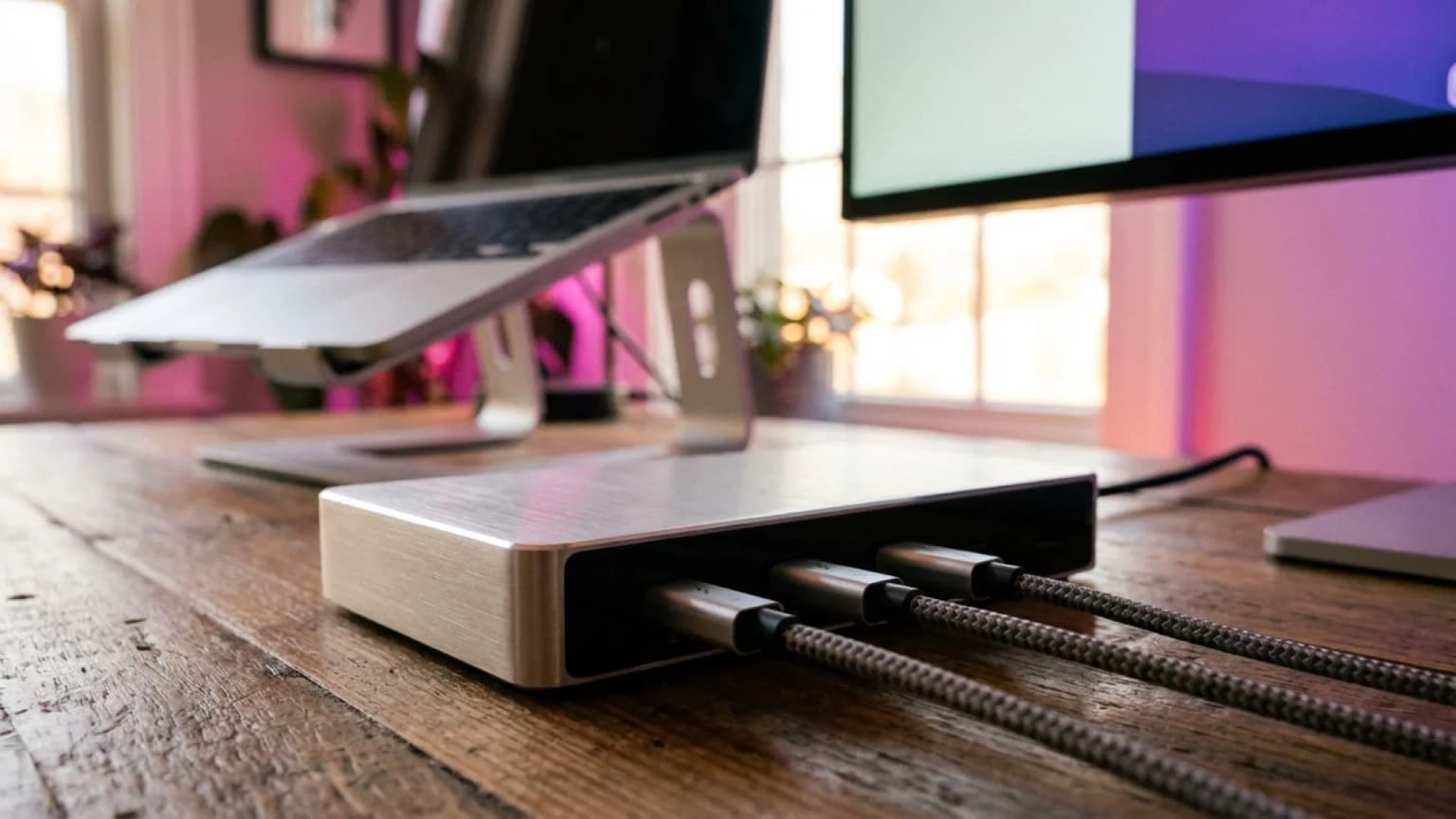
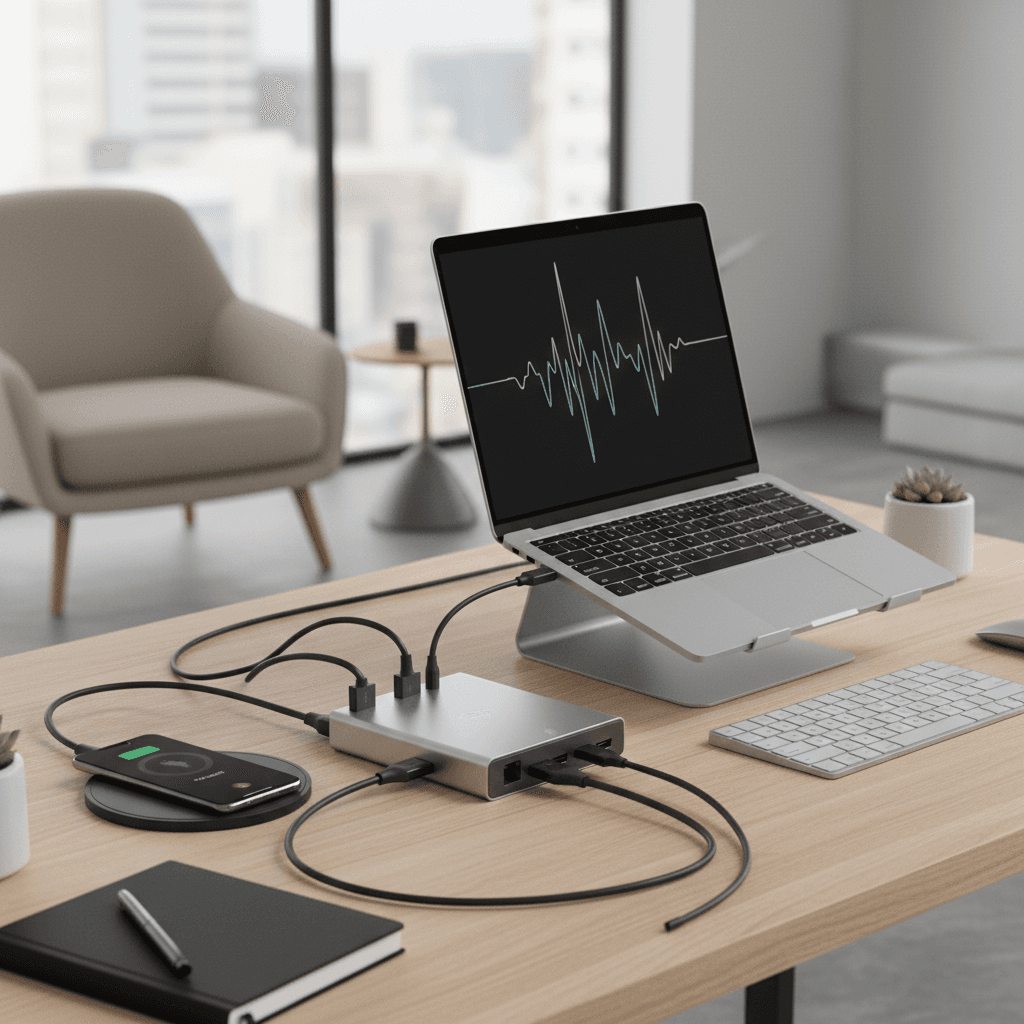
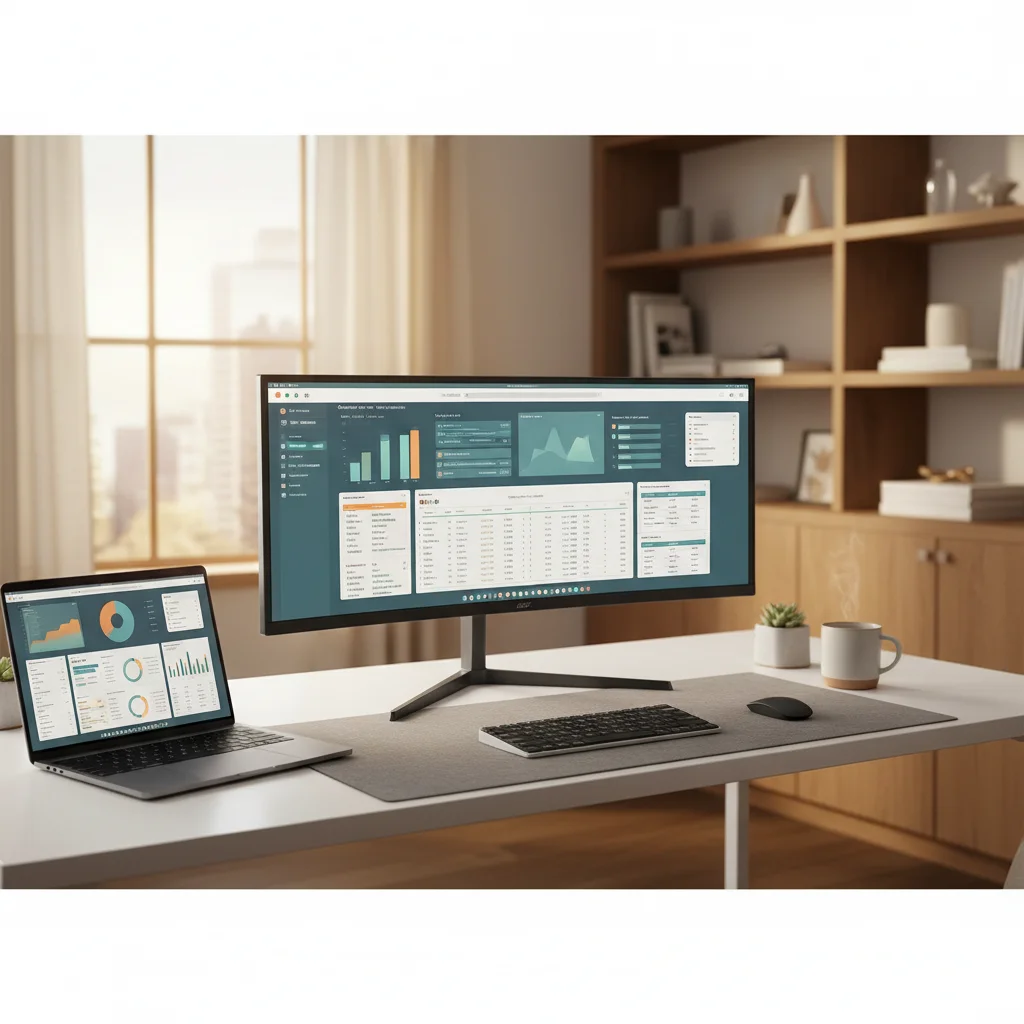
Best Docking Stations for WFH 2026: 5 TB4, TB5 & USB-C Picks
Our #1 Pick
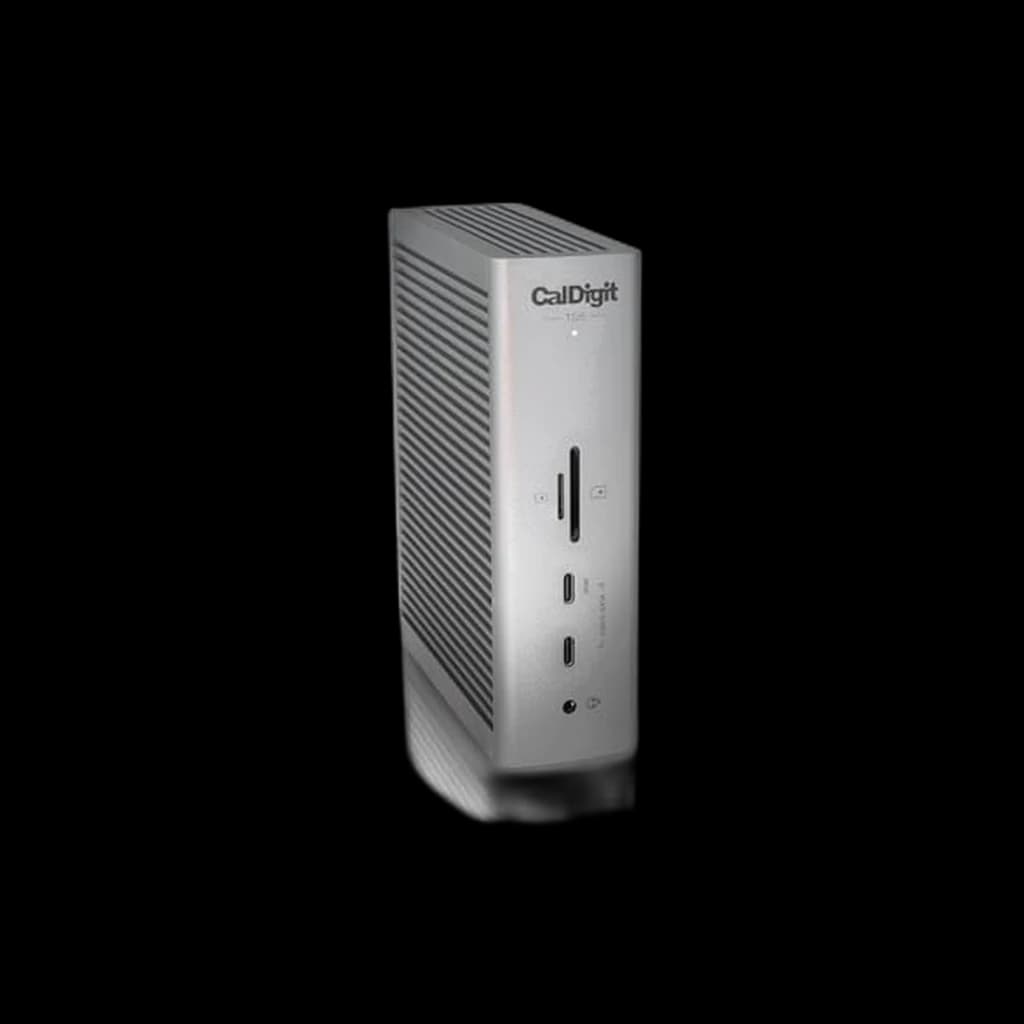
CalDigit TS5 Thunderbolt 5 Dock 15-Port 140W
CalDigit's current flagship dock: one Thunderbolt 5 cable carries 80Gb/s (120Gb/s to displays with Bandwidth Boost), 140W of laptop charging and fifteen ports including 2.5GbE and UHS-II card readers. Per CalDigit, Macs drive dual 6K or dual 8K displays through it; it is the successor to the TS4 on this page.
- 1 host plus 3 downstream Thunderbolt 5 / USB4 v2 ports at 80Gb/s, with Bandwidth Boost to 120Gb/s for displays, per CalDigit
- 140W host charging - enough for a 16-inch MacBook Pro, per CalDigit
- 2.5 Gigabit Ethernet and UHS-II SD plus microSD readers built in
Price checked Oct 17, 2026 — verify the live price on Amazon.
 #1 Owner rating | 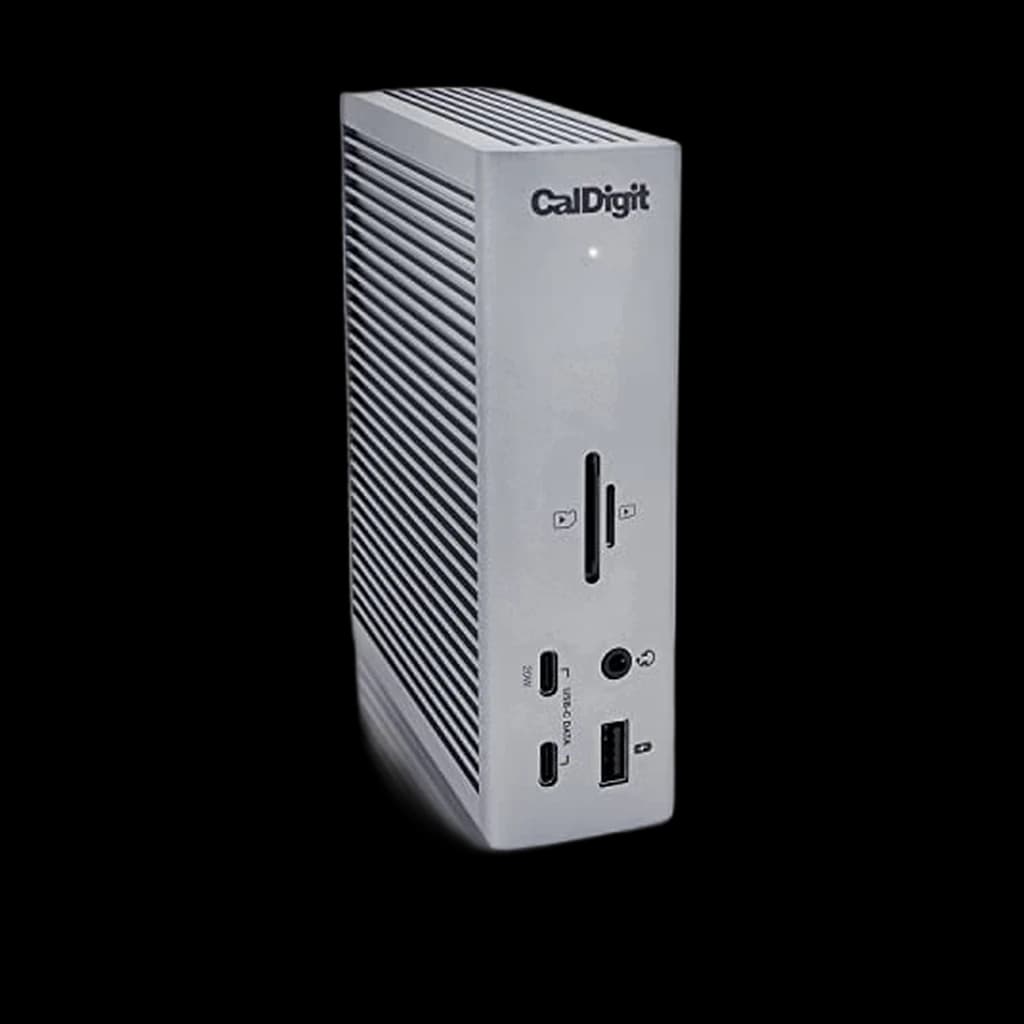 #2 Owner rating | 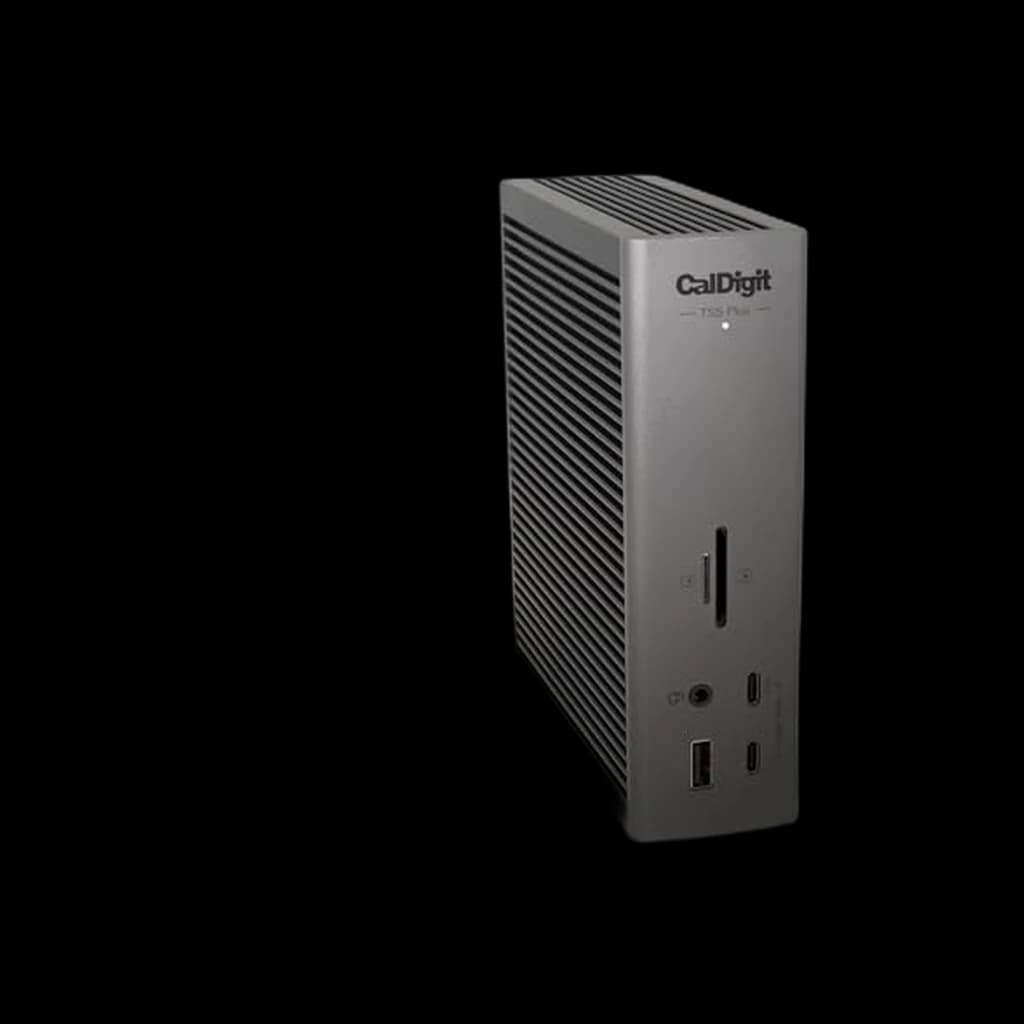 #3 Owner rating | 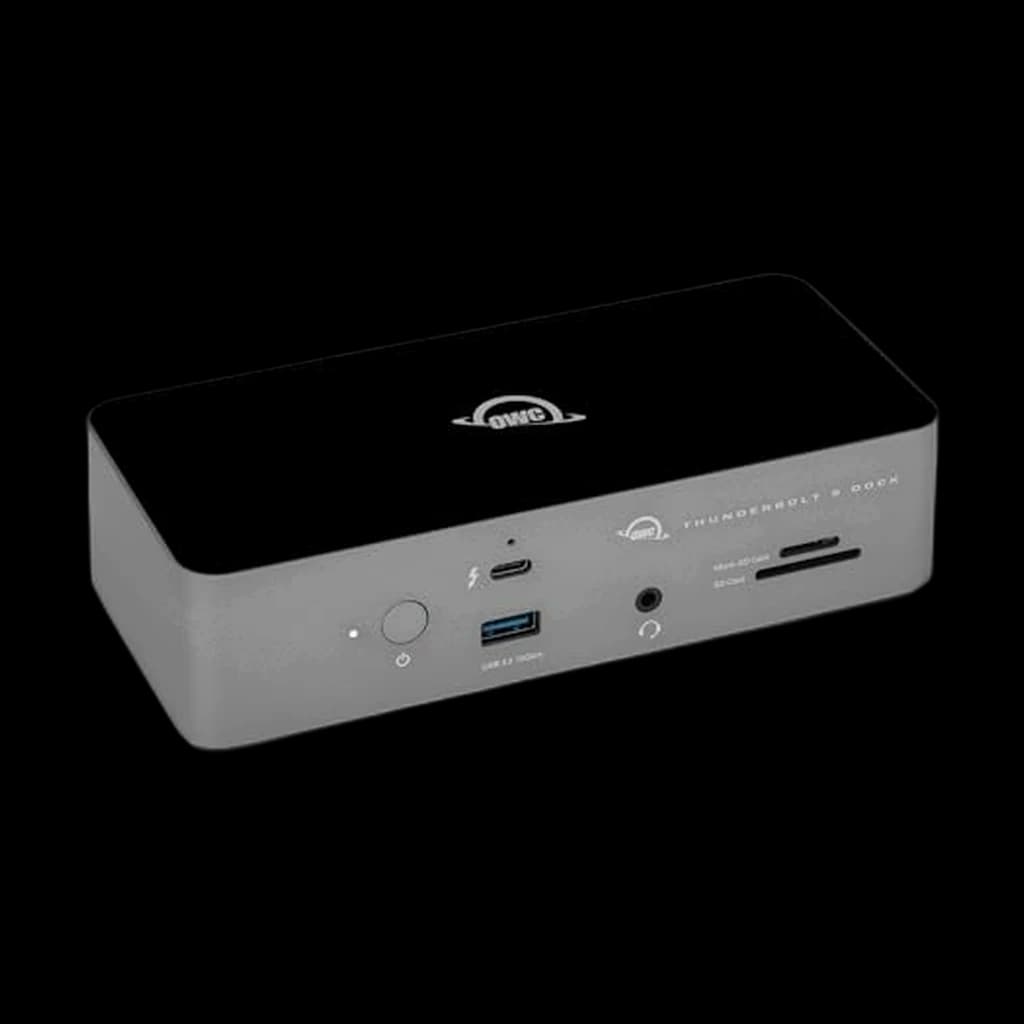 #4 Owner rating | 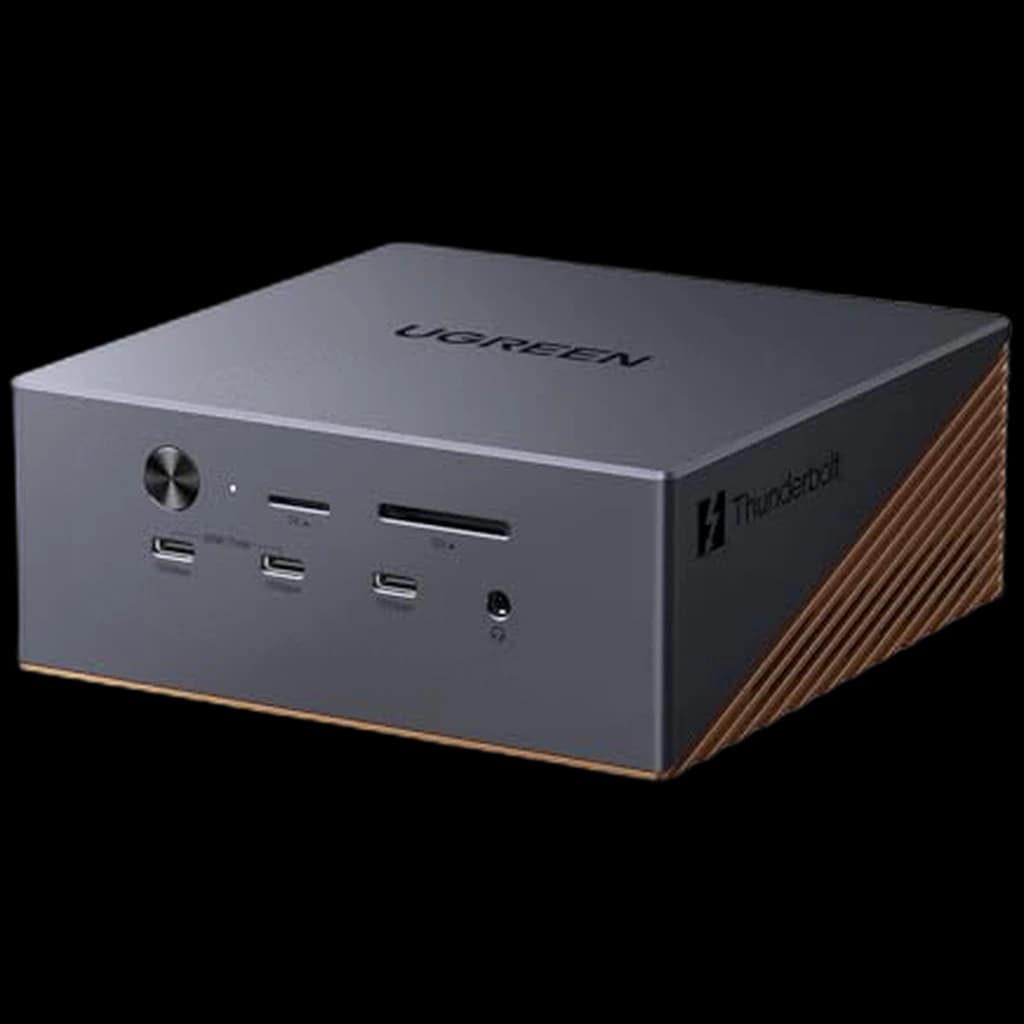 #5 Owner rating | 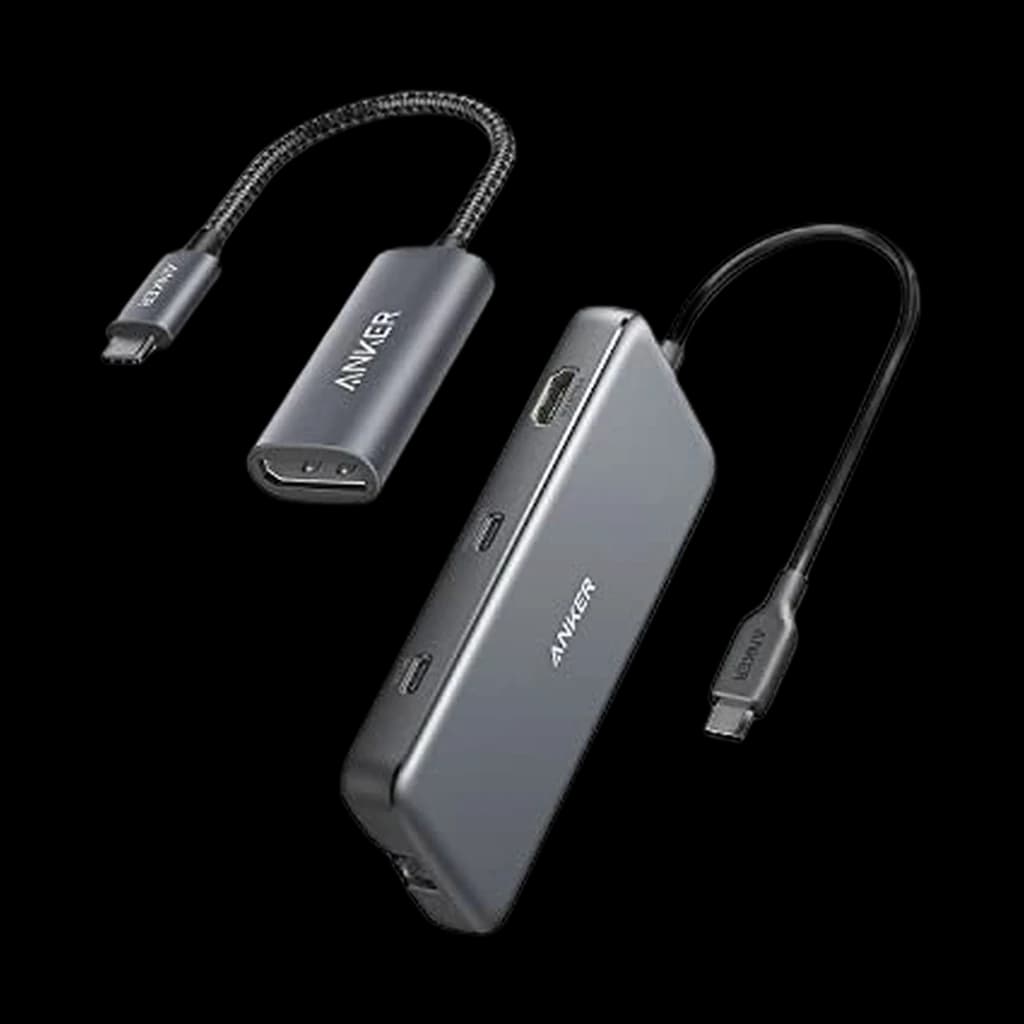 #6 Owner rating | |
|---|---|---|---|---|---|---|
| Price | $399.95Buy on Amazon | $379.99Buy on Amazon | $499.99Buy on Amazon | $319.99Buy on Amazon | $349.99Buy on Amazon | $48.16Buy on Amazon |
| Verdict | CalDigit's current flagship dock: one Thunderbolt 5 cable carries 80Gb/s (120Gb/s to displays with Bandwidth Boost), 140W of laptop charging and fifteen ports including 2.5GbE and UHS-II card readers. Per CalDigit, Macs drive dual 6K or dual 8K displays through it; it is the successor to the TS4 on this page. | The benchmark TB4 dock - 18 ports, 98W charging, 2.5GbE, rock-solid sleep/wake on Mac and Windows. | The flagship Thunderbolt 5 dock - 20 ports, 10GbE, 140W charging. Future-proof for the next 5 years. | Compact TB5 alternative - drives triple 4K@144 displays at 140W charging. Goldilocks pick for Mac users. | Current-gen Thunderbolt 5 dock — 120Gbps bandwidth, multi-display and high-watt charging | Portable USB-C hub for travel and second desks - 85W passthrough, 4K@30 HDMI, about $48. |
| Buyer sentiment | Port Capacity Charging Capability Connectivity Easy Setup Value for money Buyers praise port capacity, charging capability, connectivity and easy setup. Mixed feedback on quality. Some flag value for money. Based on 76 user mentions | Functionality Build Quality Value for money Ethernet Connectivity Buyers praise functionality and build quality. Mixed feedback on reliability and ports. Some flag value for money and ethernet connectivity. Based on 1,148 user mentions | Device Compatibility Port Selection Network Connectivity Power Output Value for money Overheating Buyers praise device compatibility, port selection, network connectivity and power output. Mixed feedback on reliability and build quality. Some flag value for money and overheating. Based on 300 user mentions | Functionality Heat Buyers praise functionality. Mixed feedback on connectivity. Some flag heat. Based on 22 user mentions | Reliability Build quality Buyers praise reliability and build quality. Based on 21 user mentions | Connectivity Value Compatibility Buyers praise connectivity, value. Some flag compatibility. Based on 100 user mentions |
| Specs |
|
|
|
|
|
|
| Pros |
|
|
|
|
|
|
| Cons |
|
|
|
|
|
|
* Prices checked Sep 25, 2026 and may vary. Check the latest price on Amazon.
We research — never hands-on. How we research →
Key Takeaways
The 5 best docking stations for WFH multi-monitor setups in 2026, ranked. CalDigit TS4 wins for most, TS5 Plus for TB5 hosts, Anker 555 for travel.
As an Amazon Associate I earn from qualifying purchases. Product prices and availability are subject to change.
The 30-second answer
- Thunderbolt 4 laptop, and you want a dock that just works for the next five years: the CalDigit TS4 ($379.99). 18 ports, 98W charging, dual 6K display support, and CalDigit's firmware update track record means it stays stable through every macOS and Windows update.
- Brand-new Thunderbolt 5 laptop (M4 Pro/Max MacBook, Lunar Lake PC) and you actually drive 8K displays or RAID arrays: the CalDigit TS5 Plus ($500) or the more compact OWC Thunderbolt 5 Dock ($329) are the two TB5 picks worth considering.
- Traveling with a MacBook Air, or just need a second-desk hub: the Anker 555 USB-C Hub ($48) covers single-display setups for a tenth the price.
Everything else in this guide explains why the 5 picks below are ranked the way they are, and which one fits your specific setup.
TB4 vs TB5 vs USB-C: which one do you actually need?
The simplest version of this question: which port is on your laptop, and how many displays do you need to drive?
- Thunderbolt 5 (80 Gbps base / 120 Gbps boost): brand new, only on M4 Pro/Max MacBooks and Intel Lunar Lake laptops as of 2025-2026. Required for triple 8K@60 or dual 4K@240 setups. Overkill for typical WFH multitasking.
- Thunderbolt 4 (40 Gbps): every Mac since 2020, most premium Windows laptops since 2021. Cleanly handles dual 4K@60, 96W laptop charging, and 2.5GbE Ethernet on a single cable. The 2026 sweet spot.
- USB-C with DisplayPort Alt Mode (10-20 Gbps): cheaper, but most hubs cap HDMI at 4K@30 and dual-display support depends on the laptop. Apple Silicon Macs cannot drive two independent displays from a non-Thunderbolt USB-C hub - DisplayPort MST is not supported on macOS.
The practical takeaway for WFH: if you need dual displays on a Mac, you need Thunderbolt. If you need a single display plus charging, USB-C is fine and saves $250+.
The single biggest factor in dock reliability
It's not the chipset, the port count, or even the brand reputation - it's firmware update cadence.
Thunderbolt is a finicky protocol. macOS and Windows tweak how Thunderbolt sleep/wake handshakes work with every major OS update. Docks that don't ship firmware patches start disconnecting at random a year after release.
- Ship firmware updates years after launch: CalDigit, Kensington, OWC, and Plugable.
- Typically don't: generic Amazon-brand TB4 docks at $129.
The unglamorous truth: firmware cadence is what determines whether your dock is a $300 single-cable workstation or a $300 paperweight by 2027.
How much charging wattage do you actually need?
Laptop charging passthrough is the spec that quietly ruins the most setups.
- MacBook Air (M2/M3/M4): 30-45W draw. Any dock at 60W+ is fine.
- MacBook Pro 14-inch (M3/M4 Pro): 70W typical, 96W under load. 96W dock minimum.
- MacBook Pro 16-inch (M4 Max): 96W typical, 140W under sustained load. 140W dock recommended.
- Windows workstations (Dell XPS, Lenovo X1 Extreme, ThinkPad P-series): 100-130W. 100W dock minimum, 140W comfortable.
If your dock supplies less than your laptop draws, the battery slowly drains during long Zoom calls and rendering jobs. You won't notice in normal use, but you'll find your laptop at 70% at the end of an 8-hour day instead of 100%.
What about daisy-chaining displays?
Thunderbolt 4 supports up to 6 daisy-chained devices, including a second display off the dock. In practice, the bandwidth math gets tight fast: 4K@60Hz consumes ~12 Gbps of the 40 Gbps TB4 budget per display.
- Two 4K@60 displays plus a fast SSD plus 2.5GbE Ethernet plus charging traffic = comfortably within 40 Gbps.
- Two 4K@120 displays + RAID array + 10GbE = you need Thunderbolt 5.
The real-world take: TB4 cleanly handles dual 4K@60 plus everything else a typical WFH desk needs. If you're running creative workloads with multiple high-refresh displays and external storage, that's when TB5 starts paying for itself.
The Mac display limitation nobody tells you about
This trips up new MacBook owners constantly: base-tier Apple Silicon chips (M1/M2/M3/M4 - not Pro or Max) only support one external display.
It doesn't matter how many display outputs your dock has. An MX-base MacBook Pro 14-inch with an M4 chip drives exactly one external monitor through the dock, period. The other ports will mirror that display.
The fix: buy an M-series Pro or Max chip, or use a DisplayLink-based dock as a workaround (slower, software-driven, but it works around the GPU limitation).
What about Bluetooth, audio, and webcams?
Don't expect docks to fix audio or video issues. The 3.5mm audio jack on most TB4 docks works fine for headsets, but if you have a USB audio interface or a high-end USB webcam, plug it directly into the laptop or into a downstream Thunderbolt port - not a USB-A 2.0 legacy port on the back of the dock.
2.5GbE Ethernet is the quiet upgrade nobody talks about. If you have a 2.5GbE switch and a NAS, the difference vs gigabit is immediately felt on file transfers. Most premium TB4 docks ship 2.5GbE now.
The bottom line
For 90% of WFH setups in 2026, the answer is simple: CalDigit TS4 if you want the proven workhorse, OWC Thunderbolt 5 Dock if you want compact TB5 future-proofing without the TS5 Plus price, and Anker 555 if you just need a portable hub for travel.
What not to do:
- Don't buy a $40 USB-C hub and expect dual-monitor support on a Mac.
- Don't buy Thunderbolt 5 if your laptop doesn't natively speak it.
- Don't buy a no-name dock at half the price of a Plugable or Kensington - the firmware update gap is what kills cheap docks 18 months in.
Products referenced in this guide
For quick reference, the products tied to this guide are the CalDigit TS4 Thunderbolt 4 Dock ($379.99), the CalDigit TS5 Plus Thunderbolt 5 Dock ($499.99), the OWC Thunderbolt 5 Dock (11-Port) ($319.99), and the UGREEN Maxidok Thunderbolt 5 Docking Station ($349.99).
Other products referenced here include the Anker 555 USB-C Hub (8-in-1) ($48.16).
Related decision help: if you are comparing dock tiers rather than choosing a specific model, read when a cheaper CalDigit TS4 alternative is the smarter buy.
Your next step
The Thunderbolt tier, head to head.
Hilly Shore Labs
Editorial TeamWFH Lounge is published by Hilly Shore Labs. Every recommendation is built by synthesizing ergonomic research, manufacturer specs, expert reviews from outlets like Wirecutter, RTINGS, and The Verge, and aggregated long-term owner sentiment from thousands of verified buyers.
All product reviews are independently researched. Our recommendations are based on ergonomic guidelines, manufacturer specifications, and verified buyer sentiment. See our methodology.